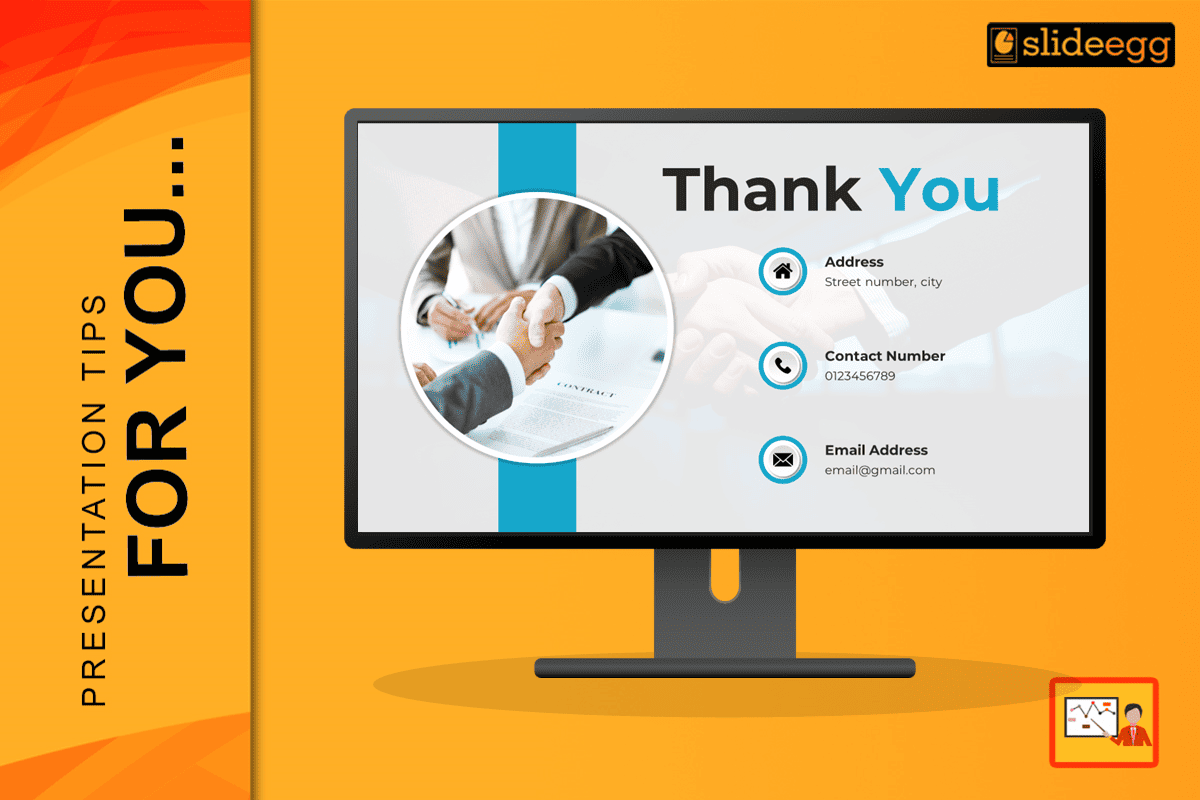
The final moments of your presentation are more than a polite farewell. They are a strategic and key opportunity. The thank you slide is your last, best chance to make a powerful, lasting impression and turn your audience from passive listeners into active, engaged partners.
A well-designed thank you slide is a critical tool that can solidify your core message, reinforce your professional brand, and, most importantly, open the door to meaningful conversations.
In this blog post, we’ll go far beyond the basics. We’ll show you how to master this final, critical moment by crafting a closing slide that doesn’t just say “thank you,” but actively works for you.
This guide will help you create a final slide that generates leads, builds lasting connections, and drives action long after you’ve left the stage.
The Psychology Behind a Powerful Thank You Slide: Leveraging the Recency Effect
To understand why your final slide is so important, we must first consider the recency effect. This is a powerful psychological principle that states people remember the last thing they see or hear for up to 20% longer than information in the middle. For any presentation, the beginning and the end are where your audience’s memory is most active. Your thank you slide is perfectly positioned to take full advantage of this effect. By intentionally designing this final visual, you can:
- Combat the Forgetting Curve: The “forgetting curve” is a well-documented phenomenon where new information is forgotten rapidly unless it is actively reinforced. A strong closing presentation slide acts as a powerful memory anchor, re-engaging your audience just as their attention might be waning. It helps them to retain your core message, key data points, and, most importantly, your contact information, preventing this crucial information from being lost.
- Create a Lasting Emotional Connection: The act of saying “thank you” is a genuine expression of gratitude that creates a positive emotional anchor. When you express sincere appreciation for your audience’s time and attention, you make them feel valued. This emotional connection makes them more receptive to your follow-up actions and more likely to remember you and your brand in a positive light.
- Provide a Clear Path Forward: Ambiguity is the enemy of action. A cluttered, generic, or non-existent thank you slide leaves your audience wondering what to do next. A well-designed slide, however, provides a clear, obvious, and easy next step. It eliminates any confusion about how to connect with you, whether it’s through a social media platform, your website, or by scheduling a follow-up meeting.
Think of your thank you slide as the ultimate handshake after a productive and engaging conversation. It is the definitive moment that seals the deal, solidifies the relationship, and ensures that your entire presentation is remembered as a valuable and memorable experience.
The Four Essential Elements of a High-Impact Thank You Slide
A professional and effective thank you slide should be a beacon of clarity and purpose, not a cluttered mess. It must be focused and strategically arranged for maximum impact. While there are many ways to design one, every powerful closing slide contains these four essential elements:
- A Clear, Heartfelt Thank You Message: This is your opening line on the final slide, so it needs to be genuine and specific. A generic “Thank You” is polite, but it’s a missed opportunity. Instead, personalize it to reflect the audience and the specific context of your presentation. For a professional audience, try “Thank you for your valuable time and attention today.” For a community group, “Thank you for your active participation and passion for this important cause” would be more appropriate.
- Professional Contact Information: The purpose of your thank you slide is to facilitate future connection. Make it effortless for people to find and contact you. Only include contact methods you check and respond to regularly and professionally. A clean, easy-to-read list is crucial. This should include your professional email address, your LinkedIn profile URL, and your company website.
- A Specific and Actionable Call-to-Action (CTA): This is the single most crucial part of your final slide. Without a clear CTA, your audience will not know what you want them to do next, and the entire purpose of your slide is lost. What is the single most important thing you want your audience to do? Be explicit and provide a clear directive. A sales pitch might conclude with, “Ready to partner? Book a demo today.” A conference talk could say, “Let’s continue this conversation on LinkedIn.”
- Key Takeaway Reinforcement: Before you conclude, briefly remind your audience of your most important point or the core message of your presentation. This serves as a powerful final summary that helps to cement the information in their minds. For example, if your presentation was on a new productivity method, your slide could reinforce the main takeaway with a line like: “Remember: consistent small changes lead to massive growth.”
15 Customized Thank You Messages for Different Occasions
A one-size-fits-all approach to a presentation thank you slide is a significant missed opportunity. Customizing your message to match the context and emotion of your presentation demonstrates a high level of professionalism and attention to detail.
- For Business Presentations: “Thank you for your attention. Let’s turn these insights into action together.”
- For Sales Pitches: “Thank you for considering our partnership. Ready to take the next step?”
- For Educational Seminars: “Thank you for learning with me today. The real growth begins when you apply these concepts.”
- For Conference Talks: “Thank you for being an incredible audience. Let’s continue this conversation in the hallway.”
- For Team Meetings: “Thank you, team. Together, we’re going to make this happen.”
- For Client Presentations: “Thank you for trusting us with your vision. We’re excited to bring it to life.”
- For Webinars: “Thank you for joining us online. Check your email for the recording and resources.”
- For Training Sessions: “Thank you for your participation. Remember, practice makes progress.”
- For Investor Pitches: “Thank you for your time and consideration. We’d love to discuss this opportunity further.”
- For Academic Presentations: “Thank you for your attention. I welcome your questions and feedback.”
- For Product Launches: “Thank you for being part of this exciting journey. The future starts now.”
- For Non-Profit Presentations: “Thank you for caring about this cause. Together, we can make a difference.”
- For Technical Demos: “Thank you for exploring this technology with me. Ready to see it in action at your company?”
- For Workshop Conclusions: “Thank you for your active participation. Take these tools and transform your work.”
- For Keynote Speeches: “Thank you for this honor. May we all leave here inspired to create positive change.”
Design Best Practices for a Professional Look
The design of your thank you slide is just as important as its content. Following these principles ensures your final message is both memorable and legible, reinforcing your professionalism and brand identity.
- Keep it Visually Clean and Simple: A cluttered slide is a distracting slide. Your closing presentation slide should be easily readable from the back of the room. Use a high-contrast color scheme (e.g., dark text on a light background or vice versa) and plenty of negative space. This makes the key information pop and feel intentional.
- The Power of Visual Hierarchy: Use font size, weight (bold), and color to guide the audience’s eye. Your thank you message and CTA should be the most prominent elements on the final slide. The contact information should be clear but slightly less dominant, and the background image should be subtle.
- Consistency is Key to Branding: Your thank you slide should be a natural extension of the rest of your presentation. Use the same fonts, color palette, and branding elements (like your logo) to create a cohesive, professional look that reinforces your brand identity. This consistency builds trust and makes your presentation look polished.
- Strategic Use of Color Psychology: Colors evoke specific emotions and associations. Blue conveys trust and professionalism, green suggests growth and health, and orange creates a feeling of enthusiasm and urgency. Avoid using too many colors, and be mindful of the emotional impact of your choices.
- Incorporate a High-Quality Background Image (Optional): If you choose to use a background image, ensure it is high-resolution, relevant to your topic, and doesn’t compete with your text. A subtle, professional image can add significant visual polish without distracting from the main message.
Advanced Strategies for Maximum Engagement: Going Beyond the Basics
Want to take your thank you slide to the next level? These advanced techniques can significantly boost your post-presentation engagement and leave a truly lasting impression.
- The QR Code Superpower: A QR code is a fantastic tool for making it ridiculously easy for people to connect. It bypasses the need for manual typing, which is a major barrier to action. You can create a QR code that links directly to a variety of valuable resources:
- Your LinkedIn Profile: Instantly connect with your audience.
- A Dedicated Landing Page: This page can contain a PDF of your slides or other valuable resources related to your talk.
- Your Calendar for Booking a Follow-up Meeting: This is a game-changer for sales-focused presentations, allowing interested prospects to book a meeting on the spot.
- Add Social Proof: Social proof is a powerful psychological trigger that builds trust and credibility. Briefly reinforcing your authority on your final slide can encourage people to reach out. Including a logo of a well-known client, a short but powerful testimonial, or a key statistic about your success can work wonders. For example: “Trusted by over 500 leading companies.”
- Create Urgency (When Appropriate): For sales-focused presentations, your thank you slide can include a limited-time offer or a deadline that encourages immediate action. This is a classic sales technique that can be very effective when used perfectly. Use a specific timeframe, like “Book your demo by Friday and get a free consultation.” This creates a powerful motivator for prompt engagement.
Common Mistakes That Kill Your Impact
Don’t let these simple errors undermine all the hard work you’ve put into your presentation.
- Information Overload: A crowded slide is a confusing slide. Cramming too many contact details or calls-to-action on your thank you slide will overwhelm your audience and lead to decision paralysis. Focus on one or two specific next steps to guide their action.
- The Generic Goodbye: Using the same boring thank you slide for every presentation is a significant missed opportunity. Your audience can tell when the effort isn’t there. Customize your message, design, and CTA to match the specific audience and context of your talk.
- Poor Timing: Rushing through your final slide gives your audience no time to process the information. Give it a moment to breathe on screen, especially during the Q&A session, so people can take a photo of the slide or write down your contact information.
- Forgetting the Follow-Up: Your presentation thank you slide is not the end; it’s the beginning. If you promise to send resources or respond to emails, do it promptly and professionally. The follow-up is where the real work happens, and failing to do so will erode the trust you worked so hard to build.
Frequently Asked Questions
Q: How long should I display my thank you slide?
A: Leave it up for a minimum of 30 seconds. For virtual presentations, where people need more time to capture the information, you can leave it up for a full minute or two.
Q: What if I don’t want to share my personal contact info?
A: A professional solution is to create a dedicated landing page with a contact form or use your company’s general contact email. This provides a professional barrier while still allowing interested people to connect with you.
Q: How do I handle Q&A with my thank you slide?
A: Display your thank you slide during the entire Q&A session. This keeps your contact information visible while you answer questions, maximizing the chance for follow-up connections. It’s a strategic and highly professional move.
Conclusion: Your Final Moment of Power
Your presentation doesn’t end when you stop talking—it ends when your audience decides whether or not to take the next step. By investing a little extra time and strategic thought into crafting a powerful, intentional thank you slide, you can turn a simple ending into a springboard for future success. This final moment of power is your last strategic opportunity to leave a lasting, professional impression.
Remember, every slide in your presentation matters, but none matters more than the last one your audience sees. Make your thank you slide count, make it memorable, and make it impossible to ignore.