📲 Introduction
Instagram is one of the most popular apps used by people all over the world. Since users scroll quickly, your post or story needs to grab attention in just a few seconds. Whether you’re a student sharing tips, a teacher posting updates, a business promoting products, or a creator sharing quotes, having a good design makes a big difference.
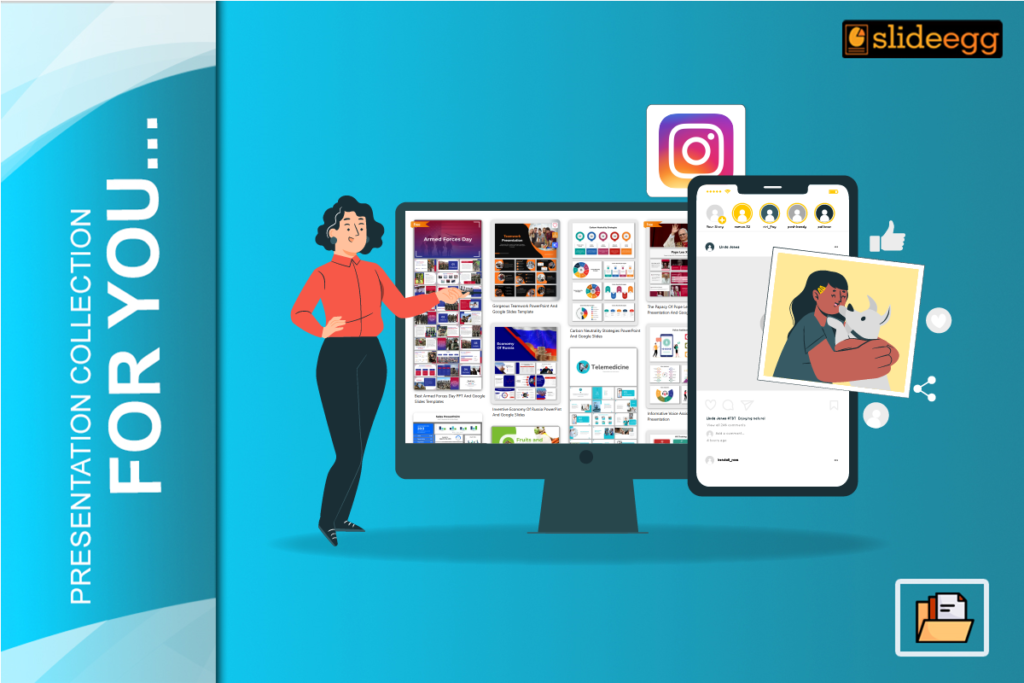
But let’s be honest — not everyone has the time or design skills to make social media posts from scratch. That’s why using PowerPoint with ready-made templates is a smart choice. SlideEgg offers thousands of templates that you can open in PowerPoint, edit in minutes, and post to Instagram.
It’s easy, fast, and looks great — even if you’re not a designer! Check out how PowerPoint slides can help you create a beautiful Insta story creatively.
❓What Are Slide Templates?
Slide templates are pre-made slides with layouts, colors, fonts, and placeholders for your text and pictures. You don’t need to start with a blank page. Just open the template, change the text, add your image or logo, and you’re ready to post.
Although many people think PowerPoint is only for office or classroom presentations, it’s now also being used for social media. With templates designed for Instagram posts and stories, anyone can make eye-catching content.
❓Why Should You Use Templates for Instagram?
Instagram is a visual platform. If your design doesn’t stand out, people may scroll past it. Templates help you keep your posts clean, attractive, and on-brand.
They also save you time and make it easier to create posts that look professional — every single time.
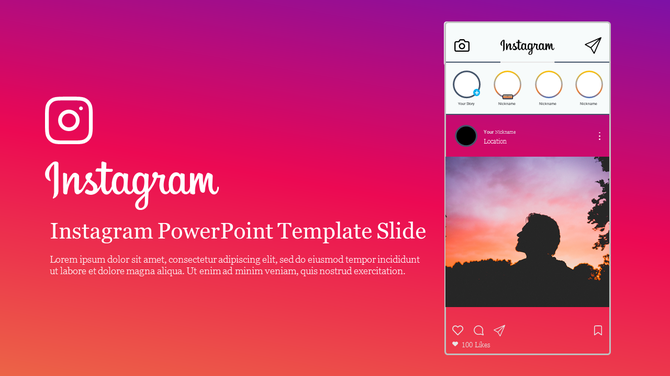
✅ Benefits of Using Templates:
- You can create a post in minutes
- Designs are created by professionals
- Perfectly sized for Instagram Stories and Posts
- You can change text, colors, images, and fonts easily
- Great for promotions, quotes, announcements, updates, and more
Templates help your Instagram look polished — even if you’re managing it all by yourself.
❓How to Choose the Right Template?
The best template depends on what you want to share. Are you promoting a sale? Sharing a quote? Posting a greeting? Start with your goal, and pick a template that matches the message you want to share.
SlideEgg has many collections to choose from. You can filter based on the topic, layout style, or the type of post you want to create.
📌 Popular Template Types:
- Product promotions – Great for showing off discounts
- Event invites – Use for workshops, webinars, or launches
- Quote posts – Perfect for sharing motivation
- Poll or Q&A layouts – Good for engagement
- Festival wishes – Celebrate holidays and seasons
Make sure to choose colors and fonts that fit your page’s style. You can also change them to match your brand.
❓How to Use the Templates?
Templates are easy to use. You only need PowerPoint and a bit of creativity. The steps are simple — and the whole process takes just a few minutes.
✍️ Step-by-Step:
- Pick and download a template
- Open the template in PowerPoint
- Edit the text to fit your message
- Replace images with your own photos or logo
- Adjust colors and fonts if needed
- Save the slide as an image (JPG/PNG)
- Upload the image to Instagram
That’s it! You’ve created a stylish, clear, and professional post — without needing design software.
📊 Why Design Matters on Instagram
Instagram posts have only 2–3 seconds to get someone’s attention. If the design is boring or messy, people won’t stop scrolling.
Key Reasons to Focus on Design:
- Posts with visuals get 94% more views
- Nicely designed stories have higher watch rates
- Good design builds trust with your followers
- Consistent layouts help people recognize your brand
When your content looks good, people are more likely to like, share, and follow your page.
🛠️ What Tools Can Help You Design Instagram Posts?
You don’t need expensive software or a design degree. These tools will make your Instagram posts easy and professional.
✨ Useful Tools:
- PowerPoint – To edit templates easily
- Canva – Good for simple designs
- SlideEgg – Offers ready-to-use PowerPoint templates for Instagram
Use a mix of these tools to make your posts better and faster.
🎨 Best Design Tips for Instagram Posts and Stories
Even with templates, it helps to know a few simple tips to make your posts look clean and attractive.
Try These:
- Use bold and readable fonts
- Keep text short and clear
- Always use high-quality images
- Don’t crowd your slide — leave some empty space
- Use 2–3 brand colors consistently
- Stick to a design style your followers will recognize
These tips are perfect for students, creators, small businesses, teachers — anyone using Instagram.
Instagram Image Size Table
| Content Type | Size (in pixels) | Format |
| Instagram Post | 1080 x 1080 | JPG / PNG |
| Instagram Story | 1080 x 1920 | JPG / PNG |
Make sure to export your PowerPoint slides in these sizes. SlideEgg templates can be resized easily to fit.
Final Thoughts – Create Instagram Posts the Easy Way
Making beautiful Instagram posts doesn’t have to be hard. With ready-to-use templates and PowerPoint, you can design eye-catching content in just a few minutes — no design experience needed.
Whether you want to post a sale, a quote, a story, or an update, using templates helps your message look more powerful and professional.
👉 Start using templates today, and see how easy and fun content creation can be!
🙋♀️ Frequently Asked Questions (FAQs)
1. Can I use these templates for Instagram?
Yes, they are made for both Instagram Stories and Posts.
2. Do I need PowerPoint?
Yes, the templates are designed for PowerPoint editing.
3. Can I add my own logo and pictures?
Yes! You can fully customize the templates.
4. Are there free templates?
Yes, there are 20,000+ free slides available, including ones for Instagram.
5. Will the slides look good on mobile?
Yes. The designs are clean, so they look great even on small screens.