Introduction
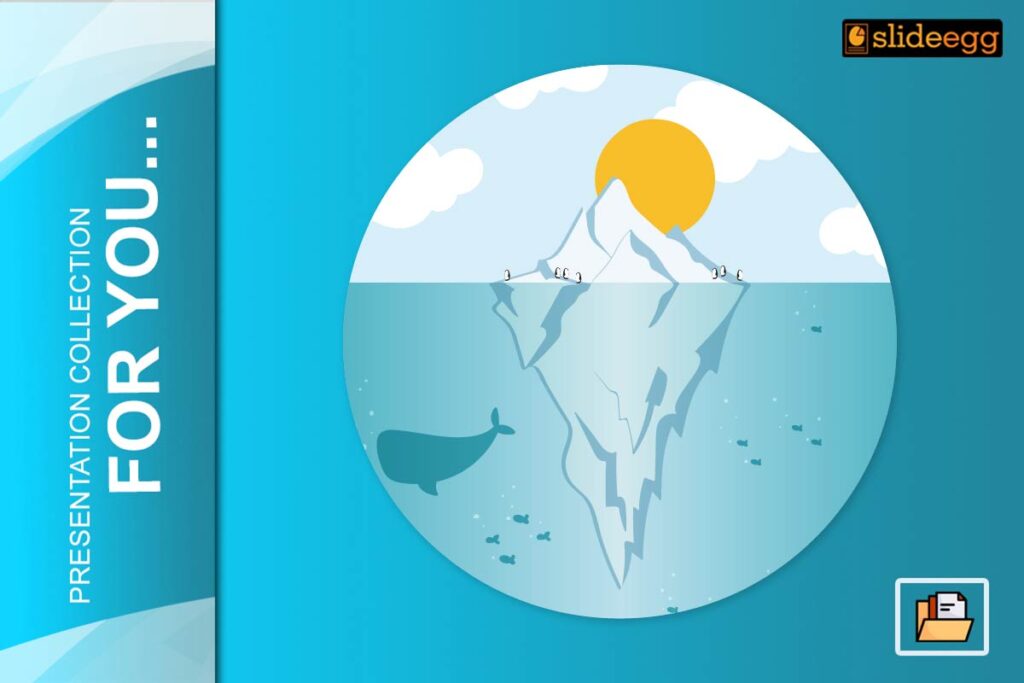
Some of the most powerful ideas and problems are not fully visible at first glance. Just like an iceberg, what lies beneath the surface is often more important than what’s seen on top. Whether you’re illustrating strategic depth, hidden causes, or layered insights, Iceberg Slides are a powerful visual tool.
In this blog, we’ll explore how you can use Iceberg PowerPoint slides to explain complex topics by showing what’s visible and what’s hidden. We’ll also highlight top iceberg presentation templates that make this concept easy to present.
This is especially useful for:
- Business professionals explaining root causes or hidden risks
- Teachers showing psychological or conceptual depth
- Students presenting layered ideas
- Marketers explaining audience behavior or funnels
What is an Iceberg Slide?
An Iceberg Slide is a PowerPoint layout where the content is divided into two sections:
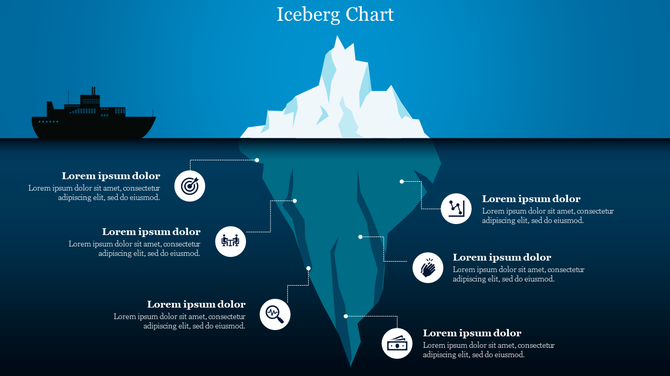
- Above the Water: What is visible — symptoms, results, or surface-level data.
- Below the Water: What is hidden — root causes, behaviors, beliefs, or deeper layers.
The iceberg metaphor helps visually communicate that the most important aspects of an issue may lie underneath what’s initially obvious.
When to Use Iceberg Slides
Use Iceberg diagrams when you want to:
- Present root cause analysis
- Explain the difference between symptoms and underlying issues
- Highlight the visible vs. hidden elements in processes or behaviors
- Discuss emotional intelligence, brand value, strategic planning, etc.
Example Use Cases:
- Business Strategy: Visible actions vs. hidden company culture
- Marketing Funnel: Visible clicks vs. hidden customer motivations
- Education: Student behavior vs. psychological needs
Benefits of Using Iceberg PowerPoint Templates
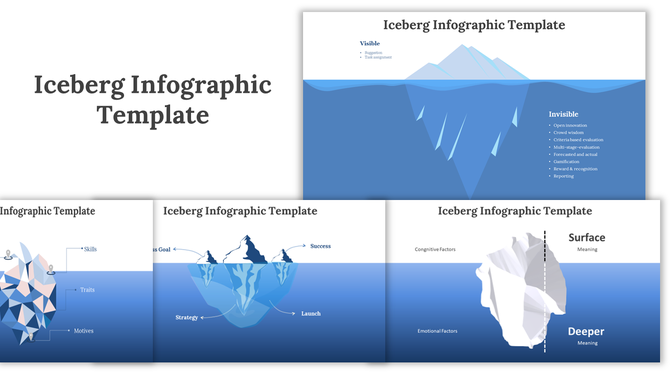
Creating iceberg diagrams from scratch is time-consuming. Pre-designed PowerPoint templates simplify the job while ensuring clarity and visual appeal.
Why Use Templates:
- Saves time with ready-made visuals
- Consistent structure across slides
- Easy customization (edit text, colors, sizes)
- Professional design aesthetics
Iceberg templates are editable, responsive, and suitable for educators, marketers, and corporate presenters.
Top Iceberg Slide Templates
1. Basic Iceberg Diagram Template
This template presents a simple and classic design that mimics the real shape of an iceberg. It’s perfect for introducing the iceberg concept to audiences unfamiliar with it. The design includes two clear sections: what is visible above the waterline and what is hidden below.

Why it’s helpful:
- Keeps the concept easy to understand for beginners
- Simple structure ensures the message is not lost in design complexity
- Great for short and direct presentations
Features:
- Two-layered layout (visible and hidden)
- Fully editable text and shape elements
- Ideal for introducing the iceberg metaphor
2. Multi-Layer Iceberg Template
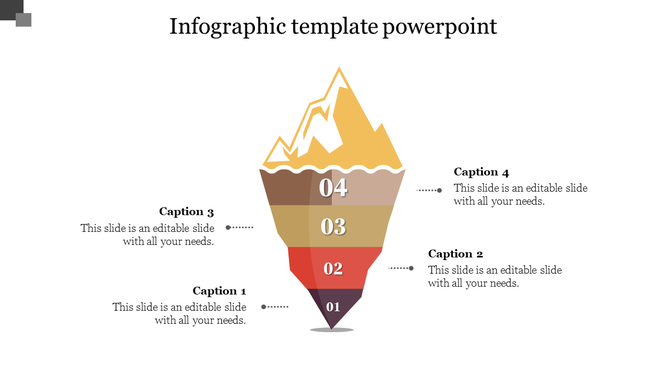
This version offers a more in-depth breakdown of the hidden section. The underwater part is divided into multiple colored layers, each representing a different factor or cause. It allows the presenter to go step-by-step through complex ideas.
Why it’s helpful:
- Helps explain multi-faceted problems or layered thinking
- Allows you to structure ideas in a logical and progressive format
- Keeps audience attention with visual hierarchy
Features:
- 4 to 6 editable layers beneath the surface
- Custom color themes for visual clarity
- Suitable for strategy and consulting presentations
3. Animated Iceberg Slide
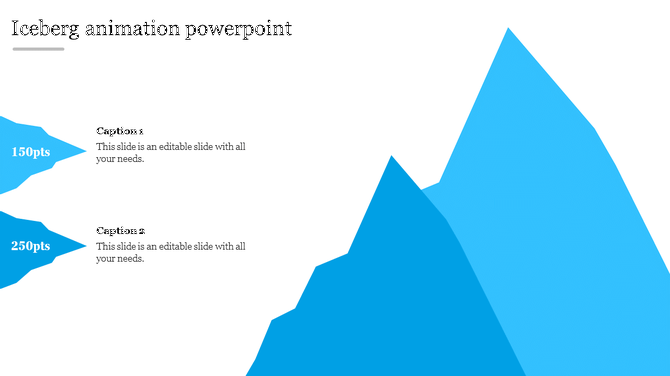
Animations are powerful for storytelling. This template adds dynamic movement to your iceberg slide by revealing one part at a time. It’s ideal for webinars and live training where you need to keep engagement high.
Why it’s helpful:
- Allows gradual storytelling and focus on each point
- Helps build suspense and interest as new layers are revealed
- Perfect for trainers and public speakers
Features:
- Subtle, professional animations (no flashy effects)
- Step-by-step reveal of iceberg layers
- Enhances audience focus and retention
4. Iceberg with Icons Template
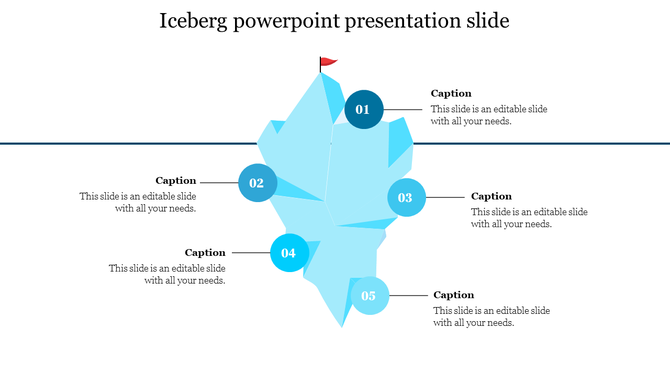
Icons are used here to visually represent the elements in each section of the iceberg. This is a great choice when you want to make abstract ideas more relatable through symbols.
Why it’s helpful:
- Strengthens understanding with visual cues
- Appeals to visual learners and cross-functional teams
- Makes complex slides easier to skim and grasp
Features:
- Each layer includes an icon (e.g., gear, people, magnifying glass)
- Consistent style and editable icon set
- Useful in HR, leadership, and corporate workshops
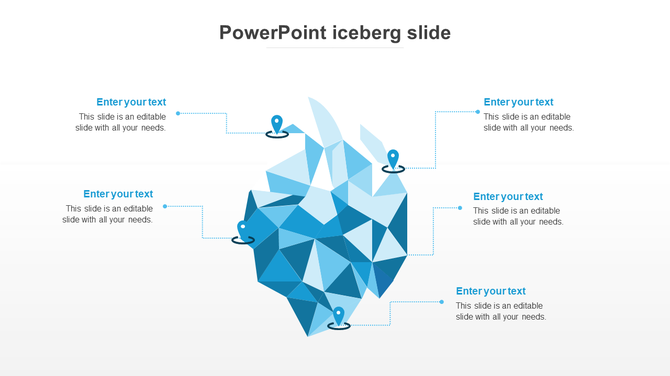
5. Creative Iceberg Infographic Slide
This design takes the metaphor to an artistic level. It blends infographics with iceberg visuals to make data more engaging and memorable. Ideal for marketing, awareness, or campaign-style presentations.
Why it’s helpful:
- Adds visual interest and storytelling charm
- Makes data presentations more interactive
- Works well in both educational and promotional decks
Features:
- Infographic-style visuals with data callouts
- Custom fonts and color blends
- Attention-grabbing design for modern decks
How to Present Iceberg Slides Effectively
1. Start with the surface. Briefly explain the visible aspects.
2. Transition below the surface. Use animation or cues to dive deeper into hidden factors.
3. Explain connections. Show how the hidden layers affect the visible outcome.
4. Focus on insight. End with a takeaway slide highlighting root causes or deeper meaning.
5. Use visuals. Keep slides clear, avoid overloading with text.
Conclusion
The iceberg model is a brilliant visual metaphor to reveal hidden truths and deeper meanings behind problems, strategies, or ideas. Whether you’re teaching, training, or analyzing, an Iceberg Slide can bring clarity and impact to your message.
Using ready-to-use Iceberg templates, you can focus on the message while the design is already taken care of.
👉 Start exploring the best PowerPoint presentation templates now and make your next presentation unforgettable!
FAQs
1. What is the purpose of an iceberg slide?
To show that underlying causes often lie beneath visible symptoms or actions.
2. Can I edit SlideEgg’s Iceberg templates?
Yes, every template is fully editable in PowerPoint.
3. Are these slides good for training?
Definitely. Trainers use them to explain root issues in skills, communication, or behavior.
4. Do these templates work on Google Slides?
Yes. Download as PowerPoint and import into Google Slides.
5. Can I use animation in Iceberg slides?
Yes, some templates include animation and all can be customized with PowerPoint animations.