A New Step for SlideEgg
Revolutionizing presentations, project planning, and creative workflows with cutting-edge artificial intelligence.
SlideEgg is known for its large library of templates. People have used it for years to design slides for schools, jobs, and events.
Now, SlideEgg has gone further. It has launched 16 AI tools. These tools are made to save time, reduce stress, and make work easier.
This launch is important. It shows SlideEgg is no longer only a template site. It is becoming a smart platform that supports modern work and learning.
Why AI Tools?
The way we work and learn has changed. Teachers prepare lessons under pressure. Students manage heavy workloads. Teams handle back-to-back meetings. Businesses need fast, reliable plans and reports.
Old methods often take too long. Designing slides, finding images, or writing detailed notes can eat up hours. AI tools solve this by doing repetitive tasks in seconds. They suggest layouts, create visuals, write summaries, and even translate slides.
The goal is not to replace people. The goal is to give them more time to focus on ideas, creativity, and decision-making. For SlideEgg, bringing AI into its platform means moving beyond templates. It means giving users a true partner that helps them work smarter every day.
SlideEgg’s Five Categories for Smarter Workflows
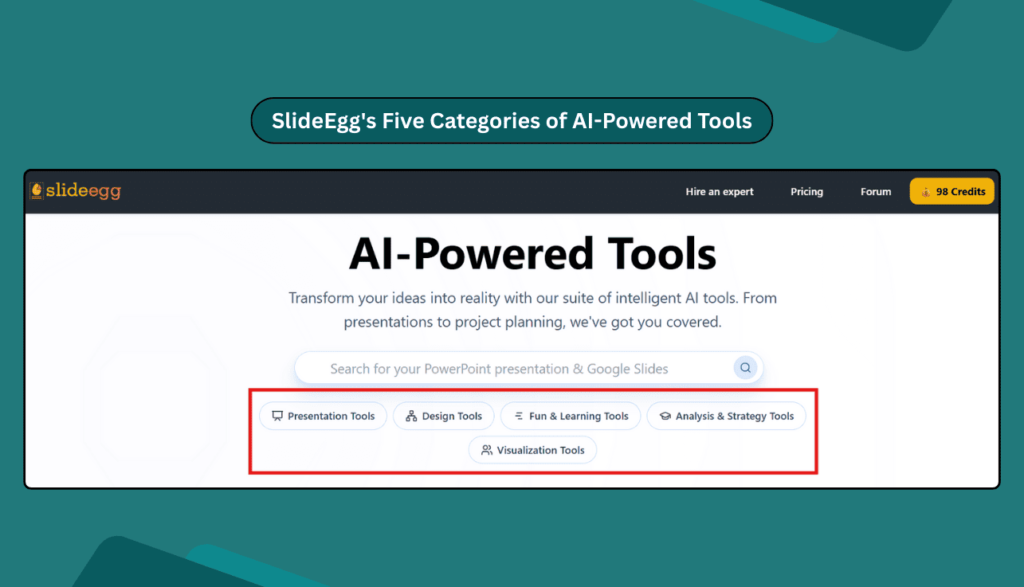
To make things easy, SlideEgg divided its 16 tools into five groups:
- Presentation Tools
- Design Tools
- Fun & Learning Tools
- Analysis & Strategy Tools
- Visualization Tools
Each group solves a different problem. Together, they cover all the steps from planning to delivering ideas.
1. Presentation Tools
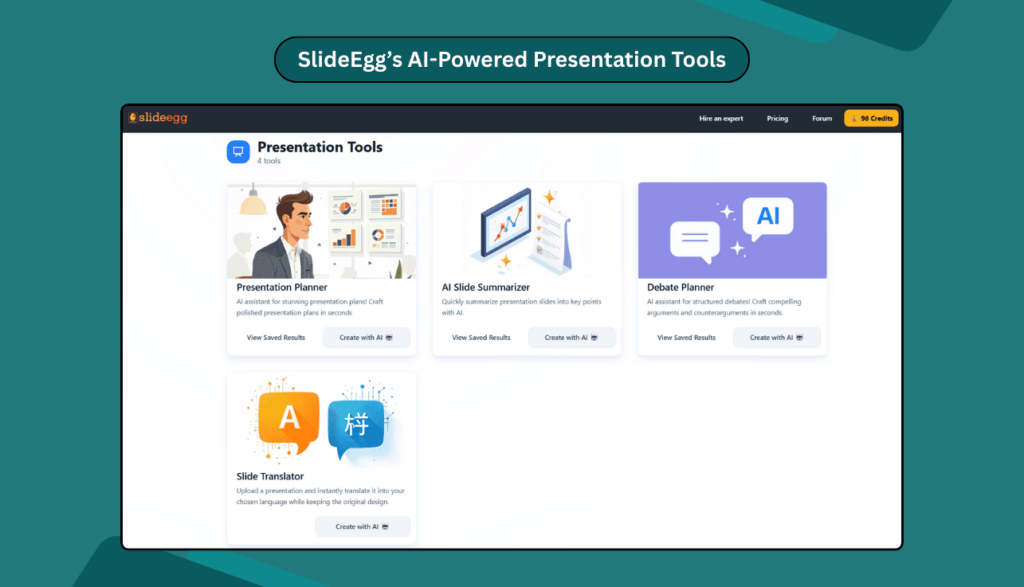
Presentations are the heart of SlideEgg’s mission. These four tools make slides easier to plan, present, and share.
- Presentation Planner – Makes full slide decks in minutes. For example, a manager can type a topic and get slides with points and layouts.
- AI Slide Summarizer – Shortens long decks into keynotes. A student can use it before exams to read only the main ideas.
- Debate Planner – Organizes points into clear order. A teacher can use it to guide a class debate.
- Slide Translator – Changes slides into many languages. So, a trainer can share lessons with students from different countries.
These tools cut the time from idea to final slides.
2. Design Tools
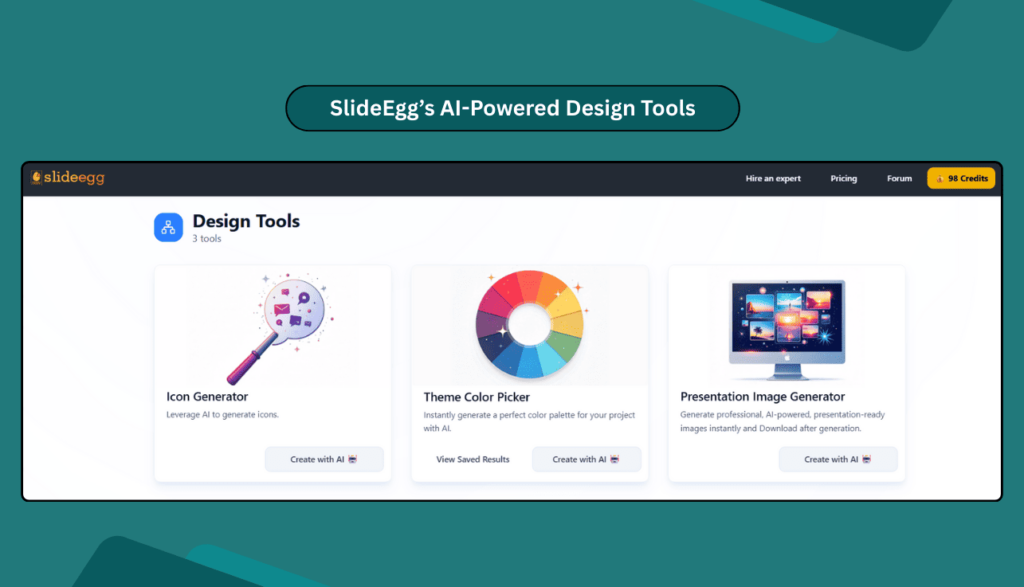
Good design grabs attention. These tools make design simple for everyone.
- Icon Generator – Makes icons that match the topic. A teacher can use them to explain a science idea.
- Theme Color Picker – Creates matching colors for slides. A shop owner can use it to keep brand colors in a pitch.
- Presentation Image Generator – Produces sharp pictures in seconds. A marketer can create presentation images without searching for stock photos.
Anyone can now design slides that look smart and clear.
3. Fun & Learning Tools
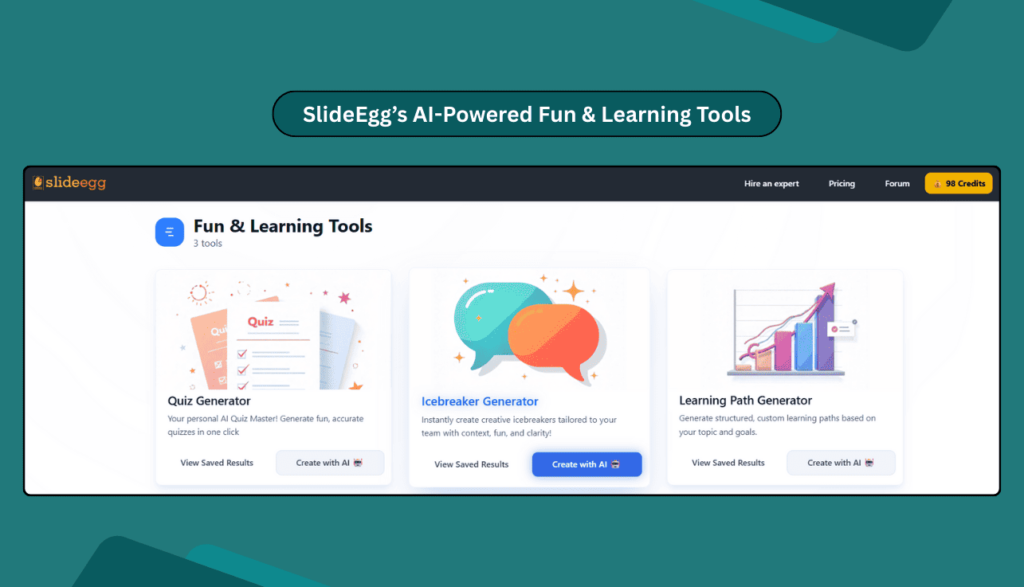
Learning is better when it is fun. Meetings are stronger when people join in. These tools add energy and make sessions active.
- Quiz Generator – Builds quizzes instantly. Teachers can test lessons, and HR teams can check staff skills.
- Icebreaker Generator – Creates fun openers. A speaker can use it to warm up an audience before a workshop.
- Learning Path Generator – Suggests steps to reach a goal. A student can enter “data science” and get a skill plan to follow.
These tools make classes and meetings more lively and useful.
4. Analysis & Strategy Tools
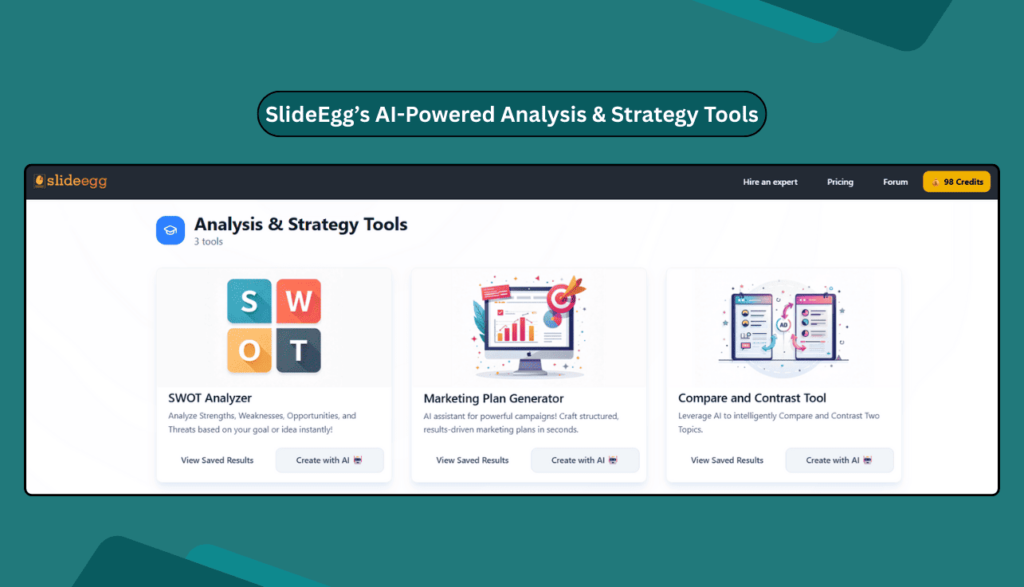
Clear thinking helps people make better choices. These tools give simple ways to plan and compare.
- SWOT Analyzer – Writes reports on strengths, weaknesses, opportunities, and threats. A startup can use it before meeting investors.
- Marketing Plan Generator – Builds clear campaign plans. A small store can prepare steps for a new product launch.
- Compare & Contrast Tool – Shows two or more ideas side by side. A student can compare two theories, or a manager can compare two suppliers.
These tools help people plan faster and make stronger choices.
5. Visualization Tools
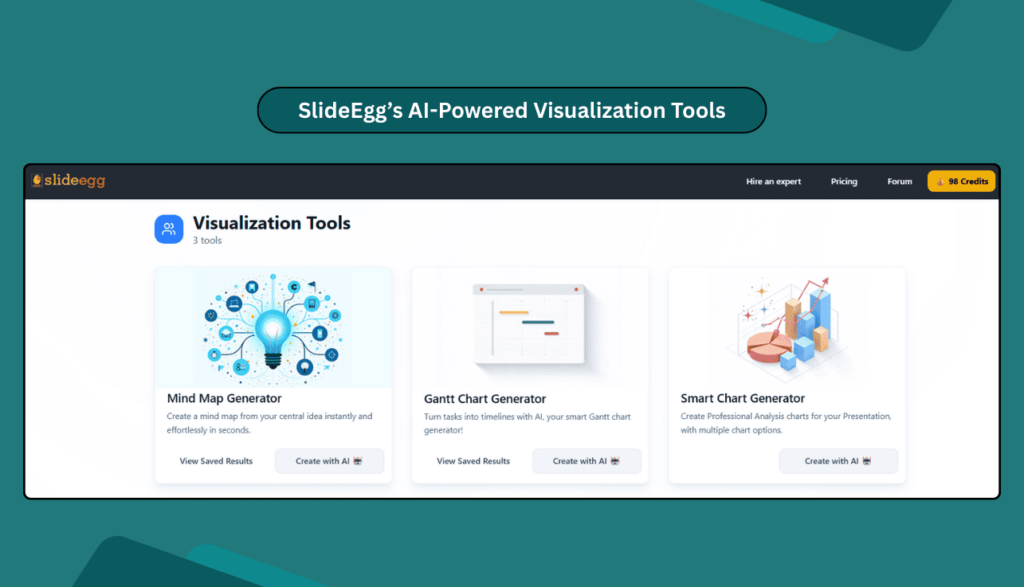
Data is hard to follow if shown only as text. Visuals make it easy. These tools turn numbers and ideas into graphics.
- Mind Map Generator – Draws branching maps. A team can brainstorm a new app idea and see how it grows.
- Gantt Chart Generator – Creates timelines for projects. A project leader can set tasks and track them quickly.
- Smart Chart Generator – Turns raw numbers into charts. A student can make a report, or a business can share sales updates.
These tools make complex ideas easy to see and understand.
Why These Tools Are Important
SlideEgg’s new tools go beyond slides. They help in teaching, studying, business, and planning.
- For teachers: Faster lesson preparations and more engaging classes.
- For students: Study tools that save time and make learning interesting.
- For teams: Better planning and active meetings.
- For businesses: Clearer reports and faster campaigns.
Instead of wasting time on design or layout, people can let AI do the heavy work. This means they can focus on ideas, teaching, and decision-making.
FAQs
1. What are SlideEgg AI Tools?
They are 16 simple tools that help with slides, design, learning, planning, and visuals.
2. Do I need technical skills to use these tools?
No. The tools are simple and built for everyone.
3. Who can use them?
They are made for teachers, students, teams, and businesses of all sizes.
4. Do they work with PowerPoint and Google Slides?
Yes. Results can be exported and used in both.
5. How are they different from templates?
Templates are fixed. These tools create new content every time you use them.
Conclusion
SlideEgg has taken a bold new step. With these 16 tools, it is no longer just a template site. It is now a place where AI helps people work smarter.
The tools are simple, fast, and useful. They can help in schools, offices, and businesses worldwide.
👉 Explore all 16 AI tools today on SlideEgg. See how they can change the way you create, learn, and share ideas.