Download the Best PowerPoint Infographics Slides Design
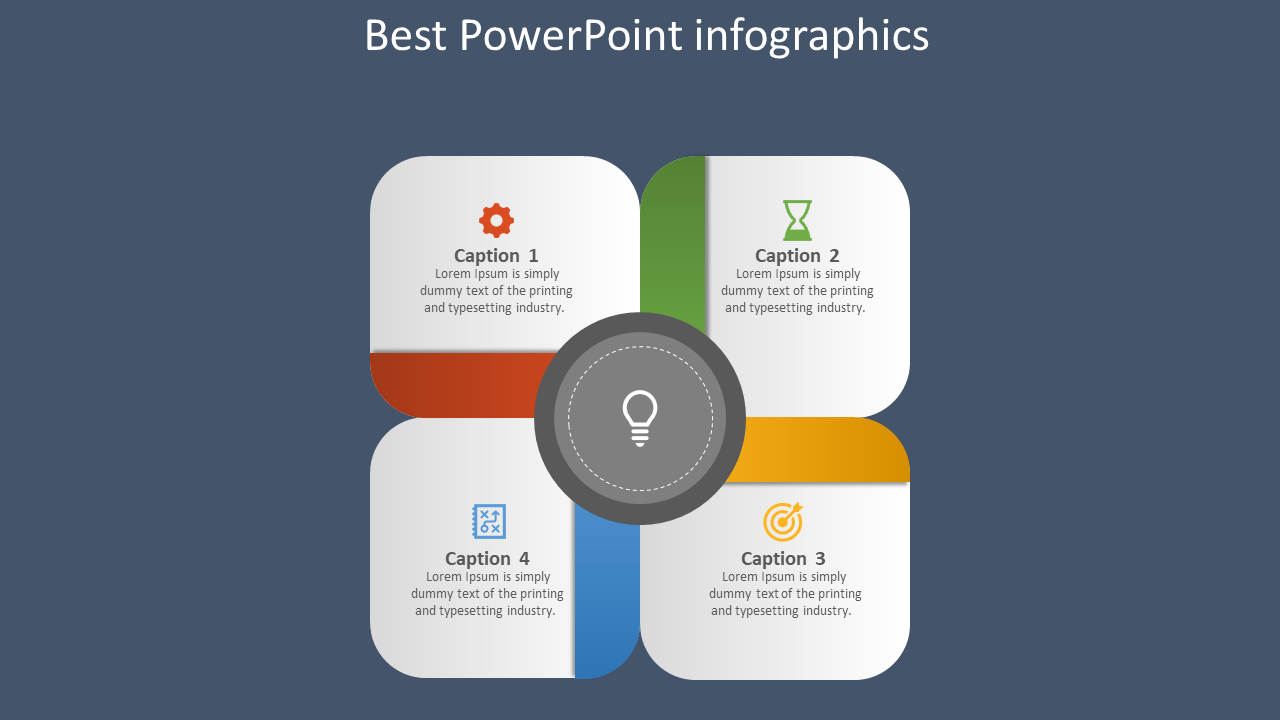


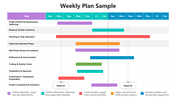










The Best PowerPoint Infographics
Visualization - You will find it easier to engage your audience with an appealing display. Choose a design that expresses your message or conveys your message to your audience visually. If you are unsure what is most effective, take advantage of free online PowerPoint courses, which can show you how to create a visualization effectively.
No Text Box - The text box is only used to provide more details on an image, but when it is used as the primary medium of presentation, it can limit the content of your slides. It is helpful to use a limited amount of graphics and text so that you retain the visual appeal of your infographic while also being able to communicate your message effectively.
Image Stickers - When you are presenting your slide, you want the audience to have a visual link between the slide and the image. Using Stickers, you can add a graphical representation to any part of your presentation to make it more attractive.
Scatter Plot - Most often, you will want to demonstrate how various variables can affect your data. Using scatter plots, you can show different variables, as well as their relationship, at different scales.
Alternate Image/Text Panel - Many companies prefer to have text appear on top of one or more of their images. Using alternative panels, you can use images to supplement the text you have already chosen.
Sharing - Sometimes, you need to get people talking about your presentation, and using social media can help you do this. A personal or company social network page can include a slideshow on its Facebook page that consists of the slides for your presentation.
Traditional - In addition to using infographics, you can also use print ads, flyers, and signs to draw attention to your materials. Print ads allow you to reach a wider audience than other strategies.









You May Also Like These PowerPoint Templates

Showing20 of69,218 templates