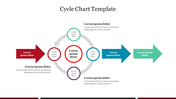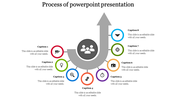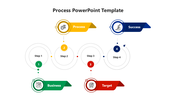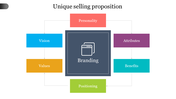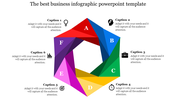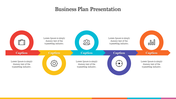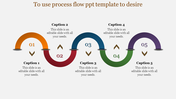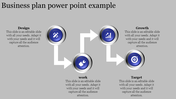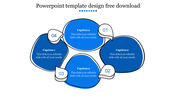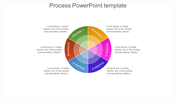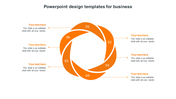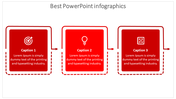
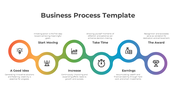
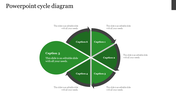
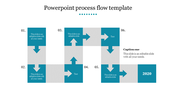
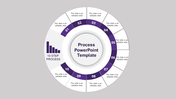
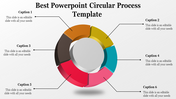
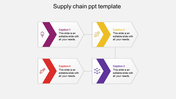
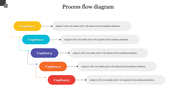
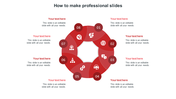
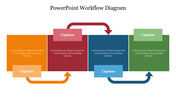
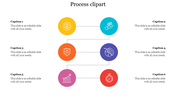
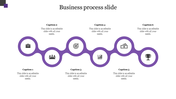
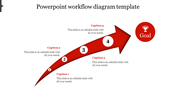

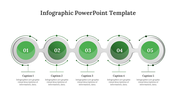
Step-by-step processes get lost in bullet points. Visual flow diagrams make every stage clear, logical, and easy for any audience to follow.
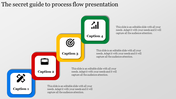
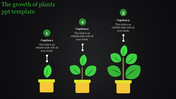
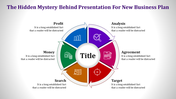
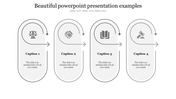
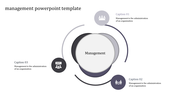
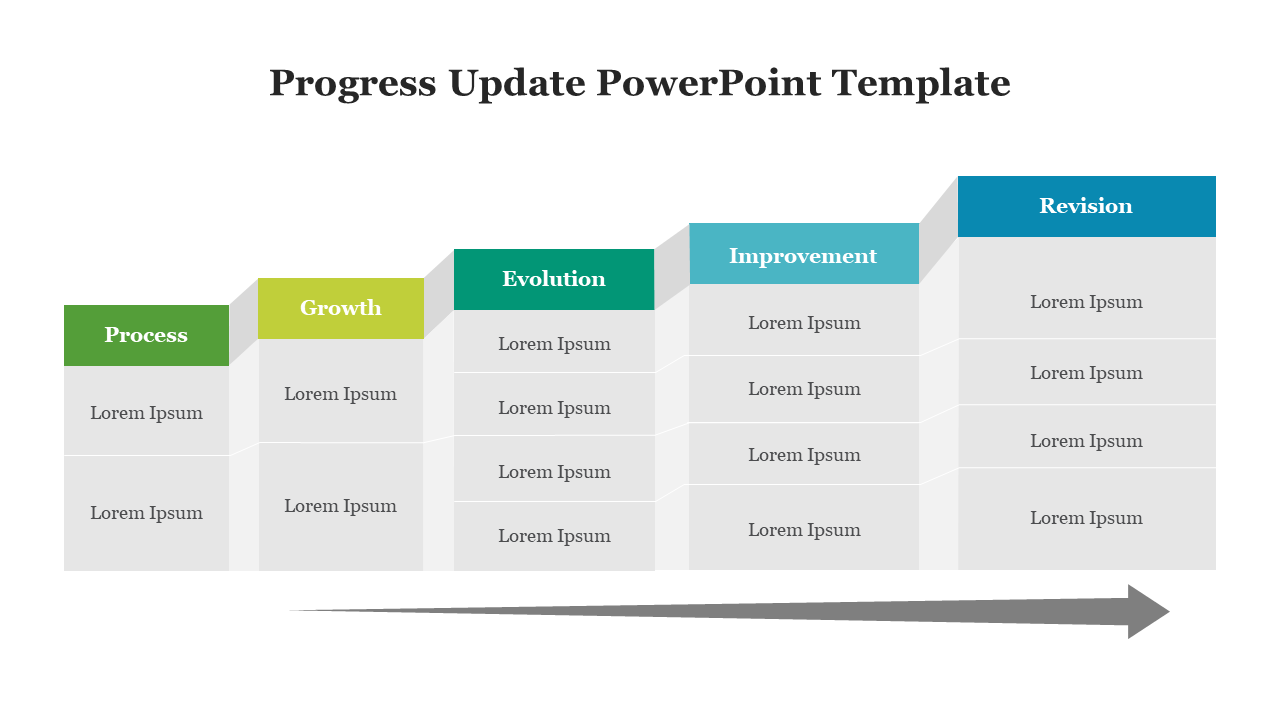
This Progress Update PowerPoint Template gives you a clean, fully editable presentation slide that's ready to use the moment you download it. The slide features progress update chart slide showing stages from process to revision, represented as ascending blocks. Drop it into your deck, replace the placeholder text, and you're done.
A focused single-slide design — built for one strong visual message, fast to customize — text, colors, icons, and layout are all yours to adjust. Design variations include: Project Status Update, Project Update, Progress, Progress Update. Match your brand, adapt the layout, change the colors — it takes minutes, not hours.
Built for operations teams, project managers, trainers, and consultants presenting workflows, SOPs, or process improvements. No design background needed — just open, edit, and present.
Available for PowerPoint and Google Slides. Download instantly — no design skills required. Everything is fully customizable to match your brand or topic.
Explore more Process templates to find the right fit for your next presentation.
Related collections: Flowchart PowerPoint templates | Timeline templates