70+ Valentine's Day Presentation Templates
Valentine's is about emotion. Your presentations need to convey care and thought. Bad design signals effort wasn't made. Good design shows you invested. People sense that. That emotional signal matters.
Editor's Choice (1 of5)
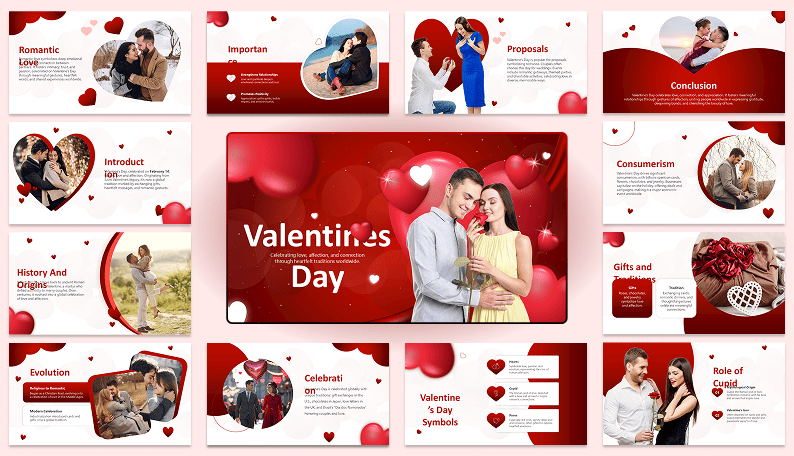
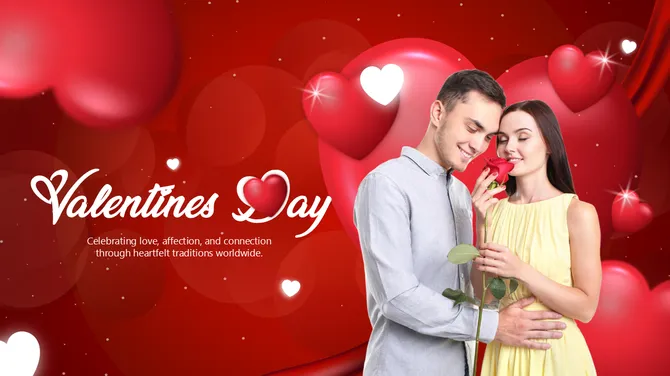
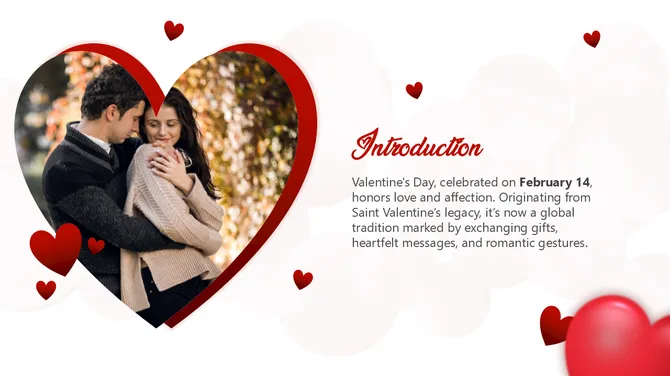
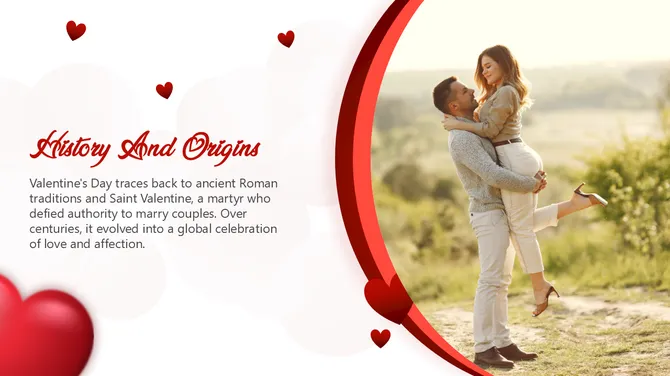
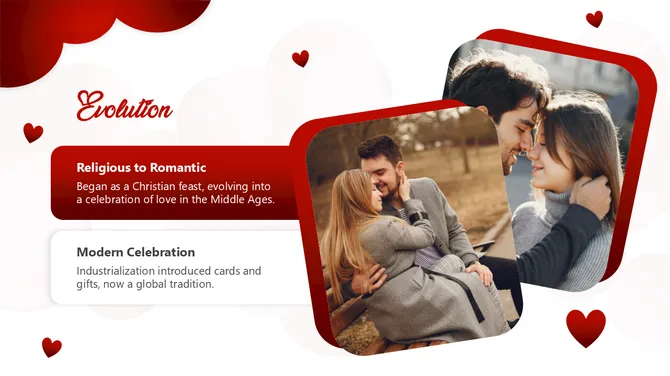
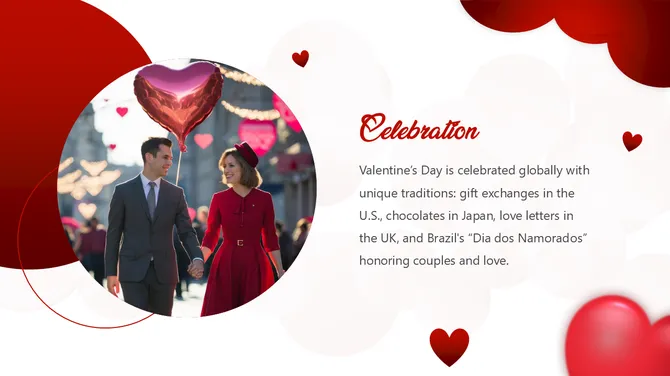
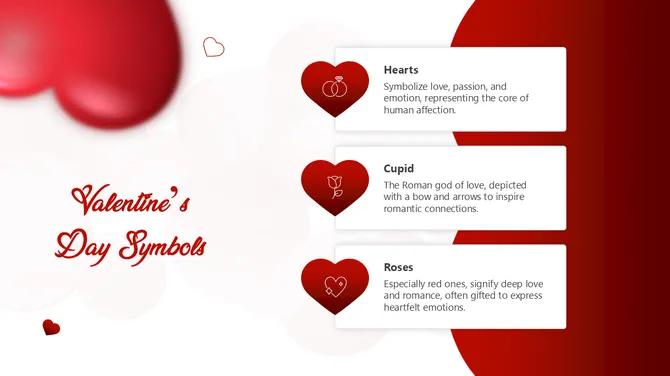
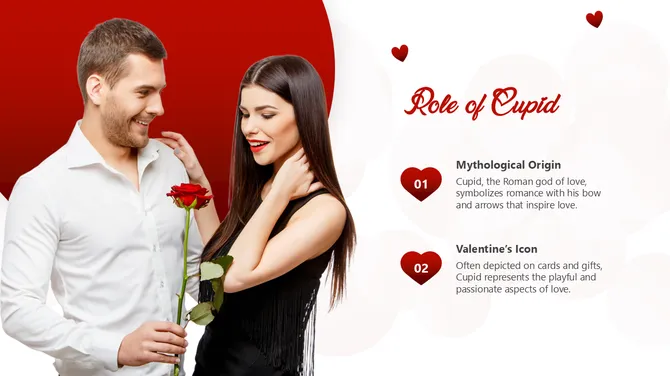
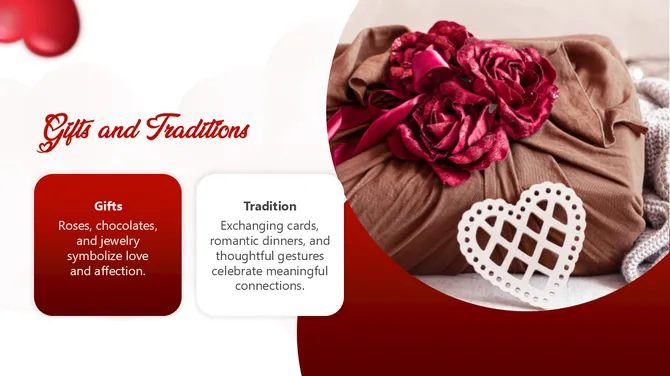
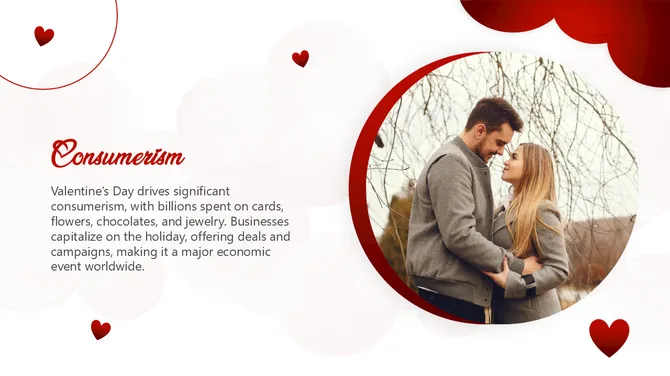
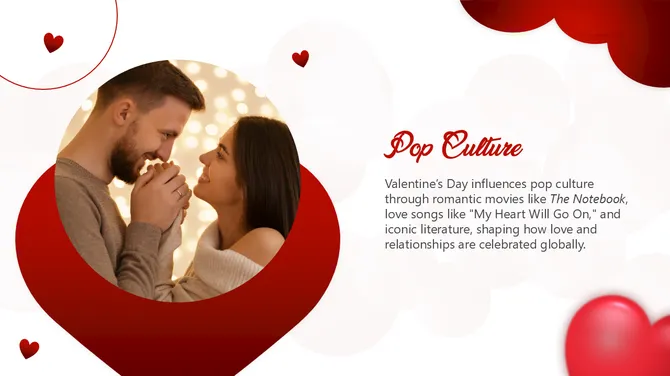
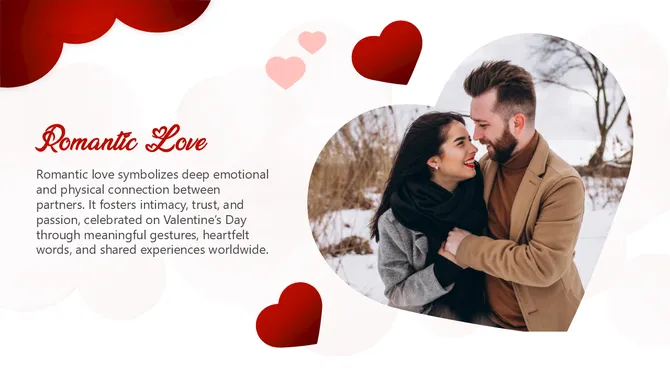
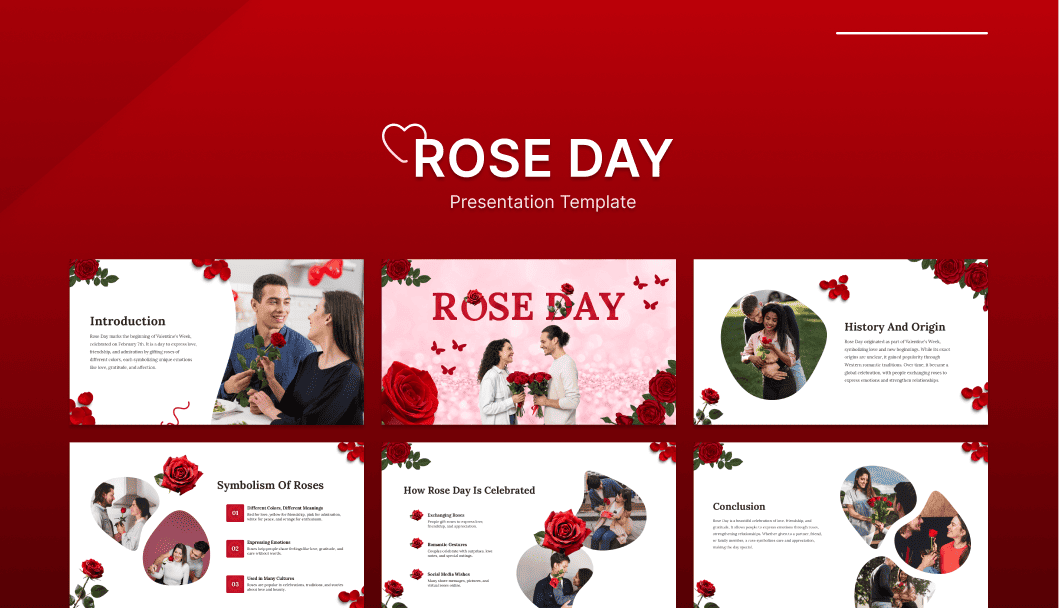

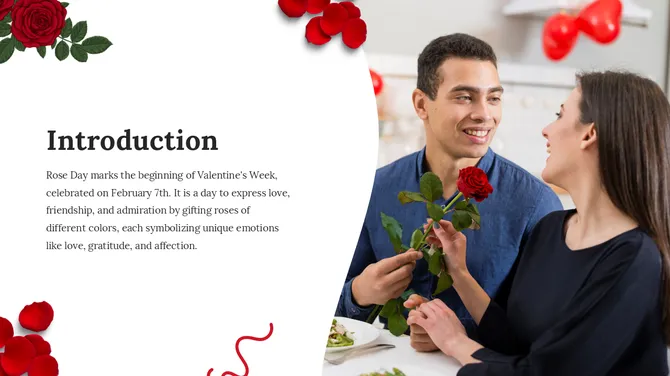
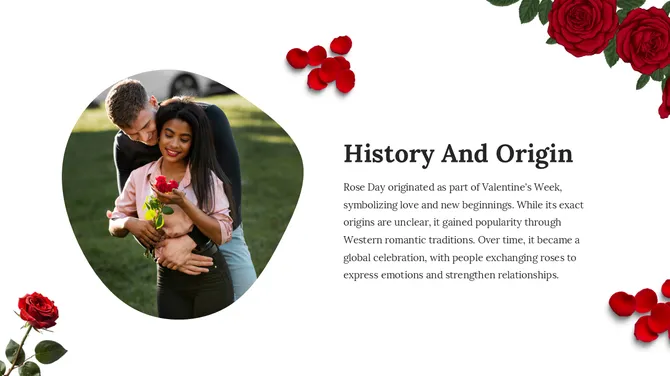
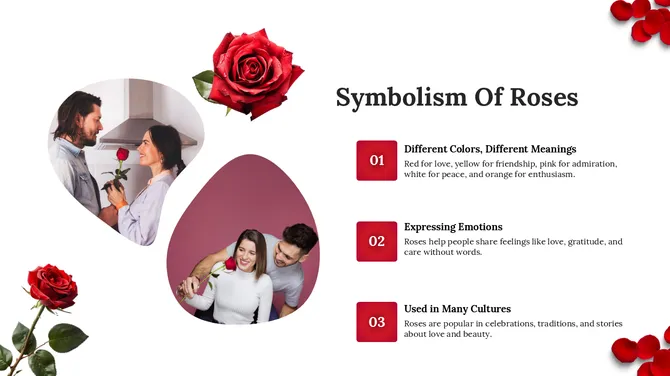
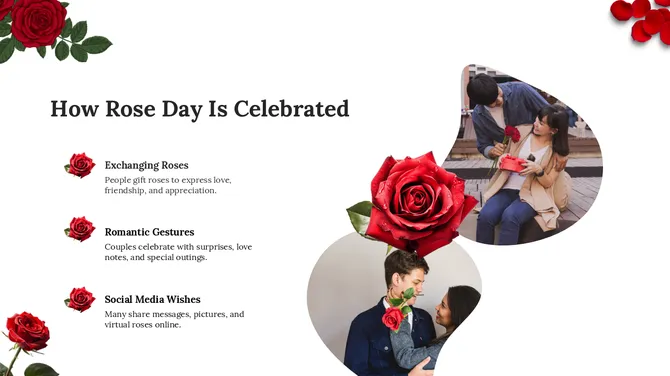
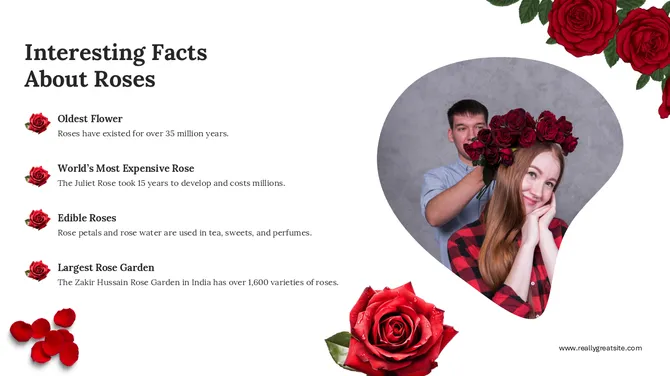
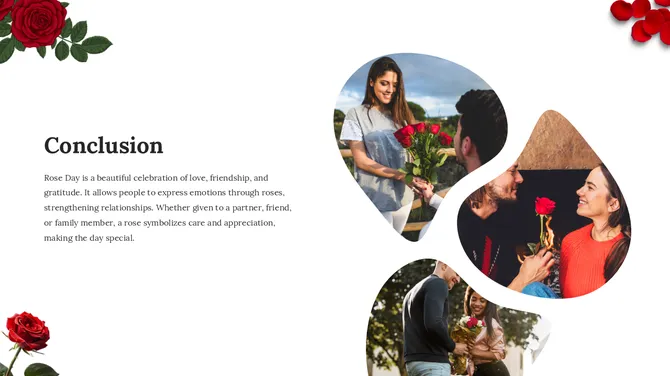
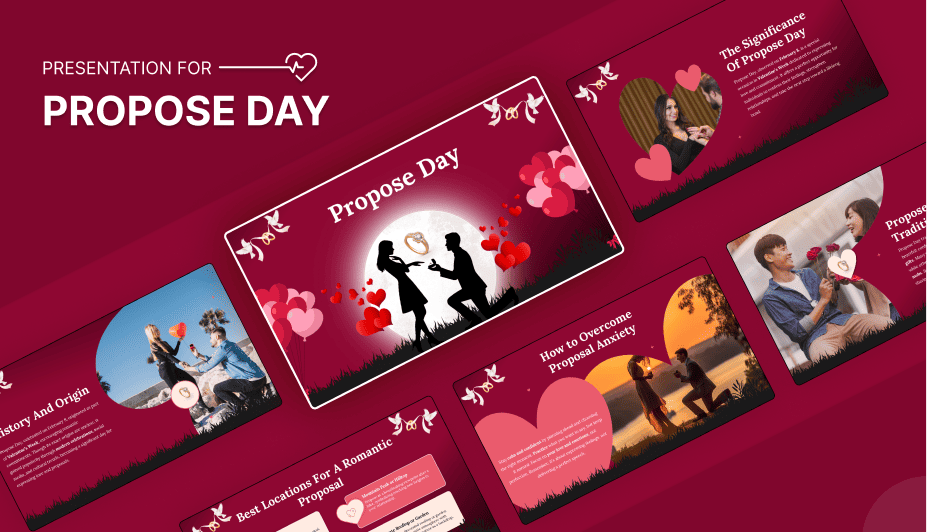
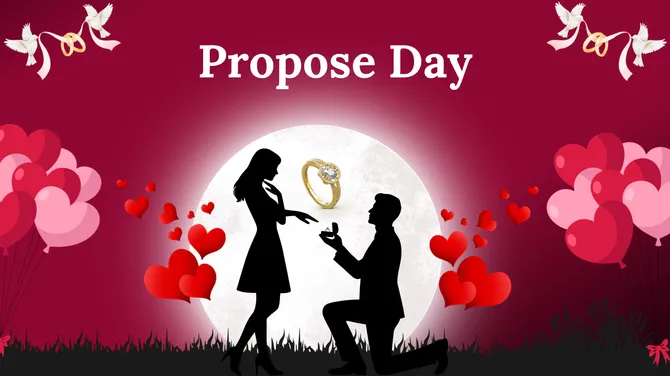
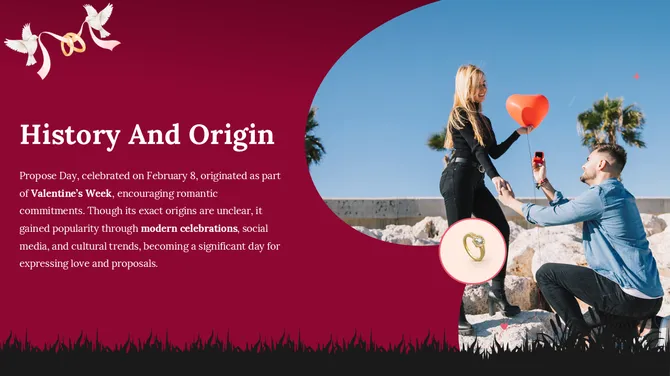
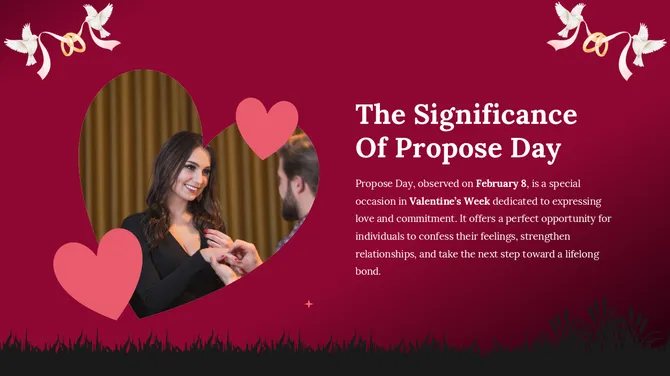
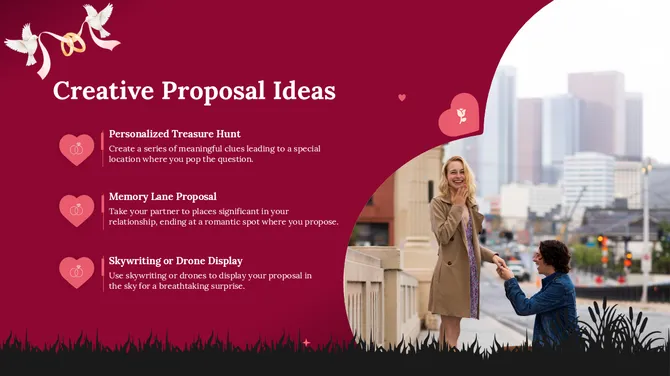
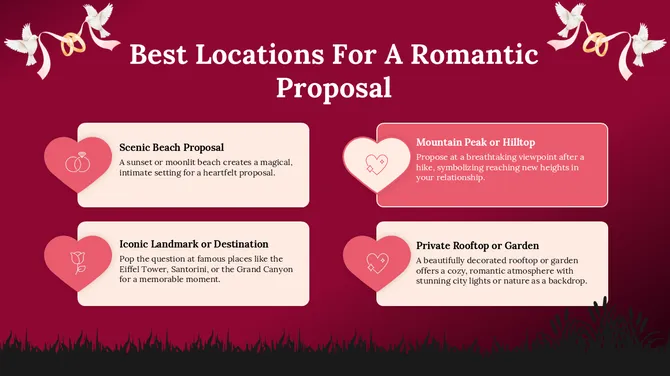
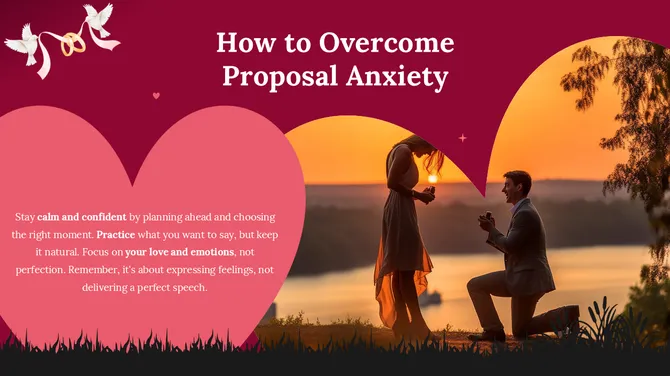
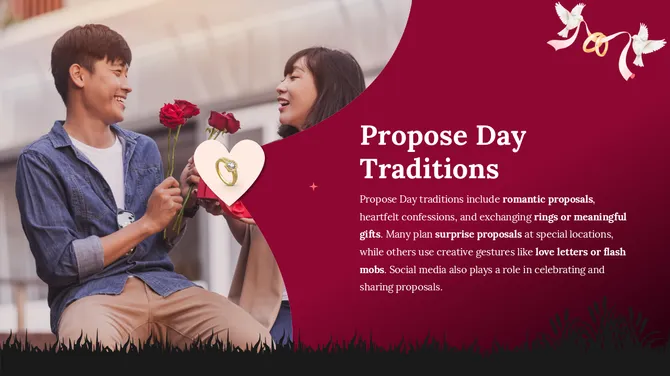
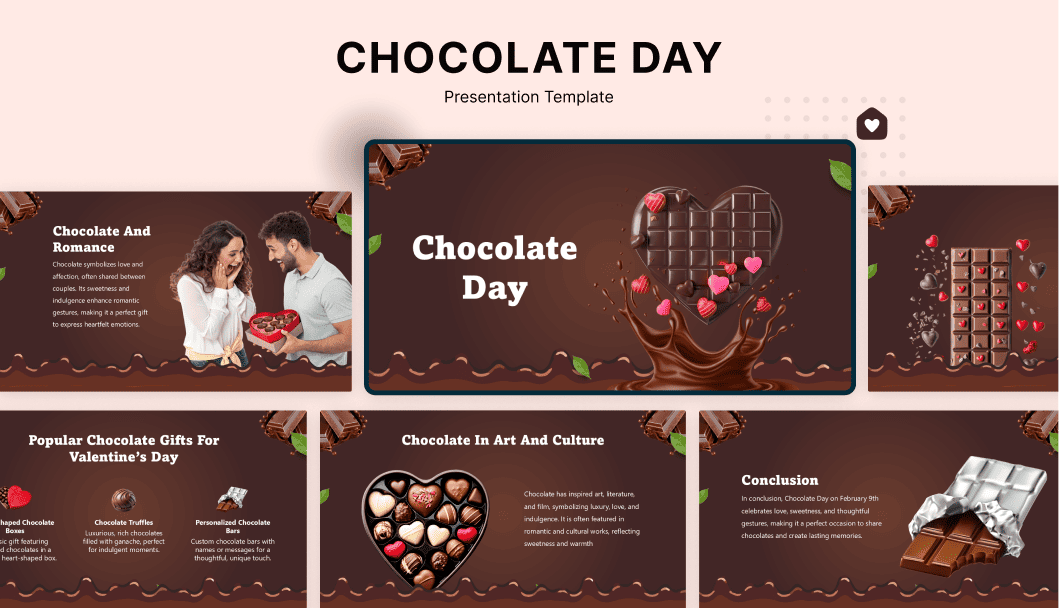

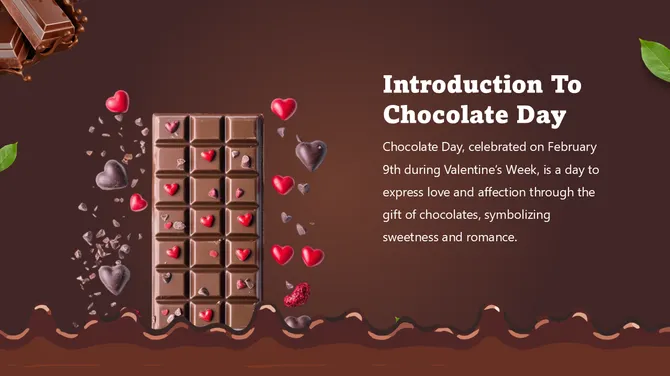
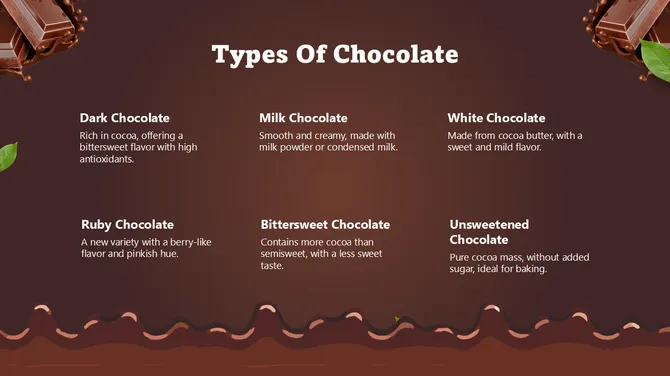
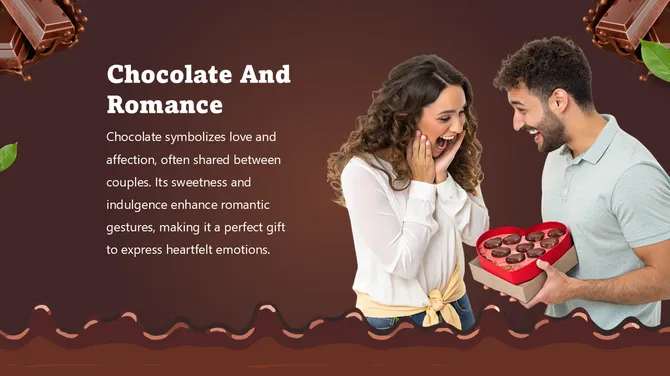
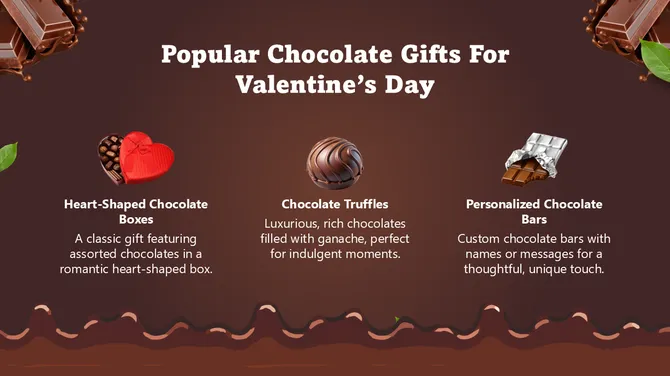
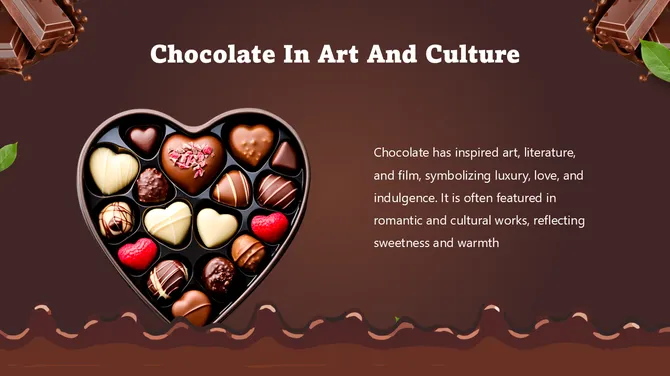
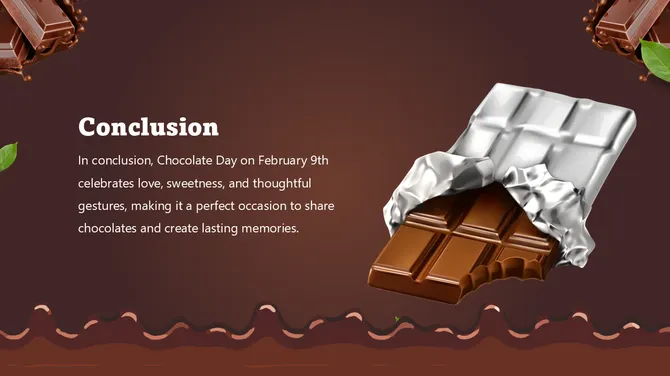
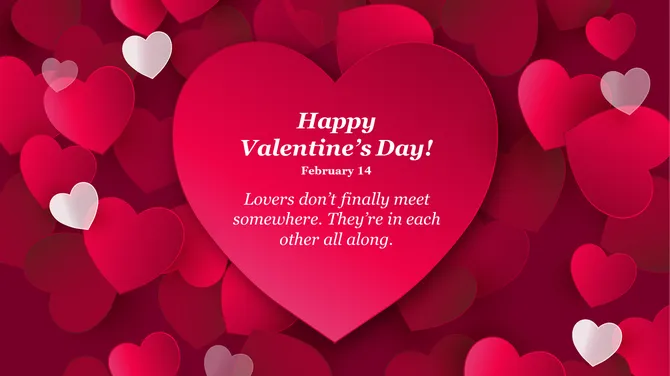

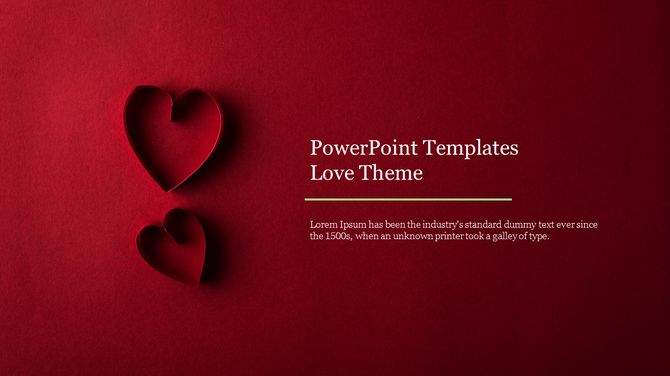
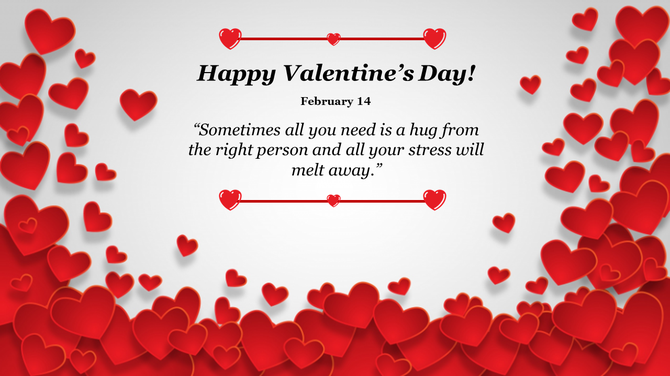
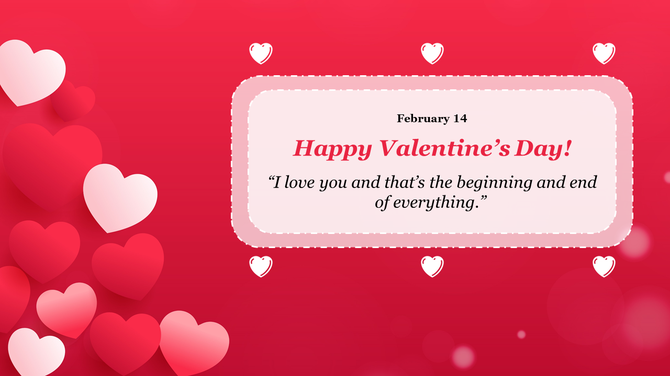
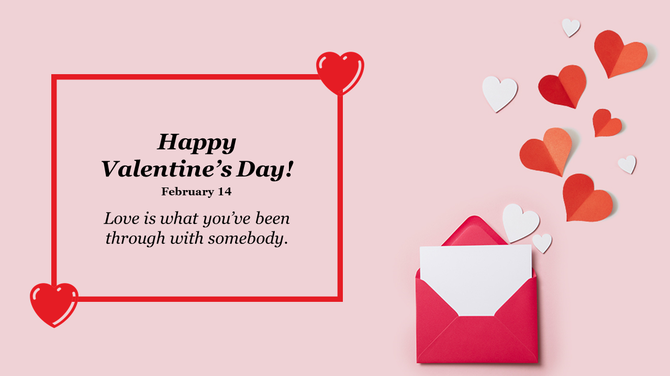
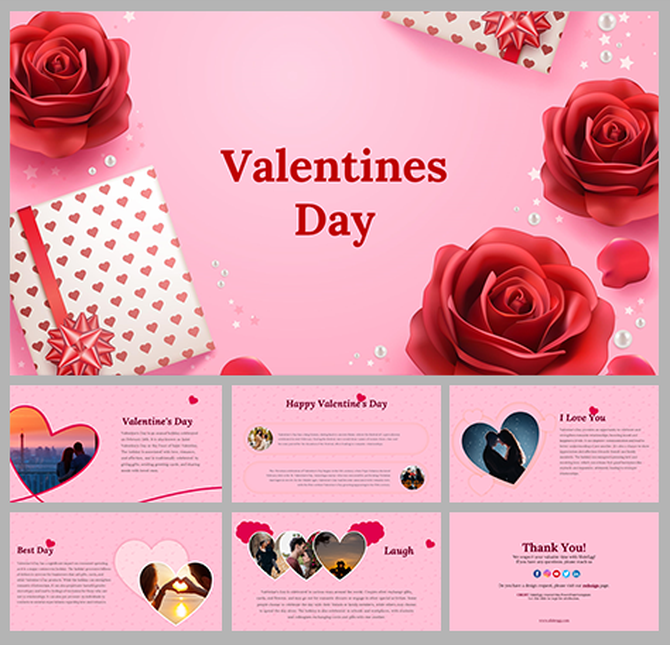
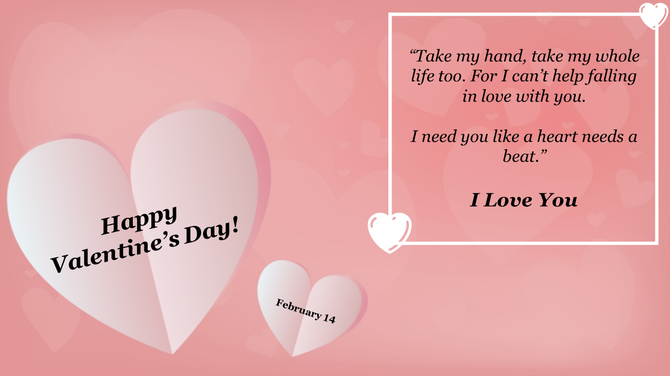
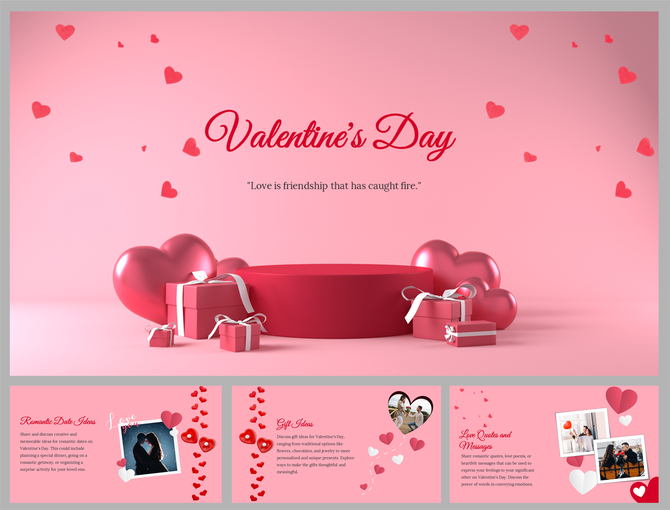
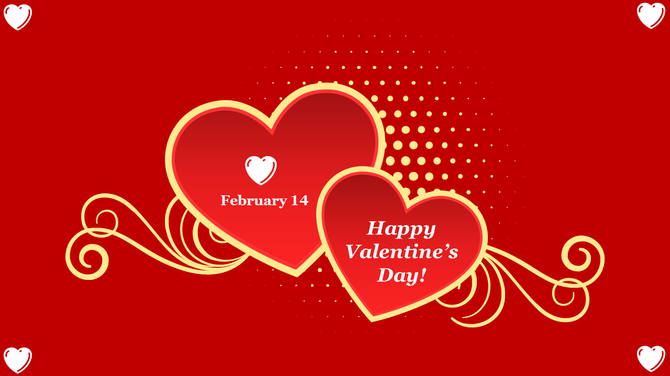
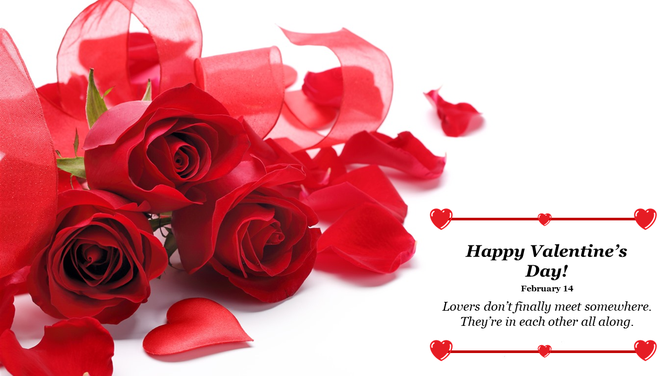
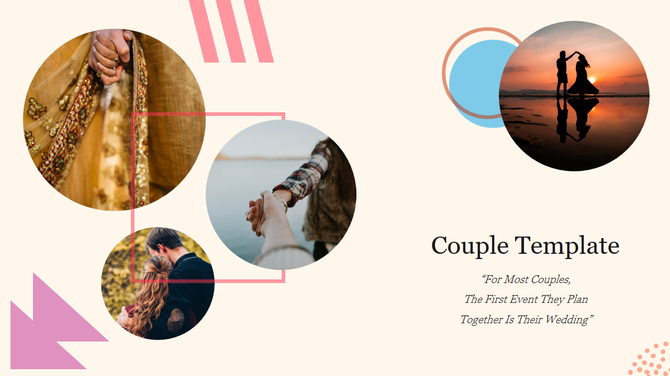
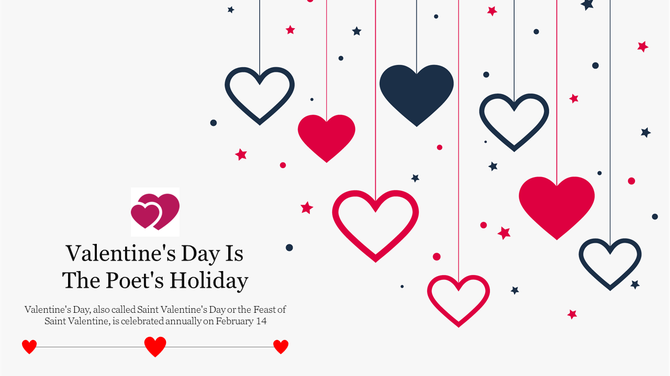
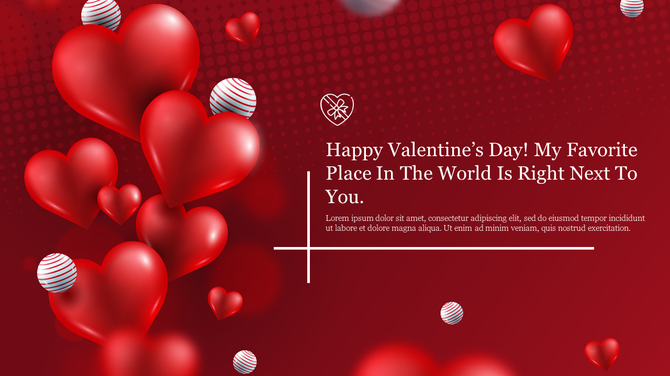
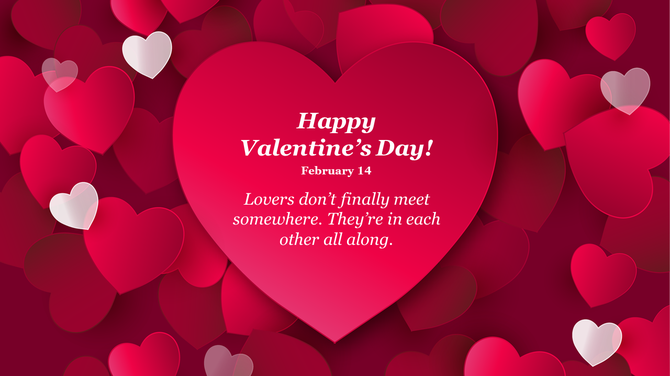
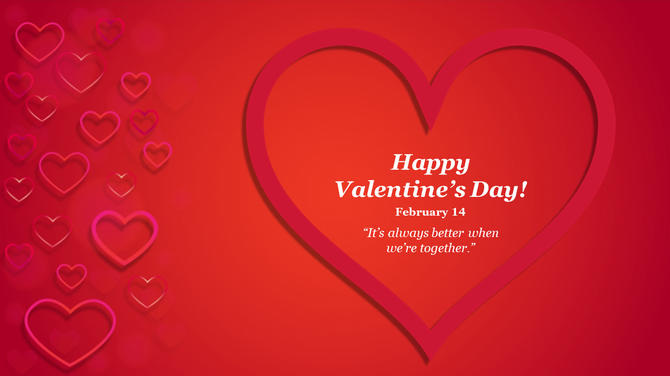
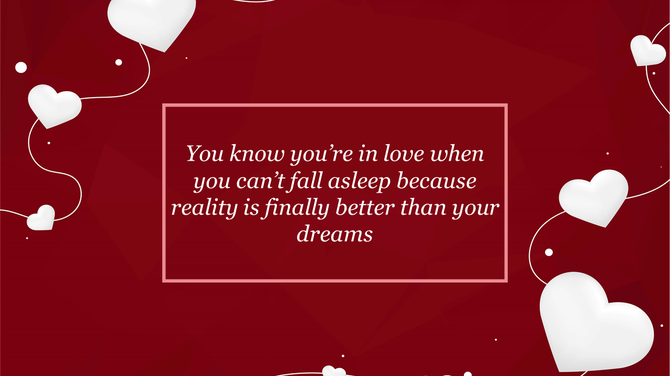
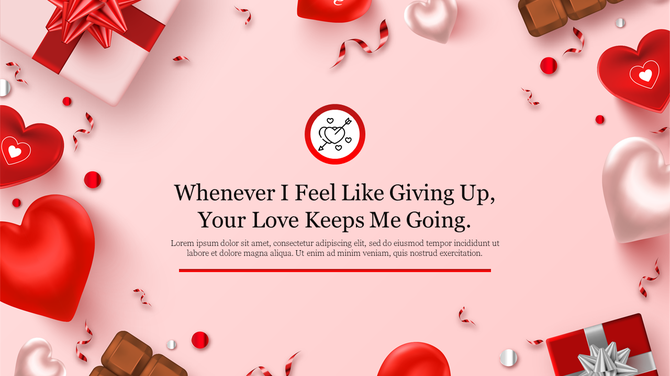
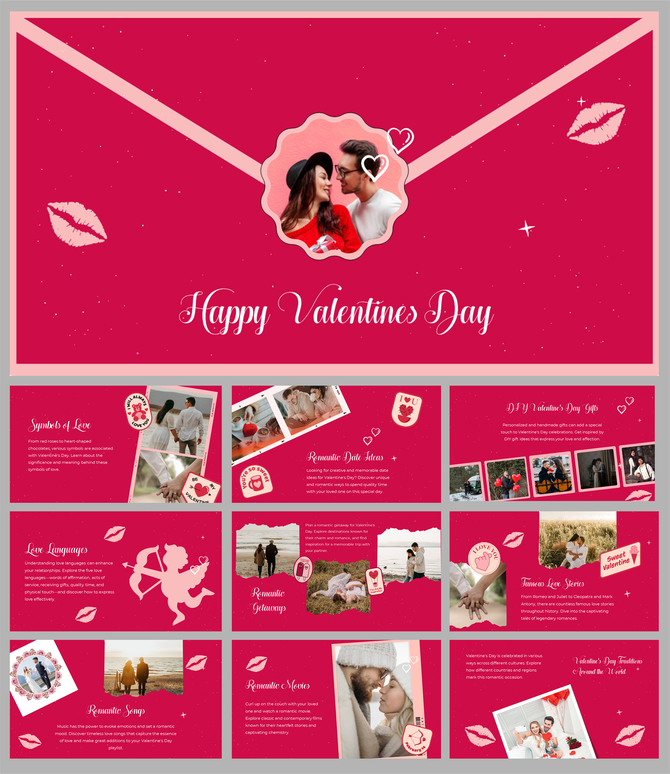
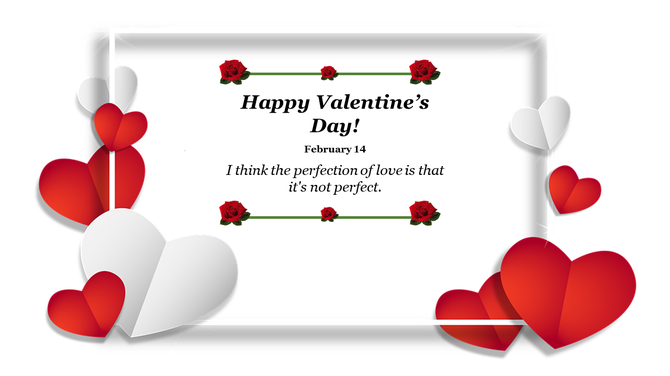
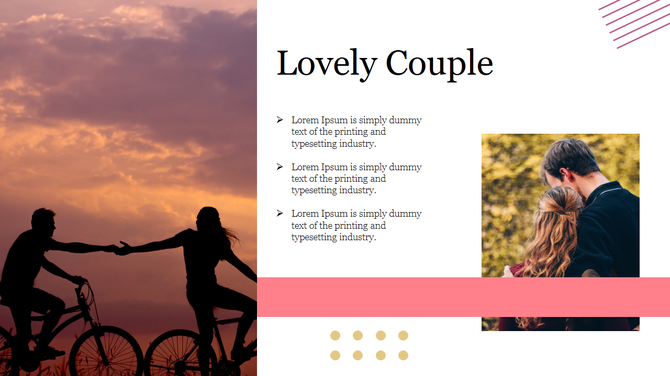
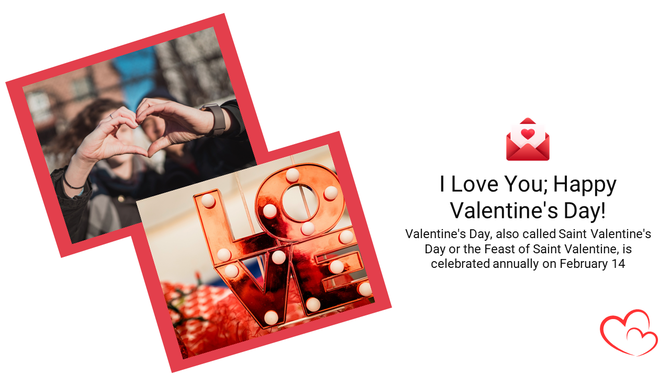
Share the Love with 2026 Valentine's Day PowerPoint Templates

What You Can Create with a Valentine’s Day PPT Template
Happy Valentine’s Day Wish Slides
Party Invites and Event Posters
School and College Program Decks
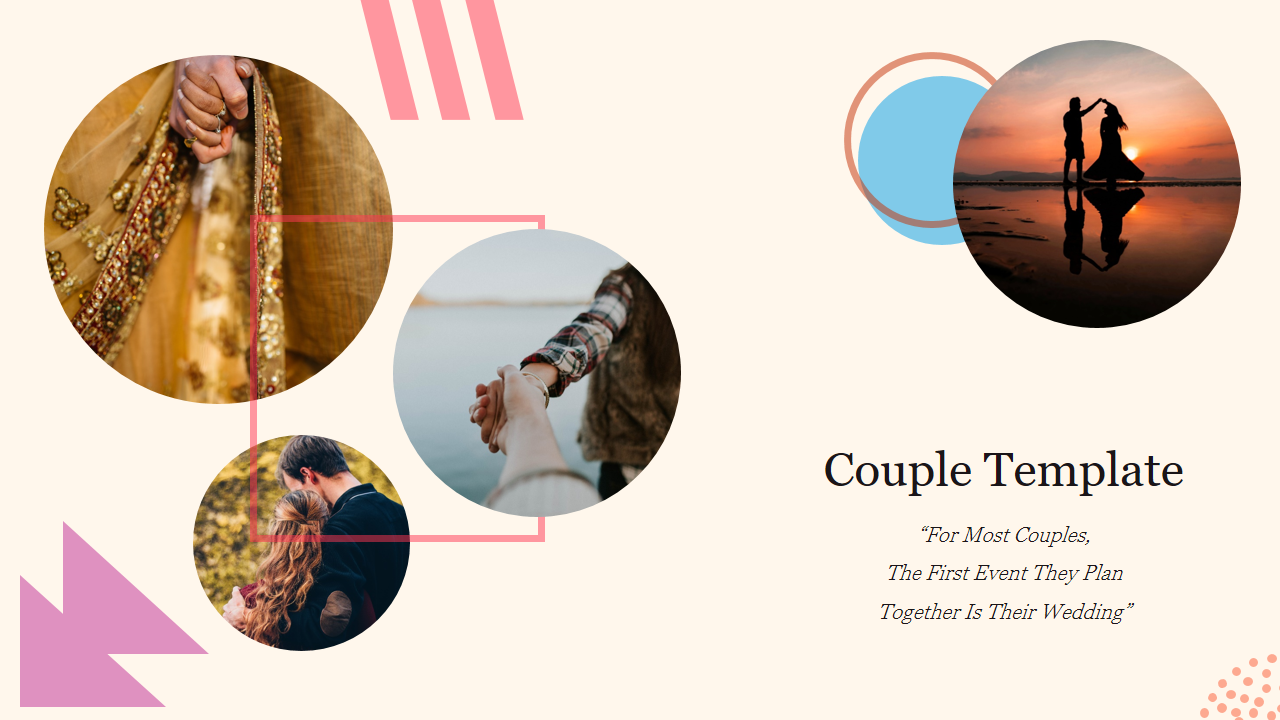
Memory Lanes and Photographic Stories
Office Fun Day Presentations
Brand and Sale Promo Slides
Why Use a Pre-Made Valentine Template?
- Professional Design: The color combinations are completely balanced, and the different shapes and sizes are already set to go.
- Zero Stress: There is nothing to create from the beginning.
- Total Customization: You just type your text, add names, and change pictures. Also, they were designed with accessibility in mind. Whether this is displayed on a phone screen or in a huge auditorium, your typing will be "very clear" to view.
Who Are These Templates For?
- Teachers: Prepare activities friendly to the classroom, slides of poems, visuals for the bulletin board, and announcements of events. The designs help students to read the content easily.
- Students: Do you need a Valentine's Day PowerPoint template for a club project or an emotional presentation for a crush? They are your best friends in overcoming fear and achieving.
- Office Teams: Ideal for HR departments celebrating workplace anniversaries. Make plans, greeting screens, and "Thanks" slides to show your appreciation for colleagues.
- Event Hosts: From rules of the game to "Thank You" slides, ensure smooth event flow with perfect timing.
- Small Businesses: Create visuals for the different seasons easily. Convert a slide into an Instagram post to notify clients of discounts or Valentine's Day offers.
Why Choose SlideEgg for Your Valentine's Day Decks?
- Beautiful designs: The images of hearts, angels, and roses are stunning and set the right atmosphere.
- Text-Friendly: The big text areas will make it possible for your message to be seen clearly on any screen size.
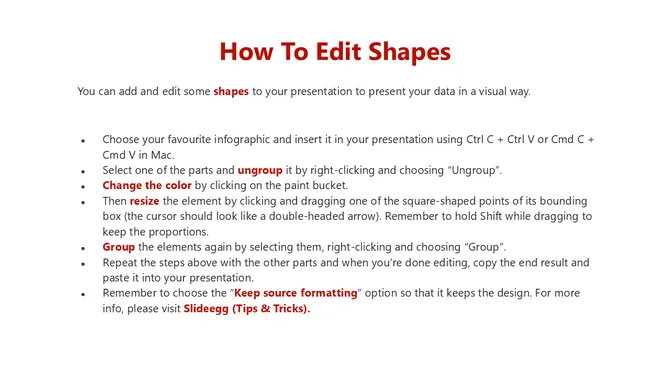
- Fast Editing: Change colors and fonts to fit your style in seconds.
- All-in-one Compatibility: A Google Slides Valentine's theme, in PowerPoint, and in Canva are all supported with no issues at all.
- Different Formats: You can get it in Standard (4:3) and Widescreen (16:9).
- Free Choices: Start off with a free Valentine PowerPoint template account and only upgrade when you need premium styles.
Today, You Can Make Your Valentine Slides
Frequently Asked Questions
1. What specific design elements in the template create emotional impact?
Color palette, typography, spacing, imagery. The template uses warm colors and romantic visuals that signal care instantly. The layout isn't cluttered - it has breathing room. That calm, intentional structure makes people feel you thought about the experience, not just slapped together a sale.
2. How do I customize the template without making it look like I just plugged in text?
Use the template's structure intentionally. Replace images with ones specific to your event. Adjust colors to match your brand. Write messaging that reflects your specific event or offer. The template has space for this. When you fill it with YOUR specific details, it looks custom, not generic.
3. What content choices matter most for conveying that I actually care?
Specificity and detail. Generic messaging (Valentine's Sale!) looks lazy. Specific messaging (Celebrate love with our handcrafted gifts) shows thought. The template has sections for this. Use them to show you understand WHO your audience is and WHAT matters to them.
4. How does the template structure prevent looking rushed or lazy specifically?
It forces intentionality. The layout requires you to consider hierarchy – what matters most? Colors and fonts are pre-matched, so nothing clashes. White space is built in, so it doesn't look cluttered. That structure makes anything you add look considered, not thrown together.
5. How do I know if my Valentine's promotion will actually work or just look desperate?
Look desperate = generic message + weak offer. Looks intentional = specific message + clear value. The template helps with visual polish, but what matters is YOUR offer and YOUR positioning. A professional-looking template makes a mediocre offer look slightly better. An authentic, specific message makes the offer actually convert.
6. Can I use this template for multiple promotion pushes or just one?
Use it multiple times. Early February version (broad reach). Mid-February version (urgency angle). Last-minute version (final call). You can adjust messaging and timing while keeping the professional structure. The template is reusable for your campaign across different timing windows and audience segments.
7. What makes Valentine's promotion succeed vs. fail?
Success = clear value + authentic tone + professional presentation. Failure = generic message + cheesy visuals + rushed execution. The template handles professional presentation. YOU provide clear value and authentic tone through your specific message and offer. That combination determines if it works.