Free Timeline Roadmap Presentation Templates
Make your timeline easy to understand with these free timeline roadmap PowerPoint templates. Each slide helps you display key steps, events, progress, tasks, and dates in a neat and simple layout. Use them for school projects, business plans, team updates, or event schedules. They work smoothly in PowerPoint, Google Slides, and Canva. Give them a try!
Editor's Choice (1 of5)
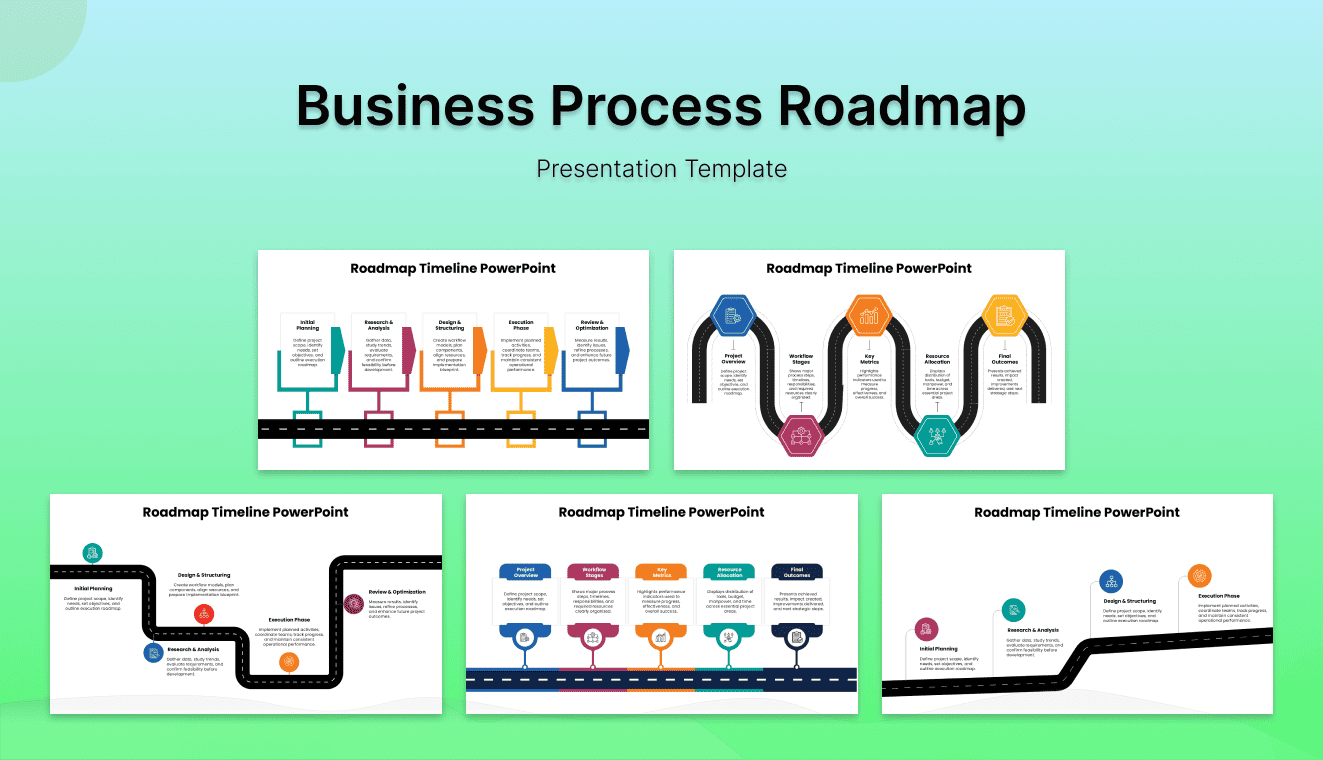
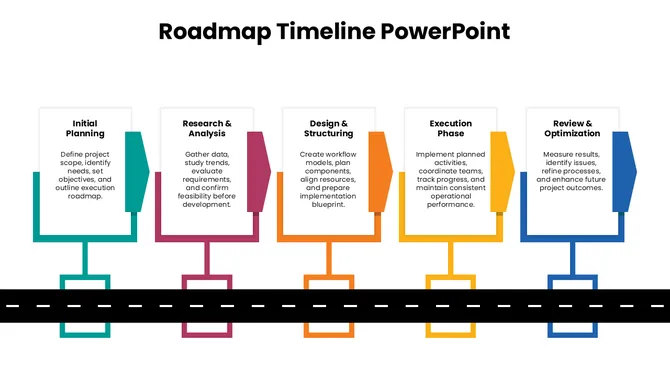
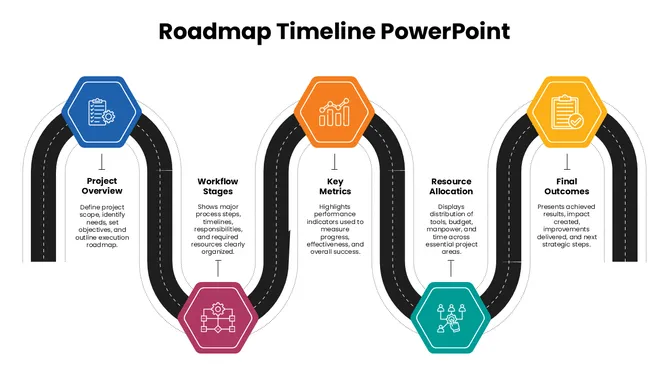
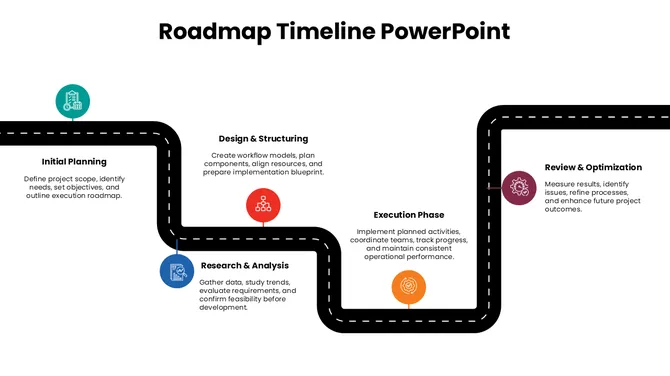
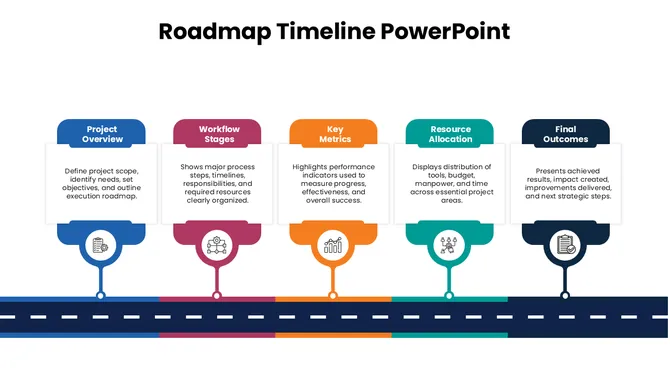
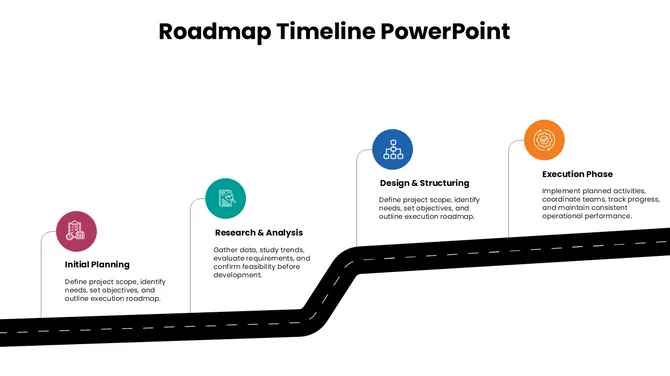

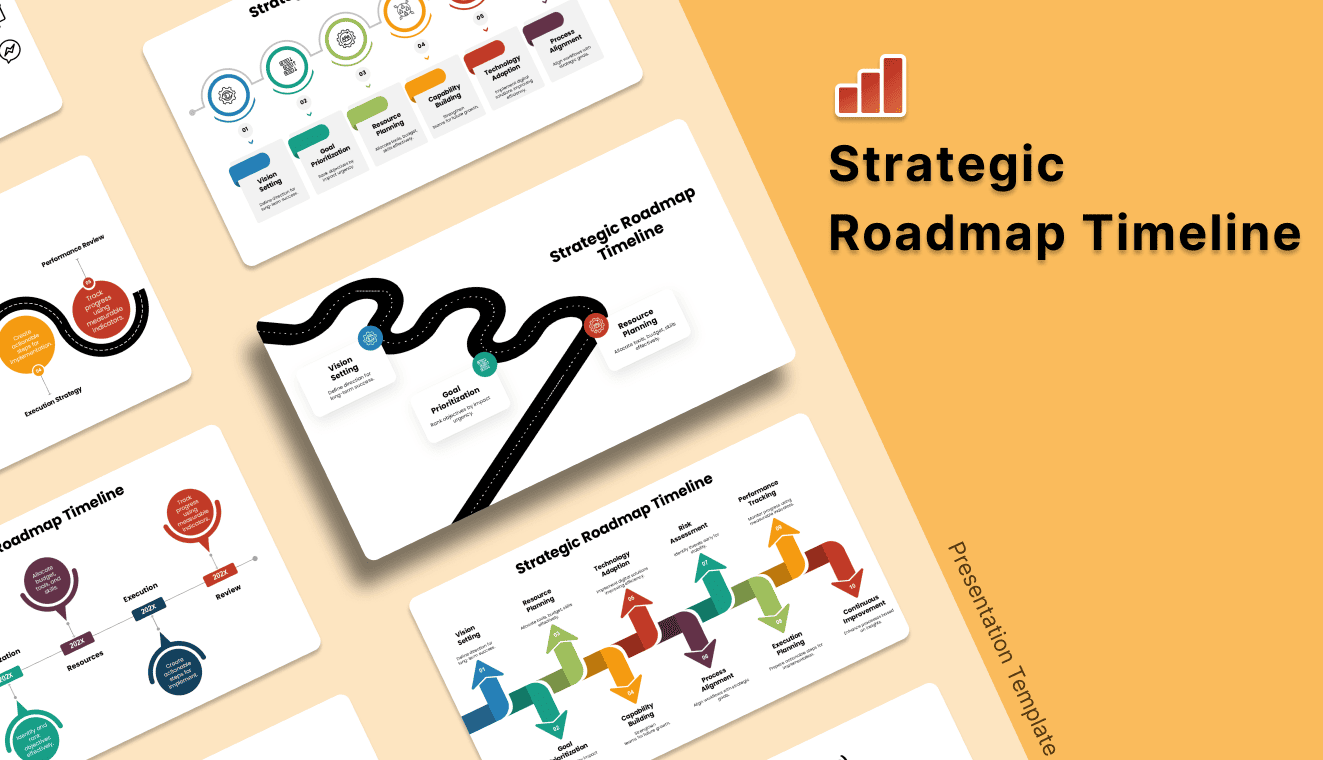
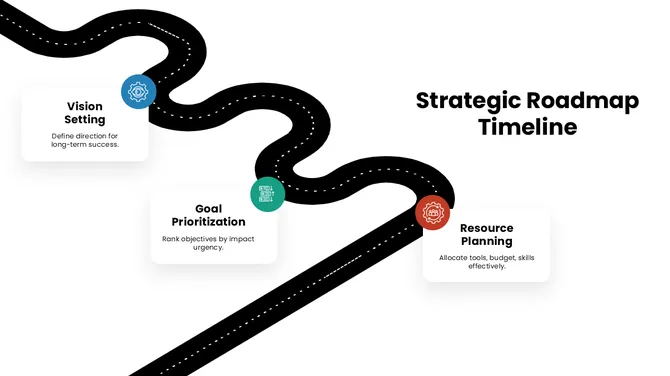
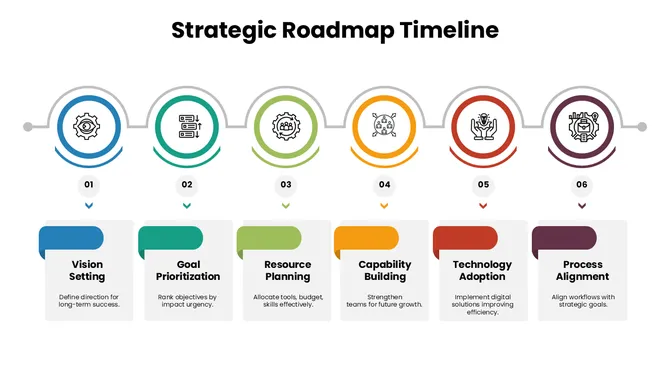
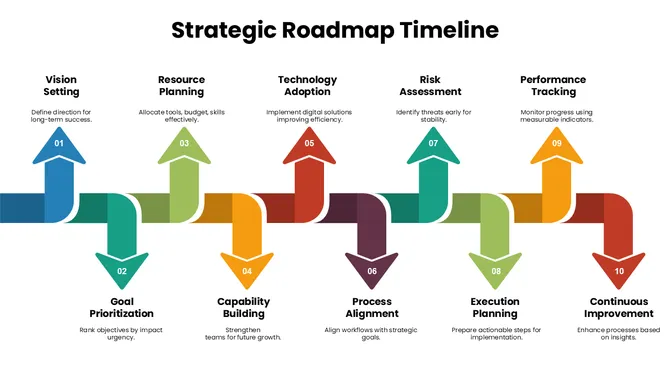
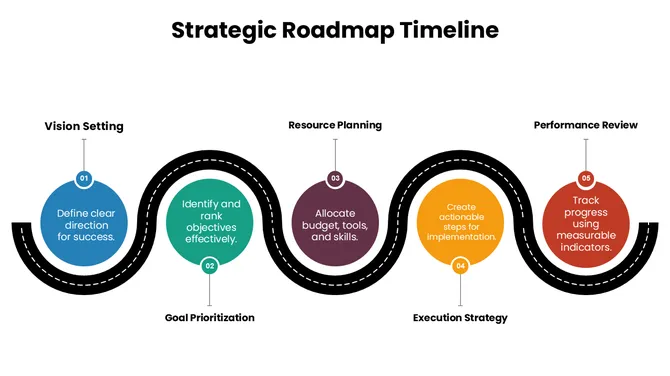
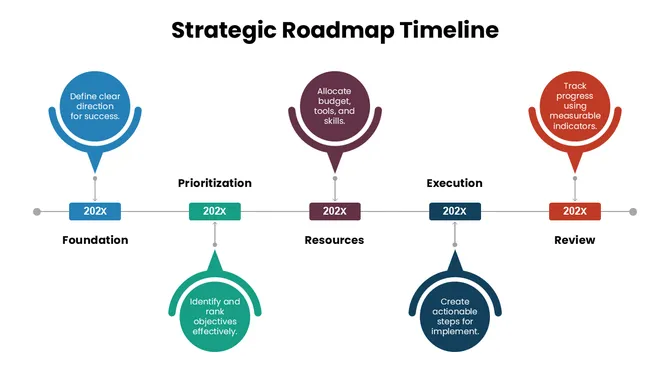
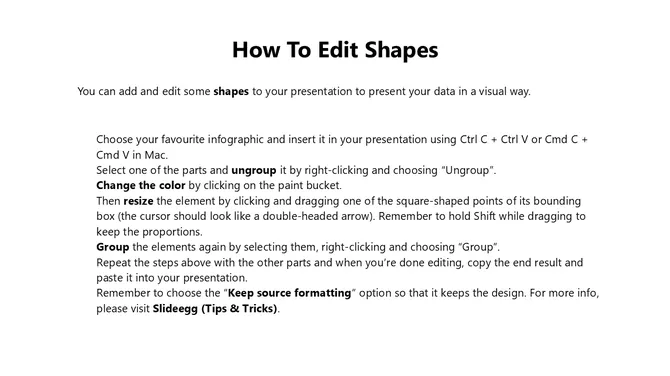

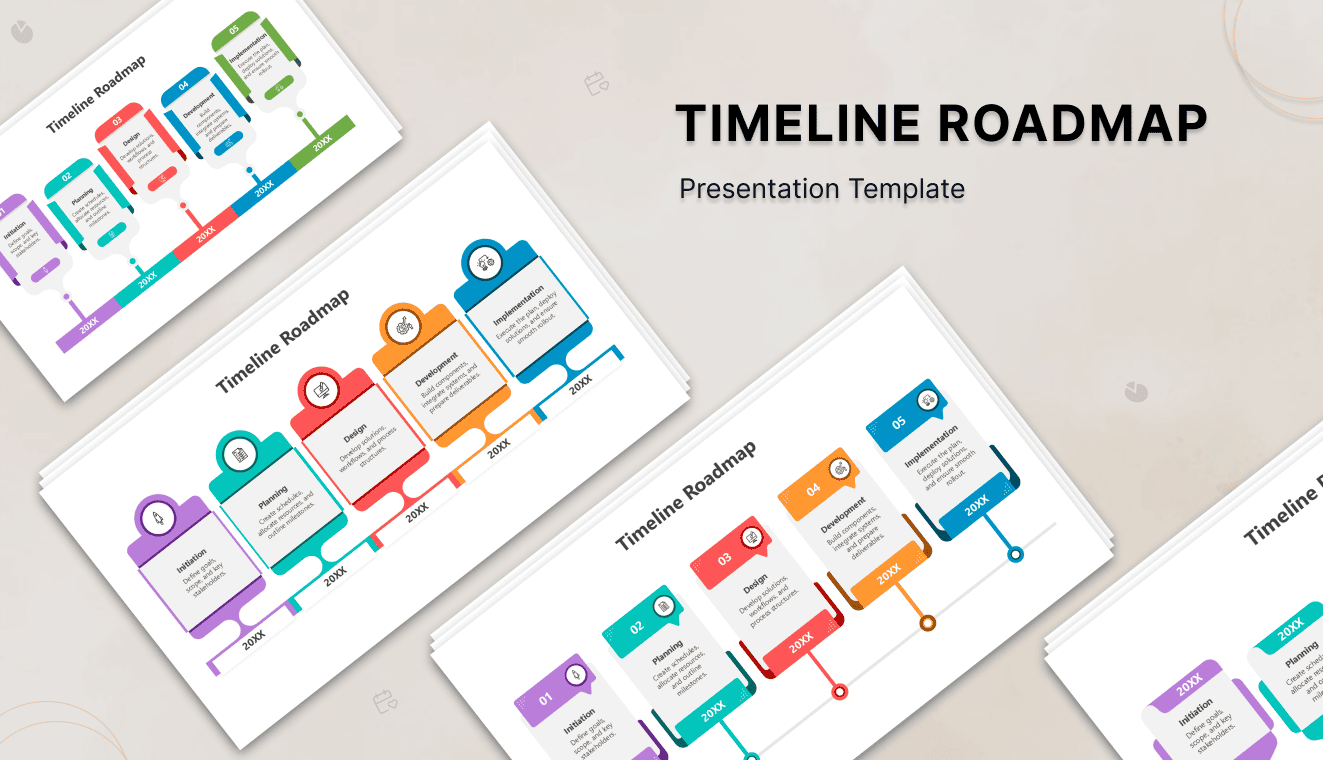
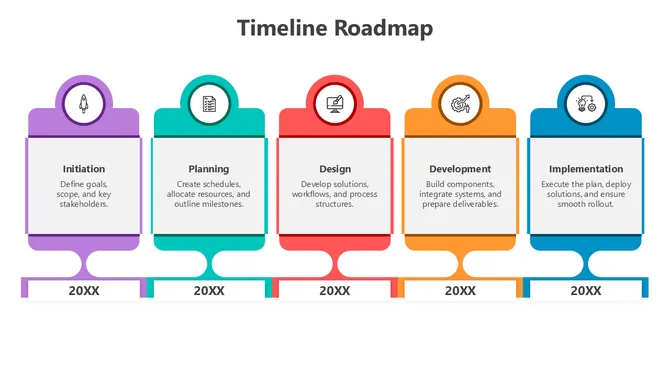
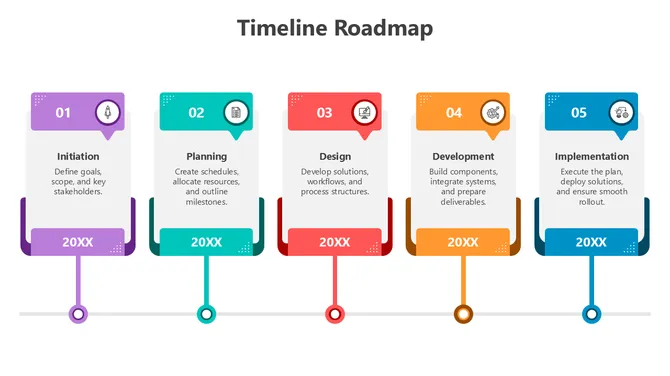
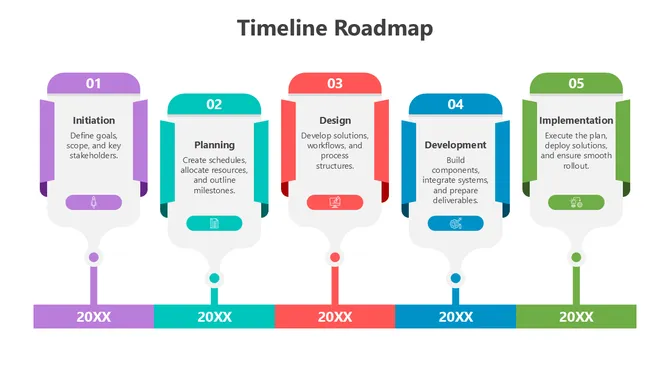
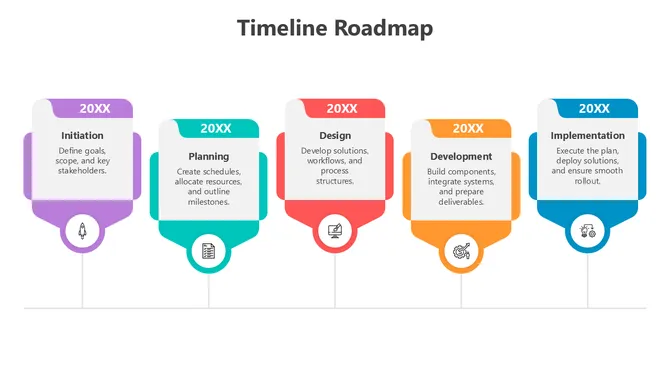
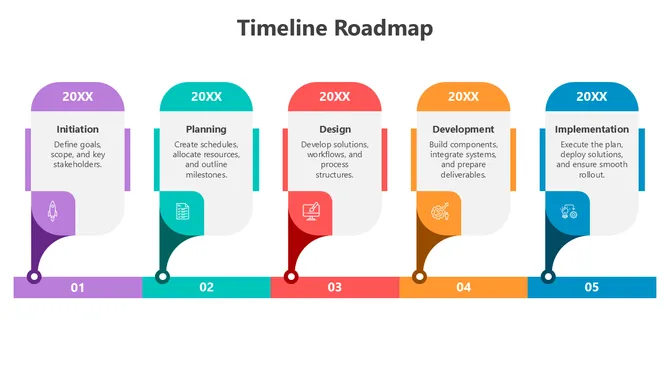

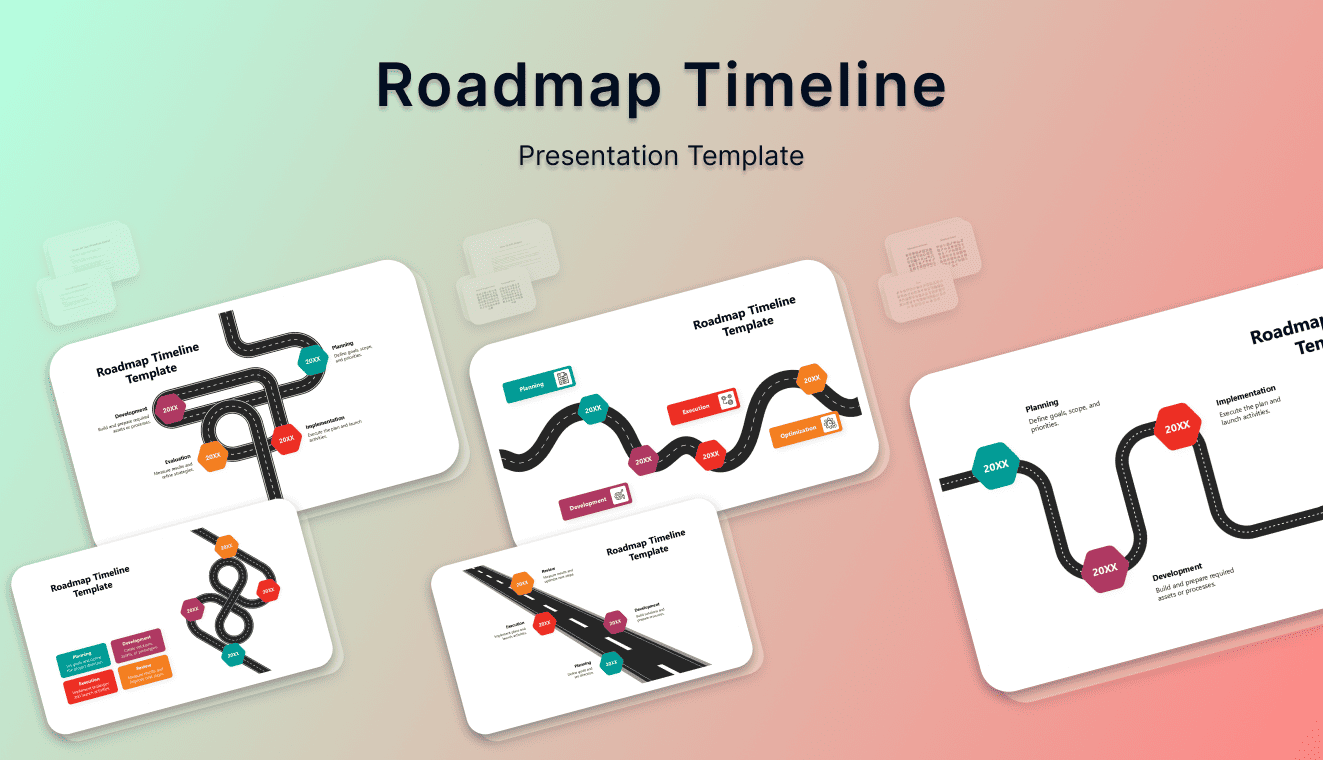
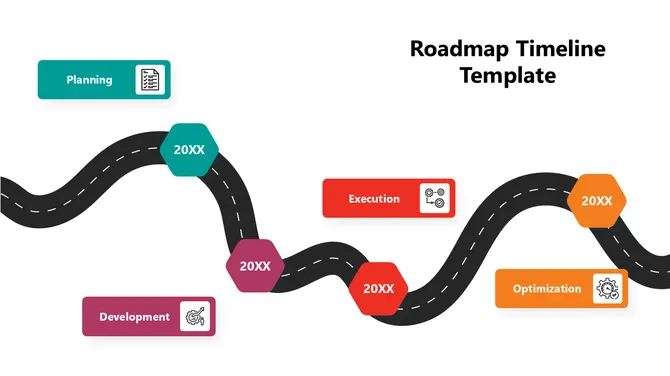
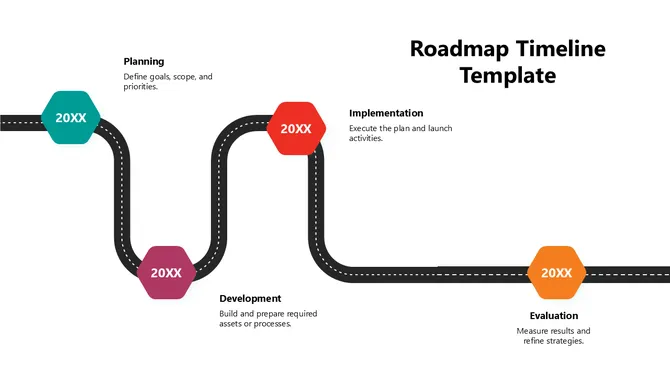
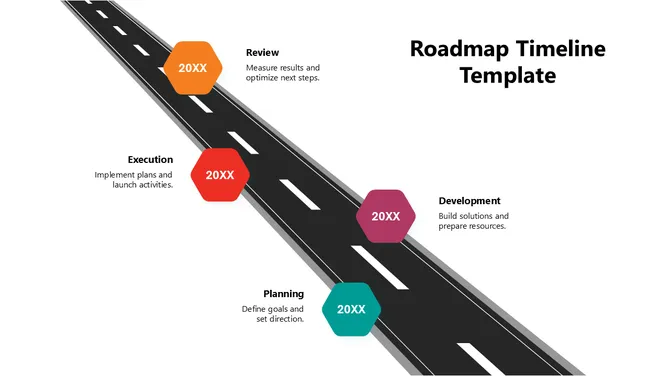
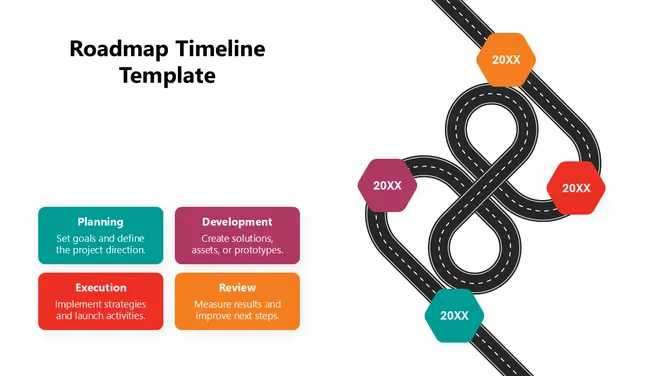
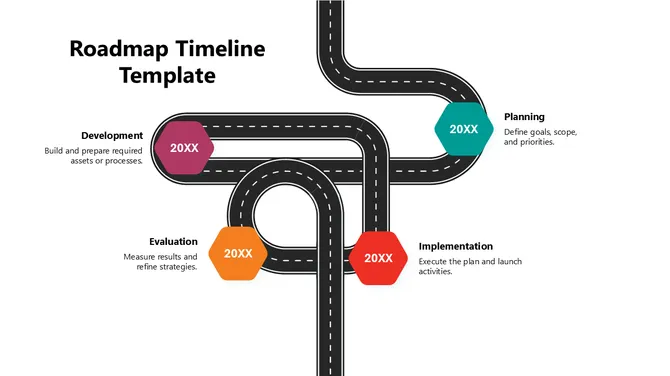

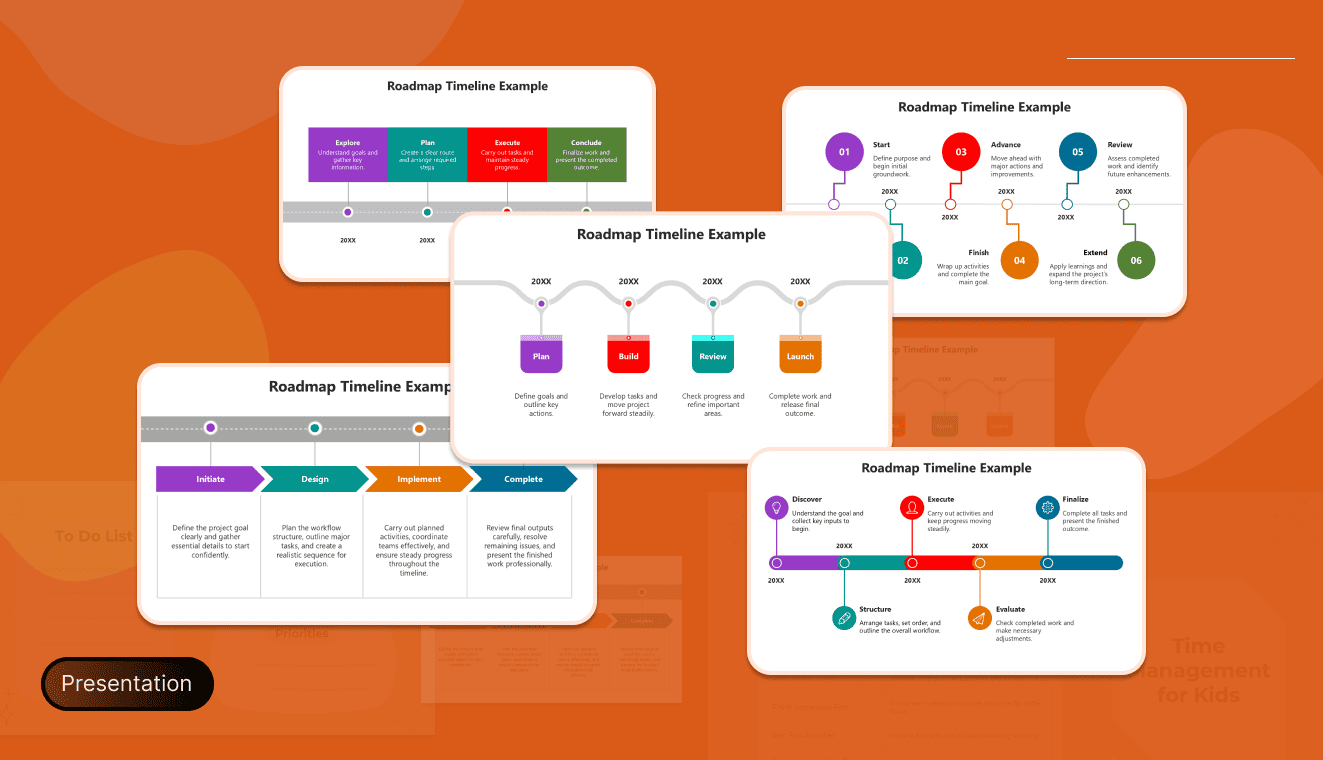
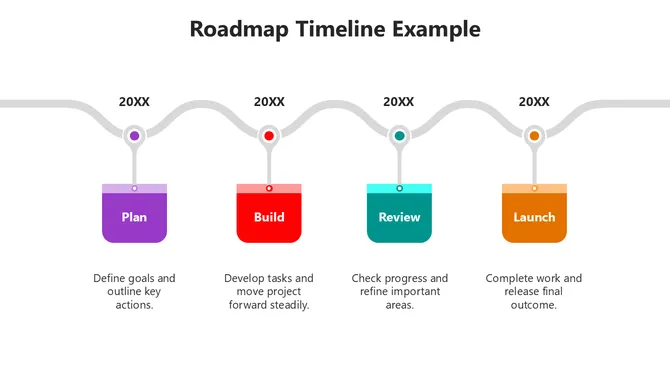
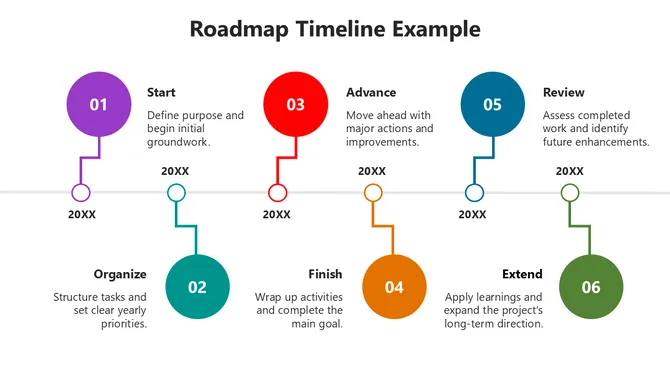
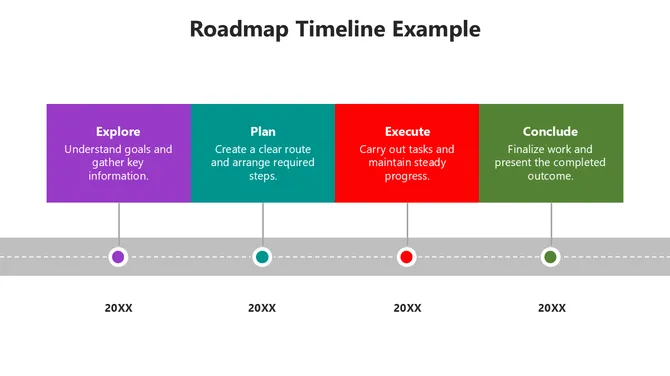
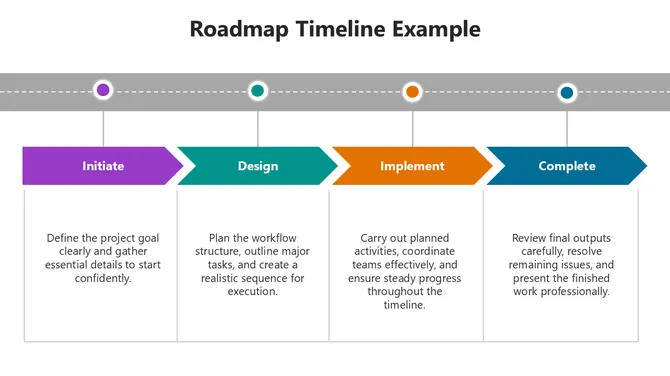
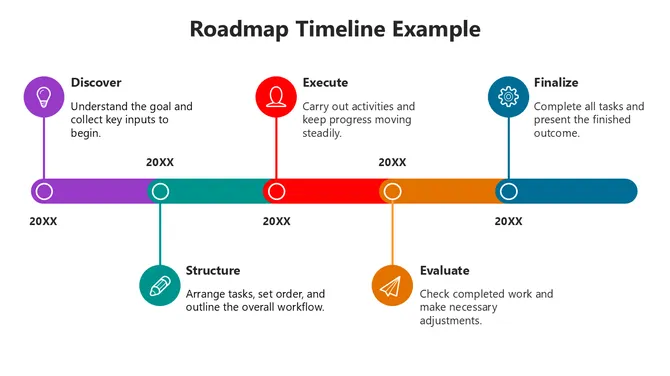

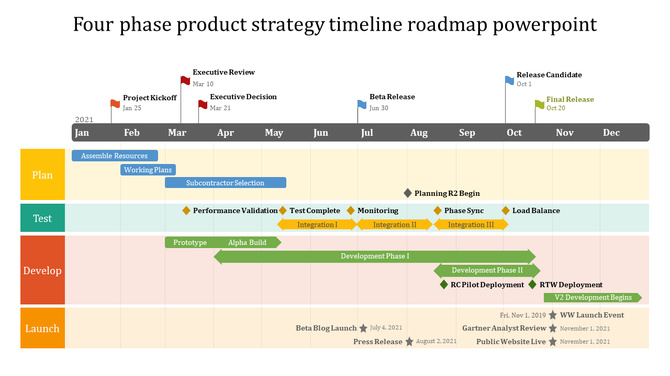
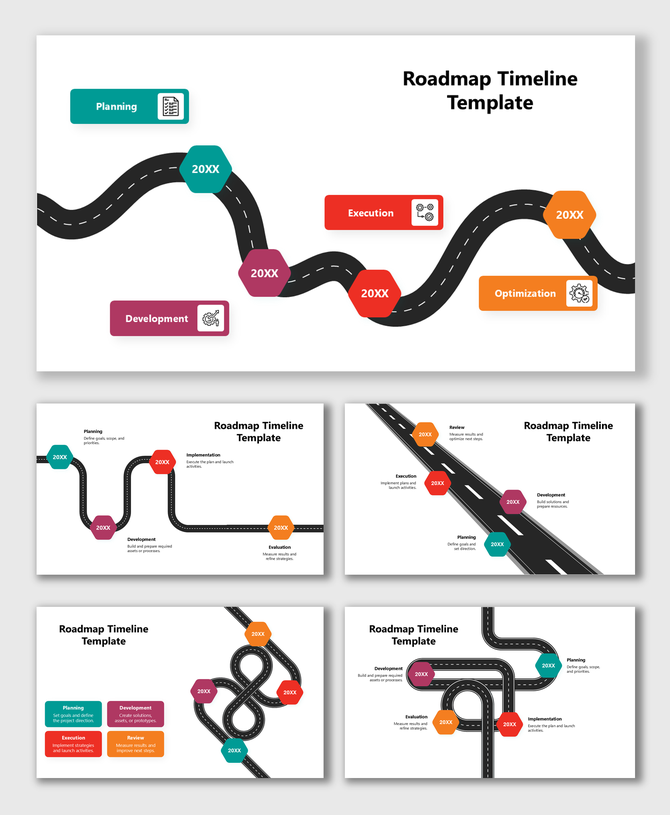
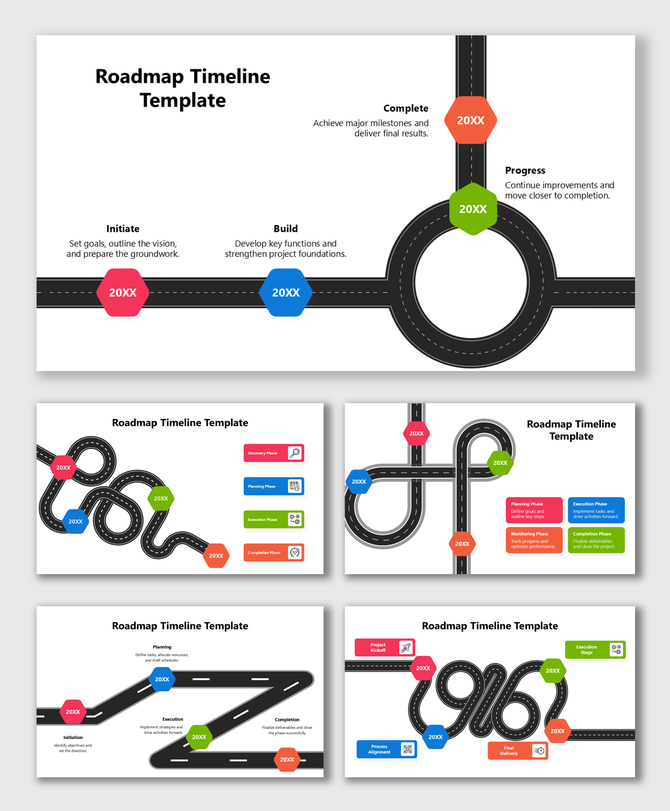
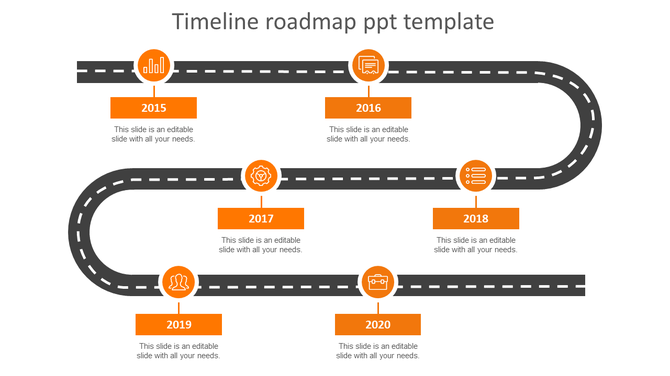
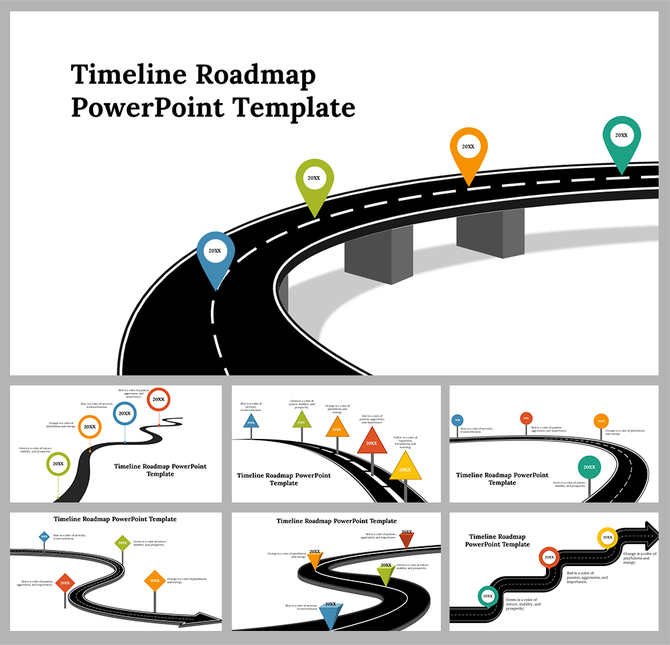
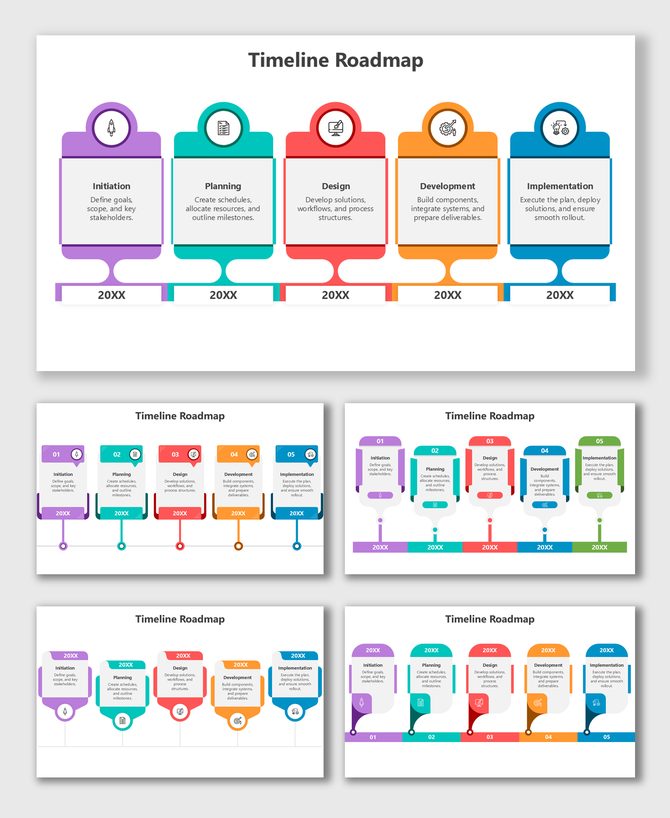
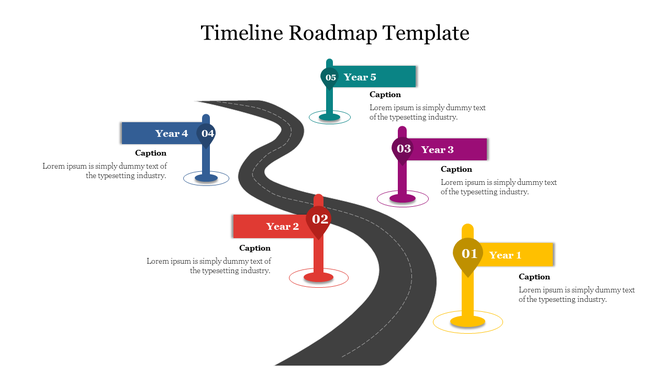
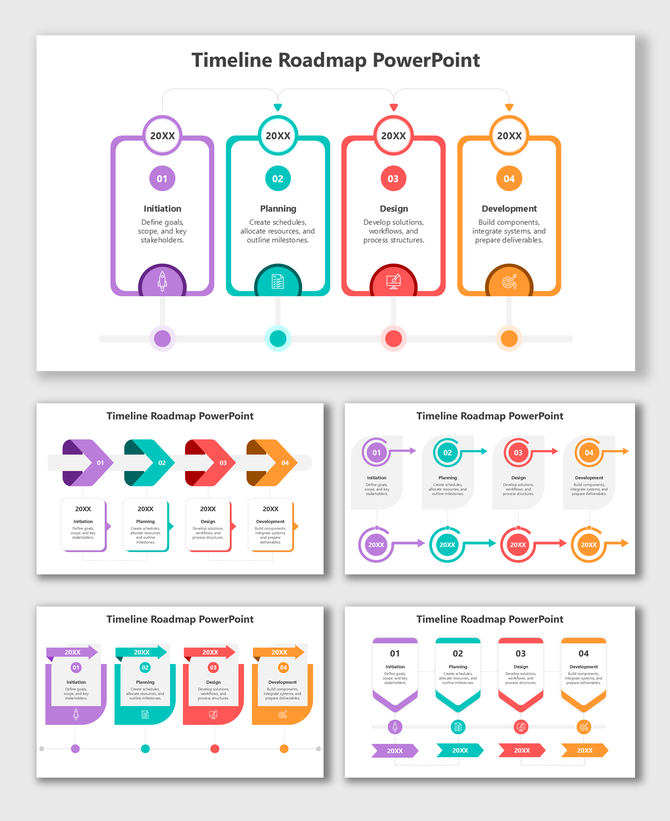
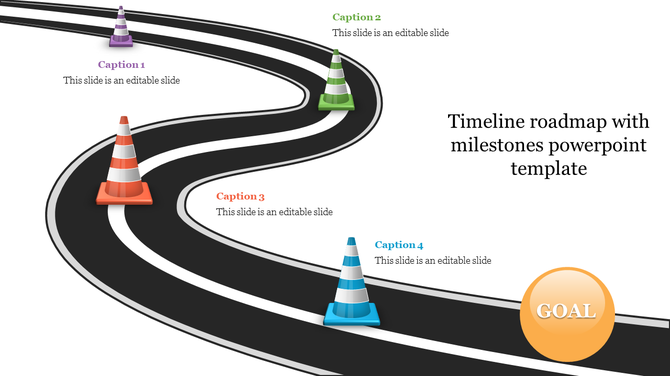
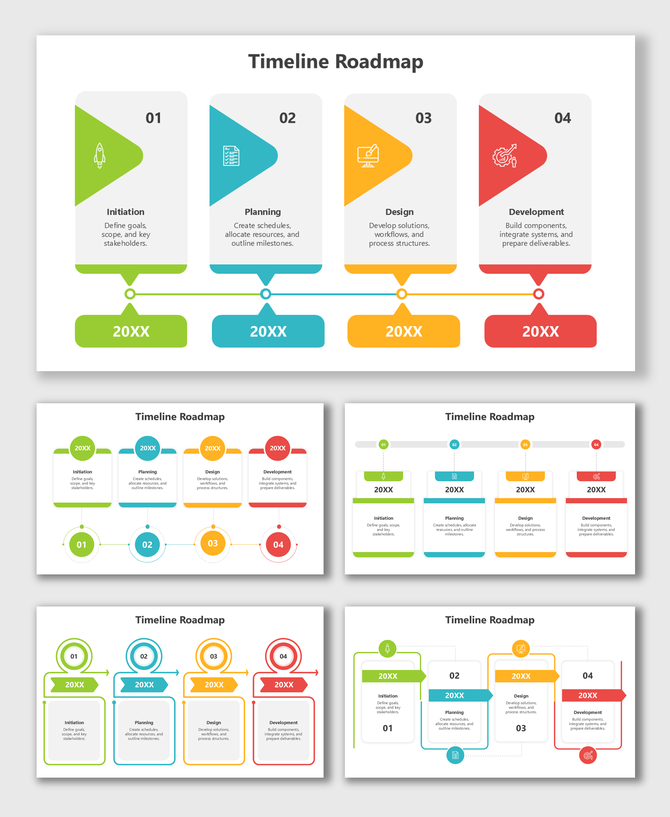
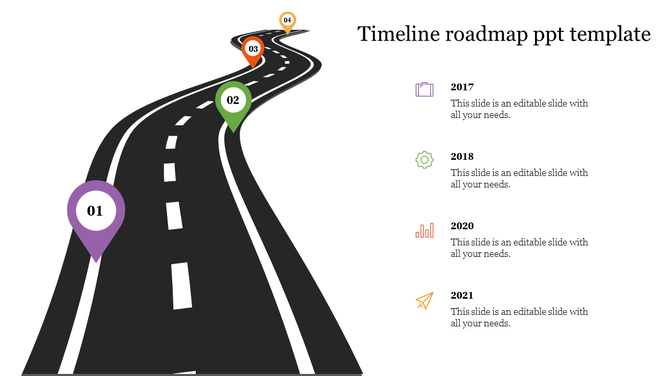
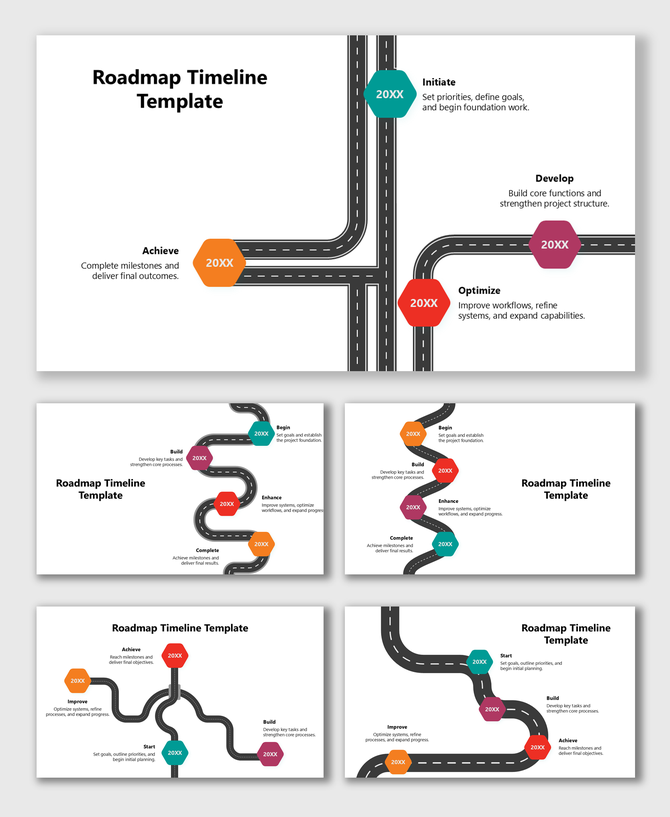
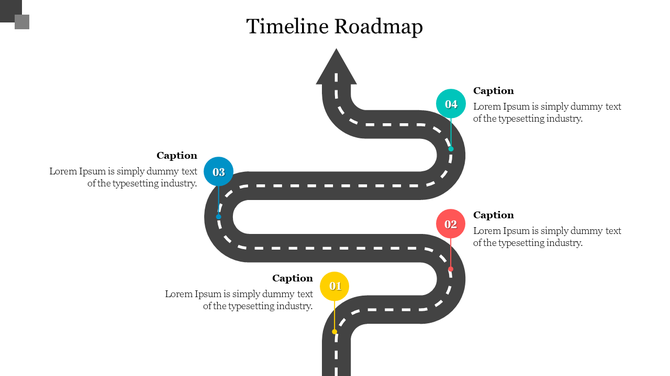
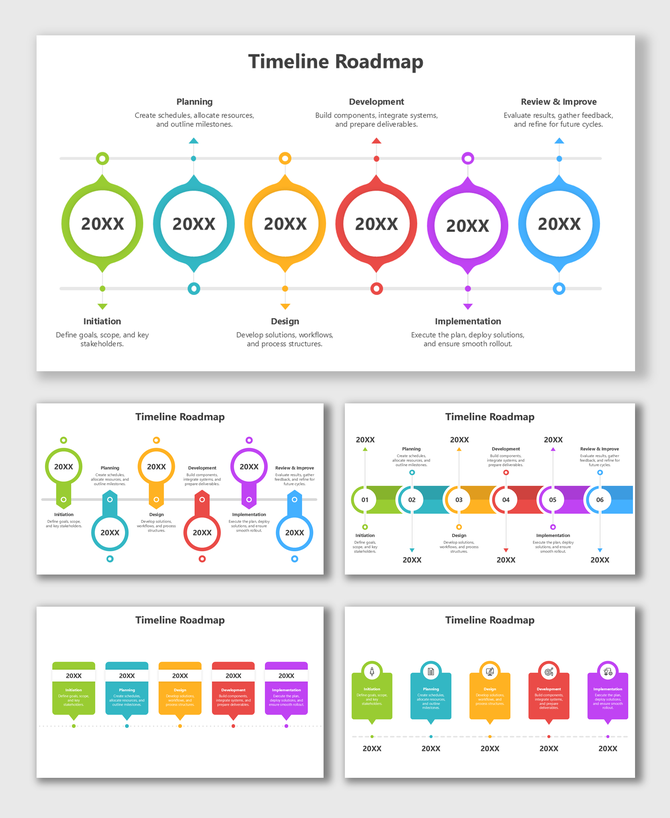
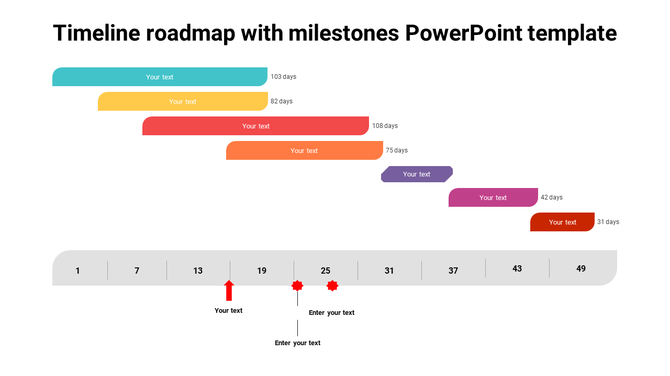
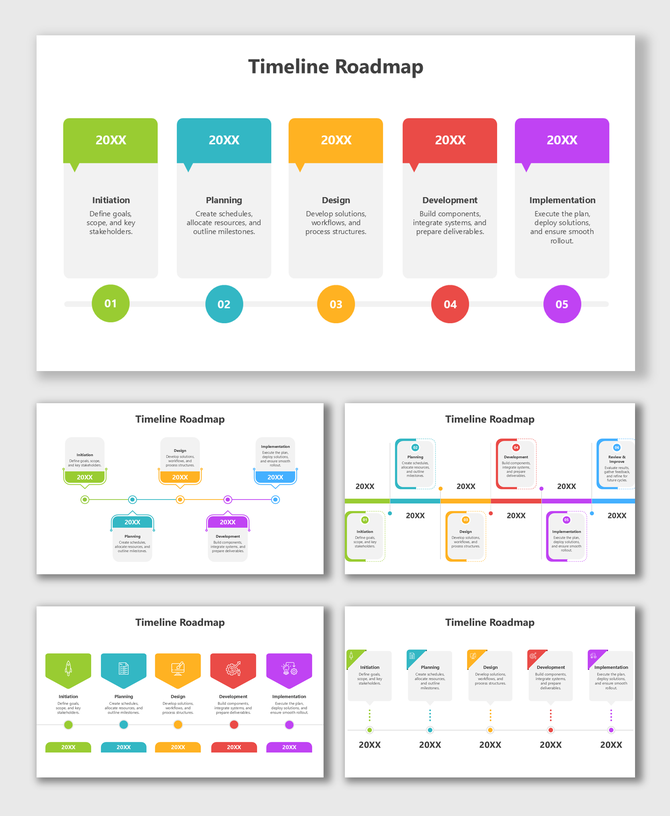
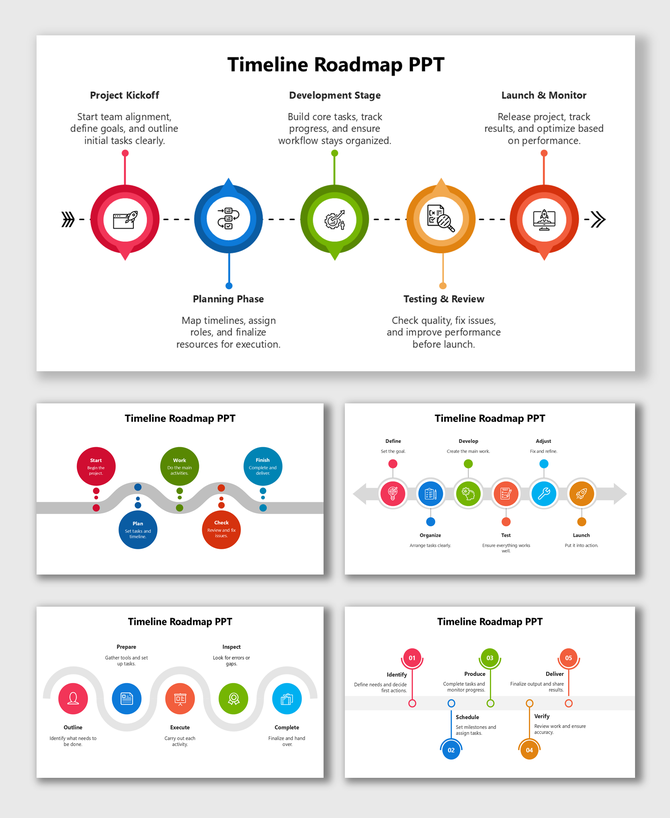
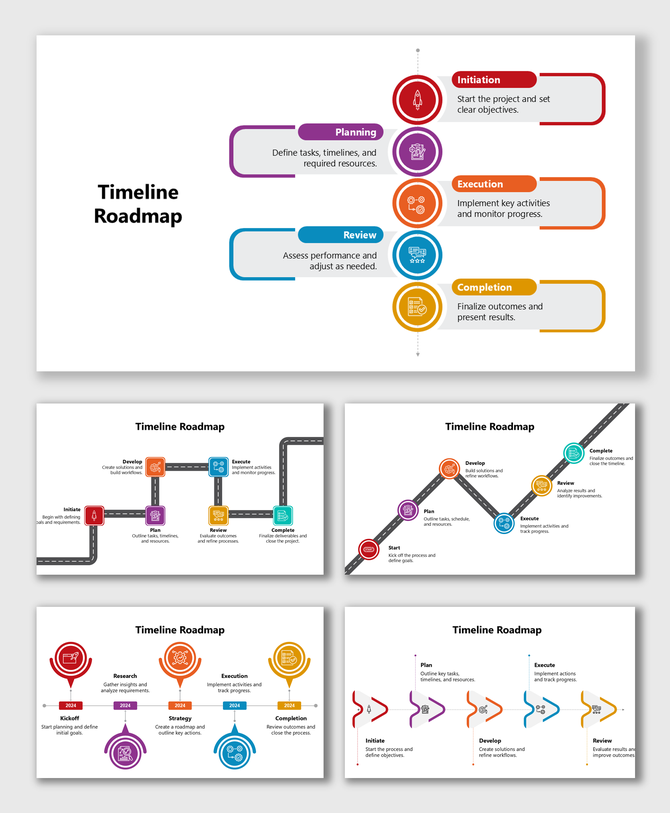
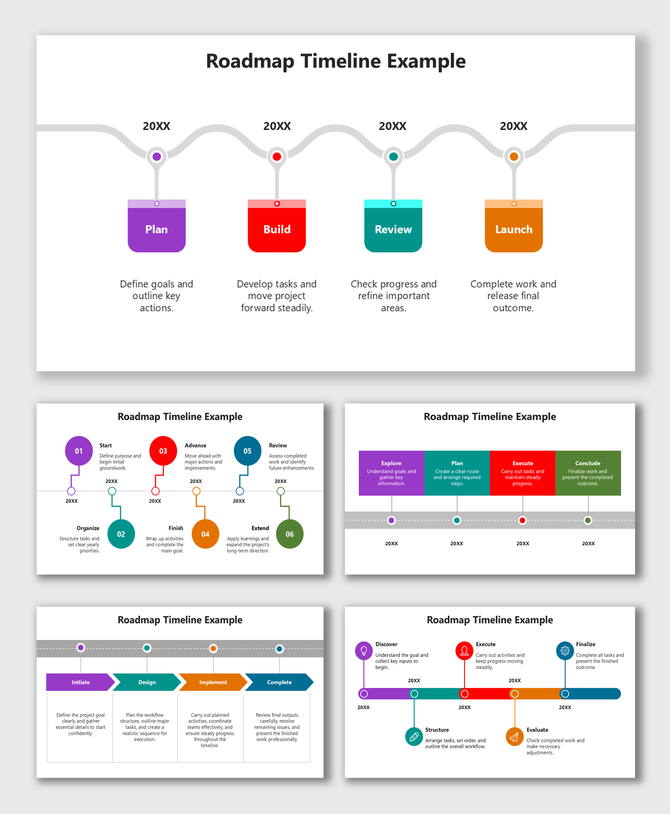
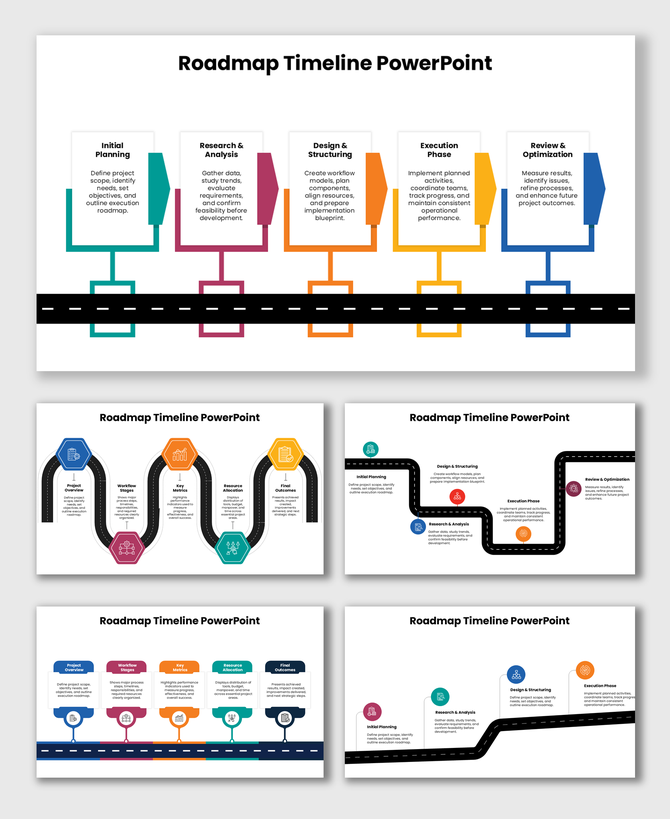
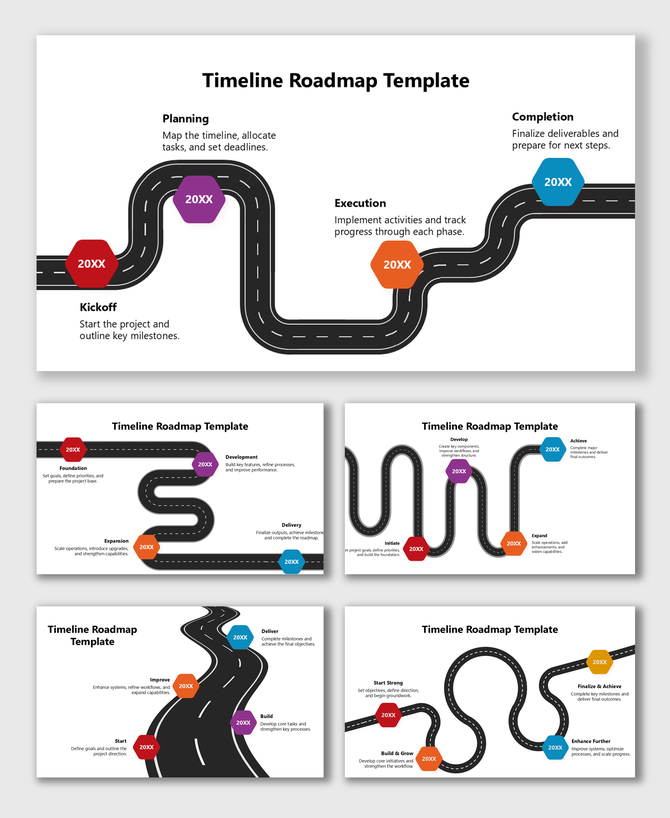
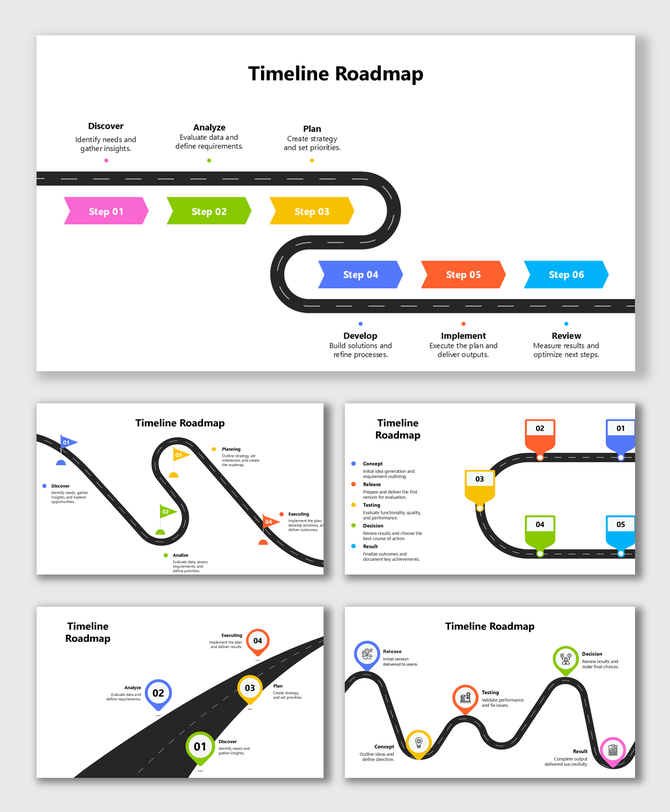
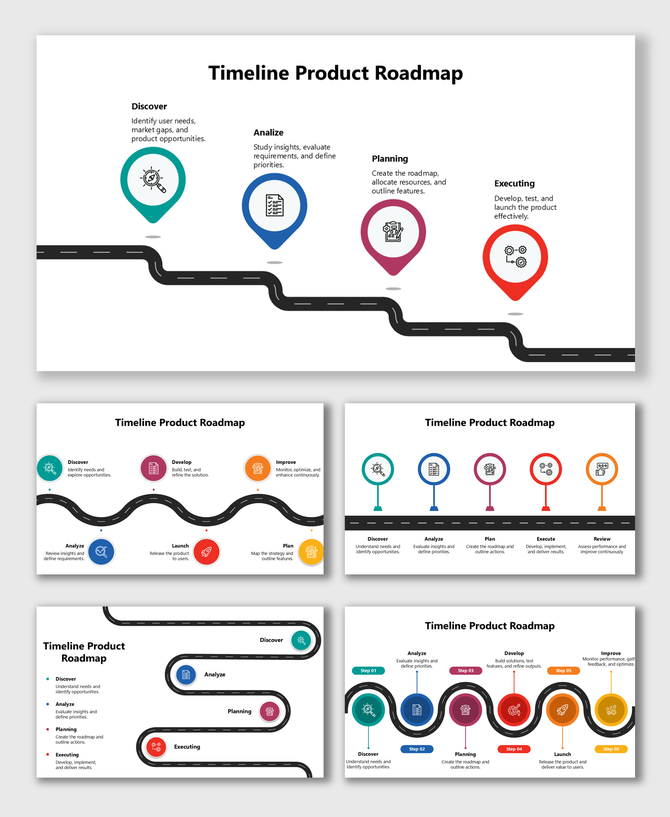
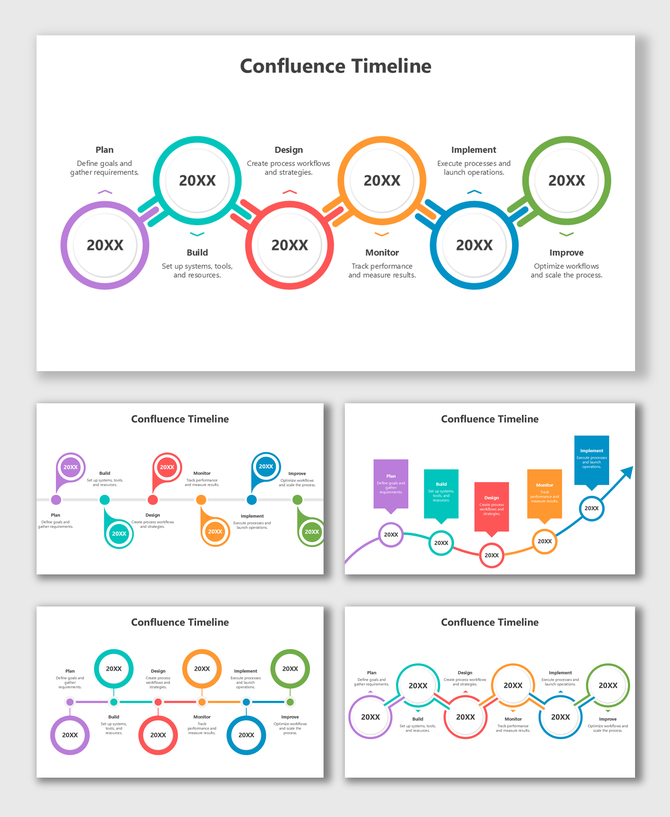
Timeline Roadmap PowerPoint Templates for Clean and Easy Visual Planning
How Timeline Roadmap Templates Help
1. Project Updates
2. Product Development
3. School and College Projects
4. Event Planning
5. Marketing Campaigns
6. Business Growth Plans
Why Teams Prefer Timeline Roadmap Templates
- Simple to understand — Anyone can follow the flow.
- Clean visual look — Less text, more clarity.
- Shows order clearly — Perfect for planning.
- Good for meetings — One slide explains everything.
- Helps track progress — Easy to update as you move forward.
Design Highlights You’ll Find in These Templates
- Straight-line timelines
- Curve timelines
- Vertical and horizontal layouts
- Yearly timelines
- Monthly timelines
- Phase timelines
- Multi-step roadmap slides
- Milestone markers
- Icon-based timelines
- Color-coded steps
Why SlideEgg Templates Are Easy for Anyone to Use
- Fully editable: You can change every part of the slide, like colors, text, shapes, and icons. This makes it easy to match the template with your plan or branding.
- Beginner-friendly: The layouts are clean and simple, so even first-time users can understand them quickly. You don’t need design skills to make your slide look good.
- Made by expert designers: Each template is created with neat spacing, clean lines, and easy-to-follow flow. This helps your audience understand your message without confusion.
- Works in PowerPoint, Google Slides, and Canva: You can edit the templates in any tool you like. This gives you full freedom to work on your timeline from anywhere.
- Fits all screen sizes: The templates come in 16:9 widescreen and 4:3 standard formats. Your timeline will look clear whether it is shown on a laptop, projector, or large screen.
- Royalty-free for lifetime use: You can use the templates for personal, school, or business work without extra charges. Just download once and keep using them.
- Clean visual style: Soft colors, simple icons, and balanced layouts help your audience focus on your content. Nothing distracts from your message.
- Everything is designed to support your message, not distract from it.
Who Gets the Most Value from Timeline Roadmap Presentation Slides?
- Students to show project steps
- Teachers to explain lessons
- Team leaders to share timelines in meetings
- Managers for progress reviews
- Startups to show future plans
- Marketing teams to plan campaigns
- HR teams to share hiring or training timelines
- Event planners to explain event steps
- Business owners to show yearly goals
Start Planning with a Simple, Clean Timeline
Frequently Asked Questions
What is a timeline roadmap?
It is a simple visual slide that shows steps or events in a clear order.
Who can use these templates?
Anyone who needs to show a plan — students, teams, managers, teachers, and startups.
Are these templates editable?
Yes. You can edit text, colors, icons, shapes, and dates easily.
Do these templates work in Google Slides and Canva?
Yes. You can use them in PowerPoint, Google Slides, and Canva.
What types of timelines can I create?
You can create yearly, monthly, step-by-step, and milestone timelines.
Are these templates good for progress tracking?
Yes. They help you update and present project progress clearly.
Are there free templates available?
Yes. SlideEgg offers both free and premium timeline roadmap templates.