


















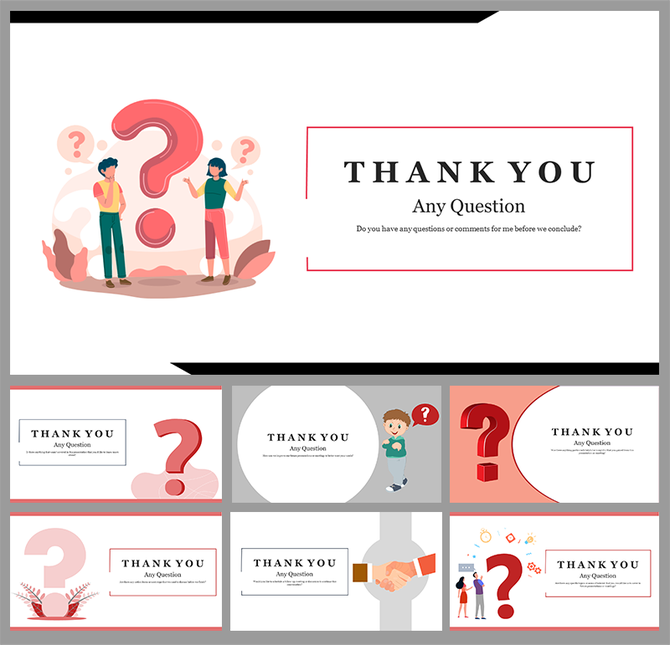
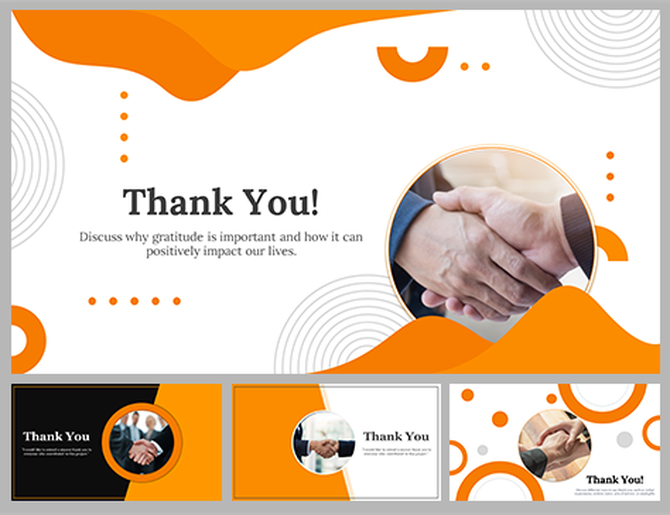








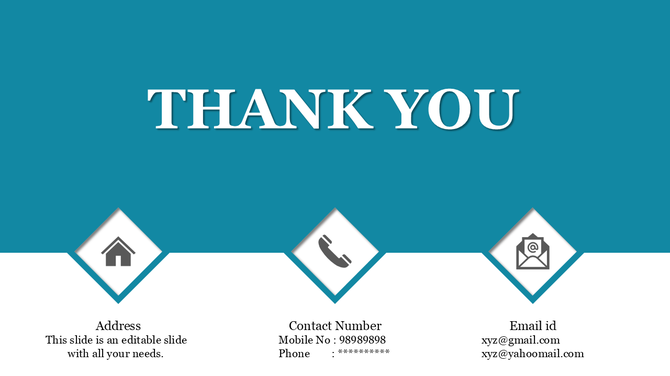
Why should I use a Thank You PowerPoint Template?
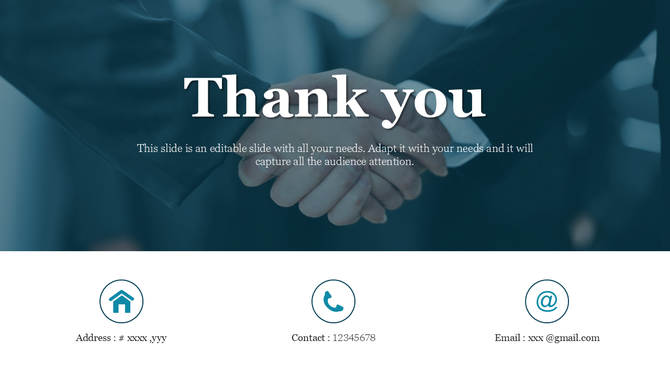
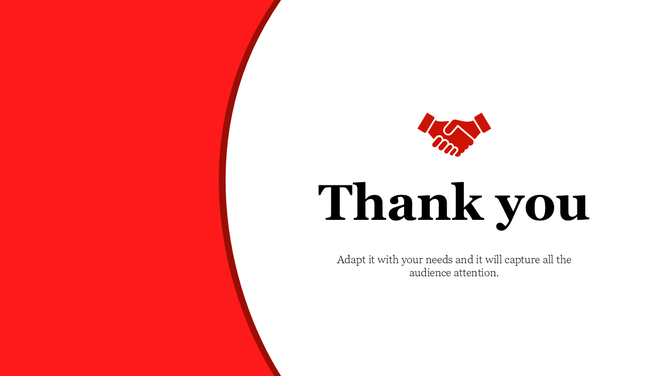
A template ensures your final slide looks professional and includes all necessary elements (like contact info) without you having to design the layout from scratch. It saves time and ensures brand consistency.
How do I download these slides for Google Slides or Canva?
It is easy. Click the Download button, then select your preferred format from the dropdown menu: PowerPoint, Google Slides, or Canva. The file will open directly in your chosen app.
Can I edit the contact icons in these templates?
Yes. All icons (phone, email, social media) are vector shapes. You can change their color to match your brand, resize them, or delete the ones you don't need.
Can I add my own logo to these slides?
Absolutely. We include a dedicated space for your logo. Since the background is editable, you can ensure your logo stands out clearly.
What is the best aspect ratio for a Thank You slide?
We provide both Standard (4:3) and Widescreen (16:9) formats. You can select the ratio that matches your screen from the download menu. For most modern projectors and Zoom/Teams meetings, 16:9 is the best choice.
Do you offer animated thank you slides?
Yes. Our collection includes Thank You Animation templates that use subtle motion to grab attention. Check our Creative or Business sections for these specific styles.
Are these templates free to use for commercial presentations?
Yes. You can use our free templates for client pitches, business reports, and commercial projects without attribution, provided you do not resell the template file itself.