Free Thank You Presentation Templates
Don't let your presentation simply fade away. Explore our Free Thank You PowerPoint Templates to leave a lasting impression. From professional business closings to creative animated endings, our slides feature clear placeholders for your contact info, Q&A, and social media. Editable in PPT, Google Slides, and Canva. Download your favorite instantly.
Editor's Choice (1 of5)




















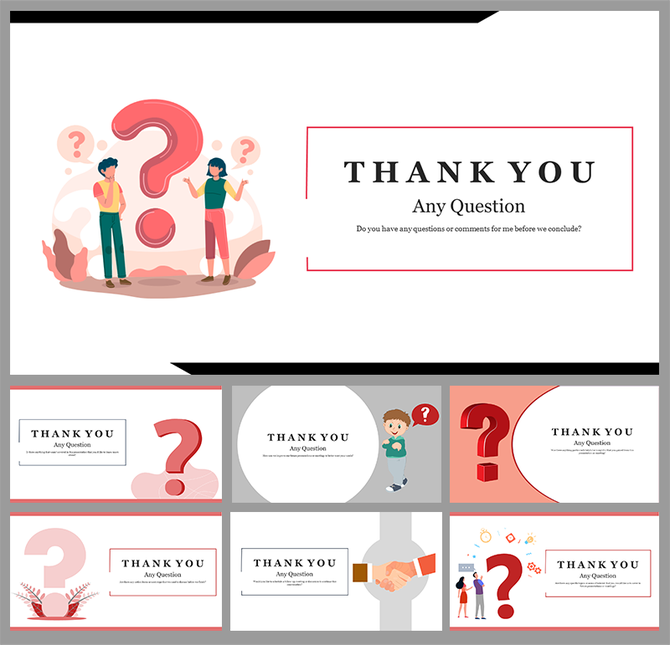
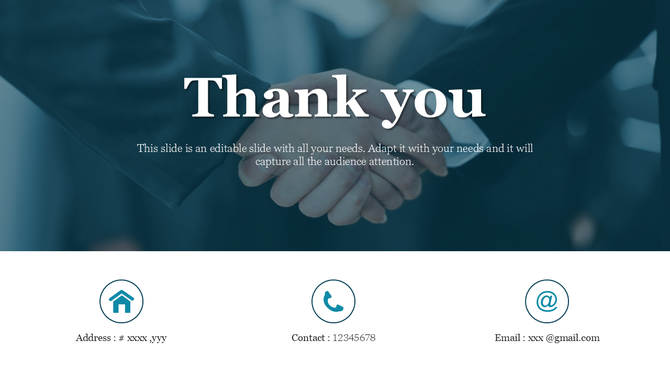
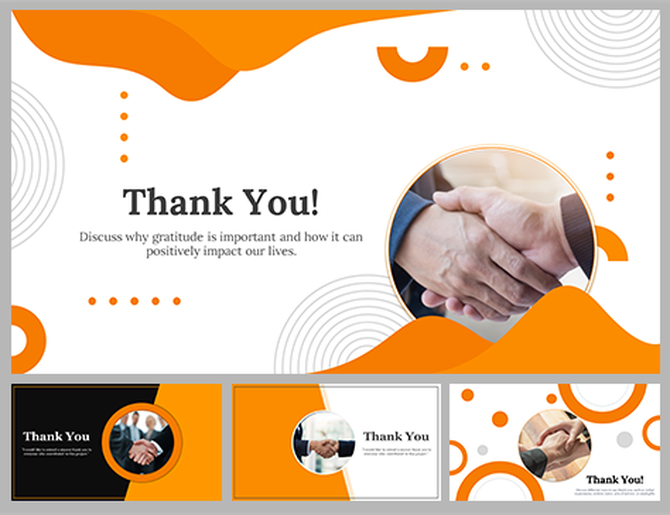








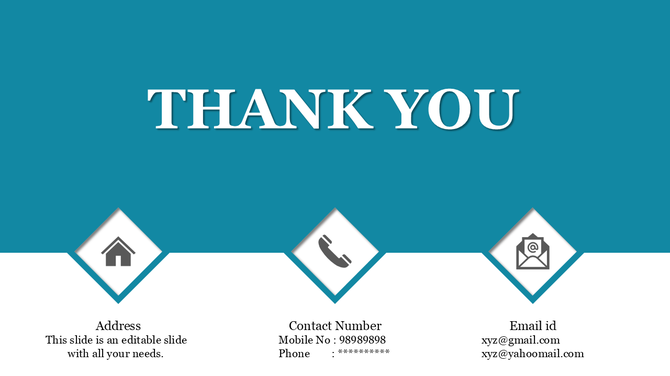

Why You Need a Professional Thank You PowerPoint Template
A professional closing slide does three things:
- It Directs Action: It tells the audience exactly what to do next (e.g., "Visit our Website," "Email us," or "Scan this QR Code").
- It Invites Connection: It provides clear, legible contact information so stakeholders can reach you.
- It Reinforces Brand: It leaves a final visual imprint of your logo and corporate identity, utilizing the "recency effect"—people remember best what they saw last.
The Technical Advantage: Crisp, Clean, and Connectable
- 100% Vector Icons: Our templates include vector-based social media and contact icons (LinkedIn, Email, Phone). You can resize them, change their color, or move them without losing quality.
- Total Customization: You are not locked into a static design. Our slides are 100% editable, giving you full control to customize fonts, colors, and images to match your unique style.
- Universal Compatibility: Worried about screen fit? Don't be. We offer templates in both Standard (4:3) and Widescreen (16:9) formats, as well as Portrait and Landscape orientations, ensuring they look perfect on any device.
- Smart Image Placeholders: Want to add a photo of your team or your office to the final slide? Just drag and drop your image into our pre-formatted placeholders. It will automatically crop and fit the design.
- Free & Premium Access: We believe in accessibility. We offer both Free and Premium templates, all of which come with a Royalty-Free license for safe commercial use.
Explore Our Closing Slide Collections
1. Business & Corporate Thank You Slides
- Best For: Board Meetings, Client Reports, and Annual Reviews.



2. Sales & Marketing Thank You Slides
- Best For: Pitch Decks, Product Launches, and Marketing Strategies.



3. Creative & Personal Thank You Slides
- Best For: Portfolios, Agency Showcases, and Personal Projects.



4. Academic & Educational Thank You Slides
- Best For: Thesis Defenses, Lectures, and Research Summaries.



5. Nature & Floral Thank You Slides
- Best For: Environmental NGOs, Wellness Workshops, and Art Talks.



3 Rules for Designing a Closing Slide
- The "Back Row" Rule: Can the person sitting in the last row read your email address? If your text is smaller than 24pt, the answer is no. Our templates come with pre-sized text boxes to prevent this, but be careful not to shrink them too much.
- Contrast is King: Never put light gray text on a white background. It might look "modern" on your laptop, but on a washed-out projector, it becomes invisible. We use high-contrast color pairings to ensure your contact information stands out.
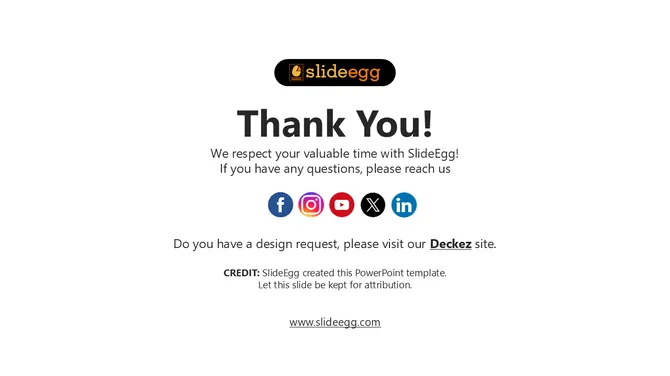
- Less is More: Do not clutter the final slide. You need: A "Thank You" or "Questions?" header, your name, your contact info, and one clear logo. Do not add a paragraph of text. No one will read it.
What Should Be On Your Thank You Slide?
- Don't just write "Thanks." Use the space to connect.
- Contact Information: Name, Title, Email, and Phone.
- Social Proof: LinkedIn URL or Twitter handle.
- Call to Action (CTA): "Download the full report," "Sign up for the trial," or "Book a demo."
- QR Codes: Add a scannable code that links directly to your website or digital business card.
Make Your Final Impression Count
Frequently Asked Questions
Why should I use a Thank You PowerPoint Template?
A template ensures your final slide looks professional and includes all necessary elements (like contact info) without you having to design the layout from scratch. It saves time and ensures brand consistency.
How do I download these slides for Google Slides or Canva?
It is easy. Click the Download button, then select your preferred format from the dropdown menu: PowerPoint, Google Slides, or Canva. The file will open directly in your chosen app.
Can I edit the contact icons in these templates?
Yes. All icons (phone, email, social media) are vector shapes. You can change their color to match your brand, resize them, or delete the ones you don't need.
Can I add my own logo to these slides?
Absolutely. We include a dedicated space for your logo. Since the background is editable, you can ensure your logo stands out clearly.
What is the best aspect ratio for a Thank You slide?
We provide both Standard (4:3) and Widescreen (16:9) formats. You can select the ratio that matches your screen from the download menu. For most modern projectors and Zoom/Teams meetings, 16:9 is the best choice.
Do you offer animated thank you slides?
Yes. Our collection includes Thank You Animation templates that use subtle motion to grab attention. Check our Creative or Business sections for these specific styles.
Are these templates free to use for commercial presentations?
Yes. You can use our free templates for client pitches, business reports, and commercial projects without attribution, provided you do not resell the template file itself.