Free Team Achievement Presentation Templates
Show your team’s success in a clear and simple way with our Free Team Achievement PowerPoint Templates. These slides help you share goals, wins, awards, tasks, and results in a neat style. You can edit each part in PowerPoint, Google Slides, and Canva, and present your team’s story in a smooth and confident way to your audience.
Editor's Choice (1 of5)
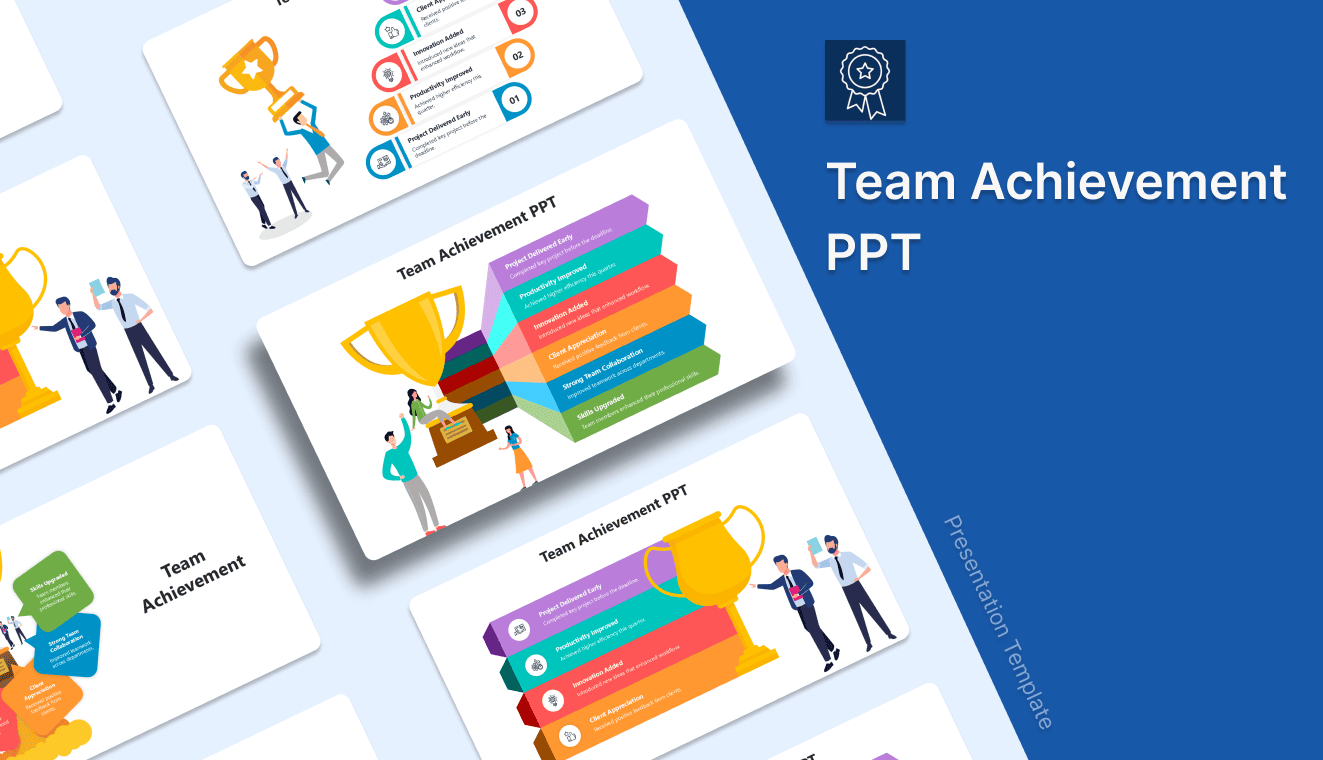
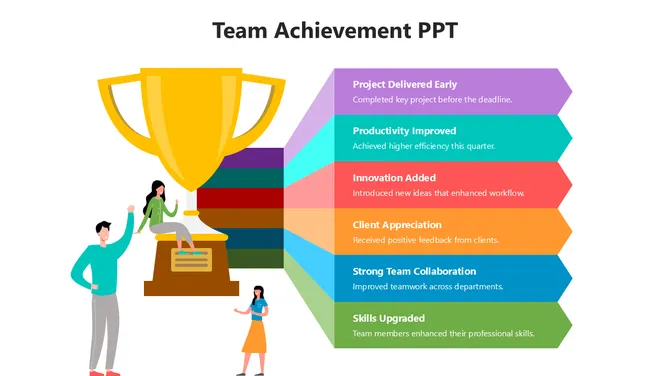
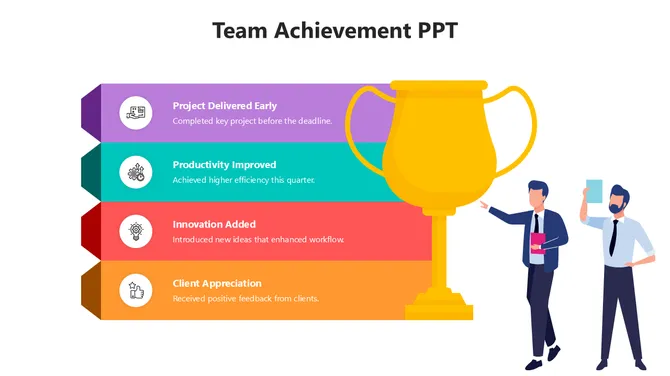
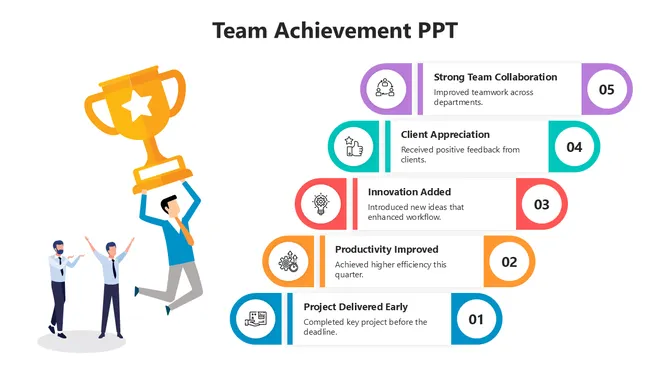
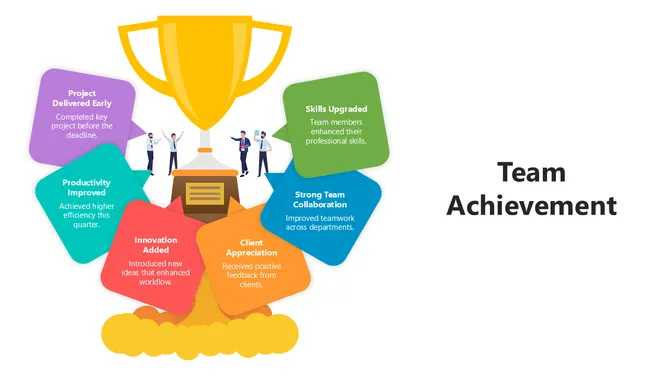
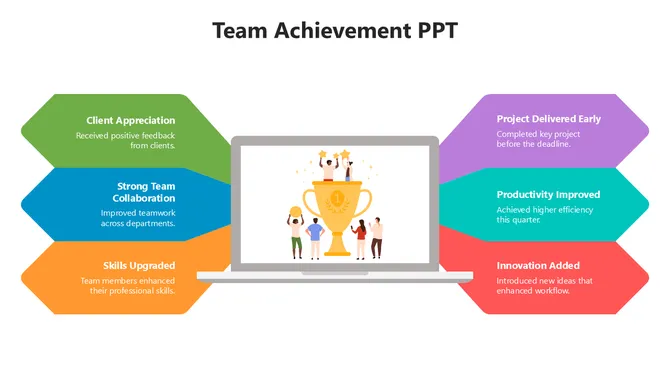
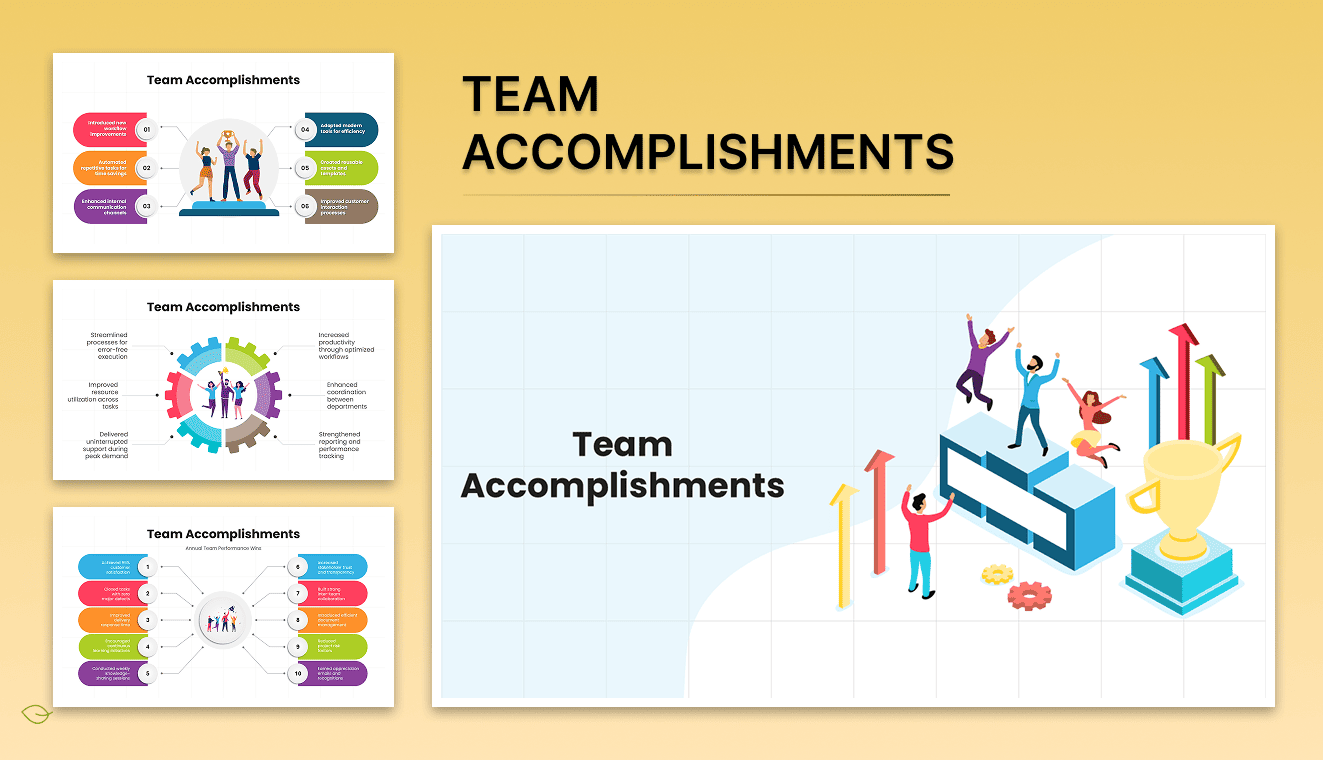
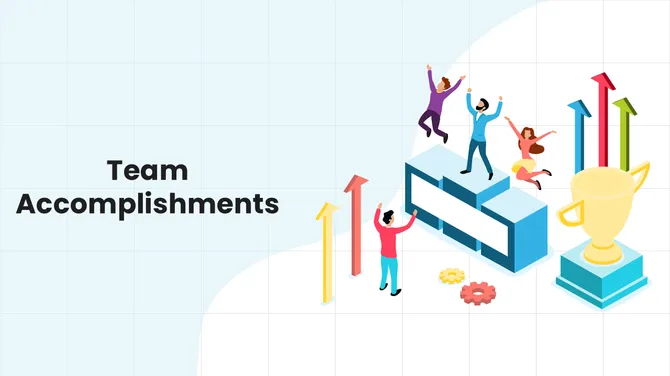
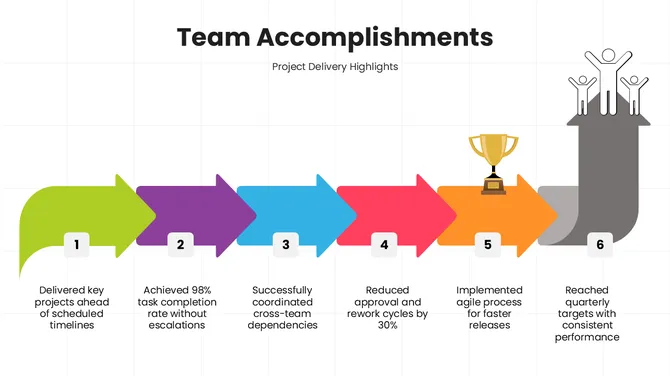
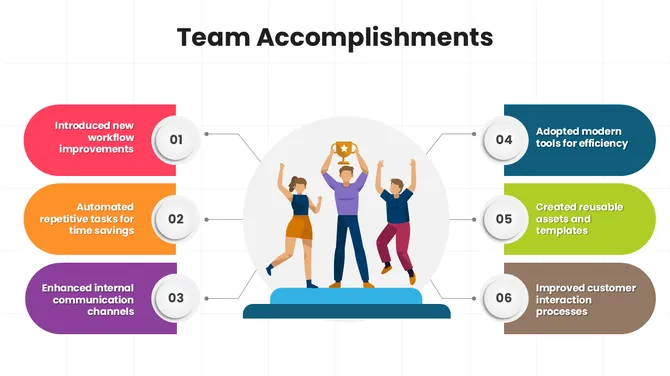
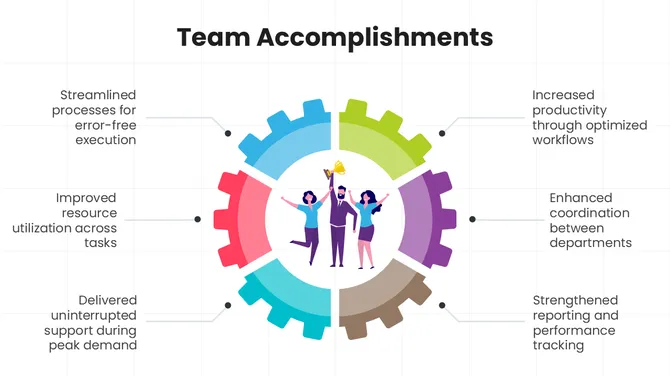
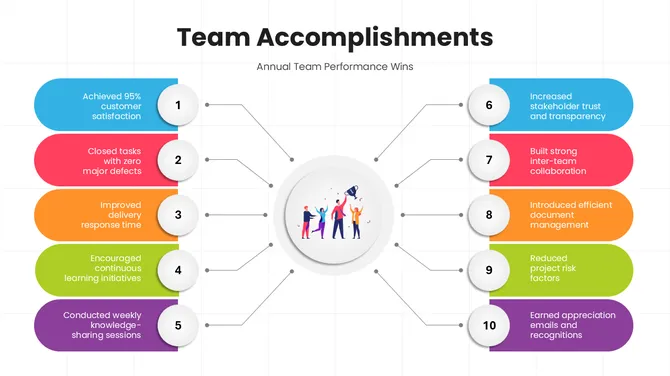
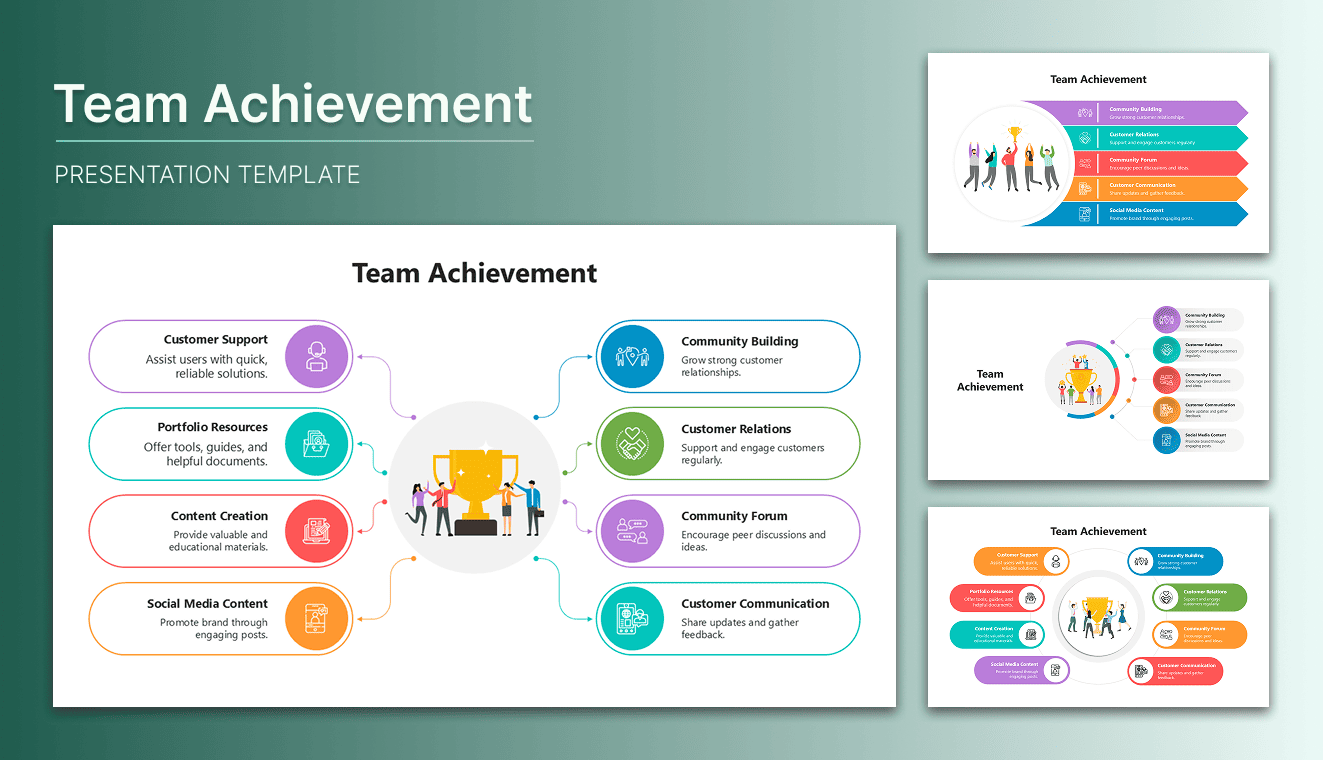
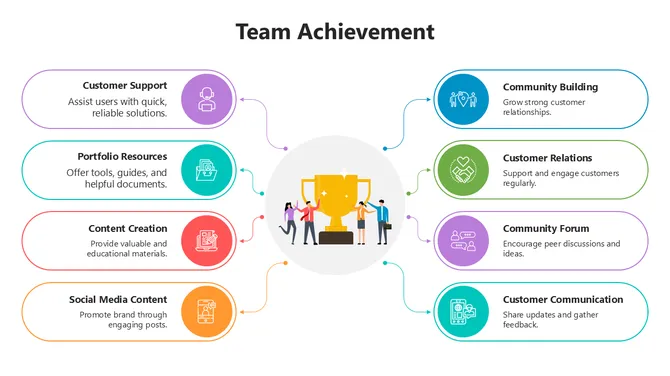
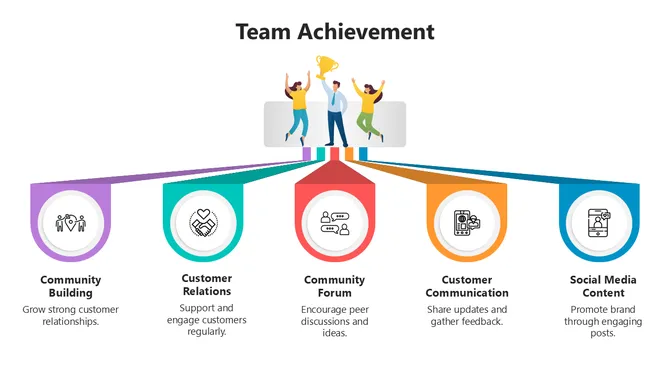
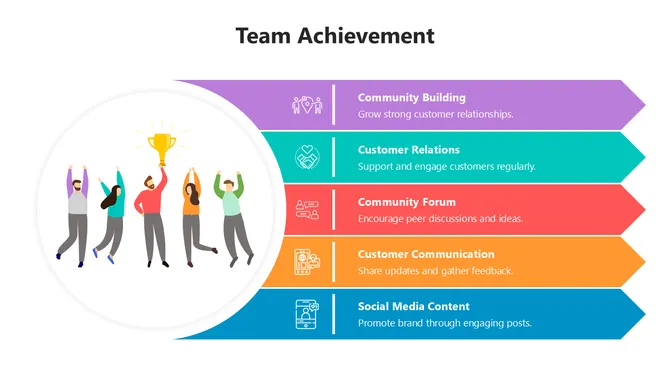
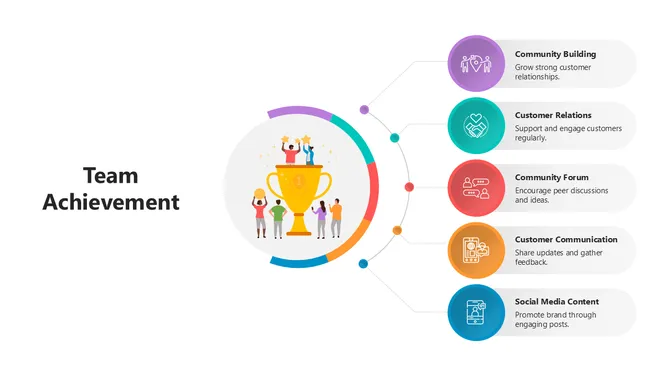
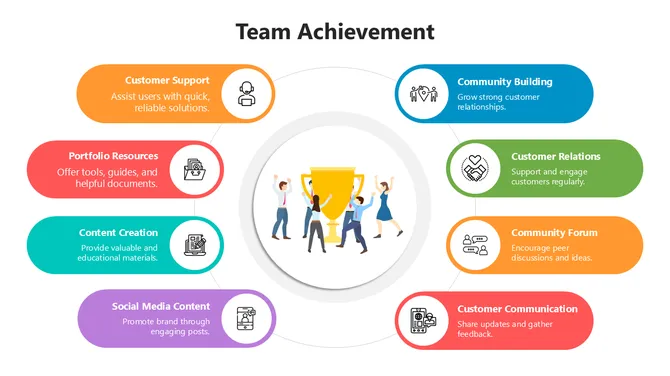
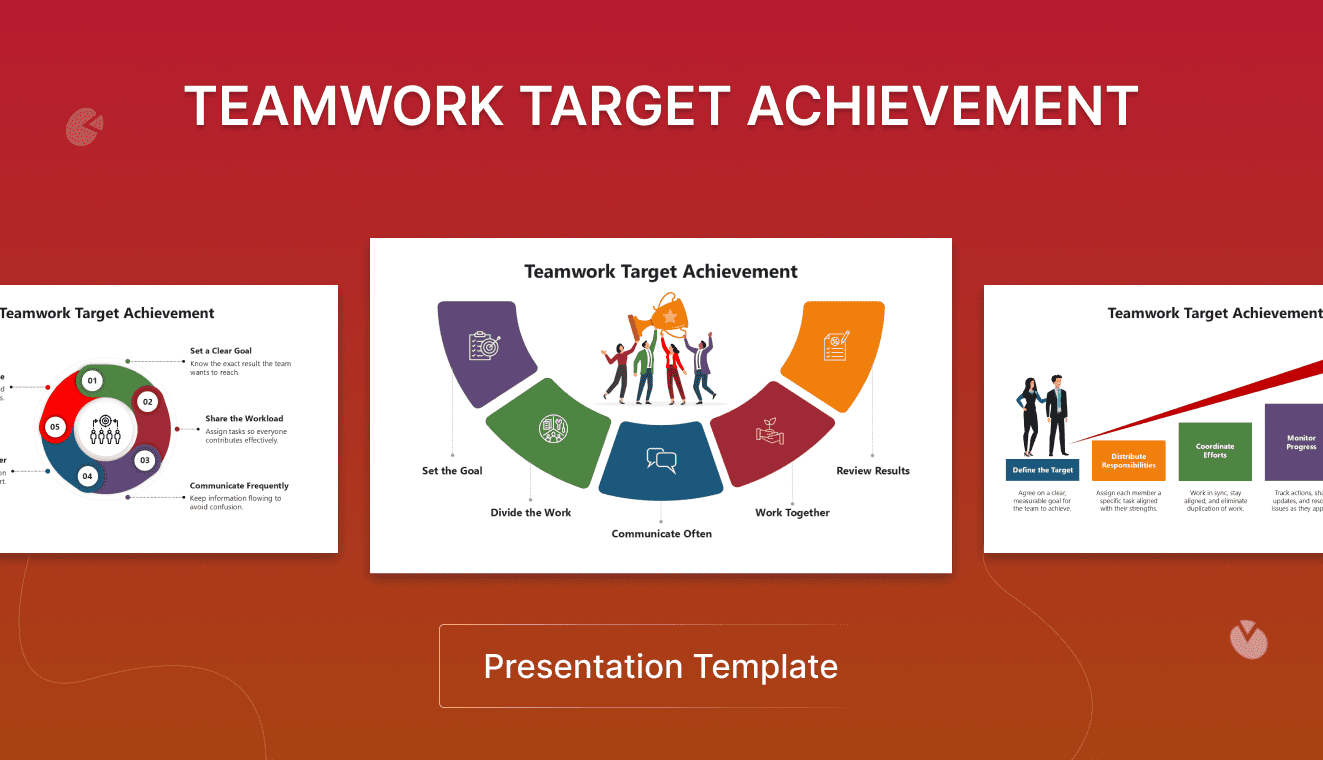
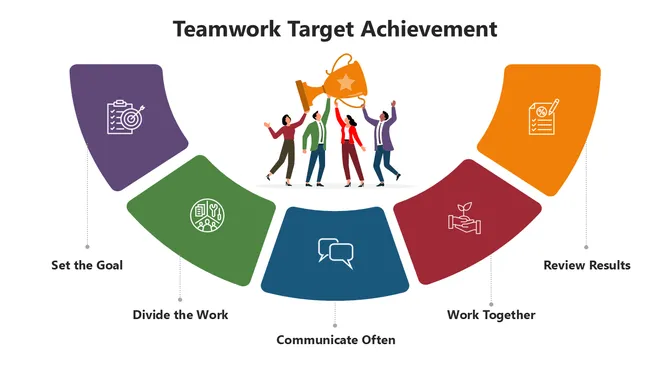
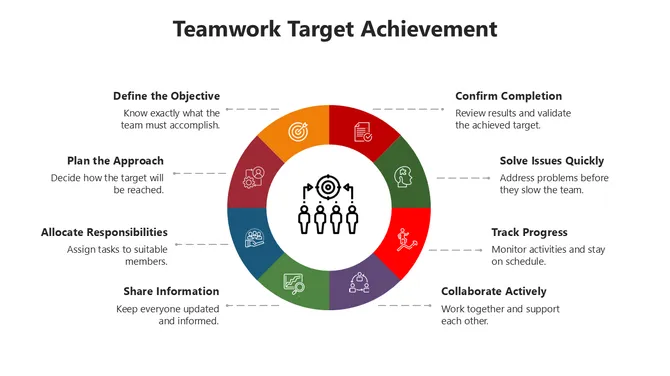
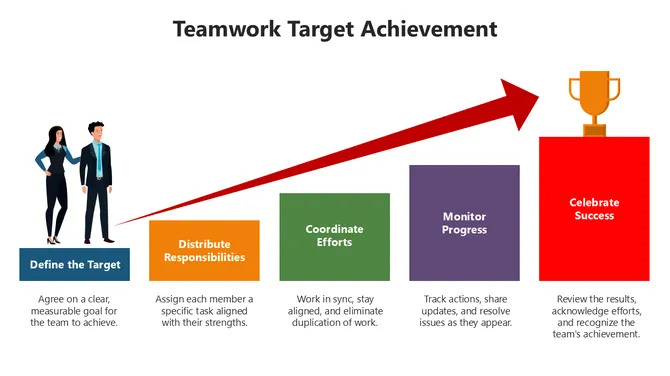
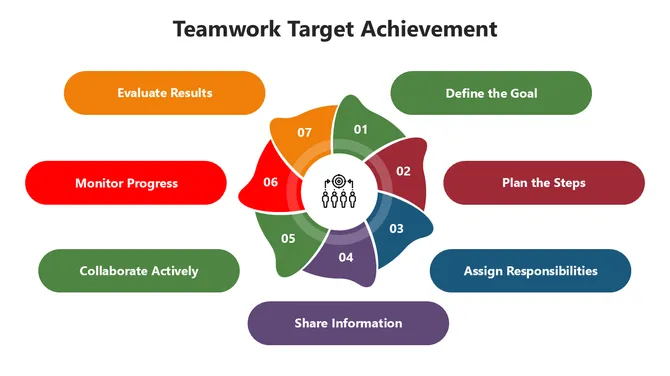
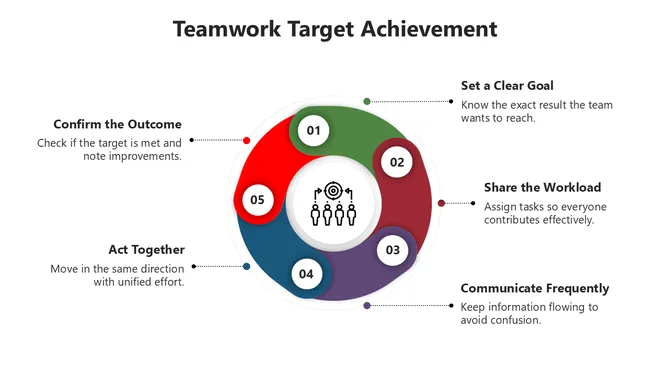
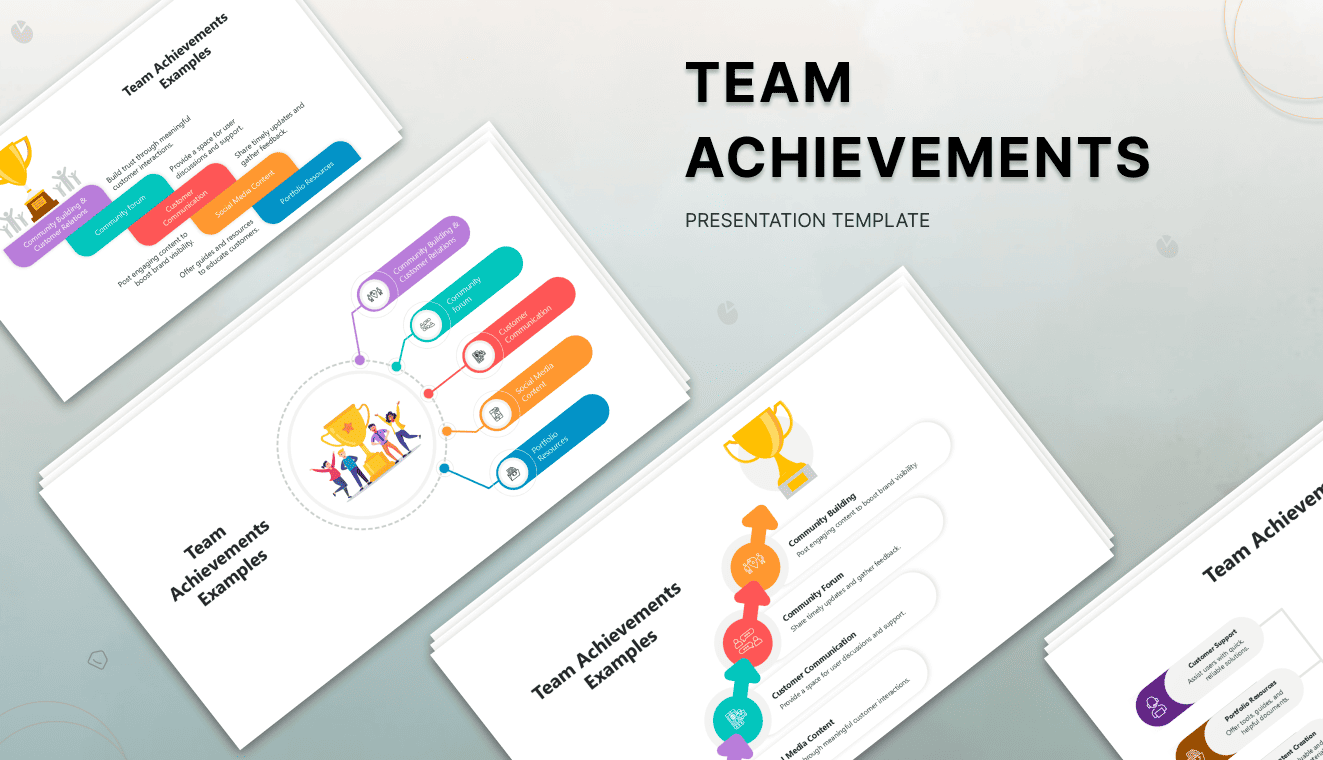
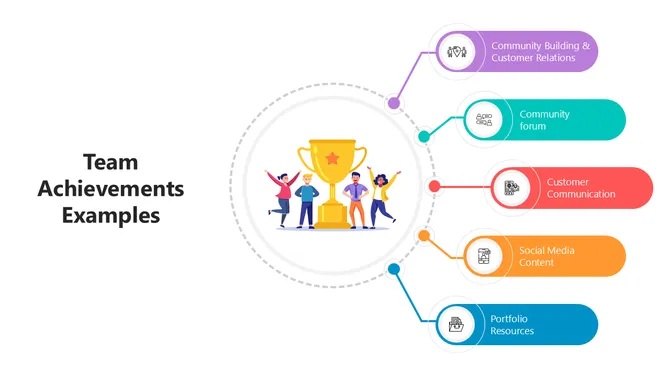
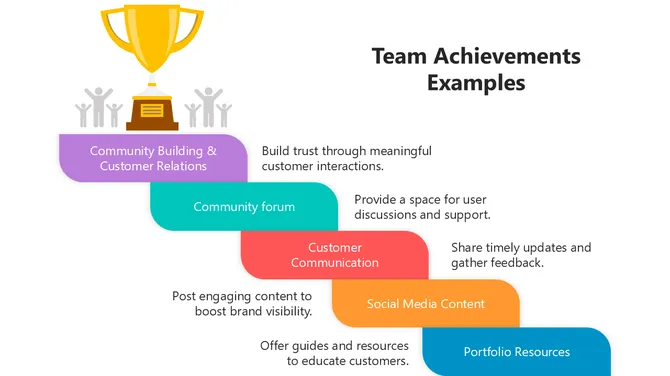
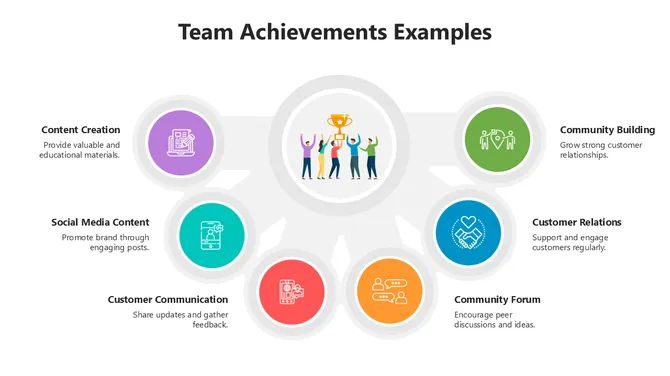
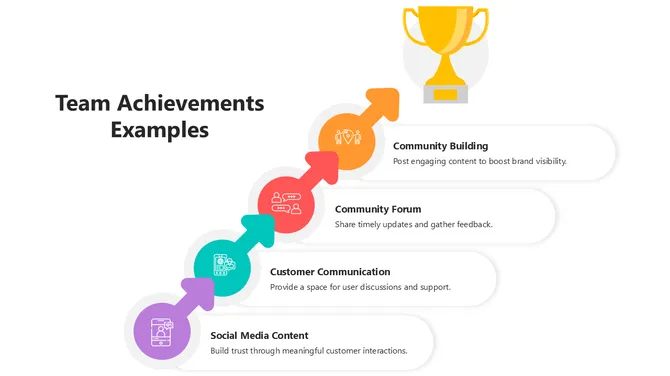
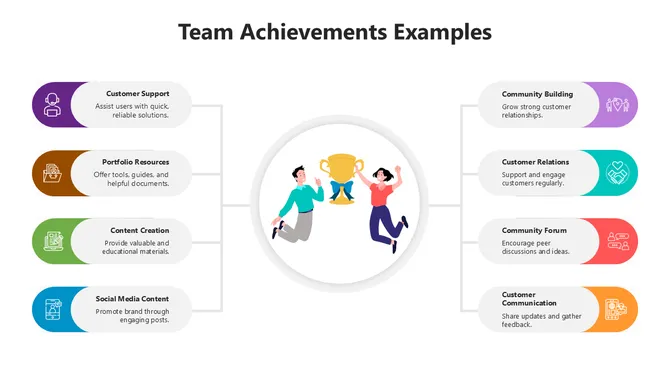
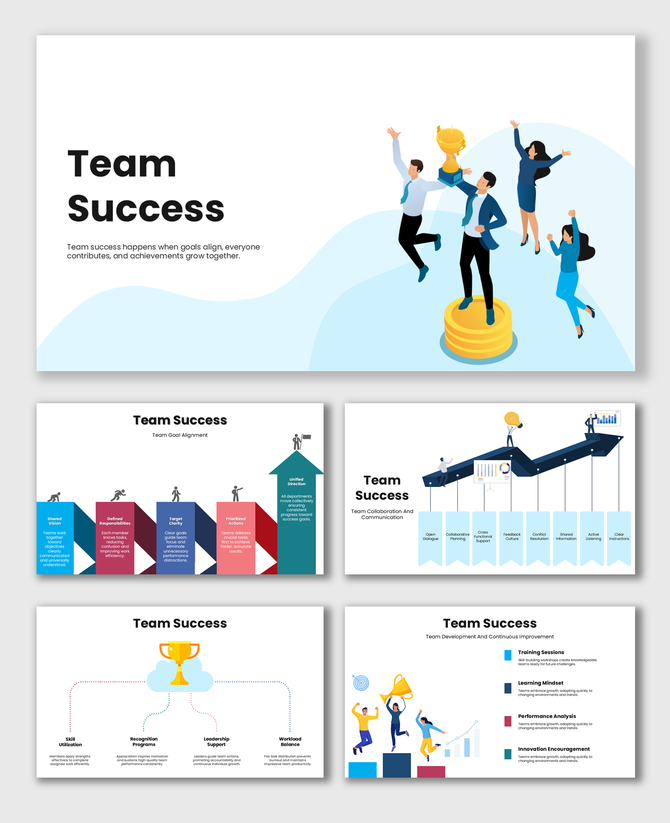

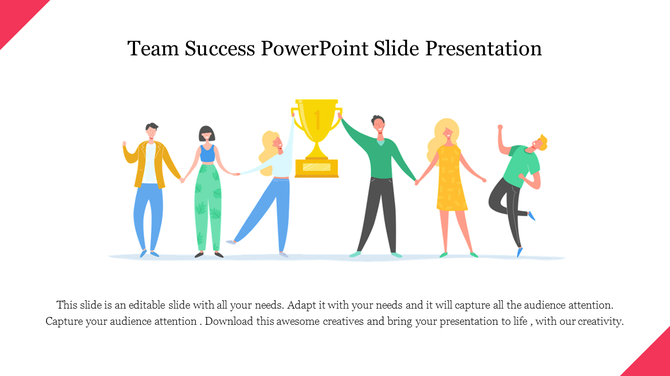
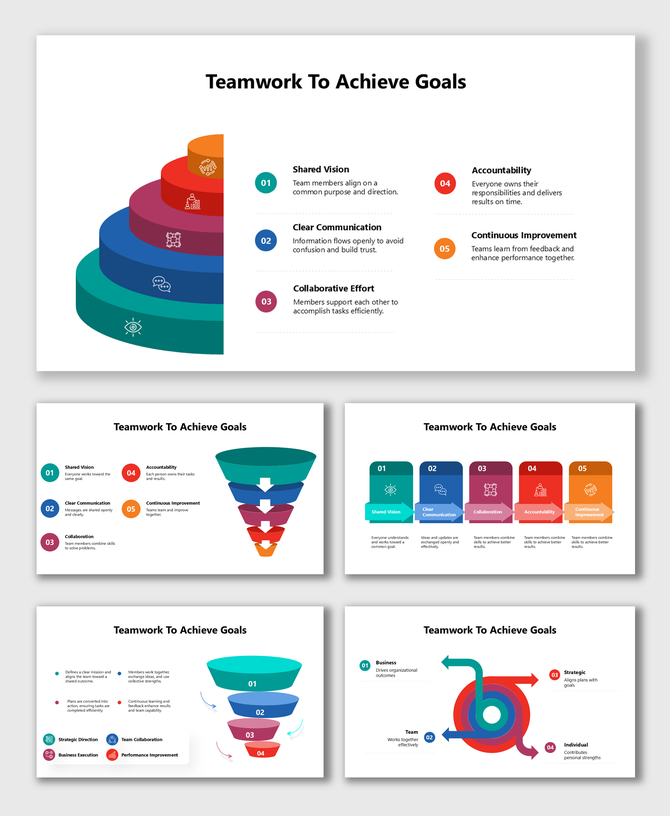
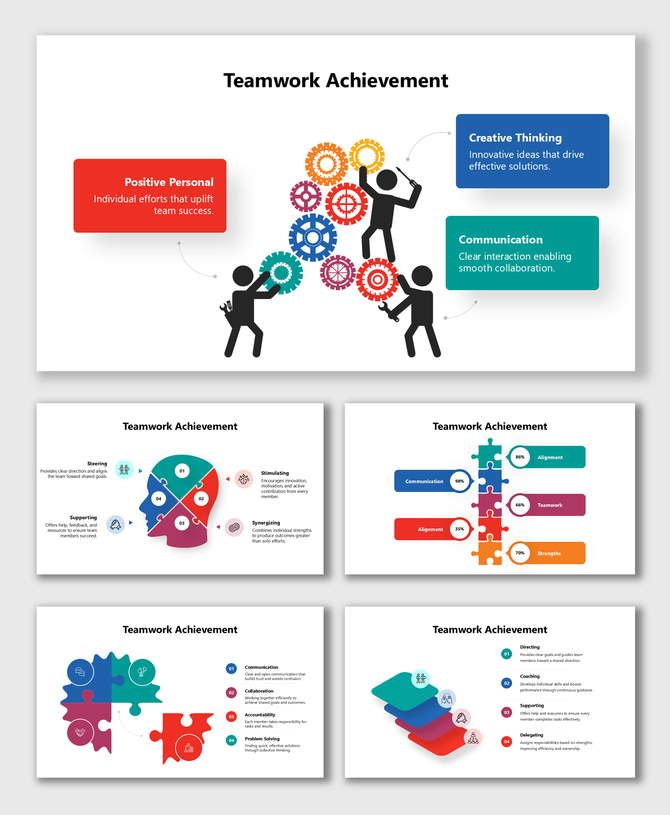
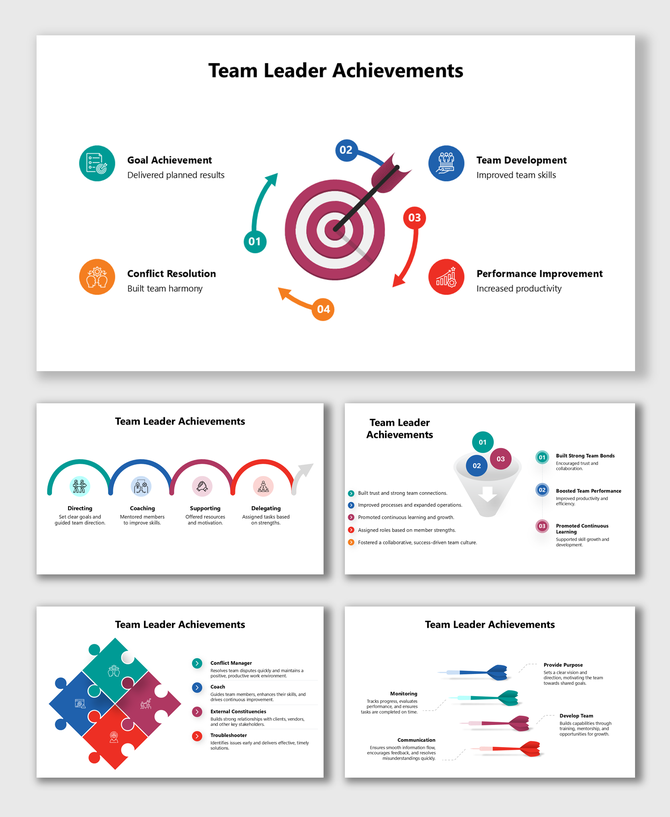
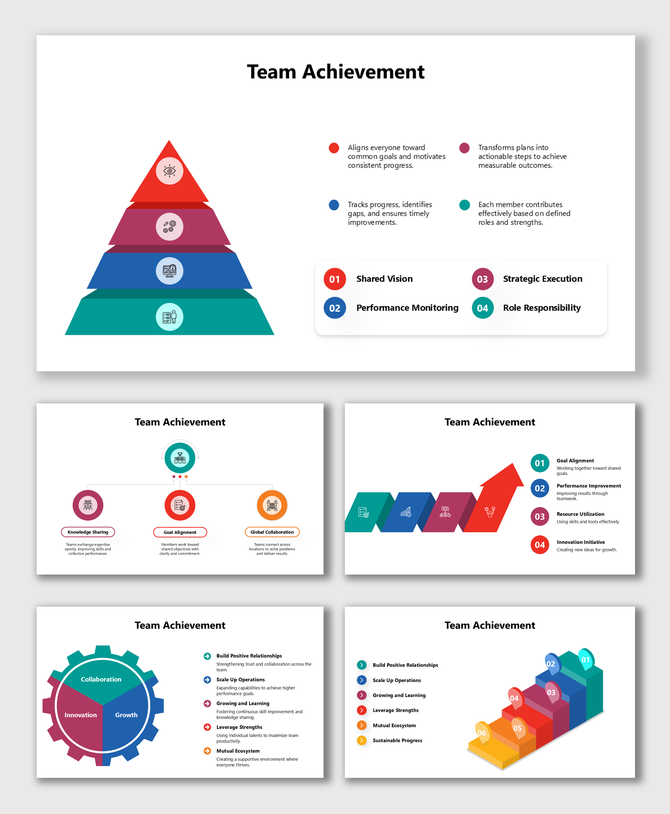
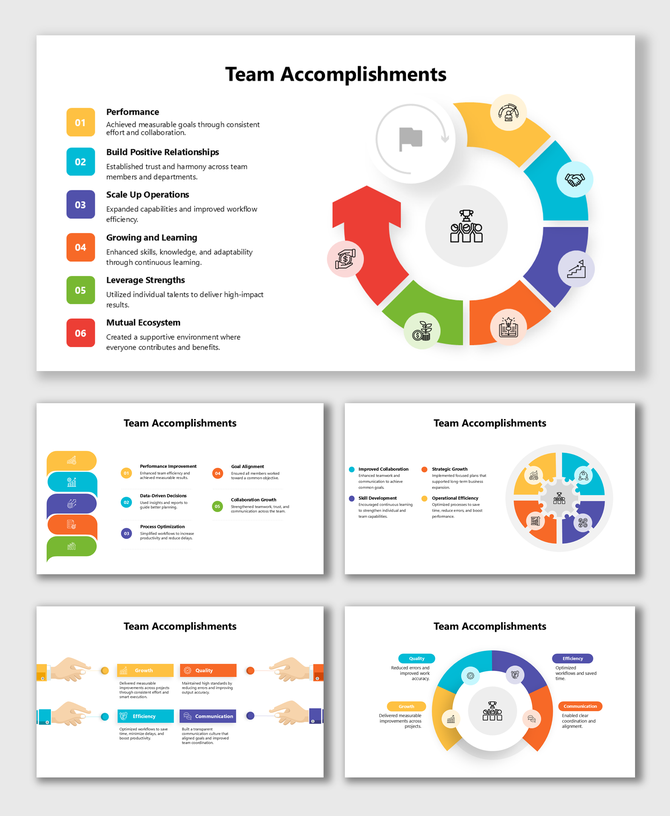
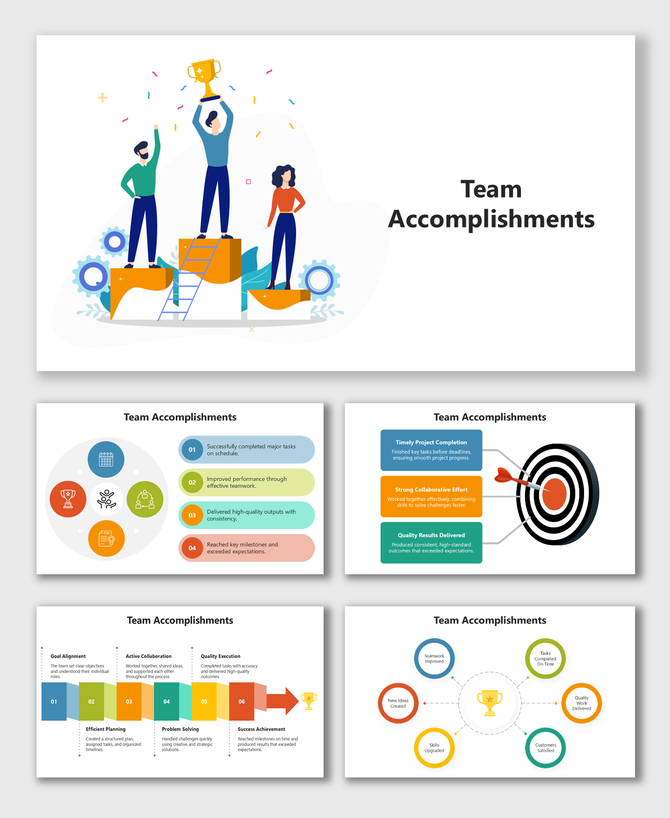
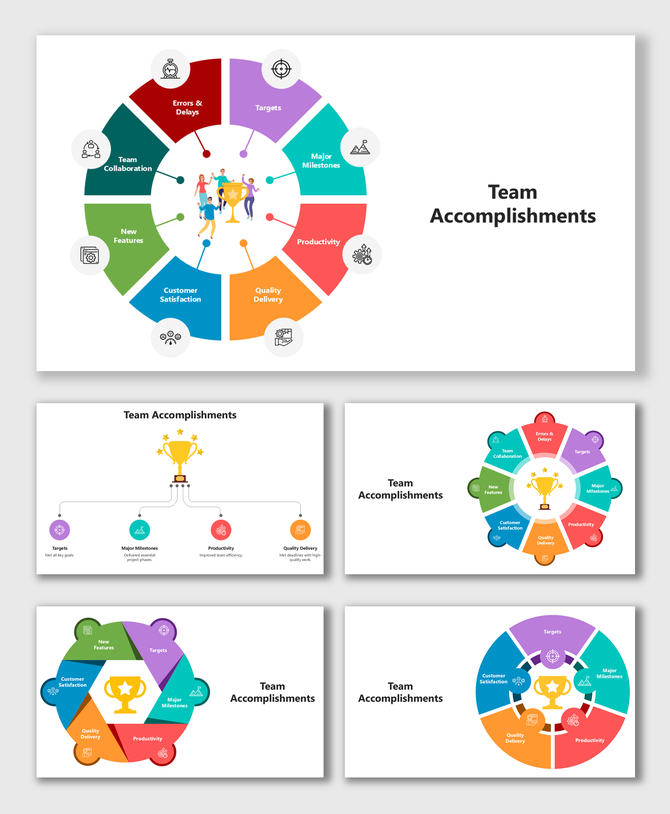
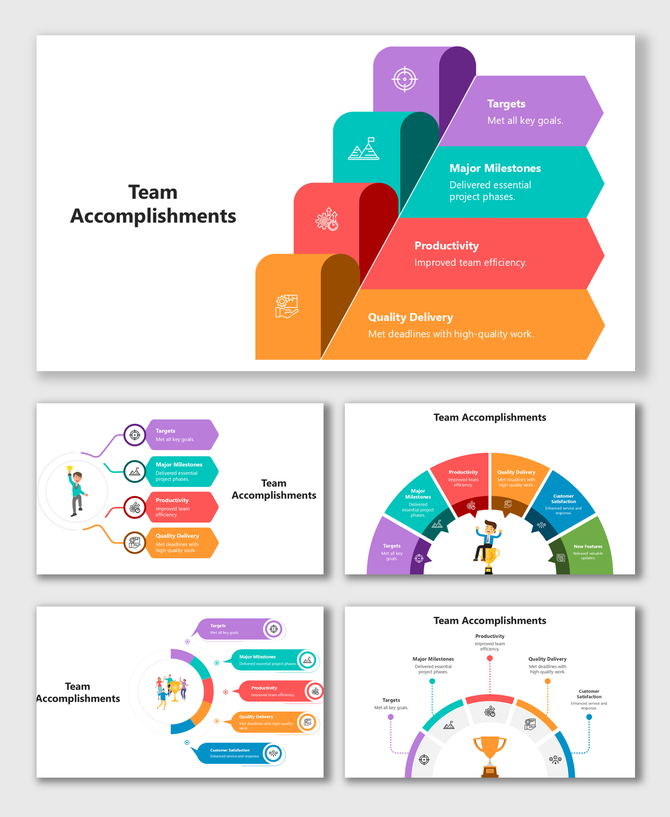
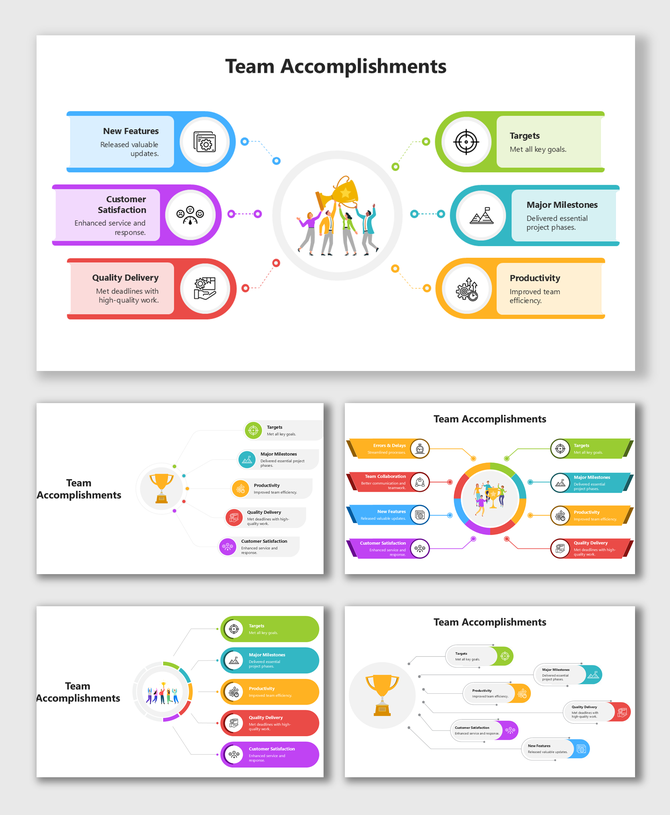
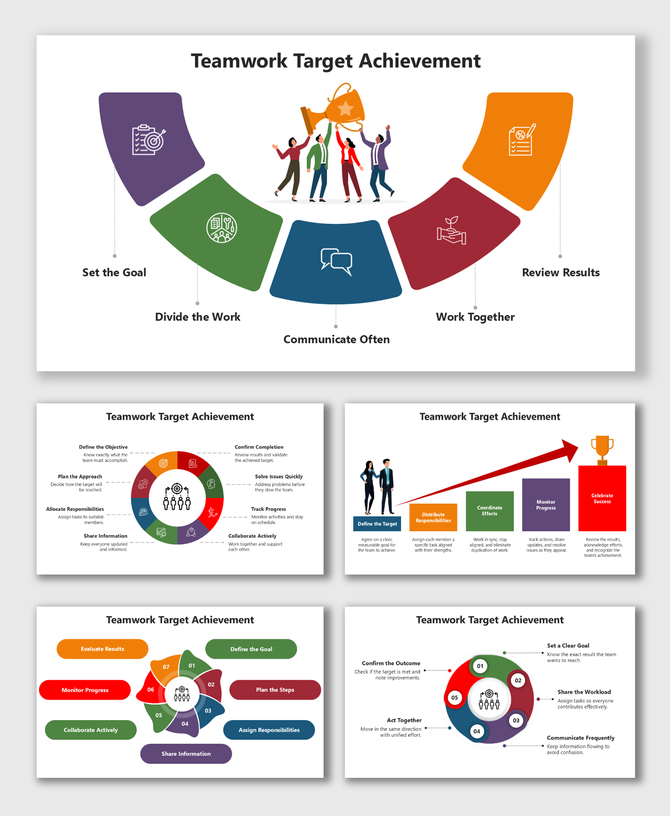
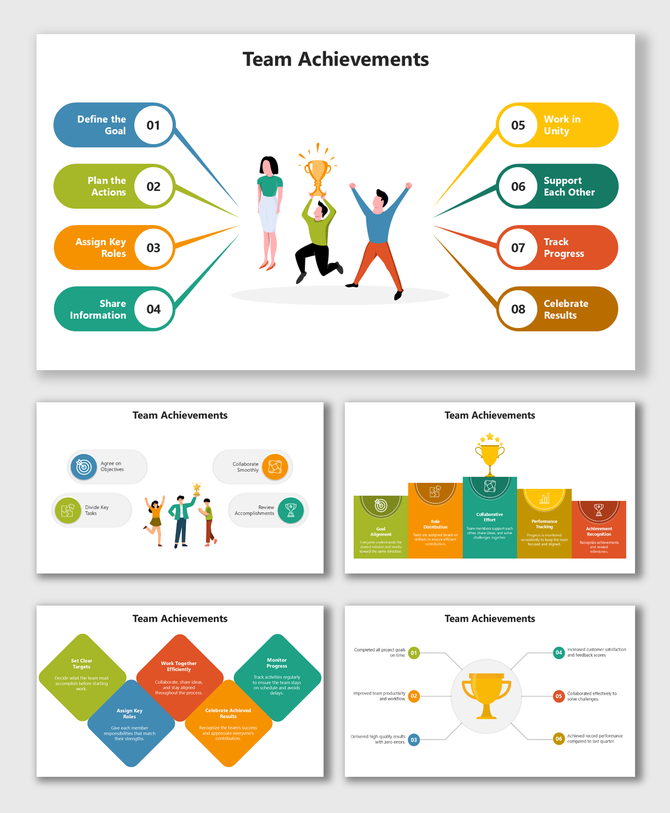
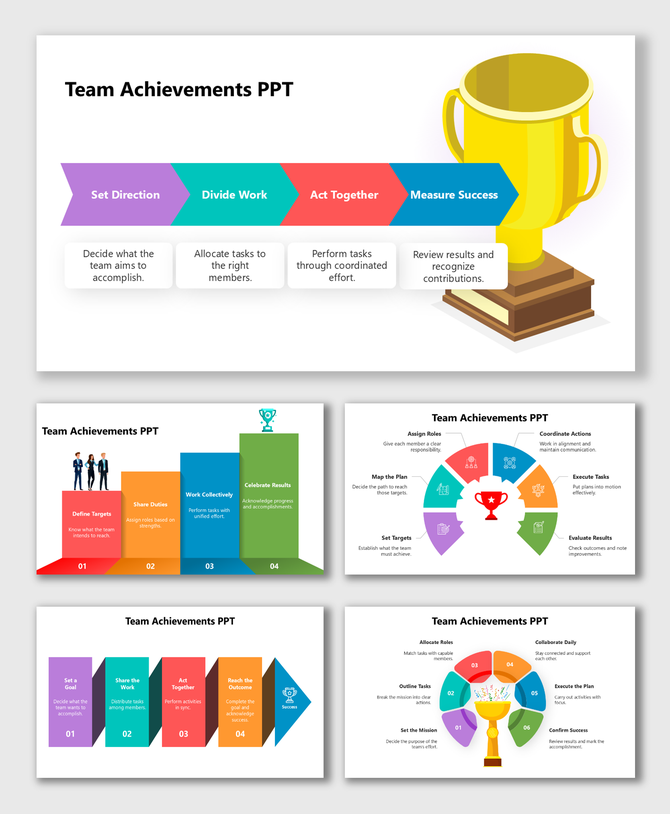
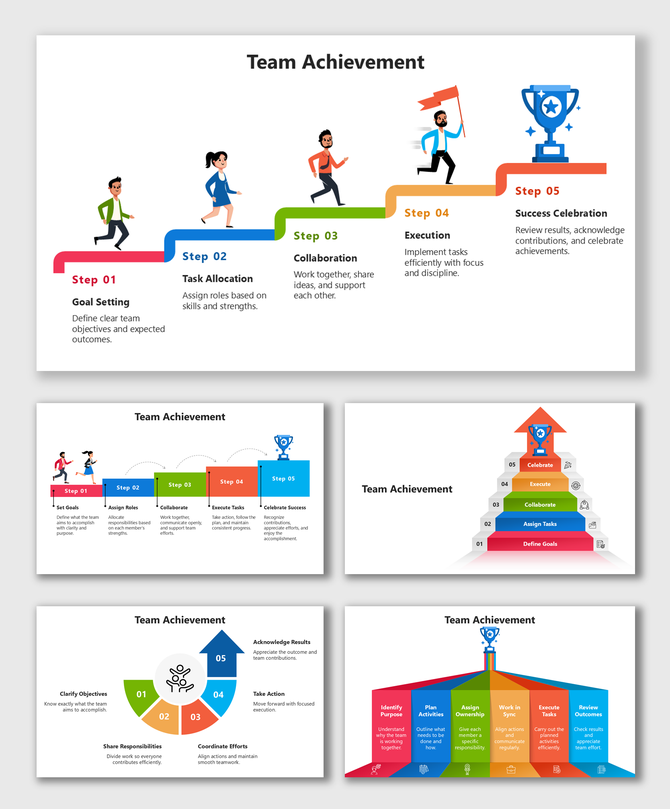
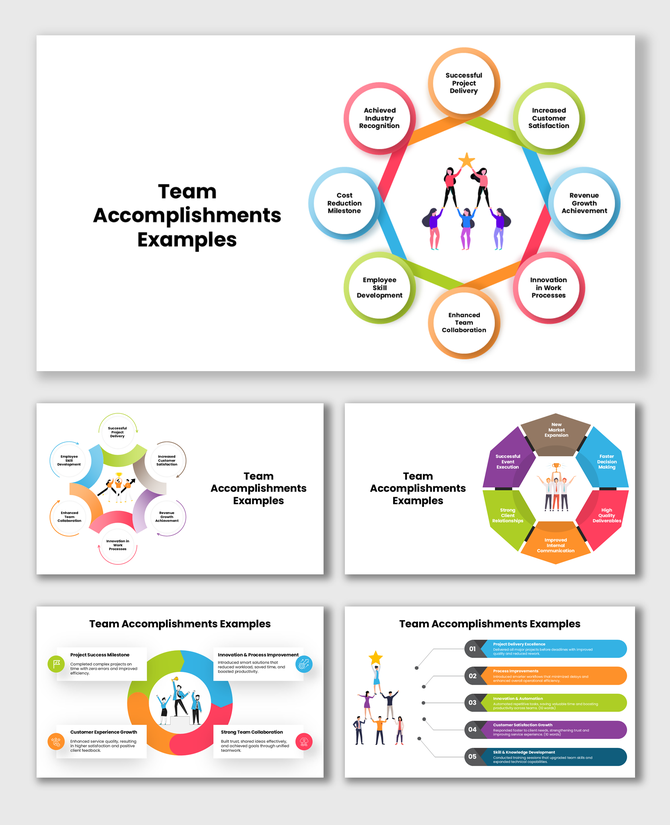
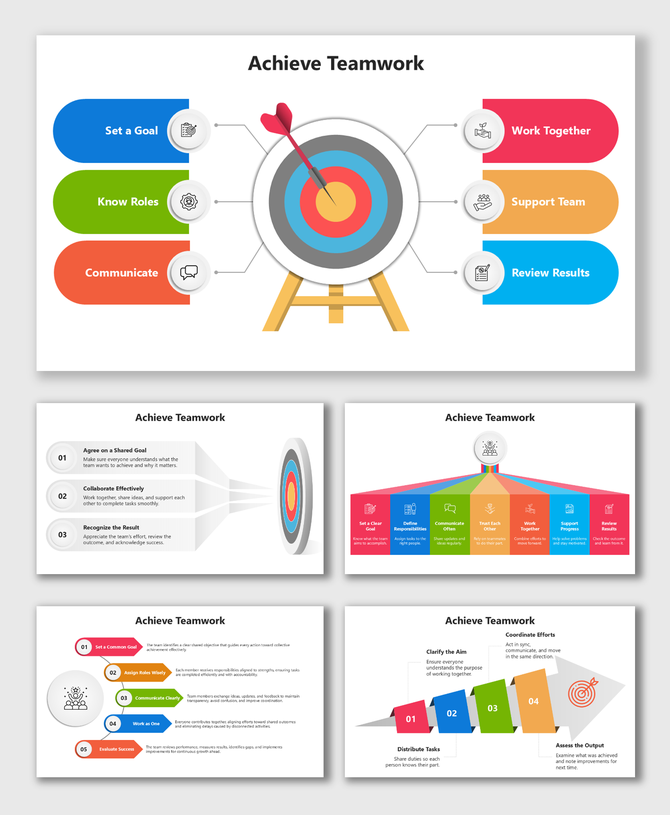
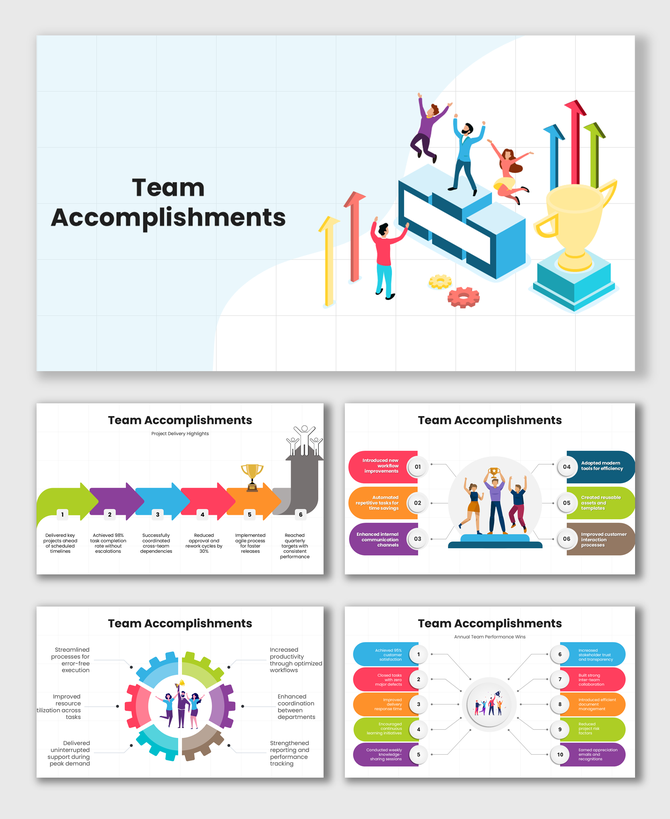
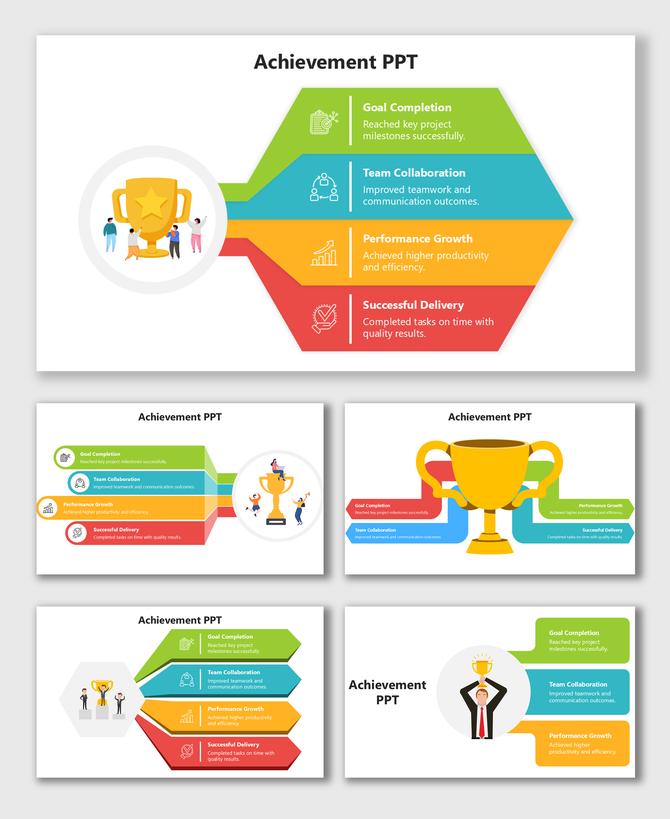
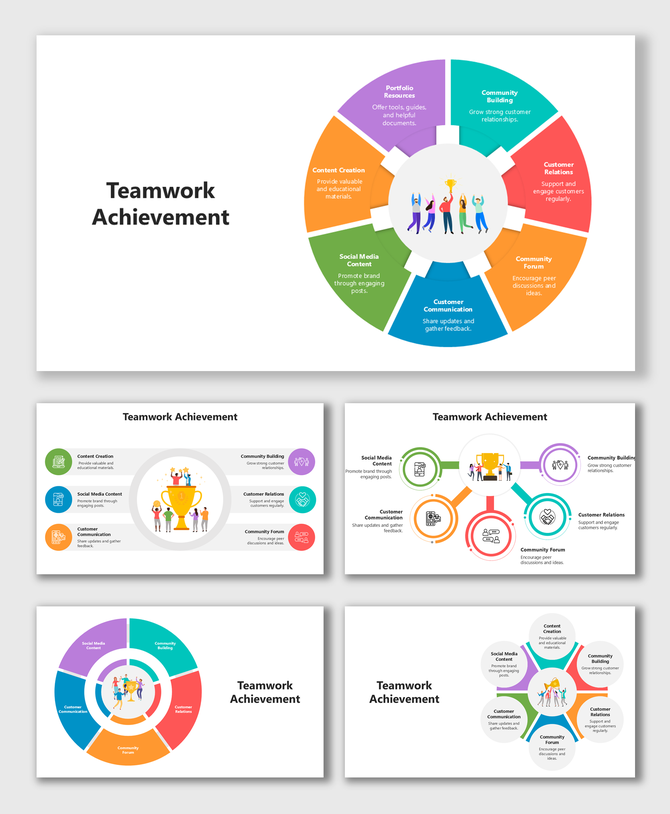
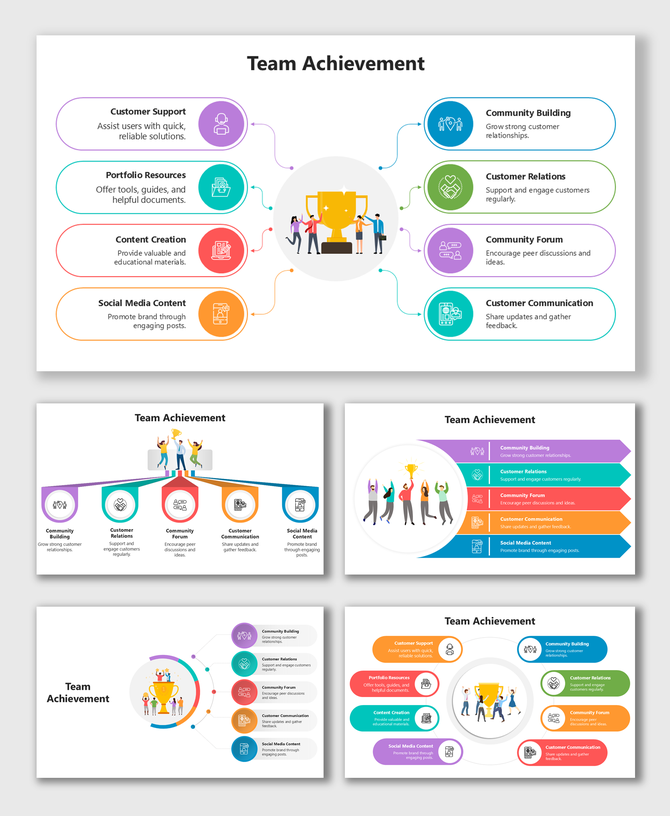
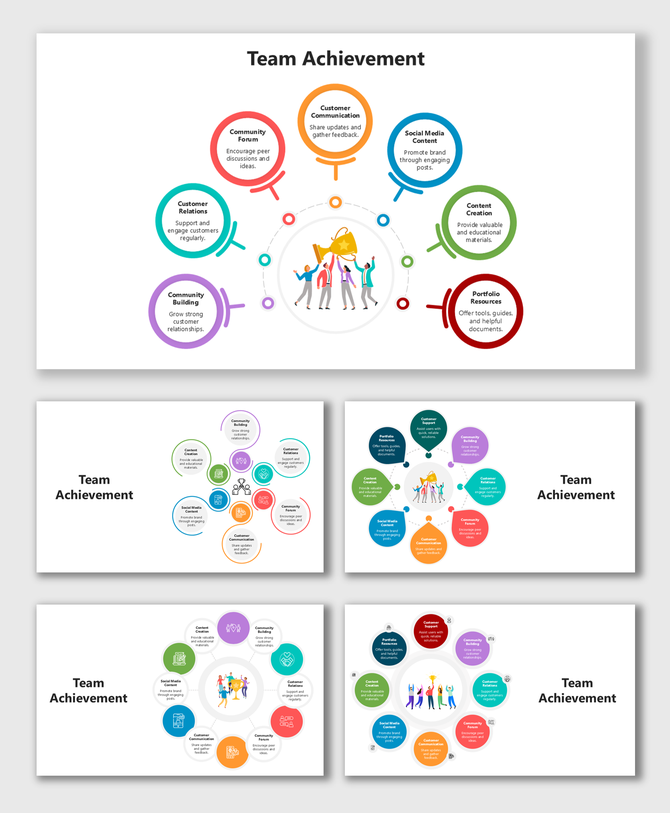
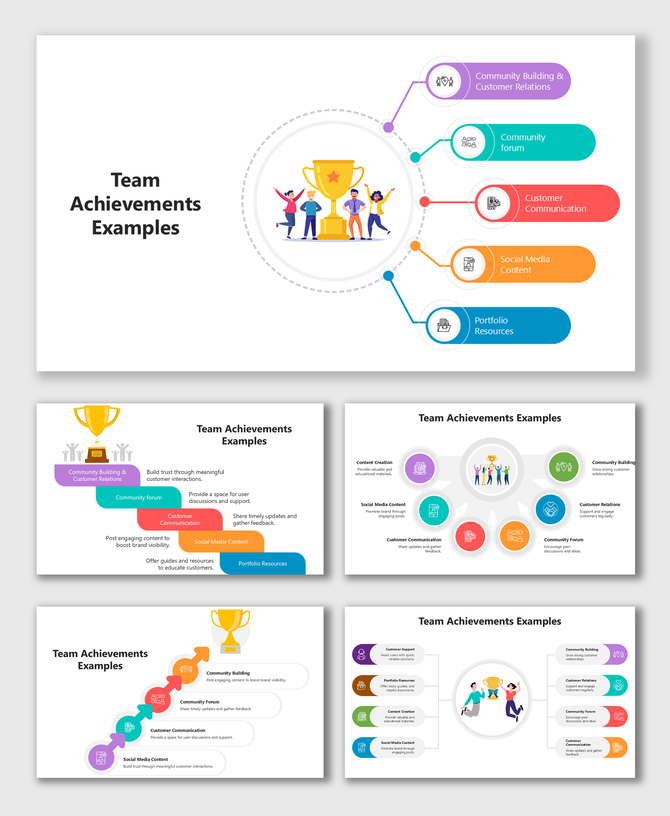
Team Achievement PowerPoint Templates for Celebrating Success with Clarity
Why Showing Team Achievement Matters
- Build confidence
- Keep the team motivated
- Create trust with clients and leaders
- Show clear results
- Celebrate the effort behind every success
Why a Good Achievement Slide Makes a Big Difference
- Goals achieved
- Tasks completed
- Awards won
- Team member contributions
- Important milestones
- Growth indicators
Where These Templates Help the Most
- Project Completion: Show the stages of a project, tasks completed, and final results. Useful for internal reviews or client updates.
- Sales or Performance Reports: Highlight targets achieved, growth numbers, and monthly or quarterly success.
- Award and Recognition Events: Present certificates, awards, star performers, or outstanding teams in a clean and respectful layout.
- Company Meetings: Share team achievements during annual meetings, town halls, and performance reviews.
- School or College Presentations: Show group project accomplishments, competition results, or class achievements.
- Agency or Freelancer Work: Present completed work, client results, and successful campaigns in a neat style.
- Team milestones
- Awards and certificates
- Project success
- Leaderboard rankings
- Key achievements
- Monthly or yearly progress
- Contributions from each team member
- Goal completion charts
- Success timelines
Design Highlights in This Category
- Bright and uplifting colors like gold, blue, orange, and green
- Trophy and medal icons to show awards
- Star symbols for highlighting top performers
- Silhouette team graphics to show unity and teamwork
- Minimalistic backgrounds for a clean look
- Milestone and progress layouts
- Modern fonts and neat shapes for readability
Why These Templates Are Easy for Anyone to Use
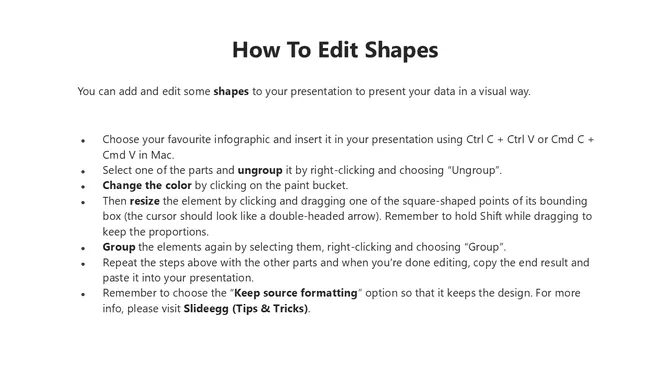
- Fully editable: Change text, colors, icons, and shapes to match your team or brand.
- Beginner-friendly: Simple layout and clean spacing make the slides easy to work with.
- Made by design experts: Every slide is arranged neatly so your achievements look well-organized.
- Works in PowerPoint, Google Slides, and Canva: Choose any tool you prefer and edit the slides without difficulty.
- Fits any screen: Comes in 16:9 widescreen and 4:3 standard formats.
- Royalty-free: Download once and use for work, school, or business presentations without extra cost.
- Clear visual flow: Slides are built to guide the viewer through every achievement smoothly.
Who Will Benefit from These Templates?
- Team leaders to present success
- Managers to review team performance
- HR teams to showcase recognition
- Sales teams to highlight targets achieved
- Startups to share growth milestones
- Students to show group work
- Teachers to highlight class achievements
- Agencies to present client results
- Event organizers for awards and recognition
Celebrate Your Team’s Journey with Confidence
Frequently Asked Questions
What are Team Achievement PowerPoint Templates?
They are simple slides that help you show team success, awards, milestones, and results.
Can beginners use these templates?
Yes. Anyone can edit them easily without design skills.
What tools can I use to edit the templates?
PowerPoint, Google Slides, and Canva.
What can I show using these templates?
Milestones, targets reached, awards, team member highlights, and project success.
Are the templates free?
Yes, SlideEgg offers both free and premium templates.
Are these good for business presentations?
Yes. They help teams present progress and achievements clearly.
Can students use these templates?
Yes. Students can use them for group work, recognition, and project presentations.