Improve Your Presentations Using a Table Template
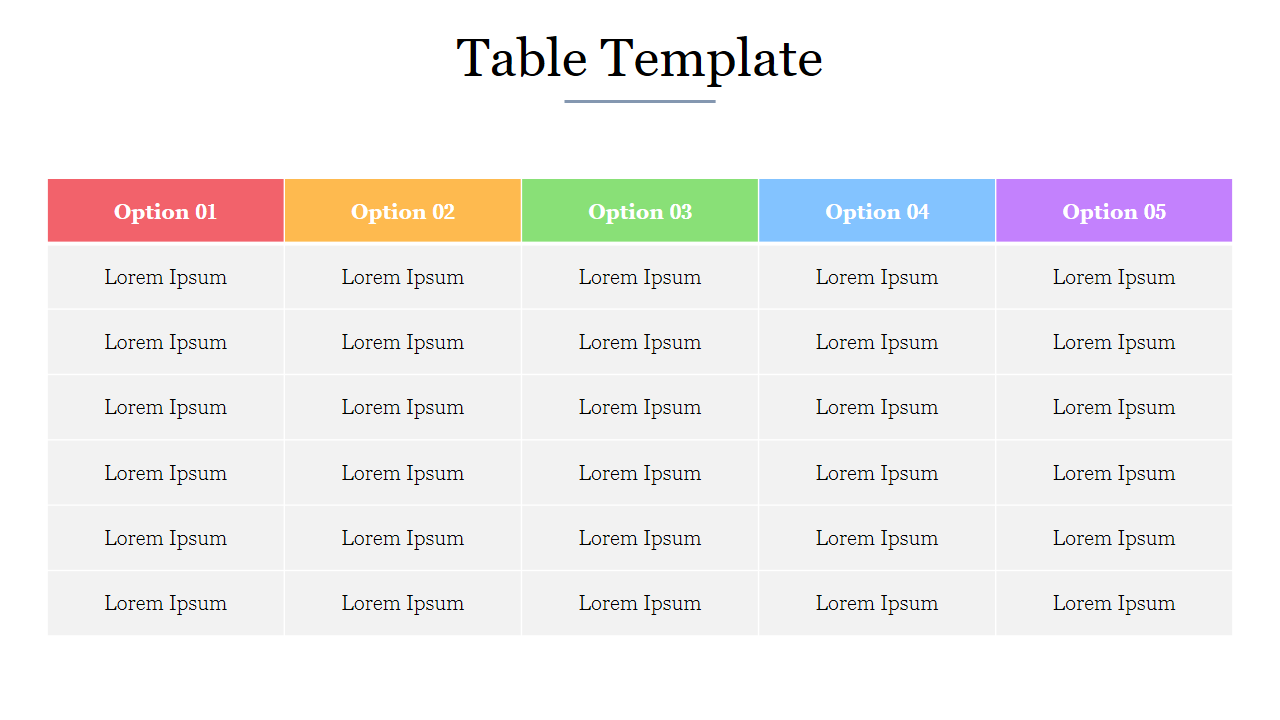
Good presentations are more than simply what you say; they also depend on how well your audience can see what you're saying. Tables are the simplest means of presenting facts like prices, dates, comparisons, or performance through visual means.
Nevertheless, making orderly tables from the beginning is a troublesome task, primarily if the headers are quite long, the tables consist of many rows, or there are many details involved in the comparisons. This is why you should consider a table template as a wonderful time-saving method. It will provide you with a structure already set up properly.
Why Table Templates Make Slides Better
- Instant clarity: Your data looks organized and easier to scan.
- Faster slide creation: Replace text and numbers—no redesign needed.
- Business Look: Consistent space, fonts, and headers.
- Improved comparisons: Ideal for features, plans, providers, and data.
- Easy edits: Add or remove rows and columns without breaking the design.
What You Can Create With the SlideEgg Table PowerPoint Templates
Table PowerPoint templates aren’t only for finance or “number-heavy” teams. Tables are one of the easiest ways to show structured information clearly—so they work for almost every department. When your content requires organization (names, dates, status, price, metrics, or lists), a table slide makes it much easier to understand.
The following are the most common and helpful things you can create with table templates:
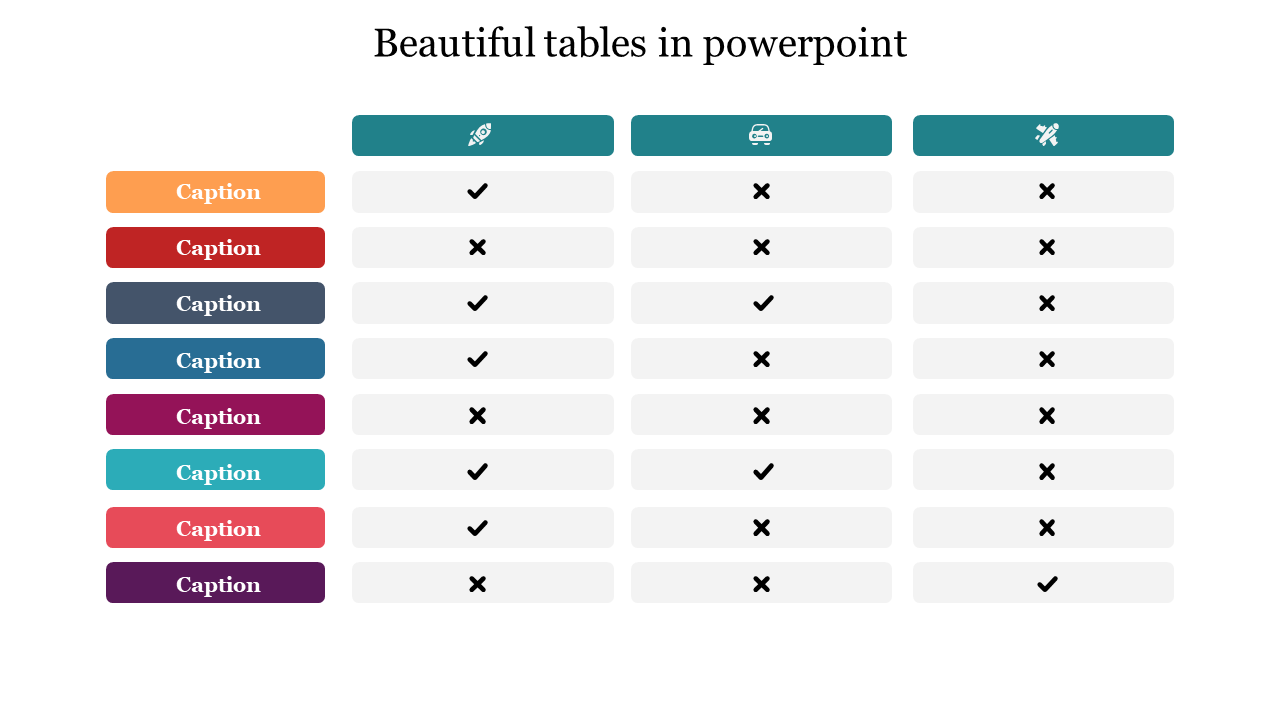
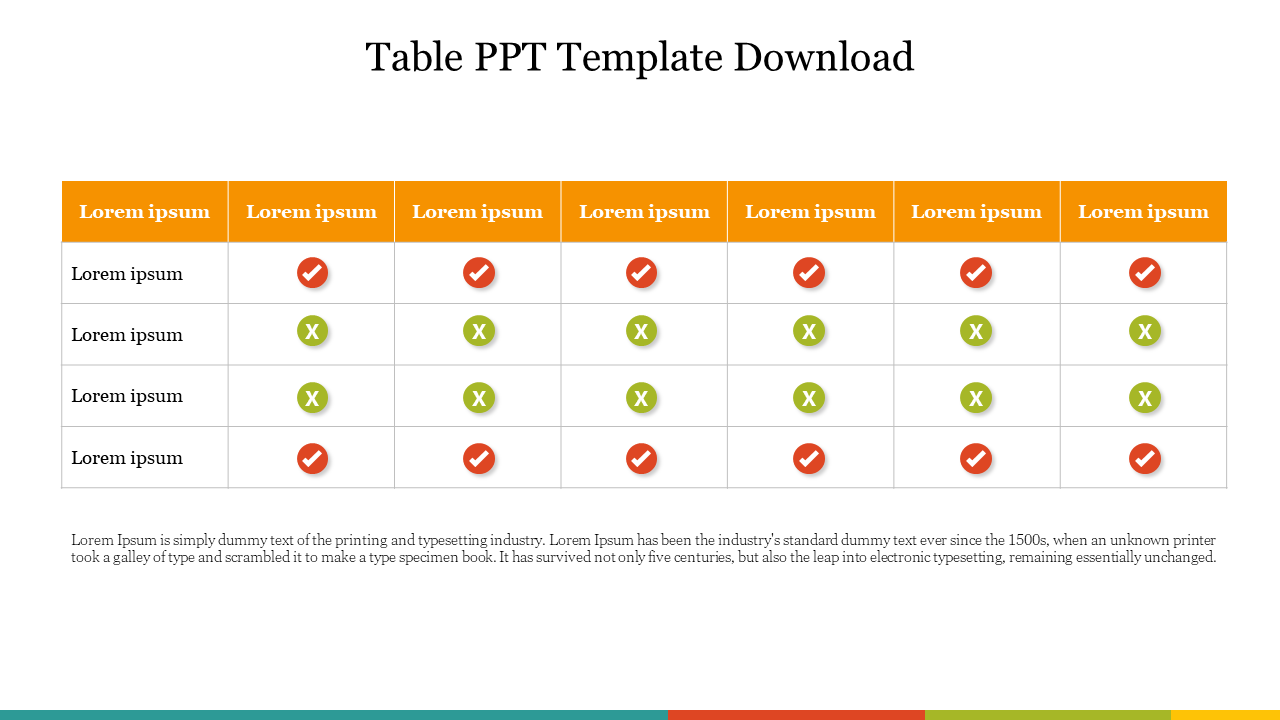
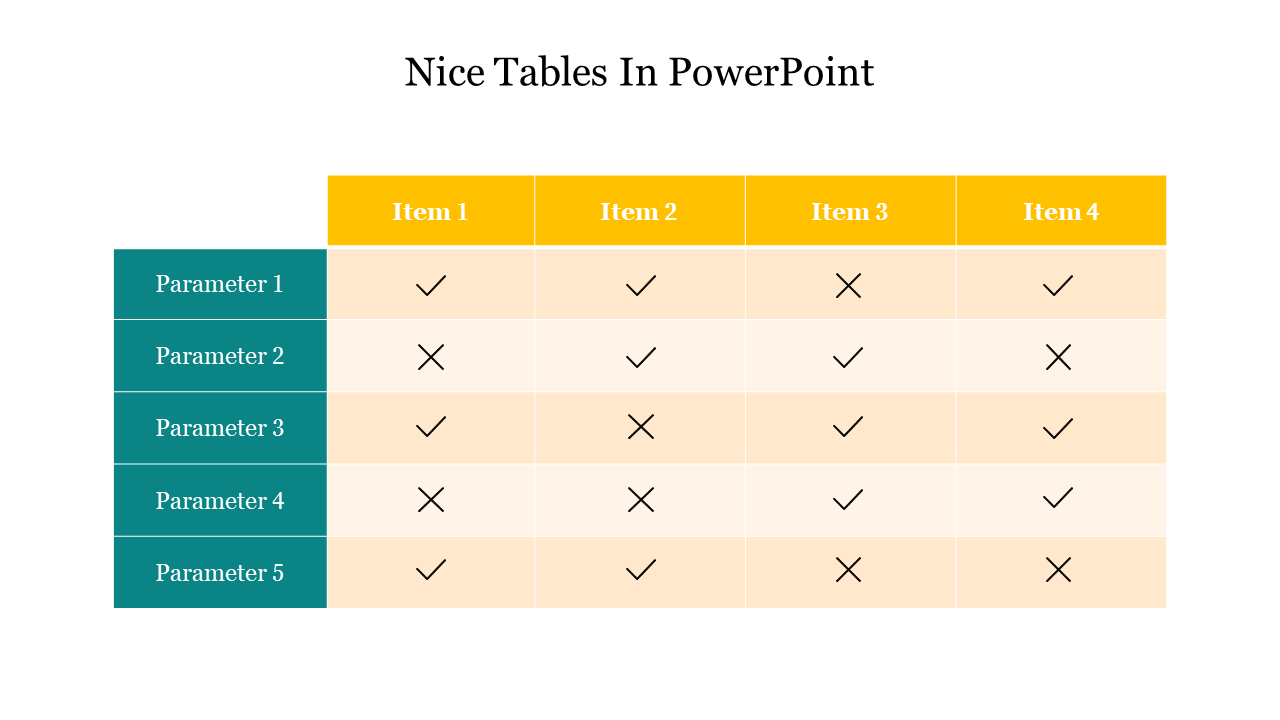
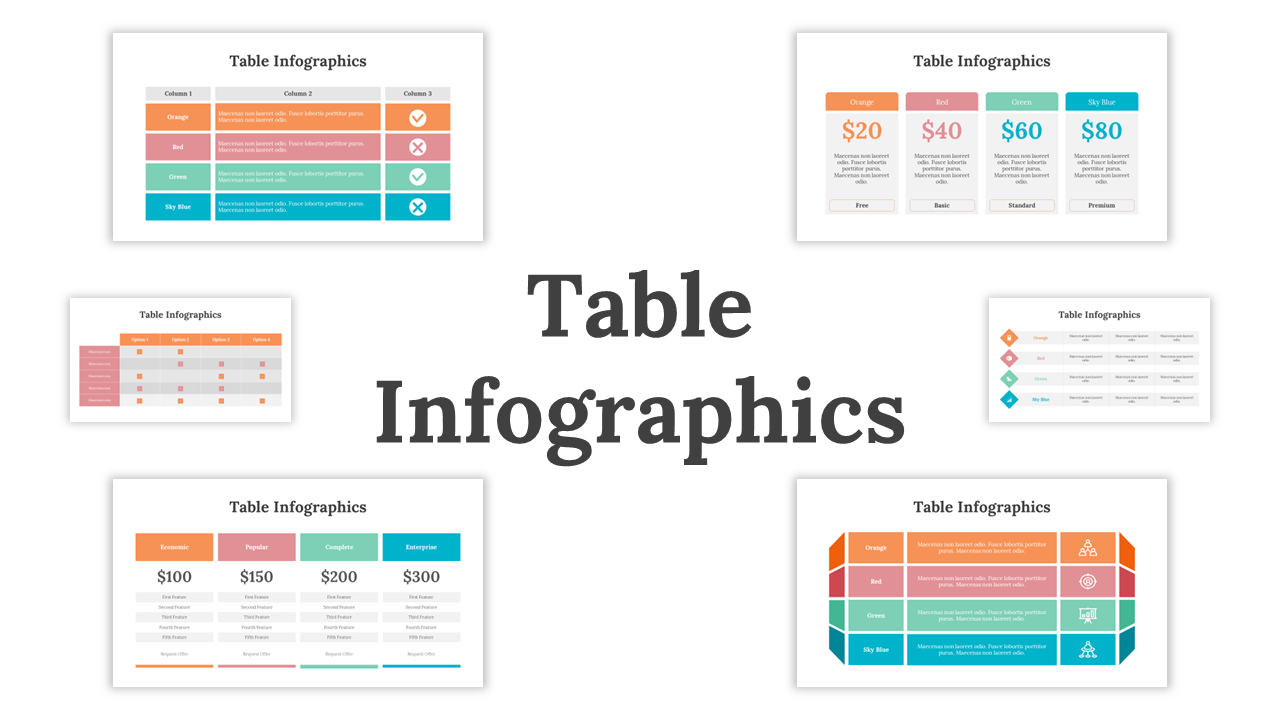
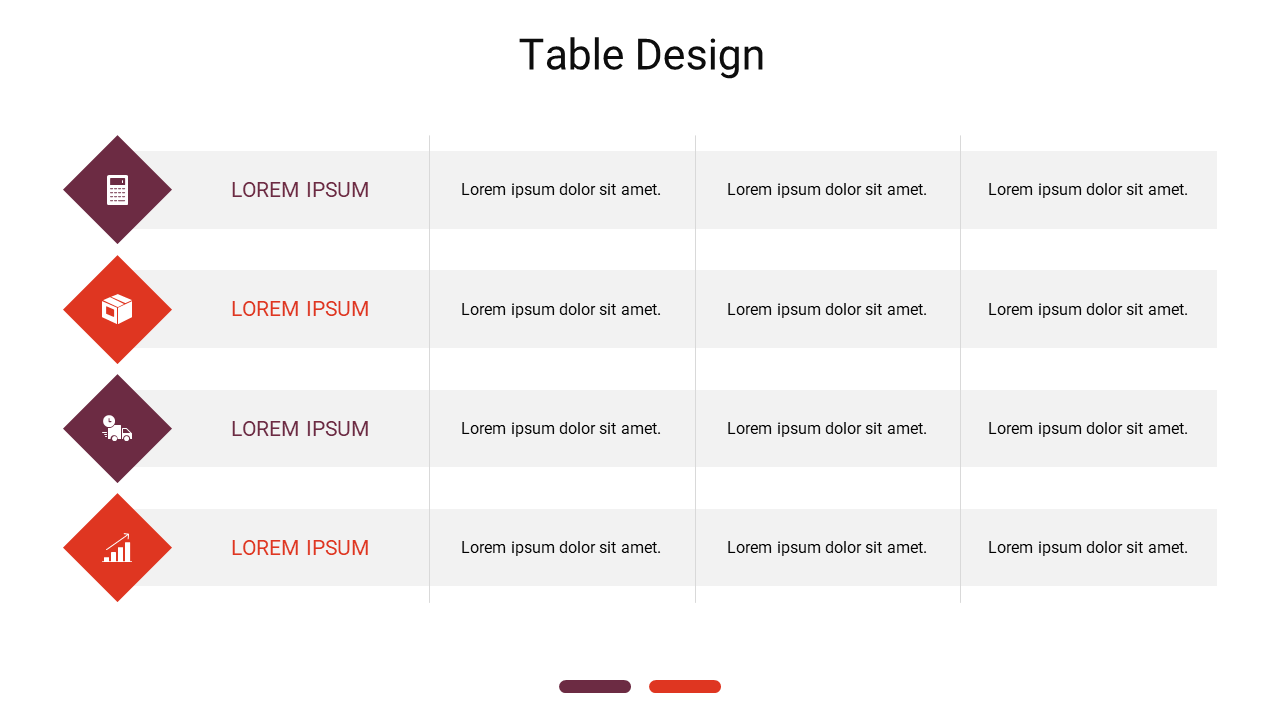
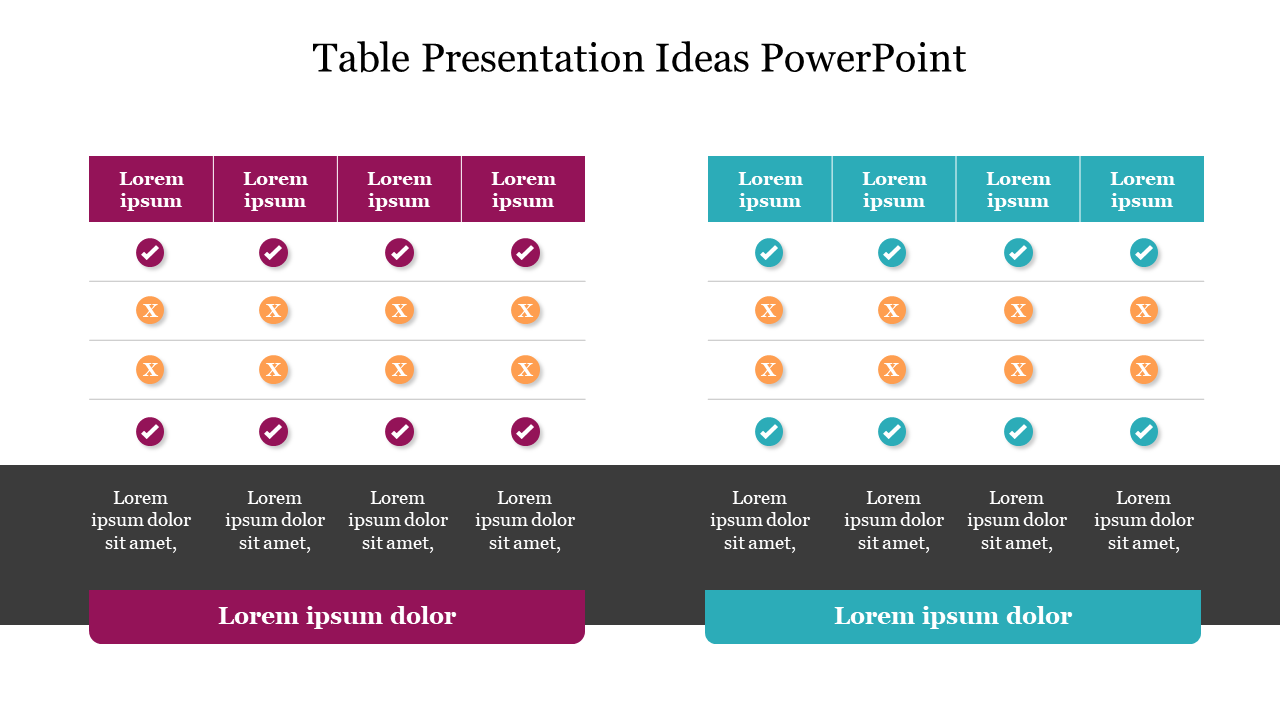
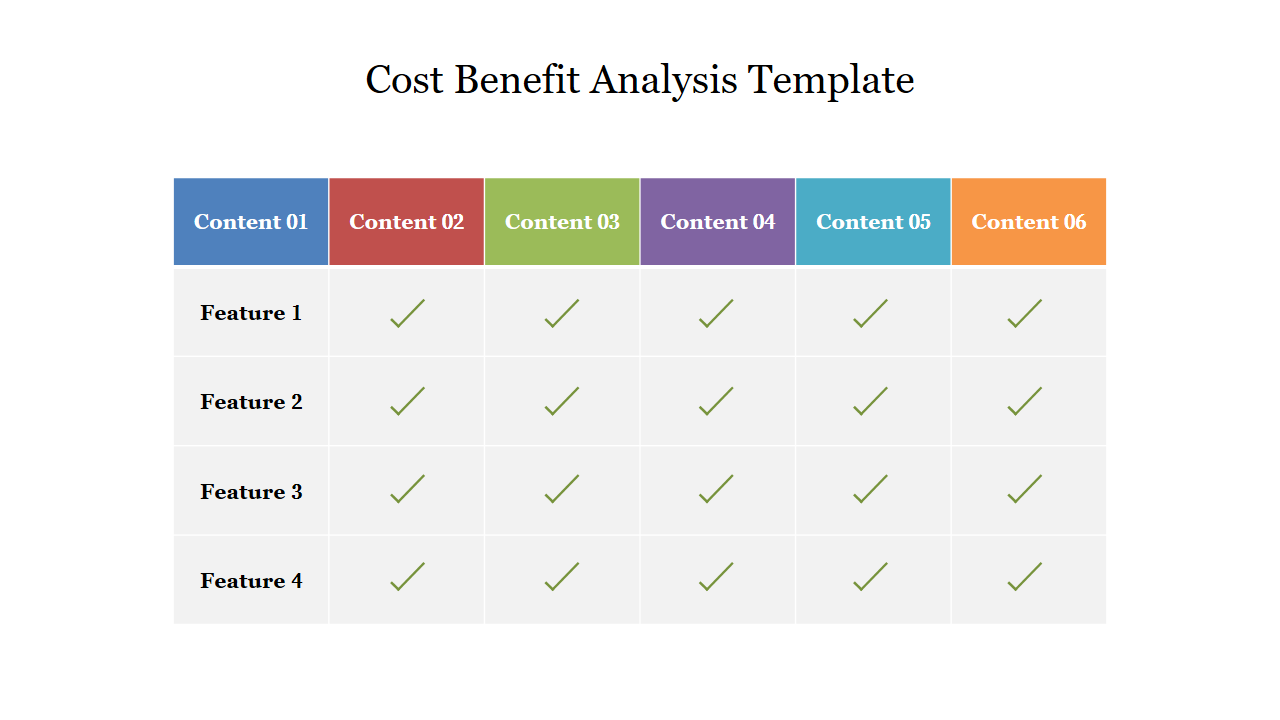
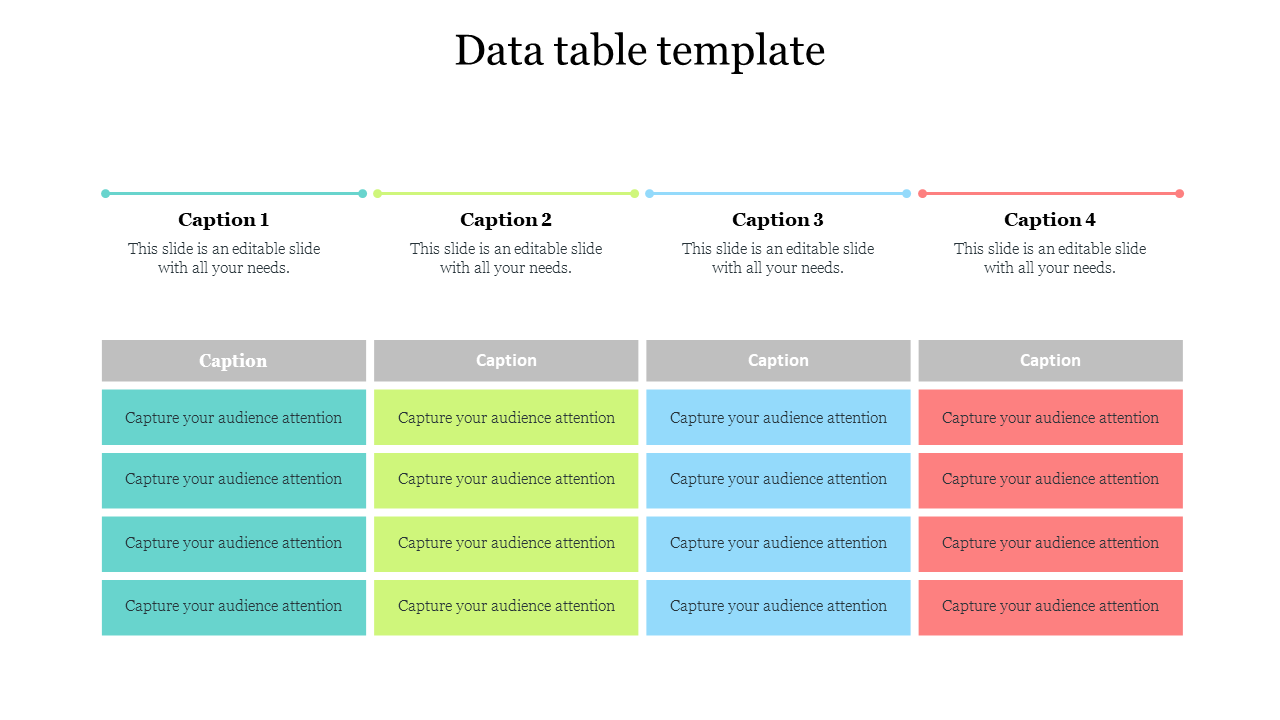
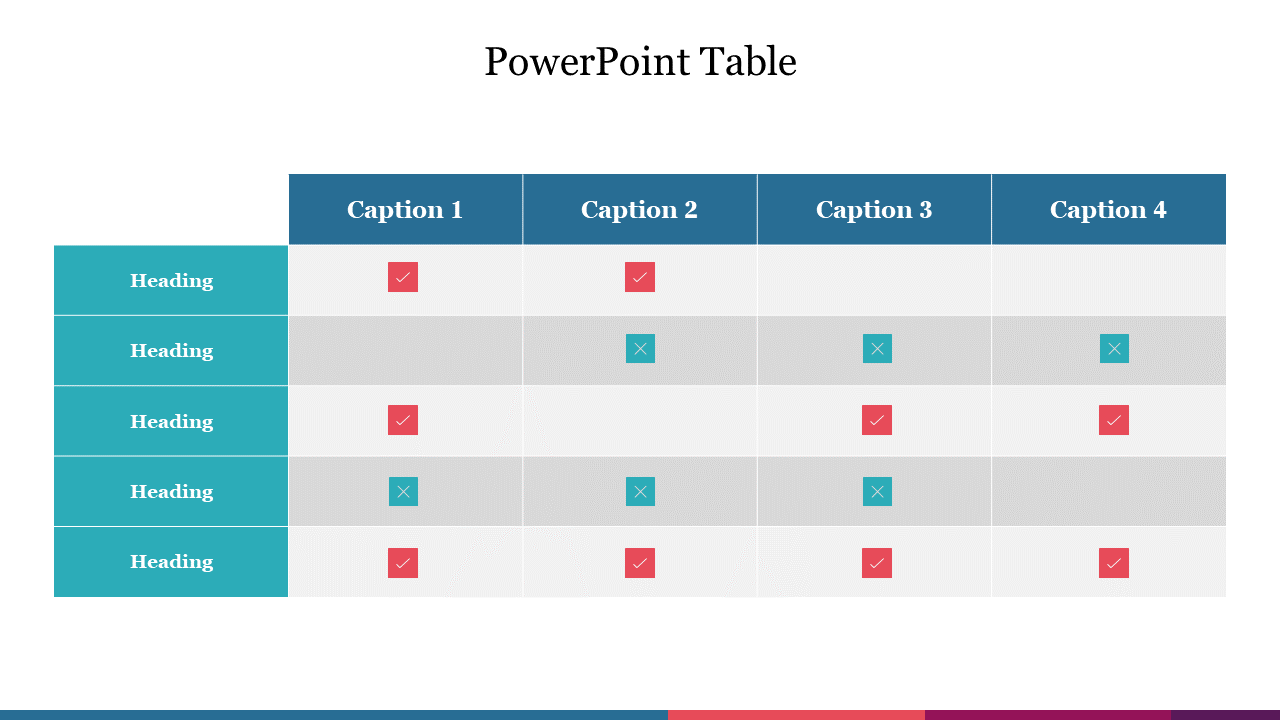
1) Comparison tables: Perfect for comparing different options side by side. A professional comparison table template is useful for evaluating product characteristics with competitors, comparing tools, and selecting vendors.
Why it works:
- Viewers can scan rows and instantly spot differences.
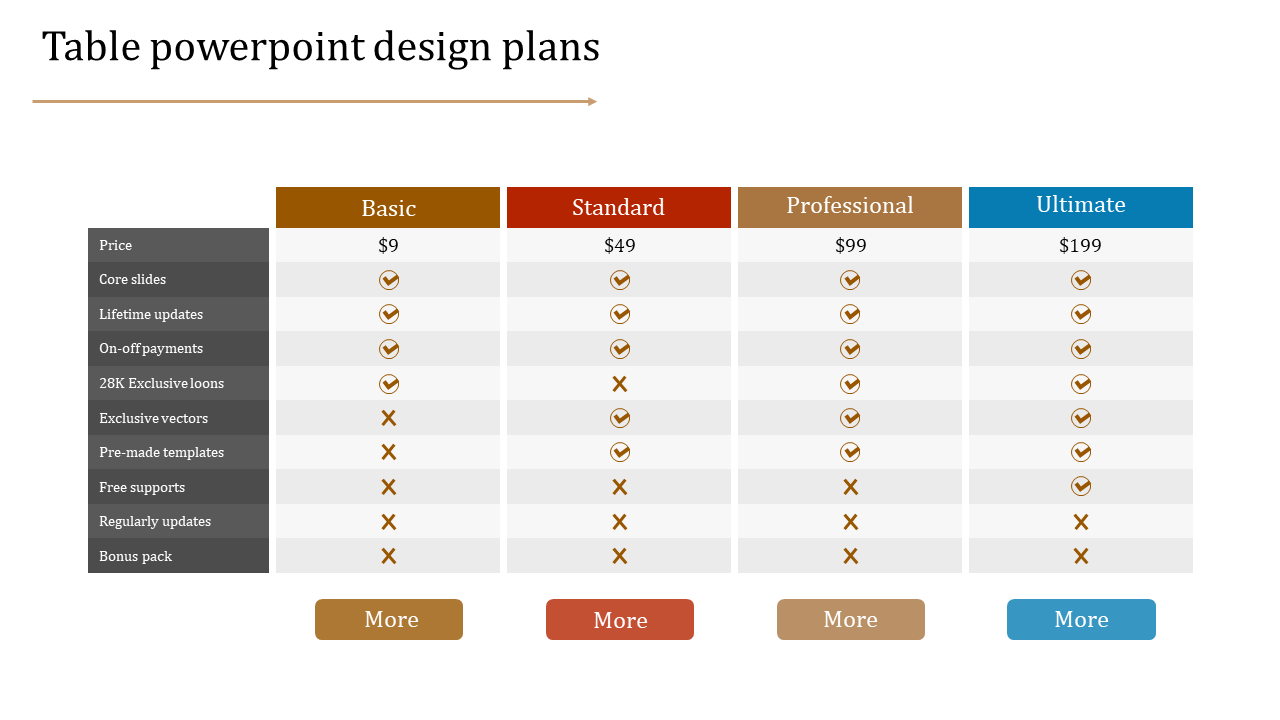
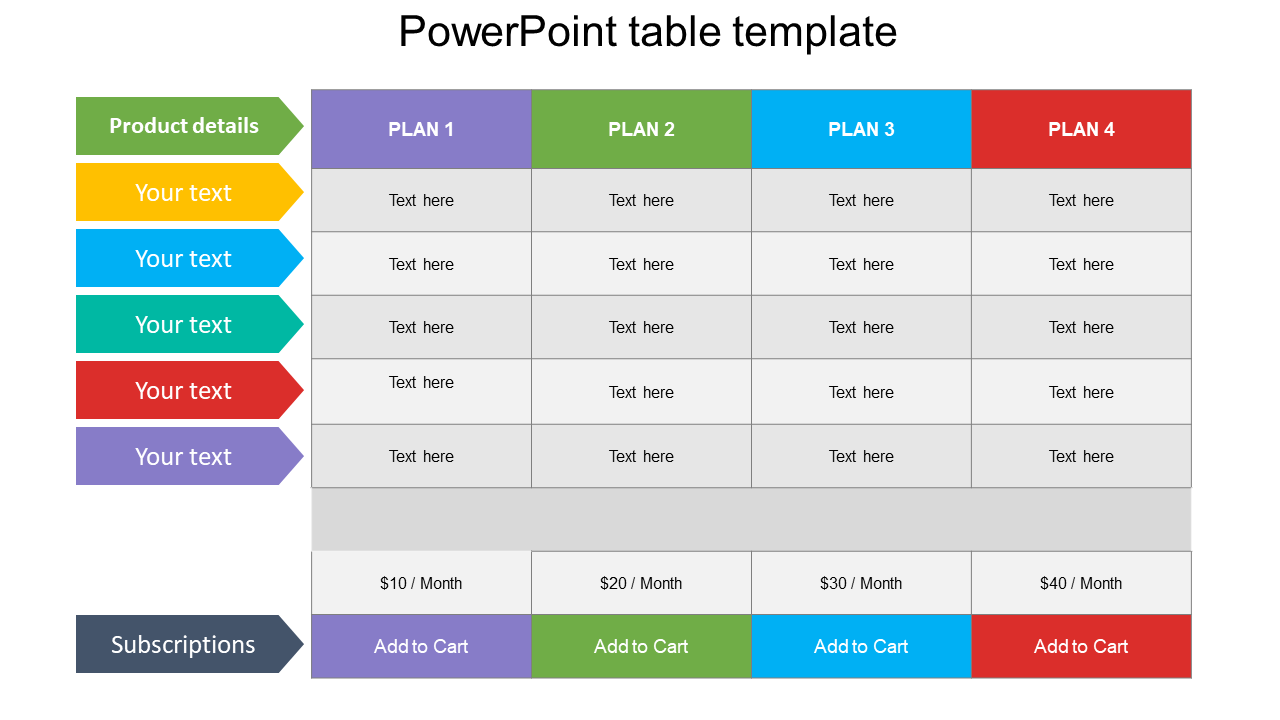
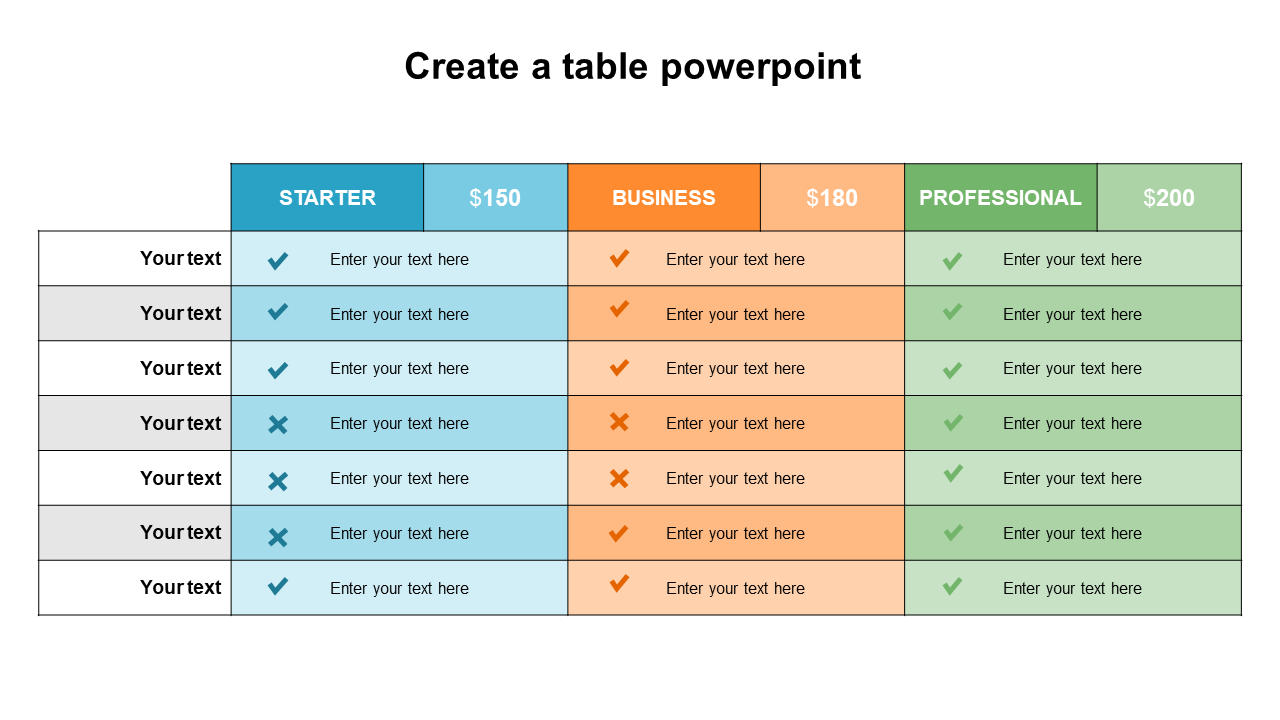
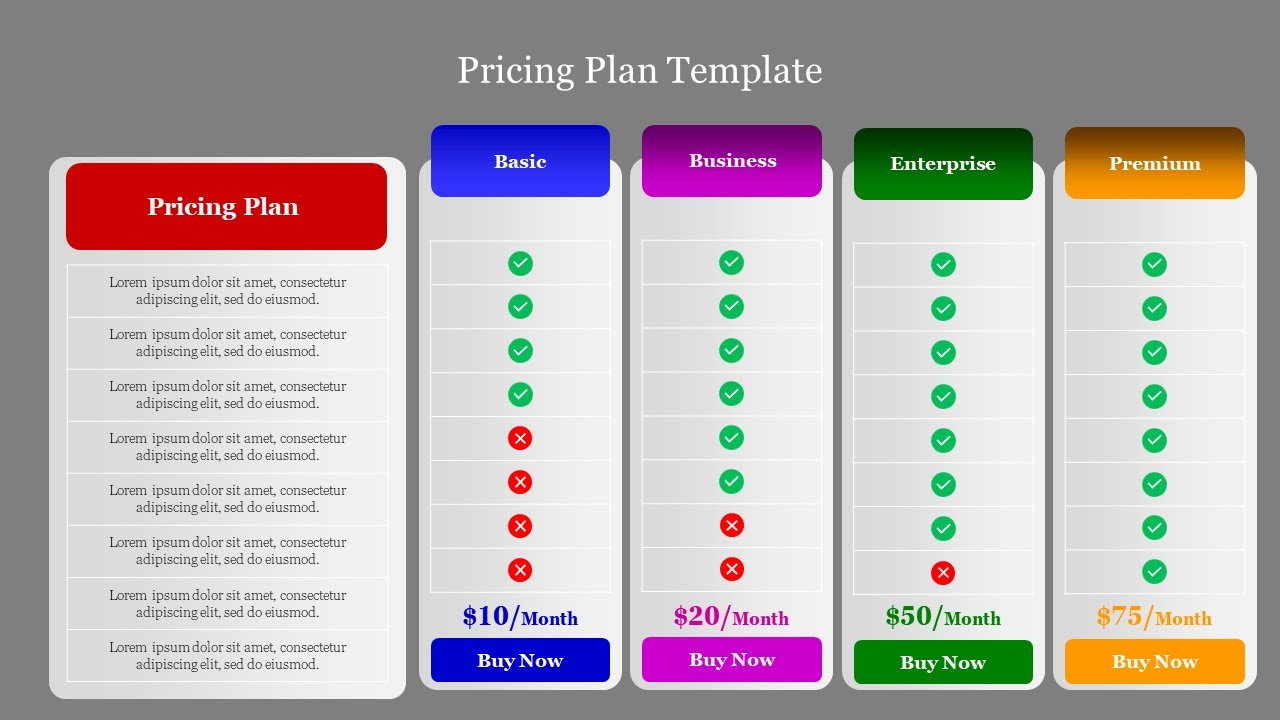
2) Pricing tables: A clean pricing table makes offers feel more professional and easier to trust. Use these to show packages, tiers, add-ons, and bundle deals clearly.
Why it works:
- A structured layout reduces confusion and helps people decide faster.
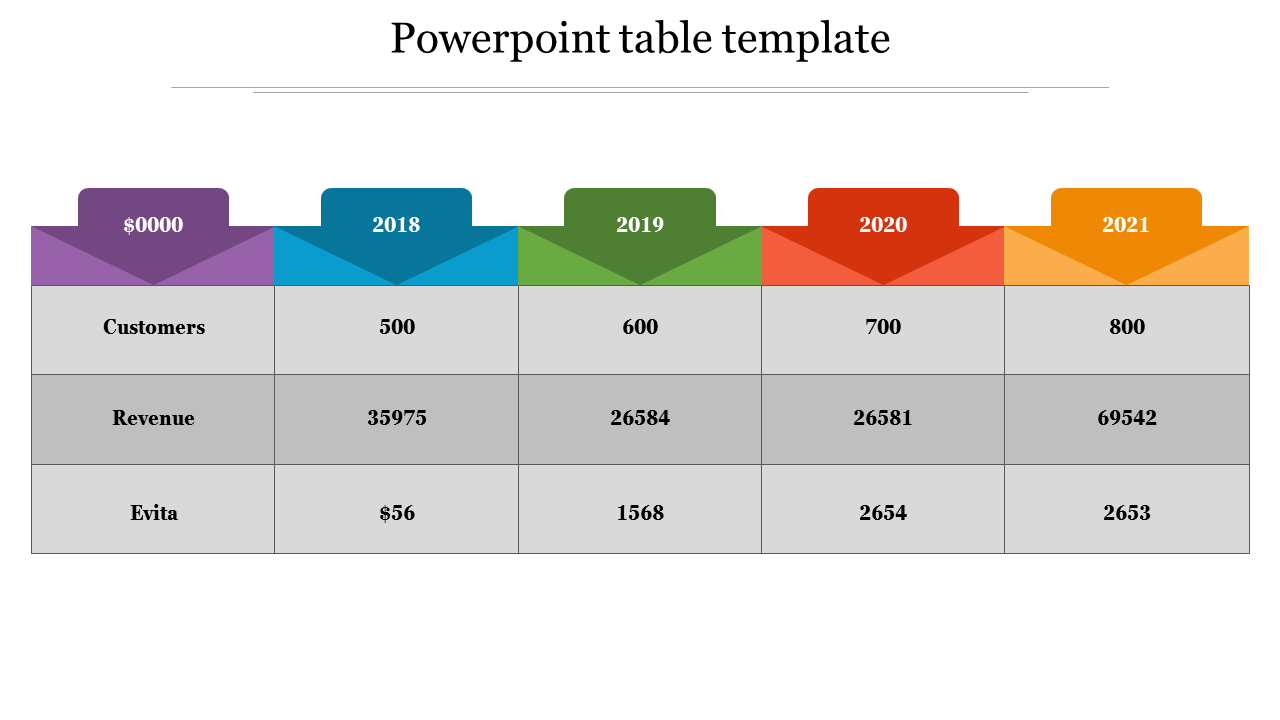
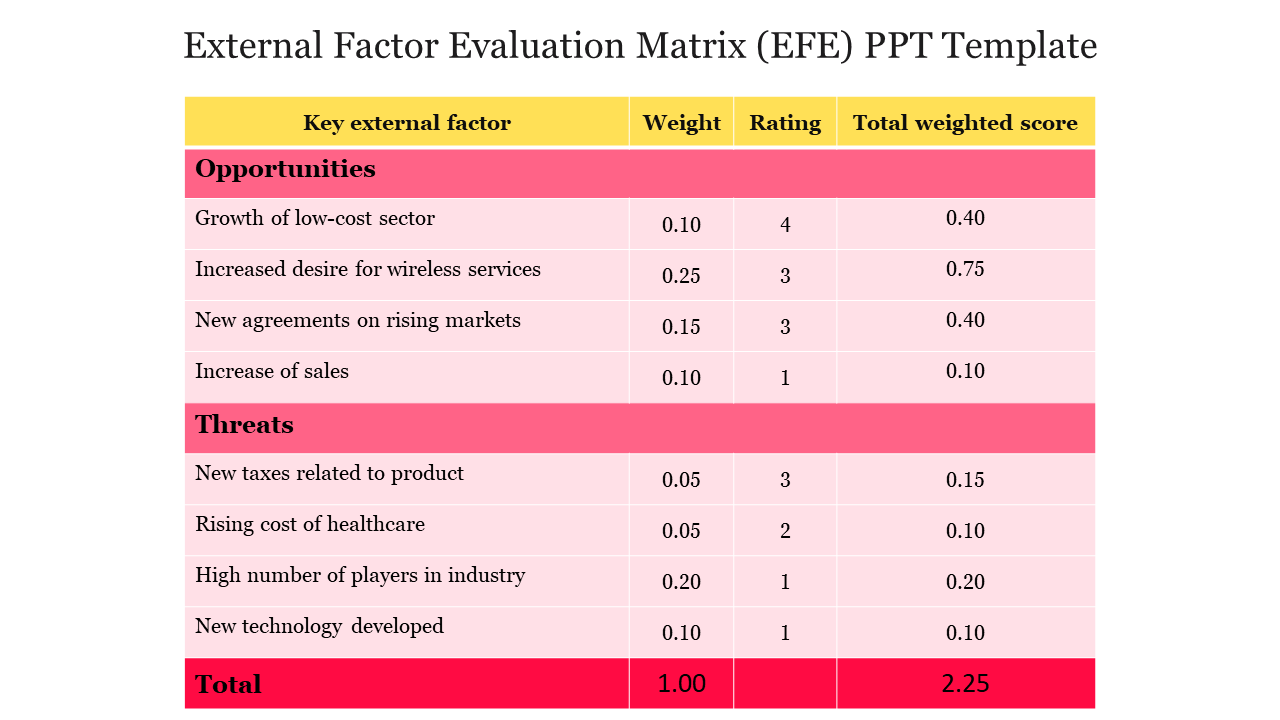
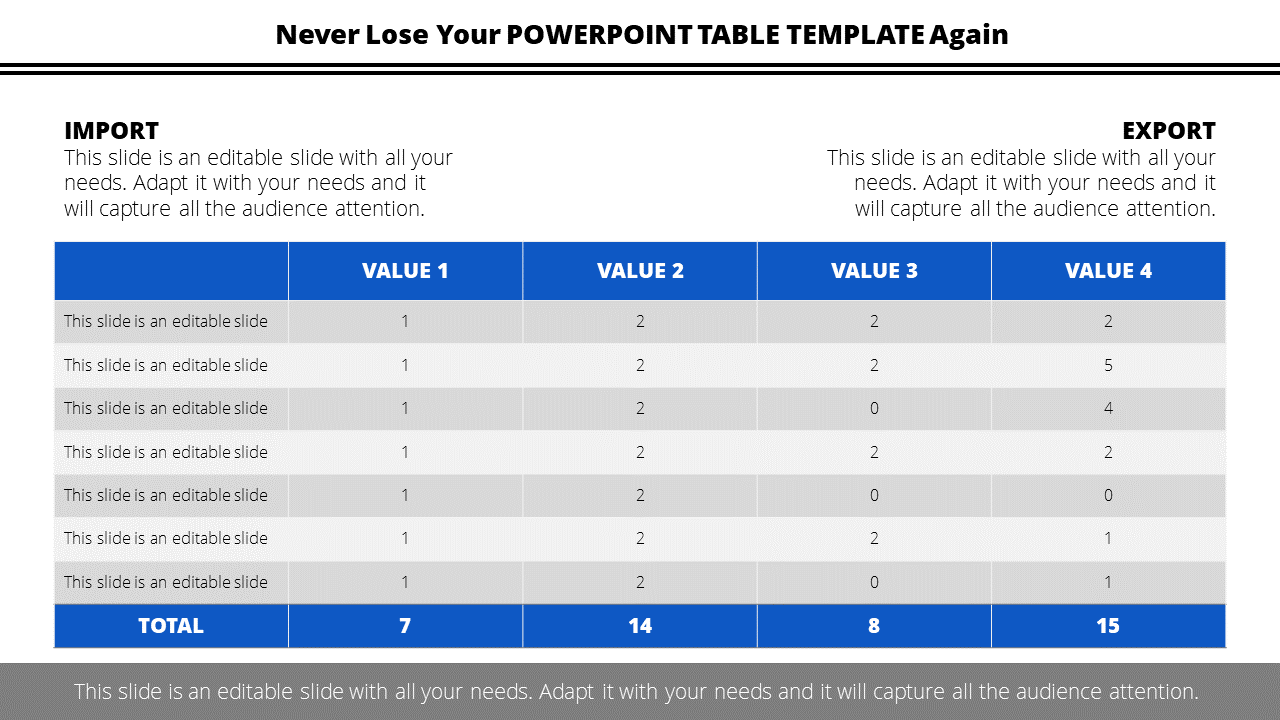
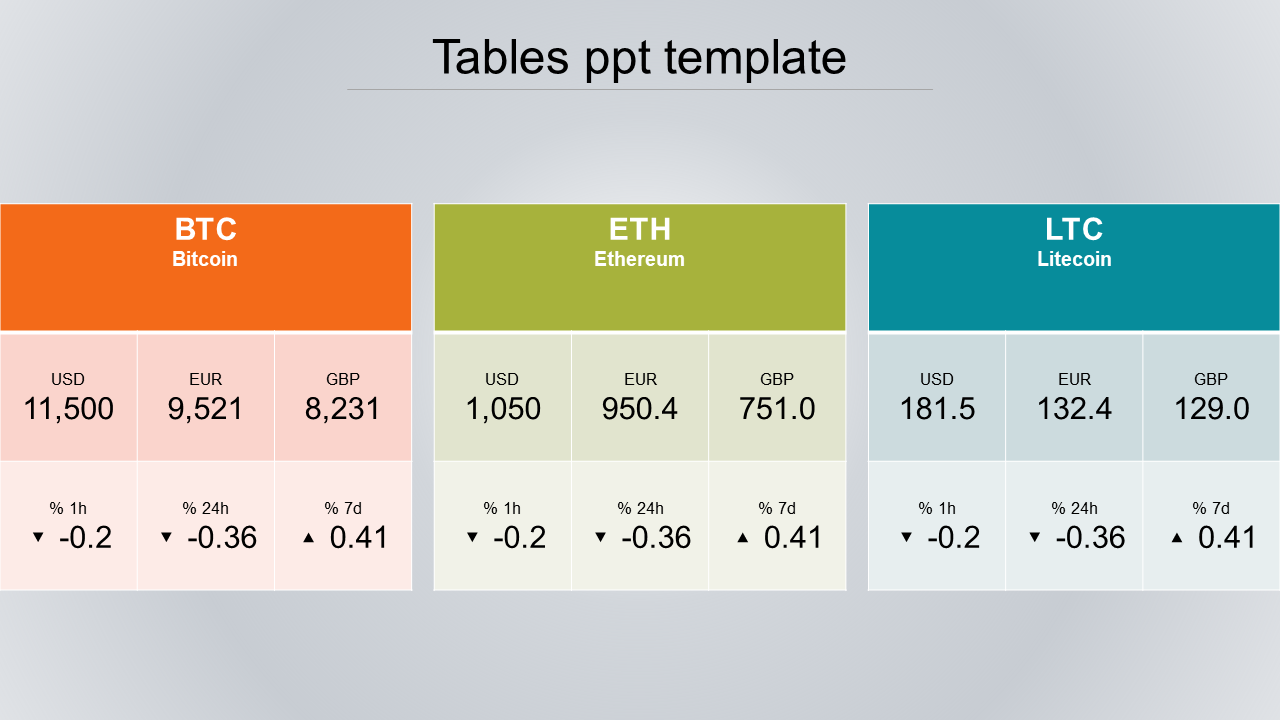
3) KPI and metrics tables: Great for reporting performance in a simple, readable format. These KPI dashboard templates are ideal for target vs. achieved results and department-wise metrics.
Why it works:
- Leadership teams prefer quick “at a glance” numbers without extra explanation.
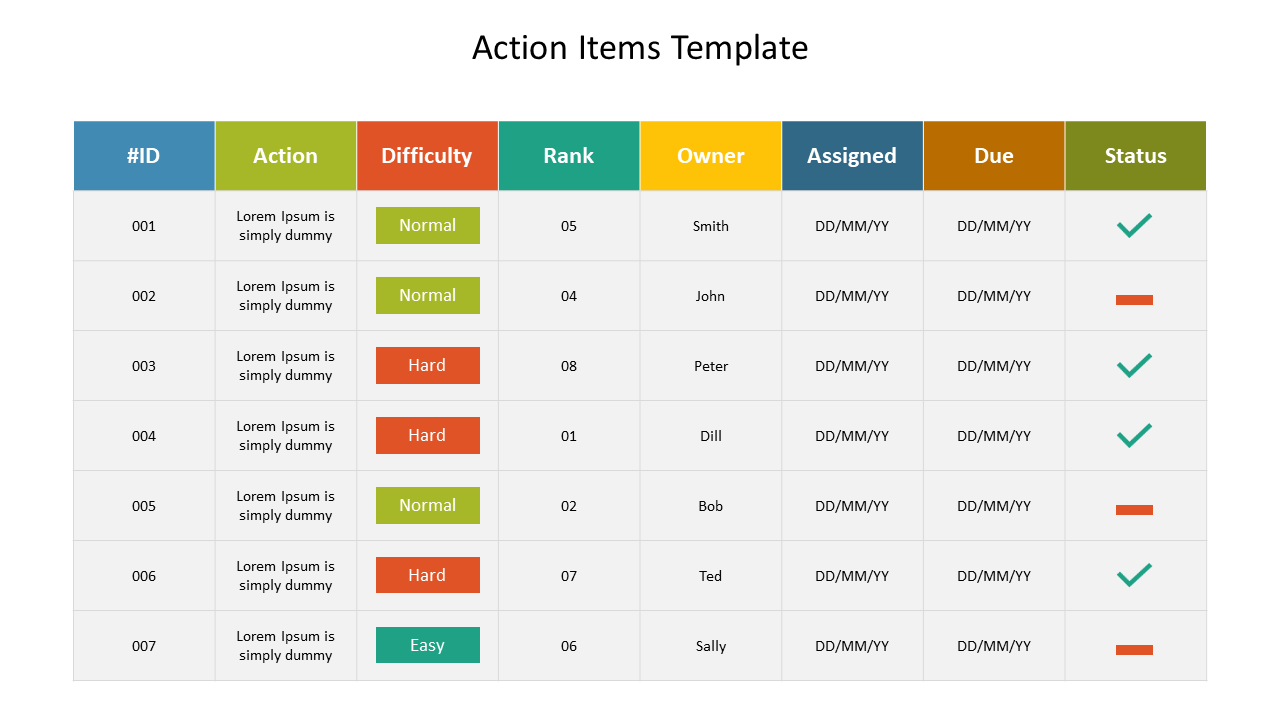
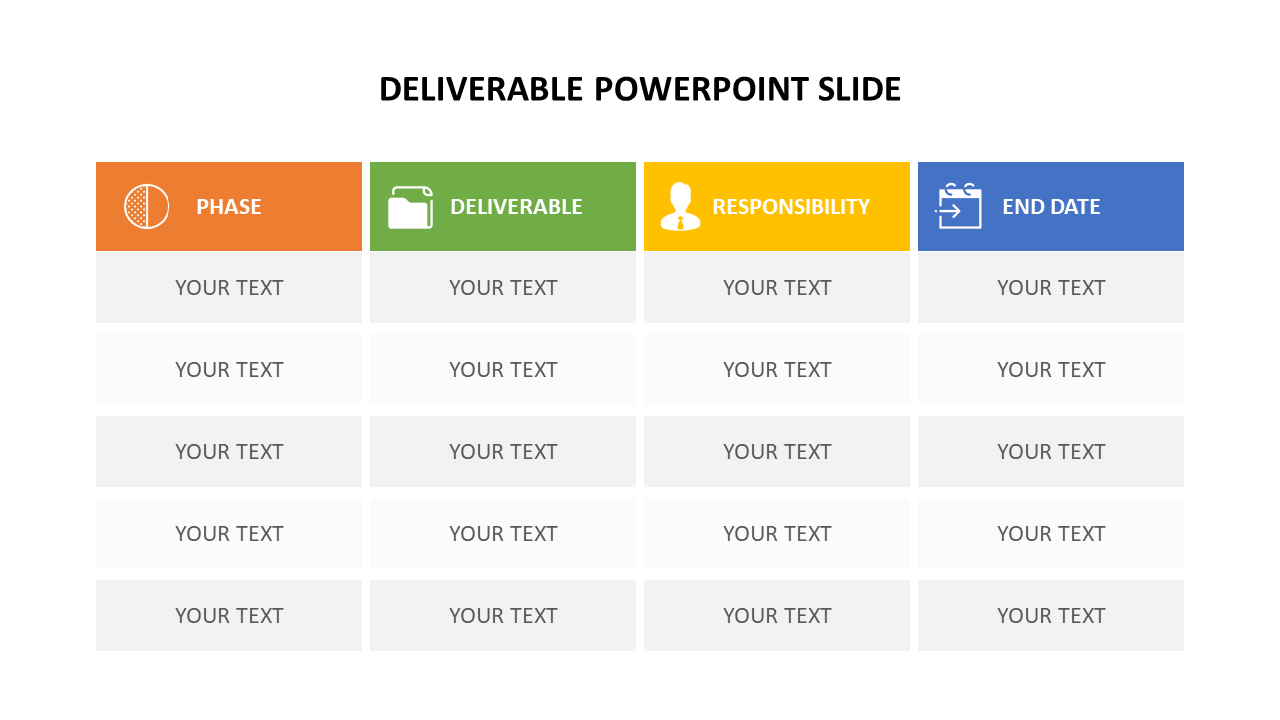
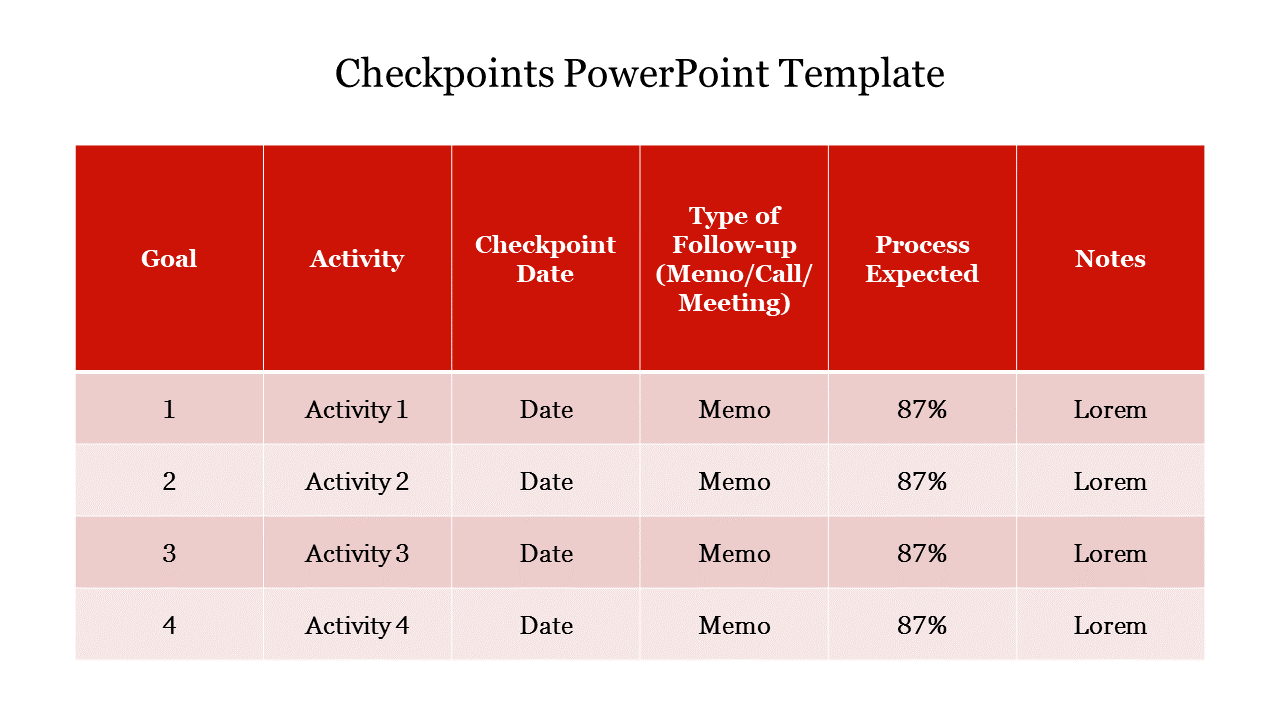
4) Project status tables: It's among the most frequently used methods for business presentations. A project status table is useful in monitoring task names, responsible persons, due dates, and present status.
Why it works:
- It will give instant clarity on what’s moving and what needs attention.
5) Budget and expense tables: Useful for planning and tracking costs without confusing spreadsheets. A dedicated budget slide helps you show cost categories, actual vs. planned spending, and forecasts.
Why it works:
- Tables keep financial data neat and presentation-friendly.
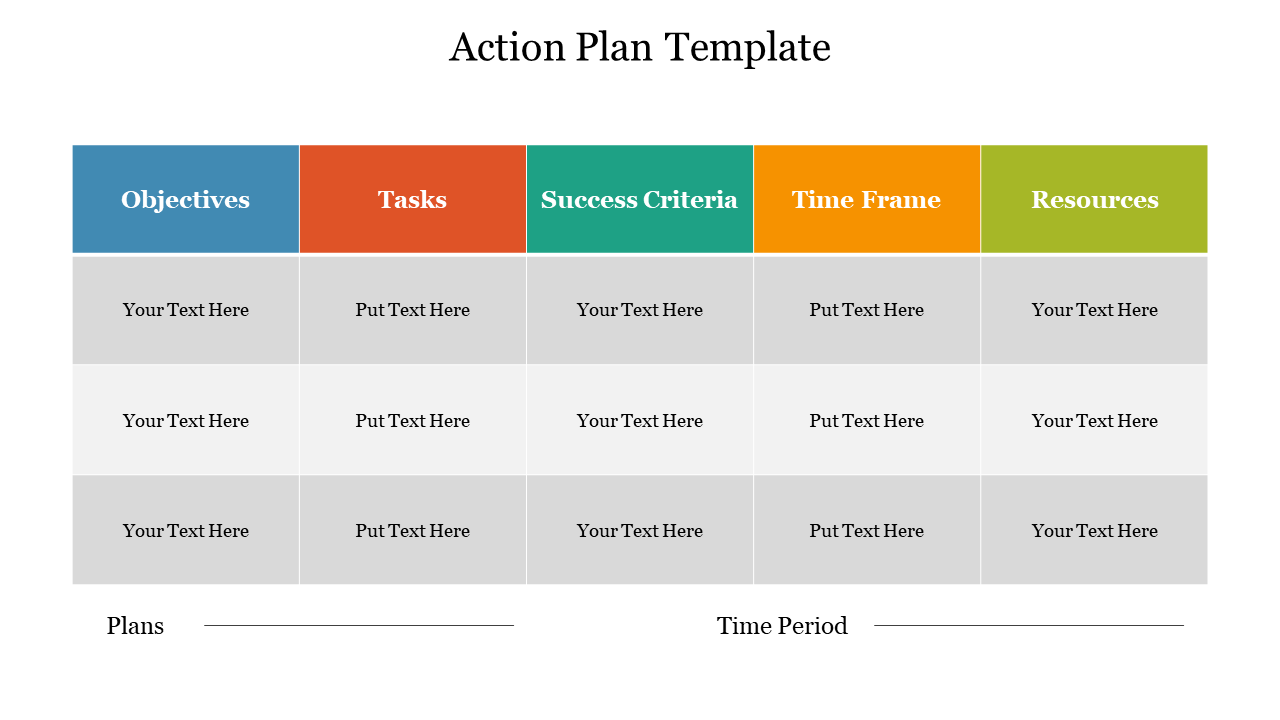
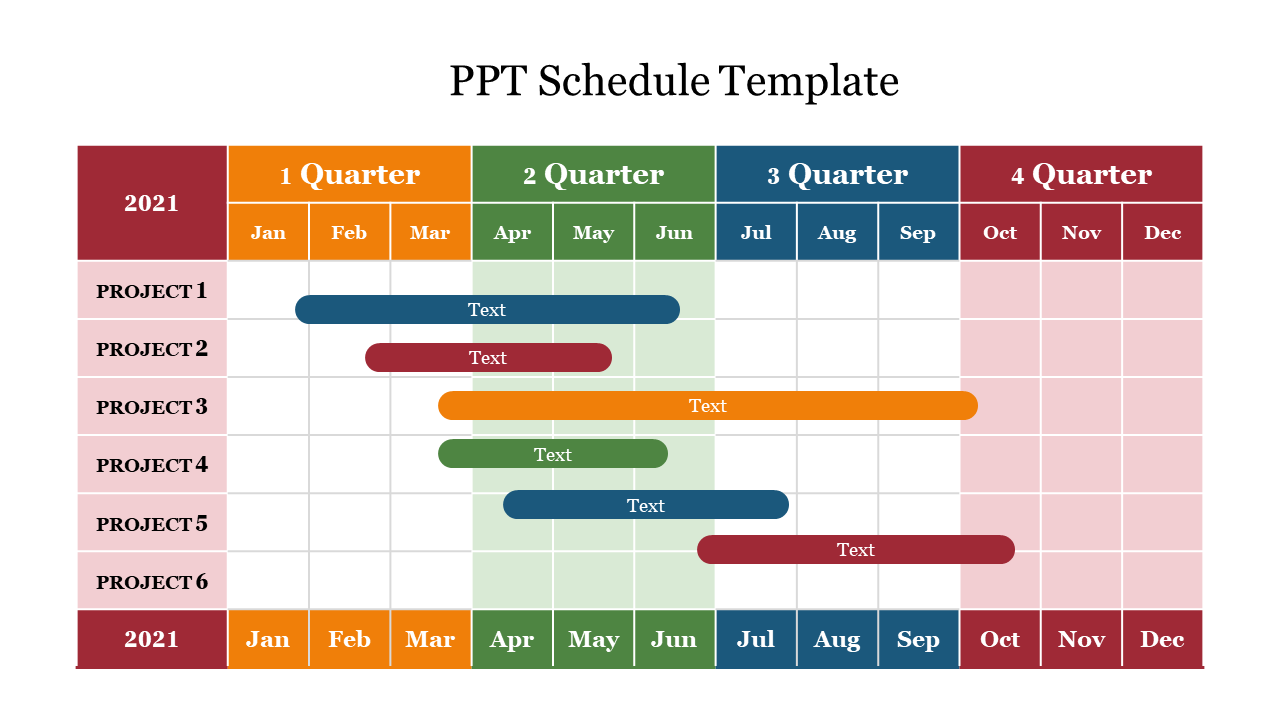
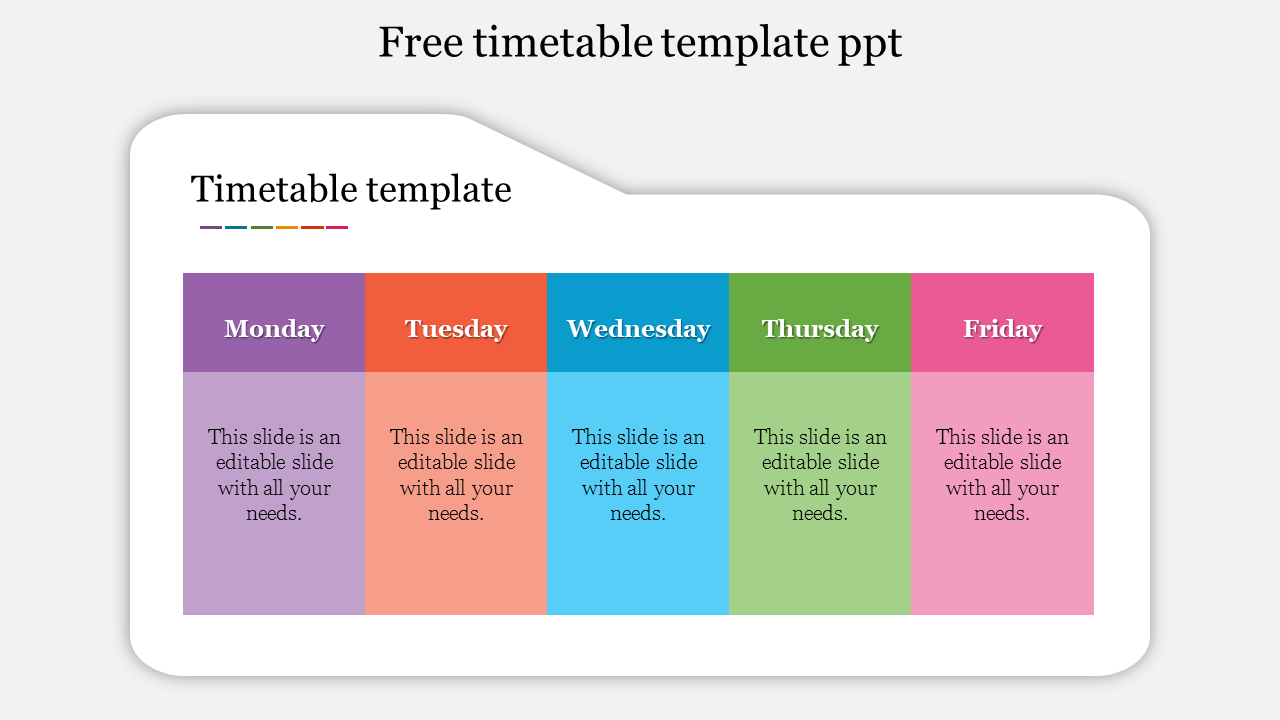
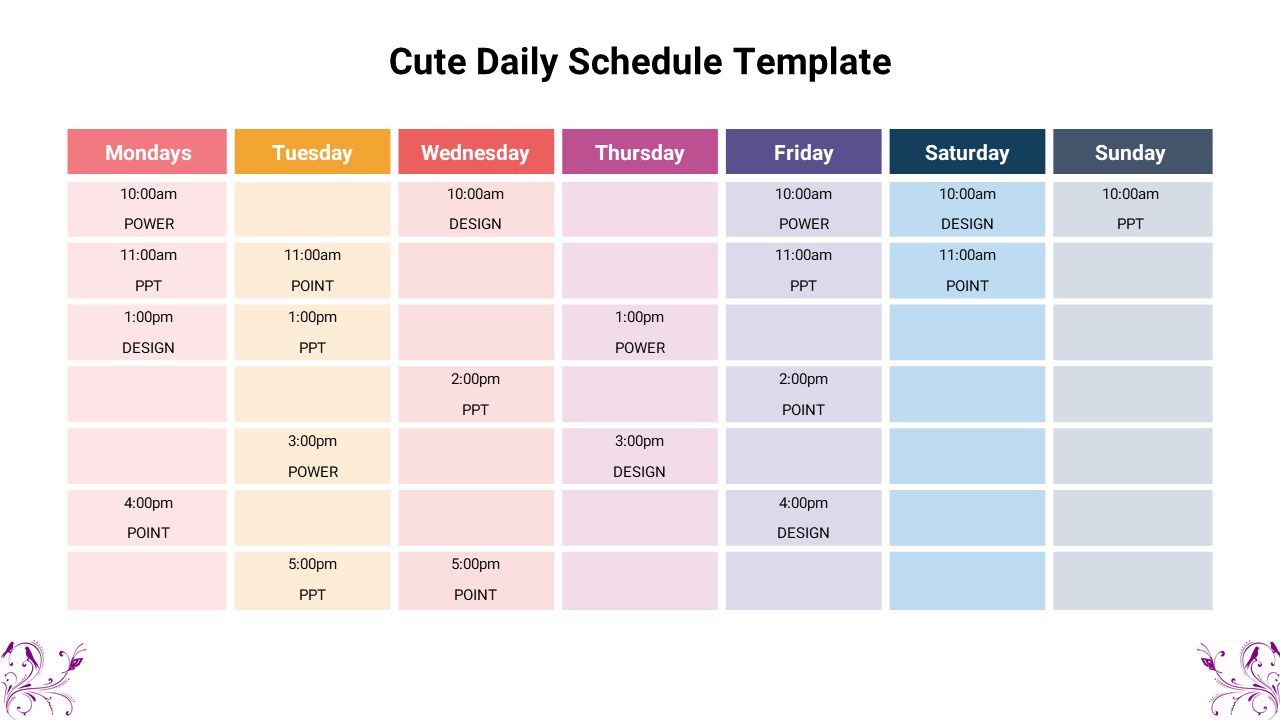
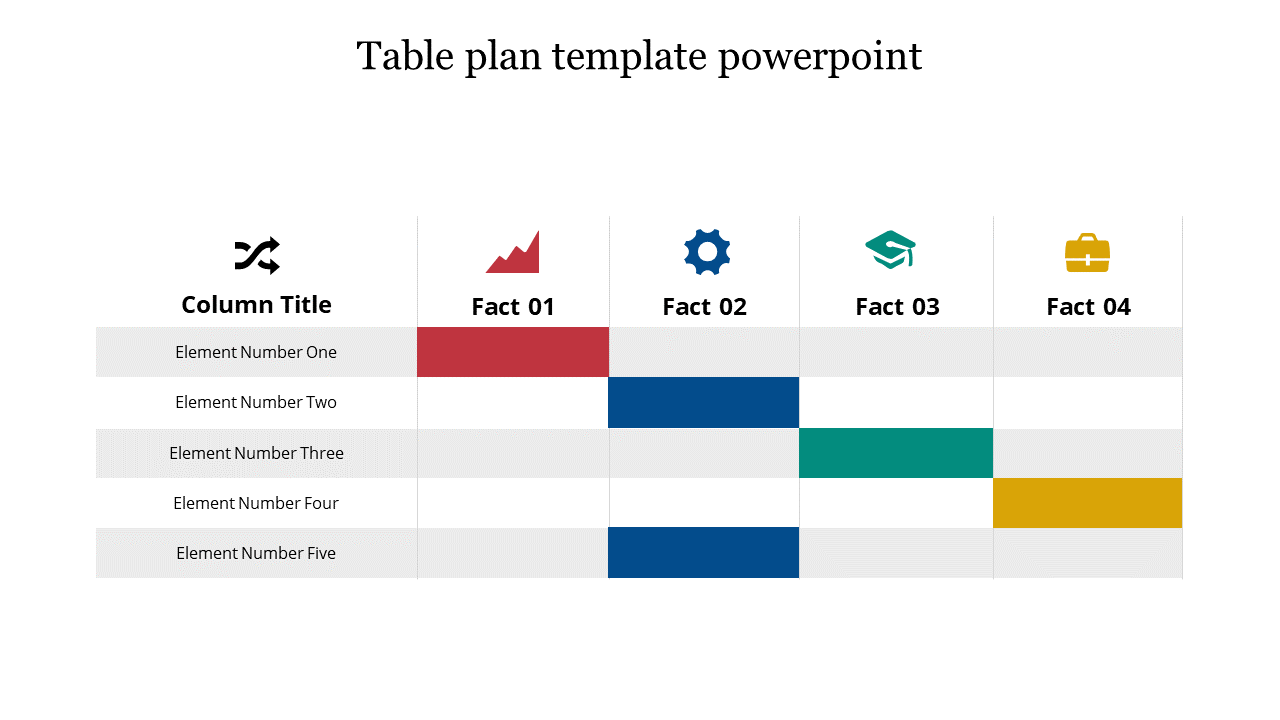
6) Schedules and trackers: When it comes to timelines that do not need complex graphs, table slides are the best option. The timetable design is utilised in making weekly plans, training schedules, content calendars, attendance logs, and task trackers.
Why it works:
- It is simple, direct, and very easy to change from one week to another.
7) Summary tables: Use summary tables to wrap up meetings with clear takeaways and ensure professional consistency.
You can include:
- Main points and decisions.
- Risks and Mitigation
- Action items and owners
- Next steps and due dates
Why it works:
- It turns messy meeting notes into a clean, professional summary.
Who can use these Table PPT Templates?
Table slides help anyone who needs to explain details simply. Here are some common users who benefit from these templates.
- Business Teams: Teams use tables in reports, meetings, proposals, and reviews. Table slides make it easy to present updates without messy formatting. They are excellent for the KPI dashboards, performance appraisals, and progress updates.
- Sales and Marketing: Cost and comparing slides are common in sales presentations. A clean table makes your offer easy to understand. It also reduces questions like "What is included in this plan?" because the details are shown clearly.
- HR and Operations: HR teams use tables for policies, training schedules, onboarding plans, and attendance tracking. They are used by operations teams for the purpose of task assignment, schedule planning, and process checklist creation.
- Students and Teachers: It is a common requirement for students to display the results of surveys, summarize research, and compare projects. Teachers use tables to share structured lessons, class plans, and assessment details. Table templates help keep the presentation neat and easy to follow.
- Analysts and Researchers: When your work includes data, your slides must be readable. Table layouts help you show results and comparisons in a way that feels organized, not crowded.
What Makes SlideEgg Table Templates User-Friendly
An attractive table slide needs more than just columns and rows. It requires other features such as spacing, alignment, and focus. The design of these table slides contains features that improve reading.
Here's what to expect:
- It has fully adjustable layouts and allows you to simply change the text, numbers, colors, and fonts.
- Simple row and column controls for adding, removing, and editing content.
- Clean headers and label styles to guide the reader’s eye.
- Planning and highlighting to emphasise critical values, totals, or top-tier plans.
- Instead of a standard strategy, flexible designs are tailored to specific application cases.
- Presentation-ready formats that look fantastic on screen and in PDF exports.
Tips to Make Table Slides Look Great
Even the best templates perform more successfully if the content is straightforward. There are some practical tips:
- We keep the headings short and simple.
- Limit columns when possible (3 to 5 columns are easier to read)
- Use one row style for data and one for totals or key points
- Highlight only the numbers that matter most
- If the table is large, split it into two slides
- A short title should be added that gives the audience an idea of the table's significance.
- By making these small changes, your presentation will look less heavy and more professional.
Make Your Next Data Slide Easy to Understand
A table slide should help your audience rather than impress it. The right structure allows you to offer numbers, options, and updates straightforwardly and calmly. That is the goal of these Table PowerPoint Templates.
Should you regularly produce reports, proposals, comparisons, or dashboards, then table templates will not only save you time but also enhance your message's perception. Pick a layout, type in your information, and display it in a clear manner.
Look into PowerPoint table templates to make neat, professional-quality data slides in just a few minutes.