Free Sports Certificate Presentation Templates
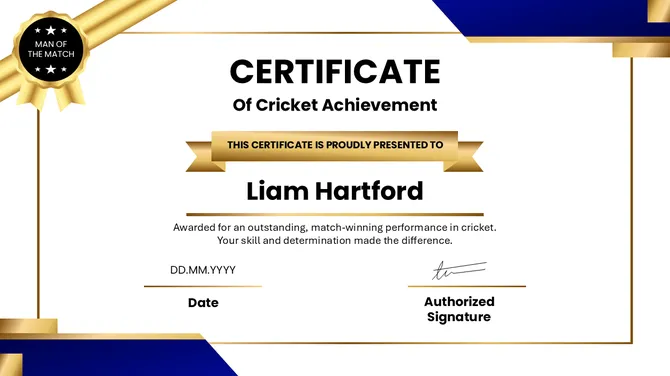
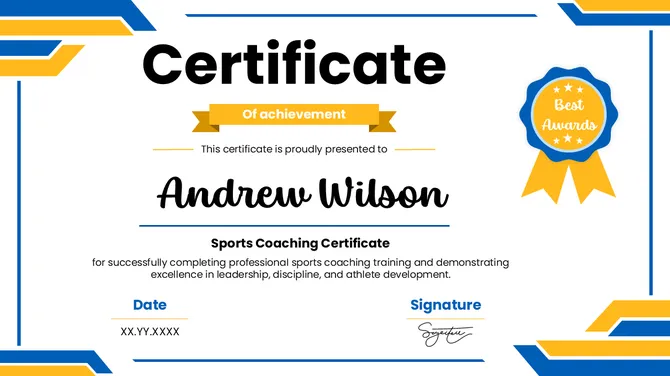
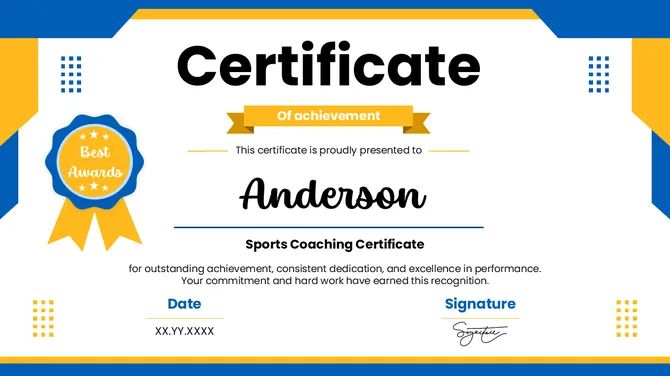
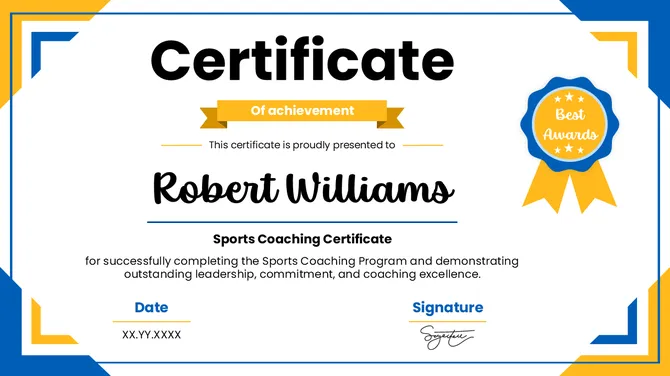
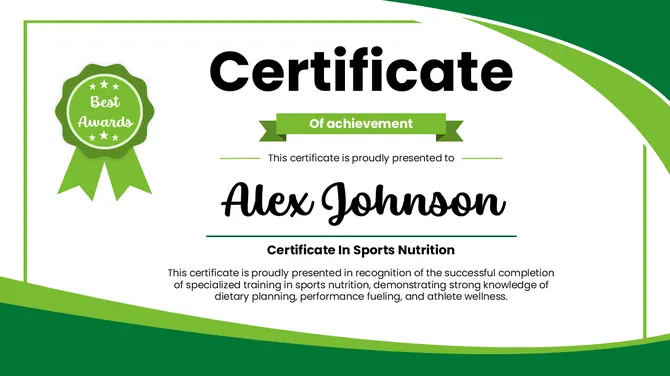
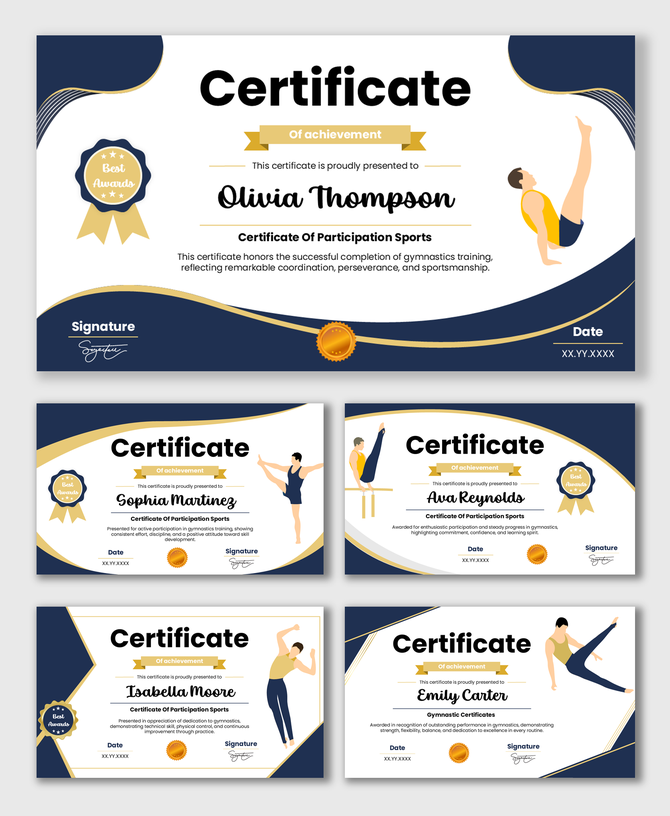
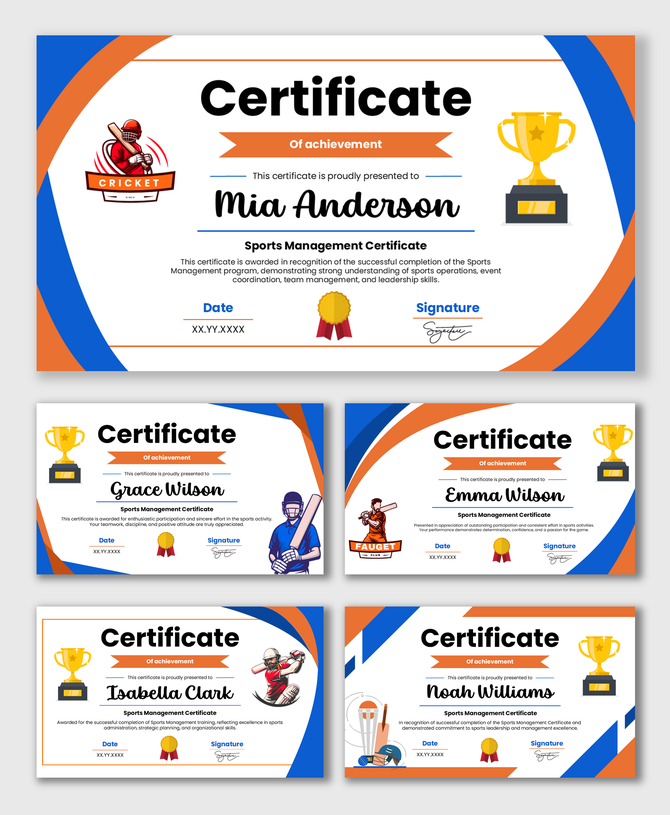
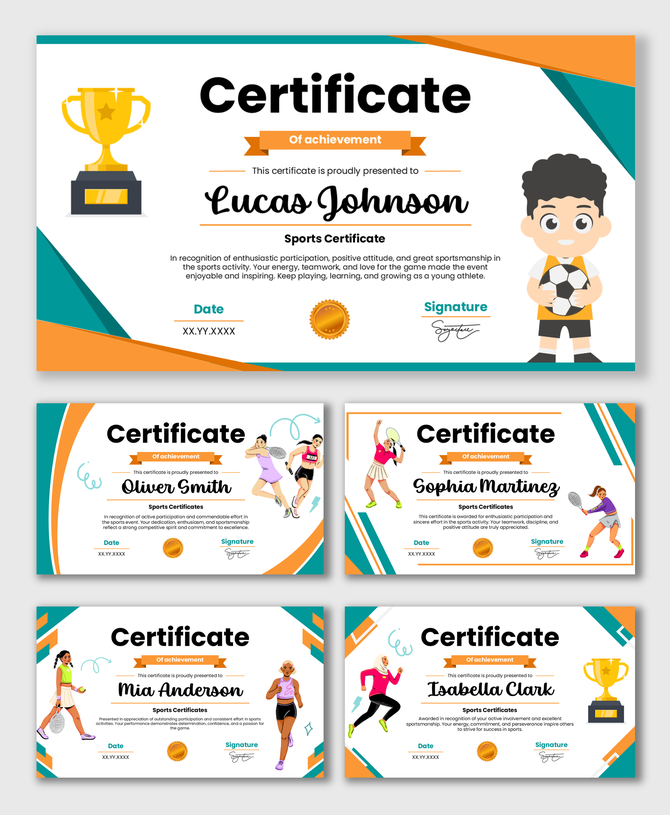
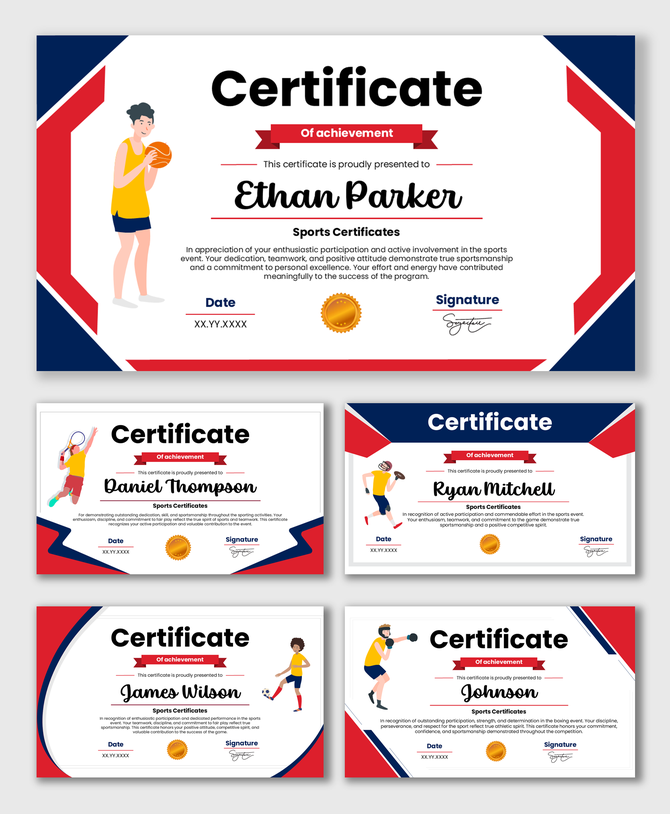
Celebrate victory and honor athletic excellence with our Sports Certificate PowerPoint Templates. Whether you are a coach, a league organizer, or a gym teacher, these designs help you recognize your athletes' hard work. Fully editable in PowerPoint, Google Slides, and Canva, you can customize team colors, add player names, and insert your club logo.
Editor's Choice (1 of5)
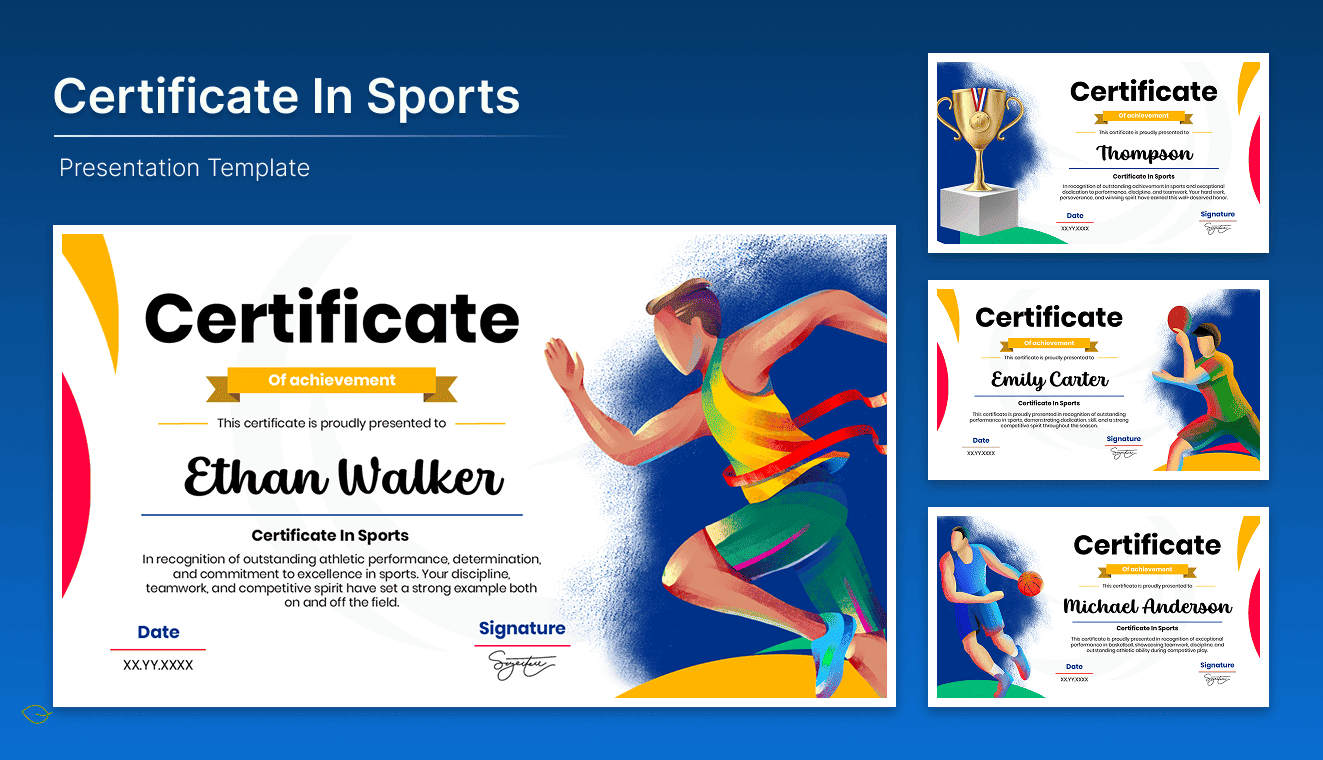
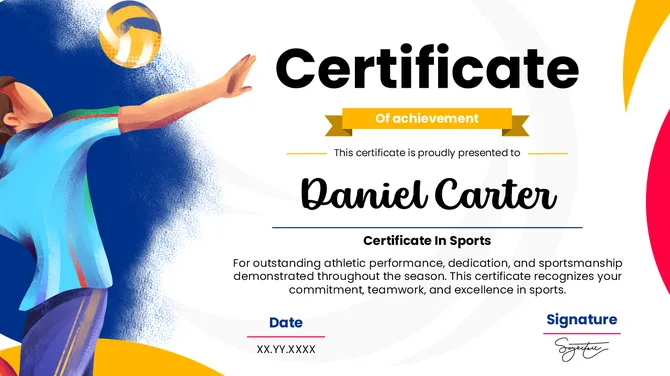
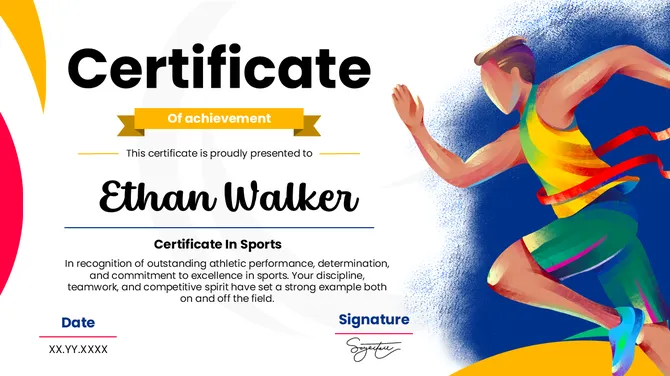
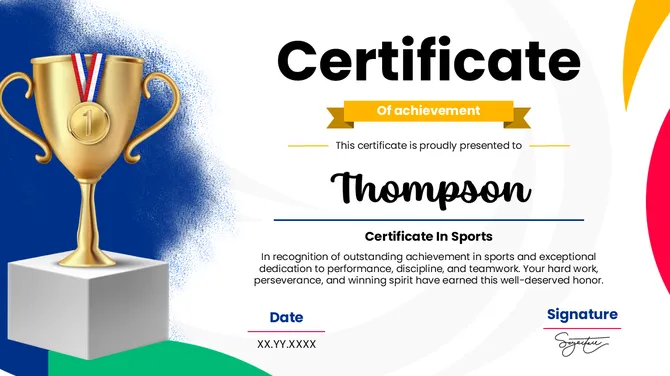
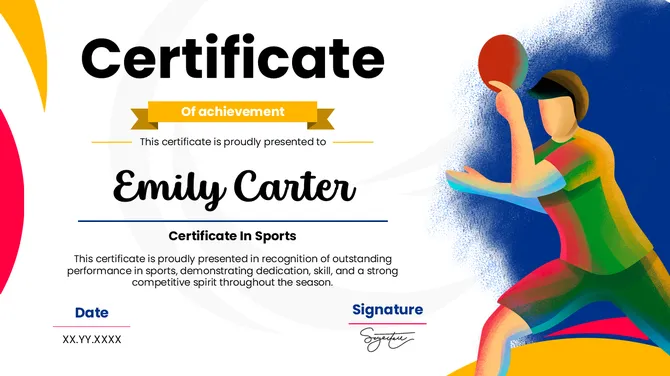
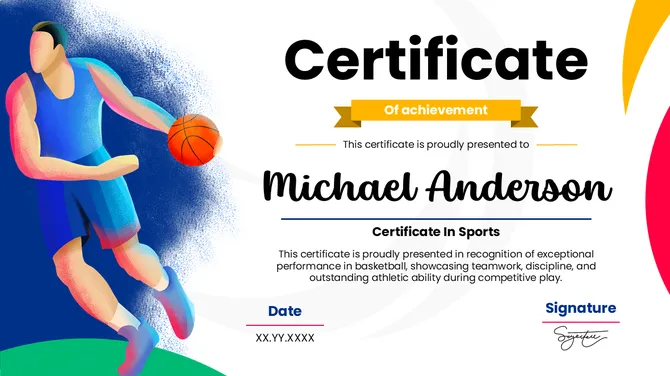
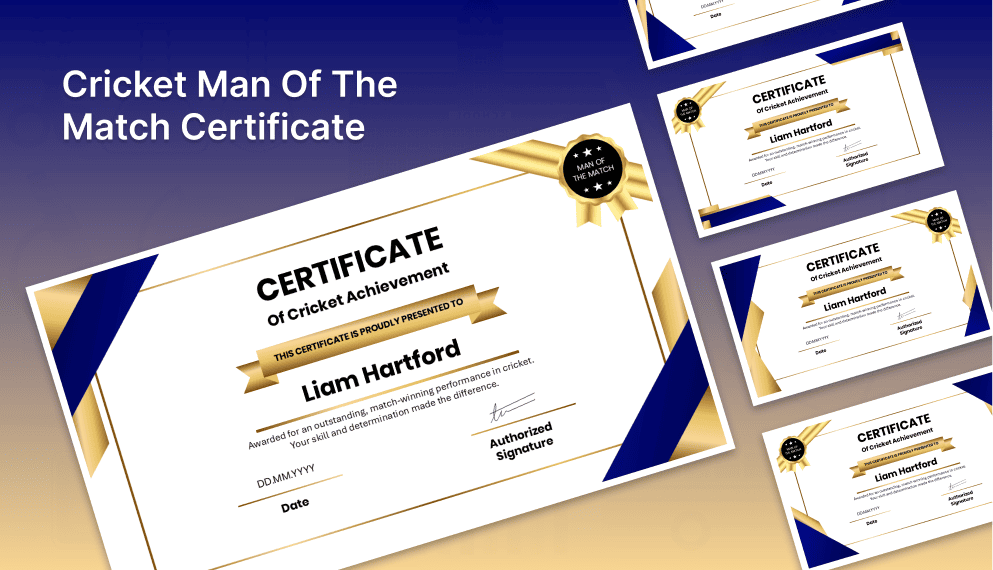

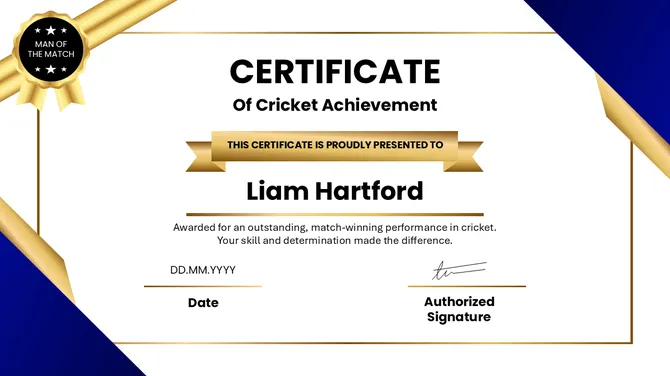


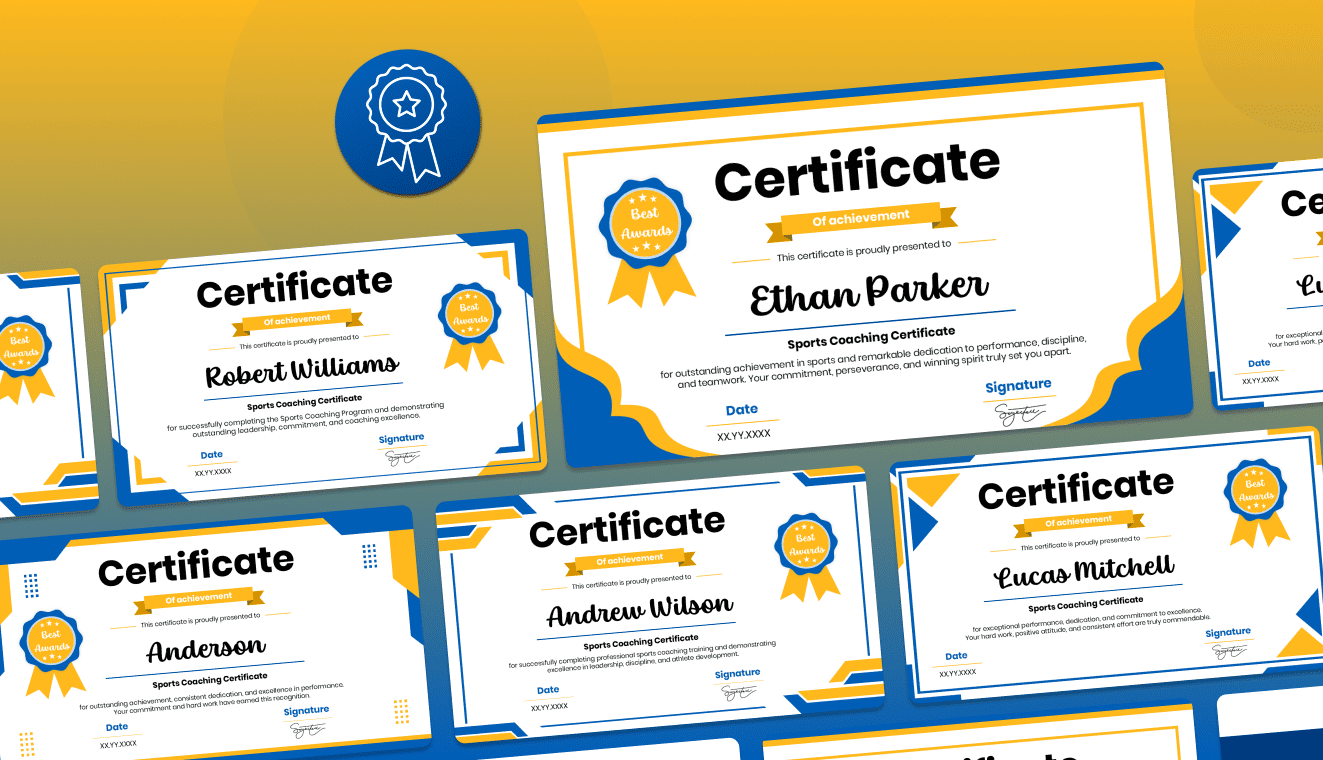
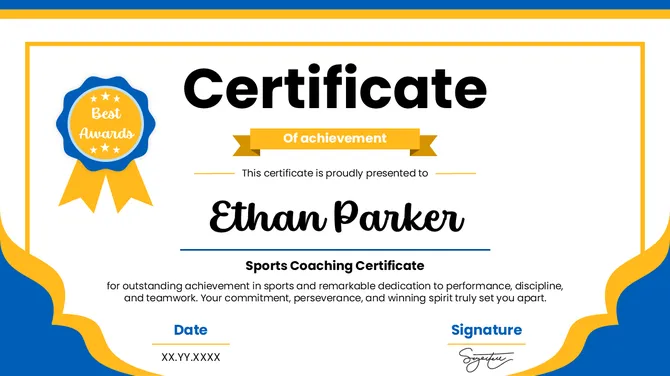
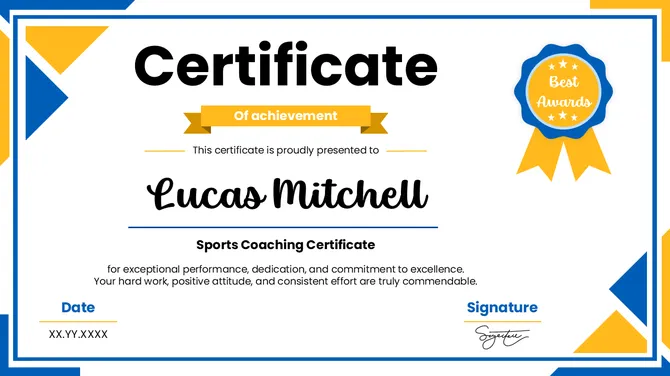
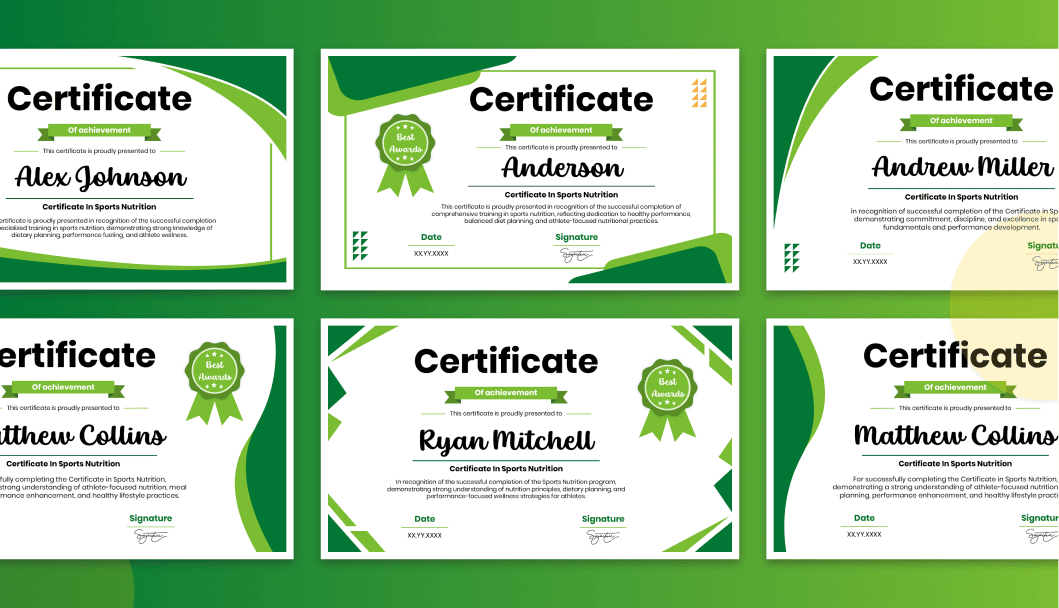
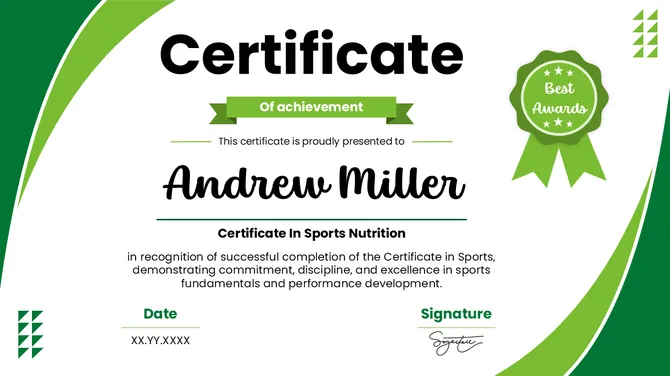
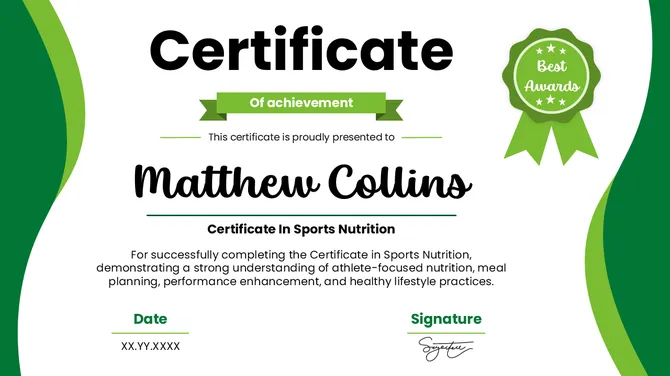
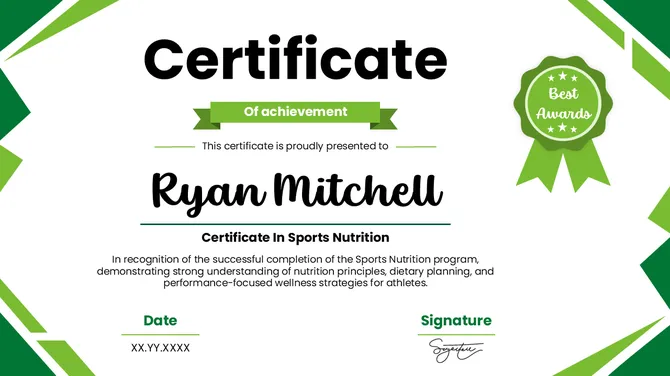
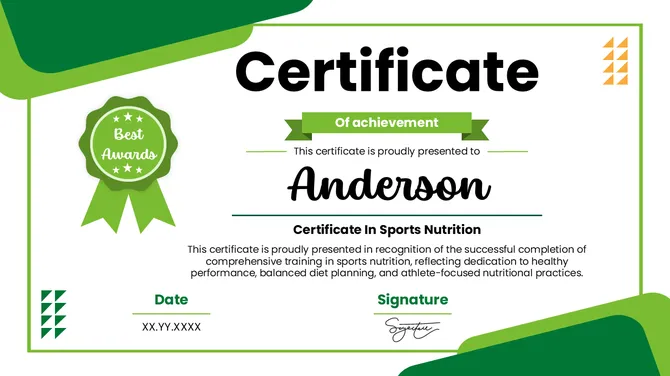
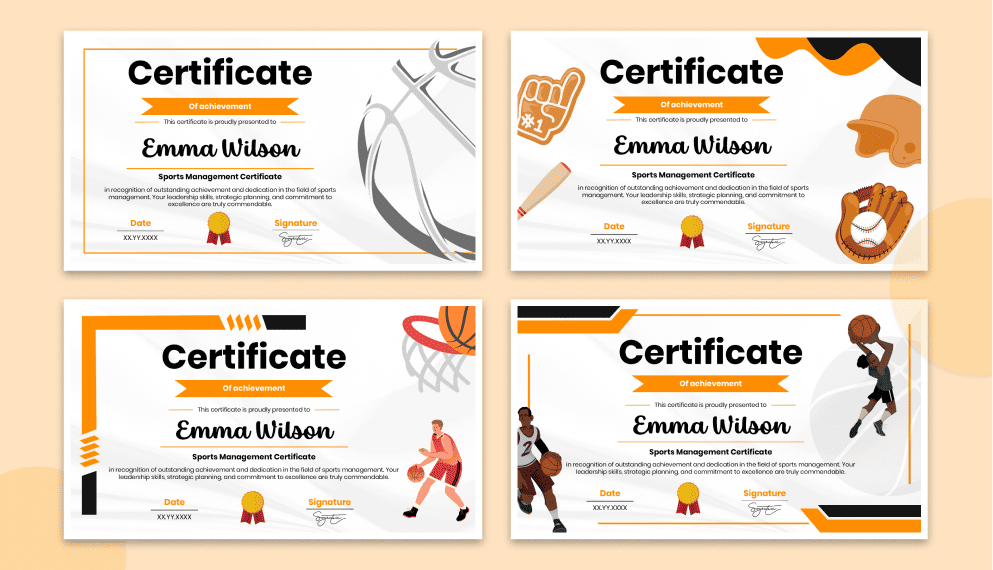
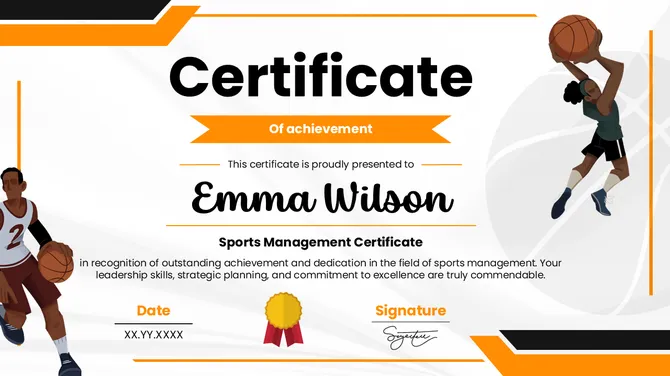
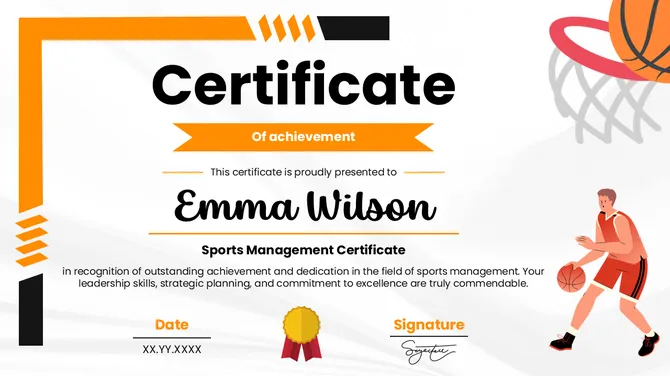
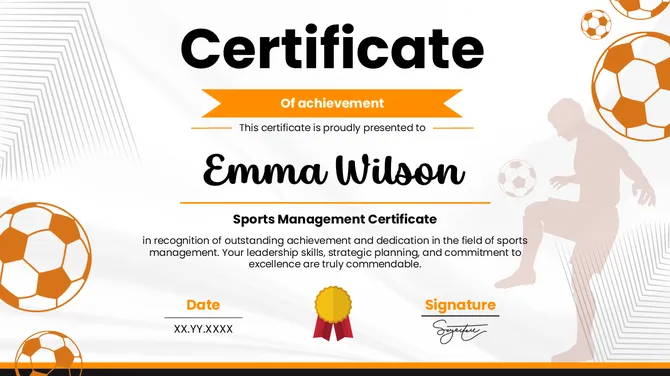
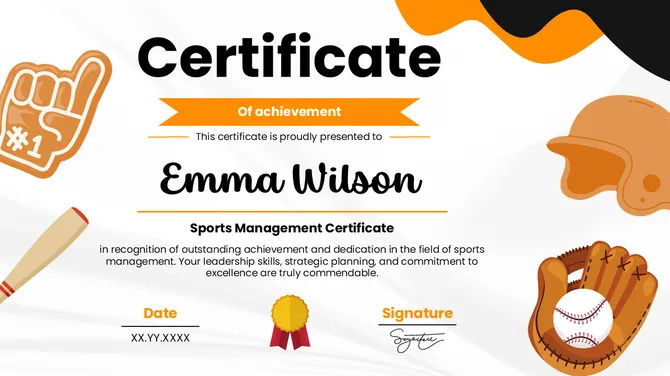
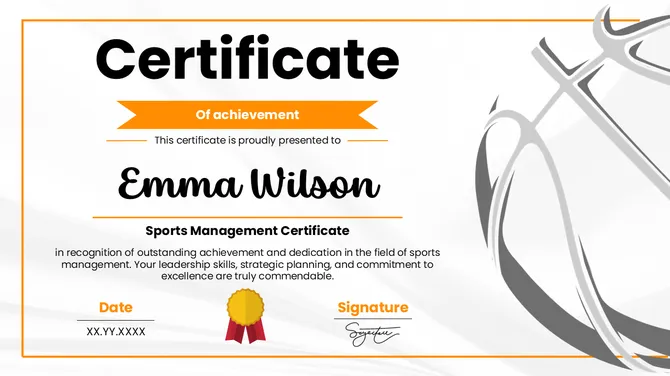
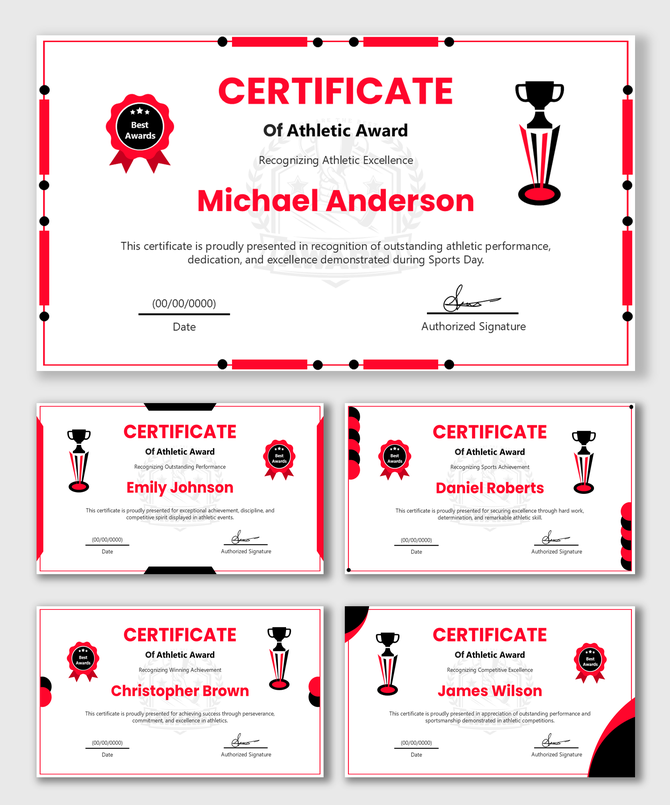
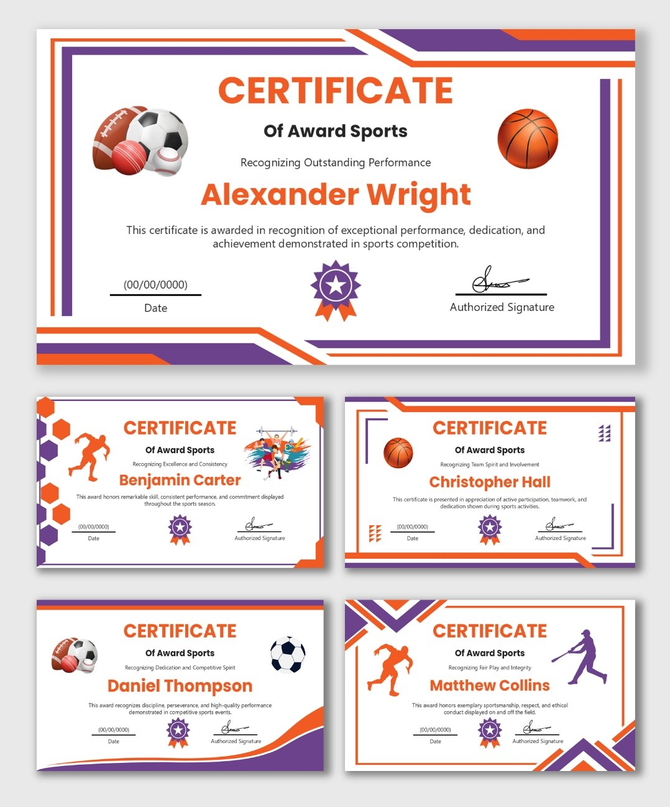
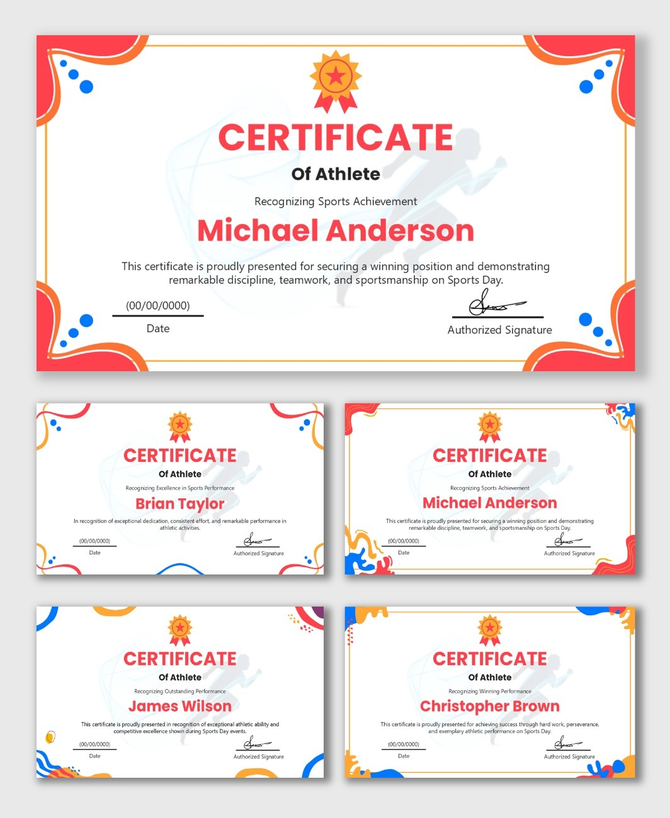
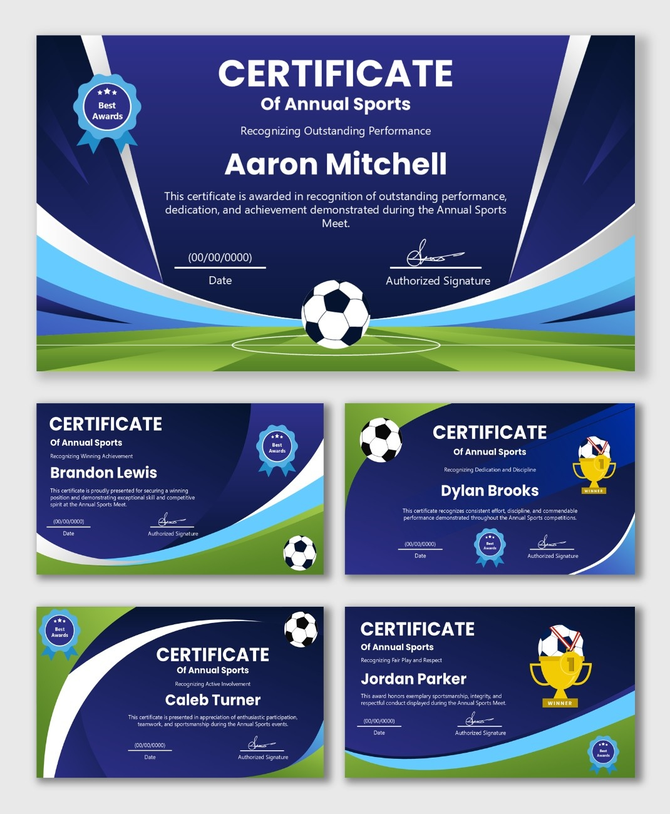
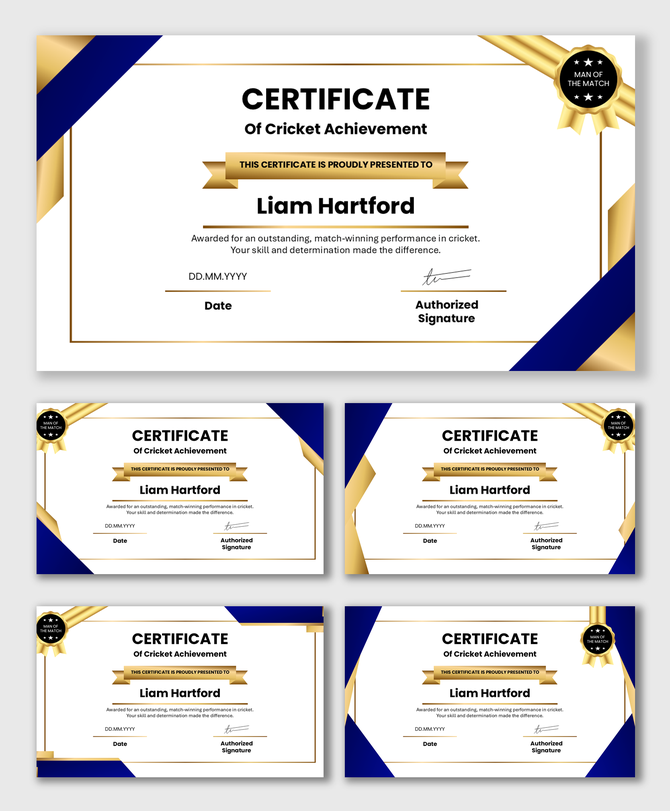
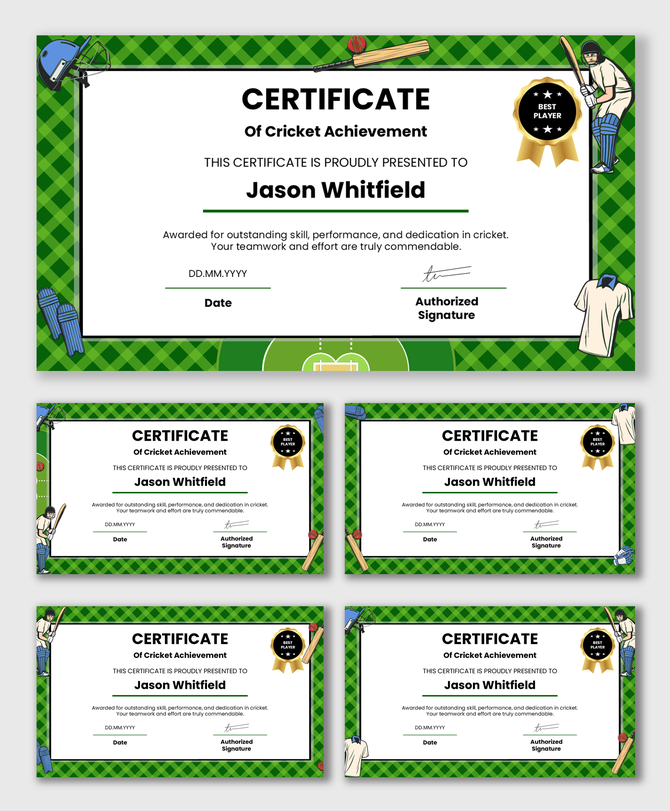
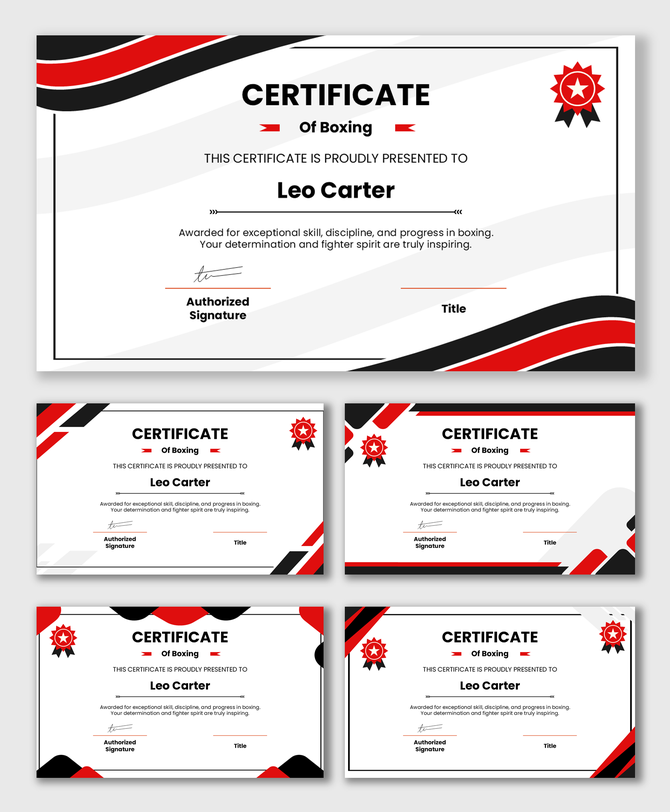
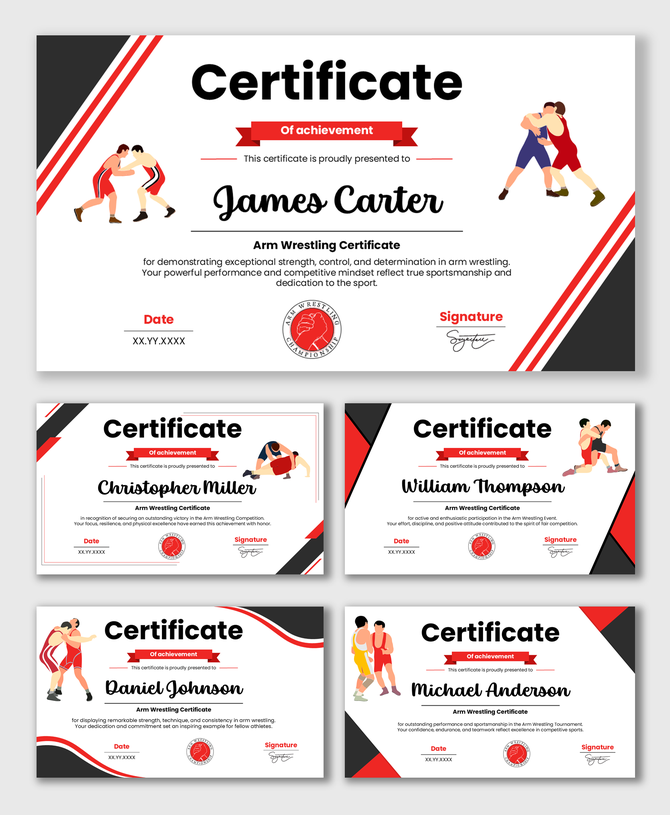
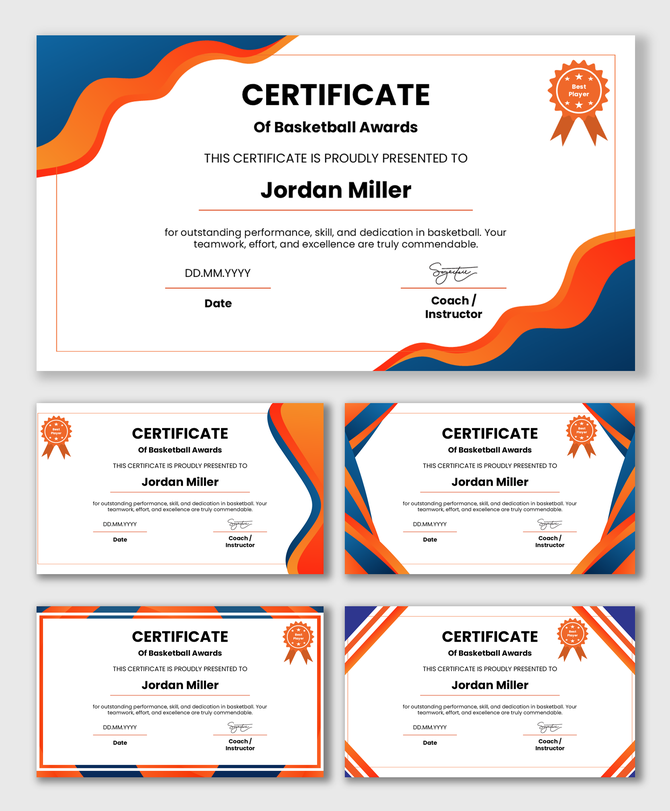
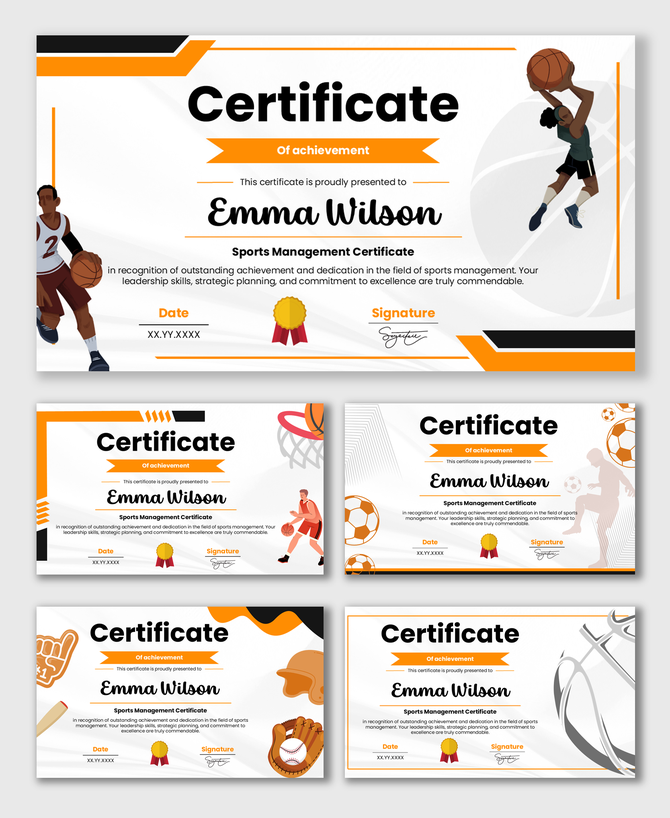
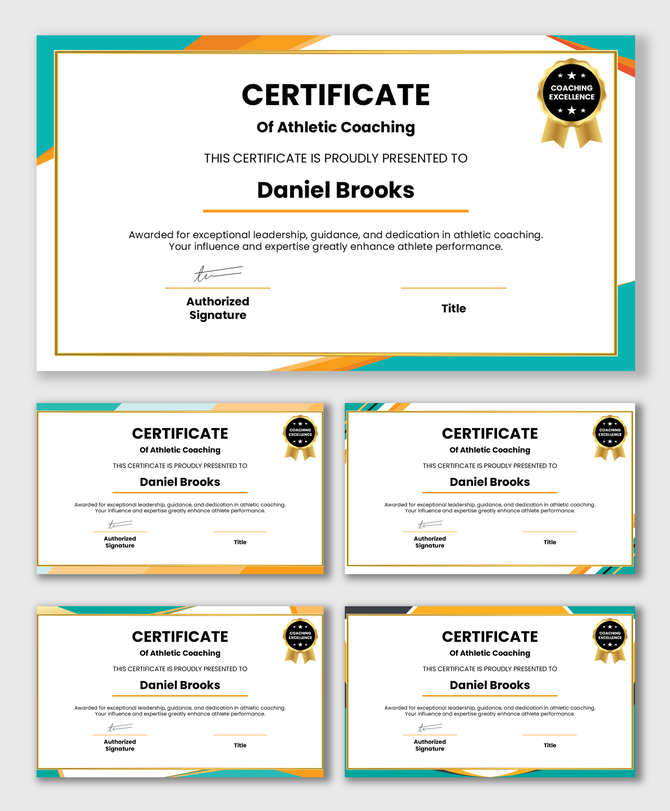
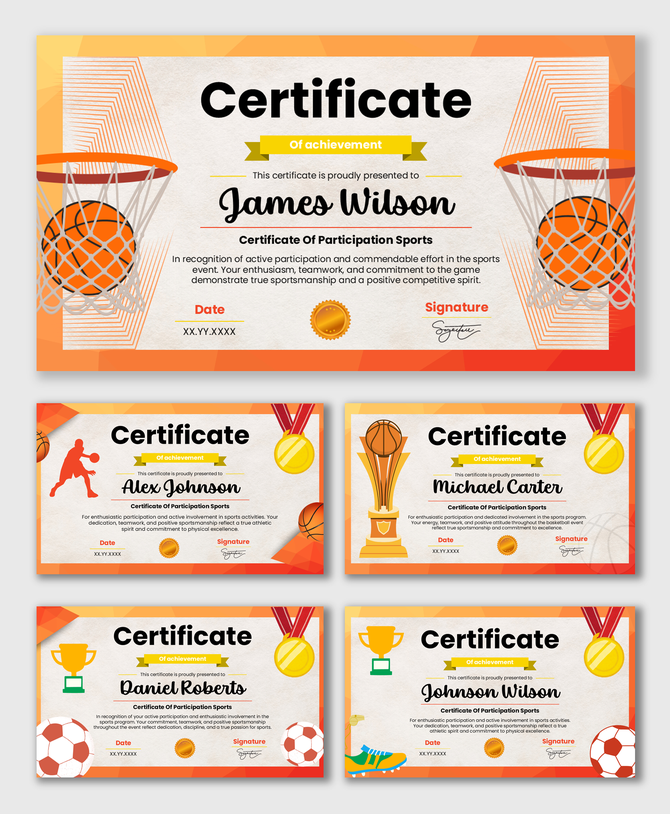
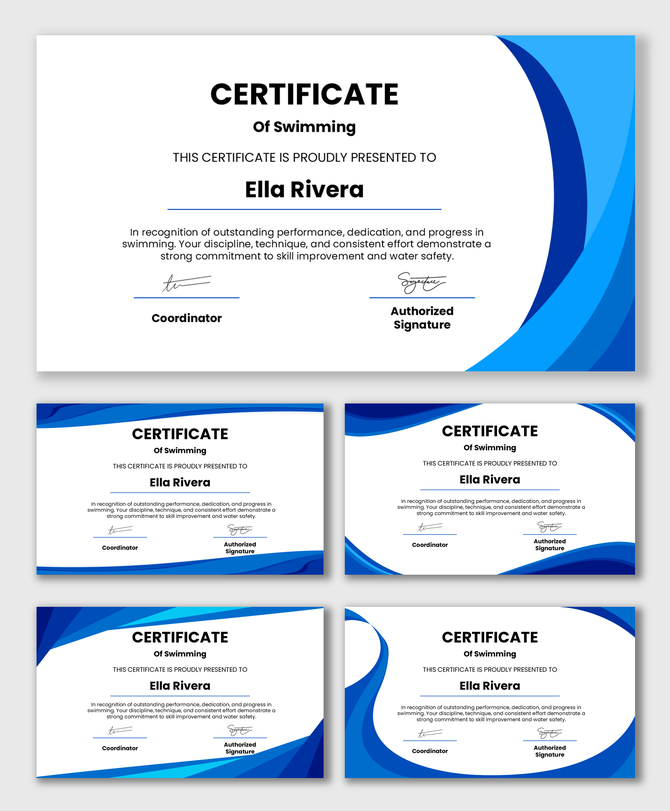
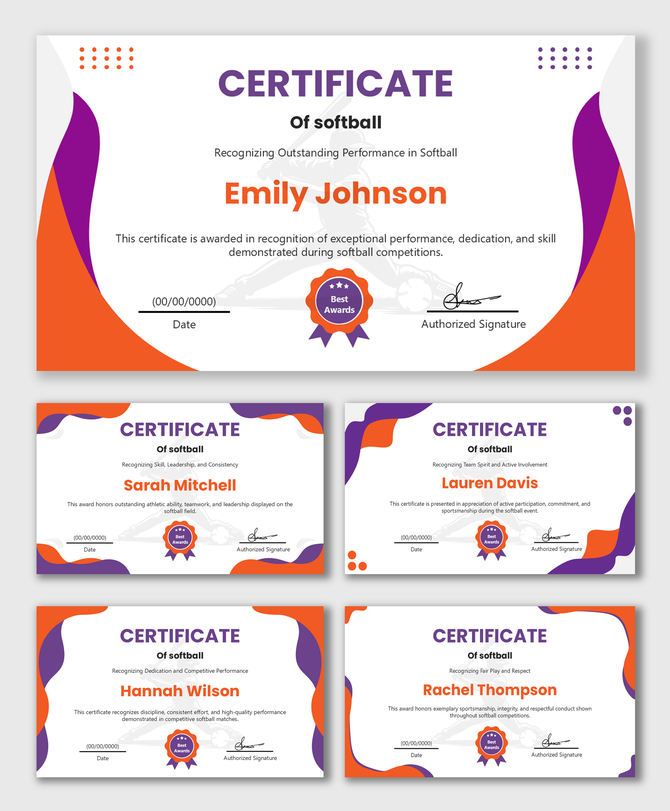
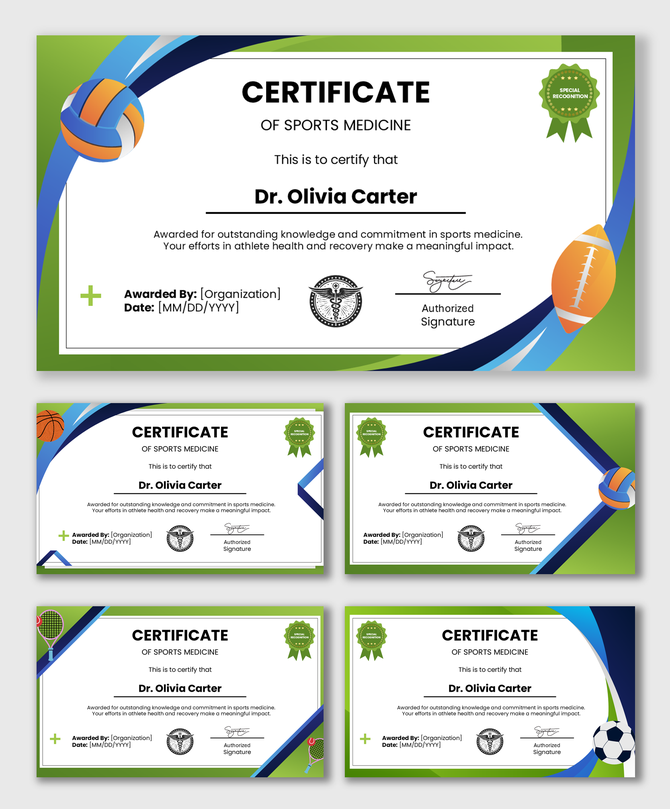
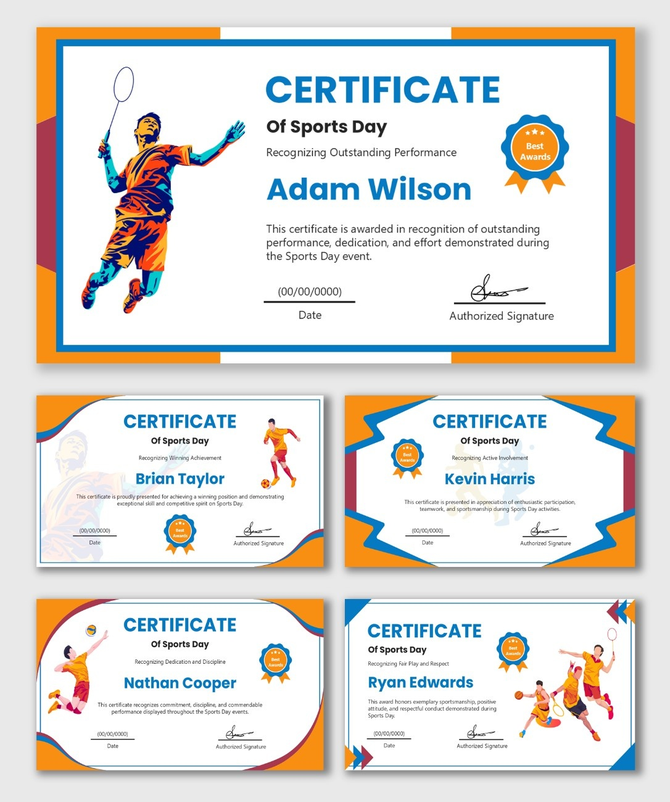
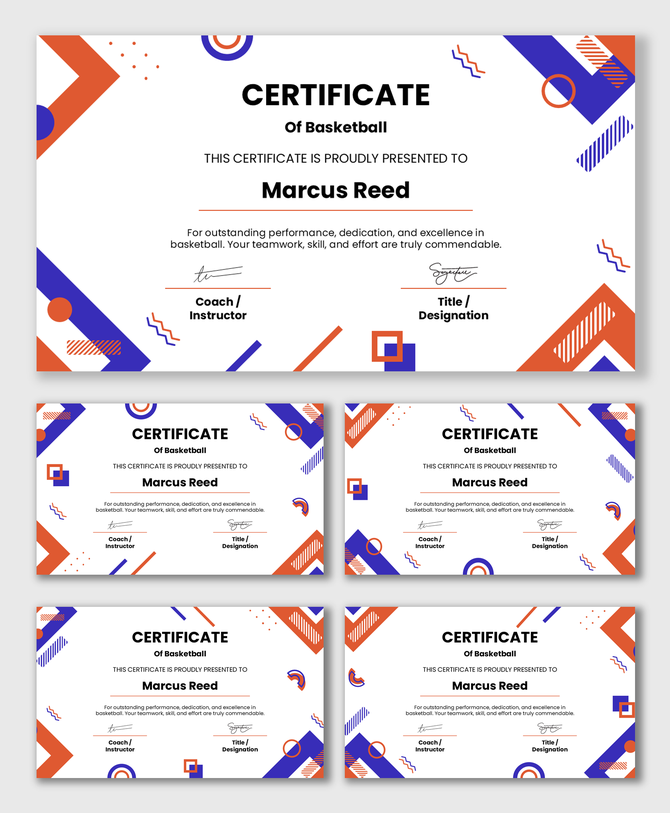
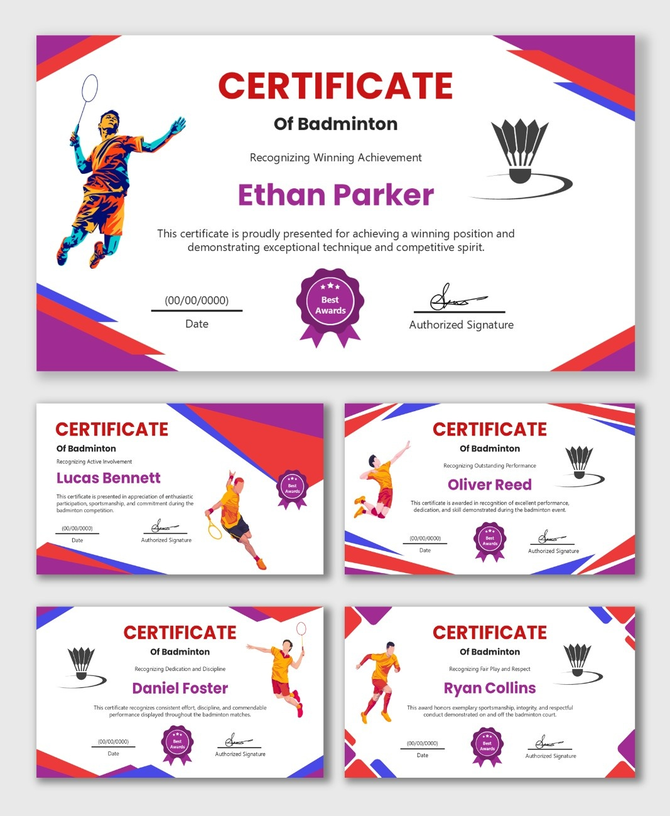
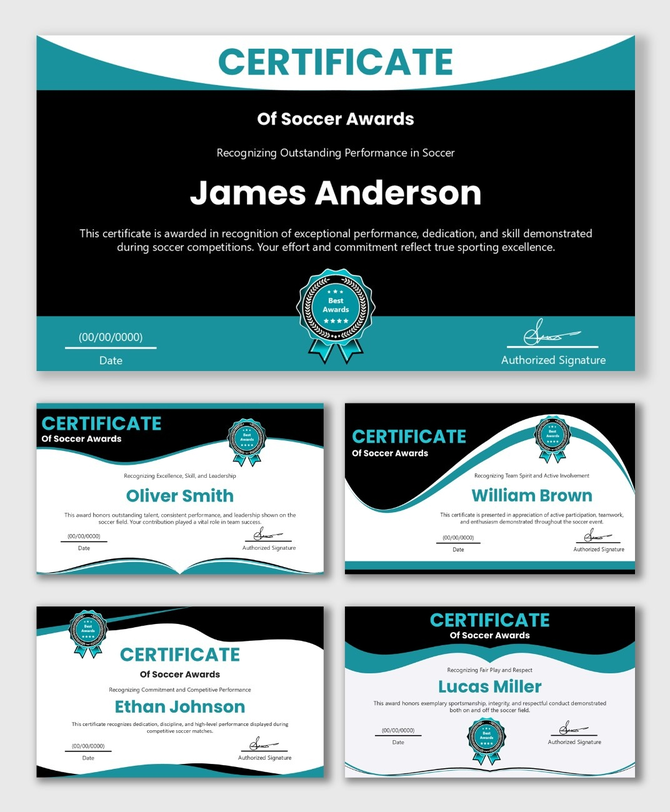
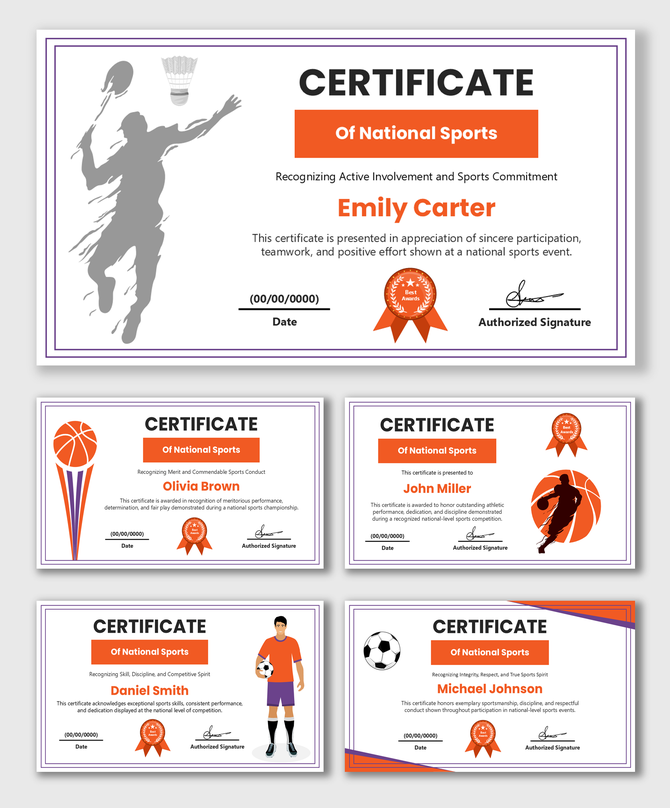
Fueling the Spirit of Competition with Sports Certificate PowerPoint Templates
Who Needs Sports Certificate Templates?
Versatile Award Categories for Athletes
Dynamic Design Features: Built for Action
- High-Energy Layouts: We use slanted lines, geometric shapes, and motion blur effects to create a sense of speed and movement.
- Bold Typography: The fonts are strong and heavy (often sans-serif). They look like the numbers on a jersey or a scoreboard.
- Team Color Customization: The most important feature is color. If your team wears Red and Black, you can change the template borders to match. This makes the certificate feel like official team gear.
- Action Imagery: Many templates have placeholders for photos. You can insert an action shot of the player or the team photo directly onto the certificate.
Print-Ready for the Awards Ceremony
- Standard Sizes: Sized for Letter and A4 paper.
- Crisp Graphics: The vector borders stay sharp, even when printed on glossy photo paper.
- No Cut-Offs: Margins are set to ensure the design fits perfectly within the printable area of standard office or home printers.
How to Customize for Your Team
- Insert the Team Logo: Every template has a spot for your badge. Drag and drop your club's logo to make it official.
- Match the Colors: Use the "Shape Fill" tool in PowerPoint or Canva to match the borders to your jersey colors.
- Add the Player's Name: Type in the name in a big, bold font.
- Add the Stats: (Optional) You can add a small text box to list their season stats (e.g., "15 Goals Scored").
Why Choose Our Sports Templates?
- Fully Editable: Change colors, text, and fonts to match your team branding.
- Multi-Platform: Works in PowerPoint, Google Slides, and Canva.
- Expert Design: Layouts that capture the energy of sports.
- Free & Premium: Options for local clubs and professional leagues alike.
Frequently Asked Questions
Can I change the colors to match my team's jersey?
Yes! All shapes and borders in our templates are fully editable. You can change the border to red, green, or any color your team wears.
Can I add a photo of the player?
Yes. You can easily insert a photo of the athlete into the slide. Some templates even have specific frames designed for player headshots.
Do these work for all sports?
Yes. While some templates have specific icons (like a soccer ball), most are designed with general athletic shapes so they work for Basketball, Swimming, Football, Tennis, or Esports.
Are these templates print-ready?
Yes. They are high-resolution and sized for standard paper. They look great printed on cardstock or photo paper.
Can I put my club logo on them?
Absolutely. There is a dedicated space in every layout for your team or league logo.
Do you have templates for participation?
Yes. We have designs suitable for "Participation," "Finalists," and "Winners."
Is there a cost?
We offer a wide range of free sports certificate templates, as well as premium designs for championship-level awards.