Spiral Presentation Templates
Dear business people, project managers, and software engineers! Explore our editable, free spiral PowerPoint templates and Google Slides themes to make mind-blowing presentations with the best spiral designs to show the funnel, timeline, corporate sales, target market, etc.


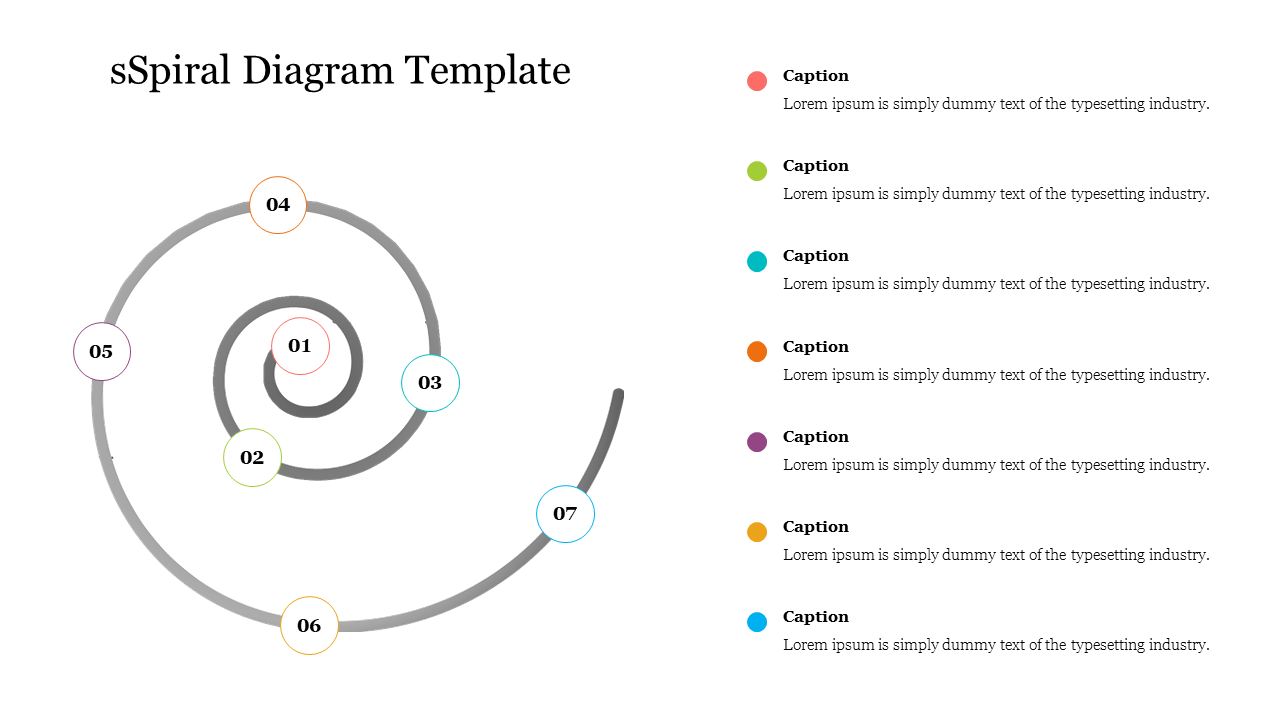
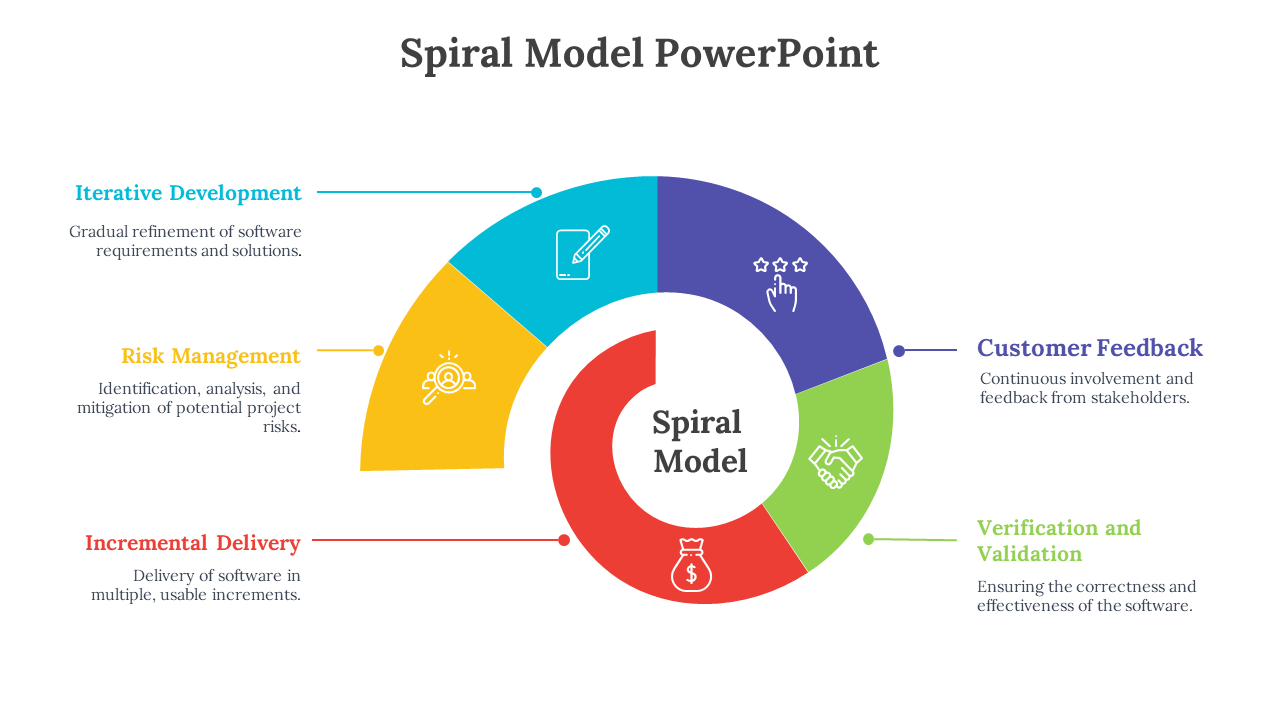
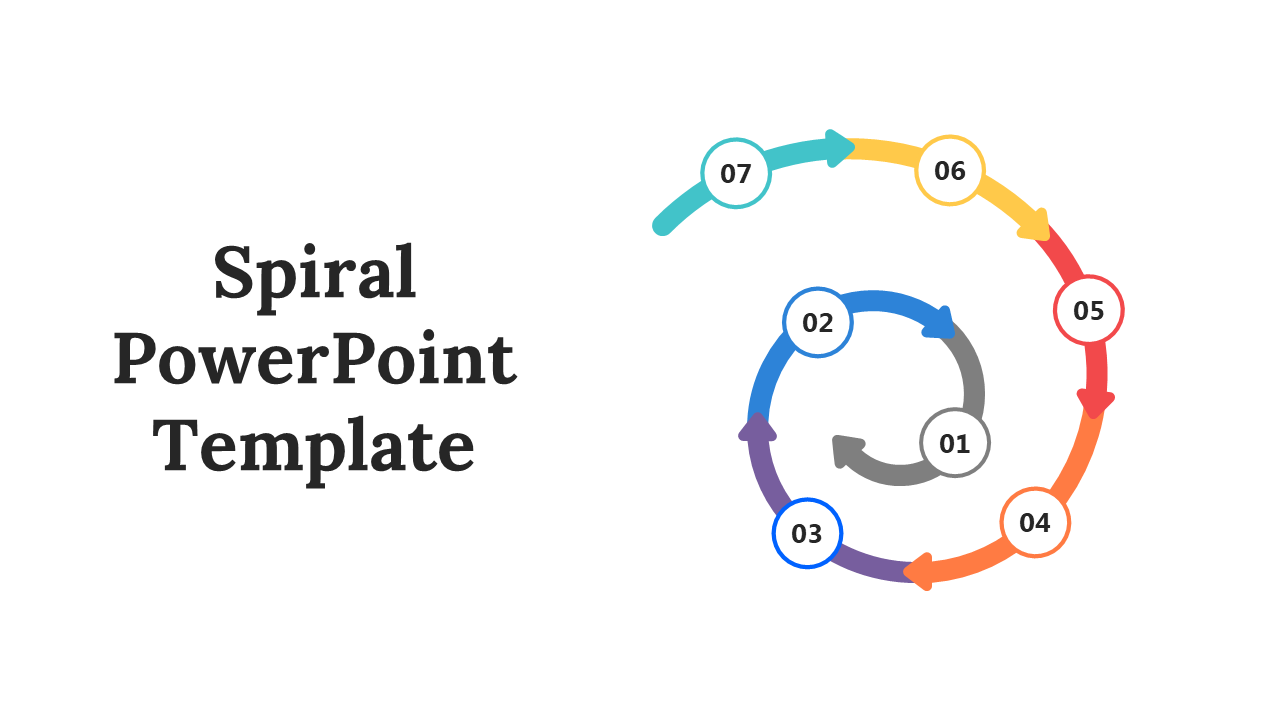
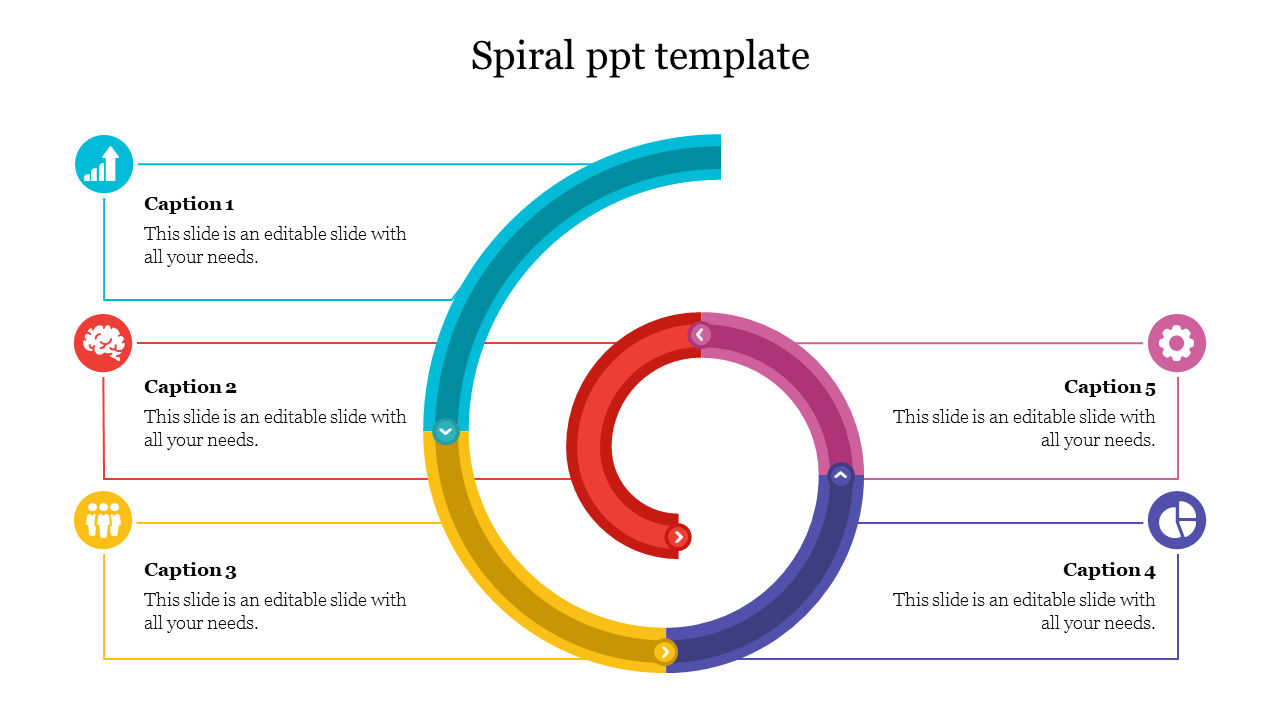
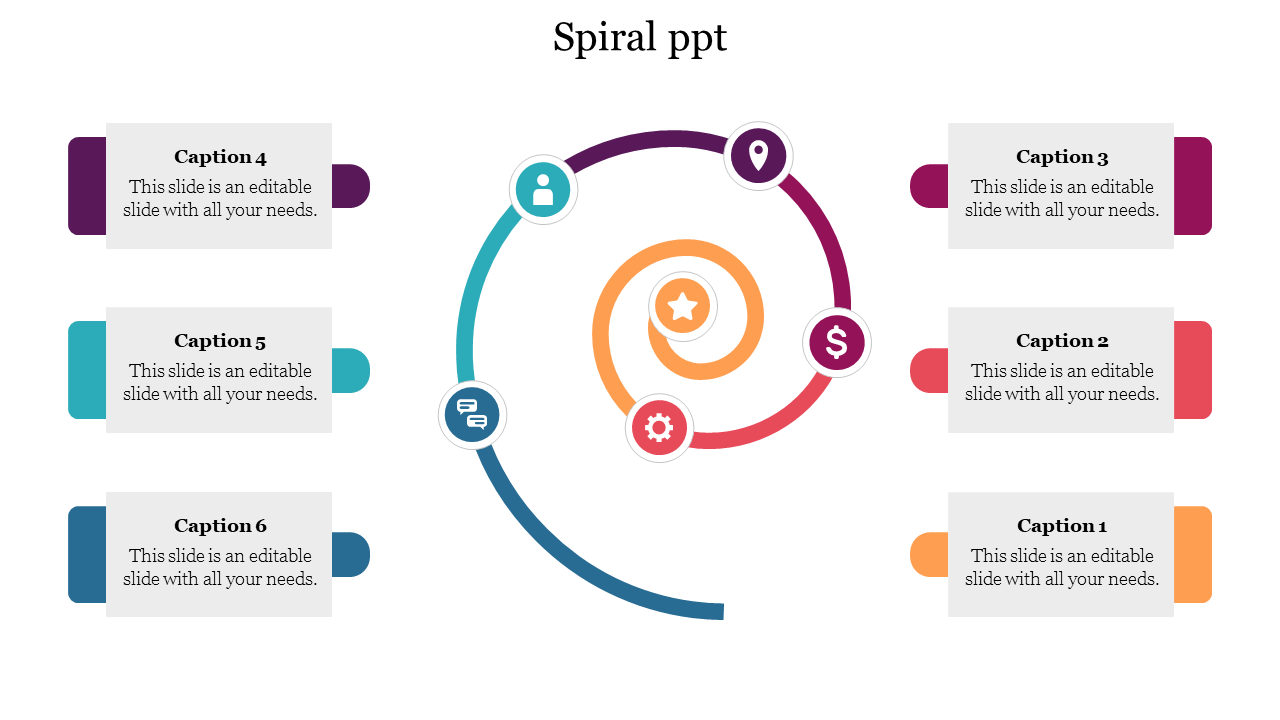
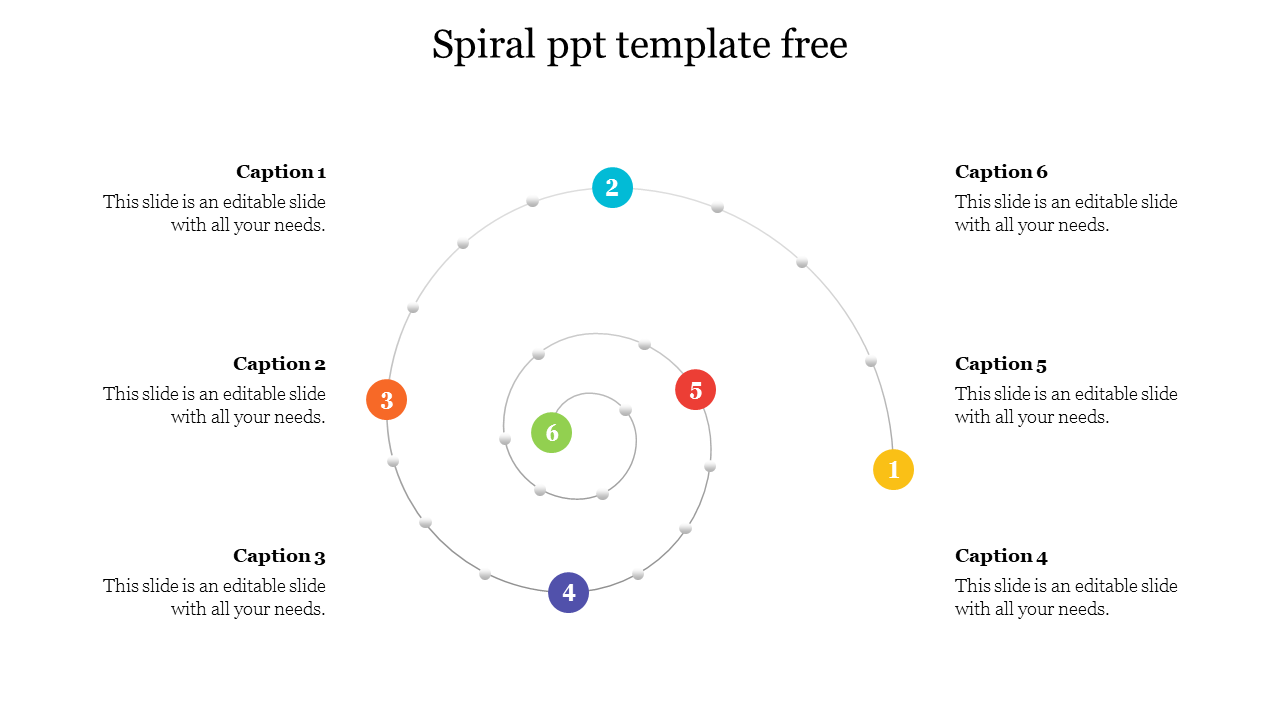
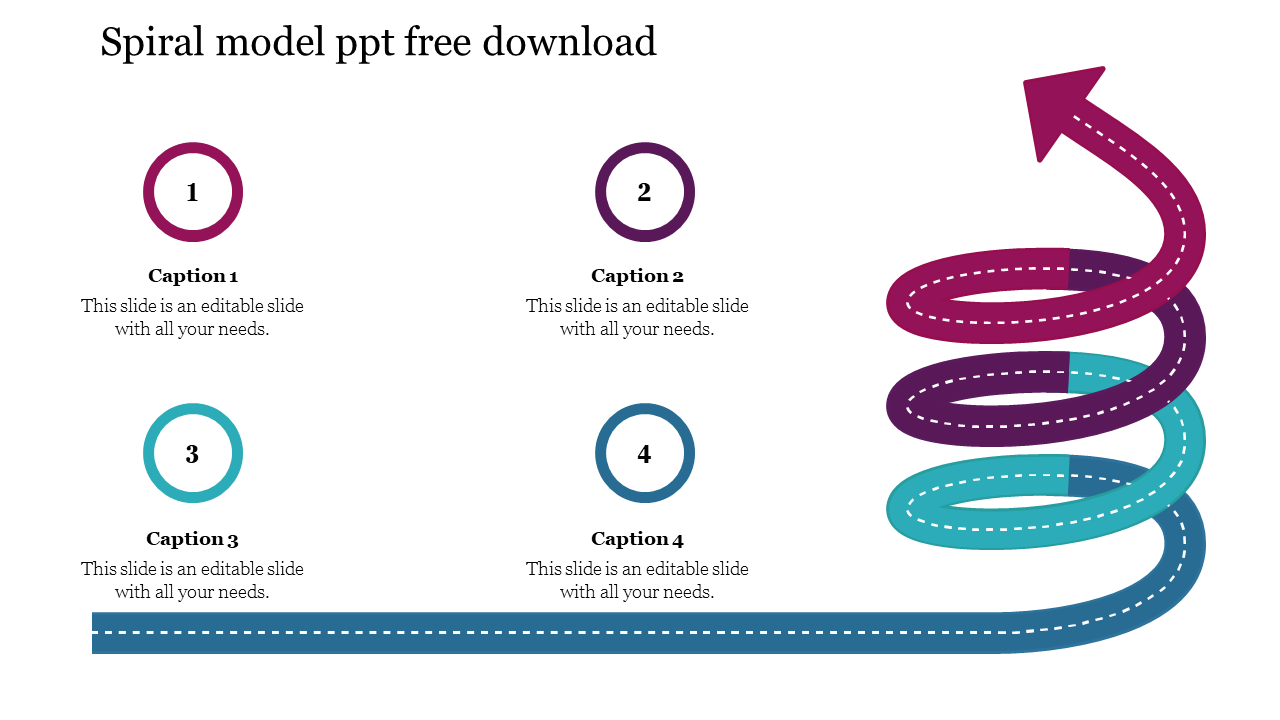
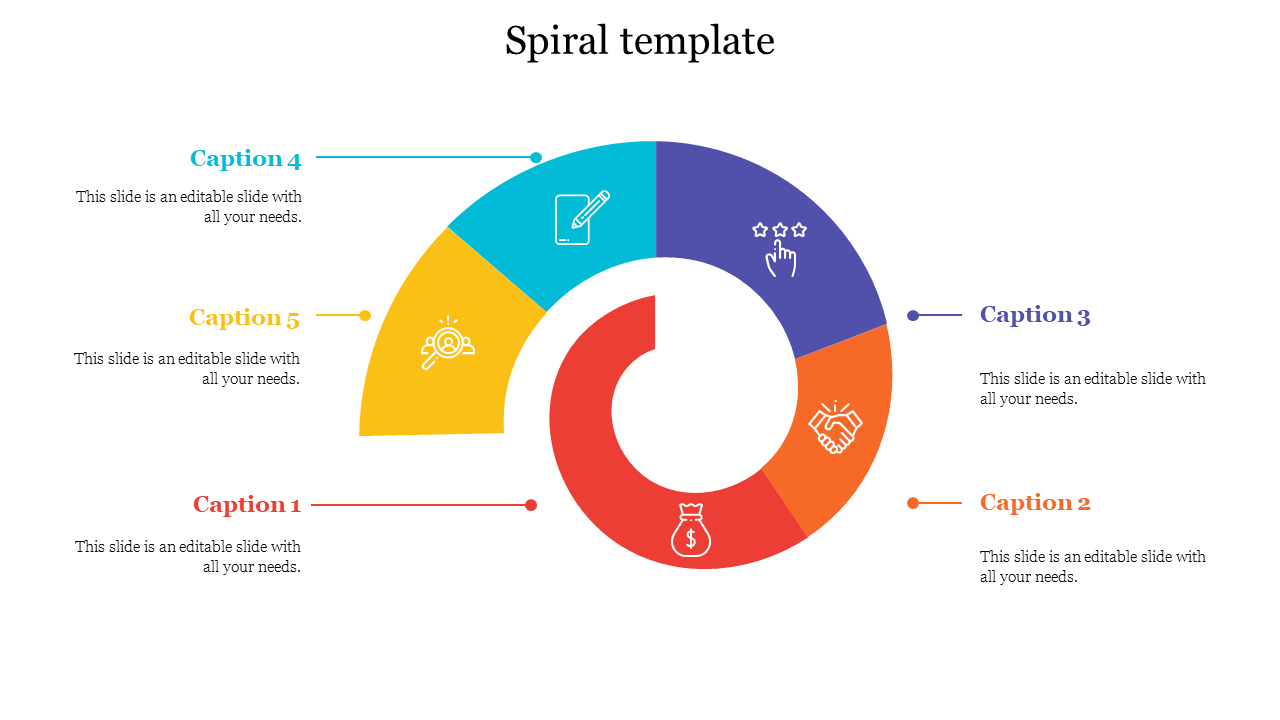
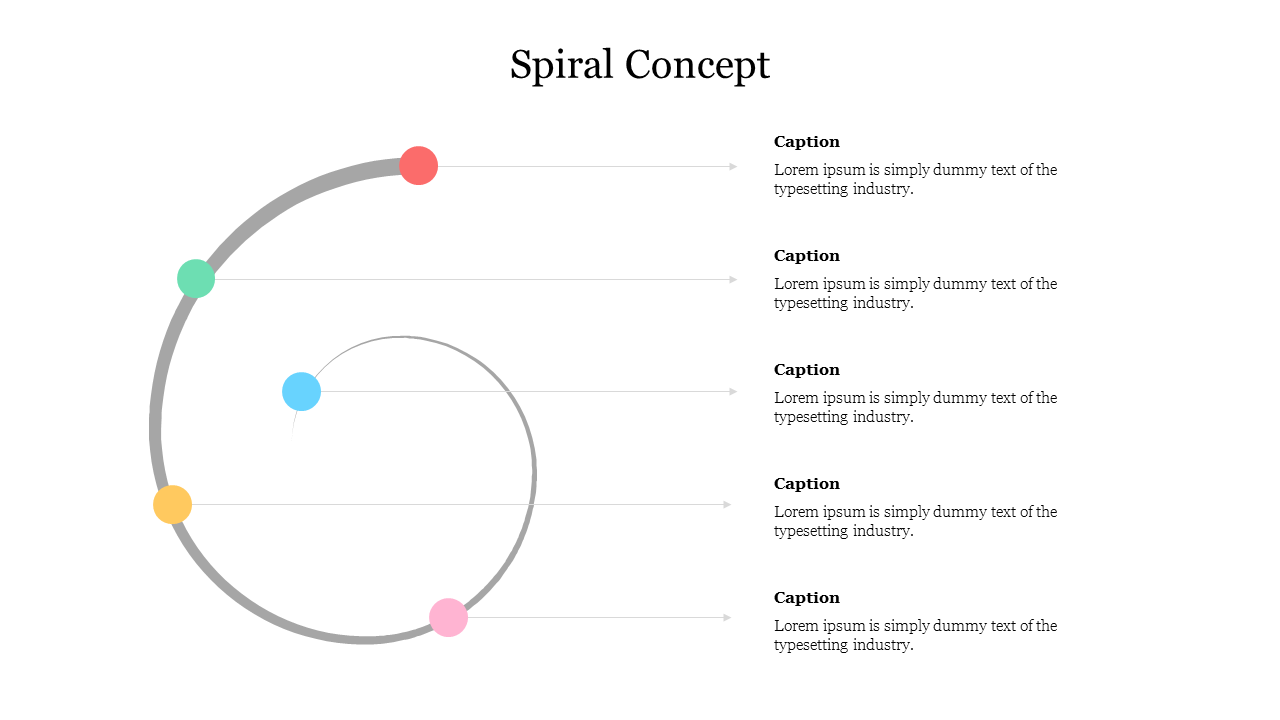
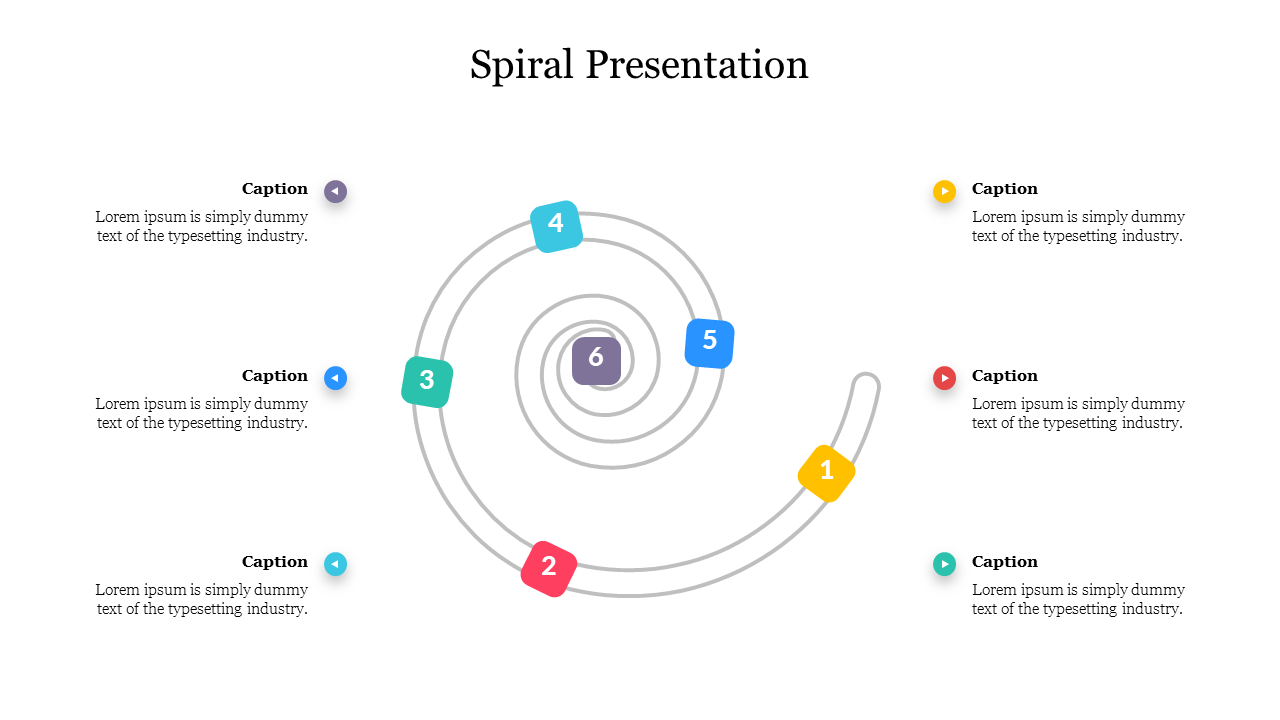
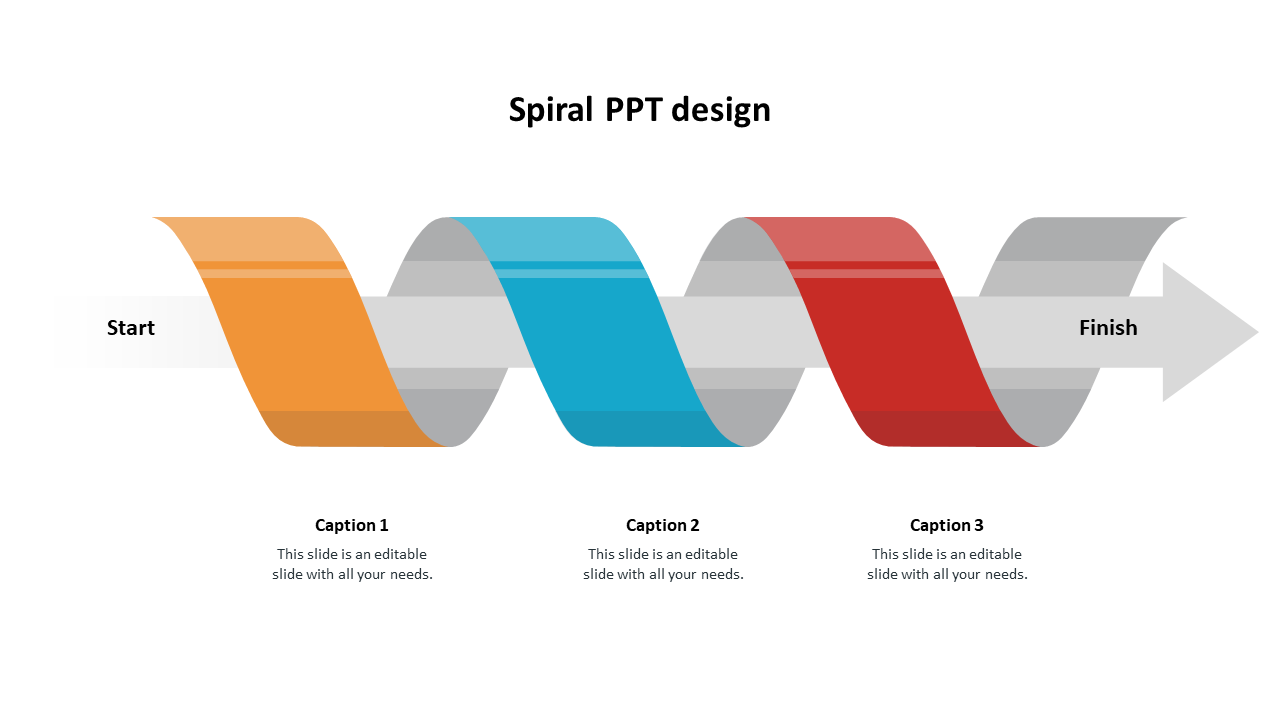
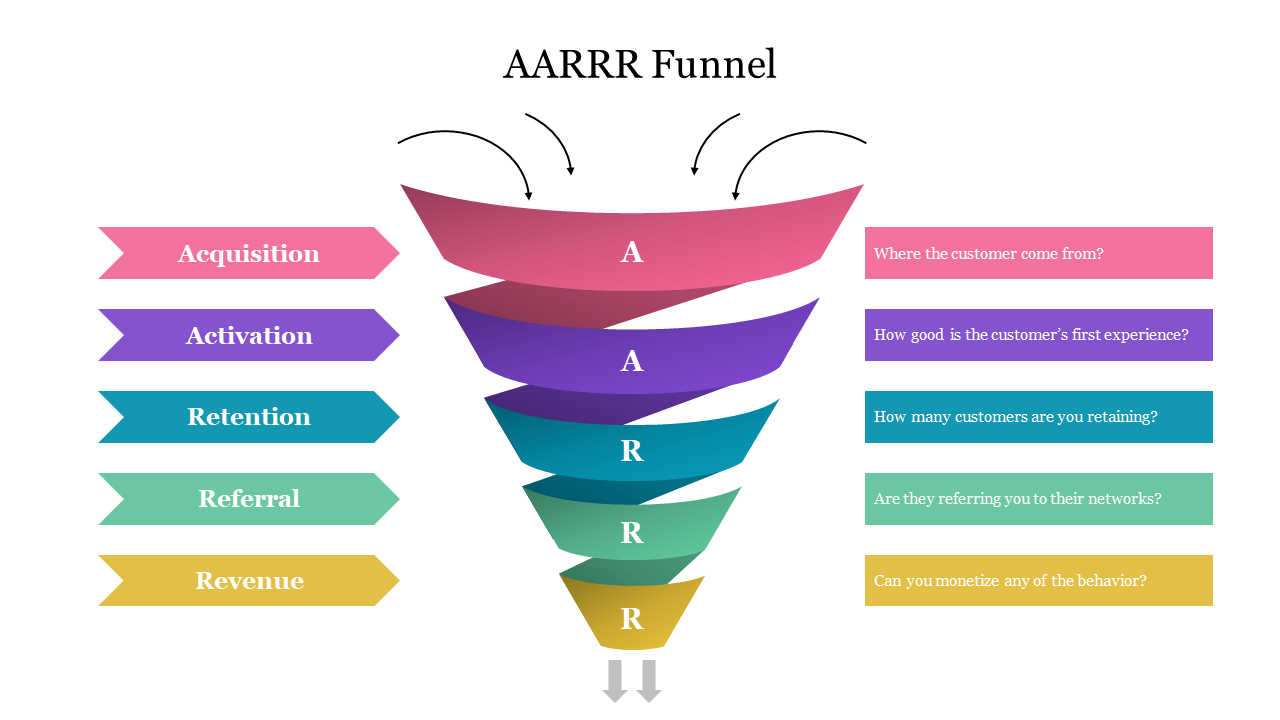
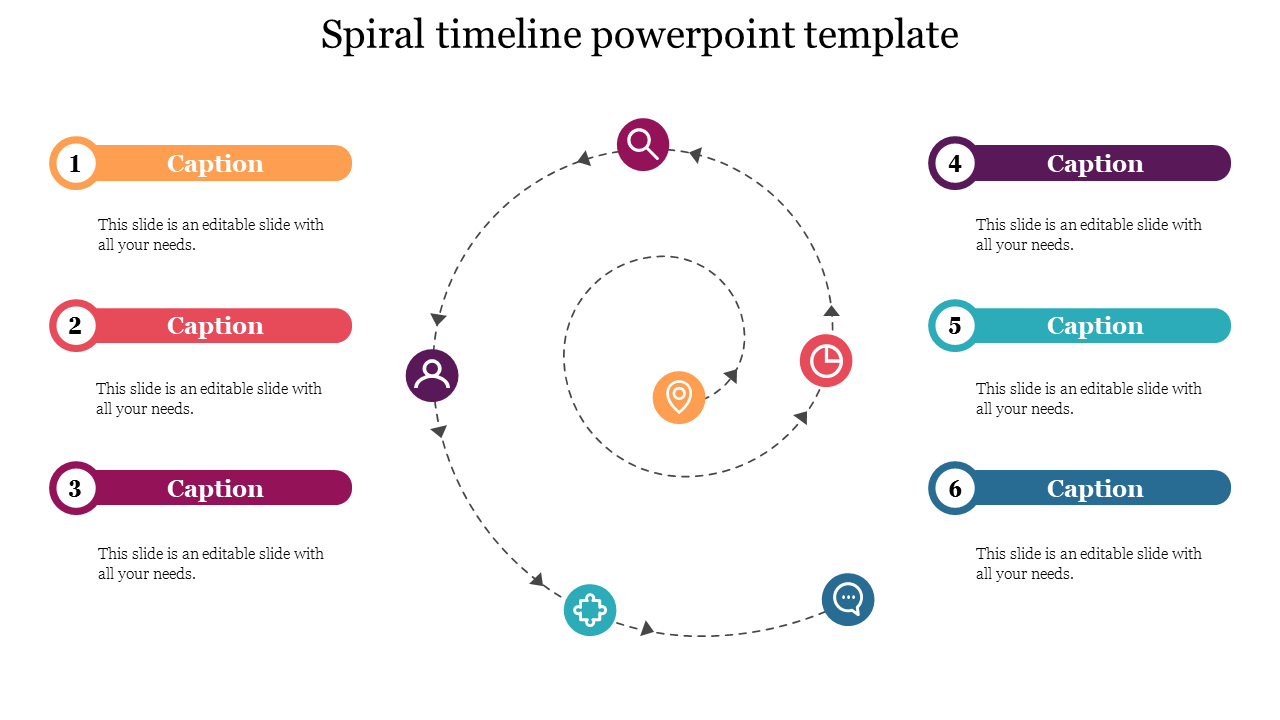
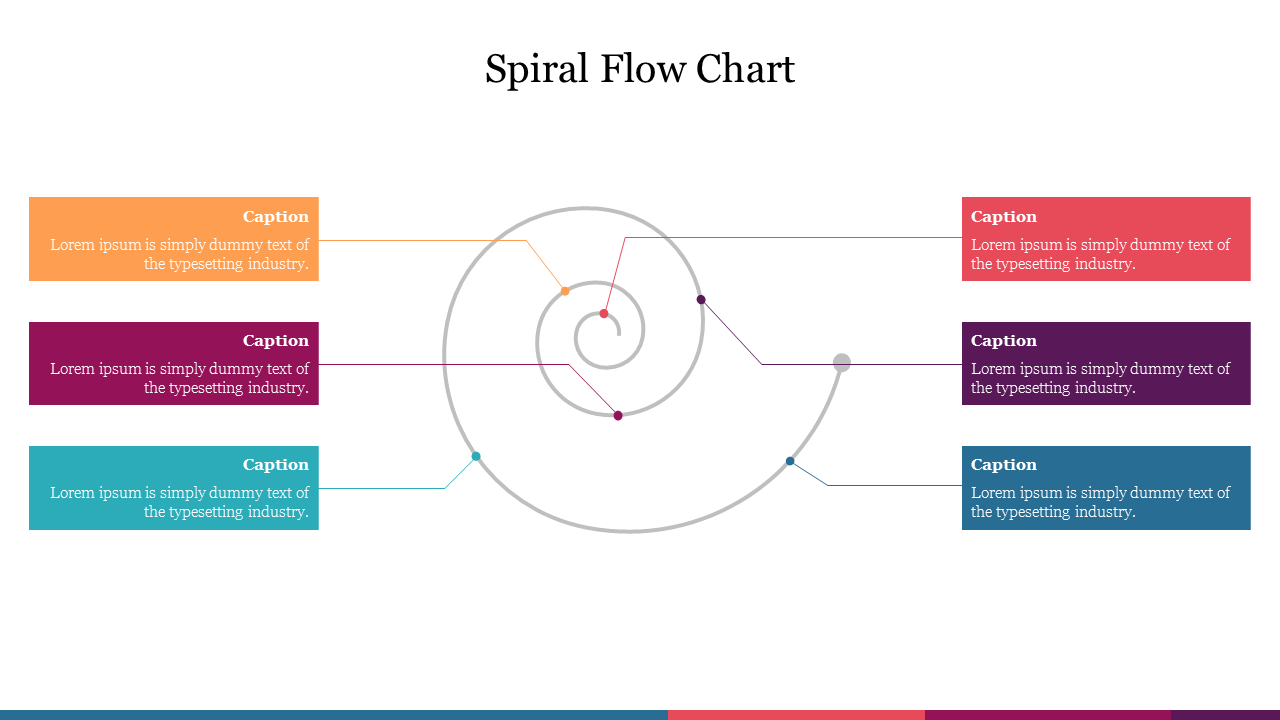
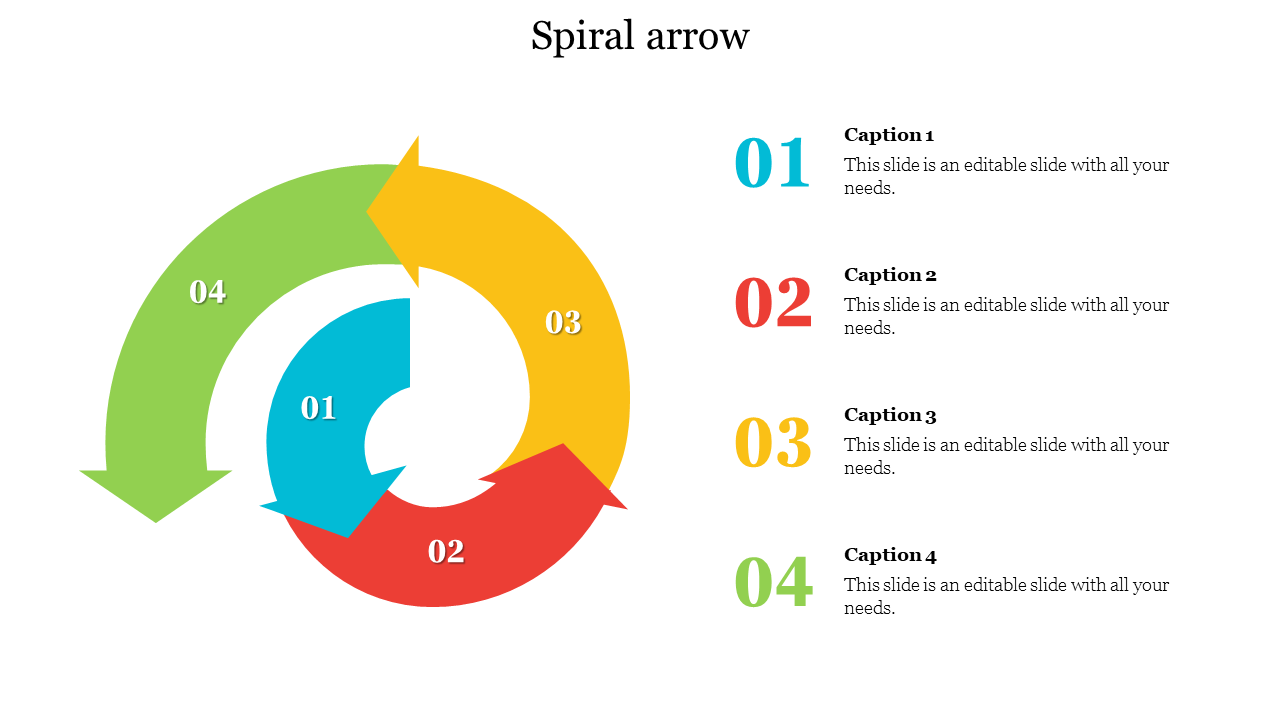
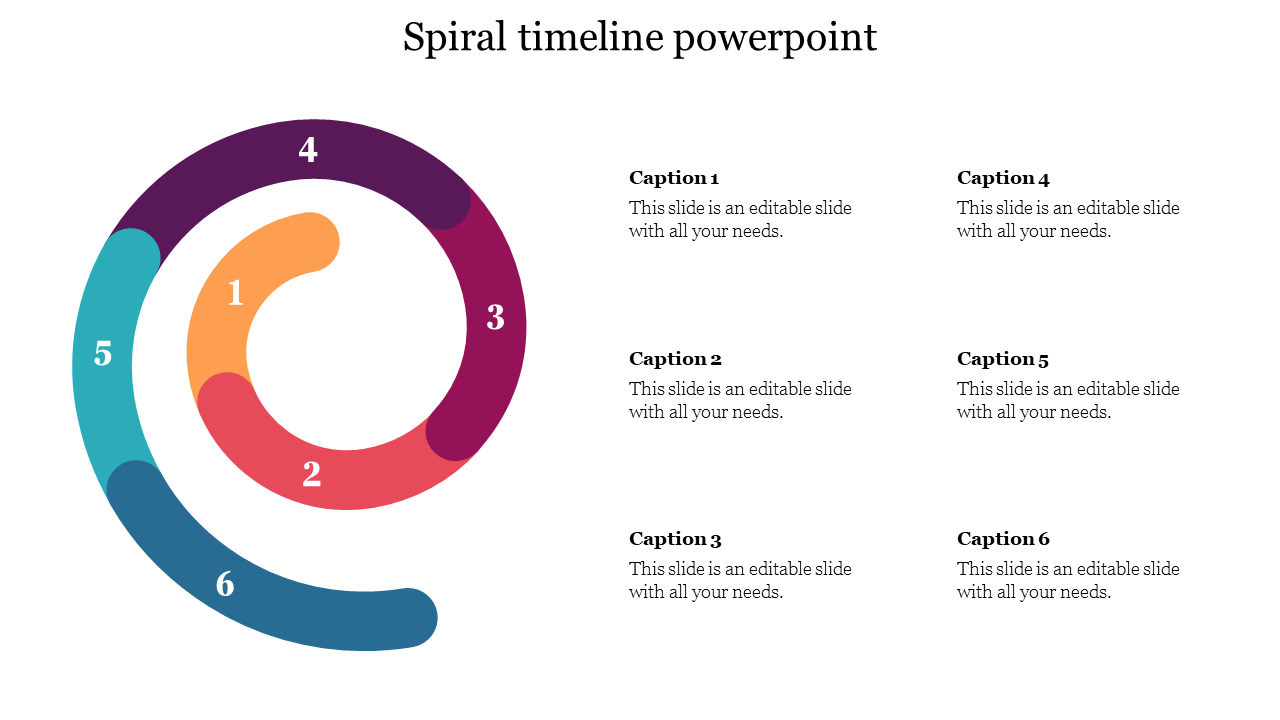
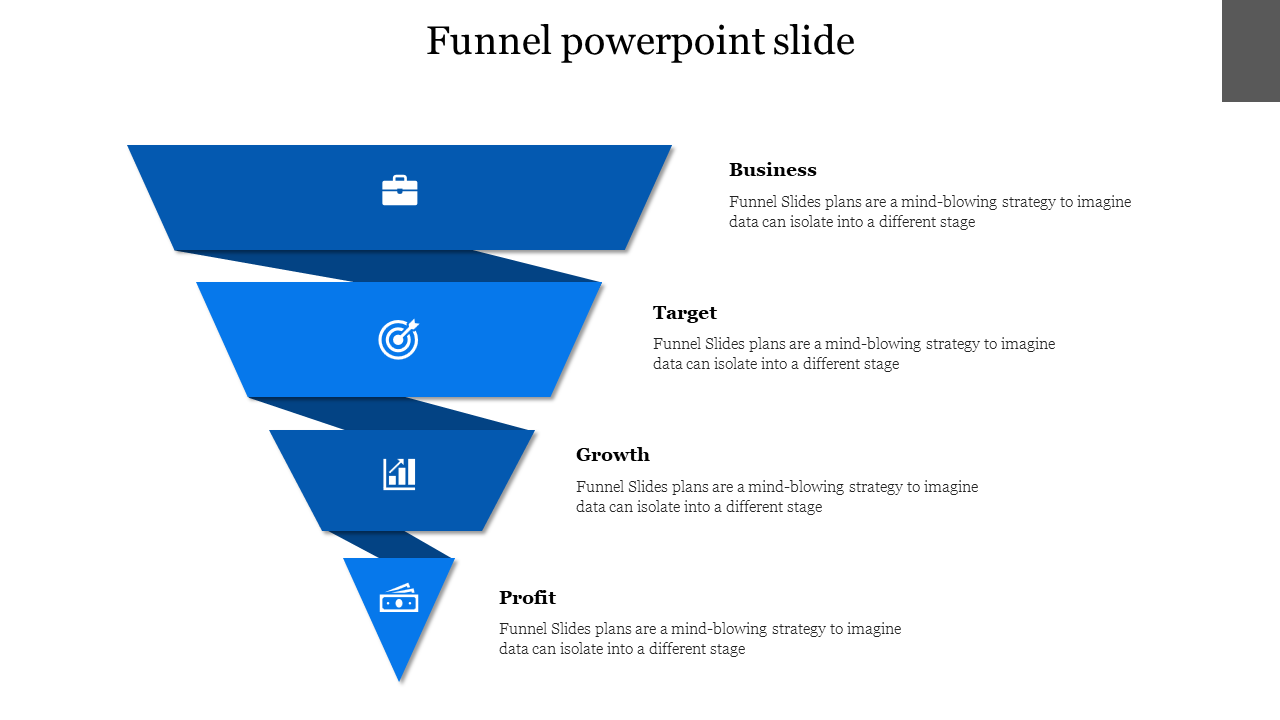
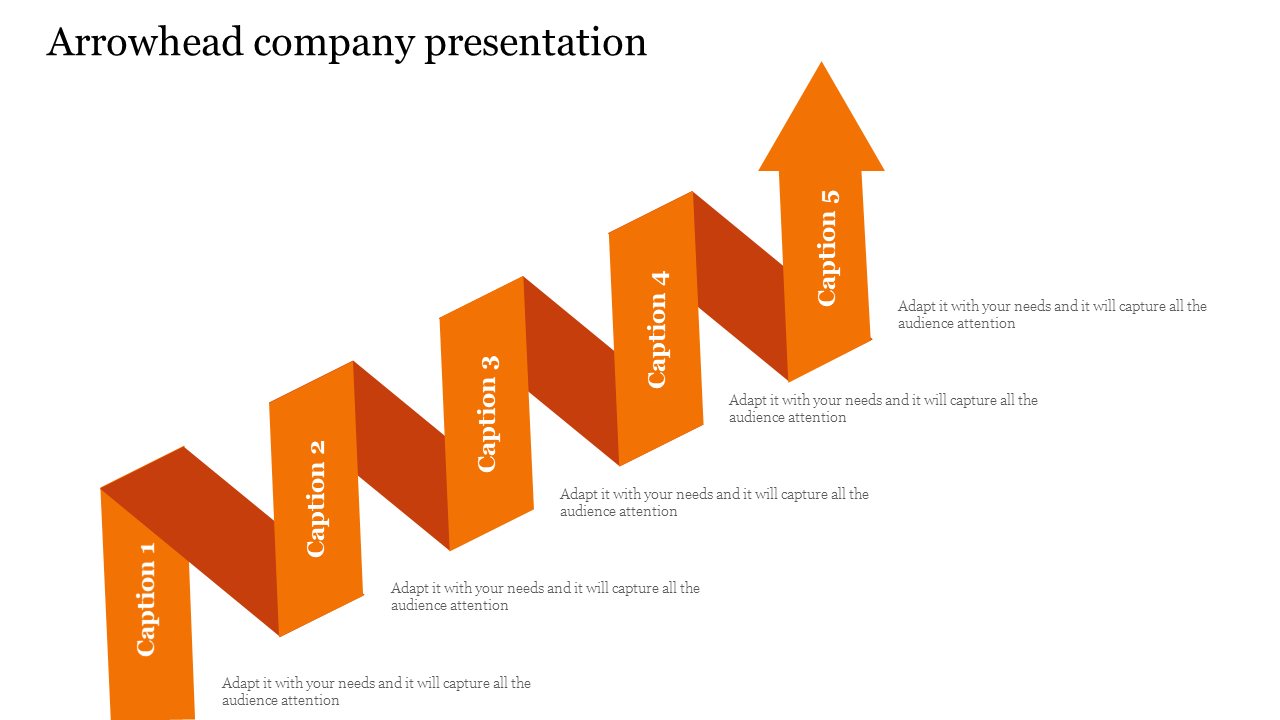
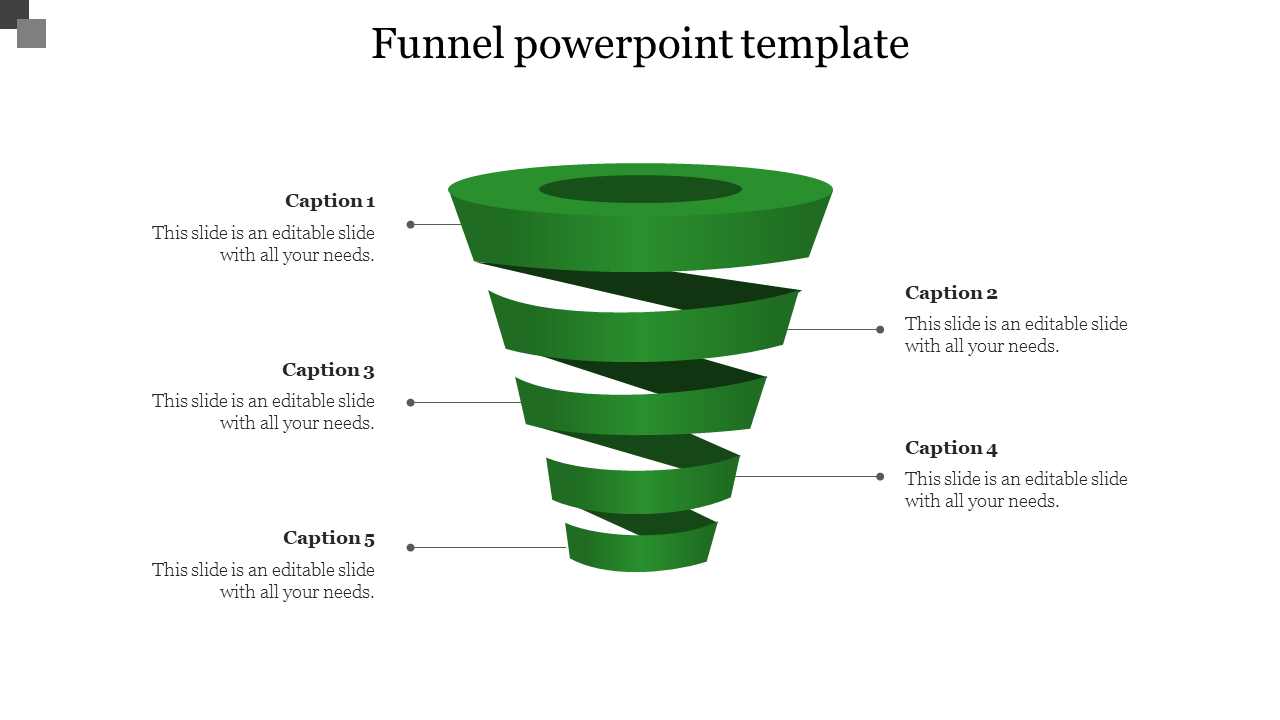
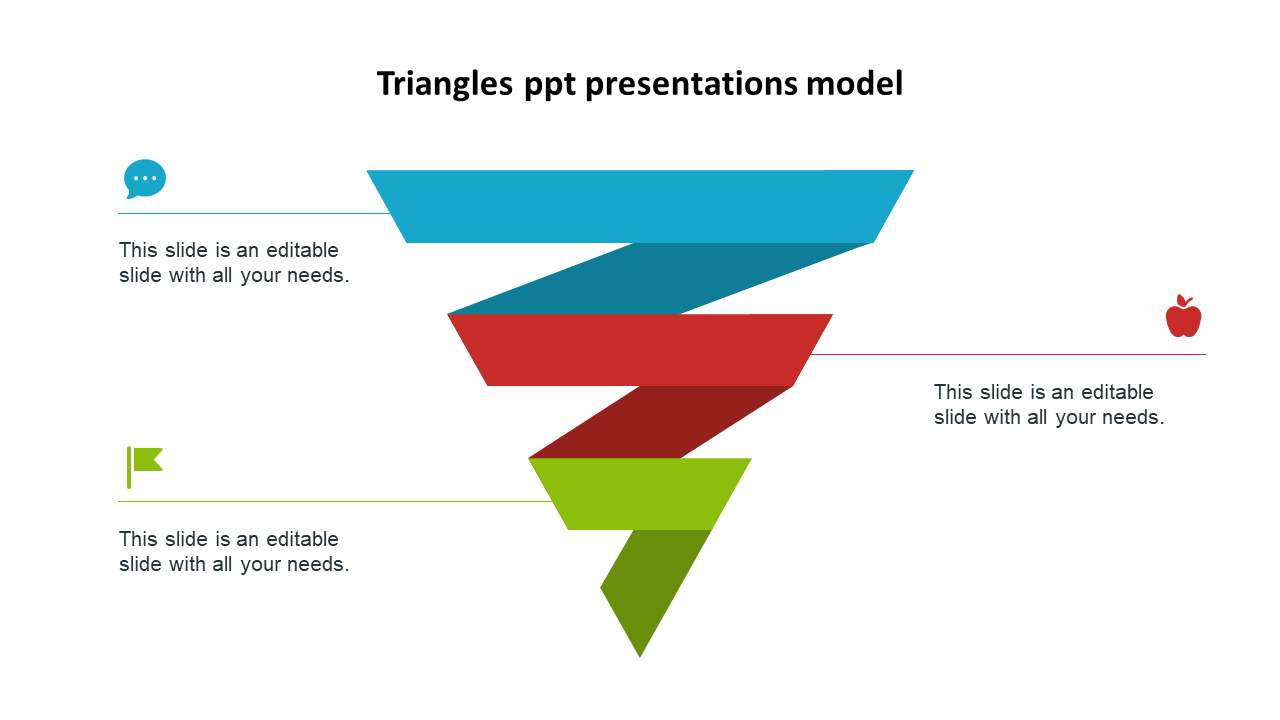
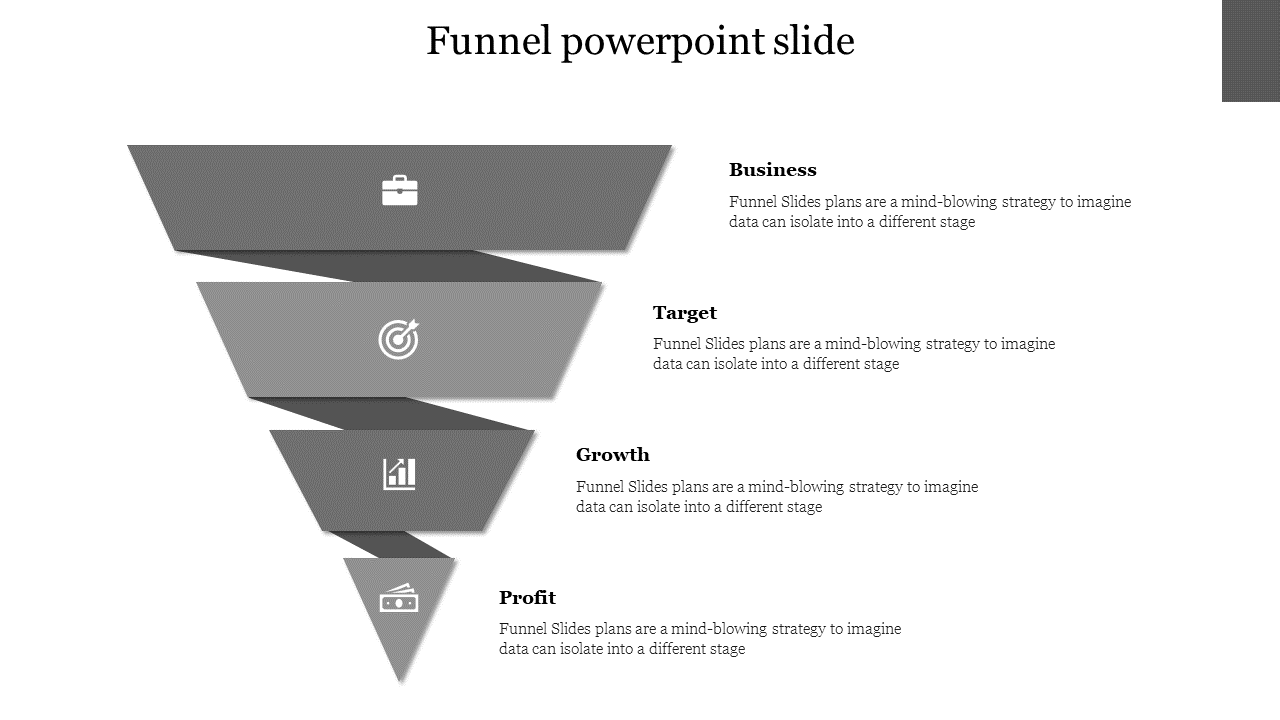
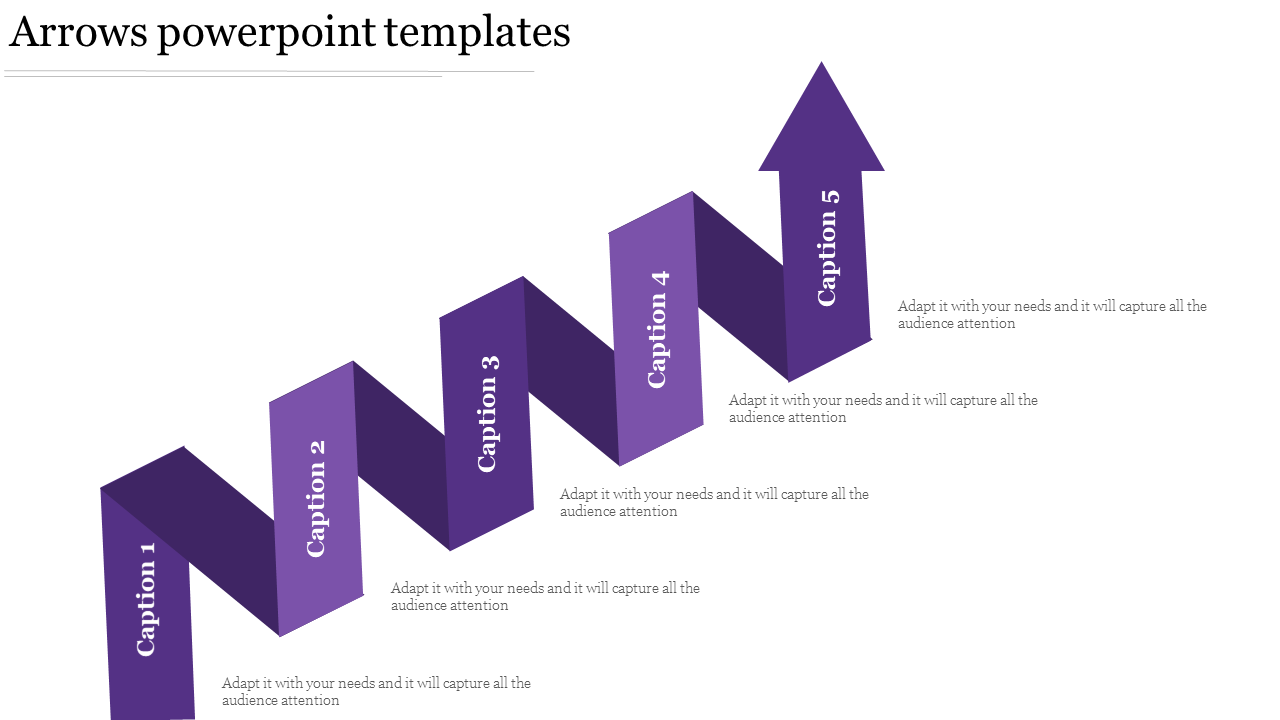
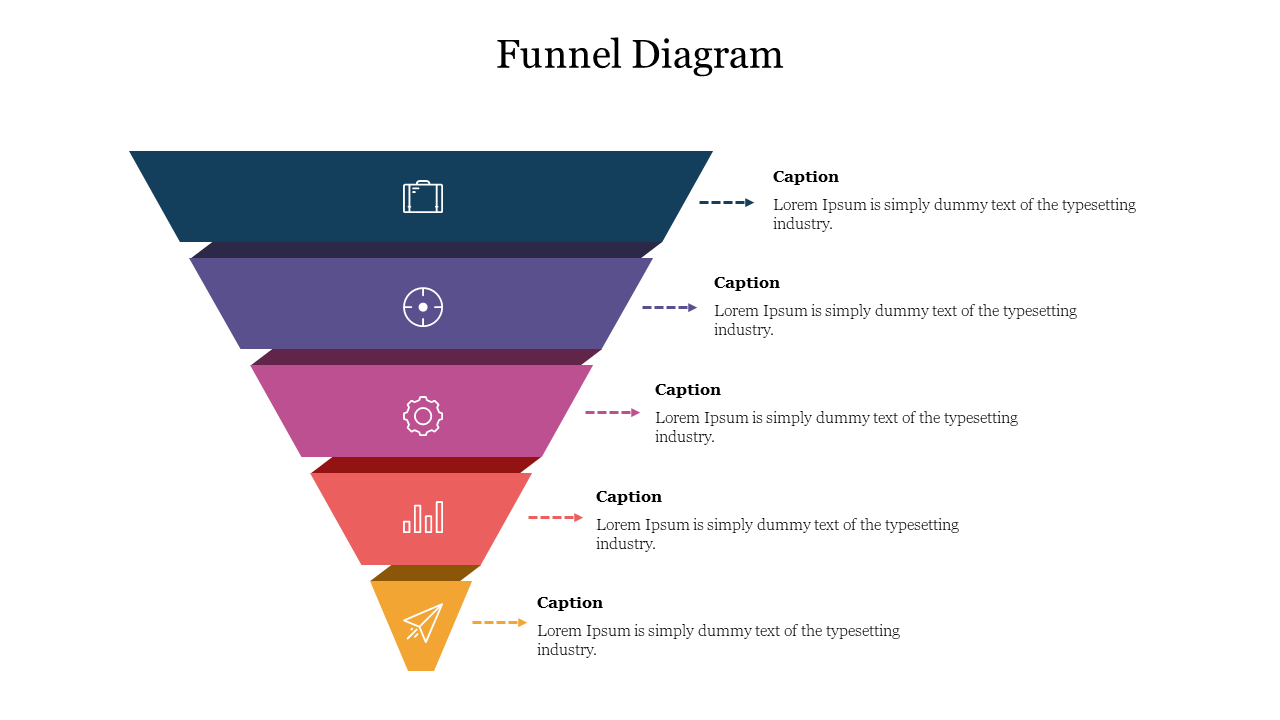
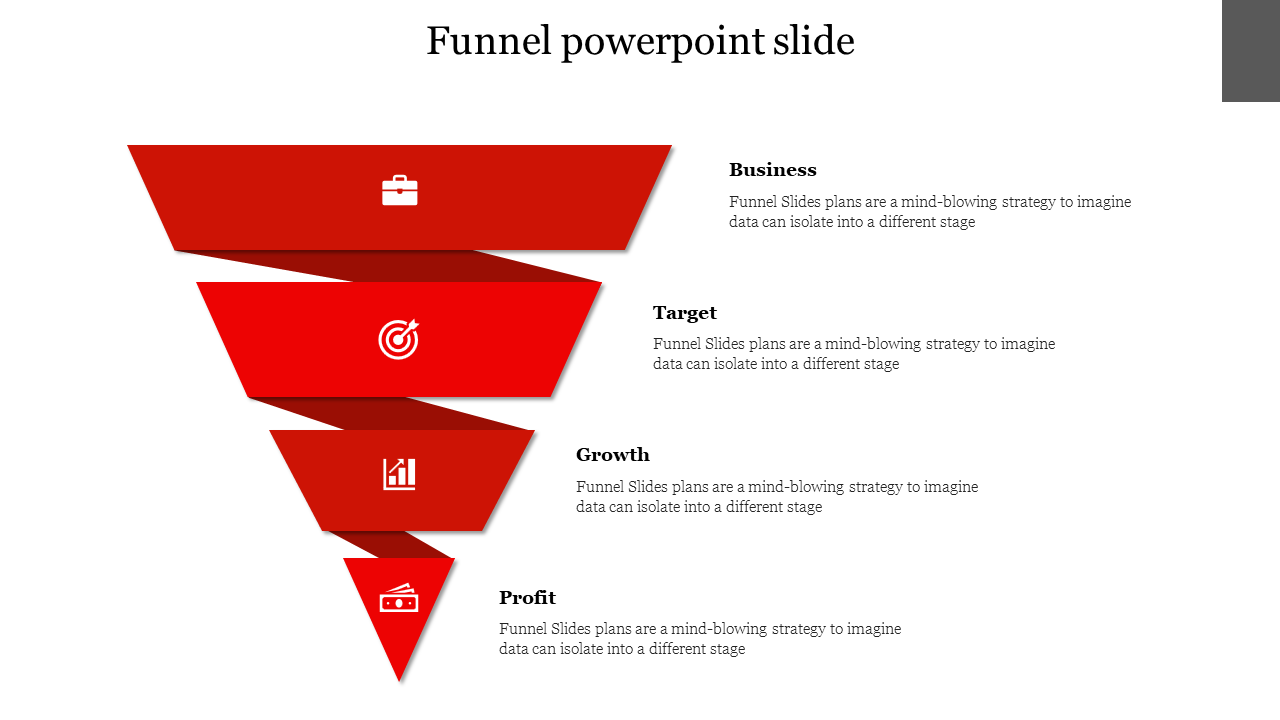
Free Spiral PowerPoint Templates and Google Slides Themes: The Magic of the Spiral
- Stand Out From the Crowd: Ditch the boring bullet points and linear layouts. Spirals grab attention and leave a lasting impression on your audience.
- Organize Your Information Clearly: The natural flow of the spiral helps you structure your thoughts logically, making it easier for your audience to understand your message.
- Showcase Connections: Use spirals to visually demonstrate how different ideas relate to each other, creating a clear picture of the big picture.
- Business Presentations: Showcase sales funnels, timelines, B2B marketing strategies, social media plans, and business development roadmaps with stunning impact.
- Education & Training: Create engaging presentations for explaining historical cycles, scientific processes, or learning journeys.
- Project Management: Visualize project timelines, phases, and dependencies in a clear and organized way.
- Creative Presentations: Use spirals to present artistic concepts, design ideas, or even product development cycles.
We're here to help you!
What are the Spiral PowerPoint Templates?
Spiral PowerPoint Templates are creative presentation templates with colorful, artistic spiral designs to help you present your concepts innovatively.
Where can we use these Spiral PPT Slides?
Spiral PPT Slides are perfect for business meetings, sales pitches, schools, colleges, seminars, and more.
How can I make Spiral Slides in a presentation?
Making Spiral Slides in a presentation is simple by clicking Insert > Shapes. The PowerPoint Scribble tool can help you easily draw a spiral freehand on the slide. Do visit our YouTube tutorials or tips & tricks to learn more about making Spiral Slides.
Who can use the Spiral PPT Templates?
Teachers, students, businesspeople, software engineers, sales executives, and project managers can use these Spiral PPT Templates to visualize various concepts.
Why do we need Spiral PowerPoint Slides?
Spiral PowerPoint Slides are a beautiful visualization tool that helps to present a funnel, timeline, process flow, corporate sales, business growth, ideas, etc.
Where can I find Free Spiral PPT templates?
Do visit Slide Egg, one of the creative platforms, to explore 54+ beautiful Spiral PPT Templates.