Free SMART Presentation Templates
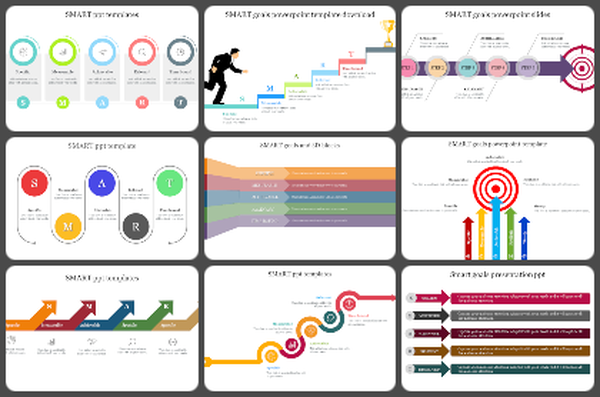
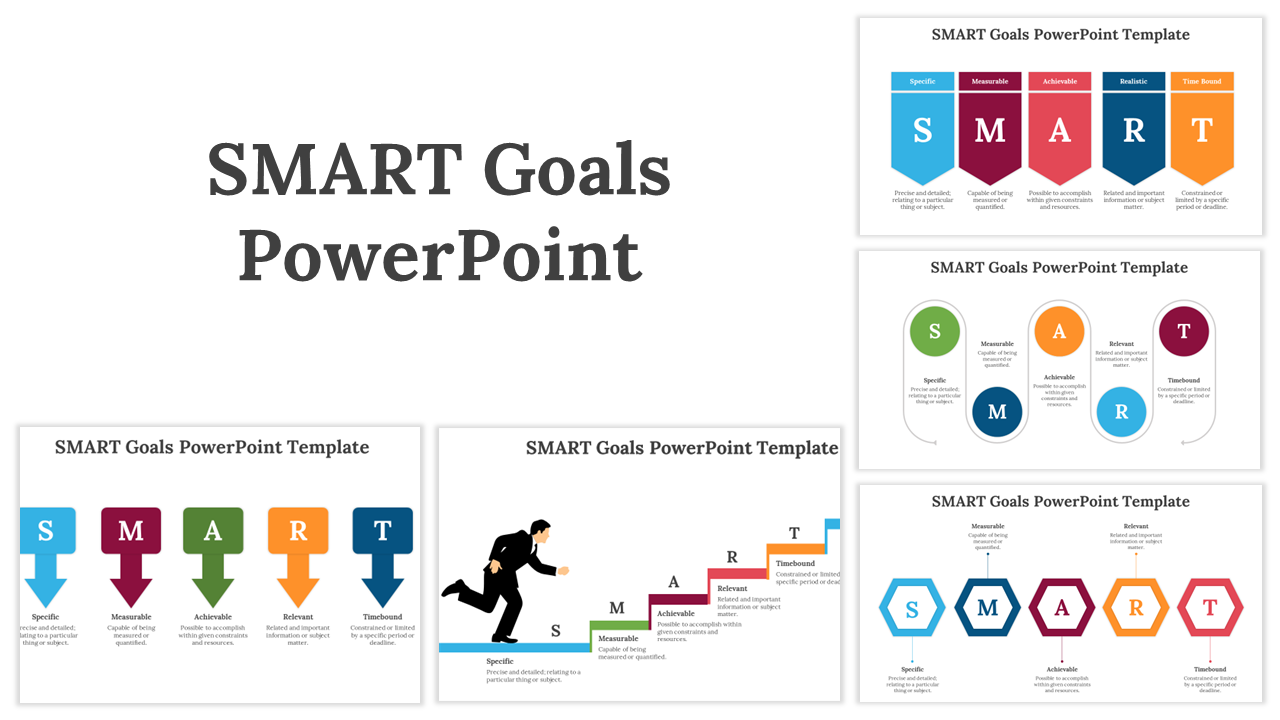
Turn goals into clear action plans with SMART Presentation Templates. Use ready-made layouts to show goals that are Specific, Measurable, Achievable, Relevant, and Time-bound. Perfect for project plans, team updates, performance goals, and KPI reviews. Fully editable in PowerPoint, Google Slides, and Canva. Plan faster, align teams, and present clearly!


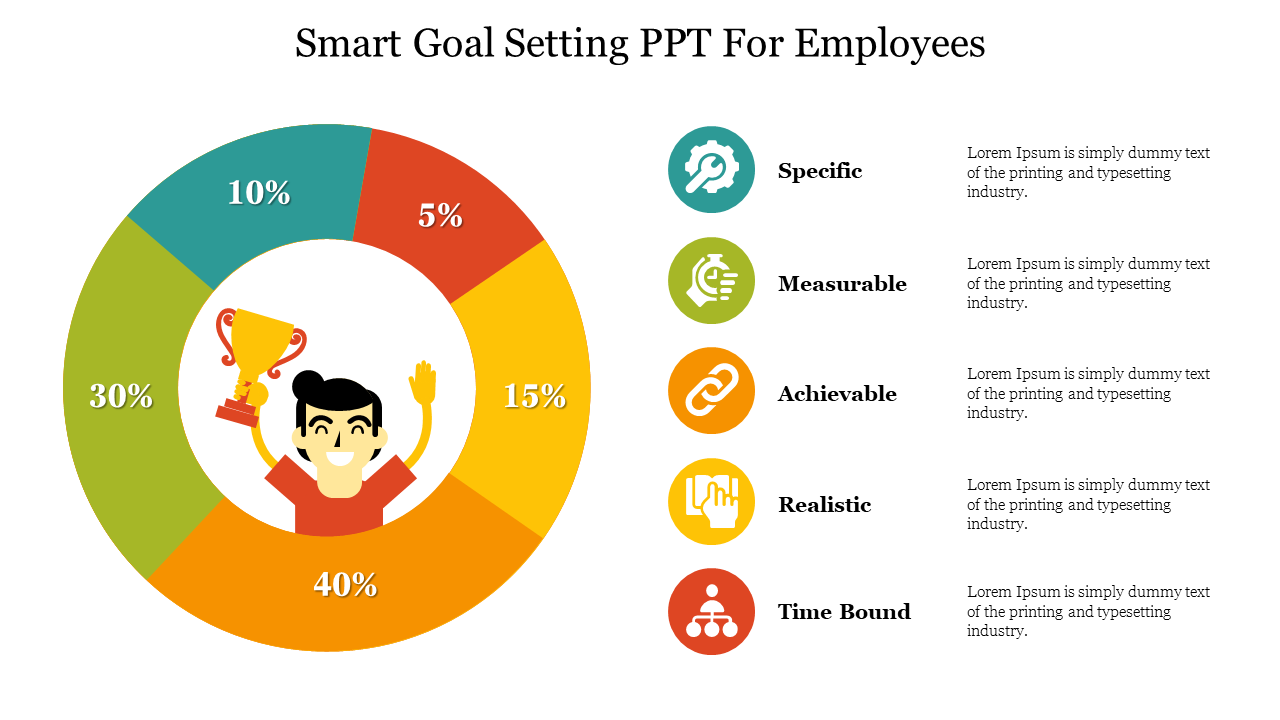
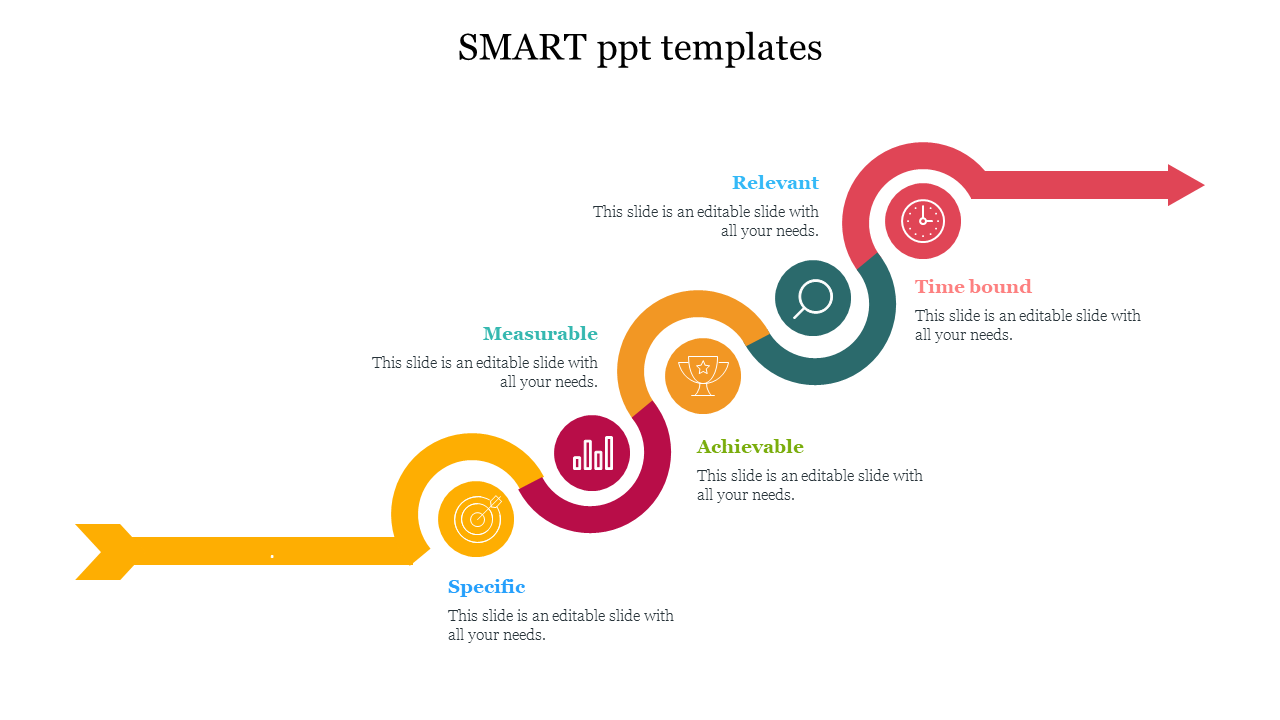
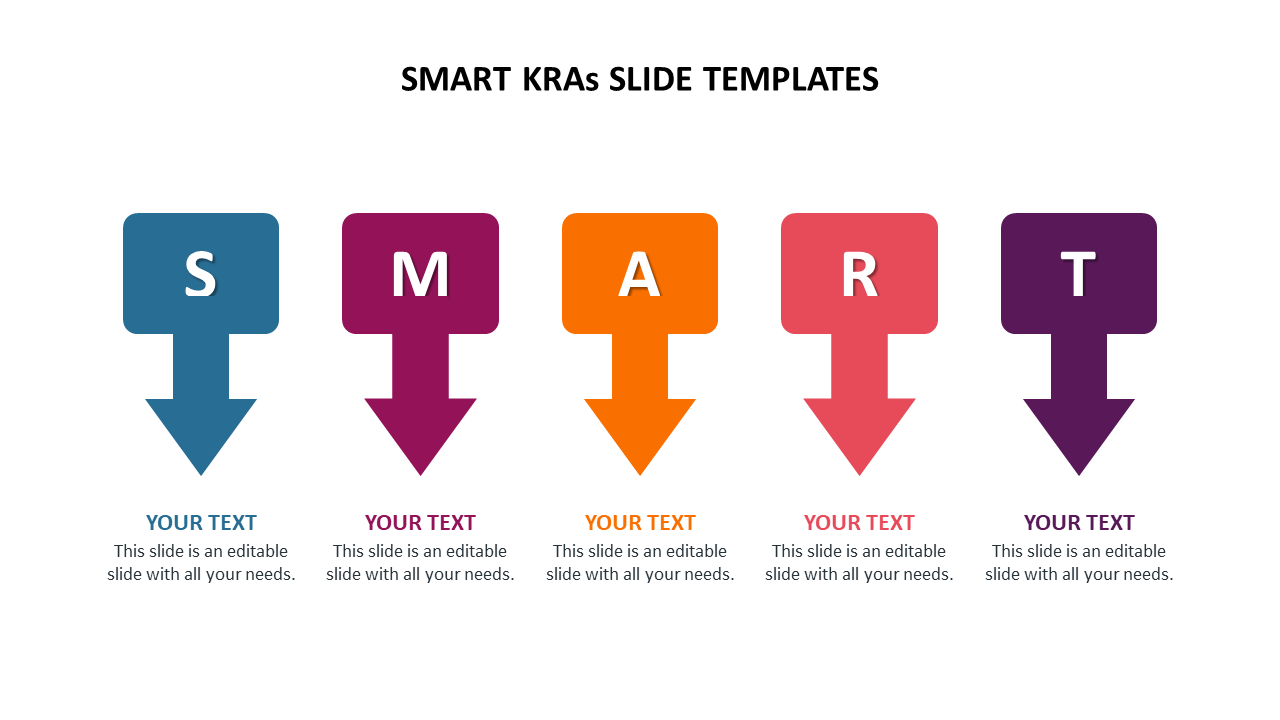
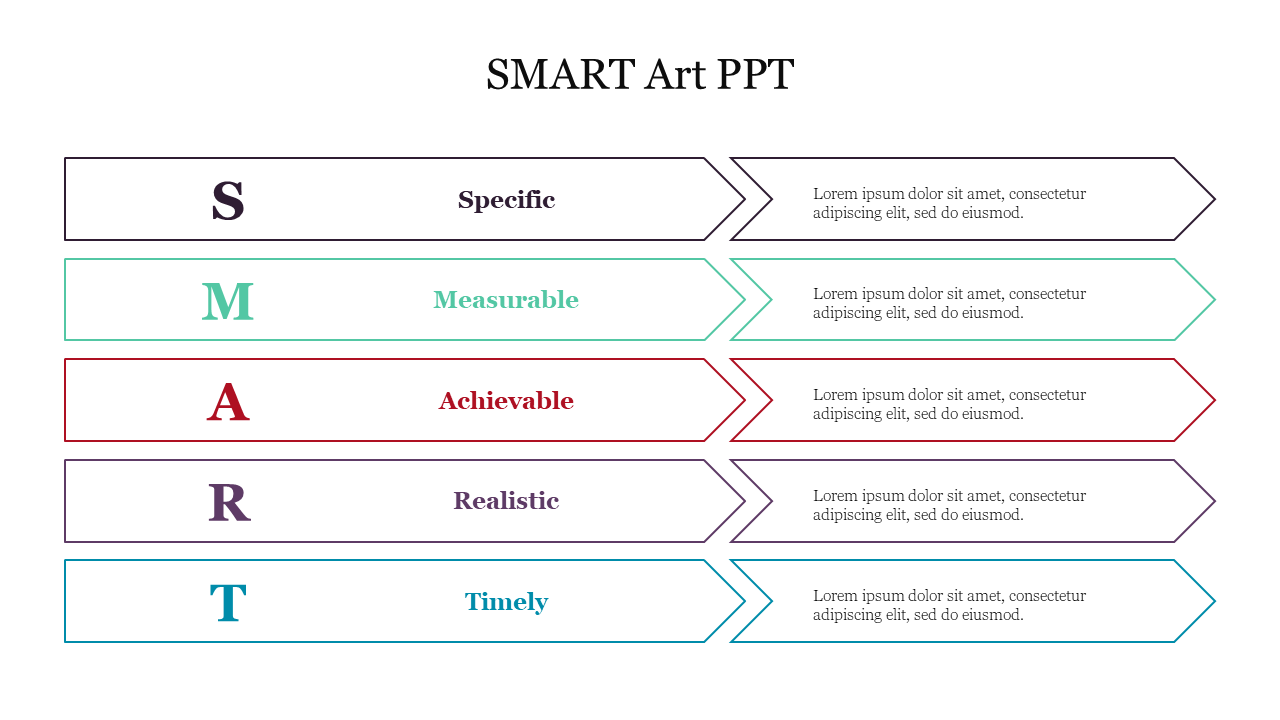
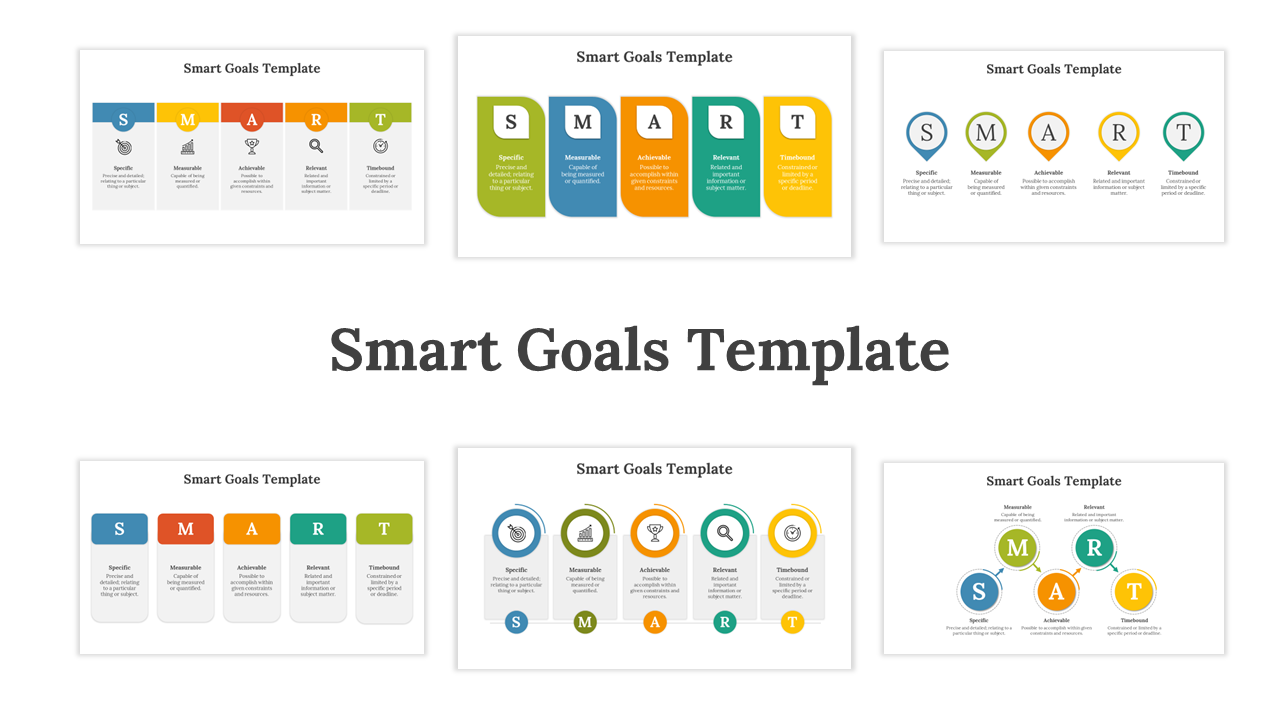
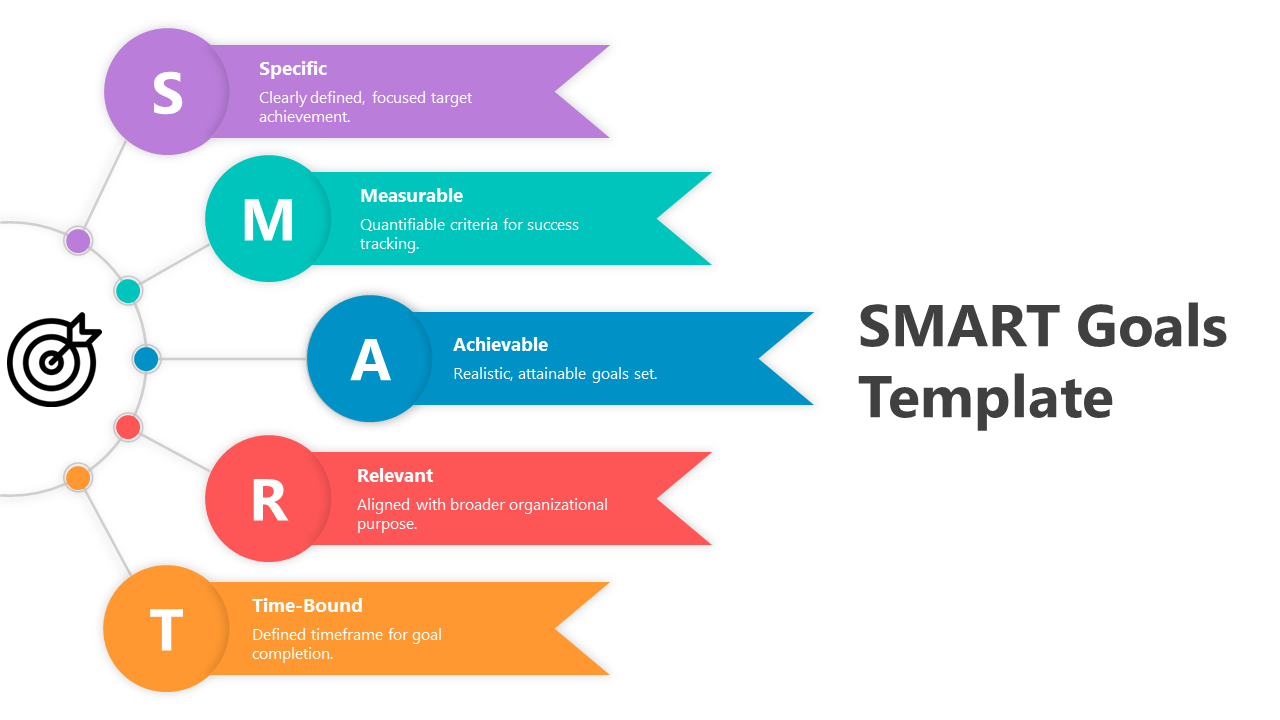
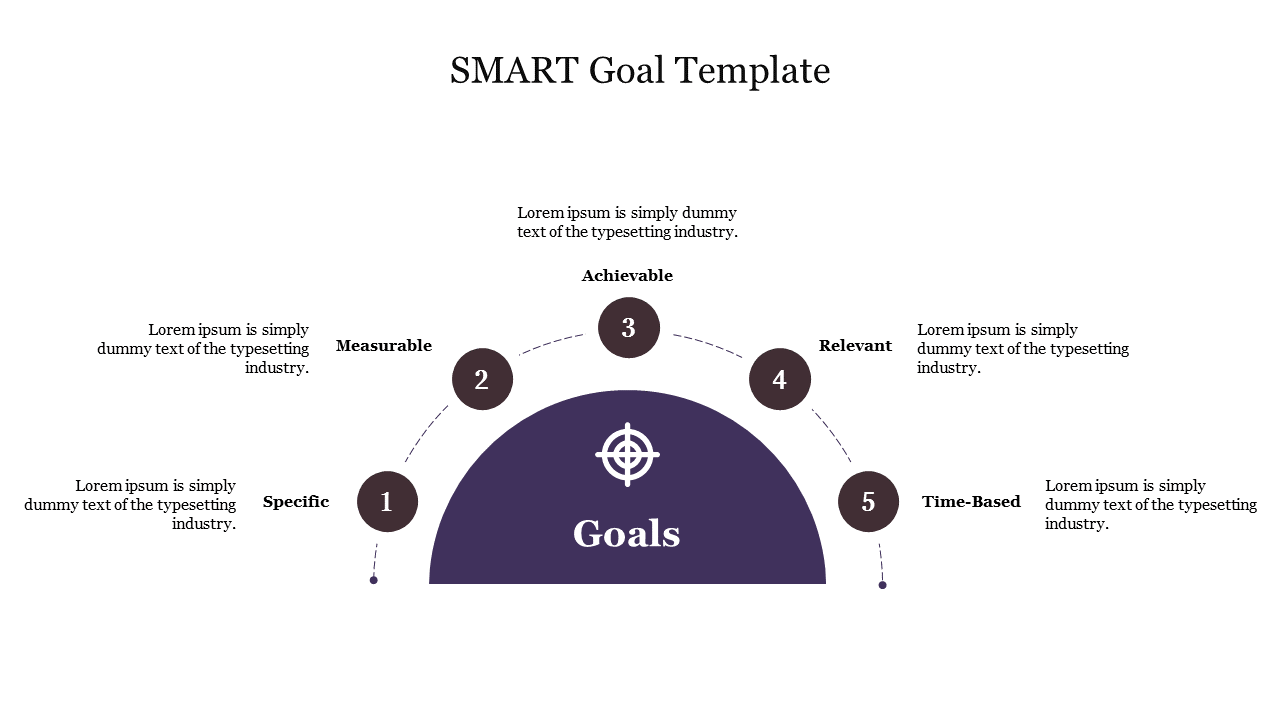
Improve Your Presentations in 2026 with SMART Templates and Google Slides Themes
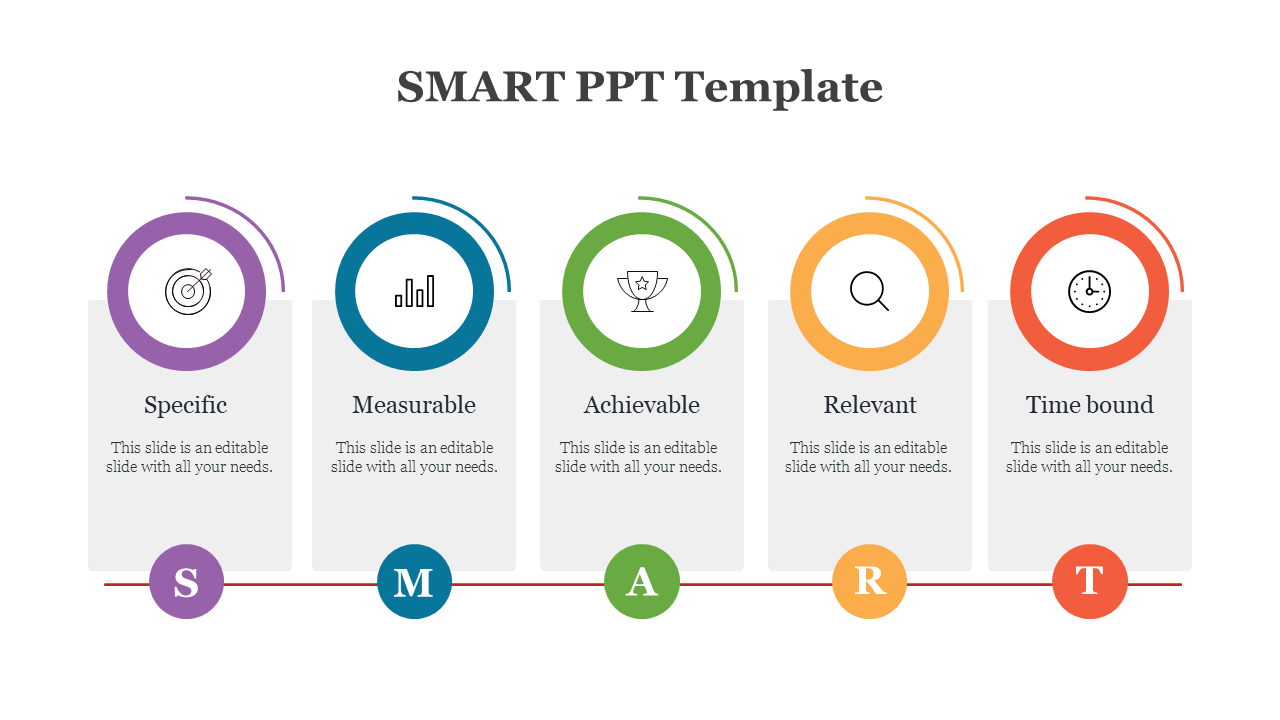
Why These SMART Slides Make Goal Presentations Easier
- Instant clarity: Each slide is designed so that your goal is easy to understand at a glance. The structure guides the viewer’s eye, helping them quickly see what the goal is, what success looks like, and why it matters—without reading long paragraphs.
- Faster slide creation: You don’t have to start from a blank slide. The layout is already prepared, so you only need to replace the sample text with your own content. This saves time and lets you focus on your message instead of formatting.
- Professional structure throughout: Consistent spacing, headings, and sections keep the presentation clean and organised. This gives your slides a professional look and makes them easier for the audience to follow, especially in meetings or reviews.
- Better goal alignment for teams: When goals, metrics, and deadlines are presented clearly on one slide, everyone stays aligned. These slides help teams understand expectations, track progress, and stay focused on the same outcome.
- Easy edits without design issues: You can update goals, numbers, or dates at any time without breaking the layout. The design stays intact, so your slides always look neat—even after multiple edits.
What You Can Create With SlideEgg SMART Presentation Templates
1) Project Goal Slides:
2) OKR and KPI Review Slides:
3) Employee Performance Goal Slides:
5) Training and Learning Plan Goals:
6) Campaign and Marketing Goal Slides:
7) Weekly/Monthly Progress Update Slides:
Who Can Use These SMART PPT Templates?
- Business teams: Used for planning meetings, project updates, and performance reviews. SMART templates help present goals without long paragraphs.
- HR teams: Useful for goal setting, training outcomes, appraisal discussions, and development plans.
- Project managers: Perfect for scope, milestones, progress tracking, and delivery timelines.
- Sales and marketing teams: Ideal for targets, metrics, campaign plans, pipeline goals, and performance reporting.
- Students and teachers: Helpful for academic projects, research goals, learning outcomes, and time-bound presentations.
What Makes SlideEgg SMART Templates User-Friendly
- Fully editable layouts (text, icons, colors, fonts)
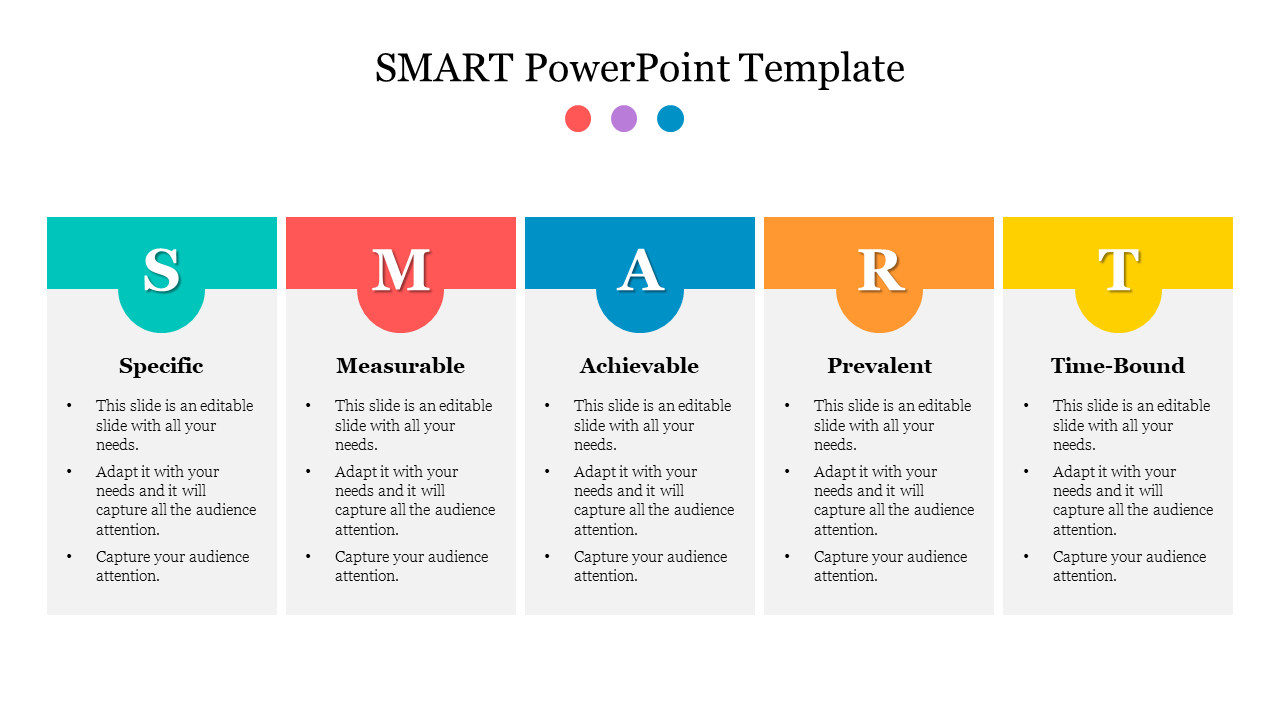
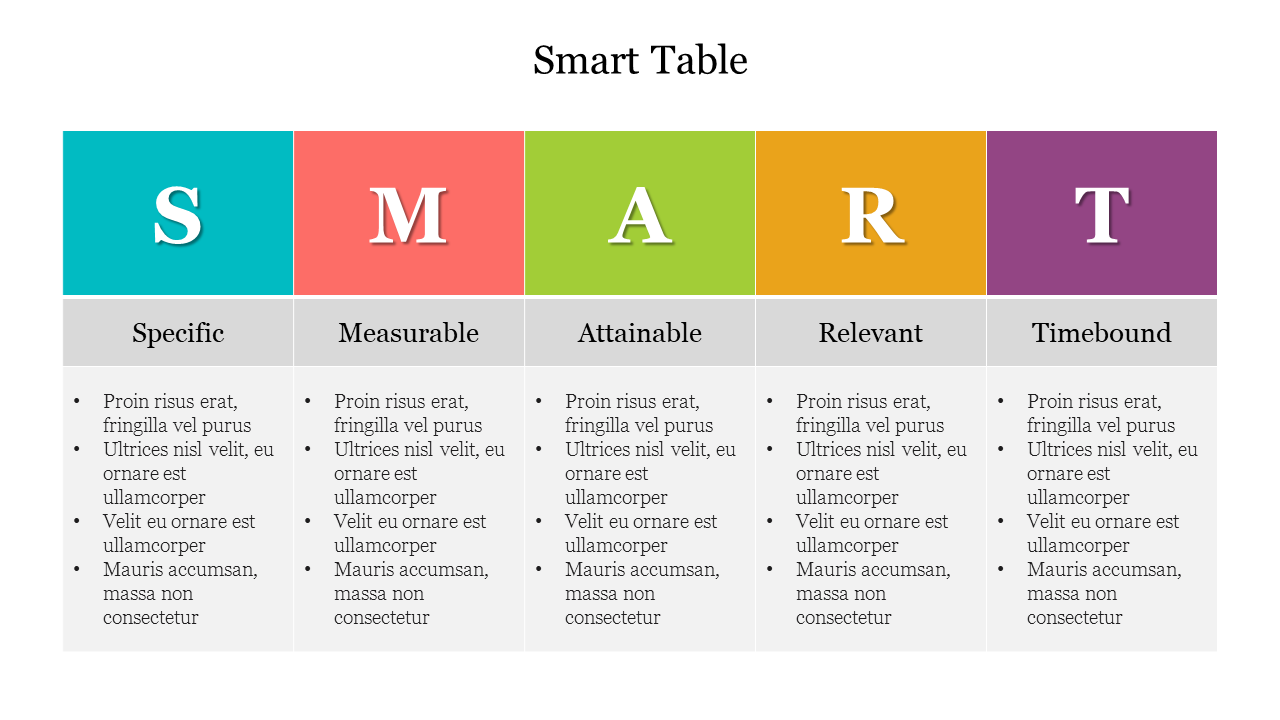
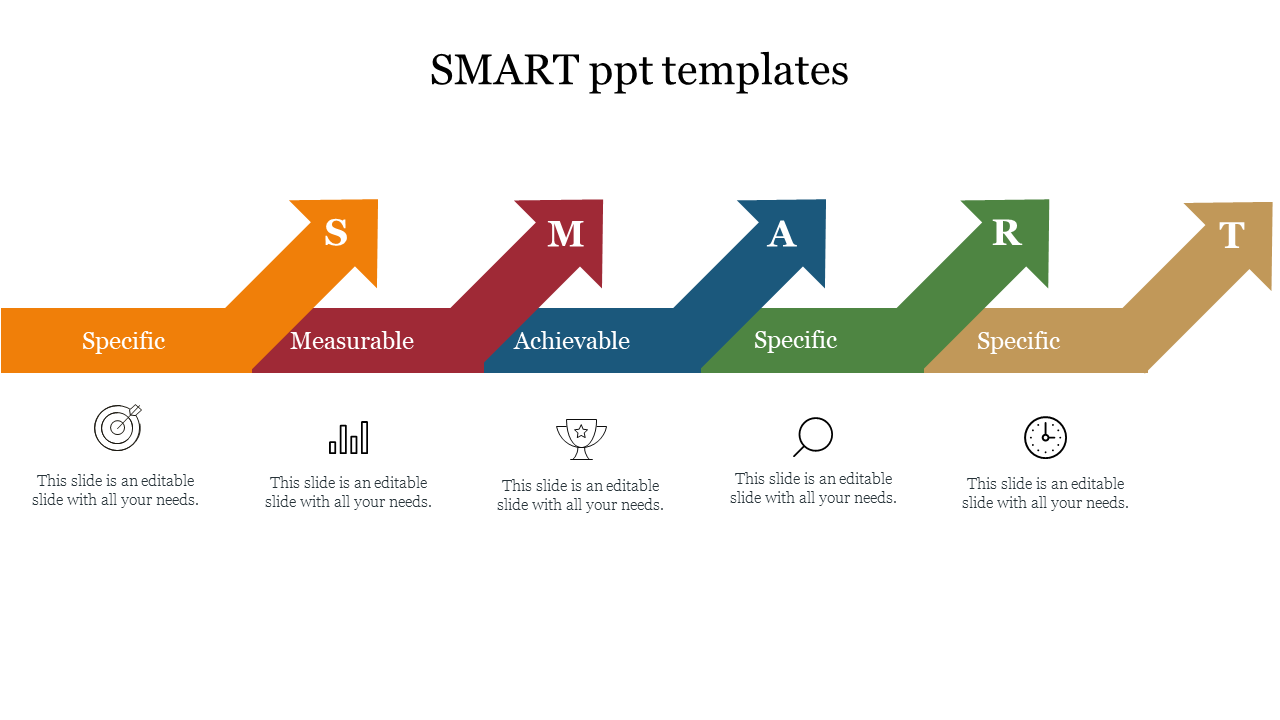
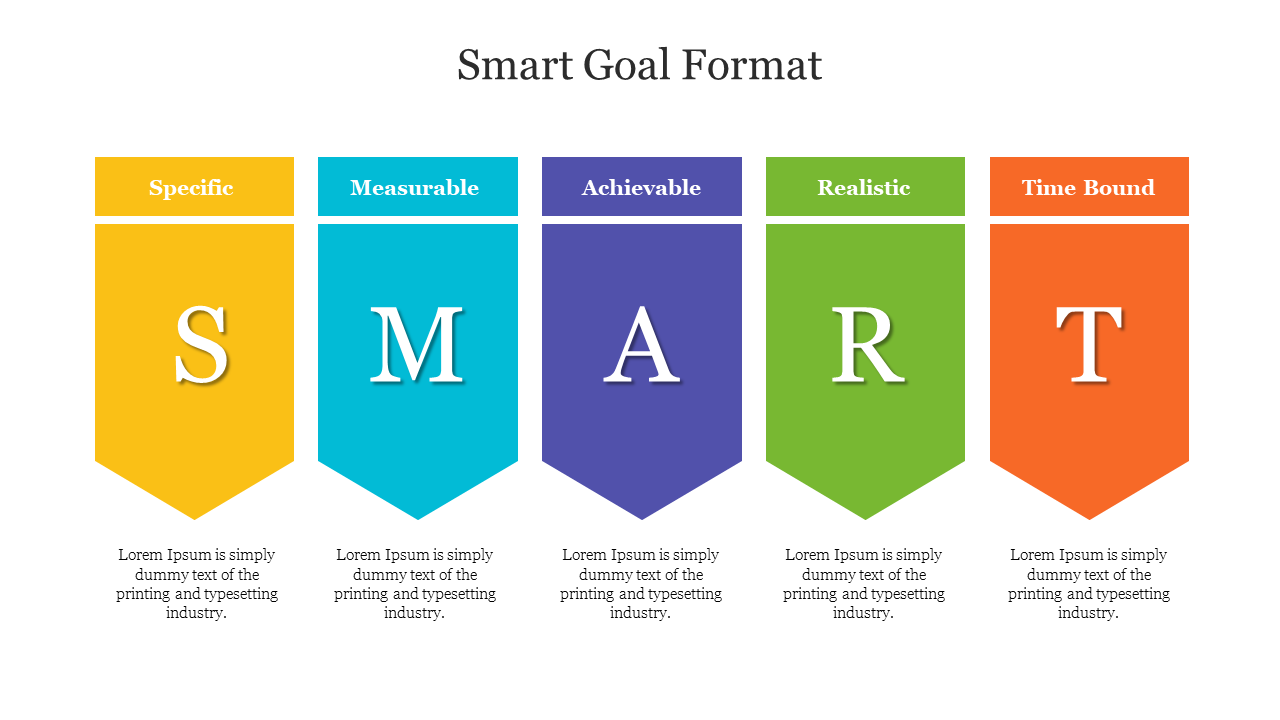
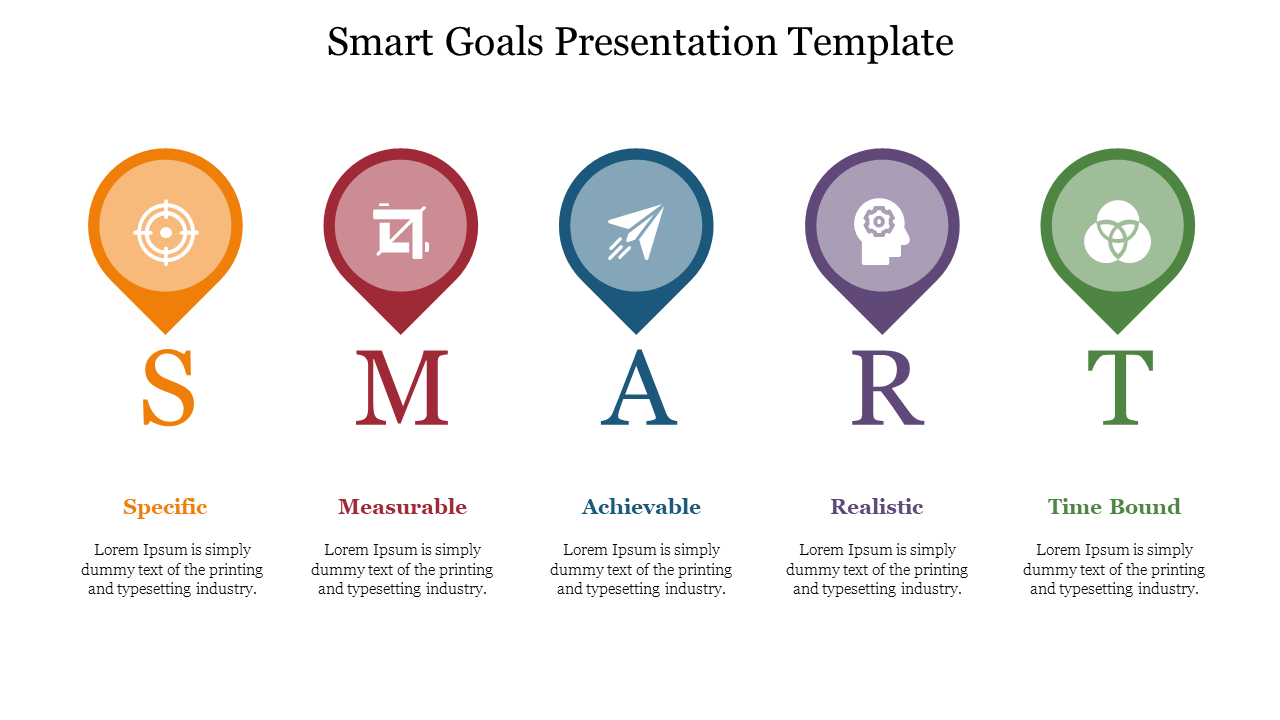
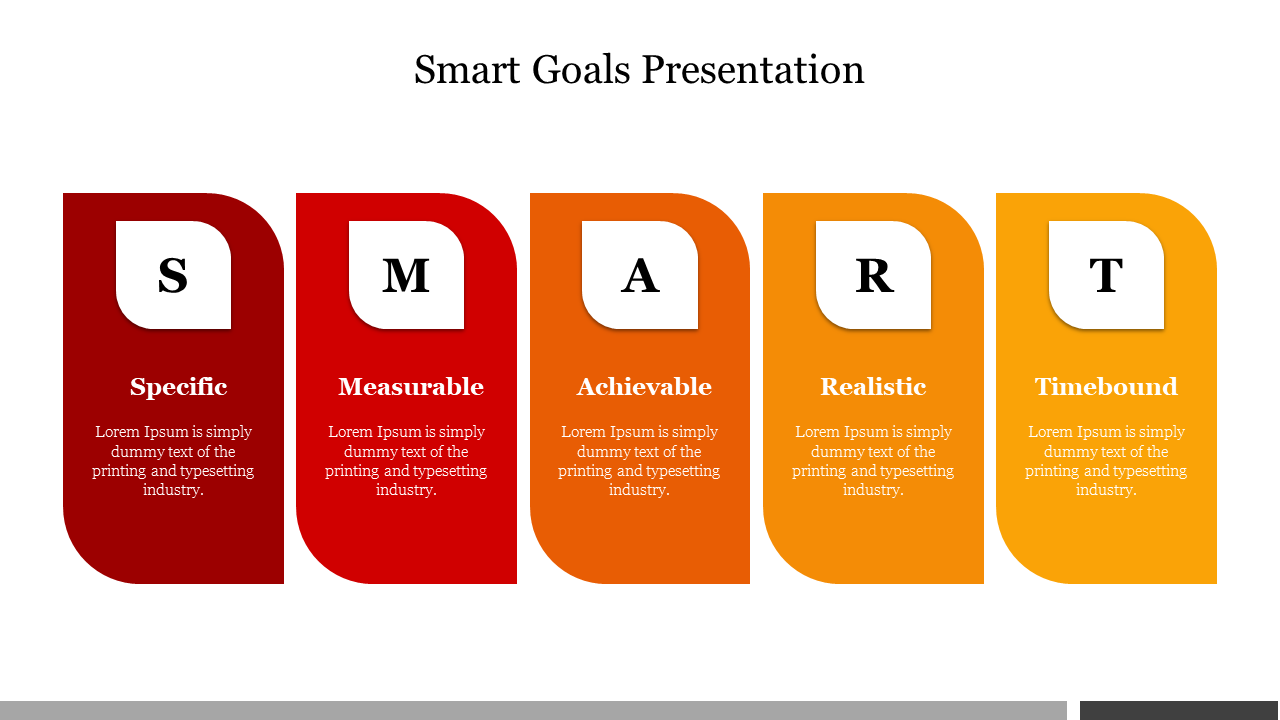
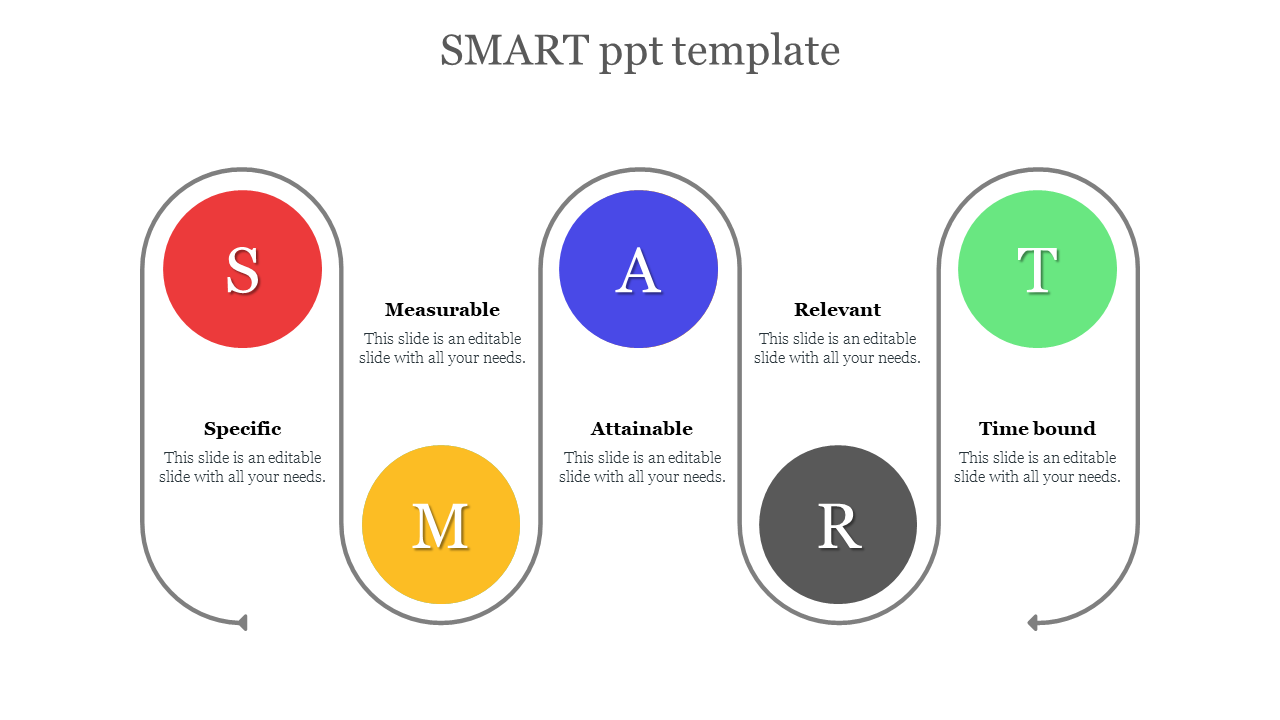
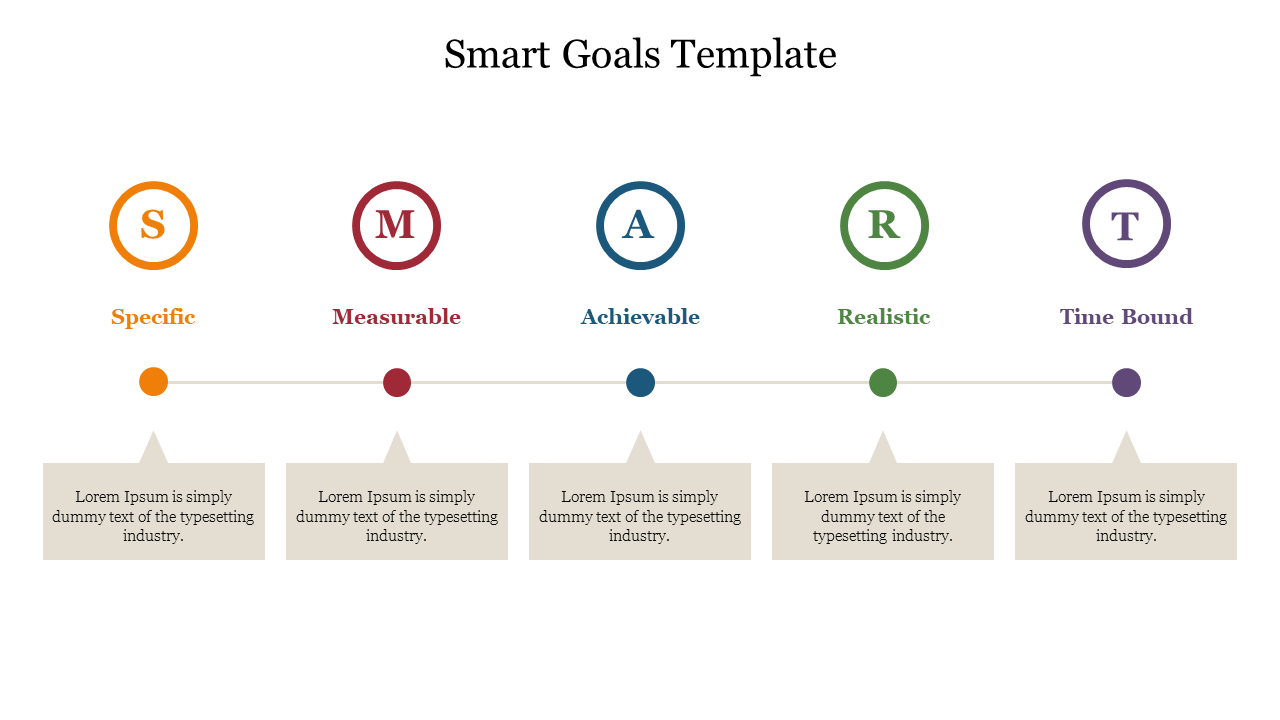
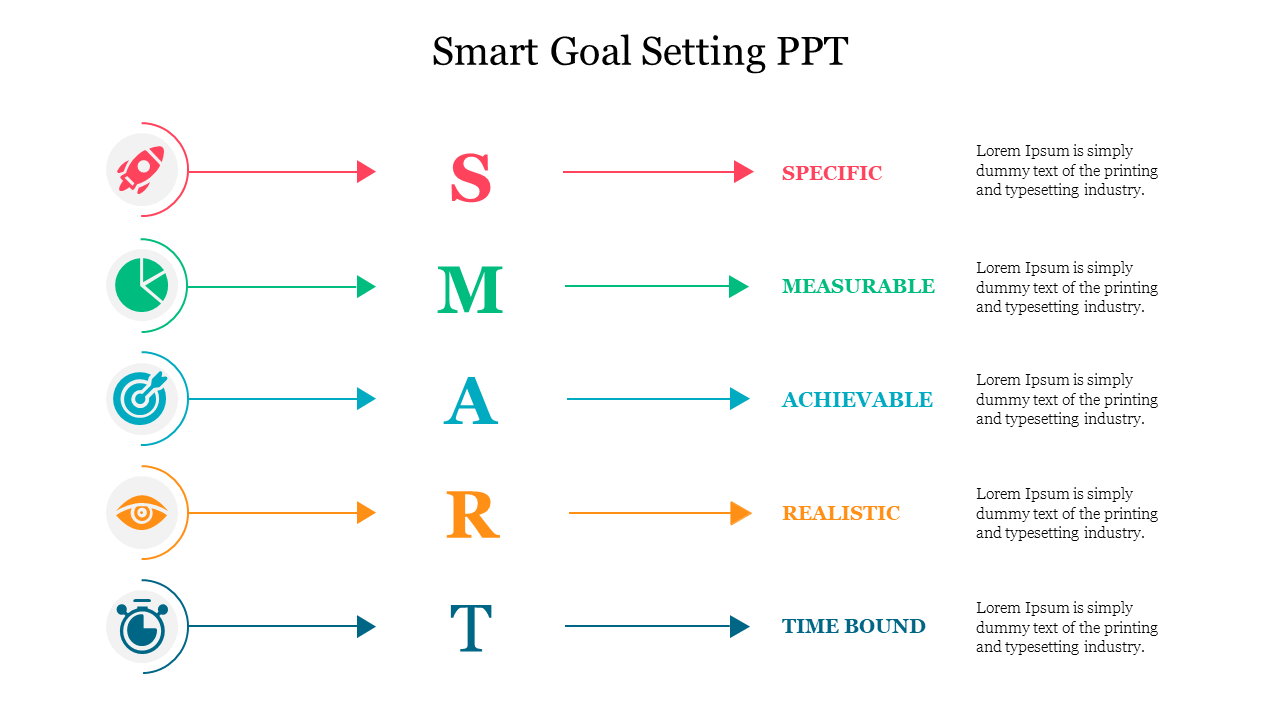
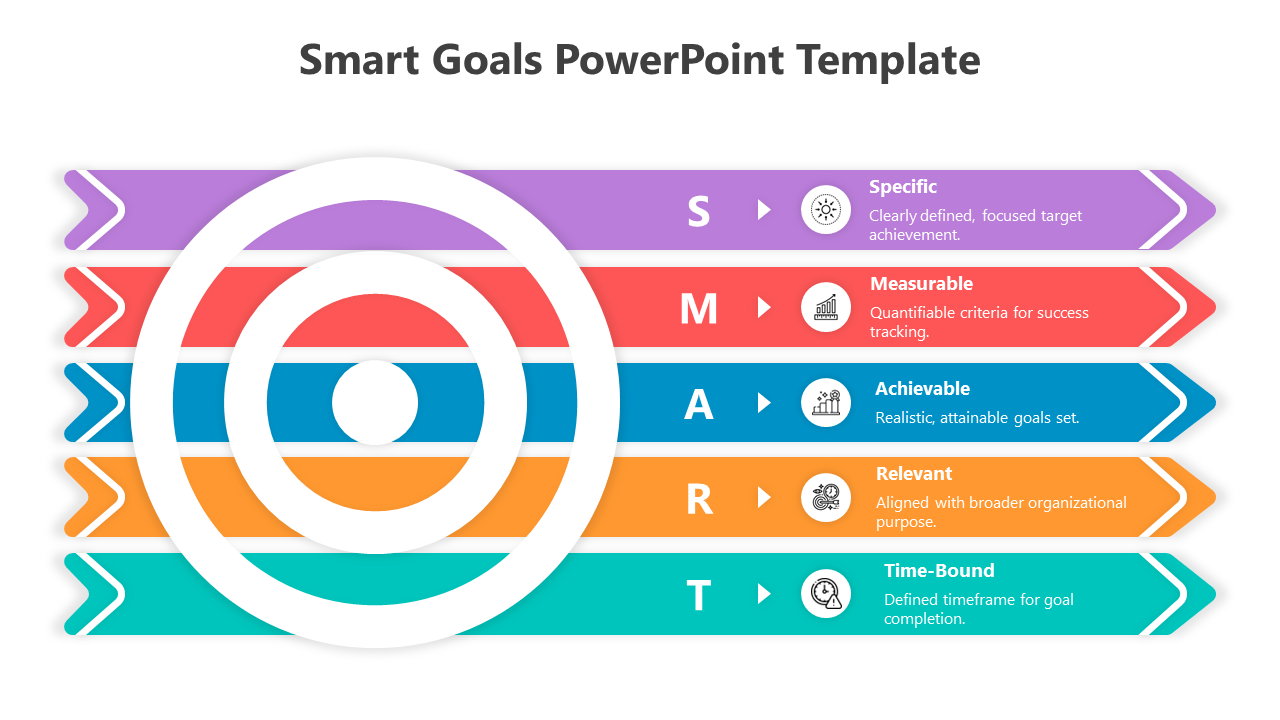
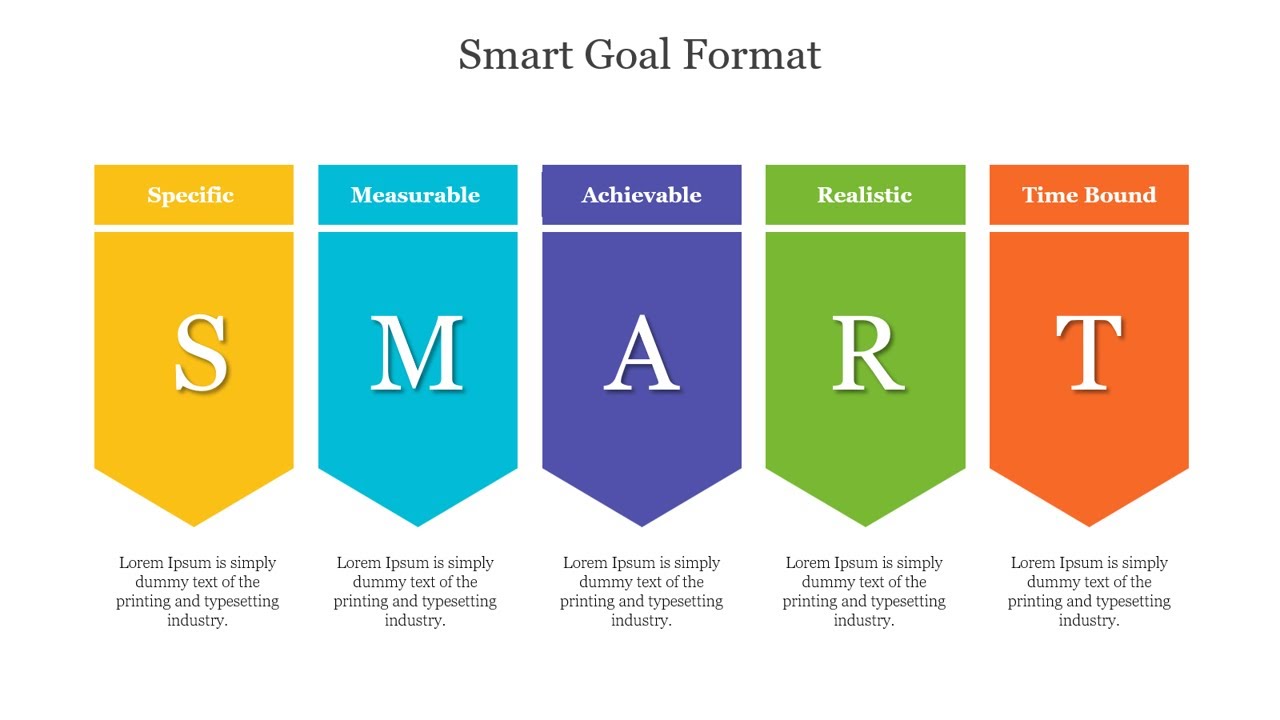
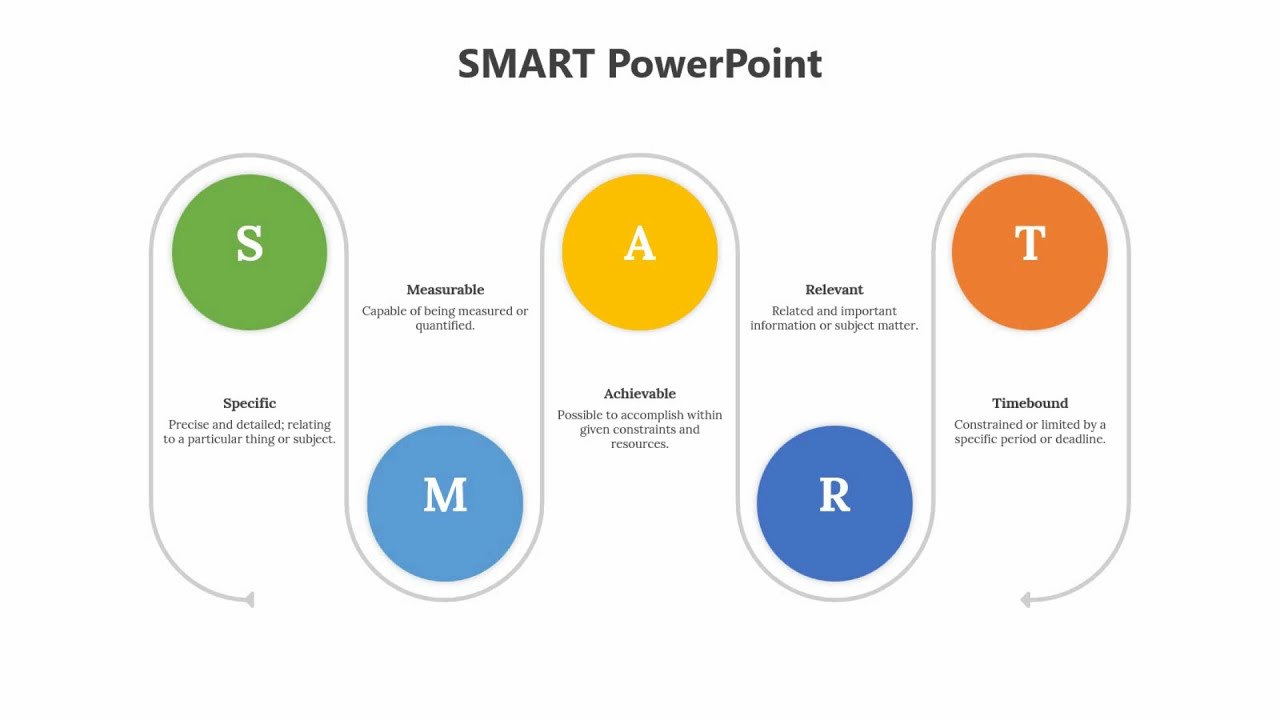
- Ready sections for each SMART part (S, M, A, R, T)
- Clean headings and simple visual hierarchy
- Space for KPIs, deadlines, and short action notes
- Presentation-ready design that looks clear on screens and PDF export.
Tips to Make SMART Slides Look Great
- Keep the goal statement to one sentence
- Add one primary metric
- Use clear numbers and deadlines
- Keep each SMART section short
- If the goal is complex, split it into two slides: goal and action plan
- End with a short review line: Next step + owner + date
Make Your Next Goal Slide Clear and Easy to Follow in 2026
Become an expert with SlideEgg

We're here to help you!
What does SMART stand for?
SMART stands for Specific, Measurable, Achievable, Relevant, and Time-bound. It is a simple framework used to set clear goals.
What are SMART presentation templates used for?
They are used to present goals in a structured way—so people can quickly understand the goal, the success metric, and the deadline.
Where can I use SMART slides?
You can use them in project planning, team meetings, OKR and KPI reviews, employee performance goals, training plans, and progress updates.
Who can use SMART templates?
Managers, HR teams, project teams, sales and marketing teams, teachers, students, and anyone who needs to explain goals clearly.
Can I edit these SMART templates easily?
Yes. You can update the text, icons, colors, and fonts. You can also adjust sections to fit your goal and metrics.
What should I include in a SMART goal slide?
Include one clear goal statement, the main success metric, the timeline/deadline, and a short note on why it matters or how it will be achieved.
Which slide size should I choose: 16:9 or 4:3?
Use 16:9 for modern screens (laptops, TVs, online meetings). Use 4:3 if you are presenting on older projectors.