40+ Free SMART PowerPoint Templates
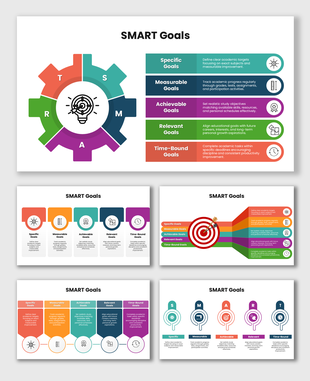
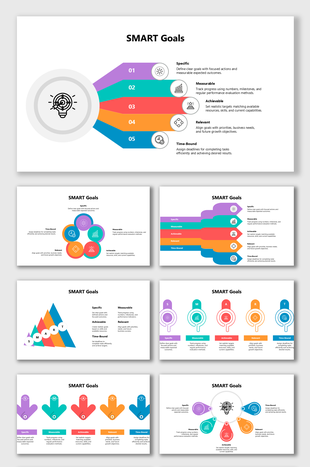
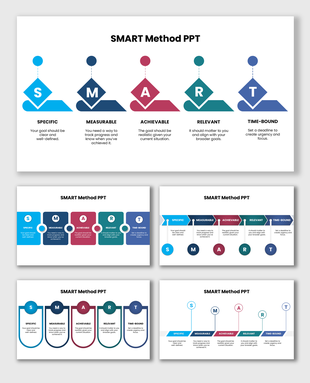
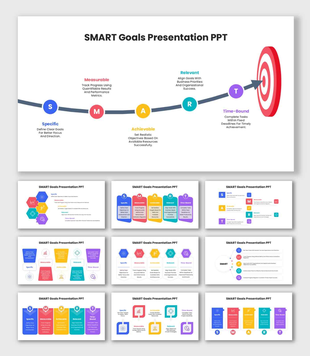
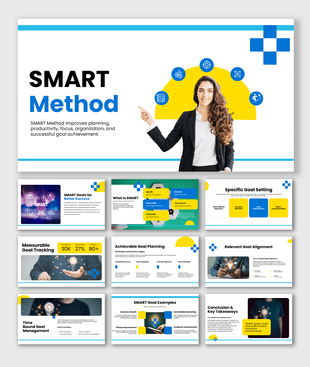
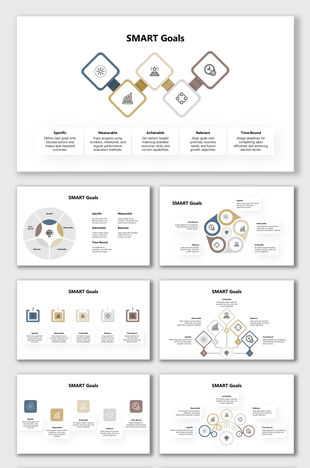
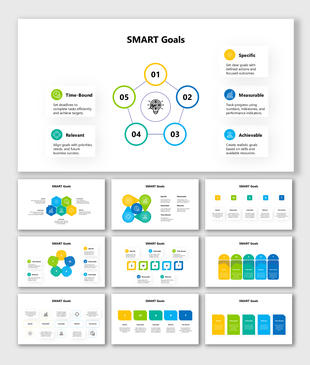
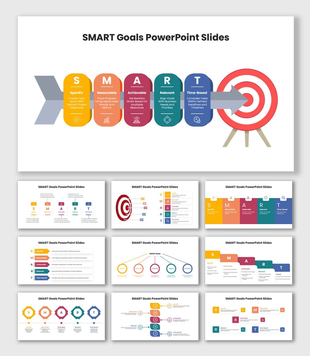
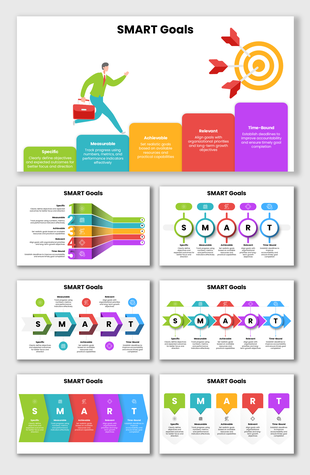
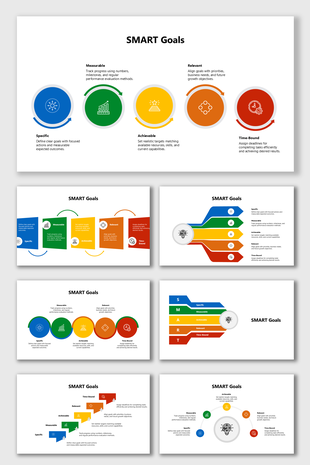
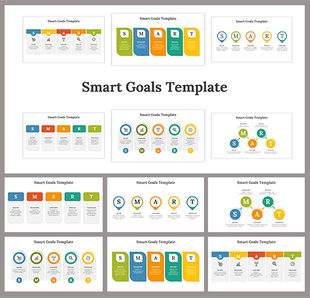
Turn goals into clear action plans with SMART Presentation Templates. Use ready-made layouts to show goals that are Specific, Measurable, Achievable, Relevant, and Time-bound. Perfect for project plans, team updates, performance goals, and KPI reviews. Fully editable in PowerPoint, Google Slides, and Canva. Plan faster, align teams, and present clearly!
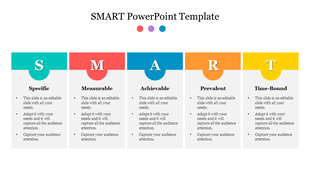
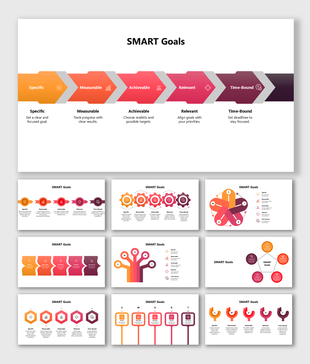
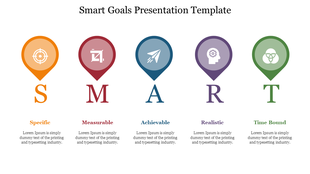
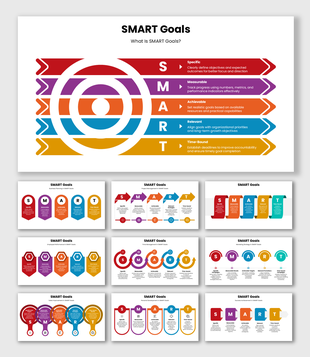
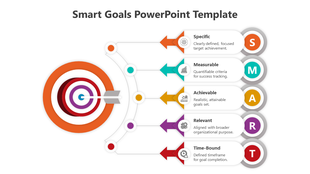
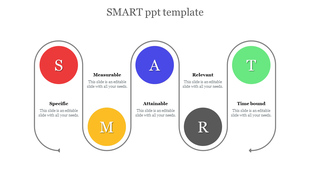
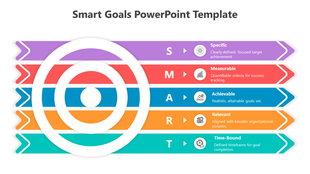
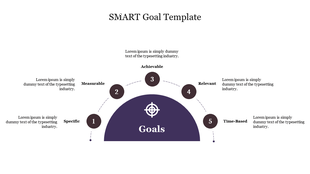
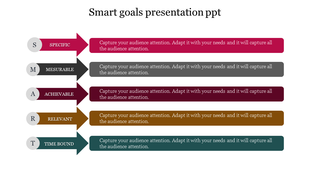
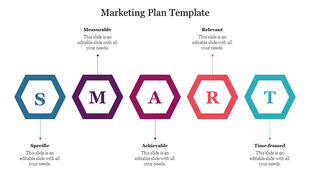
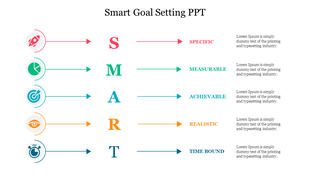
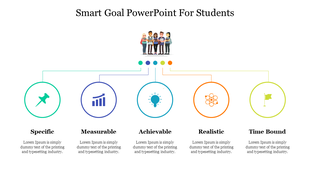
Showing48 of49
SMART Presentation Templates for Clear Goal Planning
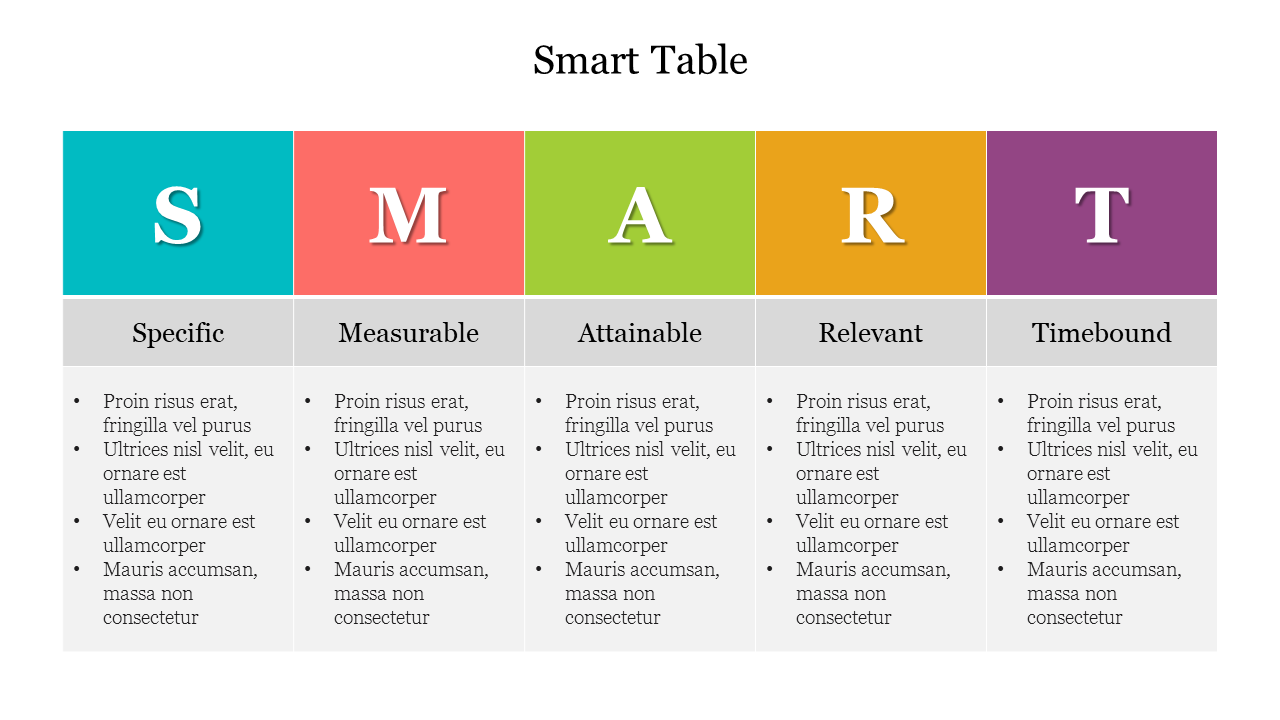
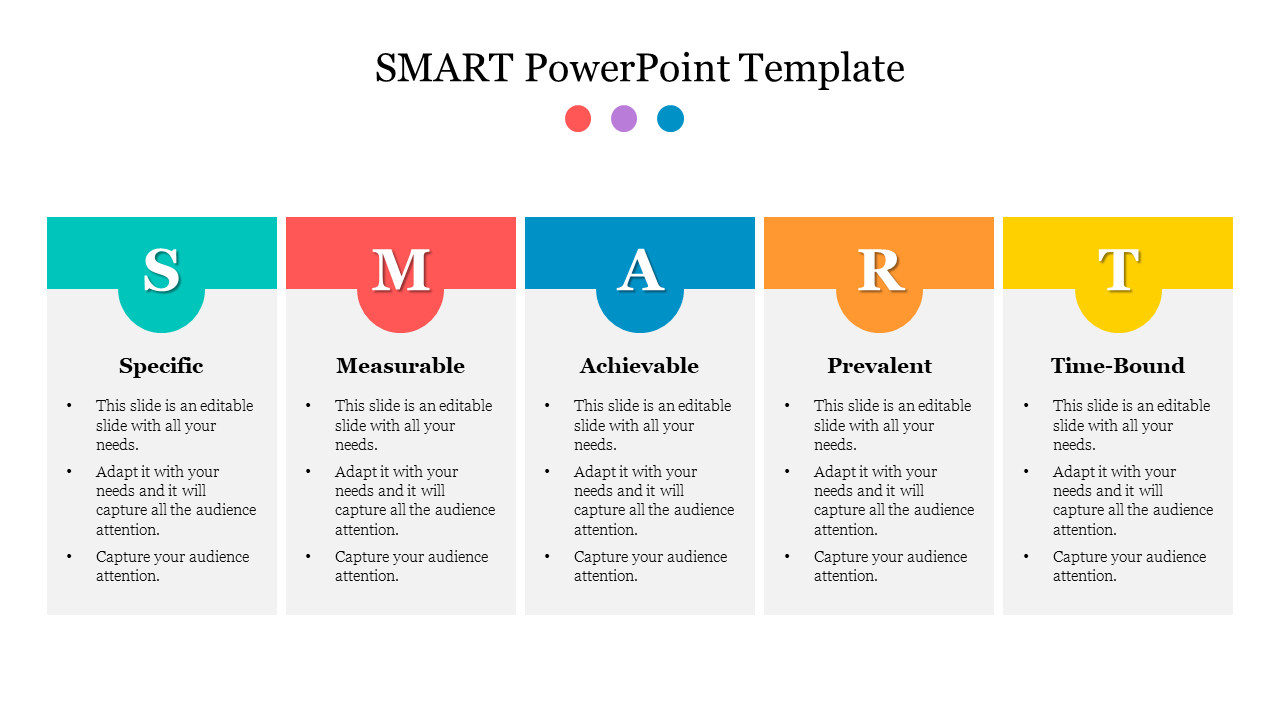
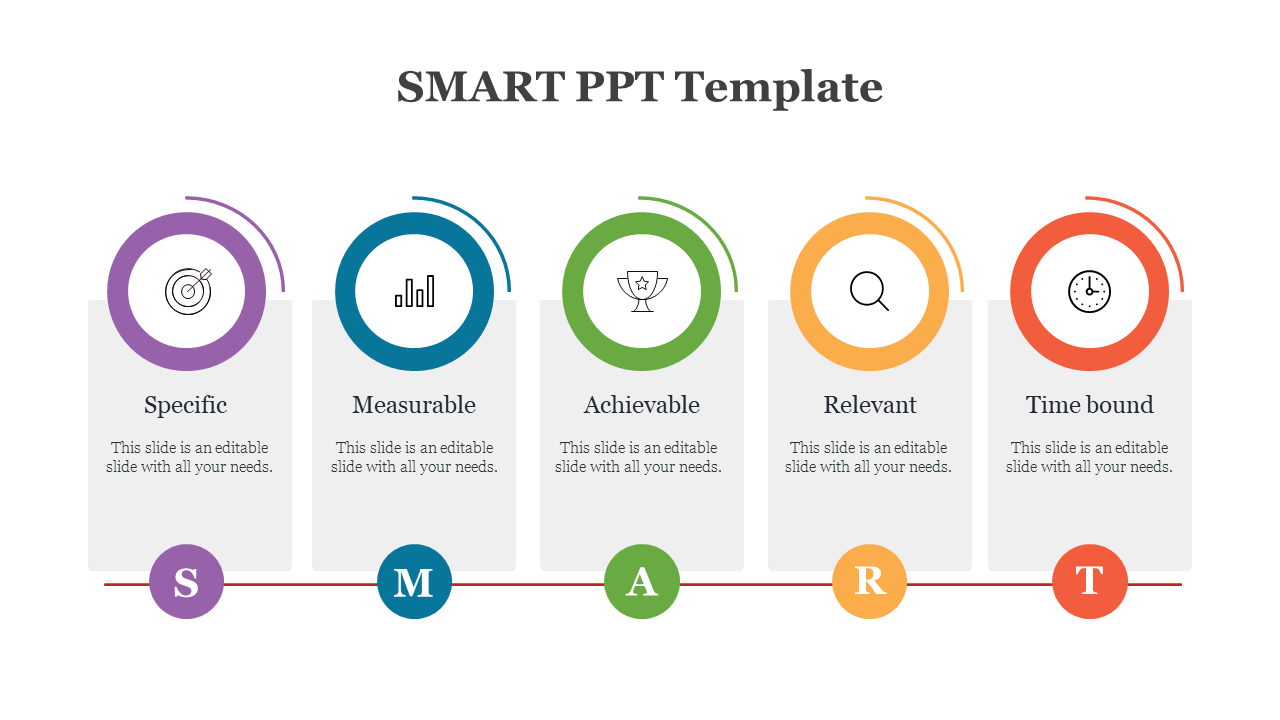
Free SMART Goal Templates by Use Case
SMART Goals PowerPoint Templates for Business:
Set clear and measurable business objectives using SMART goal templates designed for managers, executives, and teams. These slides help present KPIs, quarterly goals, project milestones, and strategic plans in a structured visual format. Ideal for business meetings, OKR planning, and performance reviews in PowerPoint, Google Slides, and Canva.
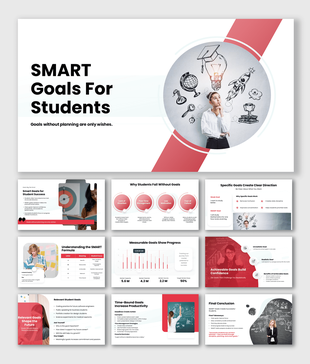
SMART Goals Presentation Templates for Students
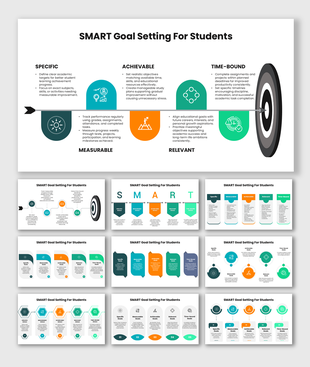
Help students organize academic goals, research plans, assignments, and career objectives using editable SMART goal presentation slides. These templates simplify goal planning with easy-to-understand layouts suitable for seminars, classroom presentations, and educational projects.
SMART Method and Framework Slides
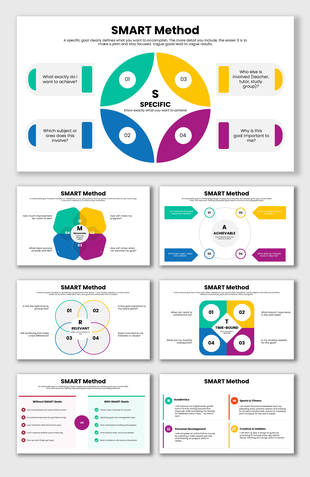
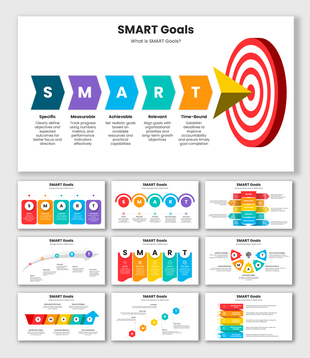
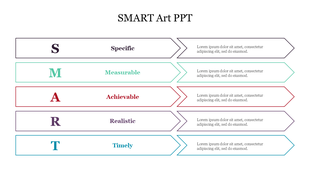
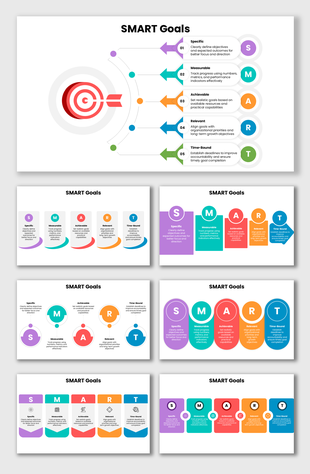
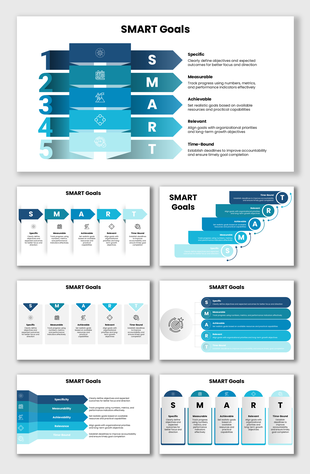
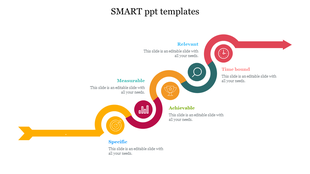
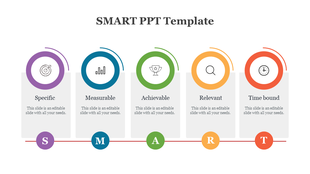
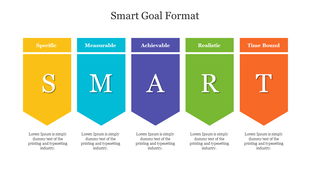
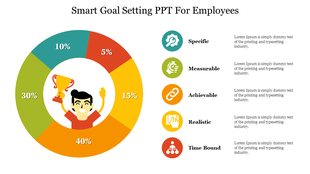
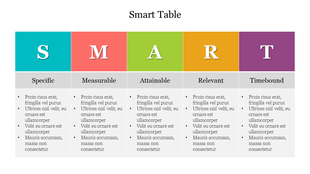
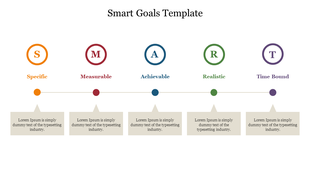
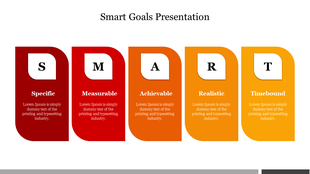
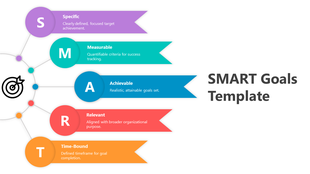
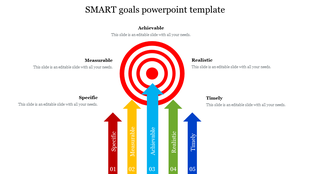
Explain the SMART framework clearly with infographic-based PowerPoint slides. Present Specific, Measurable, Achievable, Relevant, and Time-bound goals using structured diagrams, icons, and visual layouts perfect for workshops, training sessions, and business presentations.
SMART KPI Dashboard Templates
Track performance metrics, KPIs, and business targets using SMART KPI dashboard slides. These templates include charts, milestone trackers, progress indicators, and reporting layouts useful for operational reviews, sales meetings, and business reporting presentations.
SMART Goal Setting Google Slides Templates
Create collaborative SMART goal presentations using fully editable Google Slides templates. These layouts support remote planning sessions, virtual meetings, classroom discussions, and team collaboration while maintaining clean formatting and visual consistency.
SMART Goal Tracker Presentation Templates
Monitor project goals, deadlines, and achievements with SMART goal tracker slides. These templates help teams present progress updates, milestone completion, weekly reviews, and performance tracking in a clear and organized presentation format.
Editable SMART Goals Templates
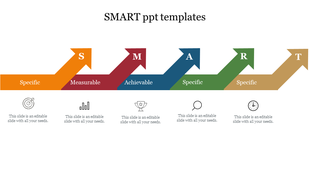
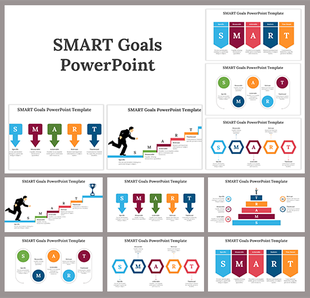
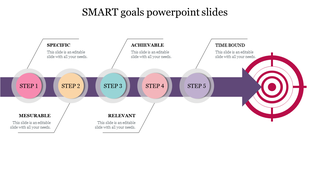
Present SMART goals visually using infographic PowerPoint templates featuring arrows, timelines, icons, and color-coded sections. These editable layouts improve audience understanding and make complex objectives easier to explain during meetings and presentations.
SMART Goals Infographic Slides
Present SMART goals visually using infographic PowerPoint templates featuring arrows, timelines, icons, and color-coded sections. These editable layouts improve audience understanding and make complex objectives easier to explain during meetings and presentations.
SMART Action Plan Presentation Templates
Organize tasks, deadlines, and responsibilities clearly in one presentation. Helpful for project execution and strategic planning discussions.
SMART Performance Review Slides
Present employee achievements, evaluations, and development goals professionally. Useful for HR reviews and team performance discussions.
SMART Marketing Goal Templates
Define campaign objectives, audience targets, and growth metrics clearly. Perfect for marketing strategy meetings and performance reporting.
SMART Project Planning Presentation Slides
Manage timelines, milestones, and deliverables with structured planning slides. Improve communication between teams, clients, and stakeholders.
Why These SMART Slides Make Goal Presentations Easier
Instant Clarity: Each slide is designed so that your goal is easy to understand at a glance. The structure guides the viewer’s eye, helping them quickly see what the goal is, what success looks like, and why it matters without reading long paragraphs.
Faster Slide Creation: You don’t have to start from a blank slide. The layout is already prepared, so you only need to replace the sample text with your own content. This saves time and lets you focus on your message instead of formatting.
Professional Structure Throughout: Consistent spacing, headings, and sections keep the presentation clean and organized. This gives your slides a professional look and makes them easier for the audience to follow during meetings, reports, and reviews.
Better Goal Alignment for Teams: When goals, metrics, and deadlines are presented clearly on one slide, everyone stays aligned. These slides help teams understand expectations, track progress, and stay focused on the same outcome.
Easy Editing Without Design Issues: You can update goals, numbers, or dates at any time without breaking the layout. The design stays intact, so your slides always look neat even after multiple edits.
Who Can Use These SMART PPT Templates?
- Business teams: Used for planning meetings, project updates, and performance reviews. SMART templates help present goals without long paragraphs.
- HR teams: Useful for goal setting, training outcomes, appraisal discussions, and development plans.
- Project managers: Perfect for scope, milestones, progress tracking, and delivery timelines.
- Sales and marketing teams: Ideal for targets, metrics, campaign plans, pipeline goals, and performance reporting.
- Students and teachers: Helpful for academic projects, research goals, learning outcomes, and time-bound presentations.
What Makes SlideEgg SMART Templates User-Friendly
- Fully editable layouts (text, icons, colors, fonts)
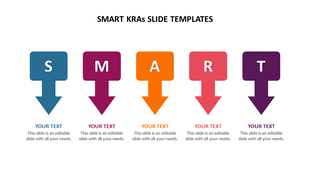
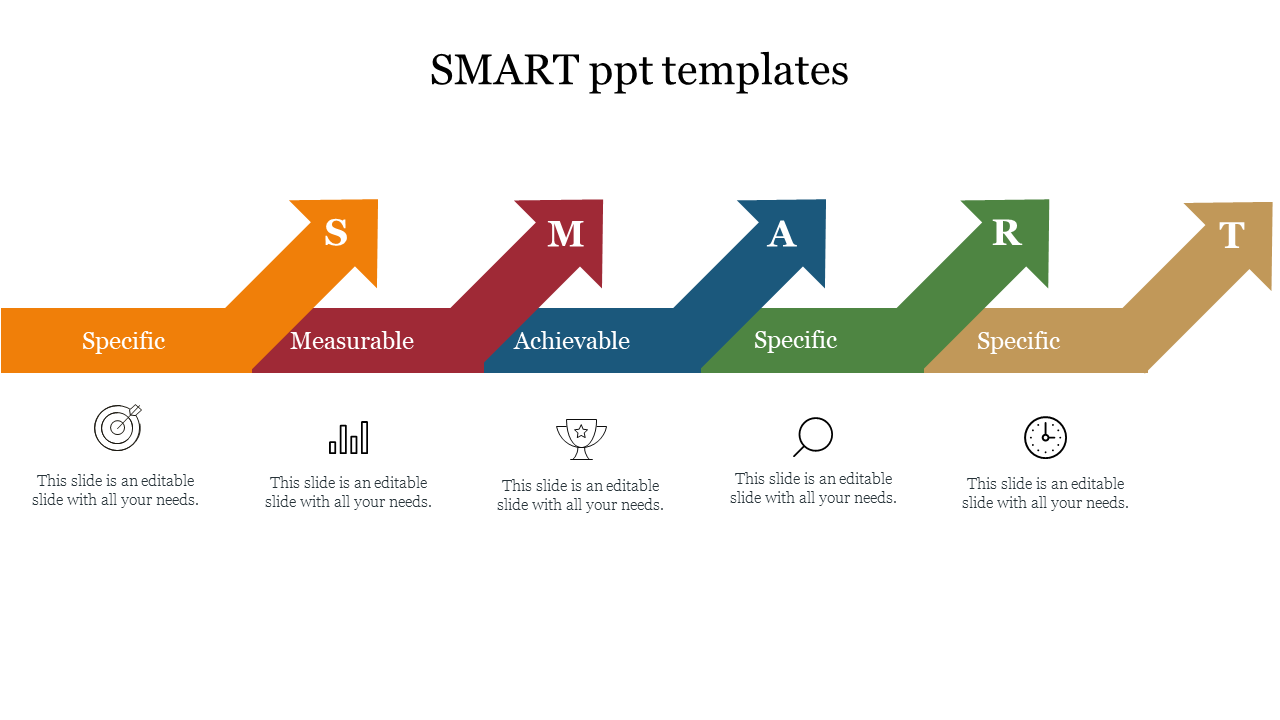
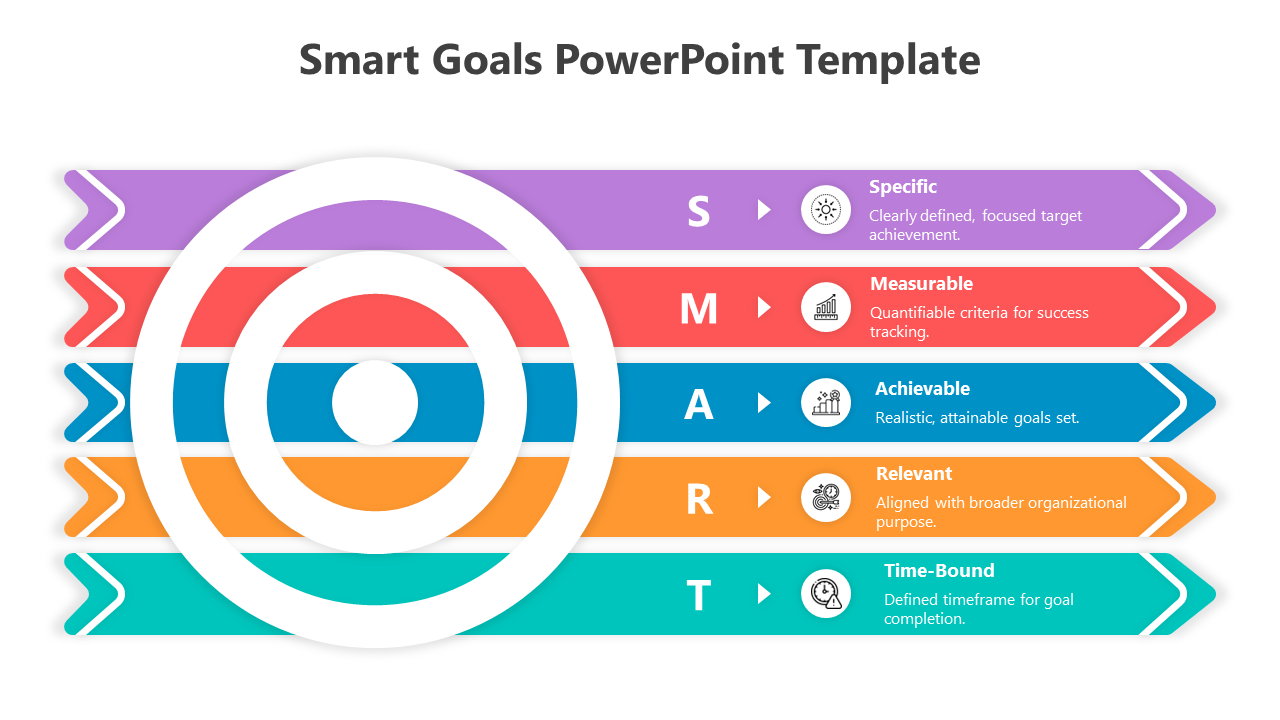
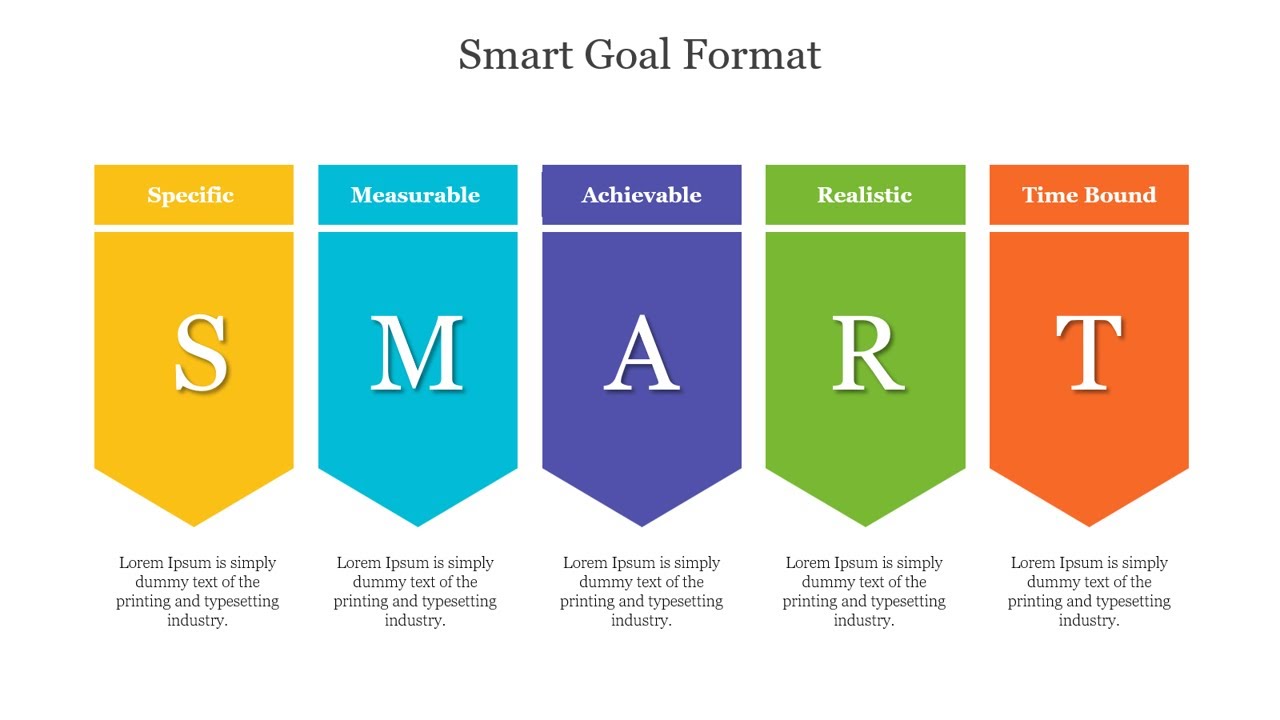
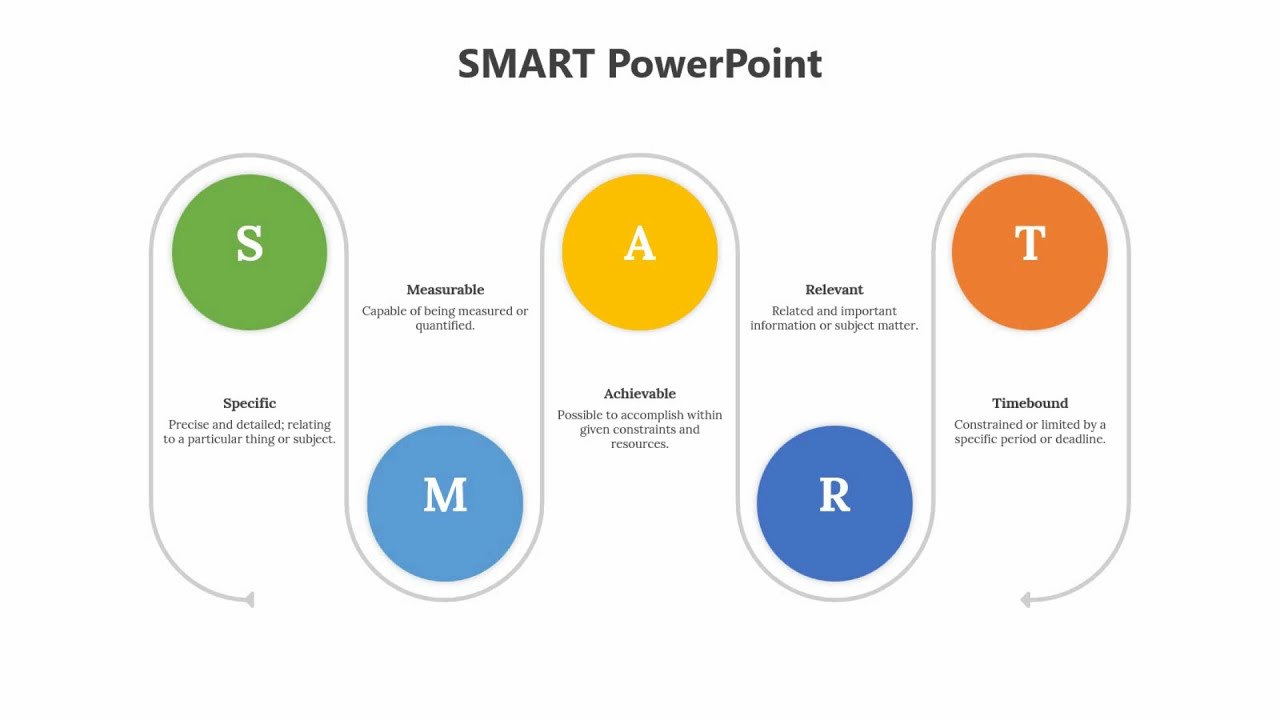
- Ready sections for each SMART part (S, M, A, R, T)
- Clean headings and simple visual hierarchy
- Space for KPIs, deadlines, and short action notes
- Presentation-ready design that looks clear on screens and PDF export.
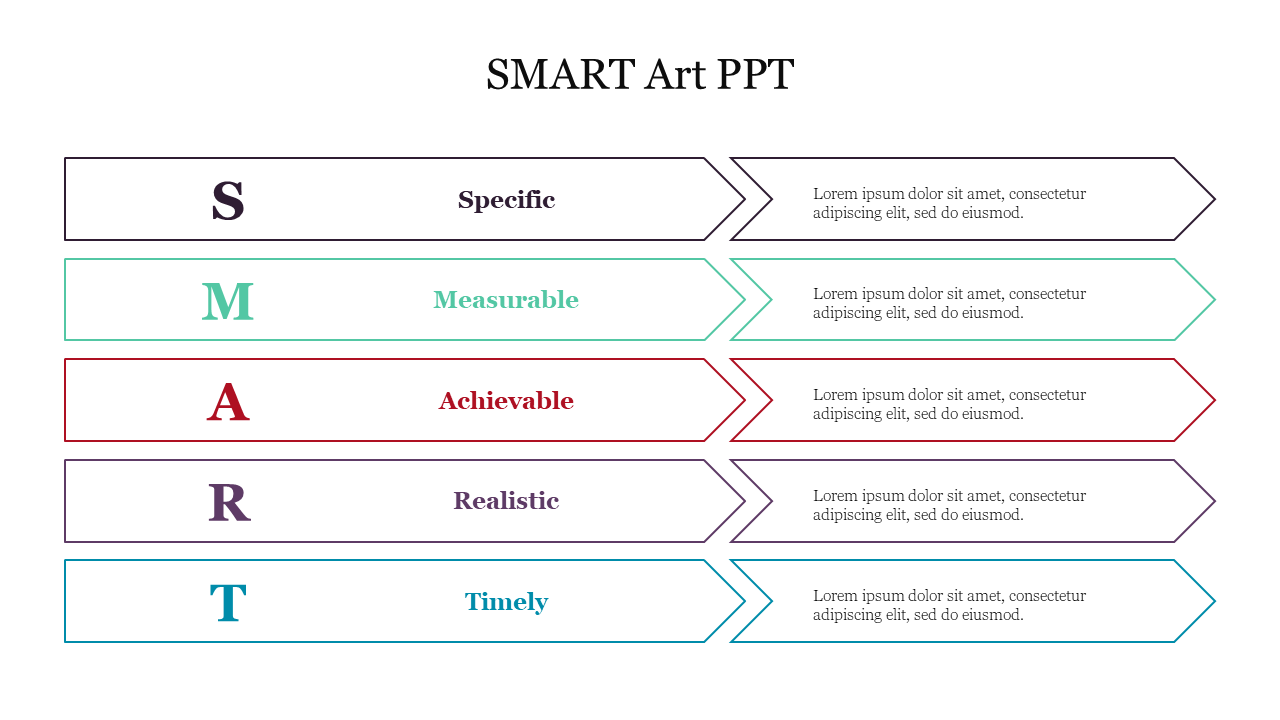
Tips to Make SMART Slides Look Great
- Keep goal statements short and specific
- Use one primary KPI or measurable target
- Add clear deadlines and milestones
- Avoid overcrowding slides with too much text
- Separate goals and action plans into different slides when needed
- Use consistent icons and colors for readability
- End presentations with clear next steps, responsibilities, and timelines
Create Clear SMART Goal Presentations Faster
SMART Presentation Templates make goal-setting presentations easier, clearer, and more professional. With editable layouts for PowerPoint, Google Slides, and Canva these templates help users present business goals, project timelines, KPI reports, academic objectives, and performance plans effectively.
Choose a SMART goal template that matches your presentation needs, customize the content, and create presentations that improve understanding, accountability, and decision-making in 2026.
Become an expert with SlideEgg
Watch quick, practical walkthroughs and level up your presentation design skills in minutes.

Frequently Asked Questions
What does SMART stand for?
SMART stands for Specific, Measurable, Achievable, Relevant, and Time-bound. It is a simple framework used to set clear goals.
Are these SMART goal templates compatible with Google Slides and Canva?
Yes! Every SMART presentation template on SlideEgg is fully compatible with PowerPoint, Google Slides, and Canva. You can download the format you need and edit it seamlessly on your preferred platform.
Can I customize the colors and shapes of the SMART diagrams?
Absolutely. All our slides are 100% editable vector graphics. You can change the background colors, resize arrow shapes, swap icons, and modify text fonts to perfectly match your brand or company guidelines.
What should be included in a professional SMART goal slide?
A good SMART slide should have clean visual sections for each of the 5 elements (S-M-A-R-T), distinct color coding or icons for readability, and dedicated space to mention your KPI targets and final deadlines clearly without text clutter.
Which slide size should I choose: 16:9 or 4:3?
Use 16:9 for modern screens (laptops, TVs, online meetings). Use 4:3 if you are presenting on older projectors.
Do you offer free SMART goal templates on SlideEgg?
Yes, we have a wide selection of free SMART goal slides alongside premium decks. Look for the "Free" label on the product grid to download layouts without any subscription.
How do SMART templates help students and teachers?
SMART templates help students and teachers organize academic goals, learning outcomes, assignment timelines, and research objectives clearly. They make educational presentations more structured, professional, and easier to understand.
Are SMART goal templates useful for startups?
Absolutely. Startup companies use SMART presentation templates to define growth plans, marketing objectives, product roadmaps, and investor presentation goals in a structured way.
Can SMART templates be used for workshop presentations?
Yes. Trainers and workshop presenters use SMART goal slides to explain objectives, activities, outcomes, and action plans in seminars and training programs.
Do SMART PowerPoint templates support data visualization?
Yes. Many SMART templates include charts, graphs, progress bars, and KPI visuals to present measurable goals and performance data effectively.