Pre-K Presentation Templates
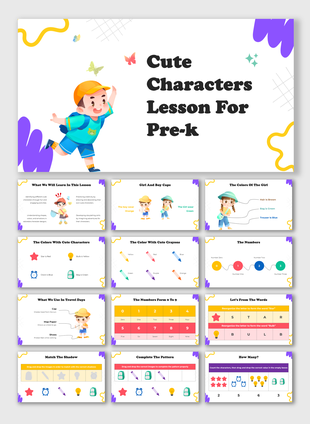
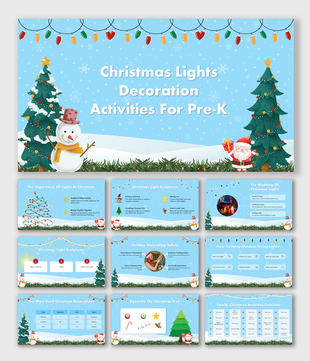
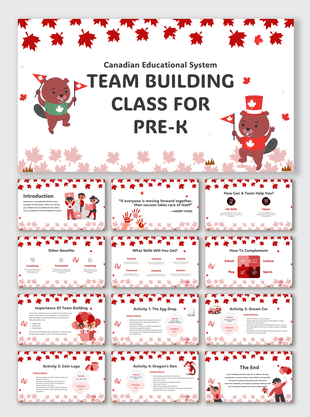
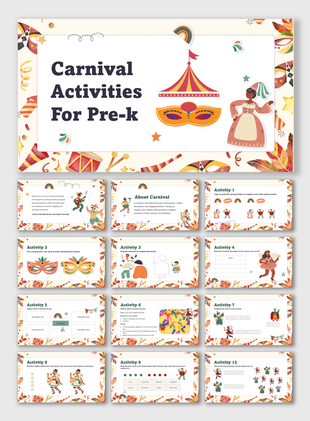
Make learning fun and interesting with our Pre-K presentation templates! Our colorful, content-ready slides are designed for young learners. It covers themes like alphabets, numbers, and animals. 100% editable, royalty-free templates, and available in PowerPoint, Google Slides & Canva. Perfect for teachers & parents. Download now!
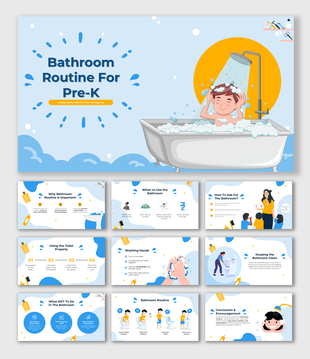
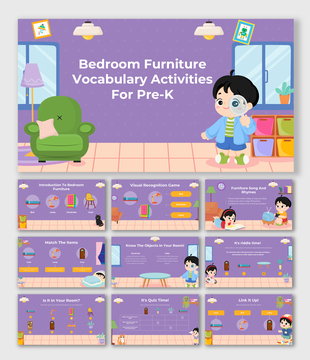
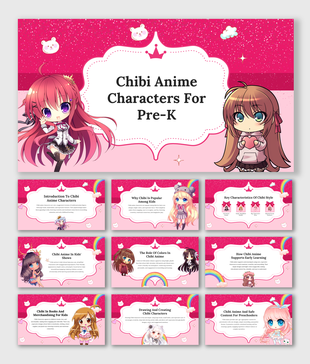
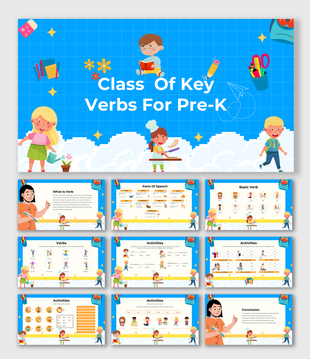
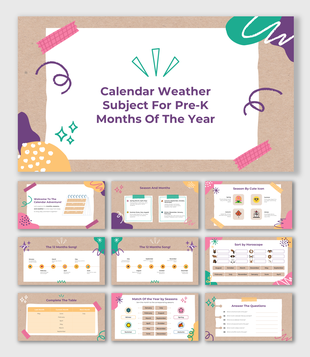
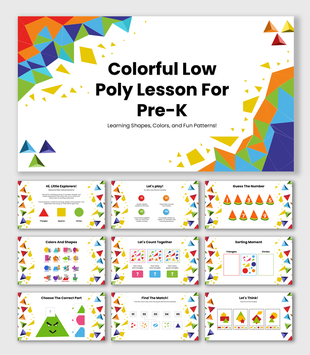
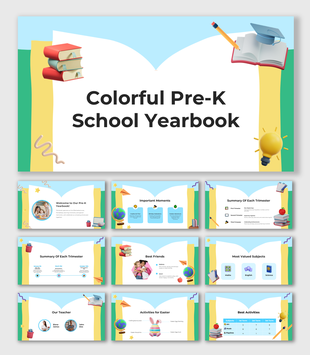
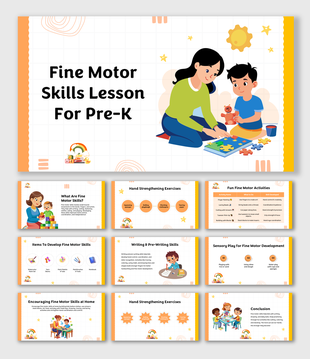
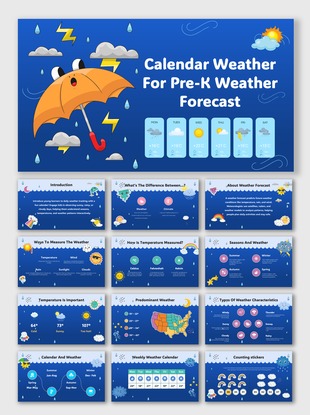
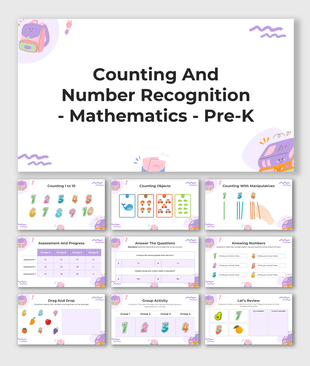
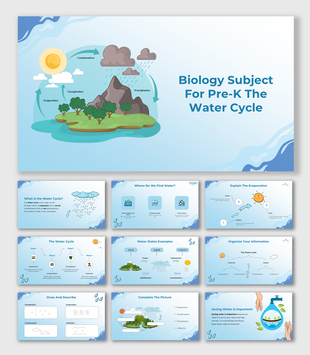
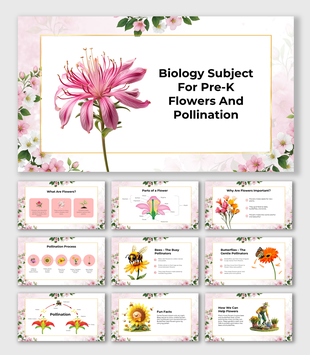
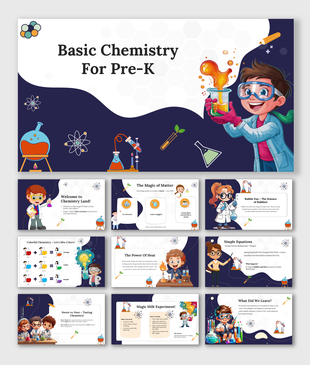
Showing48 of55
- Bright colors & cute graphics
- HD images that kids love
- Simple and easy-to-read text
- Fun themes like animals, numbers, alphabets & more
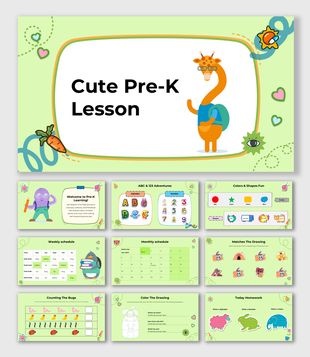
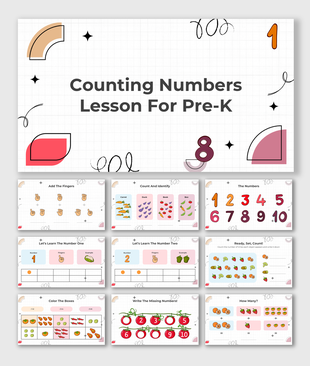
- Alphabet & Numbers – Teach ABCs and counting in a lively way.
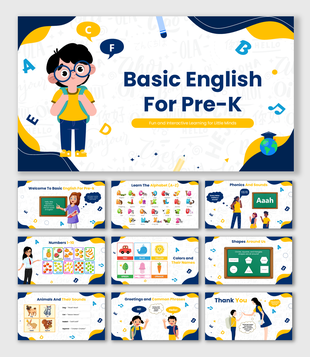
- Basic English for Pre-K – Simple words, phonics, and early reading slides.
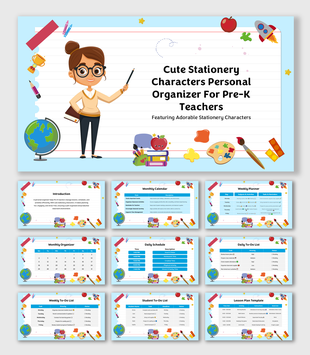
- Basic School Supplies for Pre-K – Help kids recognize everyday learning tools.
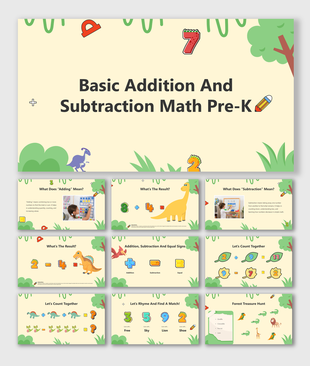
- Basic Addition and Subtraction Math – Easy and visual math concepts.
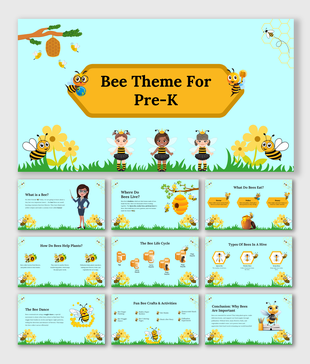
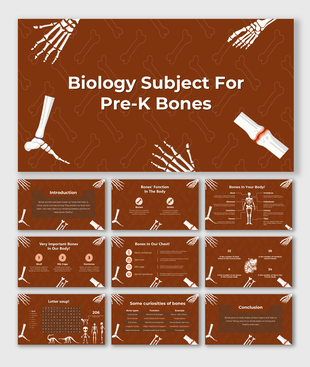
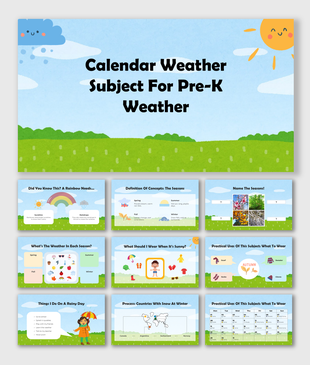
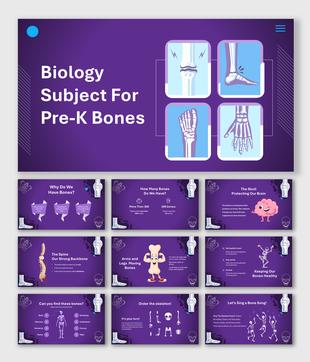
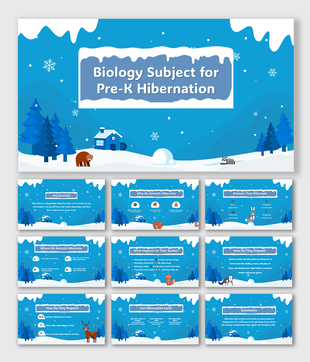
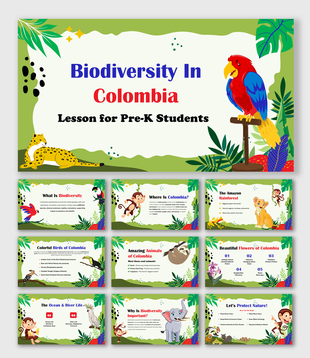
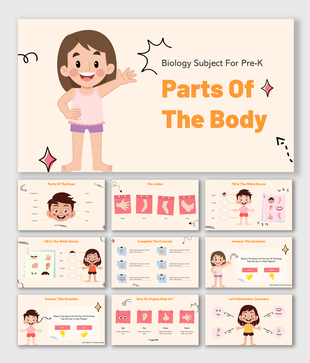
- Biology Subject for Pre-K – Fun ways to introduce nature, animals, and the human body.
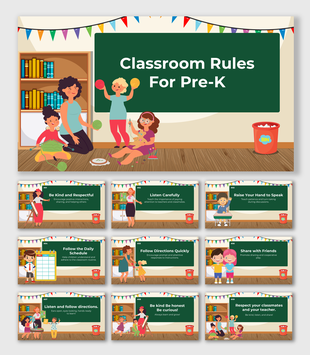
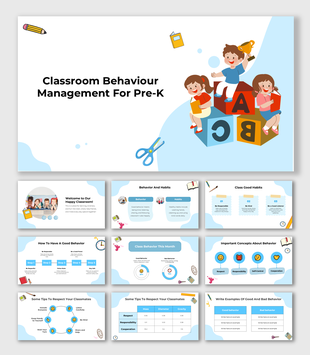
- Classroom Rules & Behavior Management – Teach good manners and habits with friendly visuals.
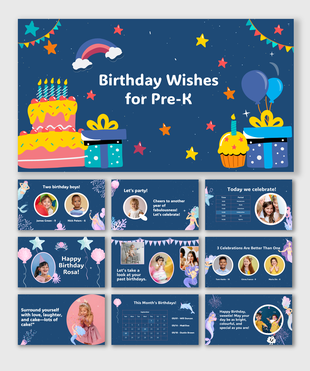
- Birthday Wishes for Pre-K – Celebrate your students' special day with cheerful slides.
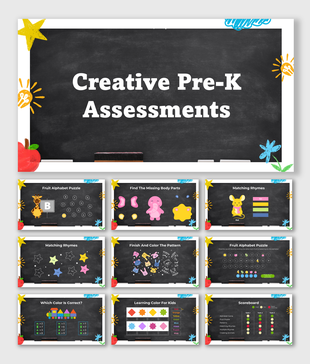
- Creative Pre-K Assessments – Track learning progress in a fun and simple way.
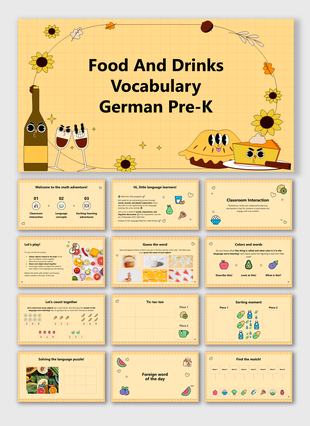
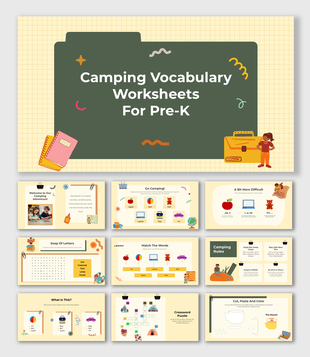
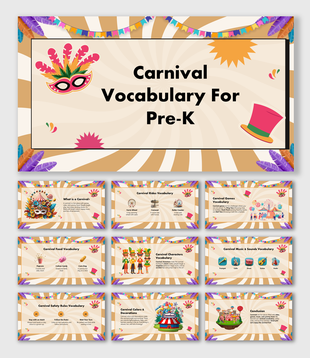
- Vocabulary Activities – Boost early language skills with colorful, picture-based word games.
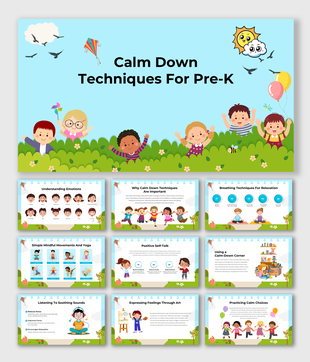
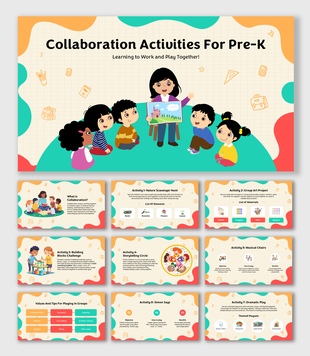
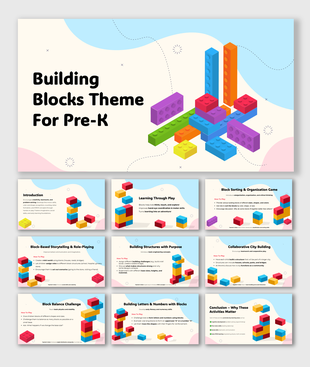
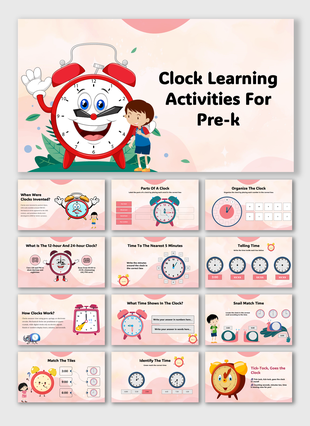
- Learning Activities – Interactive slides to keep kids curious and active.
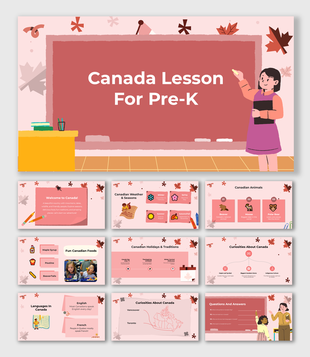
- Festivals & Celebrations – Bring holidays to life with themed slides.
- And many more!
- Teachers & Educators – Make learning exciting for preschoolers.
- Parents – Help your child learn at home with engaging visuals.
- Schools & Kindergartens – Use these slides for classroom activities.
Frequently Asked Questions
What are Pre-K presentation templates?
Pre-K presentation templates are ready-made slides designed for young learners. They include colorful visuals, simple text, and fun themes to make learning engaging and interactive.
How can I use these templates?
You can use these slides for teaching in classrooms, homeschooling, online lessons, or even for fun learning activities with kids. Just download, edit, and present!
Are the templates suitable for both online and offline teaching?
Yes! You can use them for online classes, in-person lessons, homeschooling, or even print them for offline activities.
Are the templates compatible with different devices?
Yes! Our templates work with PowerPoint, Google Slides, and Canva, so you can use them on computers, tablets, and smartphones without any issues.
Can I edit these slides?
Yes! Our templates are 100% customizable. You can change the text, colors, images, and layouts to suit your needs.
Do I need any special software to use these templates?
No special software is needed! You can use Microsoft PowerPoint, Google Slides (free online), or Canva (free & paid versions) to edit and present the slides.
Are the images and graphics included royalty-free?
Yes! All images, icons, and graphics in our templates are royalty-free, so you can use them without worrying about copyright issues.
Do you offer free templates?
Yes! We have free Pre-K presentation templates that you can download and try before purchasing premium ones.
What if I need a custom design?
We offer AI-powered customization services to help you create a unique and personalized presentation. Just let us know your requirements!
How do I download the templates?
Simply browse our gallery, choose a template, and click download. If you’re using Google Slides or Canva, you can open them directly in your account.