Points Presentation Templates
Keep an ear to the ground! Slide Egg offers incredible Free Points PowerPoint templates and Google Slides Themes with unique infographic elements to make your points across. It is a powerful choice to highlight the key points to help your viewers quickly grasp the information.


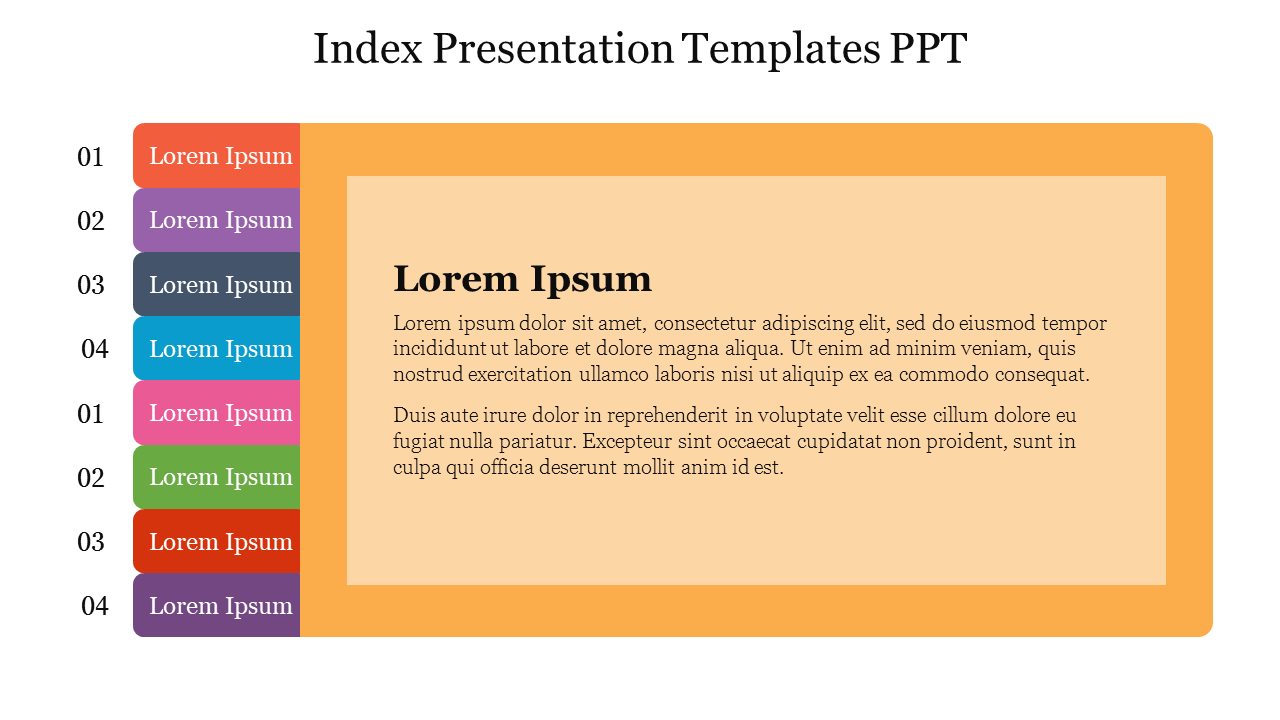
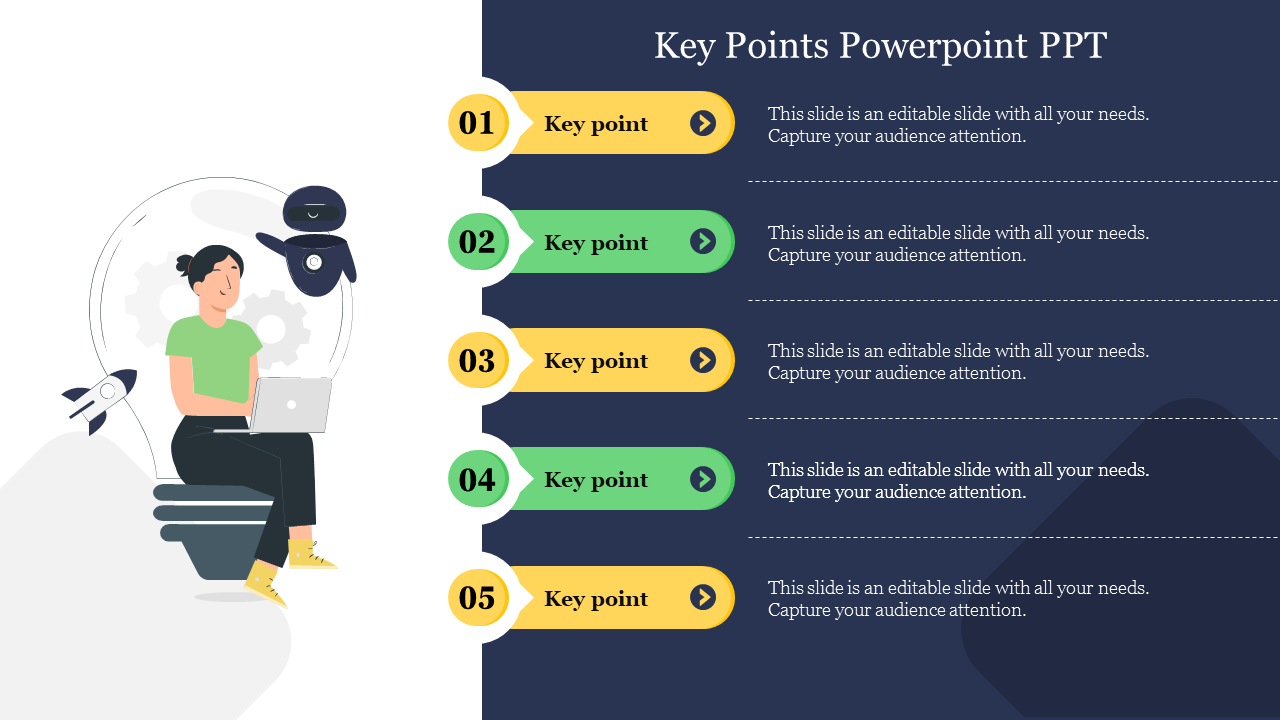
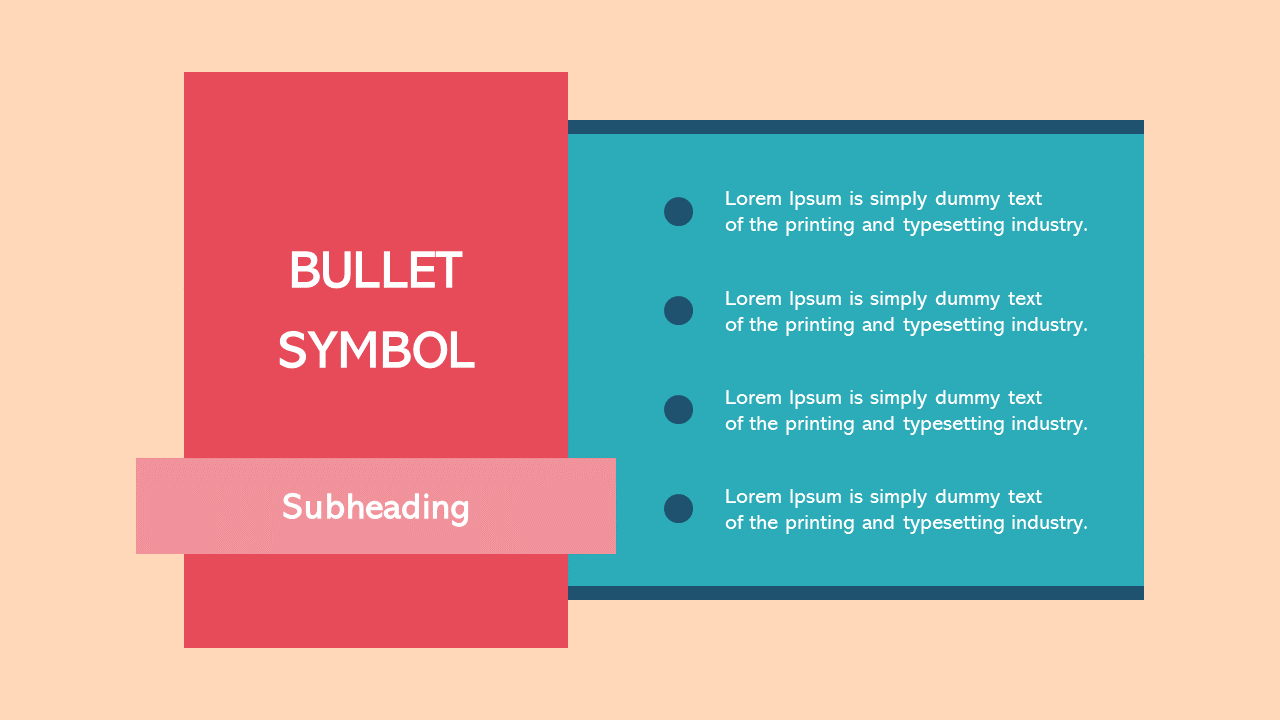
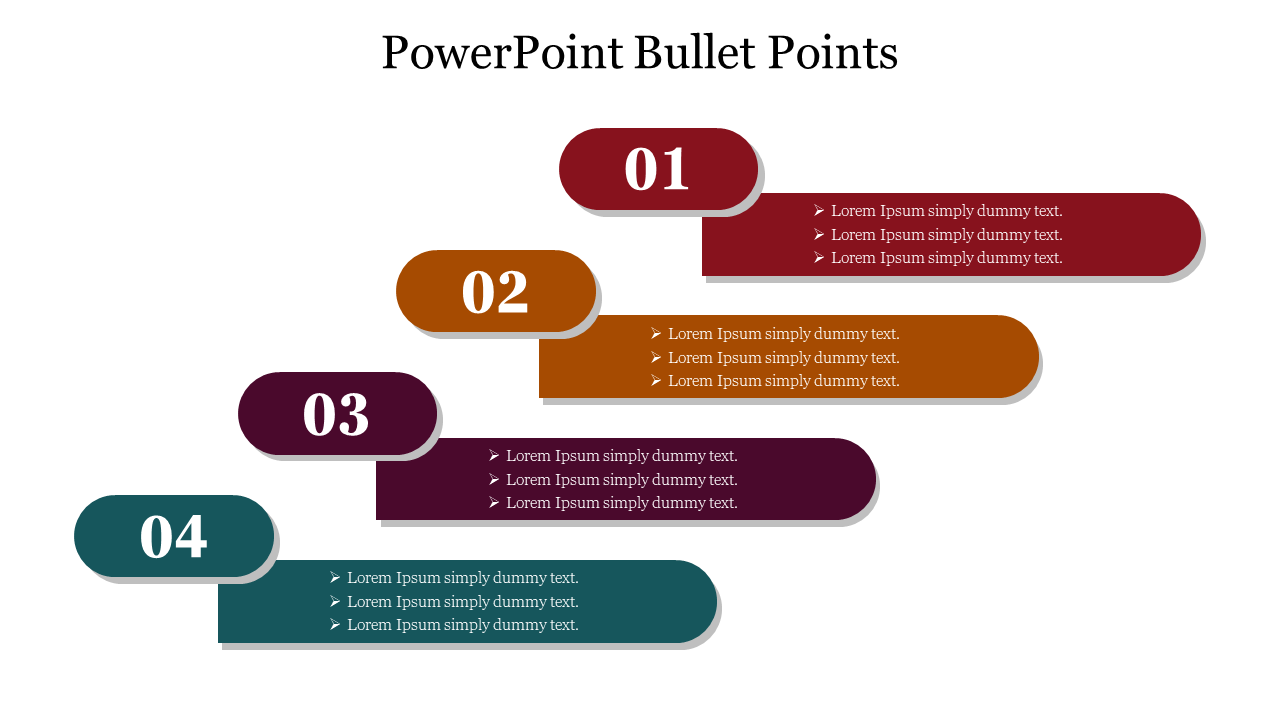
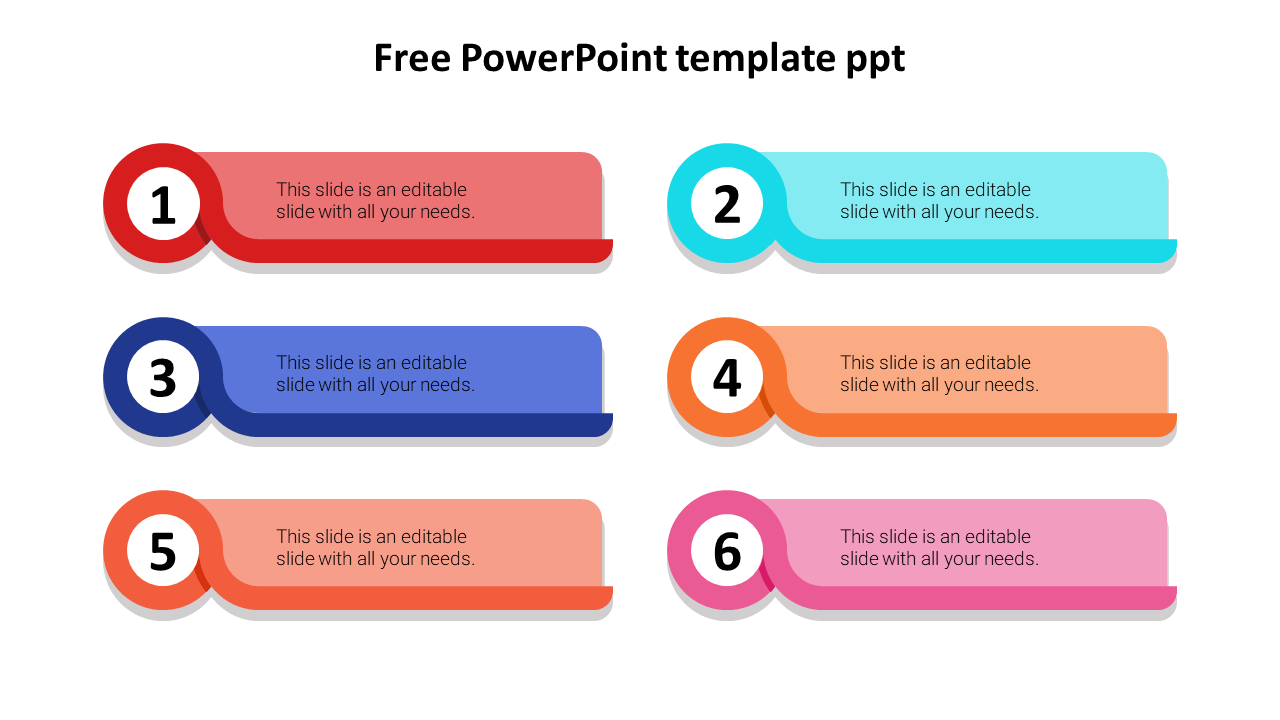
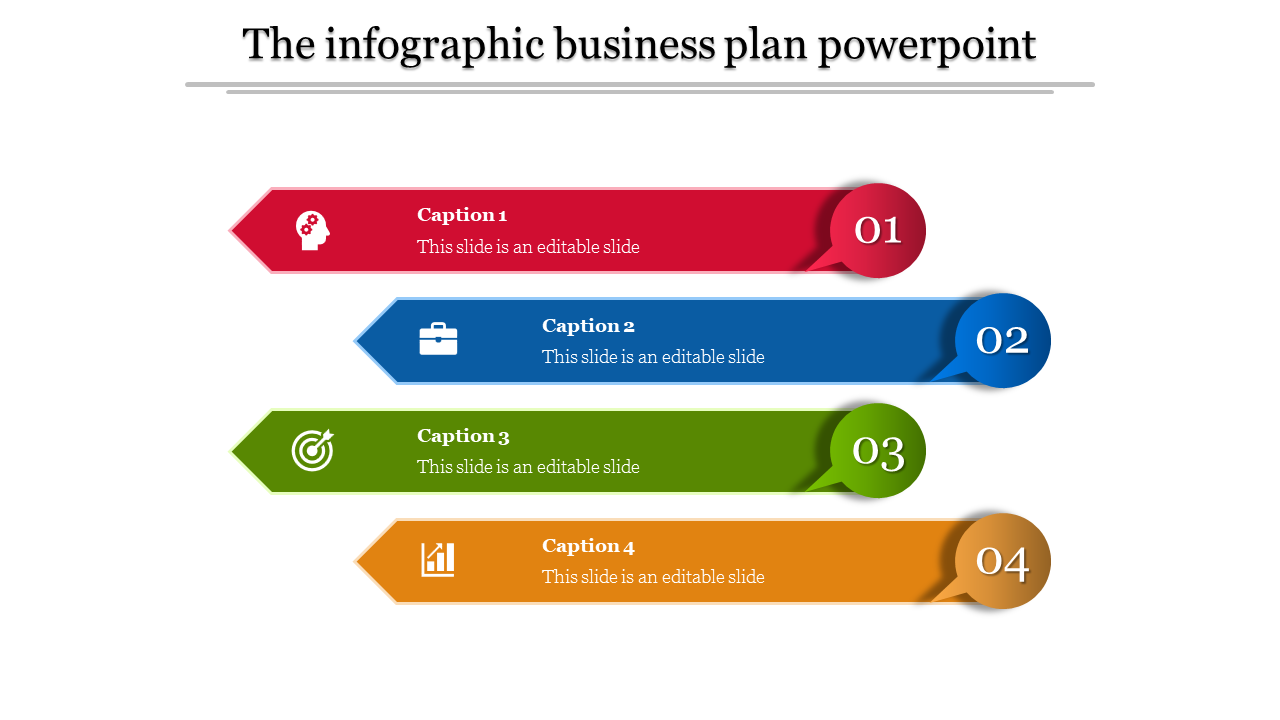
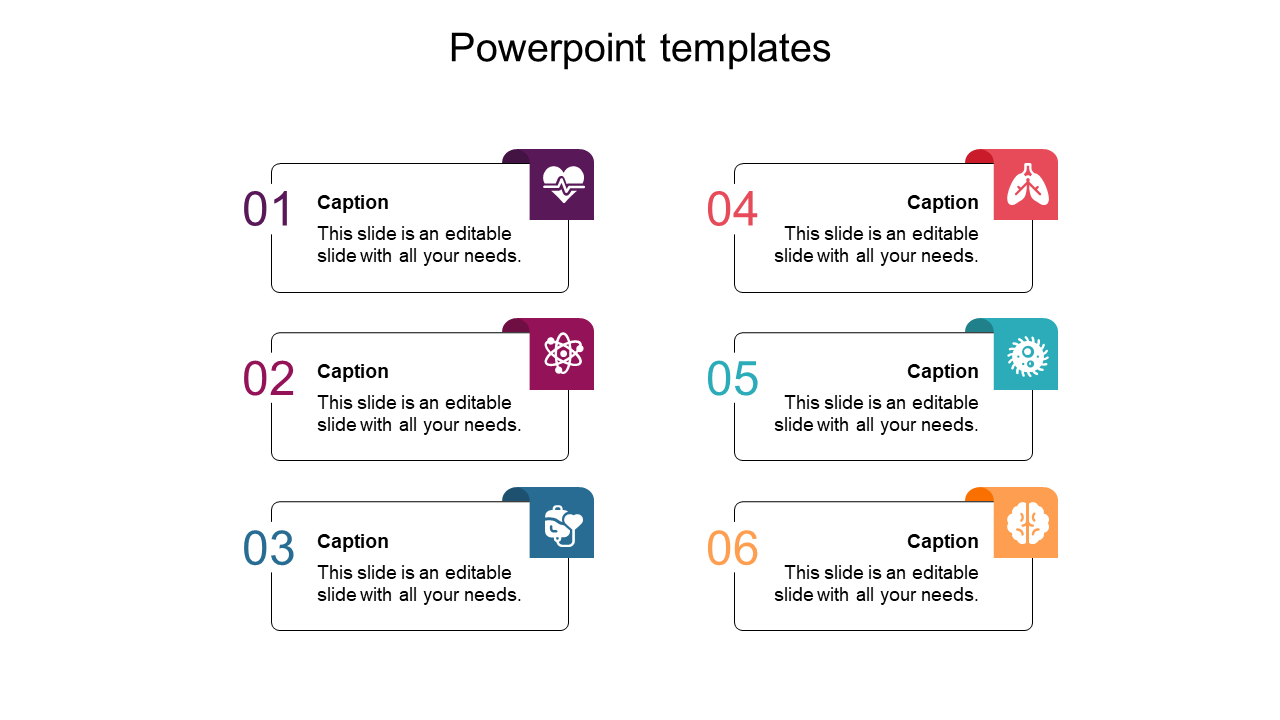
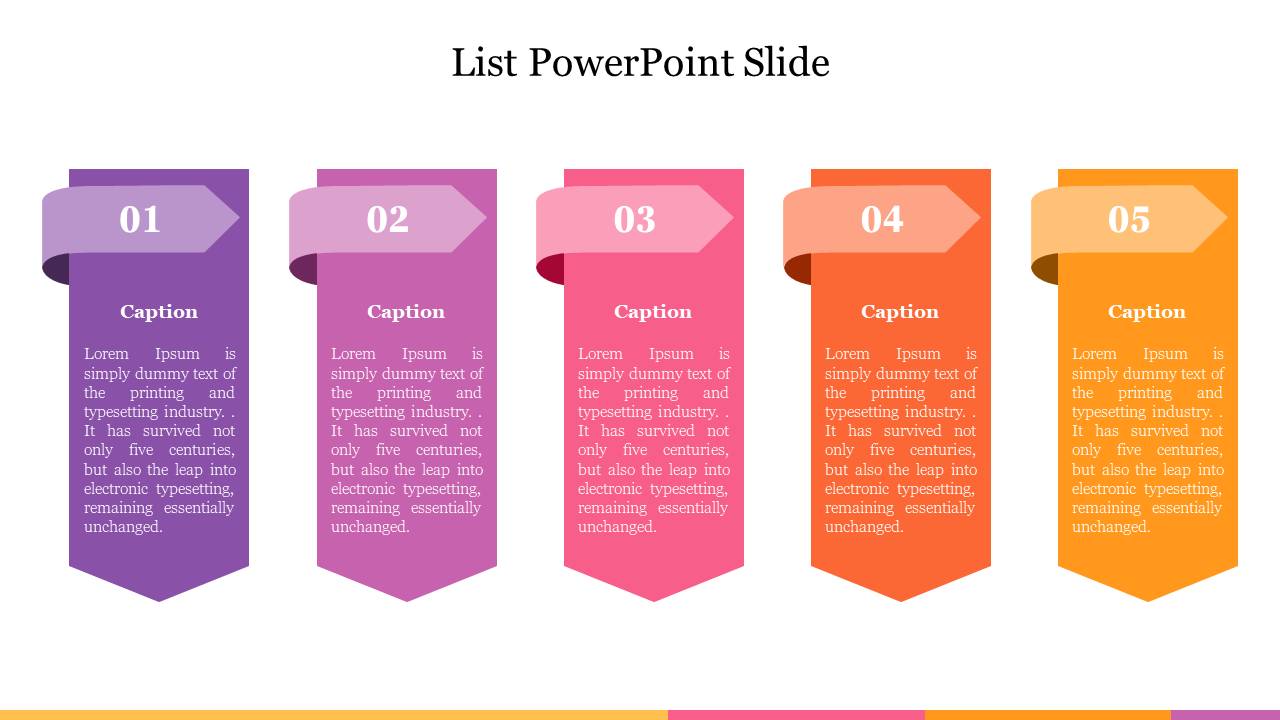
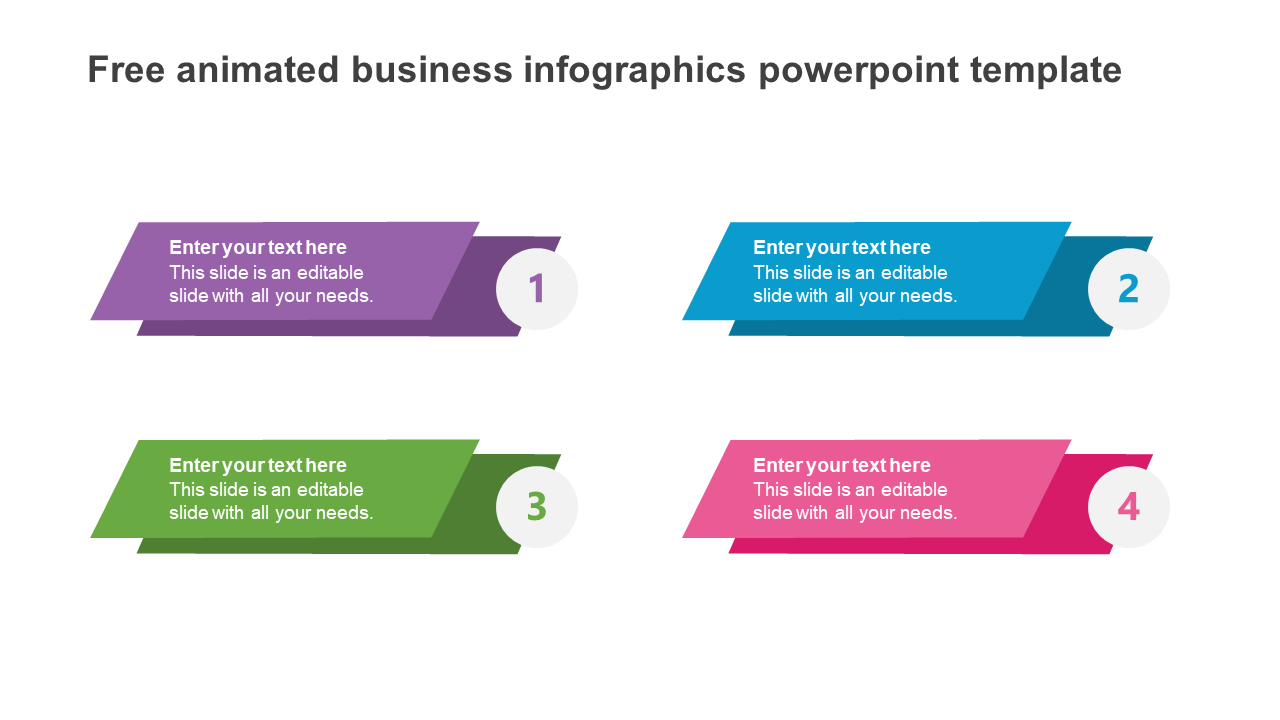
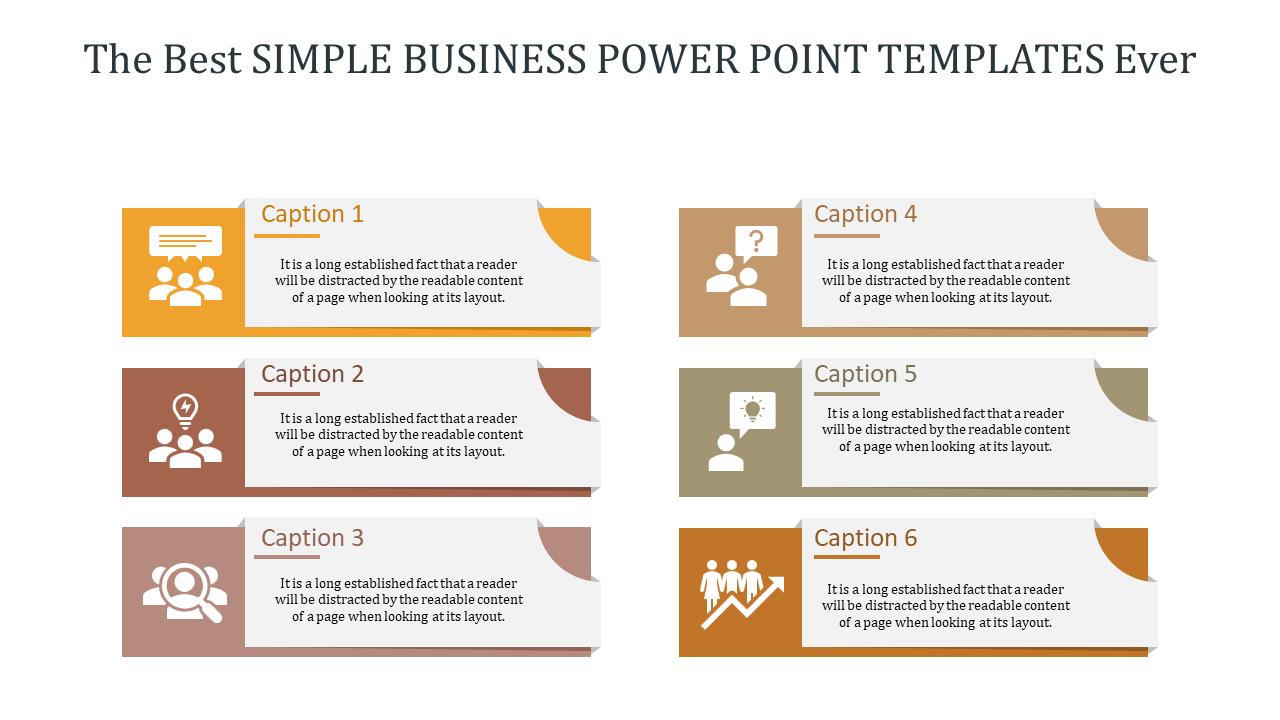
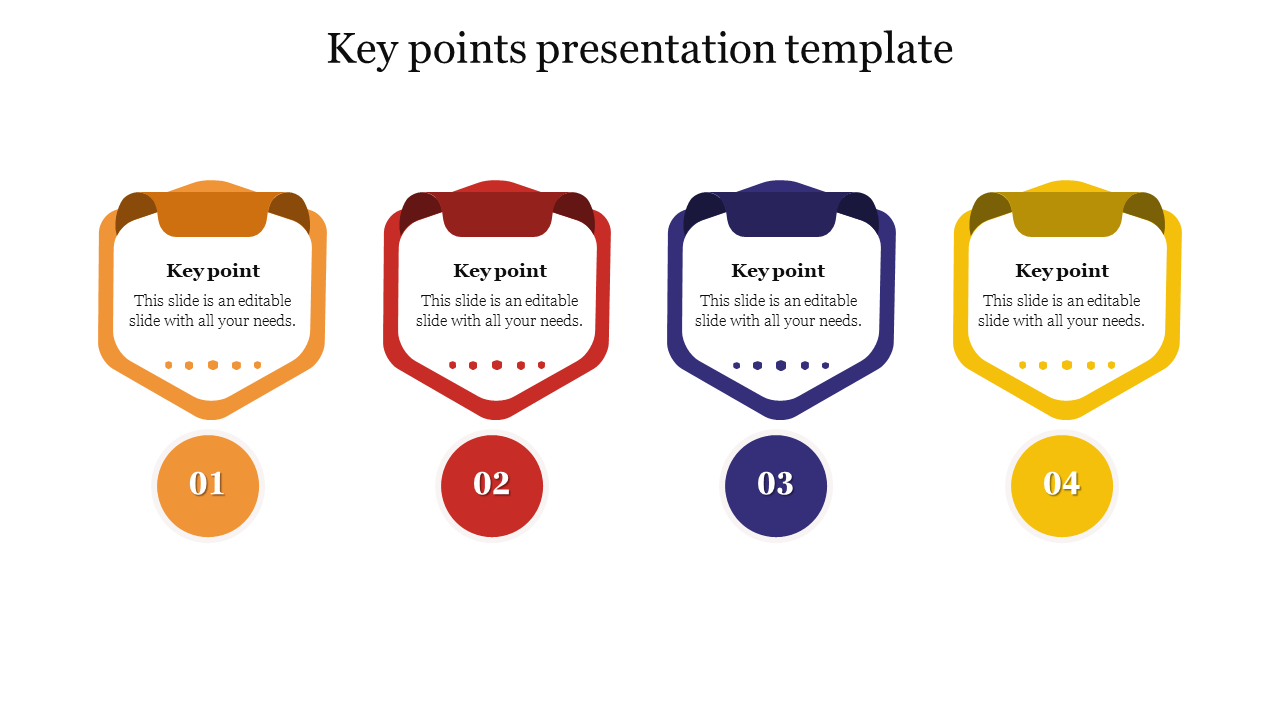
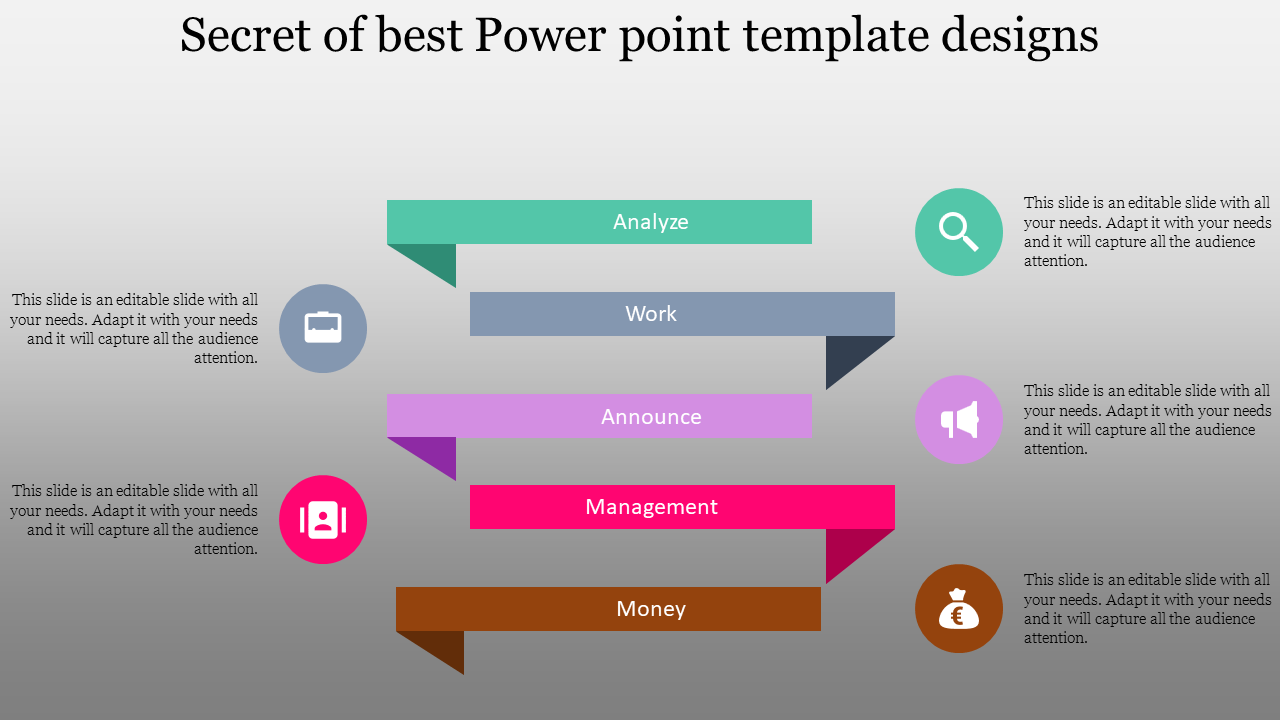
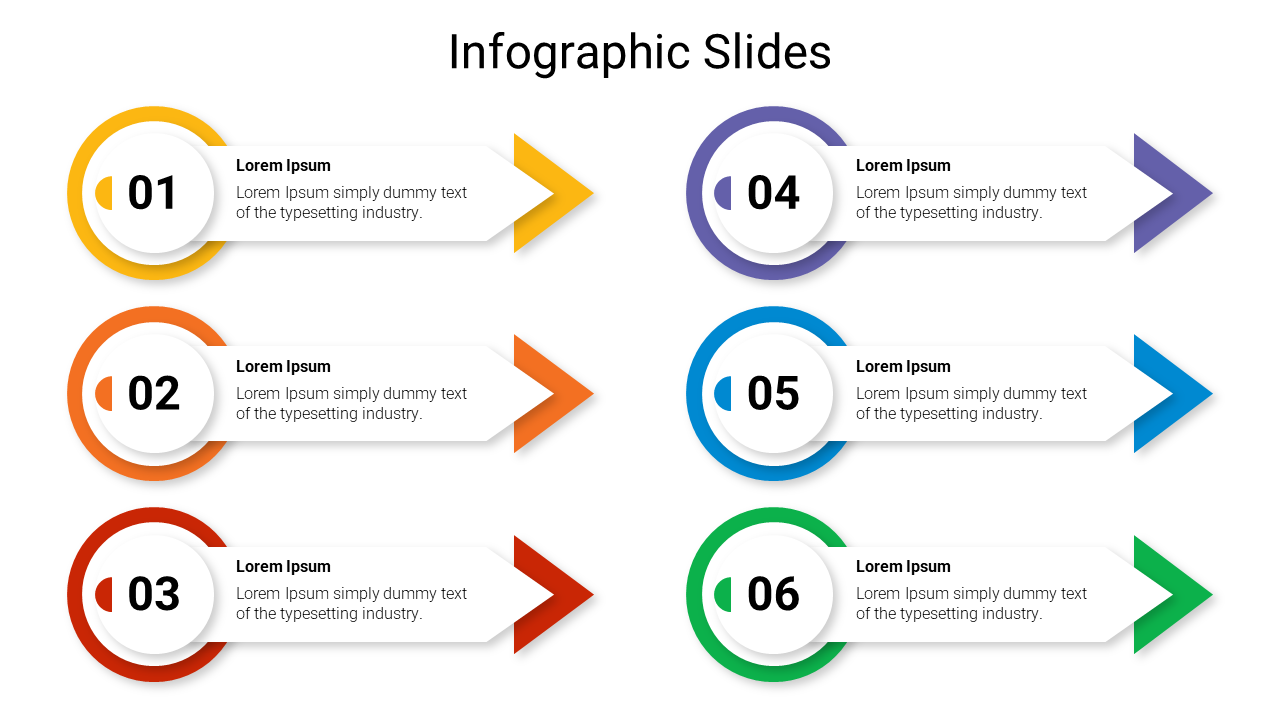
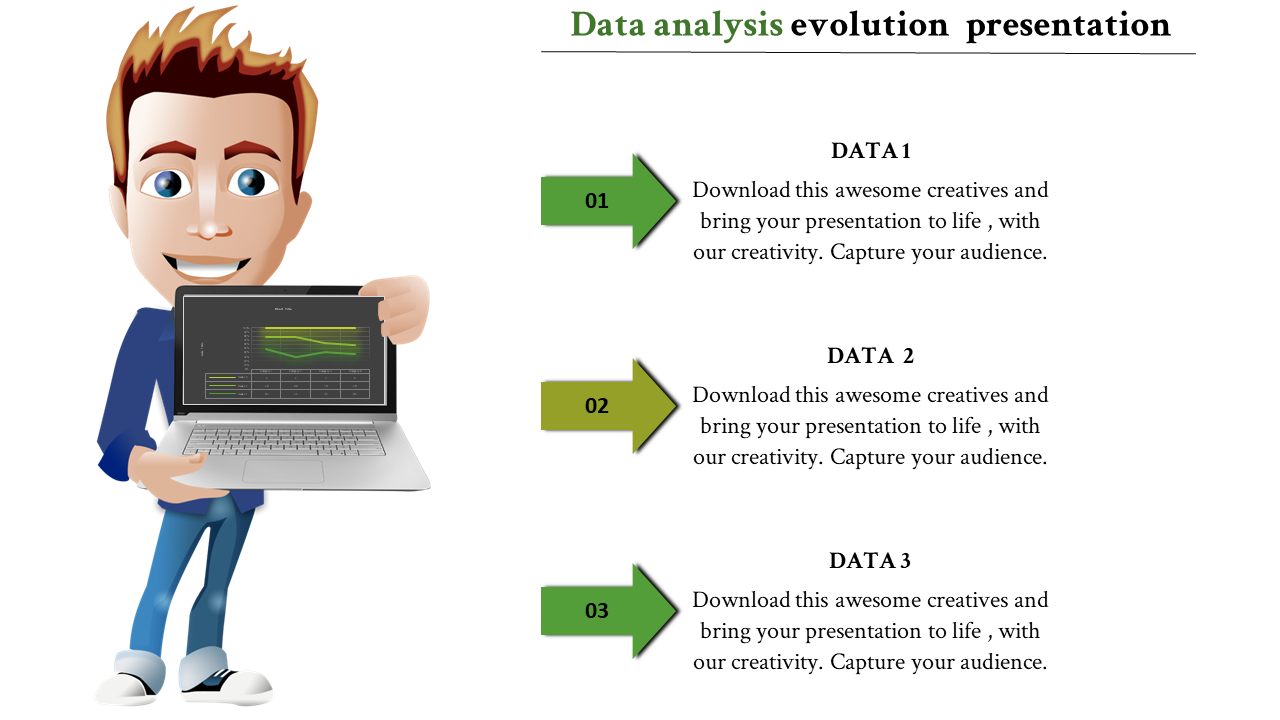
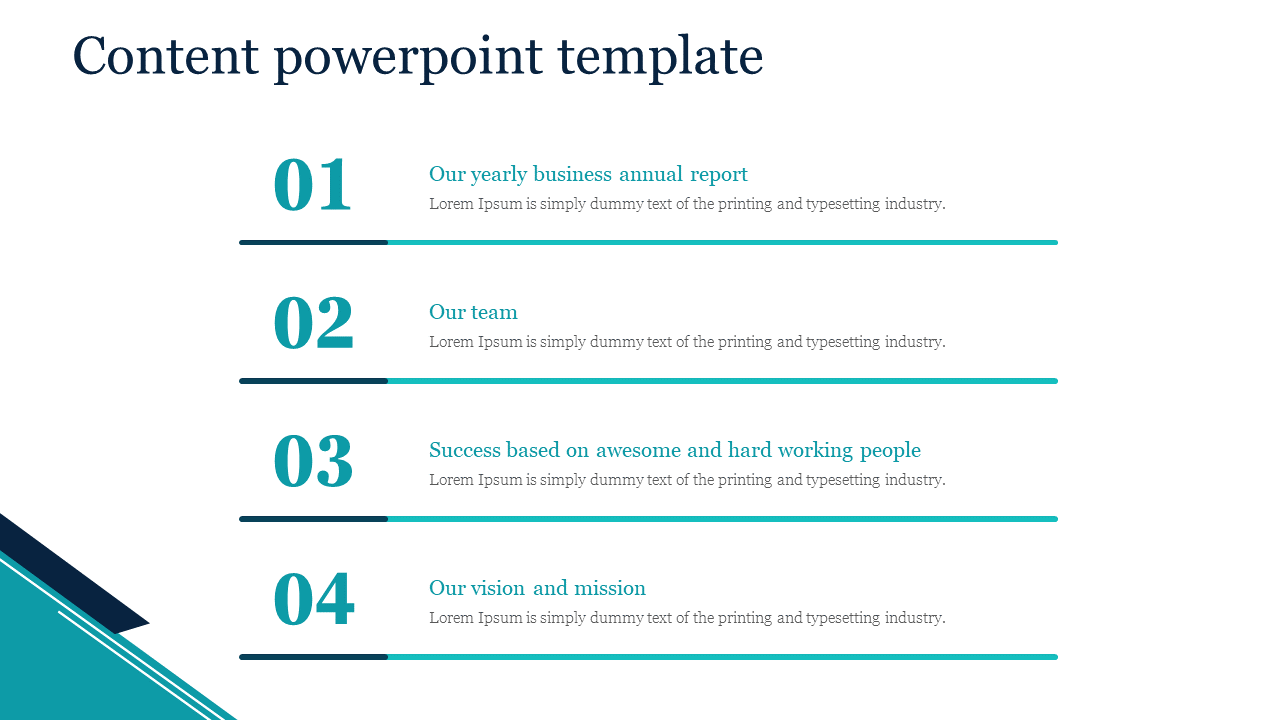
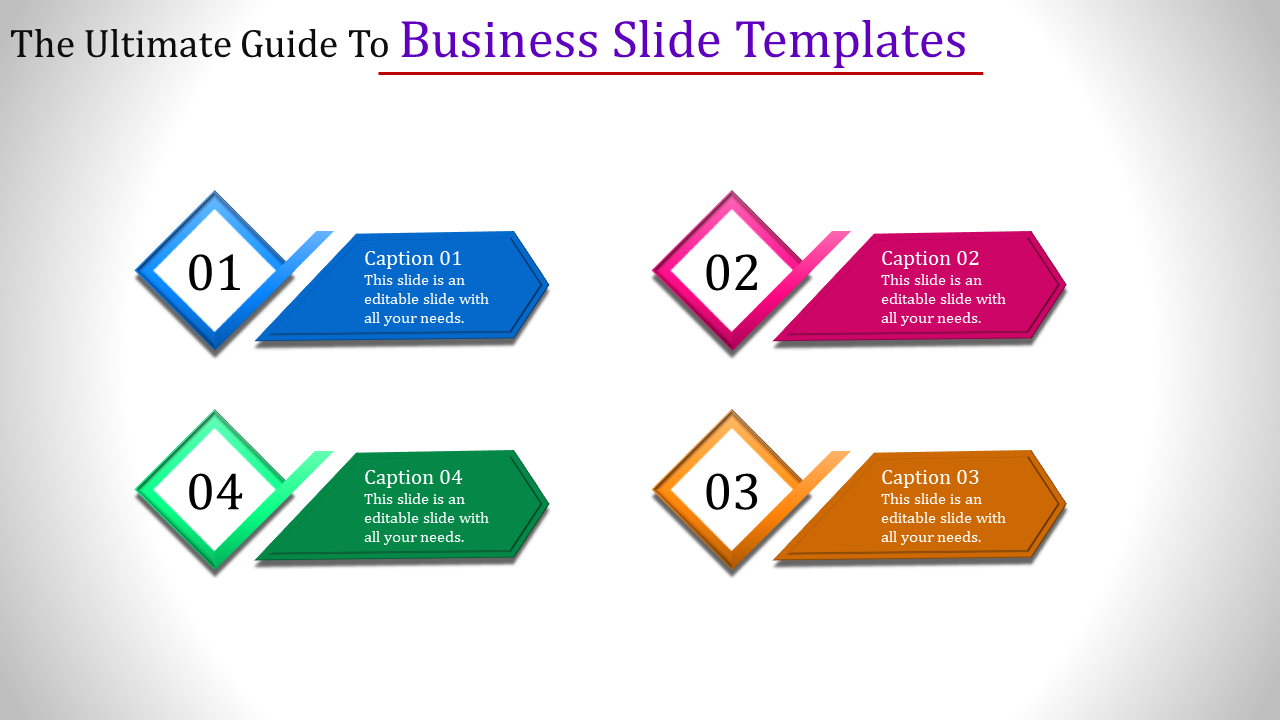
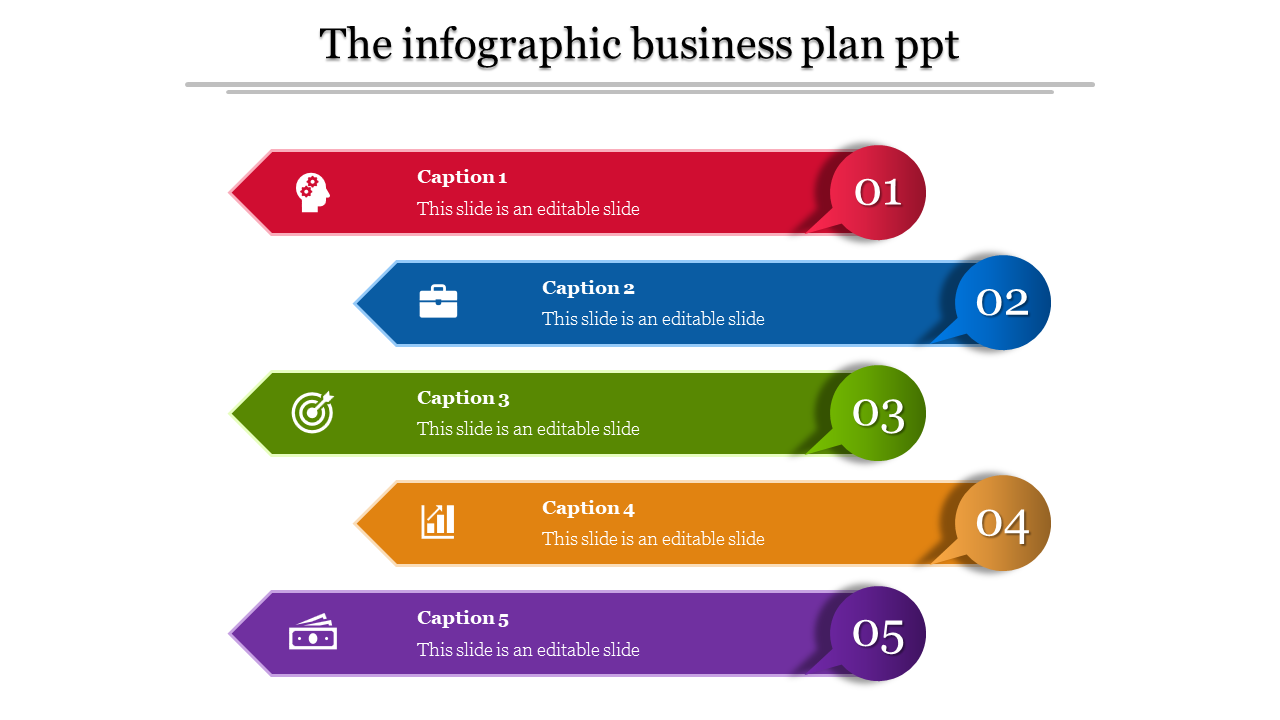
Free Points PowerPoint Templates and Google Slides Themes to Give Your Ideas the Polish They Deserve!
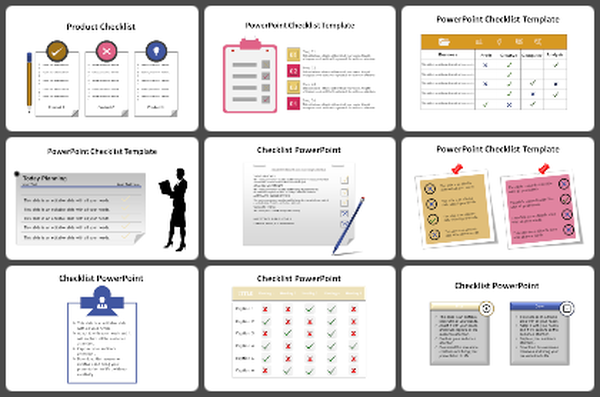
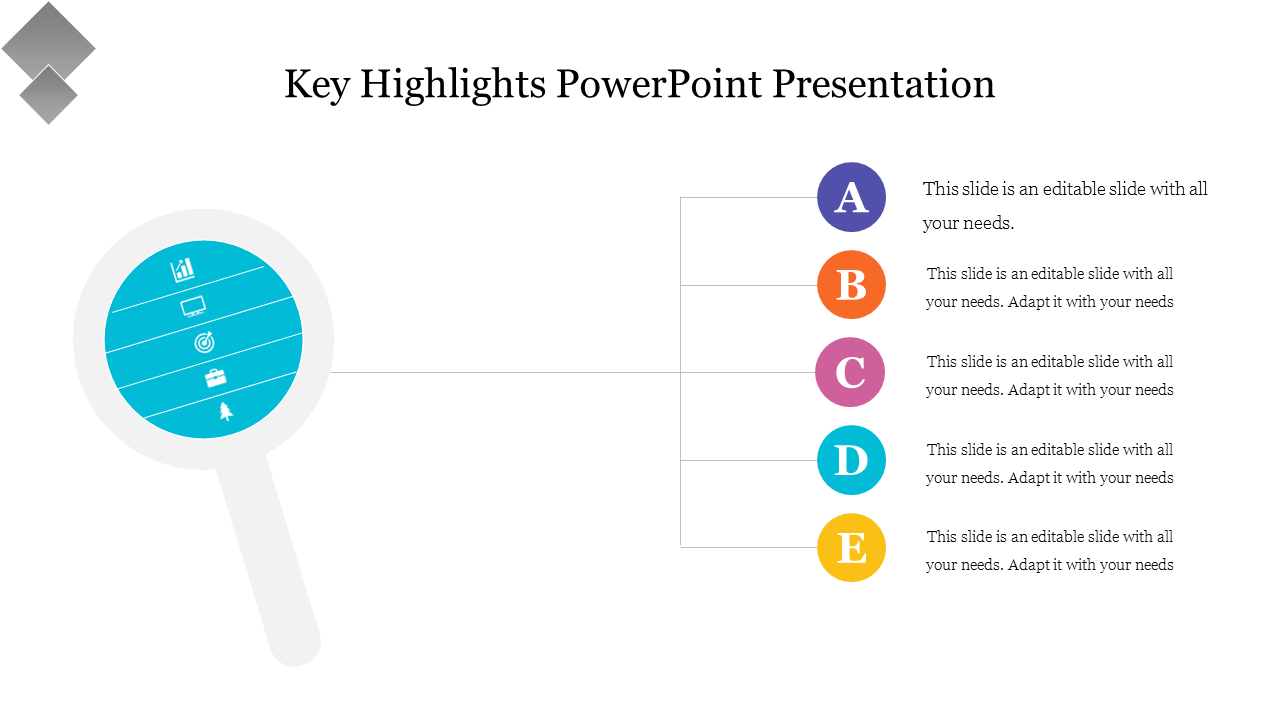
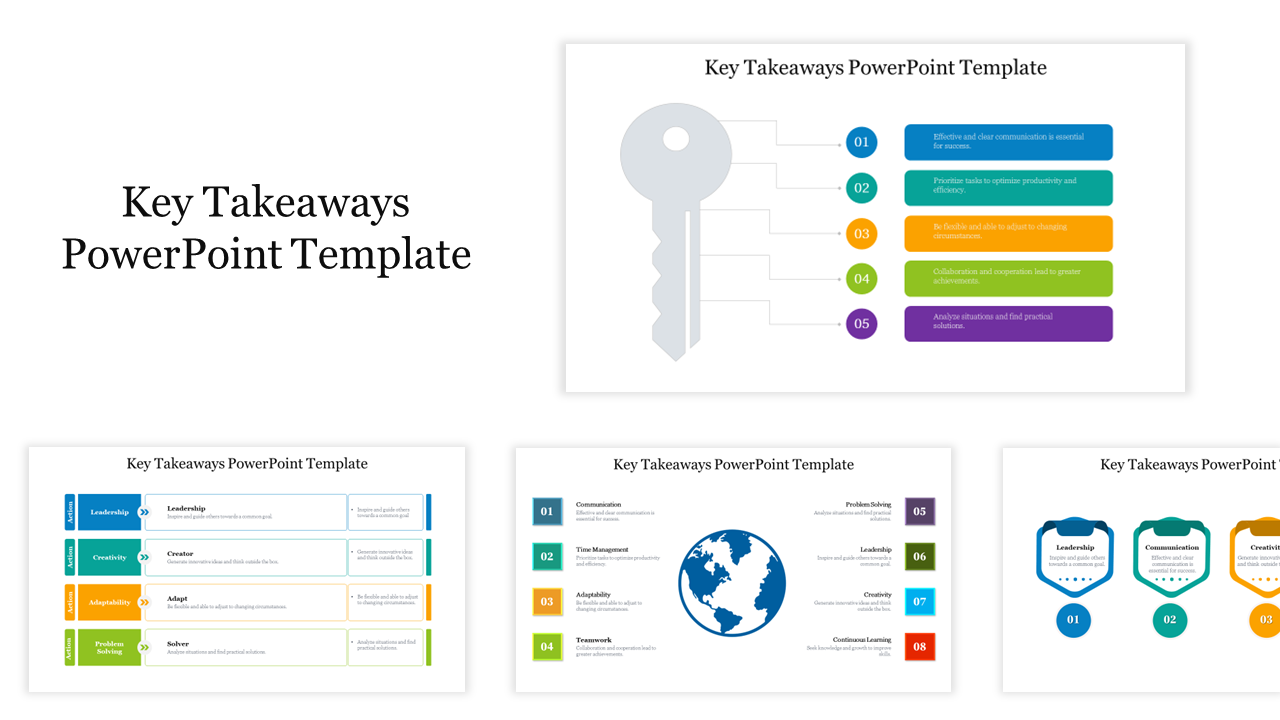
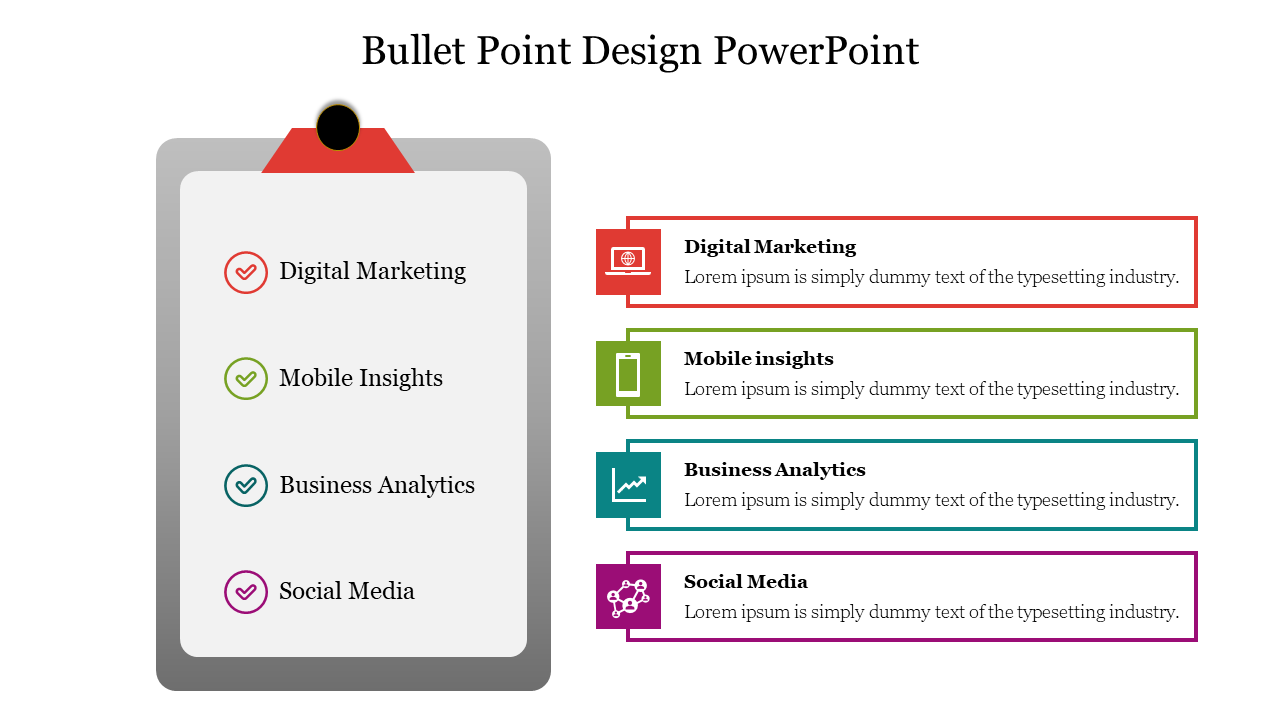
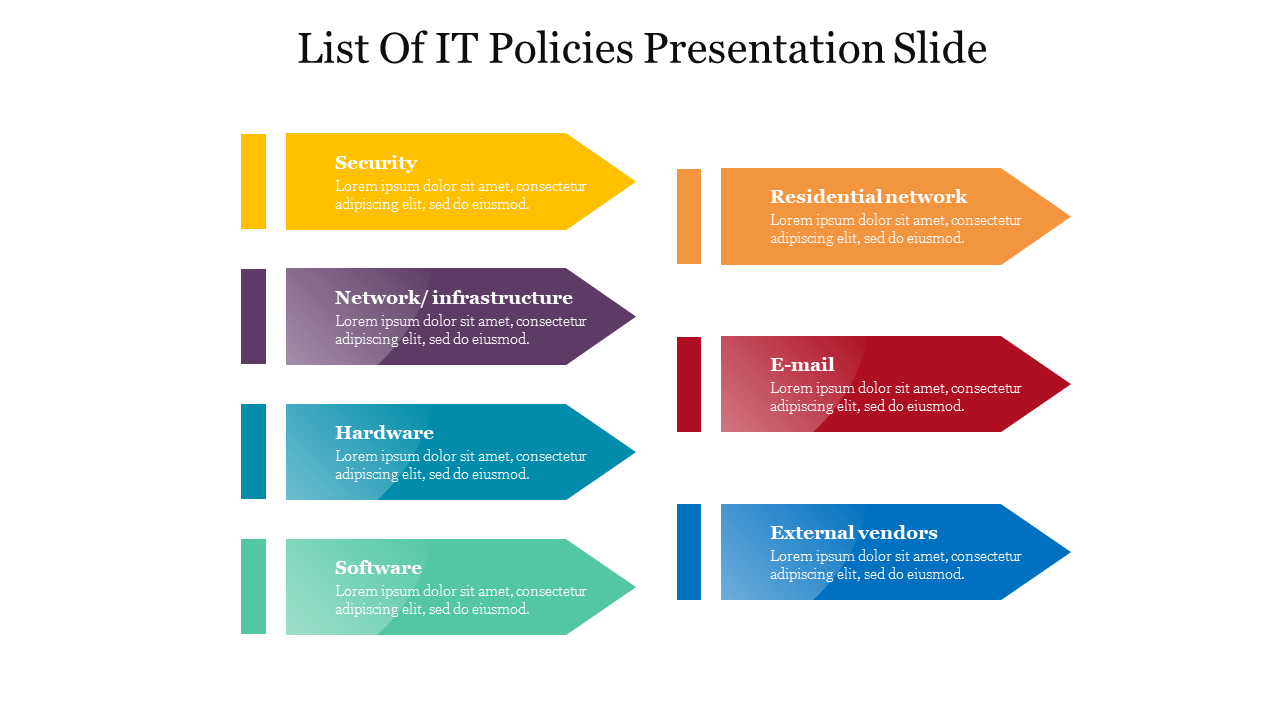
- Eye-catching designs: Our slides feature multicolor infographics like clipboards, bullet points, sticky notes, and arrows to highlight your points in a visually appealing way.
- Multiple node selections: Choose from various layouts to structure your information exactly how you need it.
- Easy customization: All our slides are 100% editable - change colors, text, and graphics to match your brand and personalize your presentation.
- Wide variety of themes: Find slides on various business and professional themes to suit your needs.
- Business professionals: Present your business plan, data analysis, or key points to clients or colleagues.
- Educators: Create engaging lessons and presentations for students.
- Non-profit organizations: Share your mission and vision with potential supporters.
- Anyone looking to make a strong impression: Use these slides for any presentation where you want to communicate your message effectively.
- Royalty-free: Use our slides without any restrictions.
- Multiple formats: Available in both 4:3 and 16:9 aspect ratios for widescreen or standard presentations.
- Portrait and landscape options: Choose the orientation that best suits your content.
- Free slides available: Try out some of our slides for free before you buy.
Become an expert with SlideEgg

We're here to help you!
What are Points PowerPoint Templates?
Points PowerPoint Templates are pre-designed presentations that make creating a visually engaging presentation with a professional look easy. They include layouts, dots, designs, fonts, and illustrations designed to help you focus on building your content and ideas.
Where can we use these Points Slides?
You can use these Points PowerPoint Templates to highlight critical points in presentations, business meetings, lectures, seminars, and other educational events. You can also use them to make an engaging and visually appealing layout for social media, blogs, and websites.
How can I make Points PPT Slides in a presentation?
To start, you will need to open the presentation software of your choice (Microsoft PowerPoint, Google Slides, etc.), use bullet points for each point you want to make, and keep text to a minimum. Suppose you want to create slides. Visit Tips and tricks for detailed instructions.
Who can use Points PPT Templates?
Anyone can use points PPT templates for business presentations, academic projects, or any other form where you must present data or facts in an organized and easily digestible format.
Why do we need Points PowerPoint Slides?
Points PowerPoint slides help presenters organize their thoughts and coherently present their information. They allow presenters to deliver their data better and ensure that the audience understands the key points. Furthermore, you can use these slides to engage the audience.
Where can I find Points PPT Templates for free?
You can find a variety of Free Points PPT templates on sites such as Slide egg. Our websites have a selection of uniquely designed templates to customize and organize your idea or facts.