Free Pipeline Presentation Templates
Stop your ideas getting stuck! Try our collection of free Pipeline PowerPoint templates and Google Slides themes. Watch your workflow come alive with visualized stages, connected steps, and clear timelines. Explain complex processes with simple diagrams and eye-catching icons. Impress clients, track progress, and make your presentations interesting.



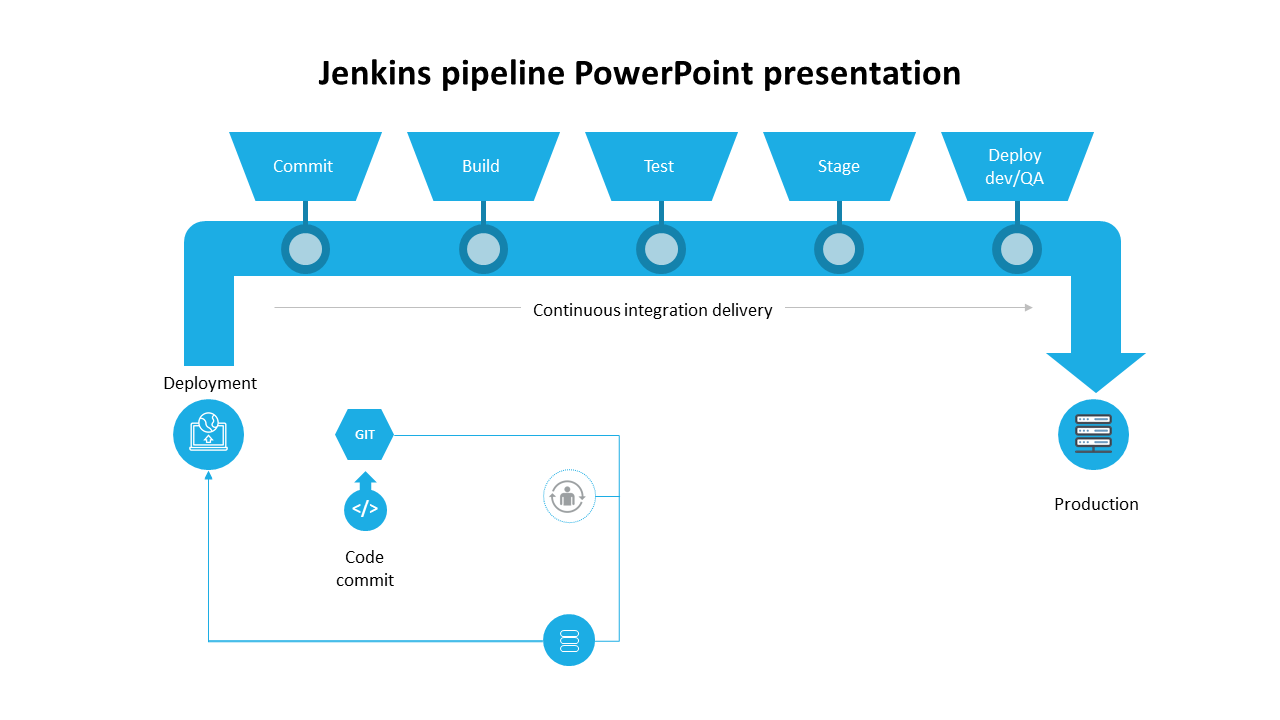

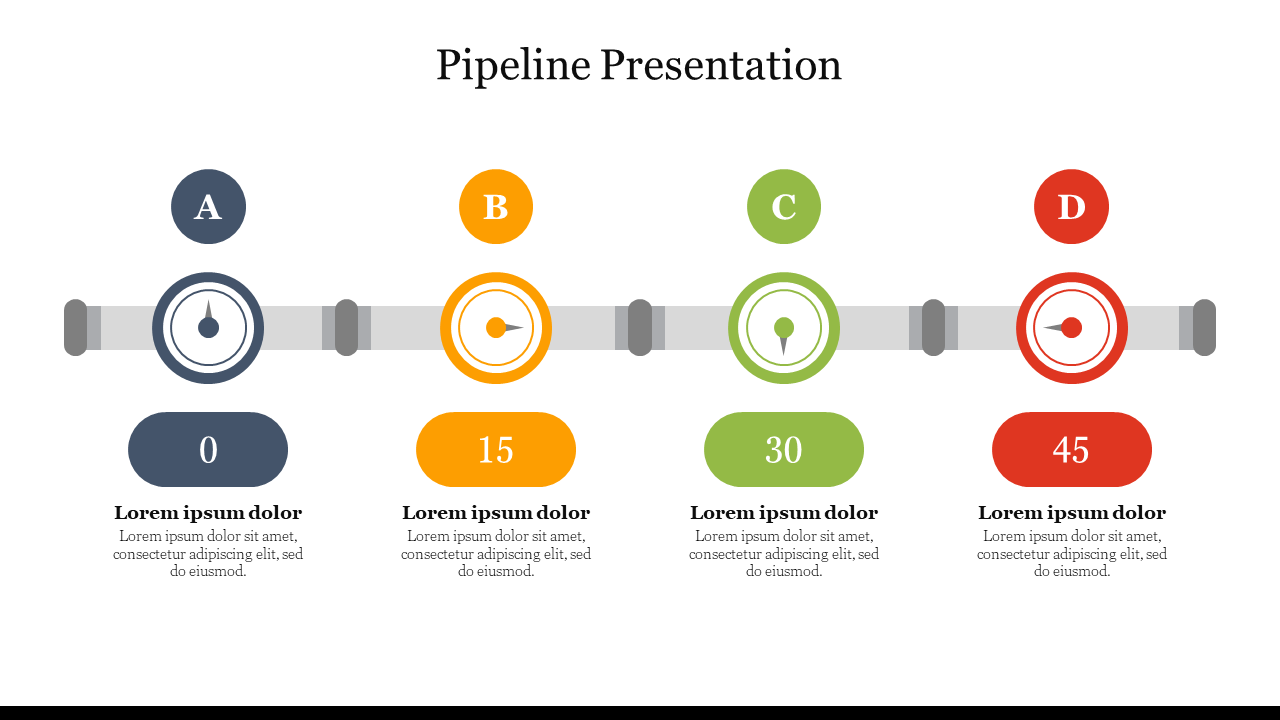
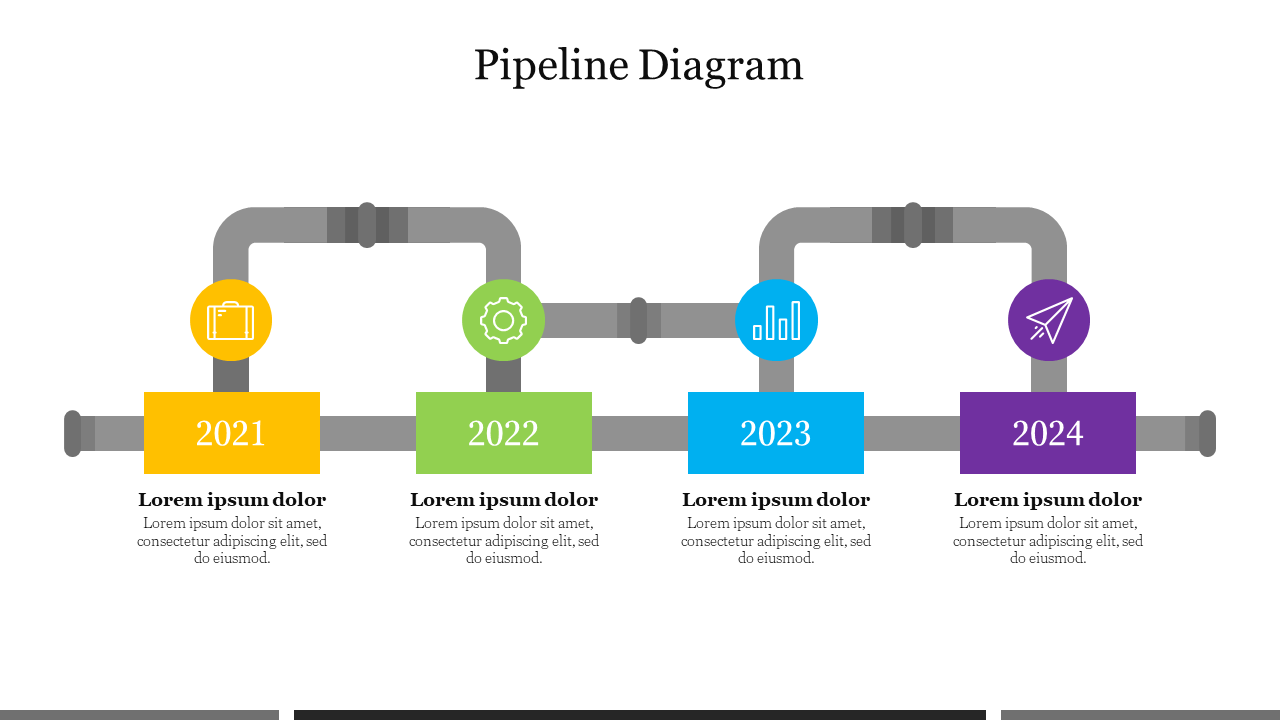
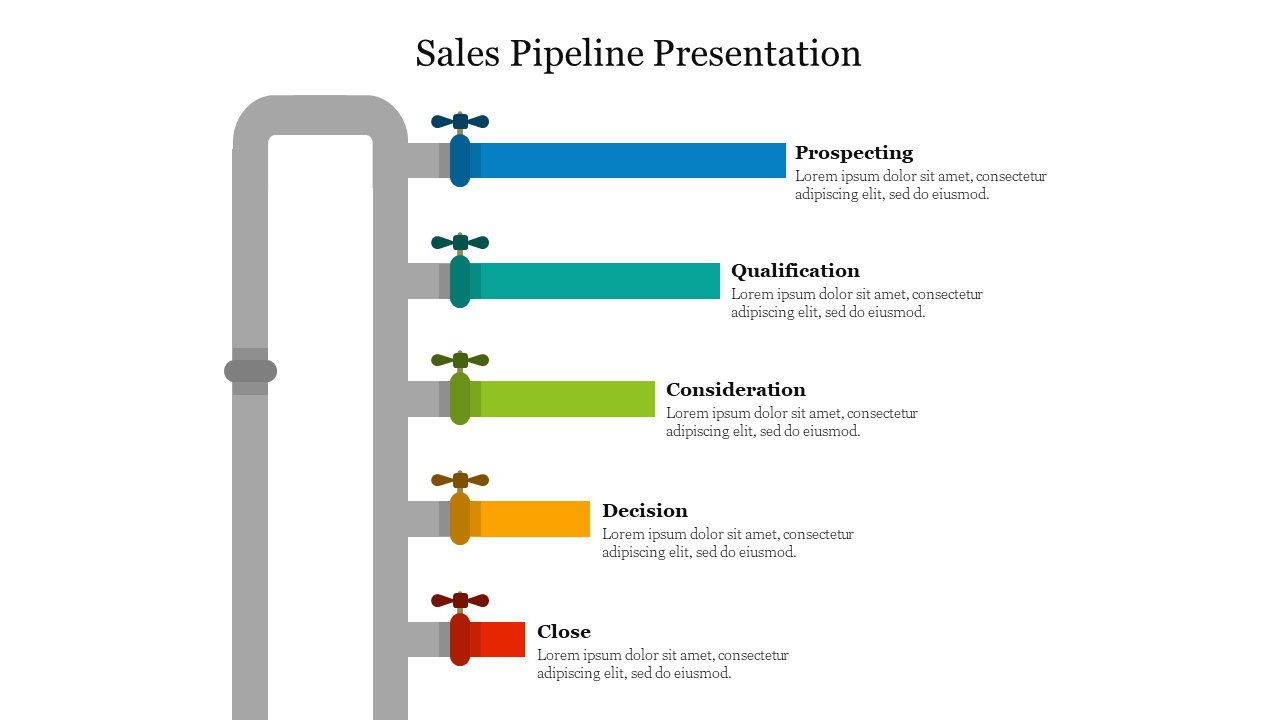
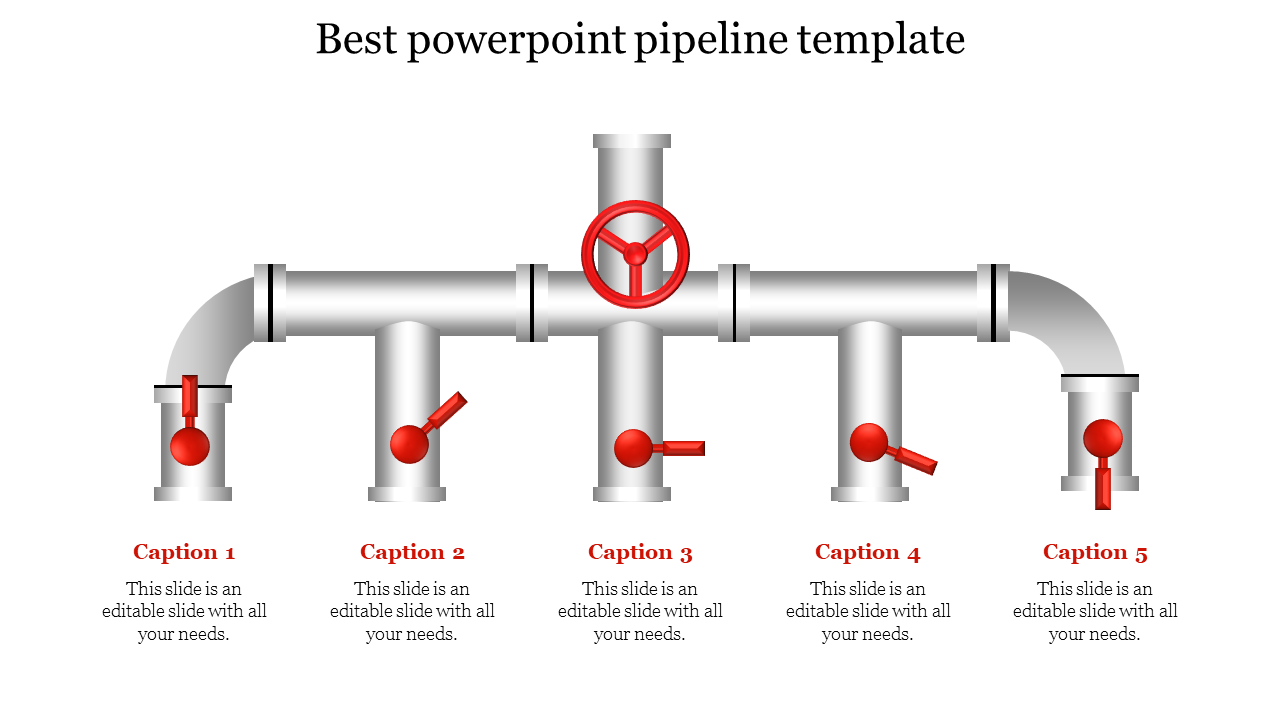
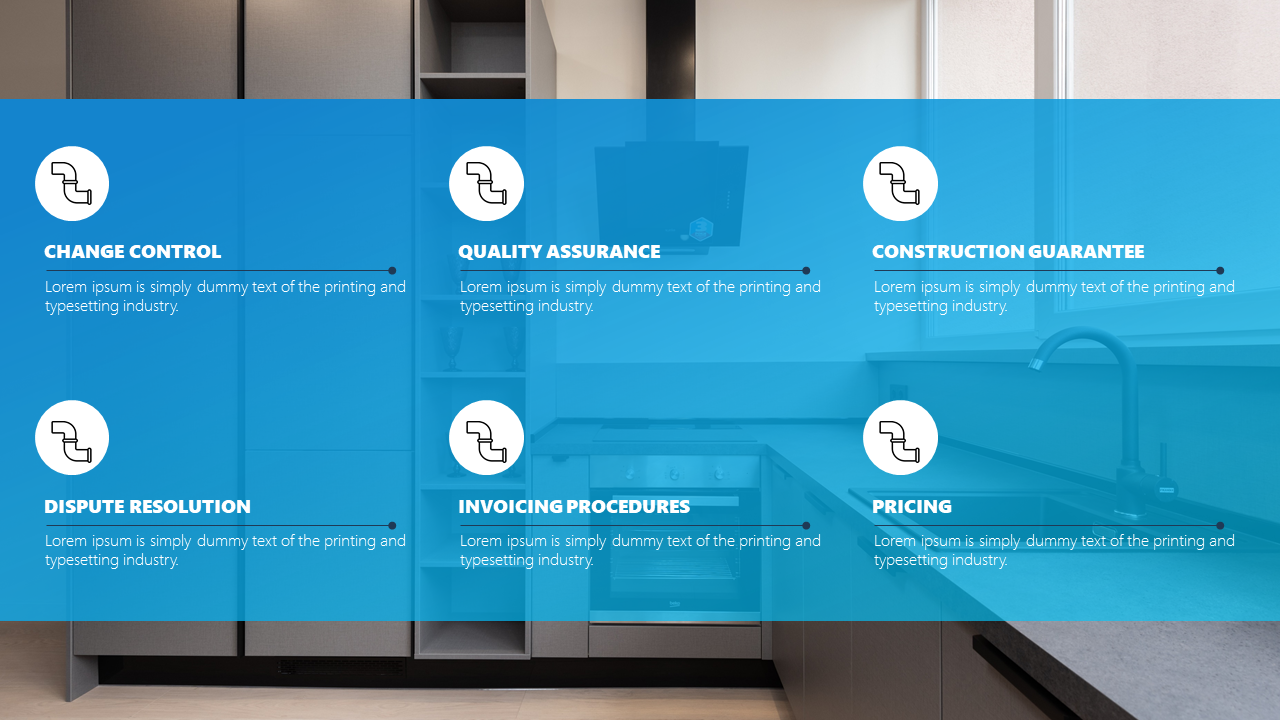
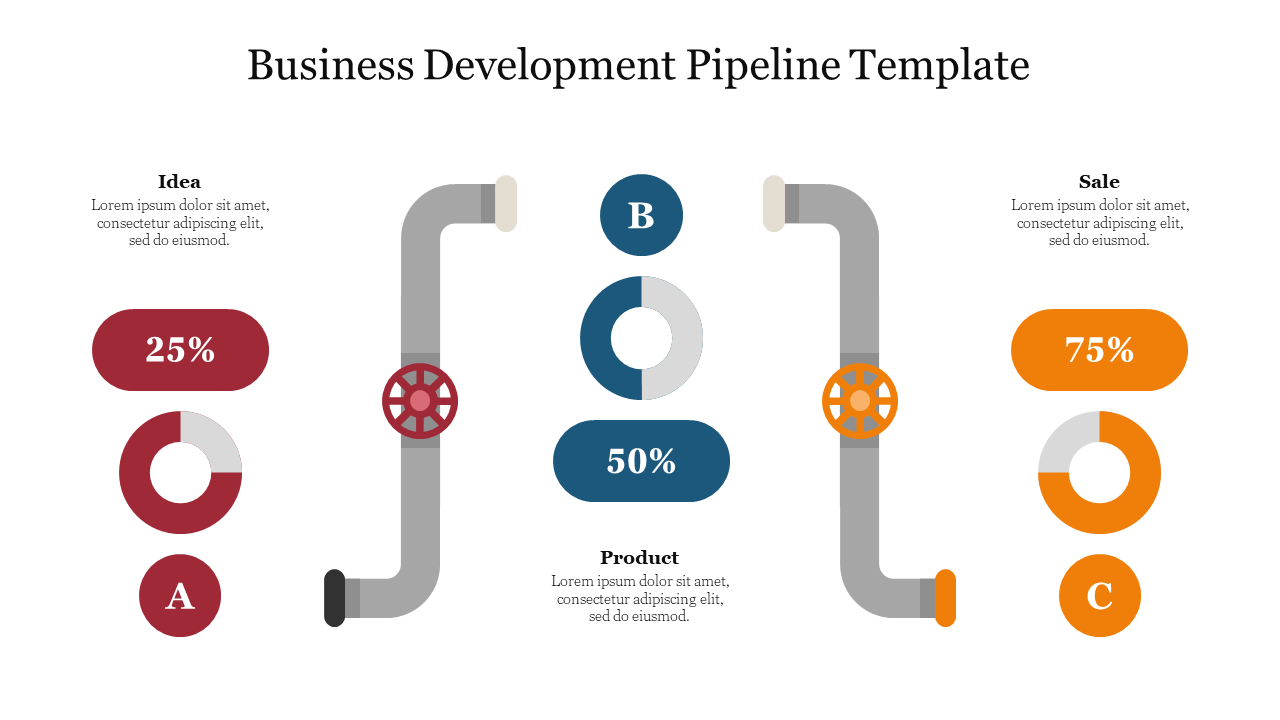
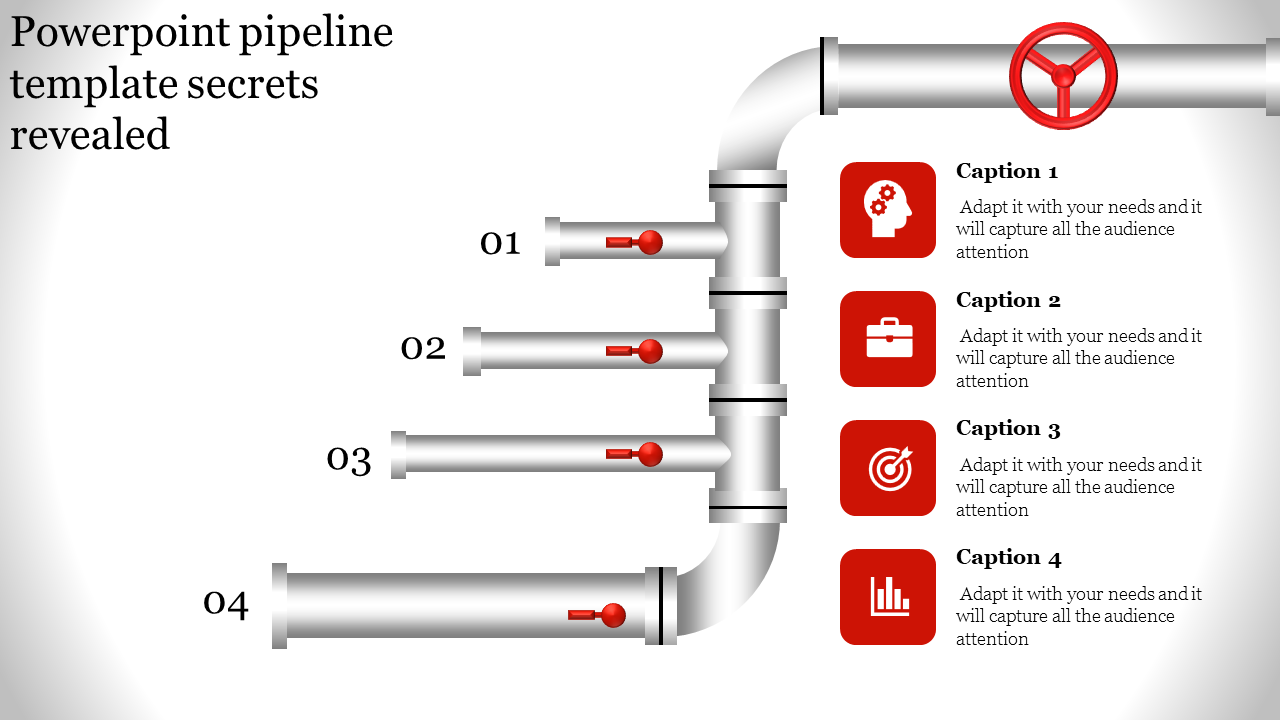
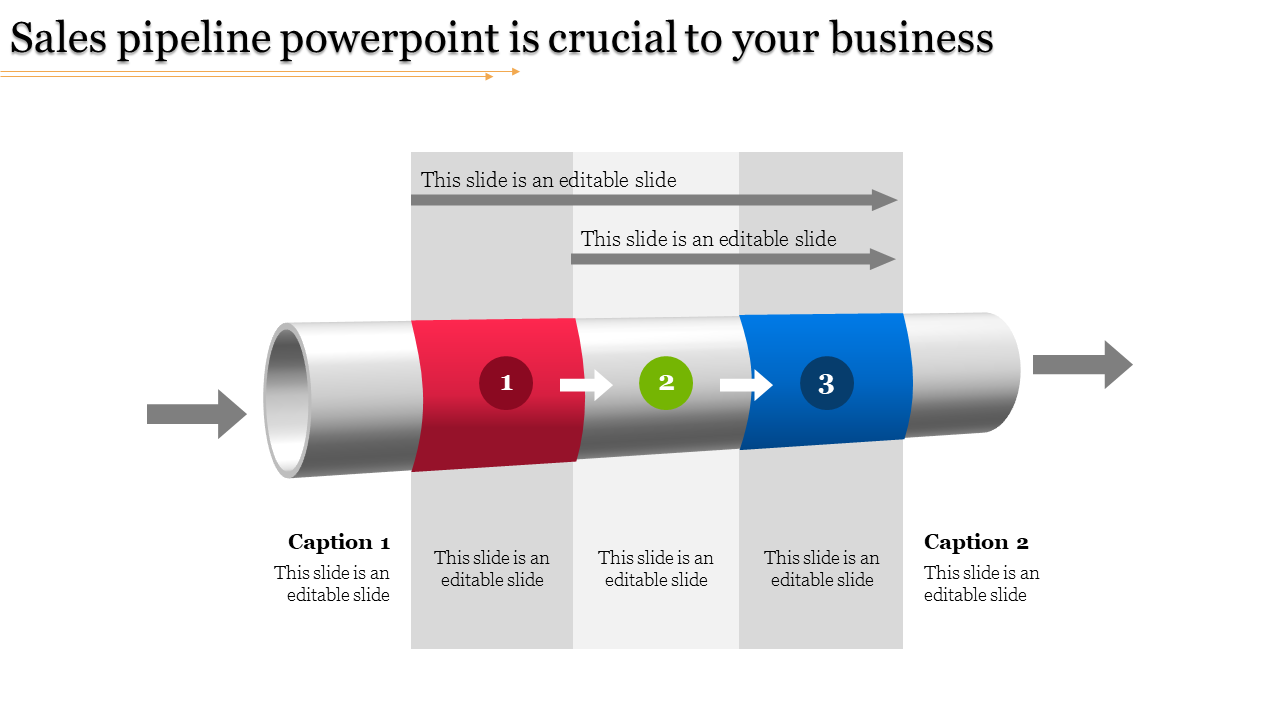

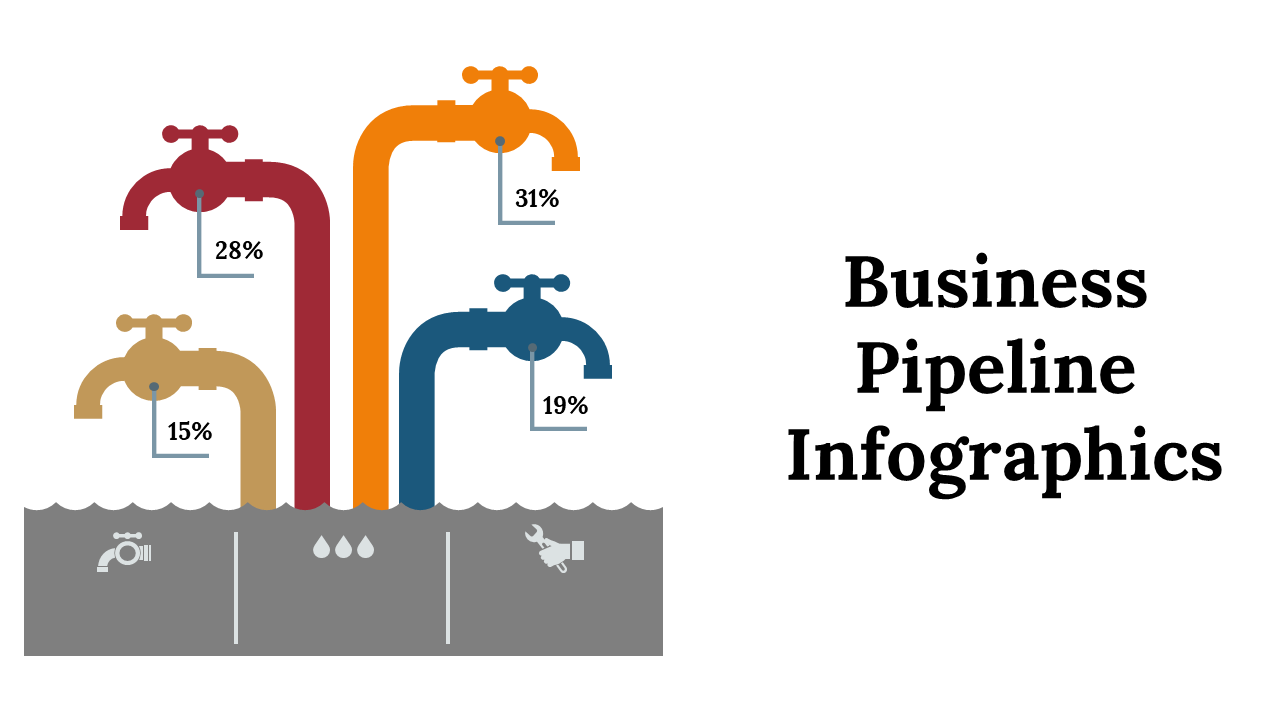
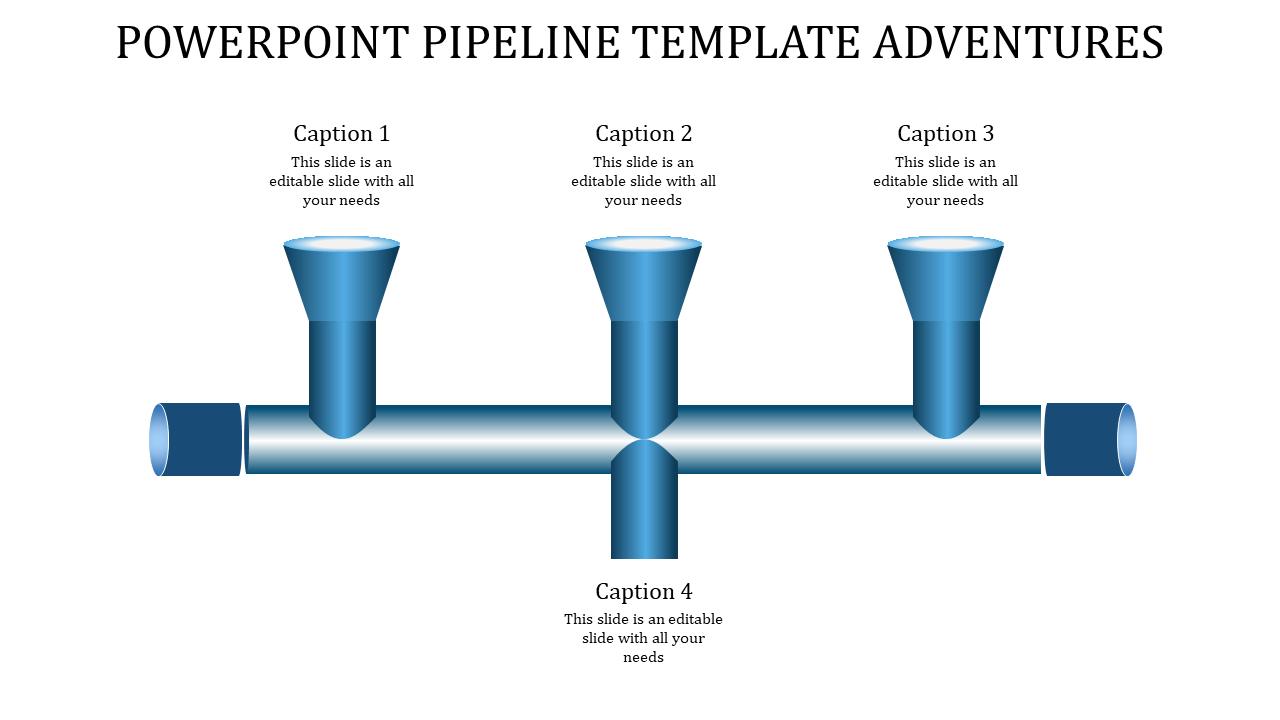

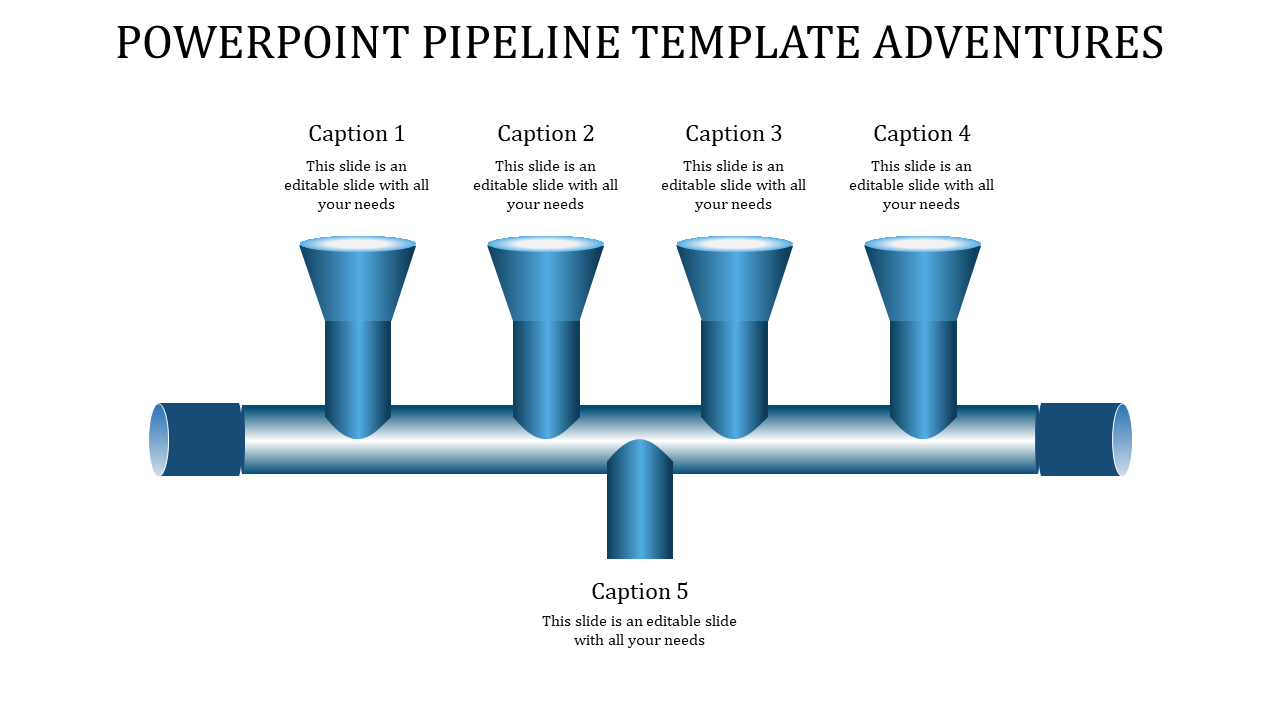
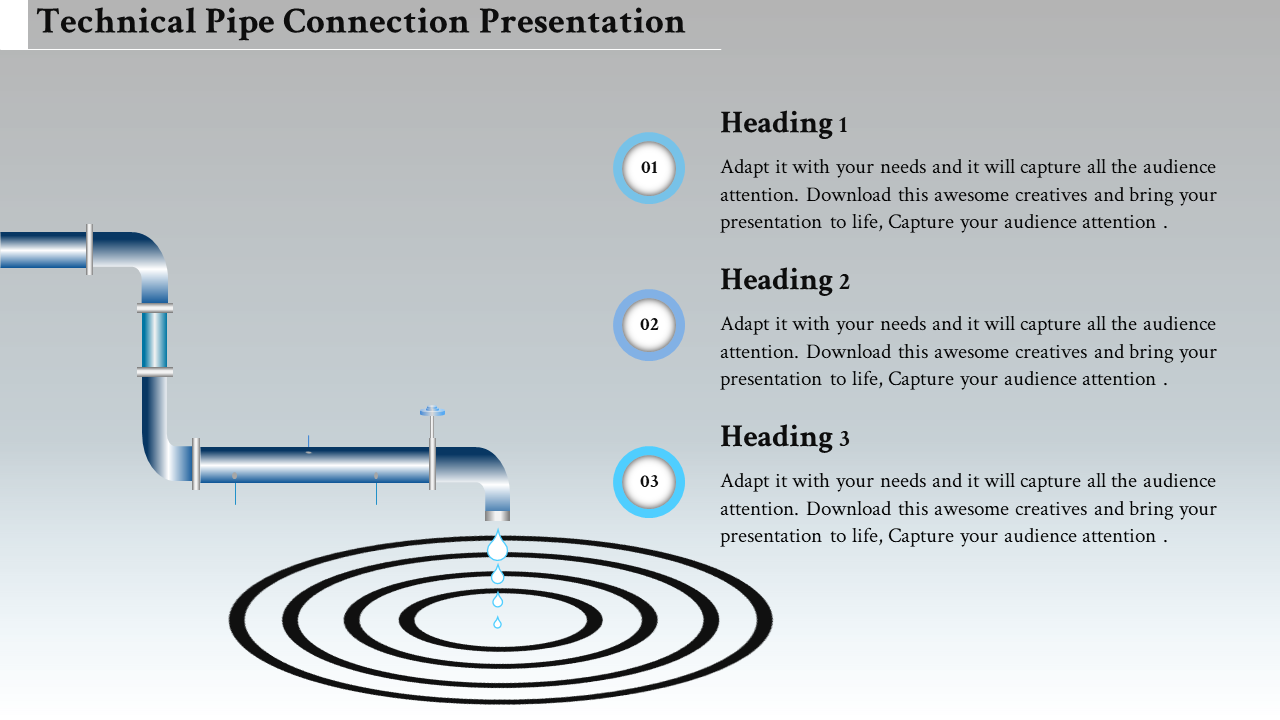
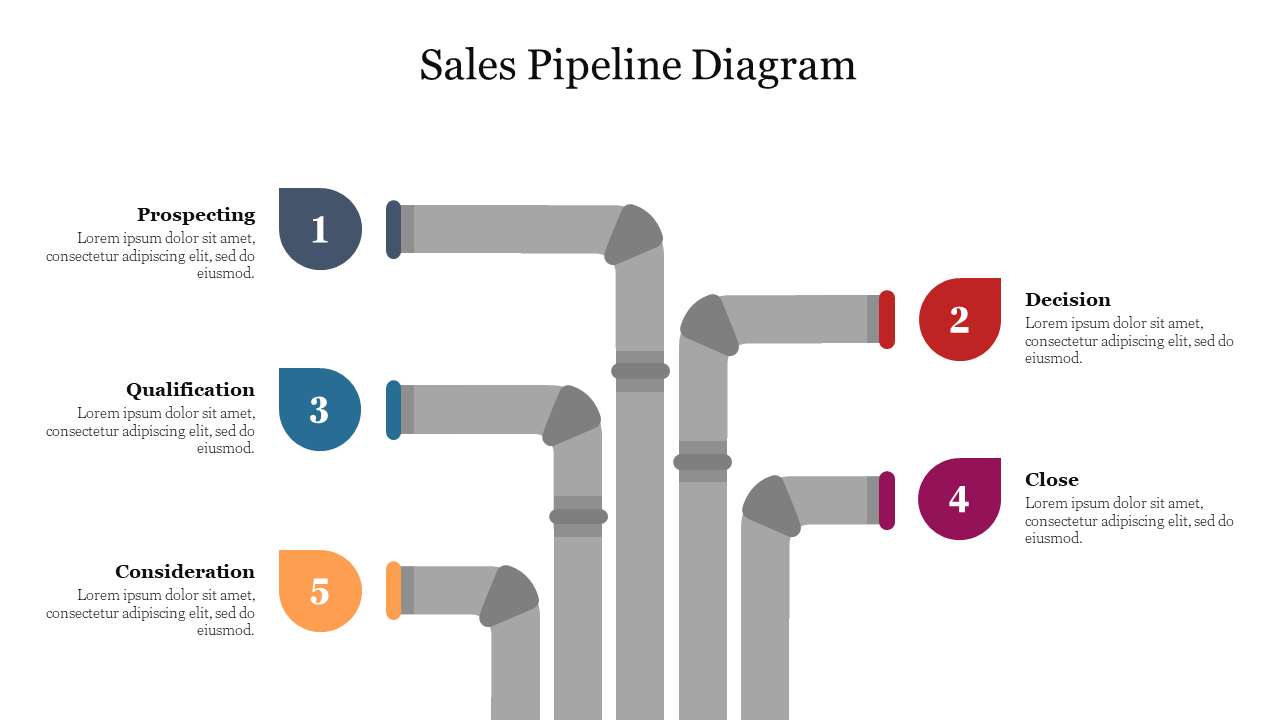
Craft Compelling Presentations with Easy-to-Use Free Pipeline PowerPoint Templates and Google Slides Themes!
- Sales pipeline: Show how leads move through your sales funnel.
- Marketing pipeline: Explain your marketing activities and their impact.
- Business pipeline: Map out your overall business strategy.
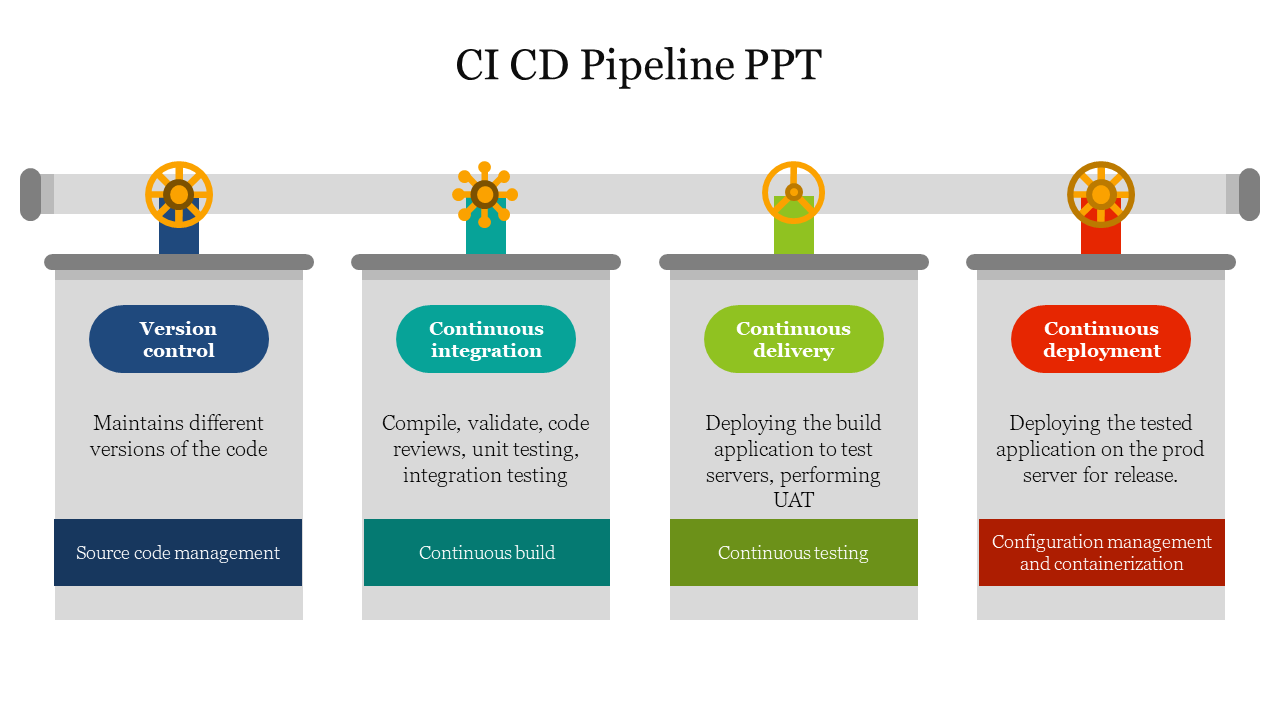
- IT pipelines: Visualize software development and deployment processes.
- Colorful and eye-catching: Grab attention with vibrant designs.
- Simple layouts: Focus on your message, not confusing visuals.
- Easy to edit: Change text, colors, and graphics to fit your needs.
- Multiple choices: Find the perfect template for your topic and format.
- Royalty-free: Use them as much as you want, no extra fees.
- Available in various formats: Choose between widescreen or standard, portrait or landscape.
- Free options available: Try before you buy!
Become an expert with SlideEgg

We're here to help you!
What is a pipeline?
A pipeline is a collection of data processing components connected in succession, where each part feeds data into the next.
What are Pipeline PowerPoint templates?
The template design known as the PowerPoint Pipeline Template includes helpful customizable pipeline shapes. This pipeline template may be downloaded to make engaging presentations outlining a pipeline process or using slide metaphors to explain a flow method or concept.
Where can we use these pipeline slides?
Frequently, lectures and lesson plans are built on slides. Considering the layout and design of your pipeline slide presentations can genuinely pay off because they can either clarify or muddle an instructor's vocal content.
How can I make Pipeline PPT Slides in a presentation?
You can create a Pipeline slide by drawing a cylinder using the shapes button and clicking inside the presentation to create one of the preset sizes. You can save time creating your presentation using ready-made slides available on websites. Just download and make your PPT in just a few minutes
Who can use Pipeline PPT Templates?
Pipelines can be helpful for people who can project presentations in business, project management, technology, and other disciplines.
Why do we need to use Pipeline PowerPoint Slides?
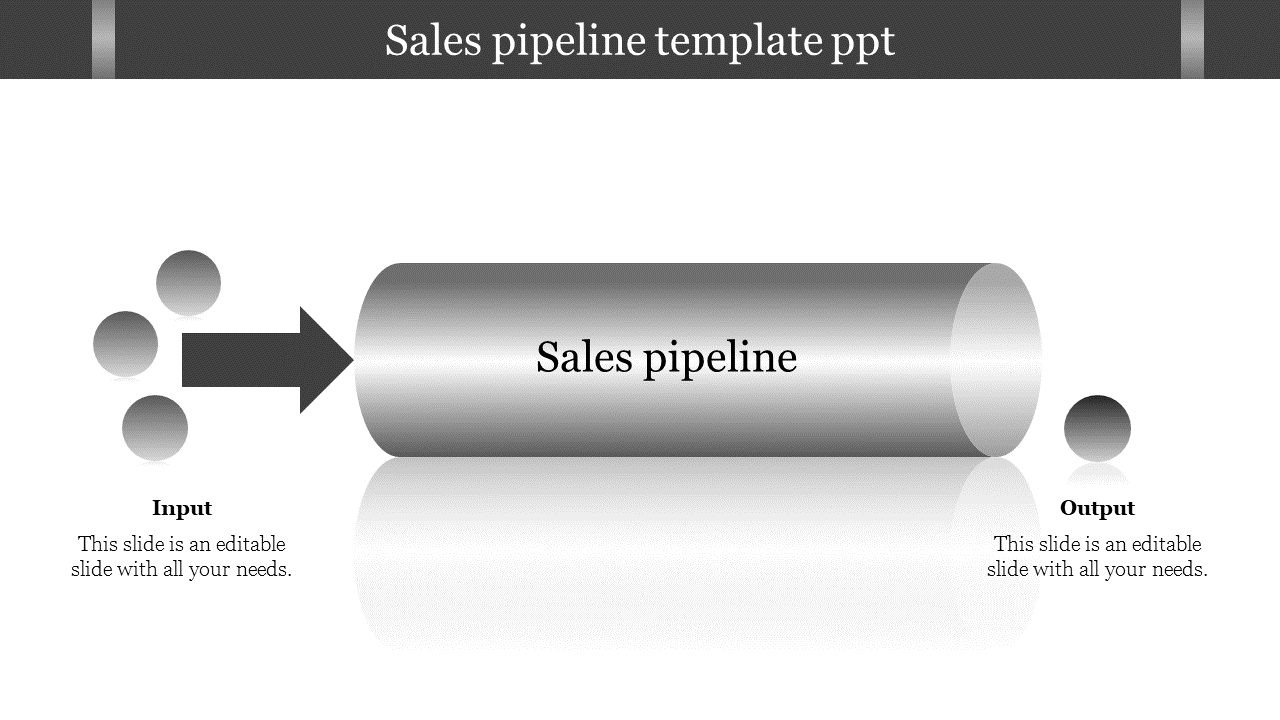
An input-output flowchart can be created using the editable pipelines template. You can change the arrows, substitute another input value, or use another illustration before editing the text for the out value.
Where can I find Pipeline PPT Templates for free?
It's simple to find free templates online. After logging in, almost every website offers the option of free downloading. But even if it's free, be sure you pick the finest option. Slide Egg is renowned for doing that. Visit our homepage right away!