Photography Presentation Templates
Stunning photos deserve stunning slides! Elevate your photography presentations with Free Photography PowerPoint Templates And Google Slides. No boring backgrounds, just eye-catching designs to put your pictures on center stage. Use it for photoshoot training, seminars, visual communication, etc. Download now and dazzle your audience with ease!


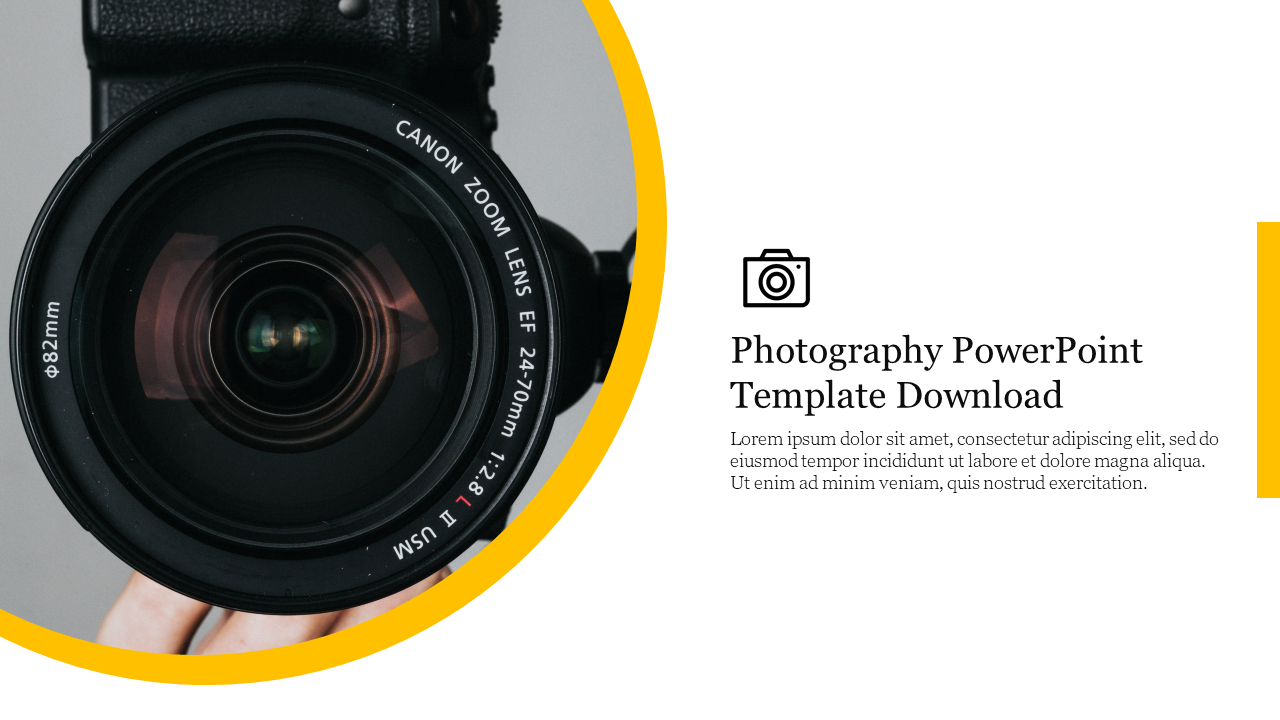
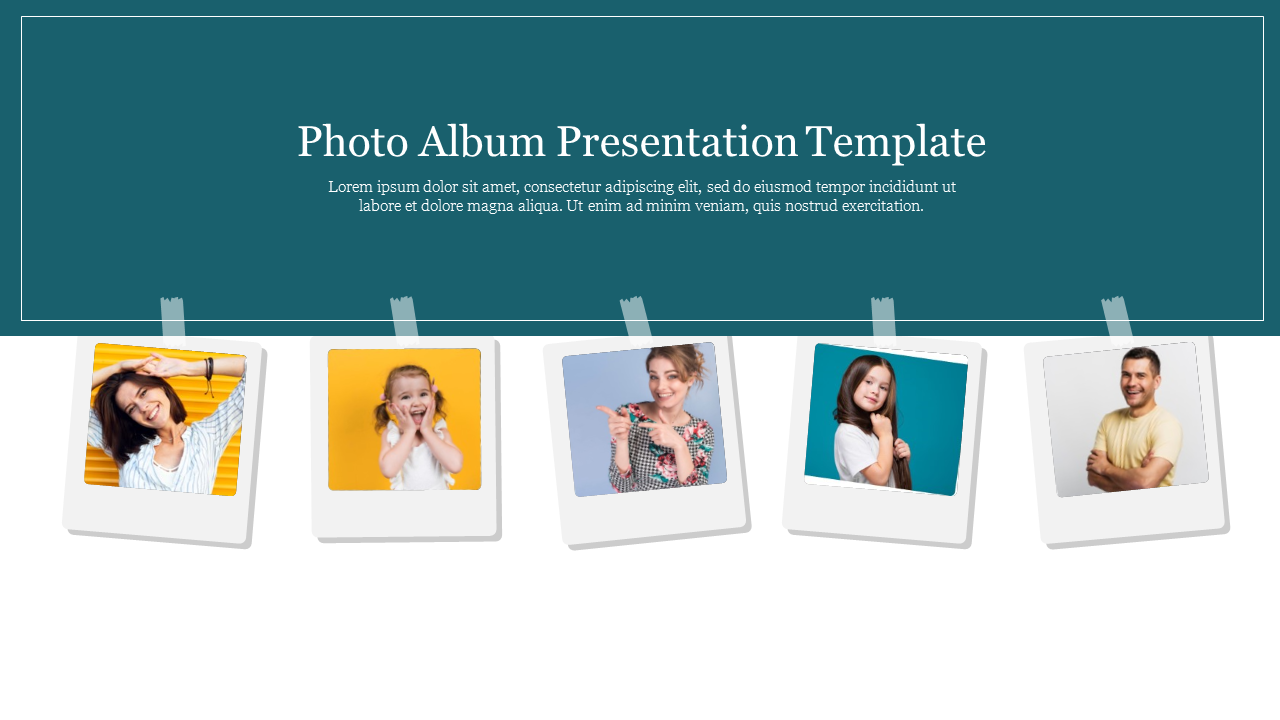


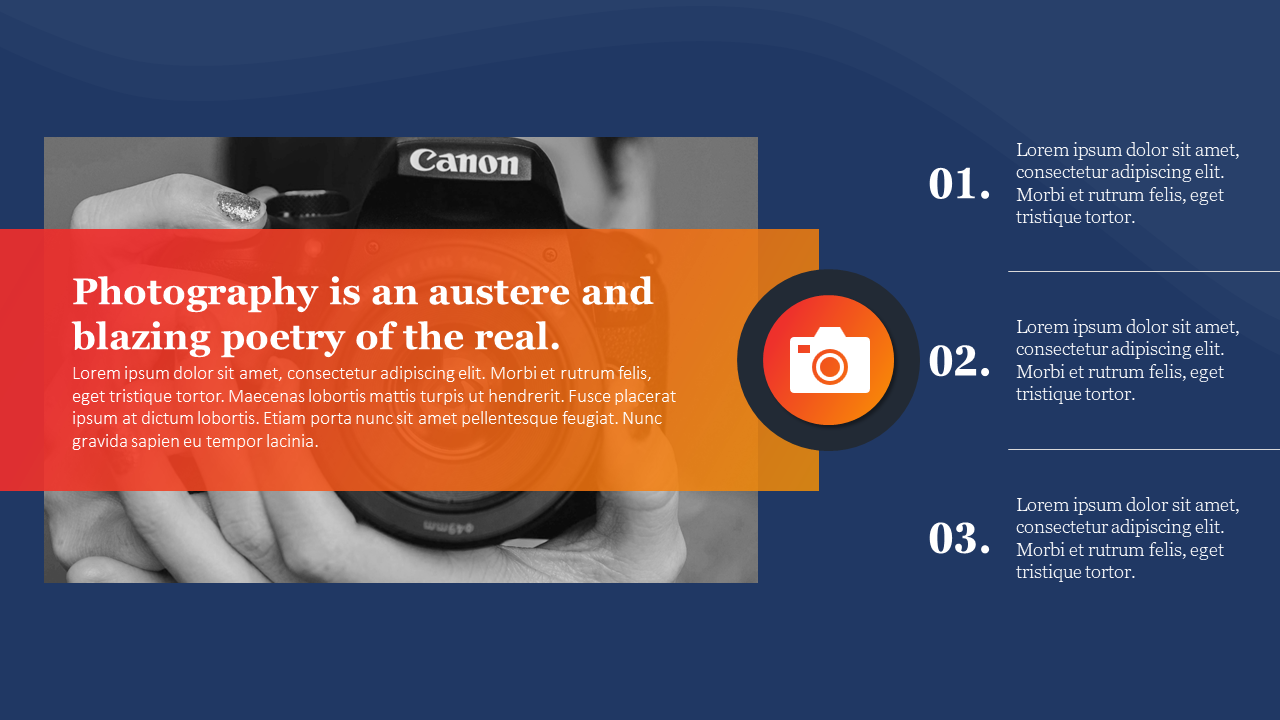
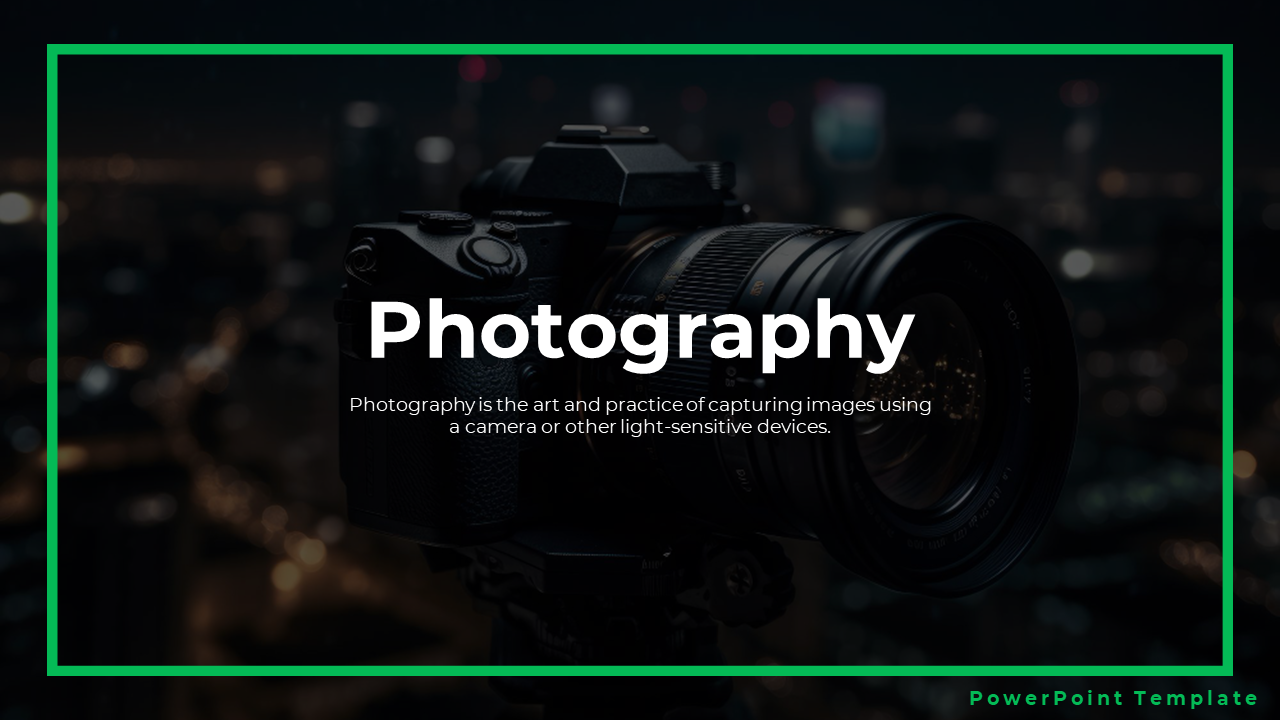


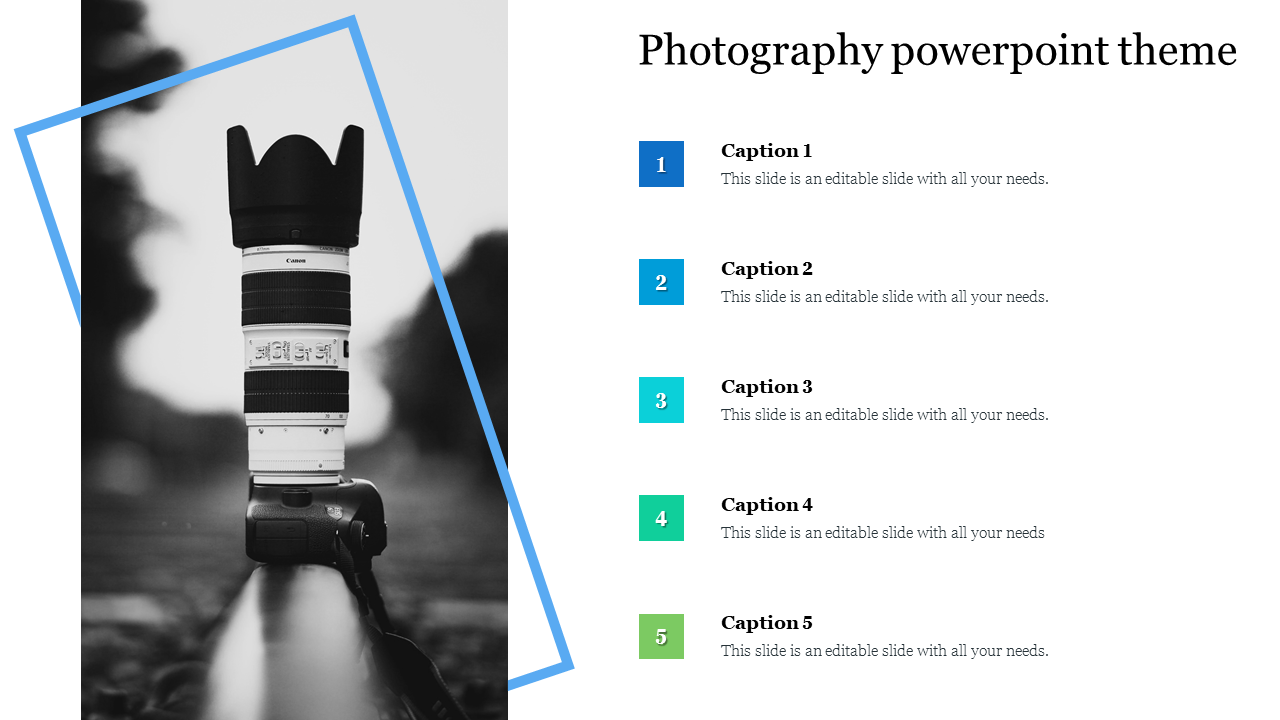
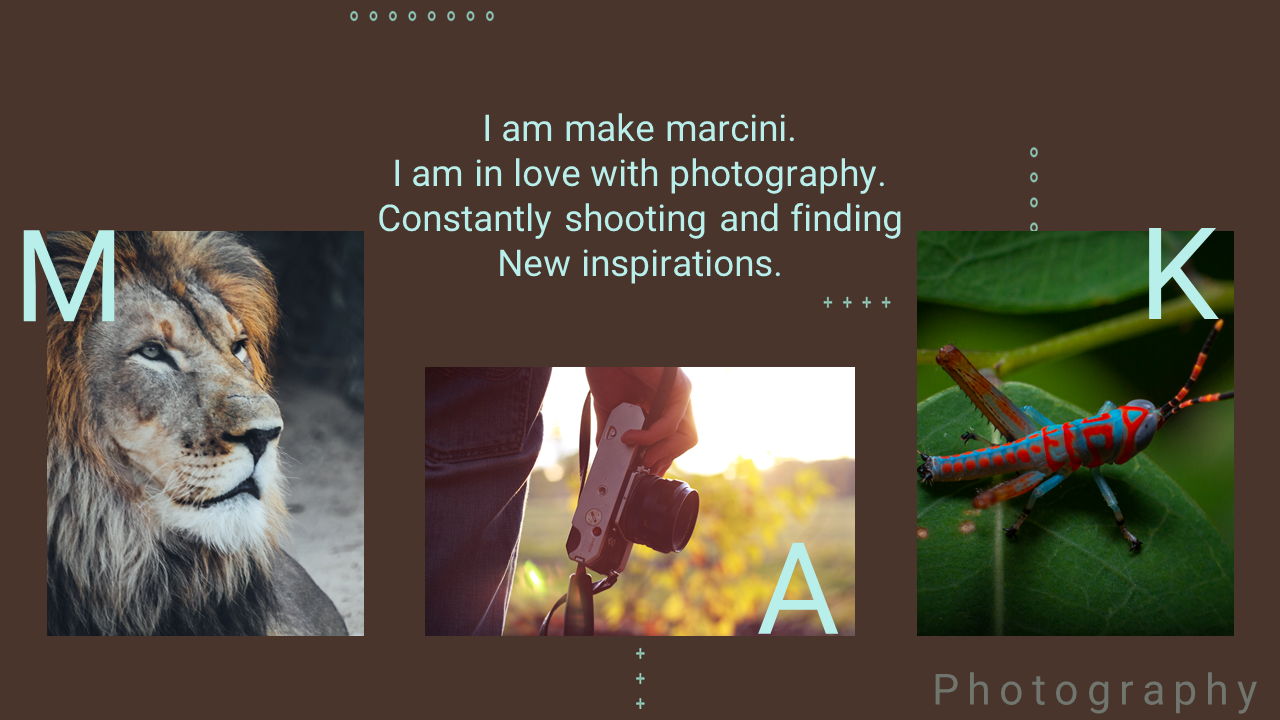
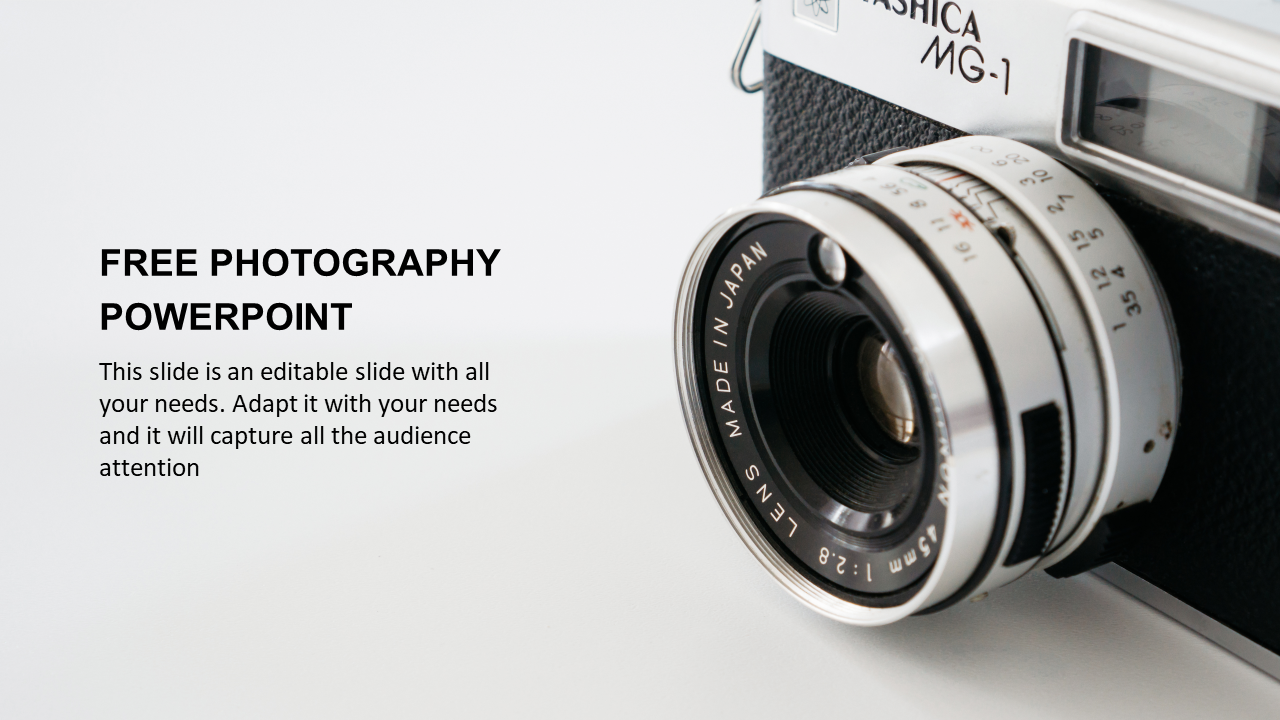
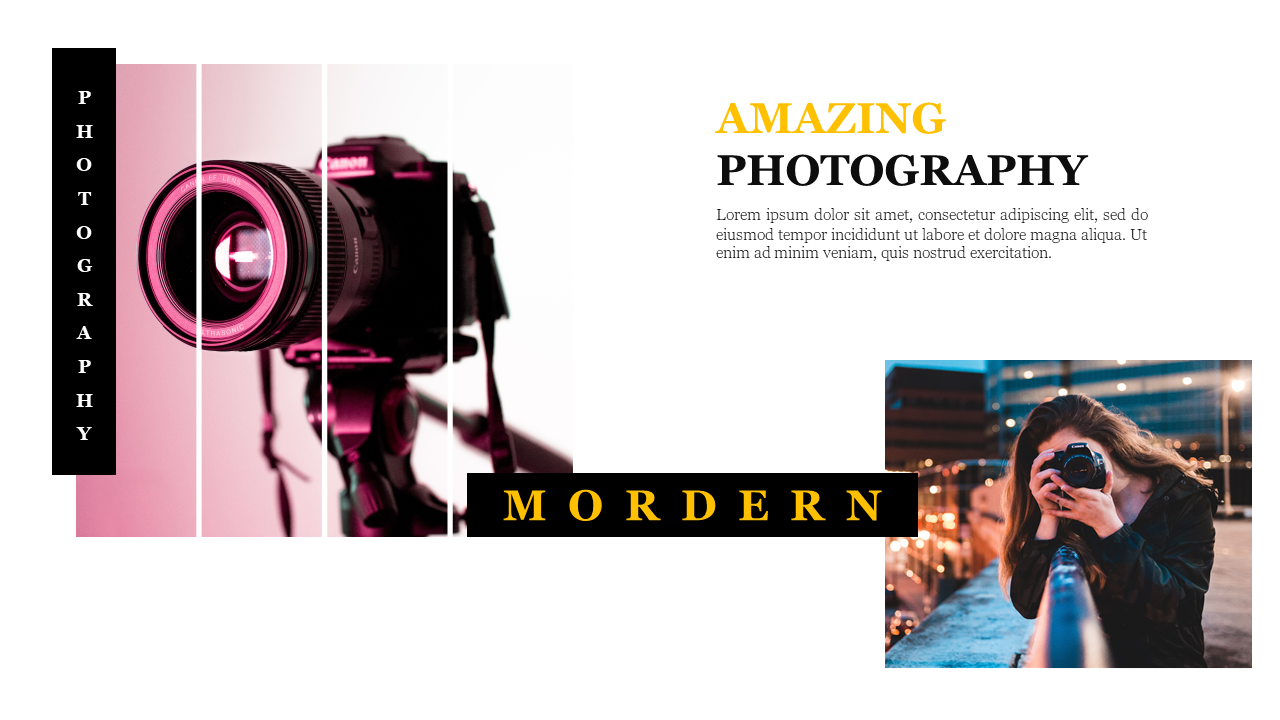
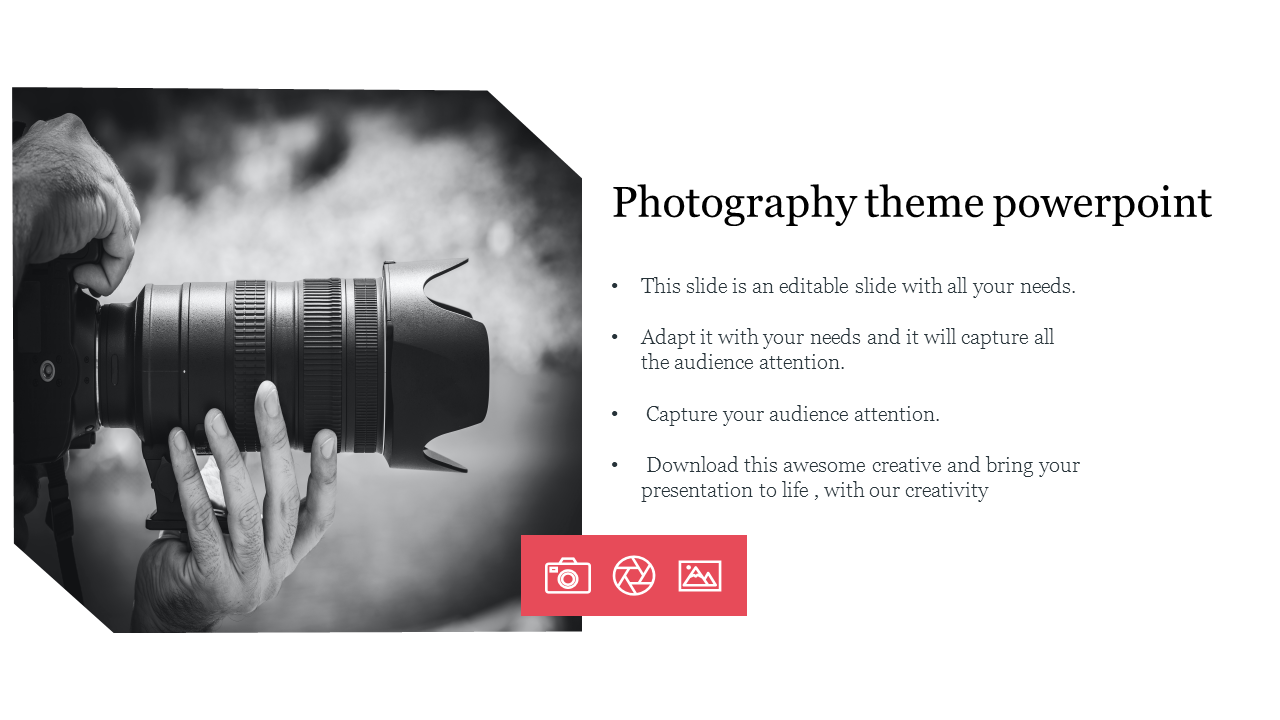
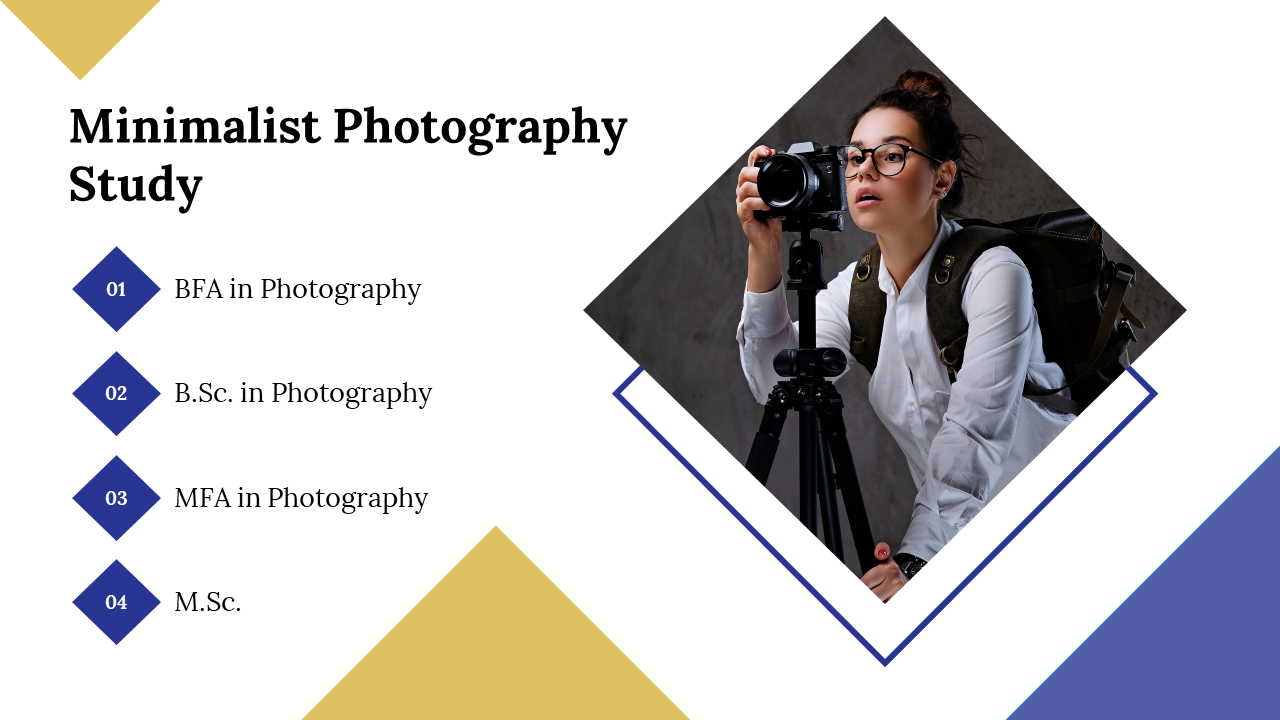
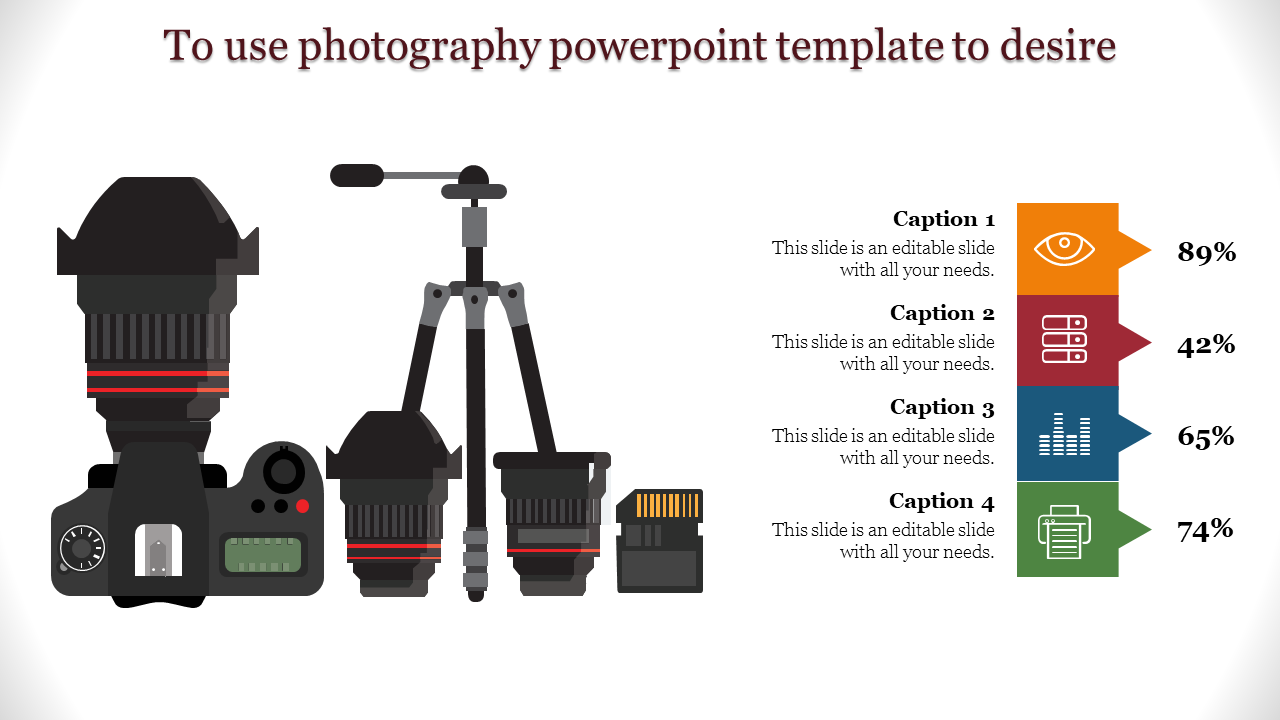
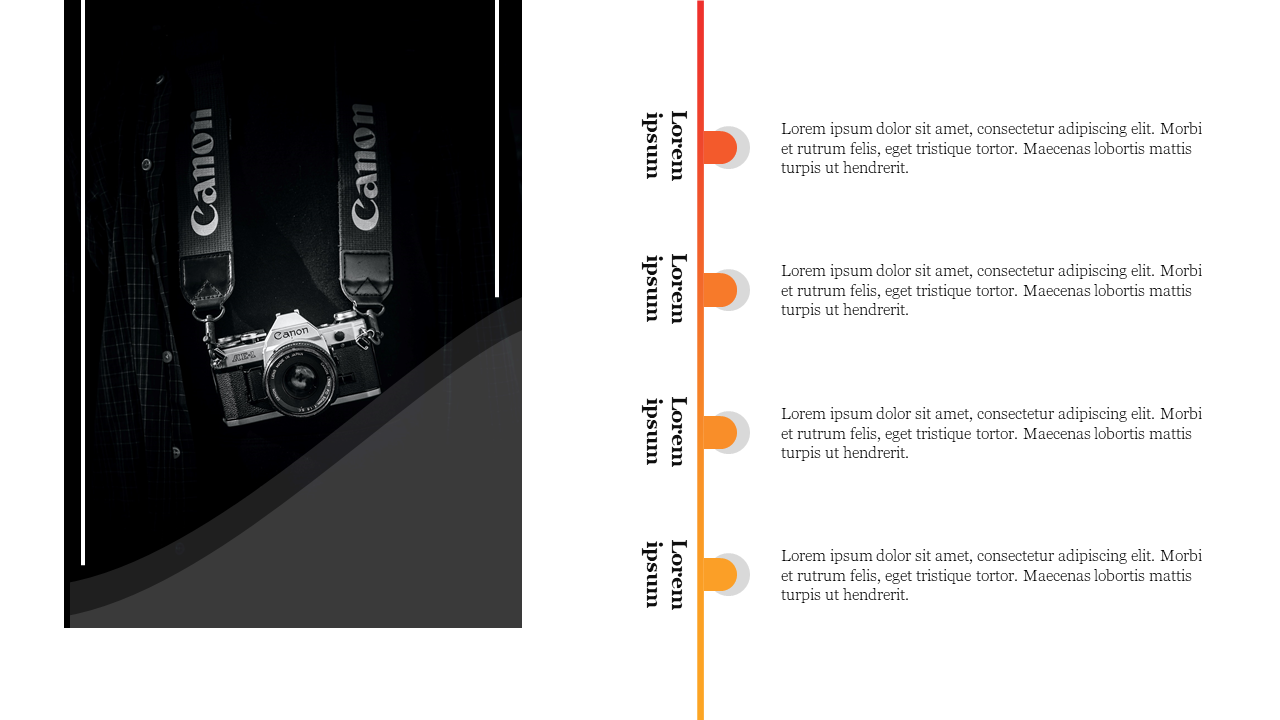
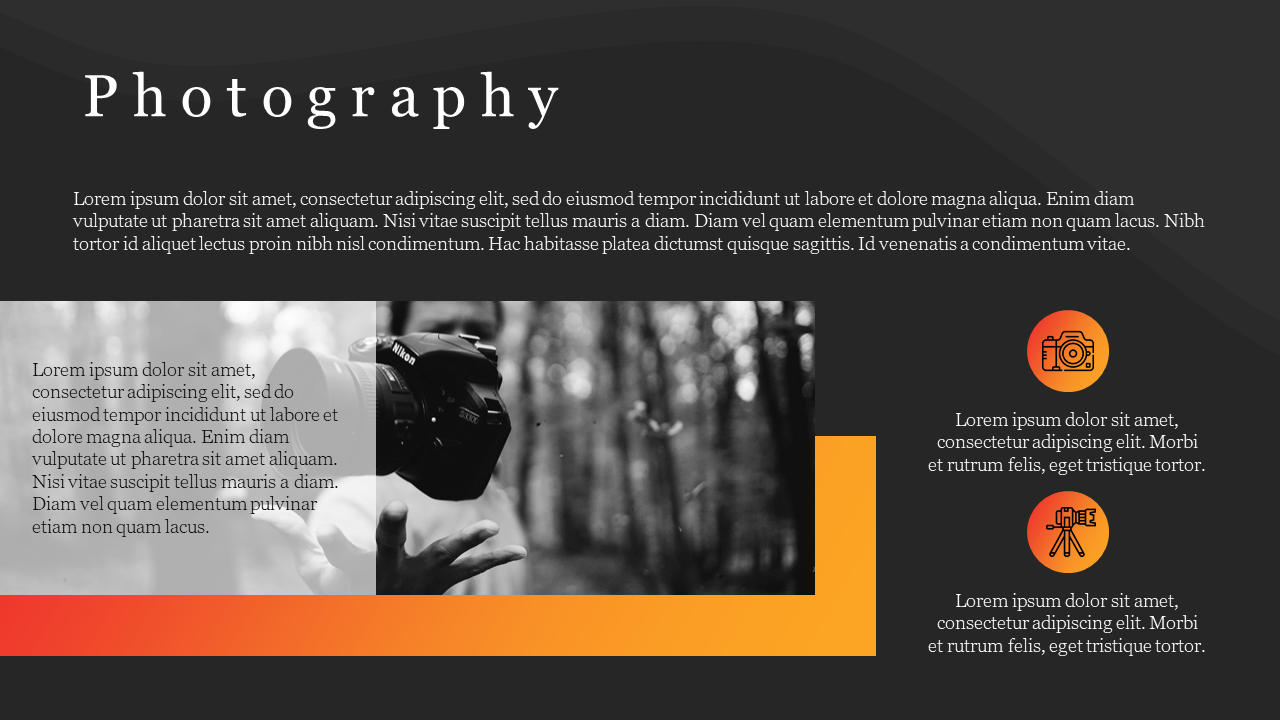
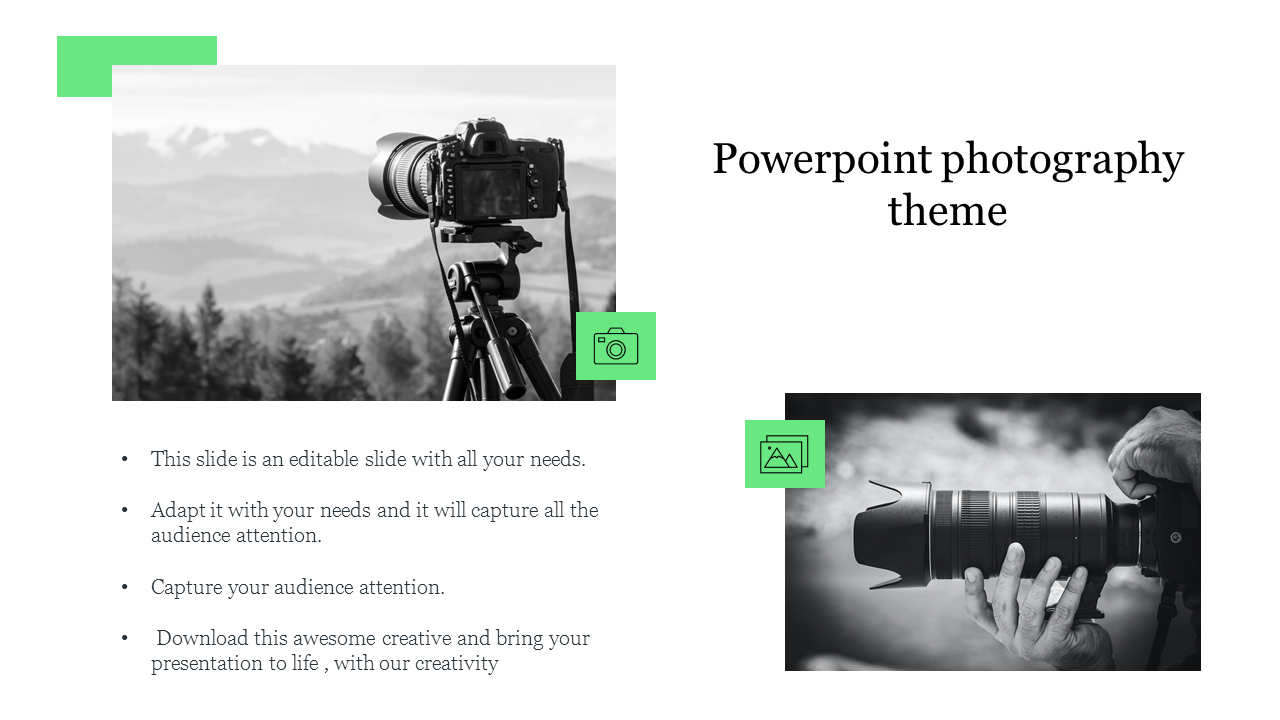
- Classic Photo Album: Breathe life into your cherished memories with elegant layouts that hold your photos like prized possessions.
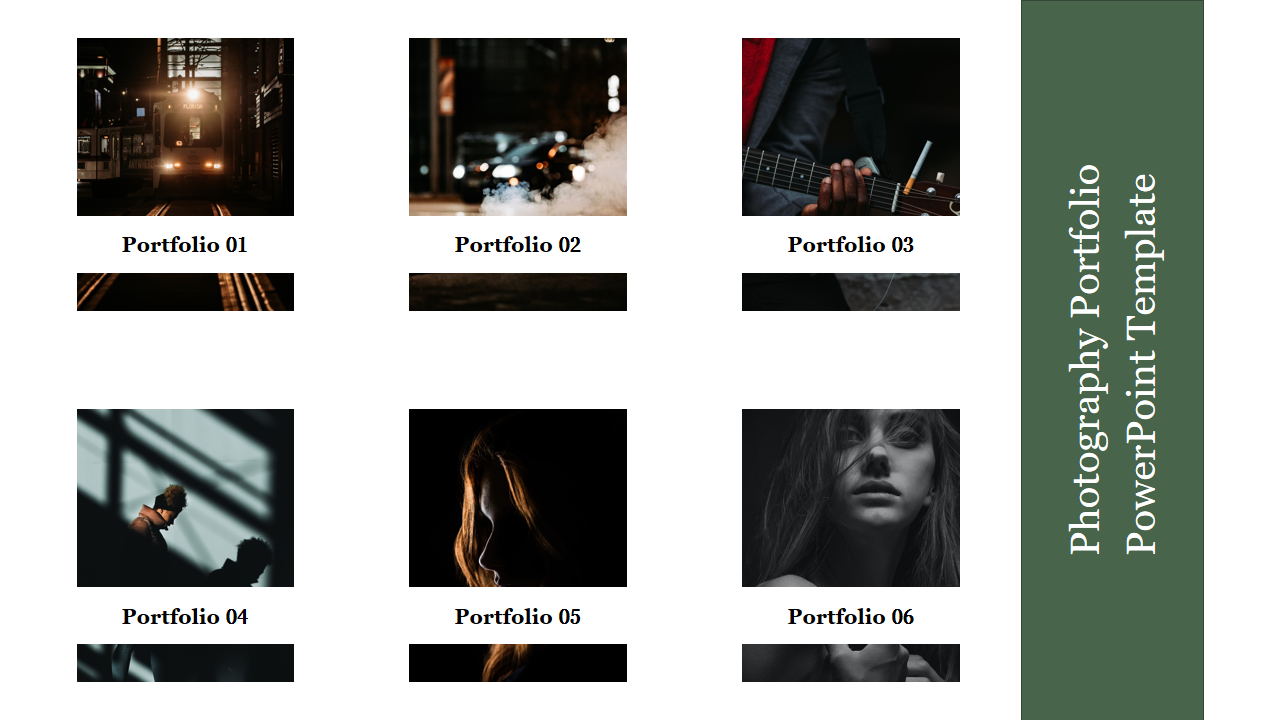
- Modern Portfolio: Strike a bold pose with clean lines and contemporary flair, letting your photographs do the talking.
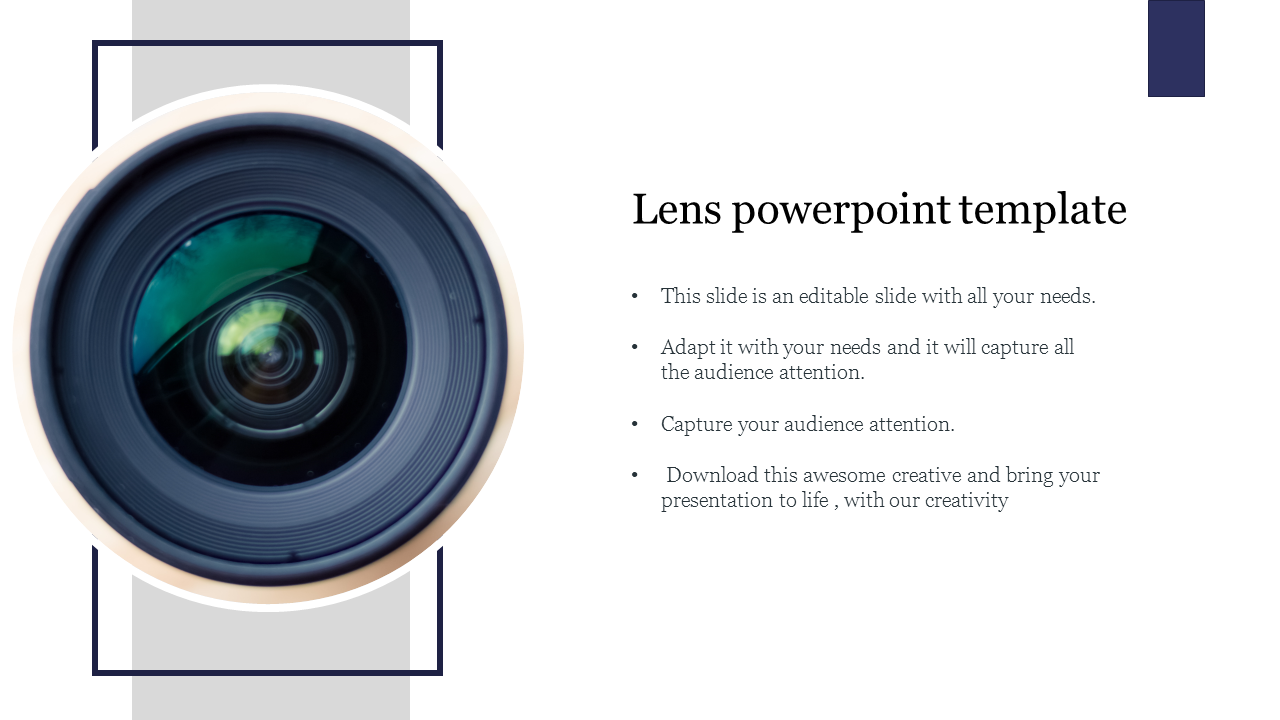
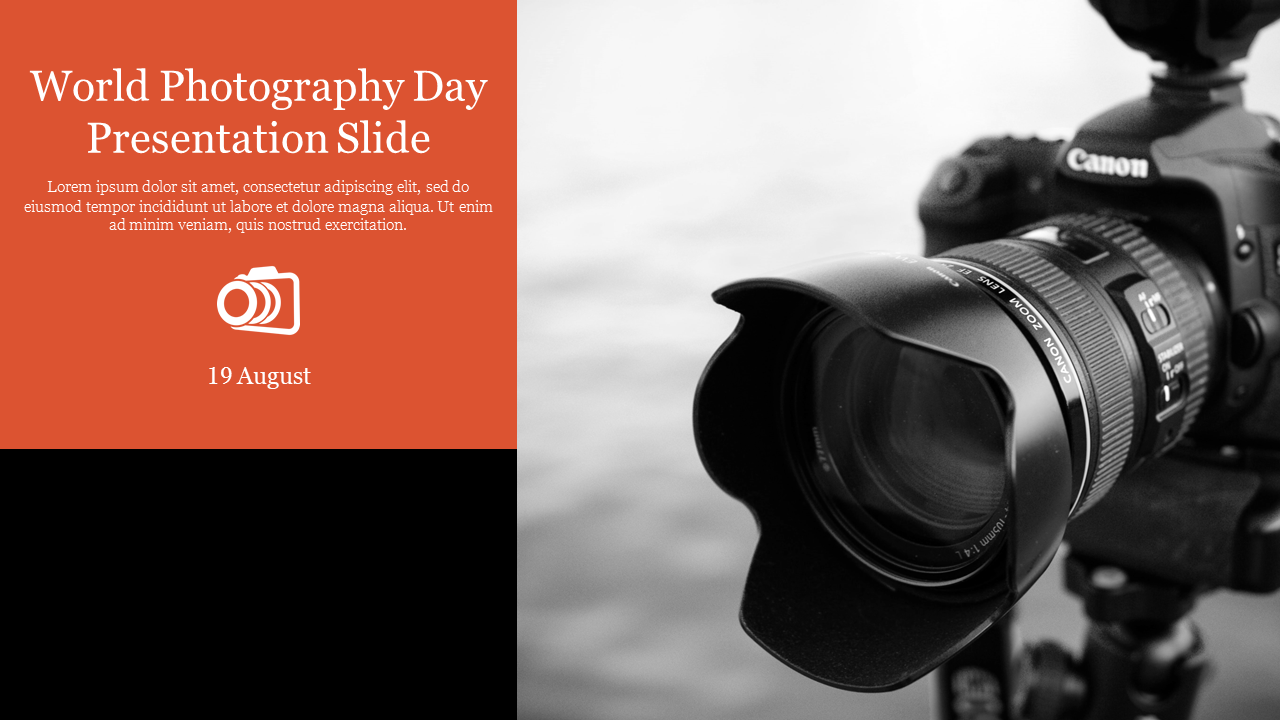
- Camera Lens Inspiration: Get up close and personal with the heart of photography, using lens-themed elements to add a playful touch.
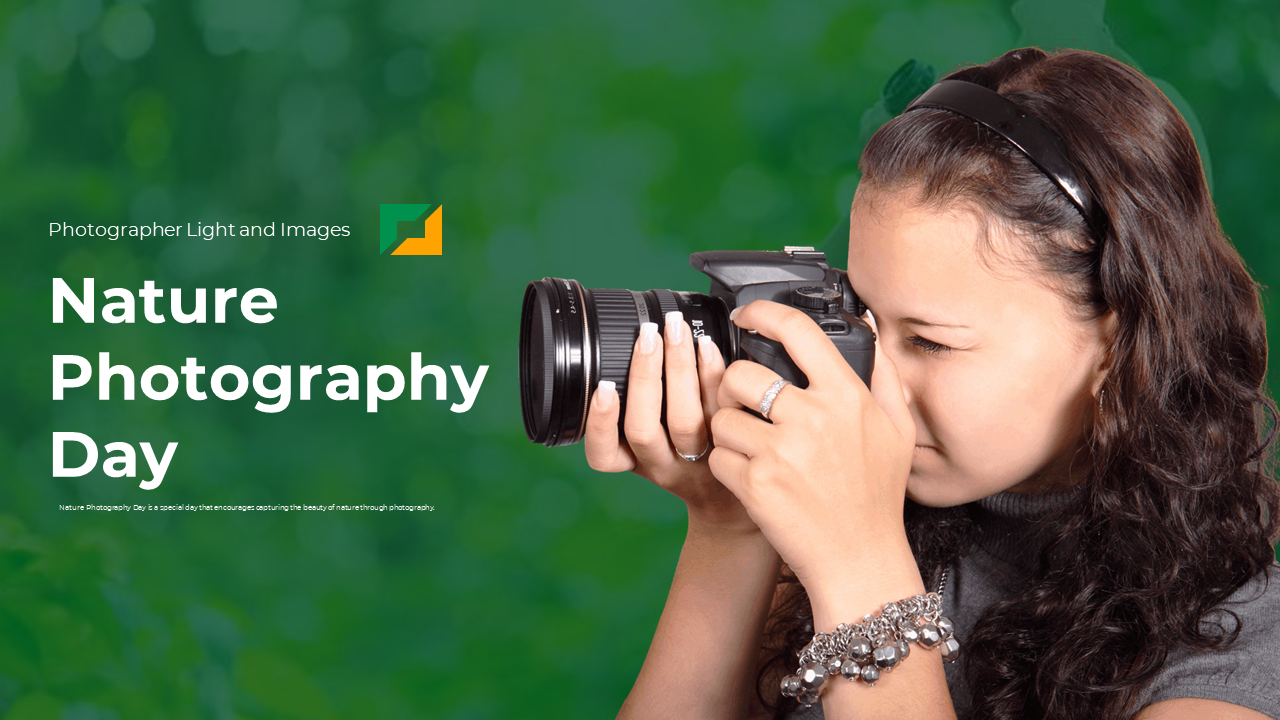
- Nature's Playground: Capture the essence of the outdoors with earthy tones and organic textures that bring your landscapes to life.
- Effortless Customization: These slides are ready to be painted with your unique story. 100% editable, they bend to your every need, allowing you to personalize fonts, colors, and layouts to perfection.
- Format Choices: Choose from landscape or portrait layouts, and 4:3 or 16:9 aspect ratios, making your presentation a perfect fit for any screen.
- Royalty-Free: No copyright worries here! Use these slides freely for personal or commercial projects.
- Quality Above All: Crisp HD visuals ensure your photos shine, while minimalist designs keep the focus on your work, not distracting clutter.
- Free Slides: Start your visual journey with our collection of free photography slide templates.
We're here to help you!
What are Photography PowerPoint Templates?
Photography templates include layouts for appropriate graphics in photo collage styles. High-resolution photographs cropped to the proper size or form are used to create them.
Where can we use these Photography Templates?
You can use these slides in any presentations to discuss photography skills, to give tutorials in filmmaking, shooting, graphic arts, and other fields, as well as their work and experience.
How can I make Photography Slides in a presentation?
You can make your presentation by using default themes in PowerPoint. Choose instantly ready-made slides with simple editing choices if you want to take control of your photo presentation.
Who can use these Photography Templates?
These templates can be used by qualified photographers, journalists, graphic designers, and other visual content creators. Both can use these for aspiring and seasoned photographers.
Why do we need to use the Photography slides?
These slides use fascinating photo collages to draw in the audience. These image slides can communicate business topics by choosing the ideal slide layout for a different presentation.
Where can I find Photography templates for free?
Slides are frequently available for free. For a vast selection of free slides, you can go to Slide Egg now!