Free Personal Achievement Presentation Templates
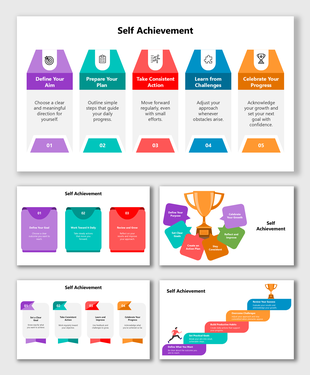
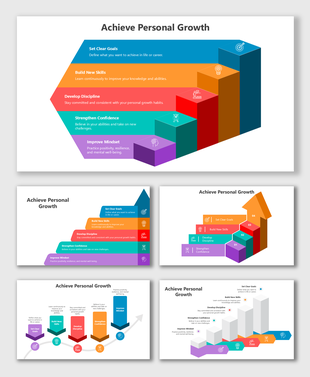
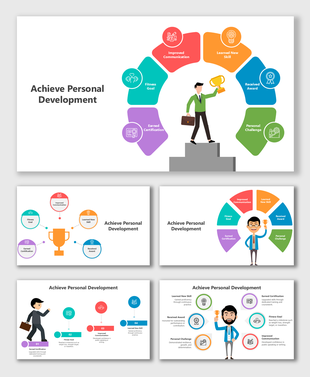
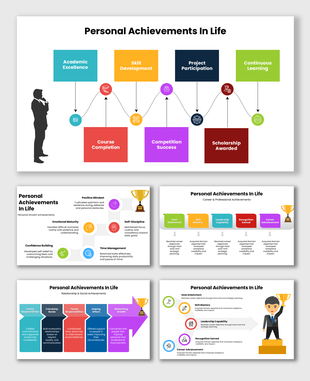
Present your personal growth in a clean and simple style with our Personal Achievement PowerPoint Templates. These easy-to-edit slides help you highlight wins, goals, awards, and learning moments. Customize them in PowerPoint, Google Slides, and Canva, and share your story with confidence in meetings, classes, interviews, and portfolio reviews.
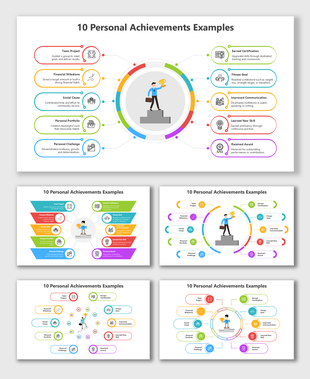
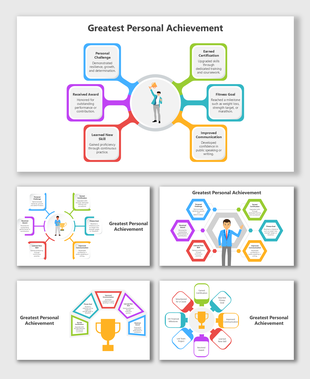
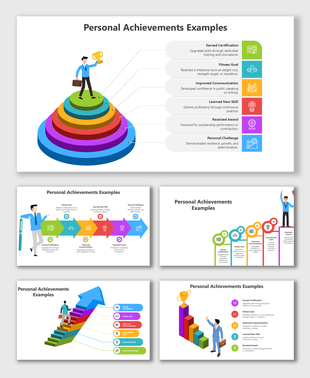
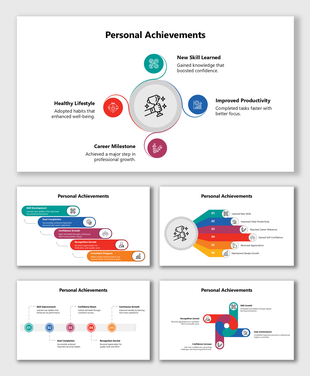
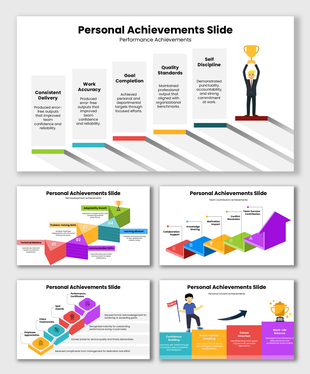
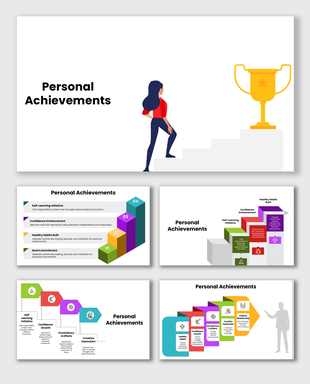
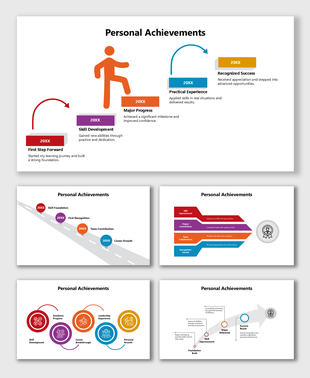
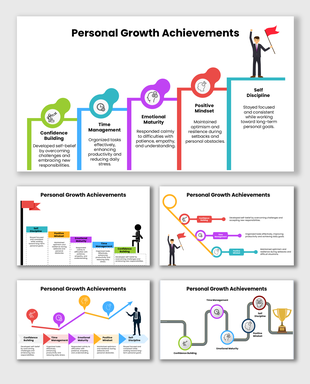
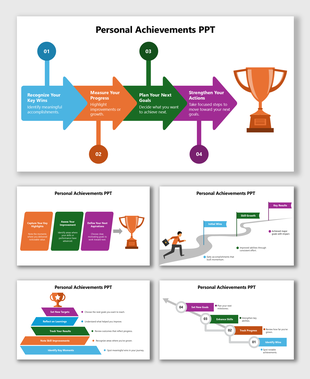
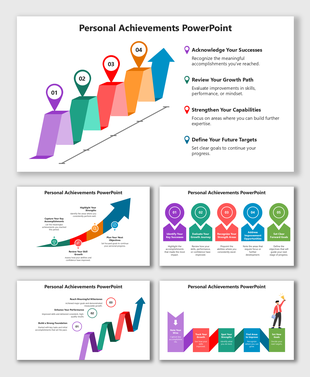
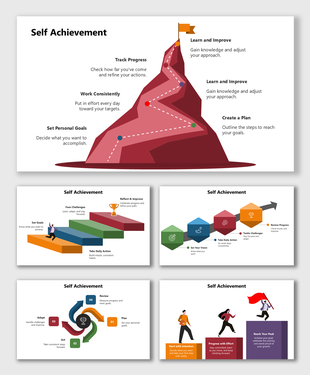
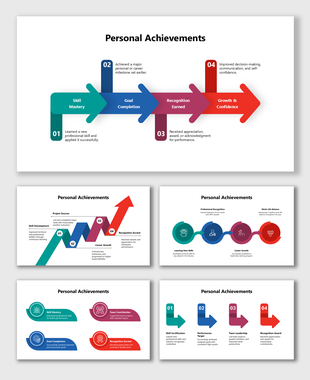
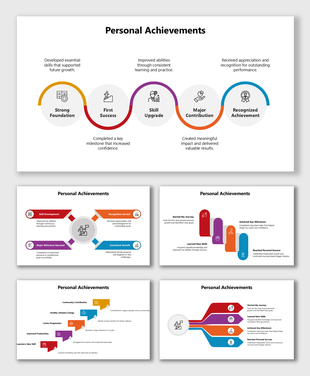
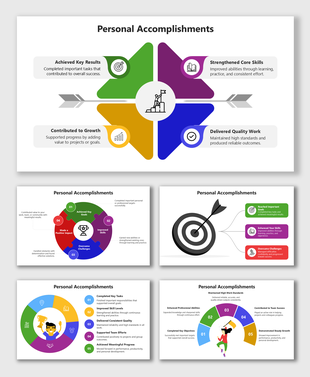
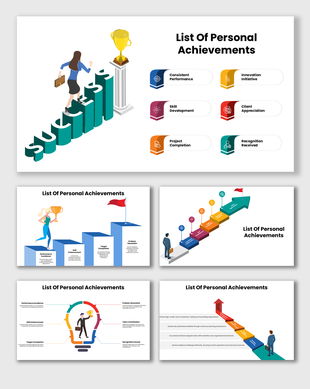
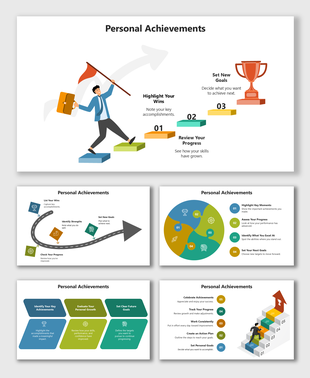
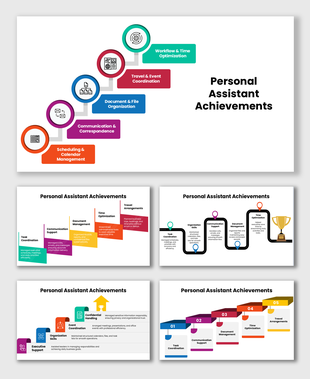
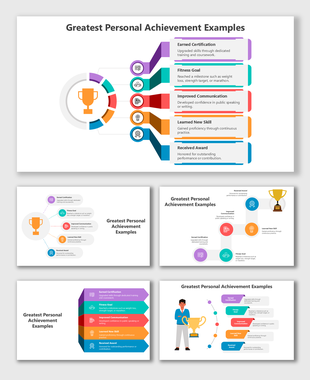
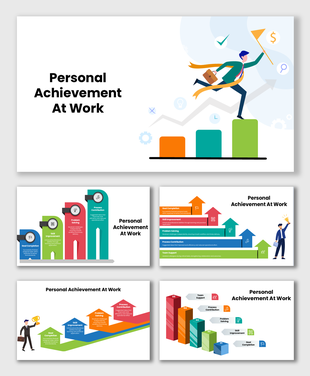
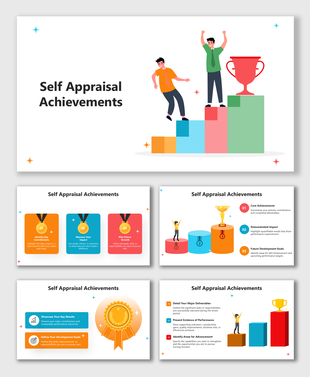
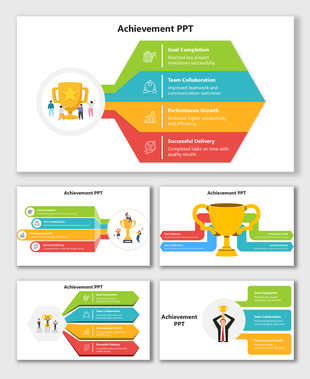
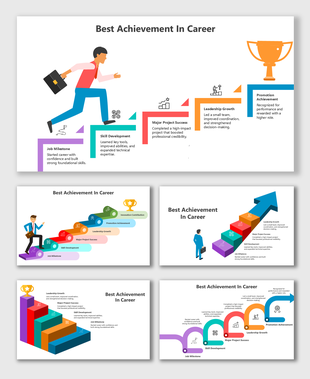
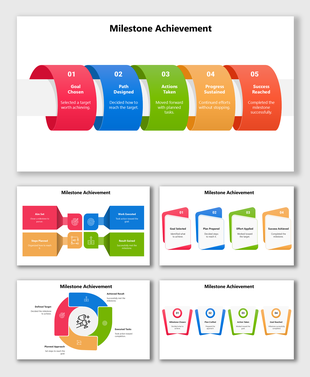
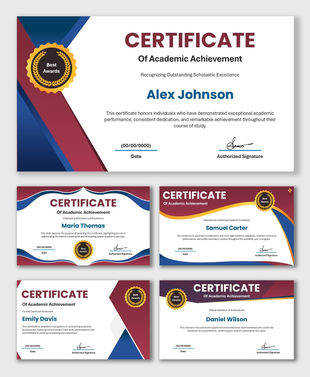
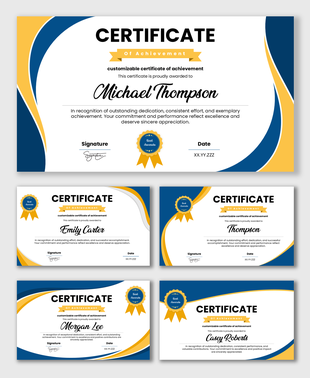
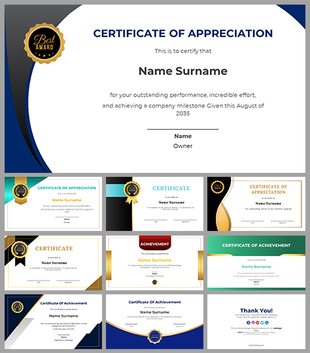
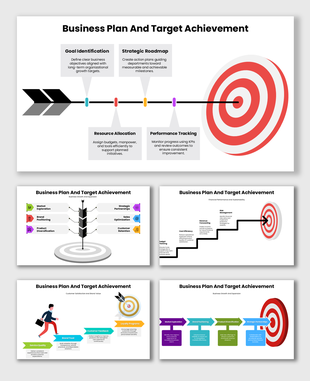
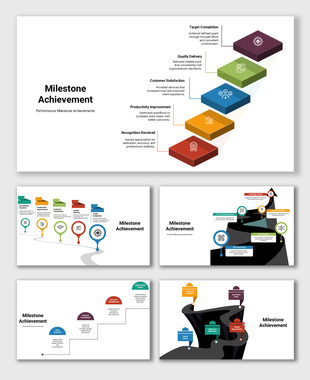
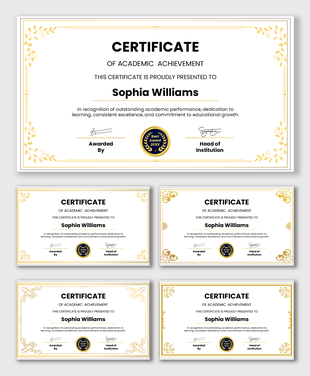
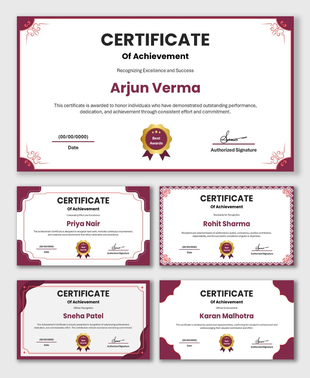
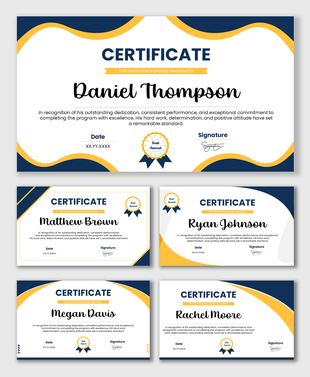
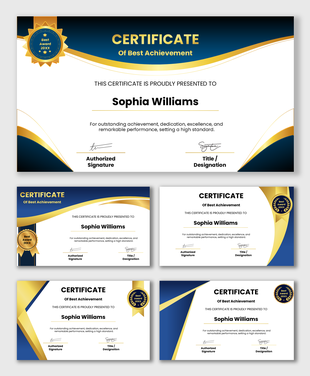
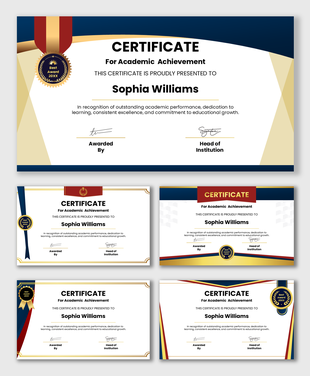
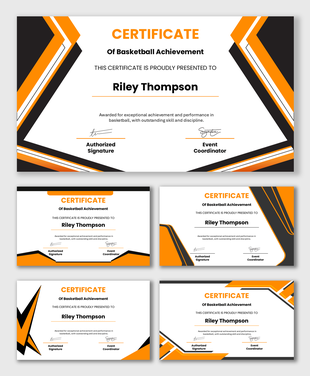
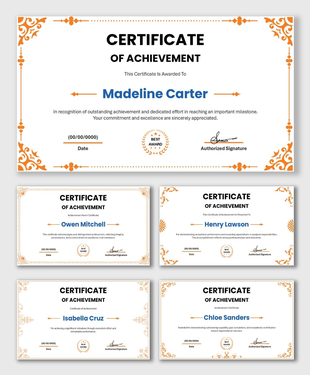
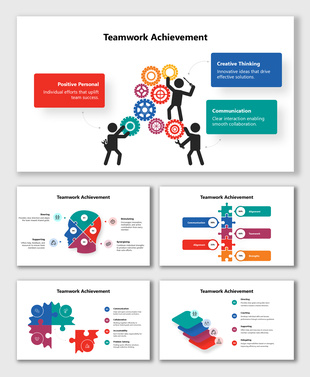
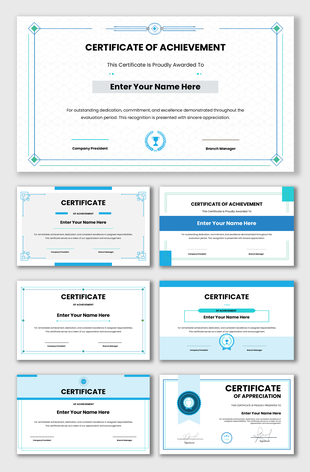
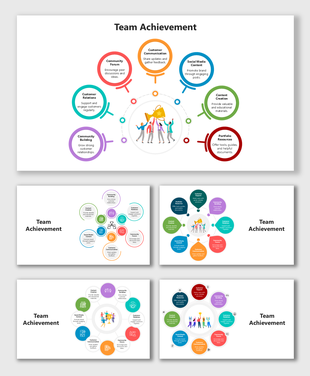
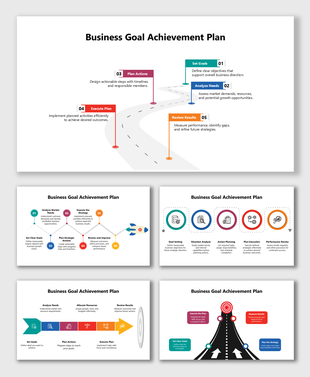
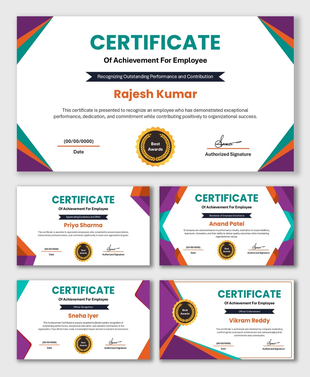
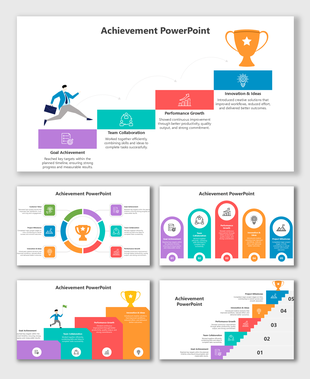
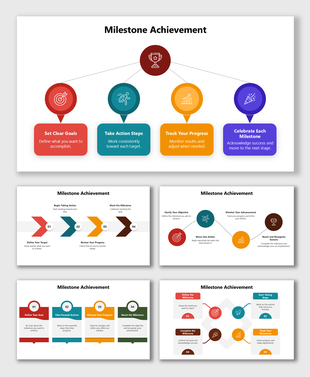
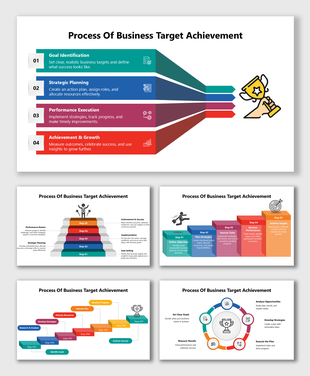
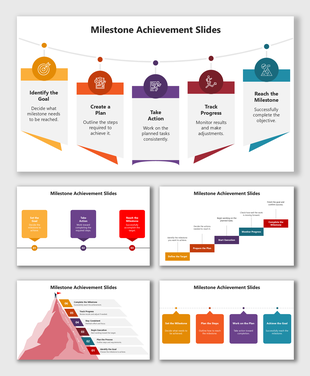
Personal Achievement PowerPoint Templates for Telling Your Story with Clarity
What Makes Personal Achievements Different
- completing a certification
- improving a skill
- earning an award
- finishing a creative project
- reaching a fitness or learning goal
How to Use These Templates Effectively
- When you want to show improvement: Choose a layout that allows you to compare where you started and where you reached. A simple two-column or step-based layout works well for this.
- When you want to highlight a single major achievement: A bold, centered layout keeps the focus on one key moment. This is useful for awards, certifications, or recognitions.
- When your growth happened over several months: A linear or curved path layout helps you show the journey without overwhelming your audience.
- When your achievement is skill-based: Use slides with icons or skill bars to show the level you reached and what you learned along the way.
- When you are preparing for interviews or portfolios: Pick layouts that help you speak about your experience while the slide supports your message visually.
What You Can Present Using These Templates
When These Templates Are Most Useful
- Students sharing academic progress
- Professionals presenting certifications or new skills
- Job seekers building a personal portfolio
- Teachers highlighting student improvement
- Trainers showing learning outcomes
- Individuals sharing fitness or personal development progress
- Creators presenting completed projects or work samples
Design Approach Used in This Category
- soft, friendly colors
- layouts with plenty of breathing space
- icons that support the message
- simple shapes that guide the viewer’s eye
- large, readable text
- clean backgrounds for focus
Why These Templates Are Practical and Easy
- all elements are fully editable
- they are editable in PowerPoint, Google Slides, and Canva
- they come in 16:9 and 4:3 formats
- they are beginner-friendly
- they are royalty-free for personal and school use
A Helpful Way to Think About Personal Achievement Slides
- What changed?
- Why does it matter?
Present Your Personal Growth with Confidence
Frequently Asked Questions
How do I choose the best layout for my personal achievements?
Pick a layout based on your story. Use timelines for growth over time and highlight layouts for single achievements.
Can I add photos or certificates to these templates?
Yes. You can insert images, badges, or scanned certificates easily in these editable templates.
Are these templates suitable for interviews?
Yes. They help you present your achievements clearly in portfolios or interview presentations.
Can students use these templates for schoolwork?
Yes. Students can present learning progress, competition wins, or project outcomes.
Do the templates work in Google Slides and Canva?
Yes. They open in PowerPoint, Google Slides, or Canva without any issues.
Can I change the colors and icons?
Yes. All elements are editable, so you can match your style or branding.
Are there free templates in this category?
Yes. The category includes both free and premium personal achievement templates.