390+ Light-Bulb Presentation Templates
You have ideas. But scattered ideas confuse people. Organizing them into clear parts helps understanding. But creating that visual organization without design expertise is the real challenge.

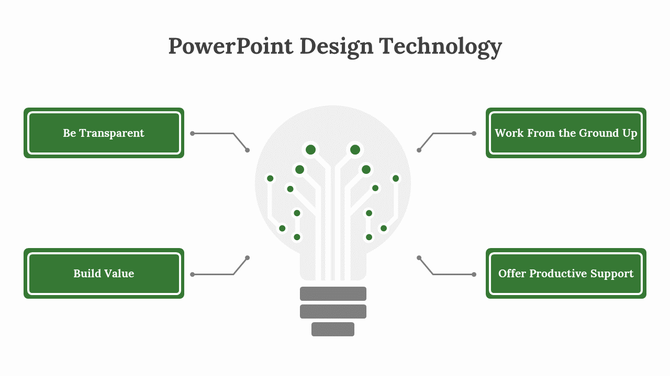
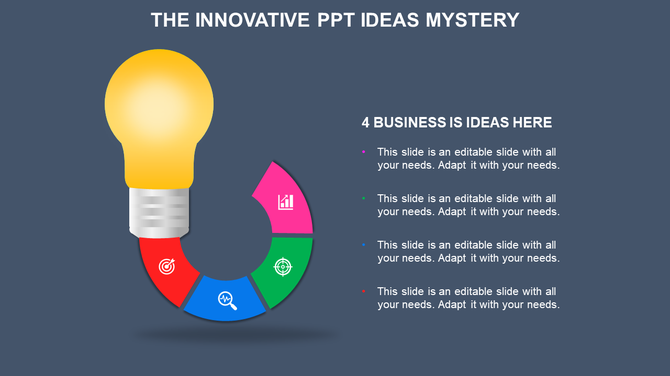
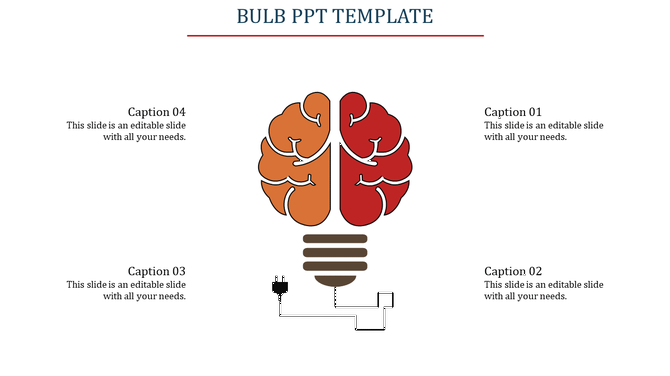
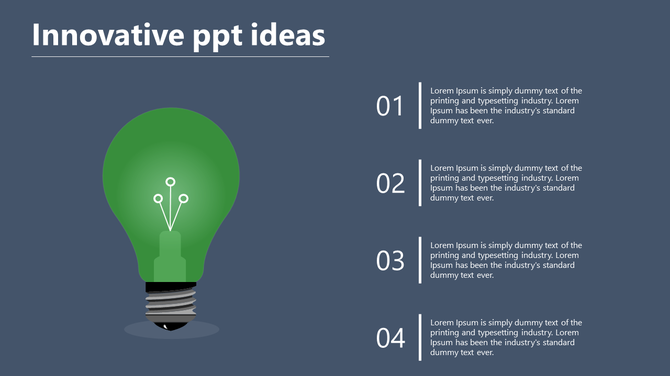


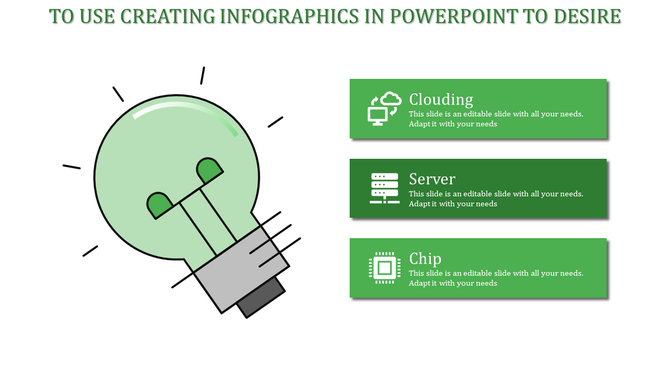
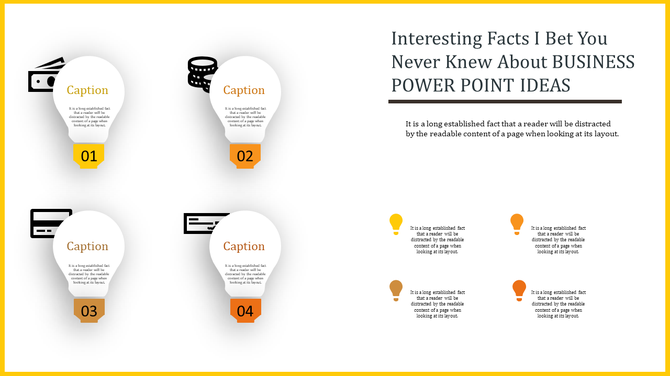
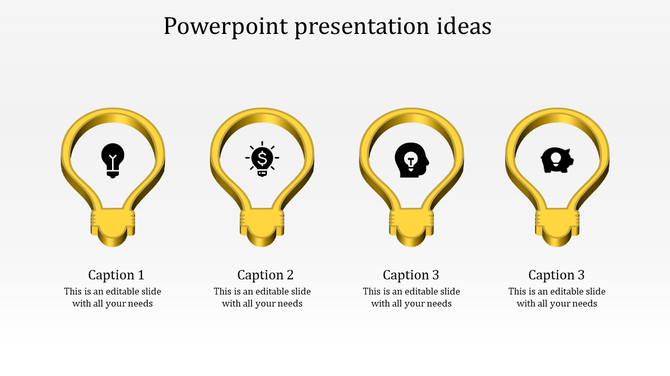

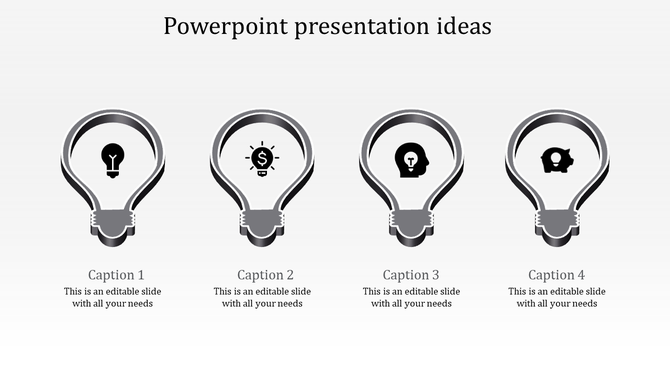
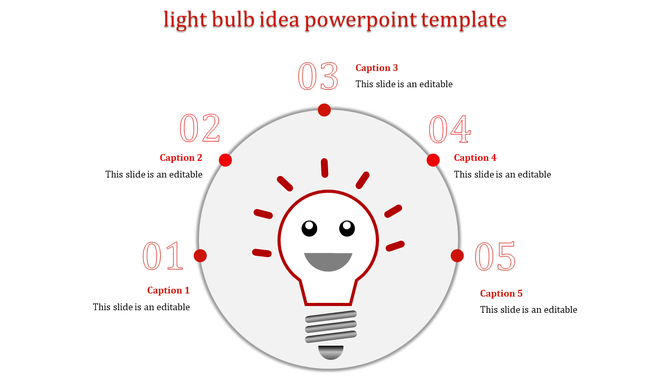

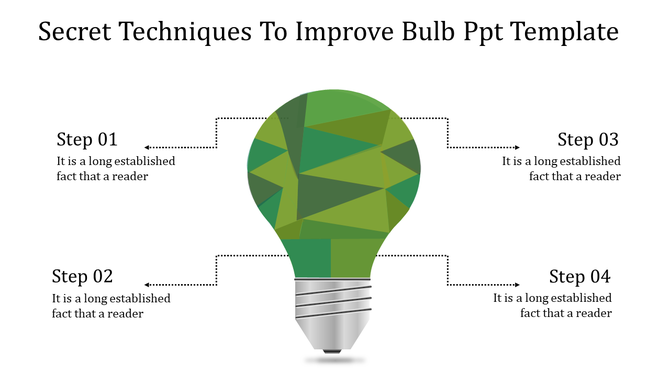
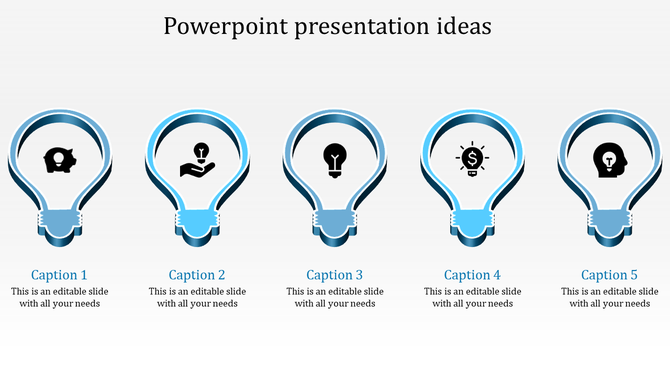
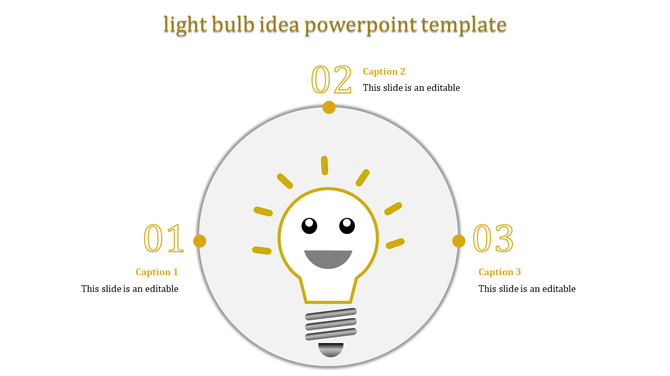
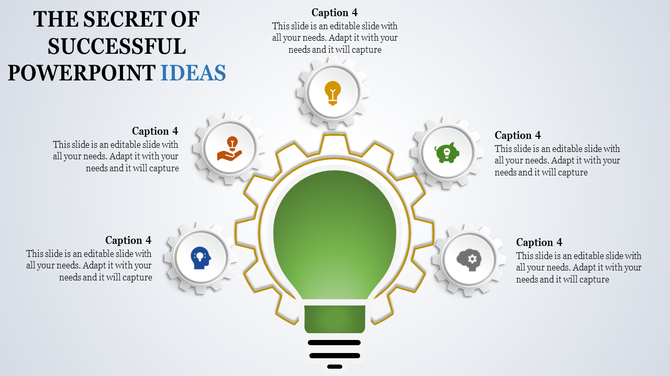


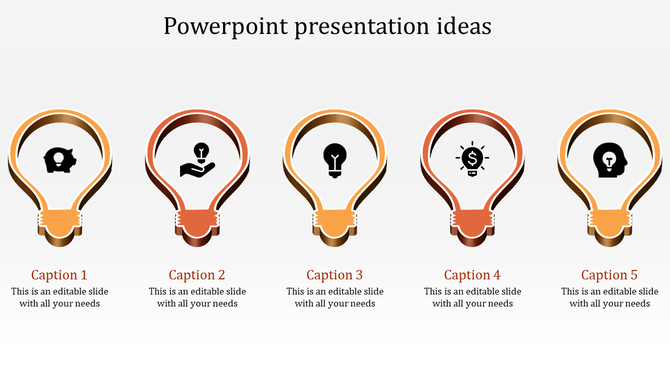
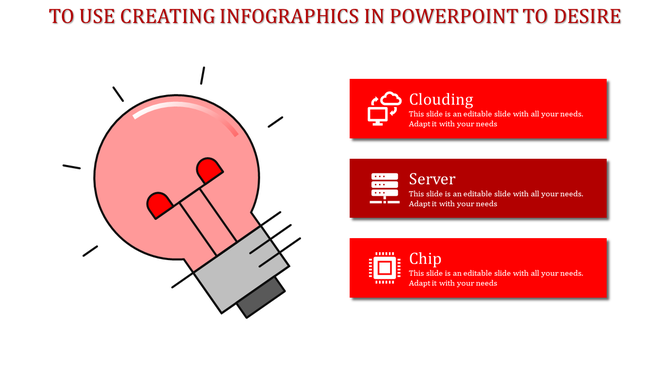
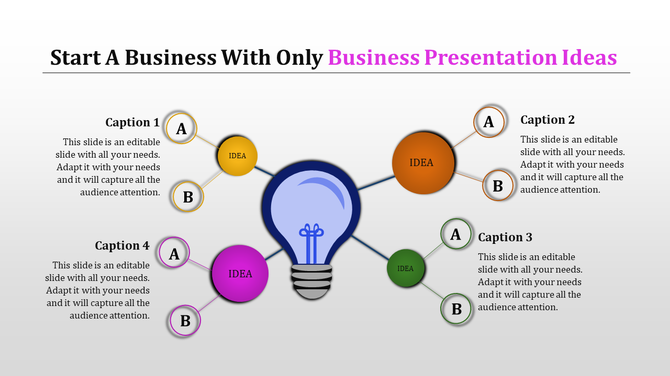
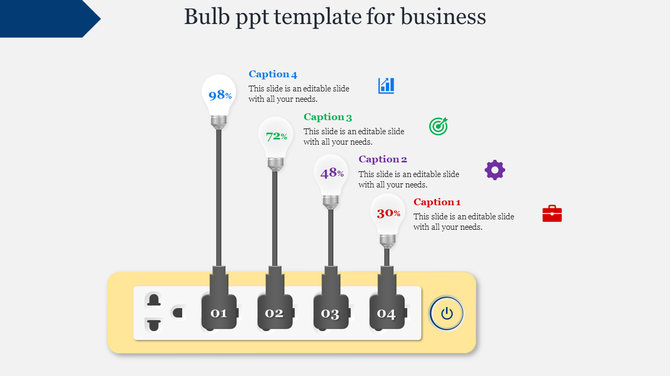
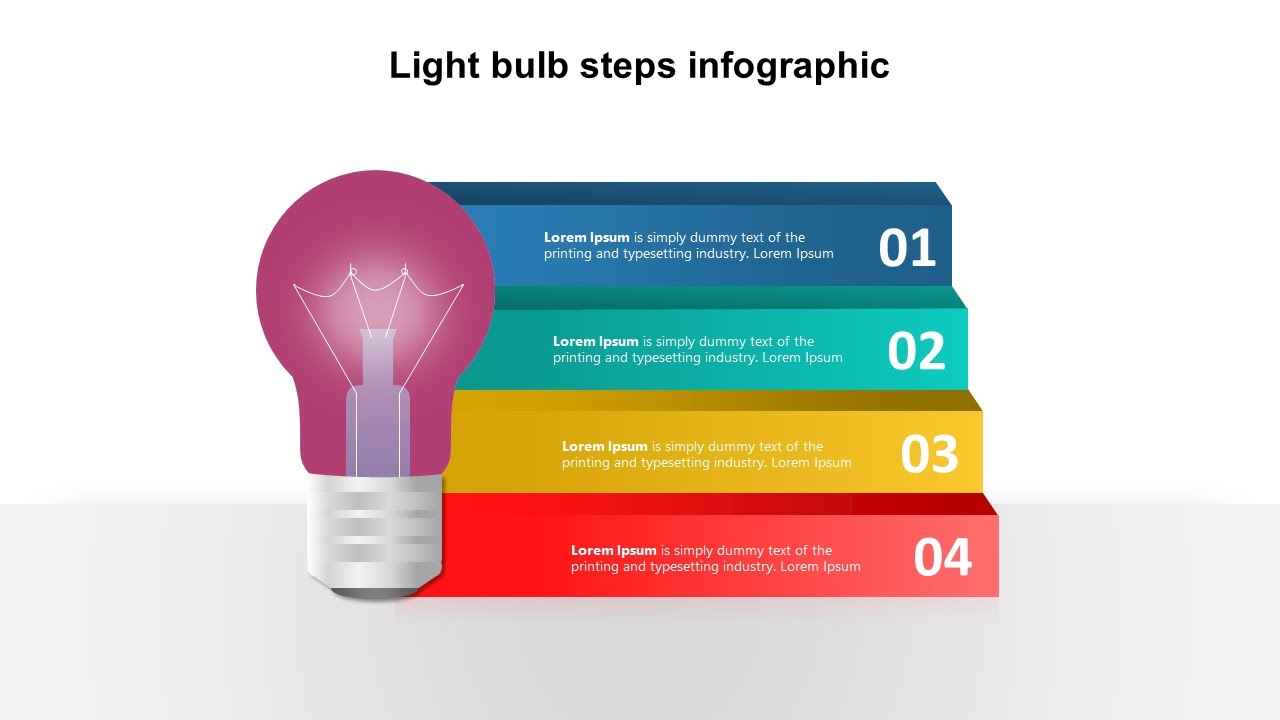
- A wide variety of templates: We have templates for a variety of themes, including business, education, and marketing.
- Easy to use: Our templates are 100% editable, so you can easily add your own text, images, and logos.
- Multiple formats: Our lightbulb templates are available in both 4:3 and 16:9 aspect ratios and in both portrait and landscape orientations.
- Royalty-free: You can use our templates without any worries about copyright.
- Free slides: We offer a selection of free templates to get you started.
Become an expert with SlideEgg
Watch quick, practical walkthroughs and level up your presentation design skills in minutes.

Frequently Asked Questions
1. How do I customize the light bulb templates for my presentation?
You can easily edit the text, swap images, and adjust colors with just a few clicks. The templates are designed to help you quickly organize your ideas without having to worry about design.
2. Can these templates be used for both creative and professional presentations?
Yes! These templates are flexible, balancing creativity and professionalism. They are ideal for both business presentations and brainstorming sessions, or idea pitches that need a clear and structured approach.
3. Can I add my company logo and personal branding to these templates?
Absolutely! You can easily customize the templates by adding your company logo, brand colors, and personalized text while keeping the creative design intact.
4. How can I make my ideas stand out using these templates?
These templates help you organize your thoughts clearly with structured layouts. Use the light bulb design to emphasize key ideas and ensure your message is communicated effectively, with visual appeal.
5. Can I use these templates for educational purposes, like teaching creativity or problem-solving?
Yes! These templates are great for classroom activities, especially when teaching creative thinking, brainstorming techniques, or problem-solving methods. They’re designed to be engaging for students.
6. Are these templates compatible with both PowerPoint and Google Slides?
Yes, these templates work seamlessly with both PowerPoint and Google Slides, so you can create and present your ideas on whichever platform you prefer.
7. How do I make my presentation more interactive with these templates?
You can add interactivity by using the built-in idea flow diagrams, charts, or problem-solving models. Customize the templates to include interactive discussions, quizzes, or brainstorming activities.