Free Insurance Presentation Templates
Find free professional insurance PowerPoint templates and Google Slides themes! Choose slides from various insurance themes, crafted with sleek designs and captivating visuals. Simply add your content, customize with ease, and present like a pro! Impress clients, engage students, and empower everyone with the power of clear, impactful presentations.



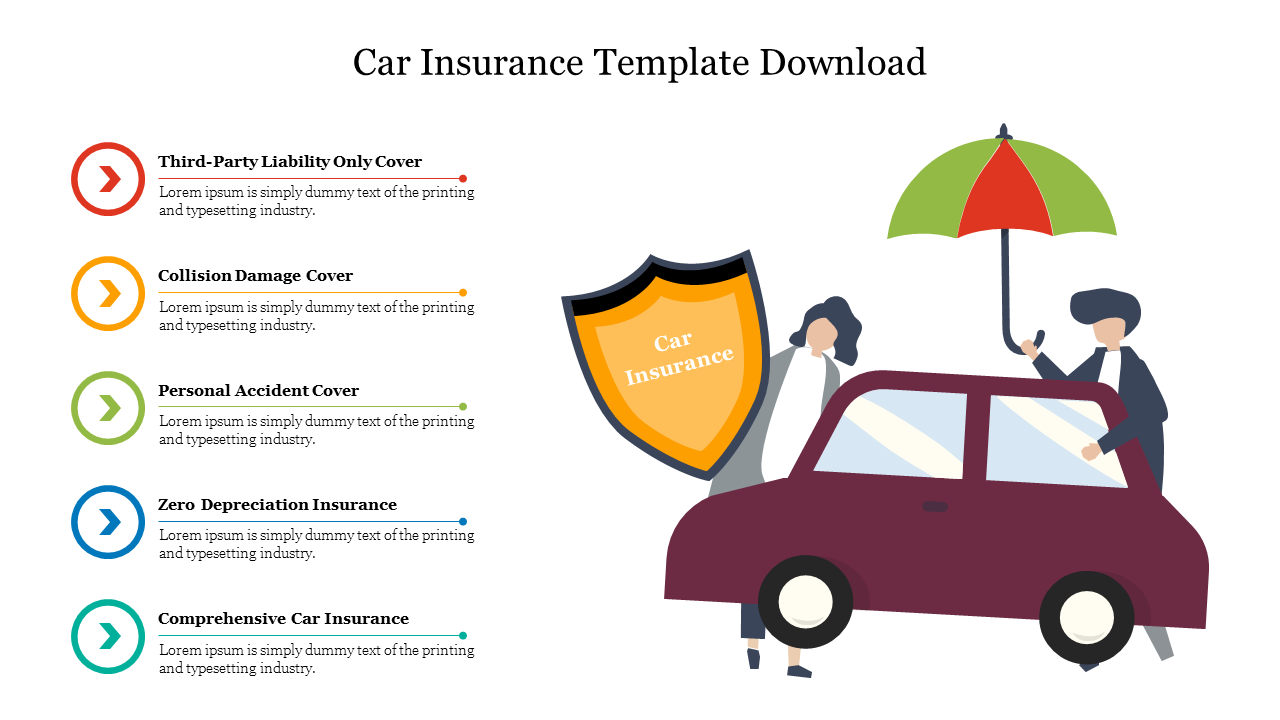





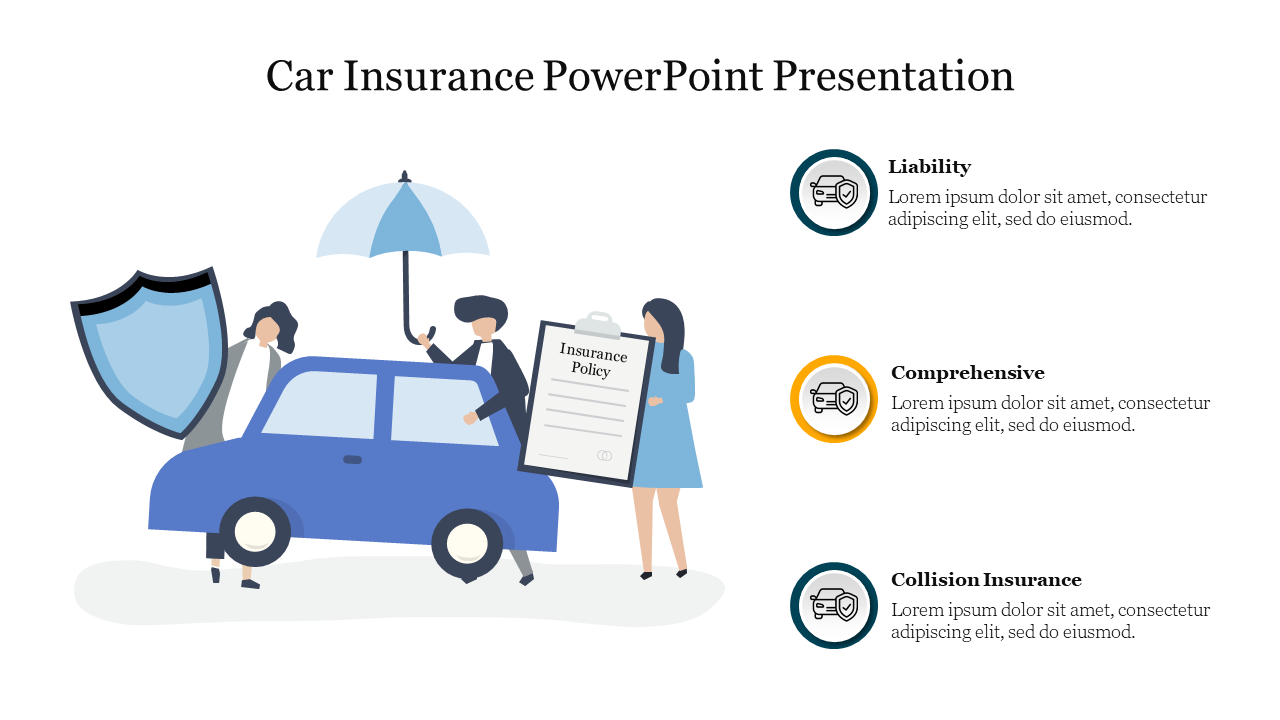







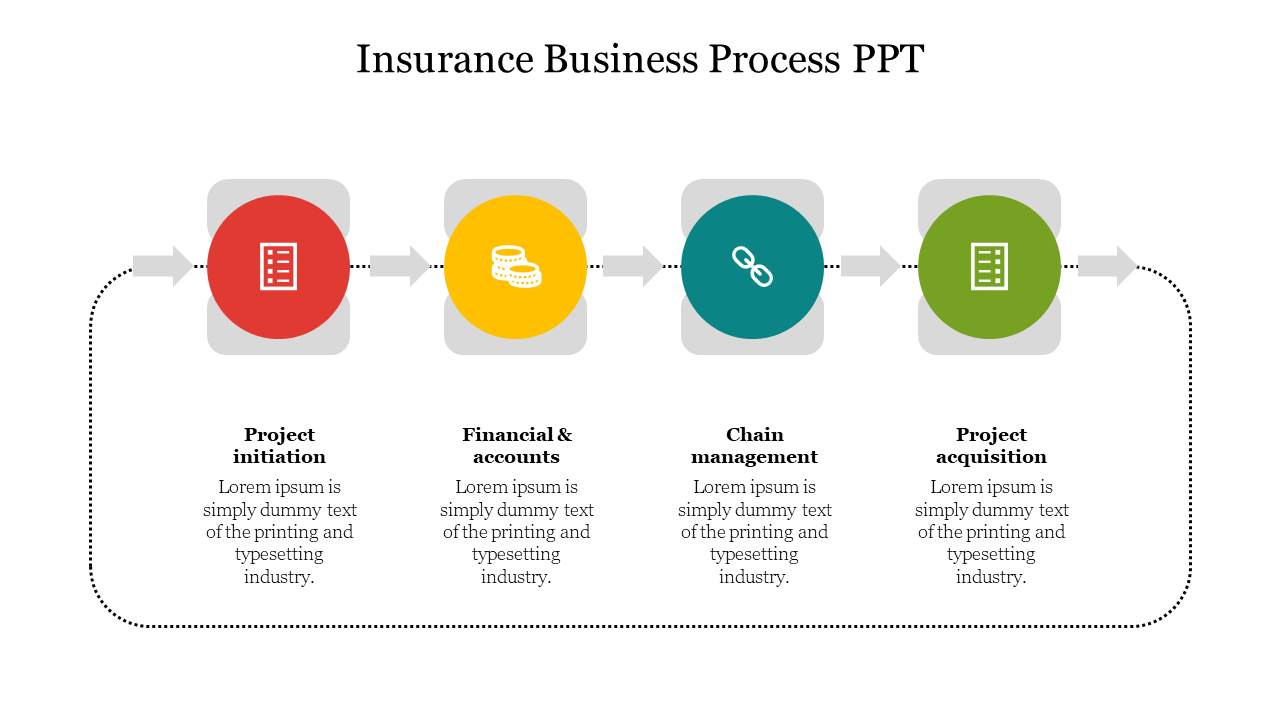
- Royalty-free: Use them without any copyright worries!
- 100% editable: Customize the slides to fit your specific needs and brand.
- Multiple formats: Choose between 4:3 and 16:9 orientations, portrait or landscape, to match your presentation style.
- Free options: Get started with a selection of free insurance templates to test the quality before diving in.
- National Insurance Awareness Day slides: Celebrate this important day with dedicated templates.
- Minimalist designs: Clean lines and eye-pleasing colors keep the focus on your message.
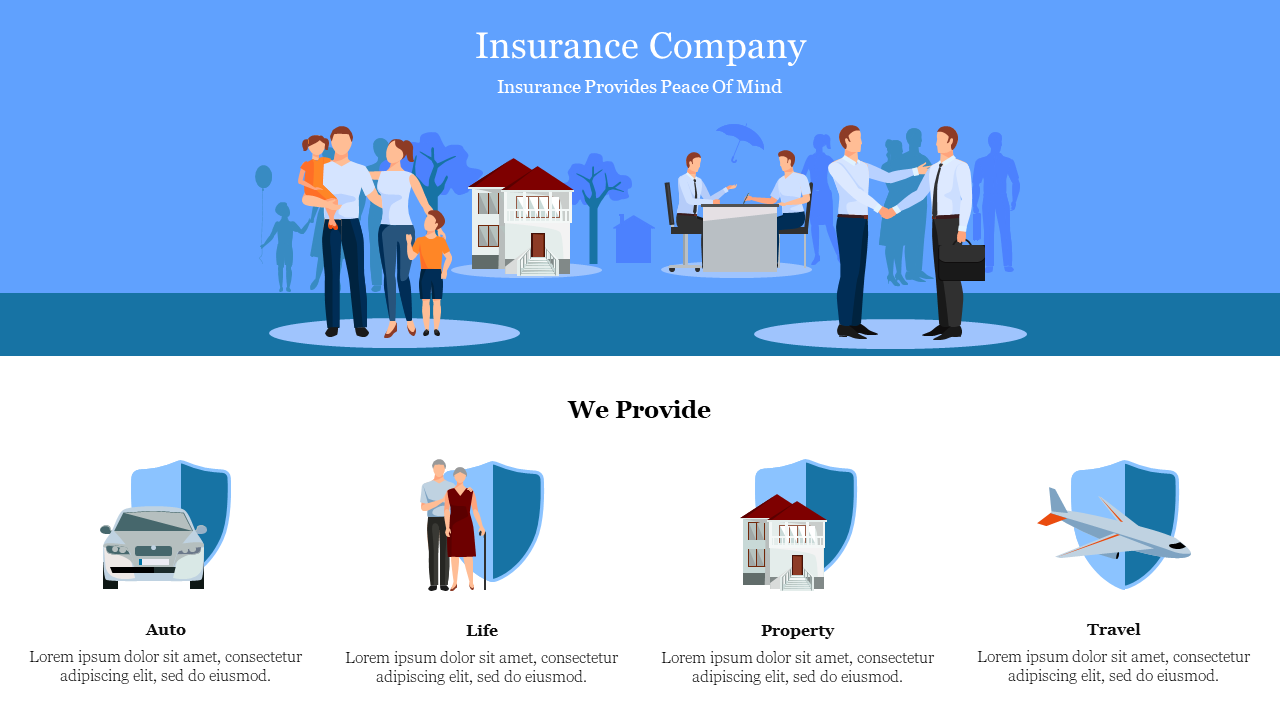
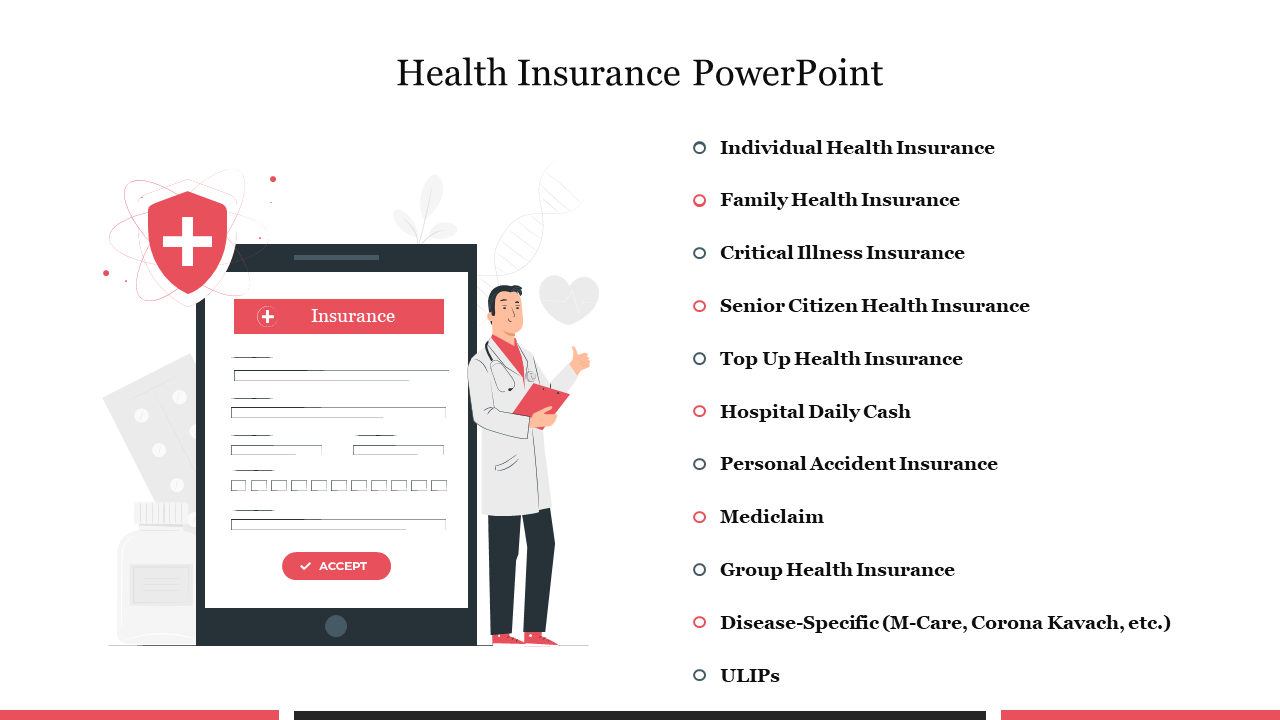
- Visual storytelling: Images, icons, and infographics make complex topics easy to understand.
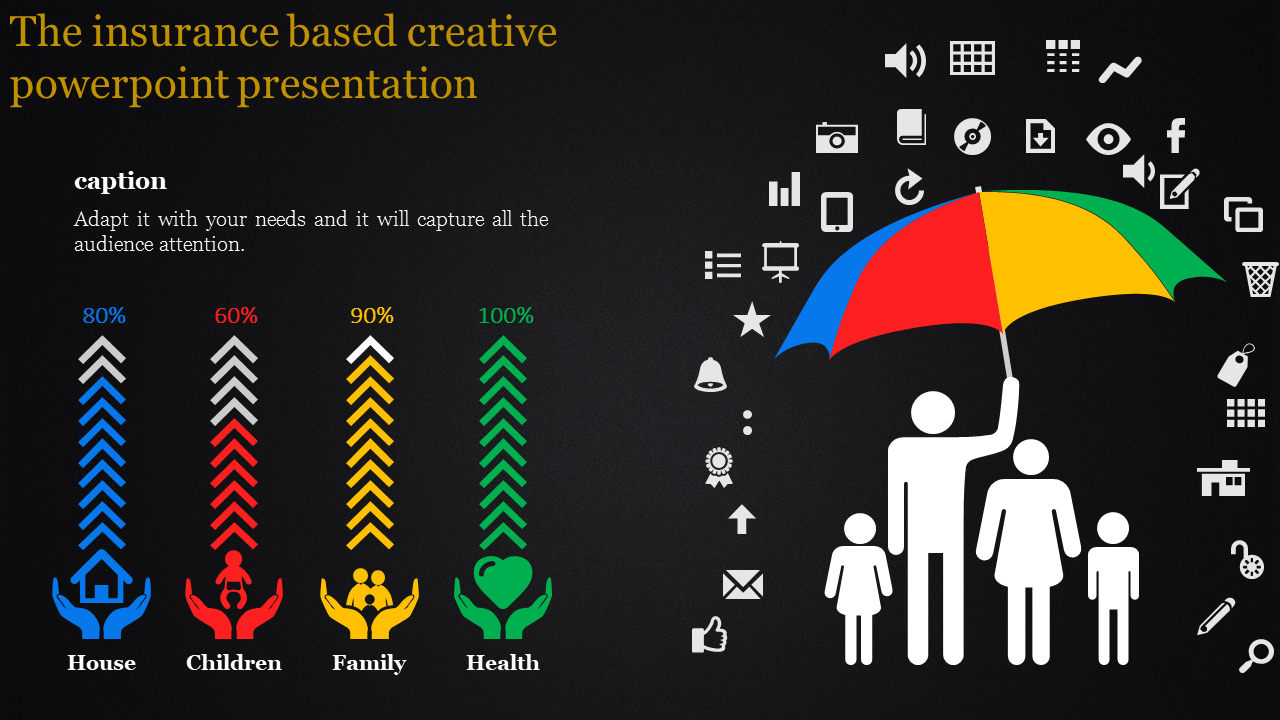
- Data-driven insights: Use graphs and charts to present statistics in a clear and compelling way.
We're here to help you!
What types of insurance presentation templates do you offer?
We offer a wide variety of pre-designed templates for life, health, car, home, and business insurance presentations. We even have special slides for National Insurance Awareness Day!
Are your insurance presentation templates free?
Yes, we offer both free and premium templates. You can browse the free collection and upgrade to premium for more advanced features and designs.
Can I edit these templates?
Absolutely! All our templates are 100% editable, allowing you to customize them with your company branding, data, and messaging. You can change text, colors, images, and layouts to create a presentation that's uniquely yours.
What formats are the insurance presentation templates available in?
You can choose from different formats (4:3 & 16:9) and orientations (portrait & landscape) to match your presentation software and preferences. We also offer Google Slides themes for seamless online presentations.
Can I use the images and icons in the insurance presentation templates?
Yes, all the visuals in our templates are royalty-free, meaning you can use them in your presentations without worrying about copyright restrictions.
How can I download the insurance presentation templates?
Simply browse our collection, find the template you like, and click the "Download" button. You'll be prompted to create a free Slide Egg account or log in if you already have one. Once downloaded, you can edit the template in your preferred presentation software.
Do you offer any tips for creating effective insurance presentations?
Sure! Here are a few tips: Keep your slides clear, concise, and easy to follow. Use visuals like images, icons, and infographics to break up text and make your points clear. Tell a story with your slides, using a logical flow to guide your audience through your message. Practice your delivery beforehand to ensure you're confident and engaging.
Can I get help with using these templates?
You can contact our friendly customer support team if you have any questions.