670+ Festival Presentation Templates
You're announcing something meaningful—a festival, a celebration, a moment that matters. But plain slides make it feel ordinary. Without visuals that reflect the occasion, your message stays invisible.
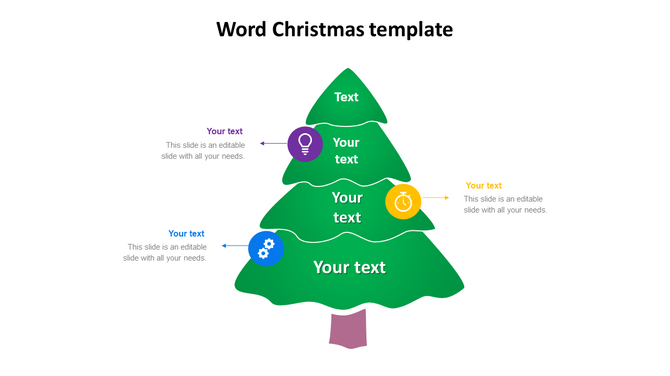
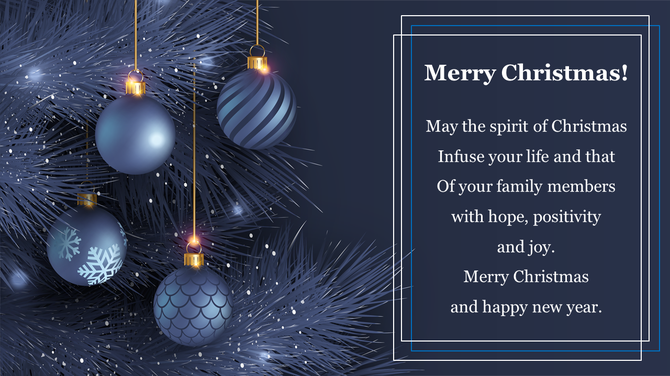
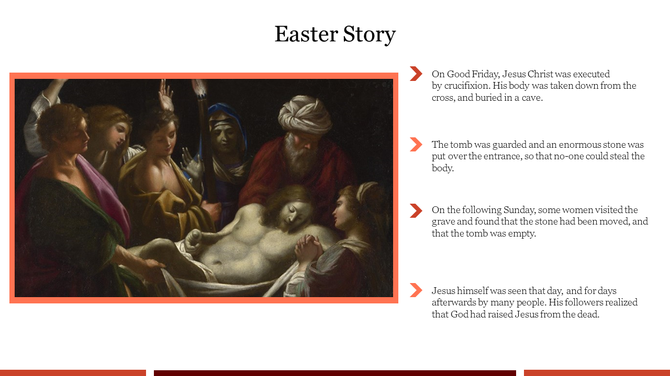

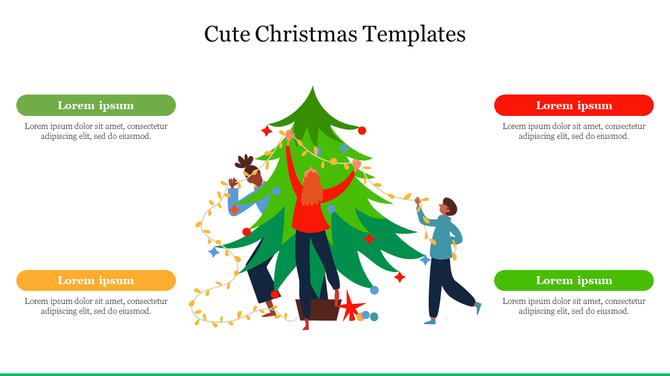
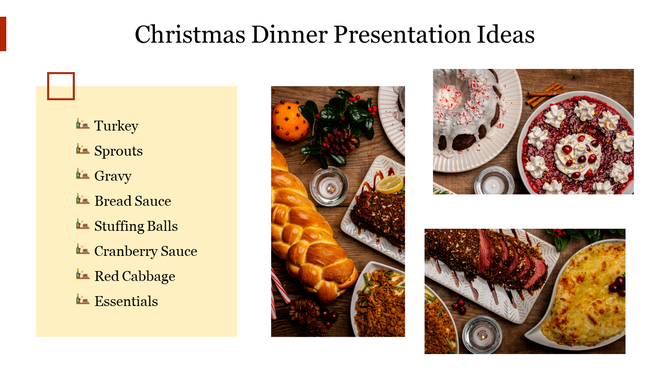
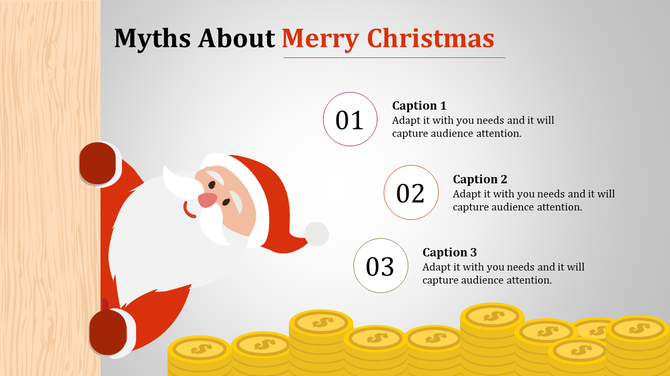
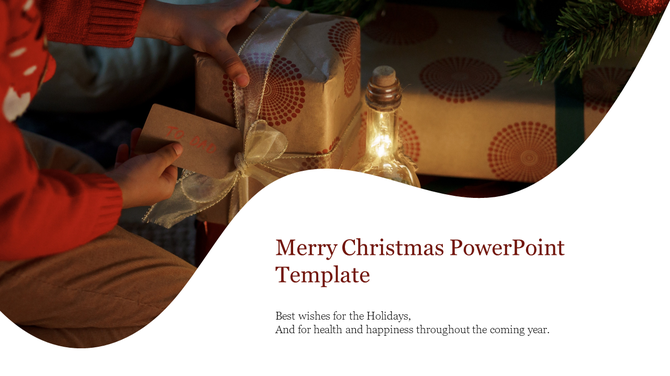
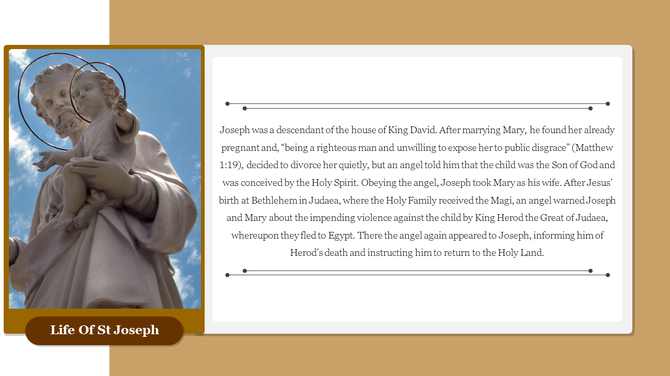
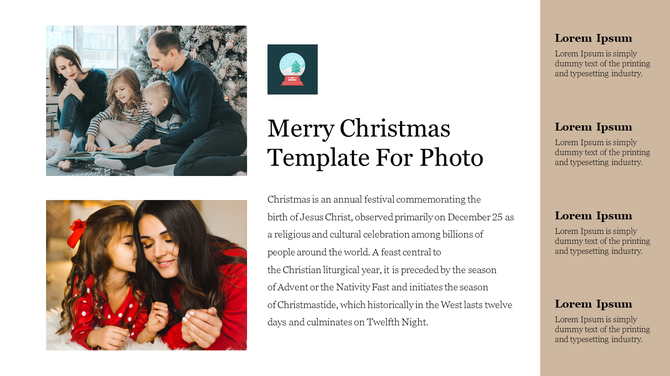
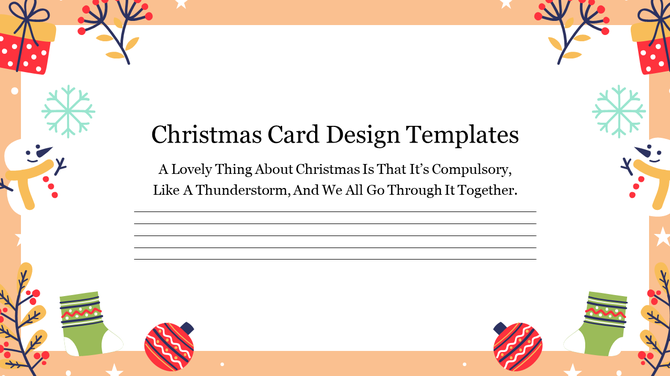
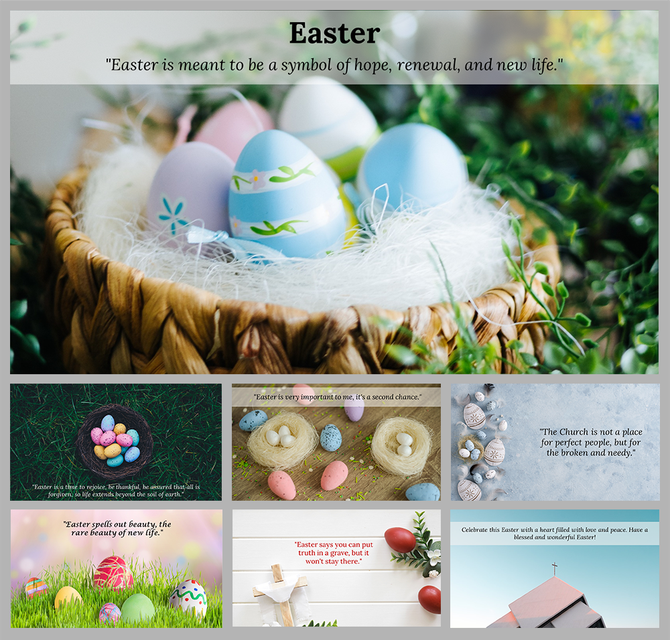


Celebrate in Style: Find Your Perfect Free Festival PowerPoint Templates and Google Slides Themes!
- Spread the cheer: Share the joy and excitement of the season with vibrant visuals and festive designs.
- Engage your audience: Make your presentations more memorable with beautiful slides that capture their attention.
- Save time and effort: Skip the design hassle and focus on your content with our ready-to-use templates.
- Huge variety: Choose from a wide range of themes for every major festival you can think of, like Eye-catching HD slides to adorn your festival presentations.
- Visually stunning: Professionally designed slides that look amazing. Our slides are packed with high-quality pictures and graphics that set the mood.
- Easy to use: Simply edit the text and graphics to personalize them for your needs.
- Many formats: Choose between widescreen or standard size, portrait or landscape orientation.
- Free options: Try out some of our slides for free before you buy!
- Easy to edit: Change text, colors, and pictures with just a few clicks.
- High quality: All slides are in HD resolution for sharp, clear images.
- Royalty-free images: Use our pictures without worrying about copyright issues.
- Diwali presentations: Celebrate the Festival of Lights with beautiful rangoli designs and diya visuals.
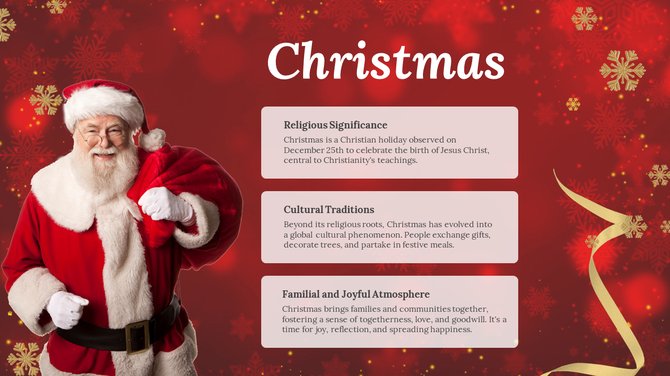
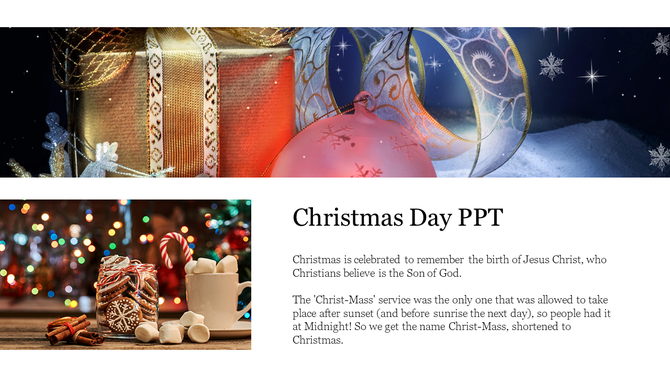
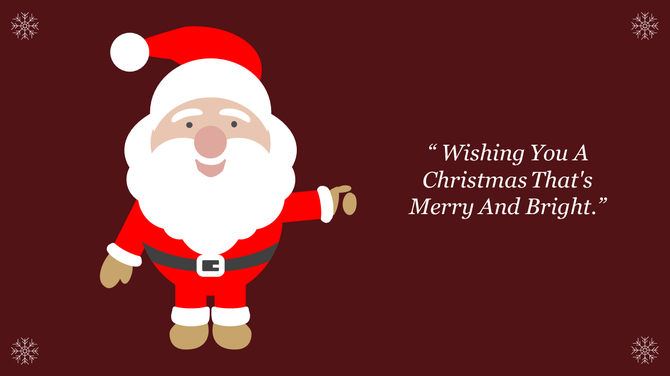
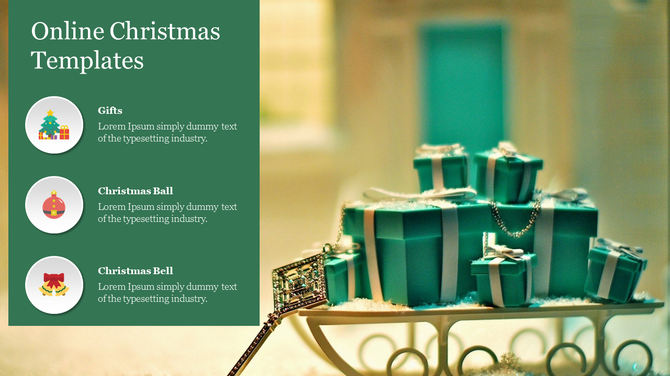
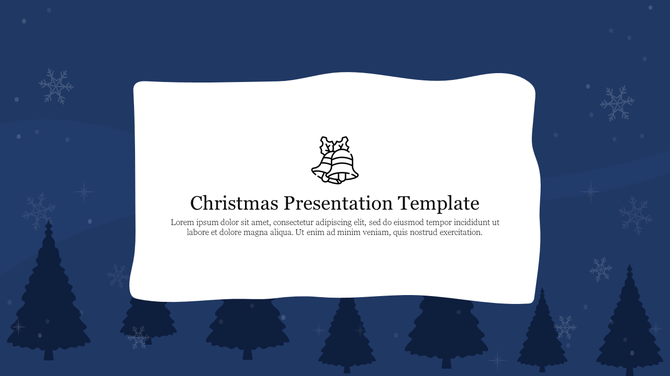
- Christmas presentations: Spread holiday cheer with Santa, snowmen, and festive trees.
- New Year's presentations: Ring in the new year with bright colors and celebratory text.
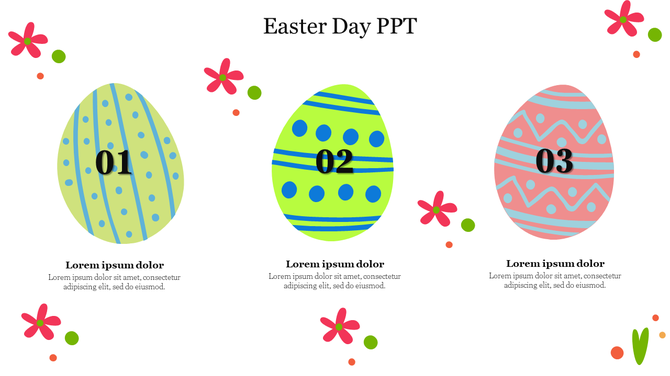
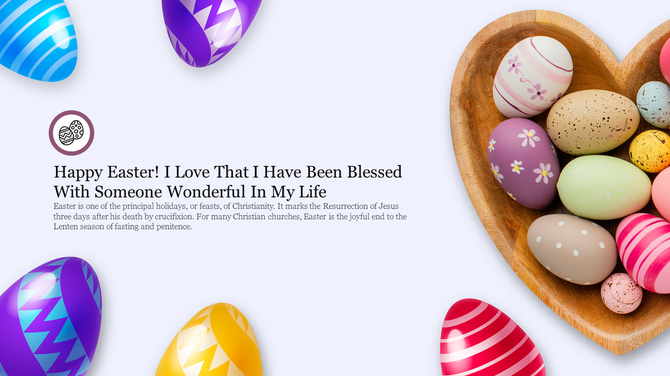
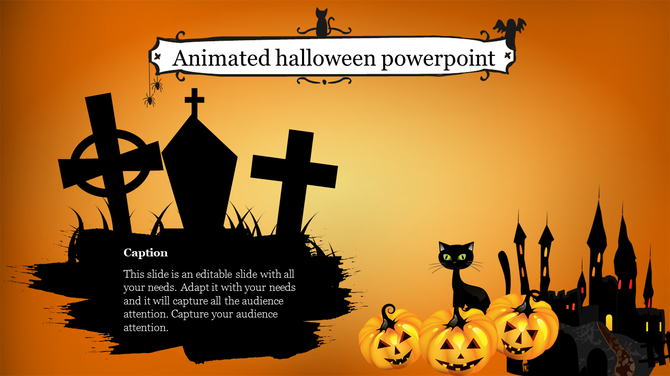
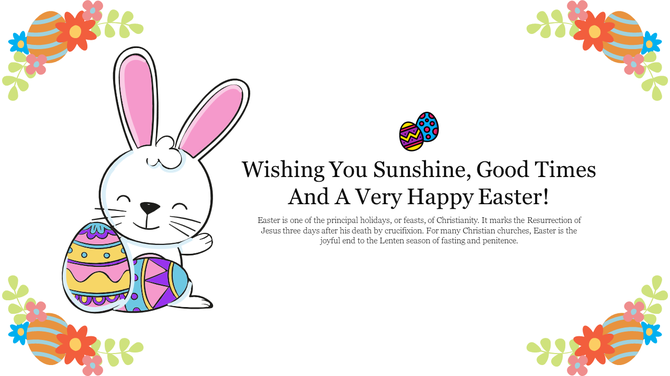
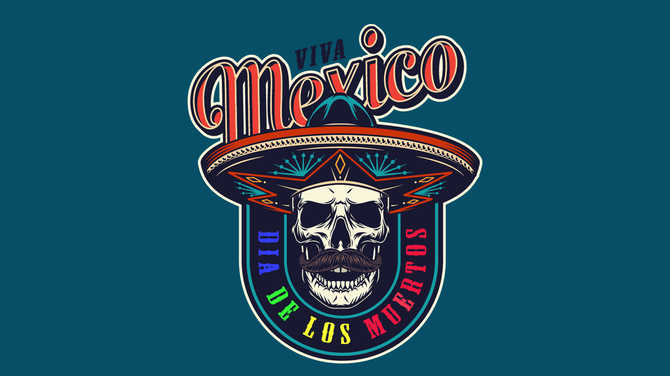
- And many more! We have slides for Easter, Halloween, Black Friday, cultural festivals, and more.
- Teachers: Create engaging presentations for your students.
- Businesses: Promote your holiday sales and events.
- Community groups: Organize festive gatherings and celebrations.
- Anyone seeking to infuse their presentations with a festive vibe!
Explore Similar Collections
Frequently Asked Questions
1. I want to create a festive presentation but I'm not a designer—can I actually use these templates?
Yes. Download the template, open it in PowerPoint or Google Slides, and replace the text with your own. The design is already done. You just add your content. No design skills needed. The template handles the visual part.
2. These templates are for Christmas/Diwali/Halloween—can I use them for a different festival or celebration?
Most templates are festival-specific. But you can customize colors, text, and images to fit any celebration. If you want Valentine's Day visuals for an anniversary, you can edit those elements. The structure and design remain the same; the content becomes yours.
3. How do I know which template to pick—do I need different ones for different festivals?
Each festival has its own templates (Christmas, Diwali, Halloween, etc.). Pick the one matching your celebration. If no exact match exists, pick one with colors and style you like, then customize the festival-specific elements to fit your occasion.
4. Can I change the colors and decorations to match my brand or theme?
Completely. All templates are 100% editable. Change background colors, swap decorative elements, add your logo, and modify fonts. Everything can be customized. The pre-designed template just gives you a head start on layout and aesthetics.
5. These templates look beautiful but will they actually look good when I present them?
Yes. Templates are professionally designed for presentations. They're tested for readability, color contrast, and visual impact on screens and projectors. What you see in the preview is what you'll present. No surprises.
6. I only need a few slides but these templates have 20+ slides—do I have to use them all?
No. Delete the slides you don't need. Use only what applies to your celebration. Keep the ones that work, remove the rest. You're not locked into using the entire template.
7. How do I make sure my festive presentation doesn't look unprofessional or too childish?
Choose templates with the aesthetic you want. Some are playful and fun, others are elegant and sophisticated. Preview before downloading. Once you customize with your own content and logos, it reflects your professionalism. The template is just the foundation.