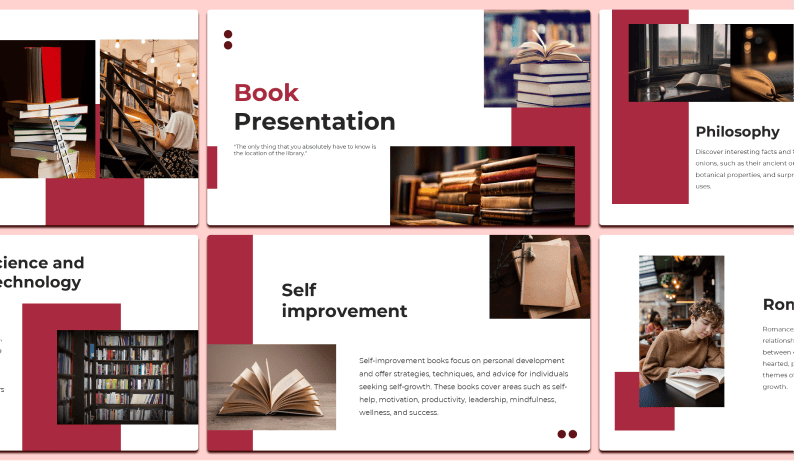
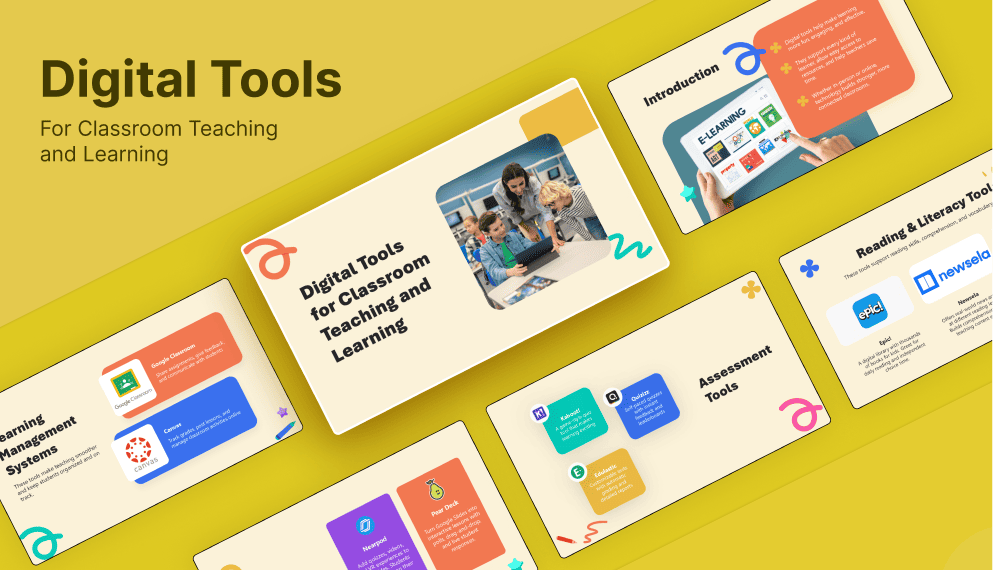
1450+ Education Presentation Templates
You don't have design skills. That's completely okay. Most educators don't. Templates don't require design skills. They handle design work. You handle content. It's a perfect match.

Free
Add to Wishlist
Download
AI Customize
Slide design for a thesis presentation with six colored boxes, each numbered and containing sample text.
Free
Add to Wishlist
Download
AI Customize
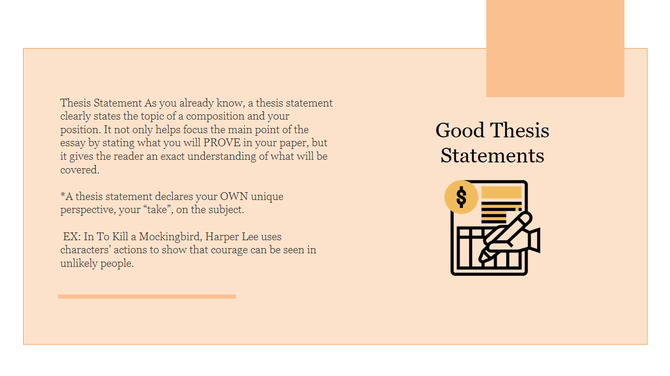
Beige slide with a detailed text on  good thesis statements on the left and icons with a dollar sign in a yellow circle.
Add to Wishlist
Download
AI Customize
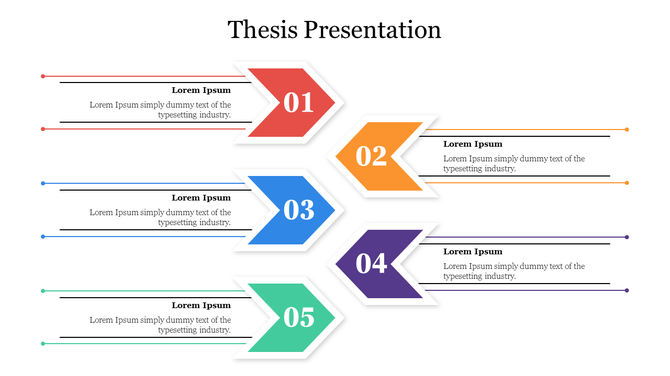
A slide featuring a thesis presentation layout with five sequential numbered arrows each in different colors with text area.
Add to Wishlist
Download
AI Customize
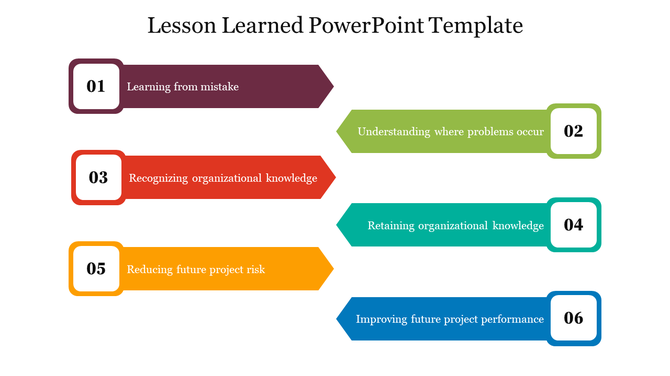
Educational slide showcasing six lessons learned with maroon, green, red, teal, yellow, and blue arrow numbered caption box.
Add to Wishlist
Download
AI Customize
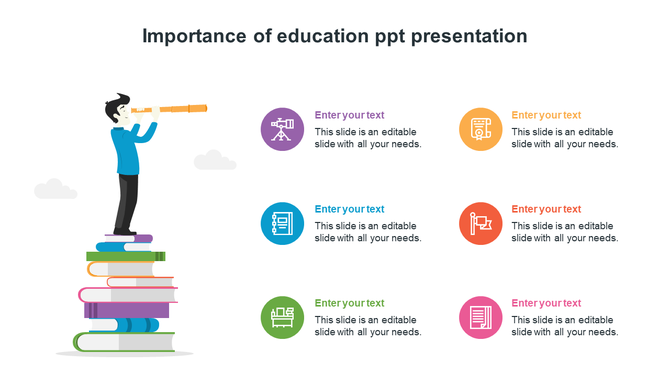
Importance of education slide featuring a person with a telescope on a stack of books, with six colorful text icons.
Free
Add to Wishlist
Download
AI Customize
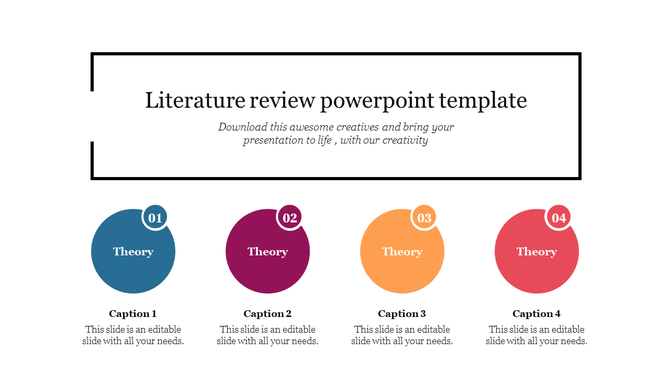
Slide design for a literature review presentation, highlighting four key theories in blue, maroon, orange, and red circles.
Add to Wishlist
Download
AI Customize
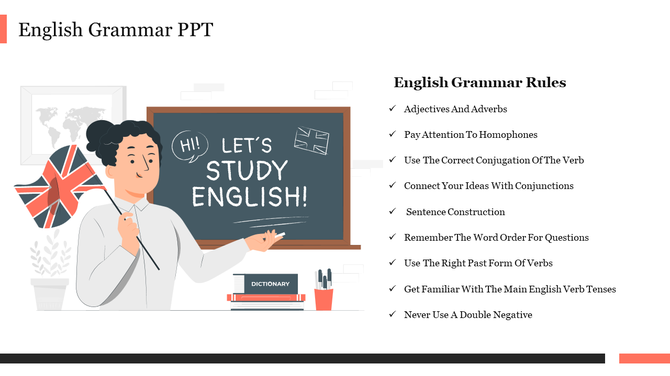
Grammar slide with a teacher illustration and a list of key grammar rules on a white background.
Add to Wishlist
Download
AI Customize
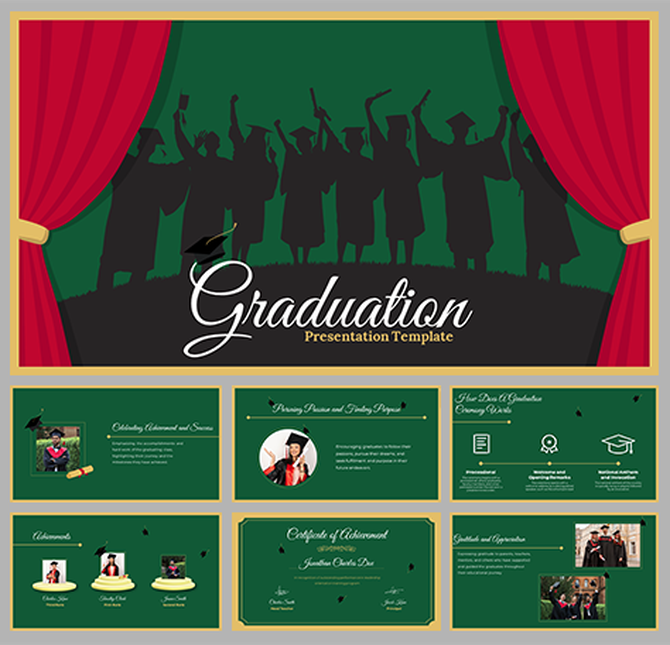
A presentation of Ph. D students celebrating success, featuring a diverse group of people in caps and gowns with diplomas.
Add to Wishlist
Download
AI Customize
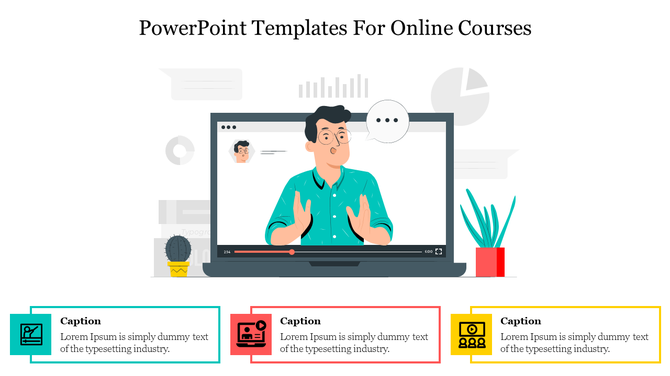
An illustration of a person giving a virtual lecture on a screen with three captions below in colored boxes.
Add to Wishlist
Download
AI Customize
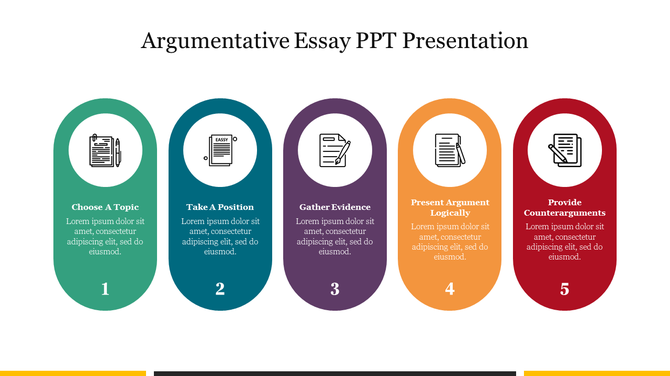
Five vertical oval shaped segments in green, teal, purple, orange, and red, each with icons and numbers at the bottom.
Free
Add to Wishlist
Download
AI Customize
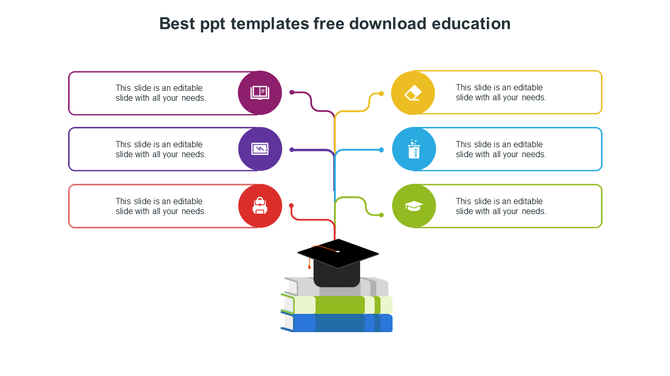
Slide featuring a graduation cap over books and connected colored text boxes for captions.
Add to Wishlist
Download
AI Customize
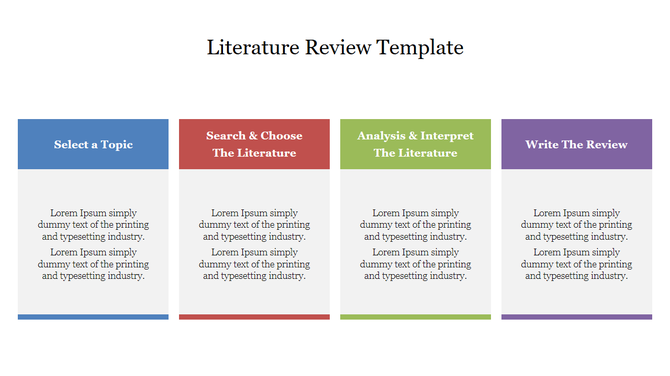
Literature review template with four multi coloured columns, each with placeholders placed in a white background.
Add to Wishlist
Download
AI Customize
World poetry day slide featuring books, a quill, and an inkwell graphic, with a text description on a blue backdrop.
Free
Add to Wishlist
Download
AI Customize
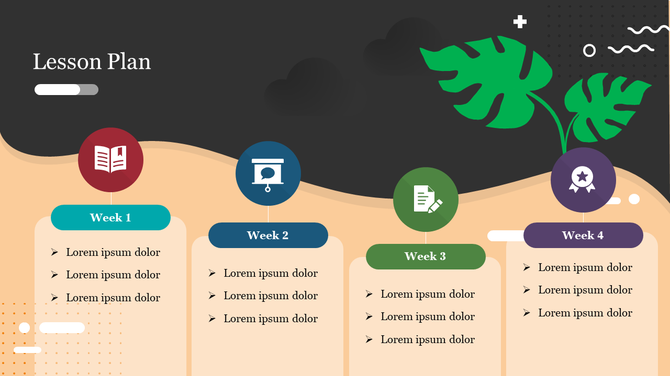
Weekly lesson plan slide with placeholders for details across four weeks, using bright icons and a modern layout.
Add to Wishlist
Download
AI Customize
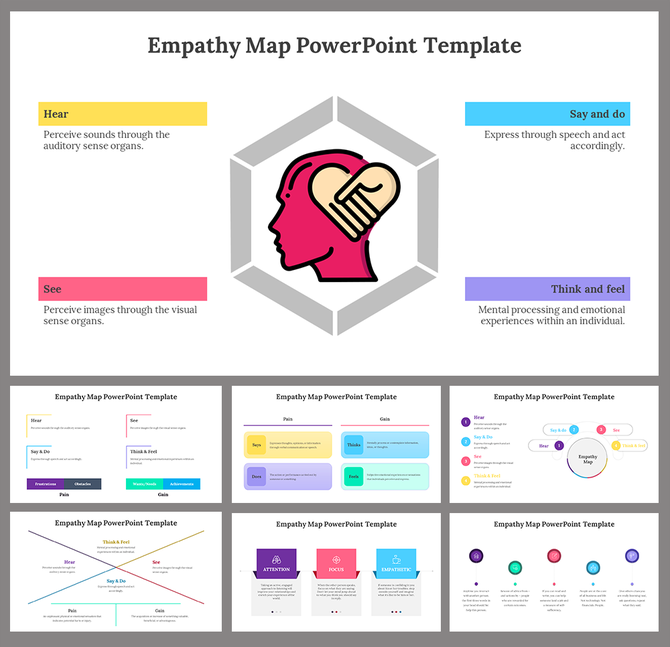
Empathy map slide deck with a head icon inside a hexagon, surrounded by labeled sections for different senses and actions.
Add to Wishlist
Download
AI Customize
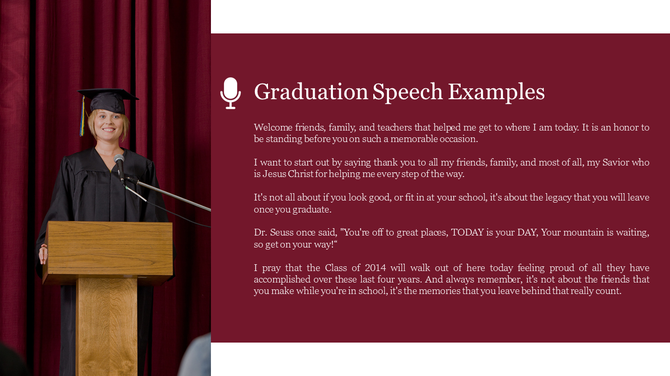
A graduate in a cap and gown stands at a podium delivering a speech, with a maroon textbox highlighting key points.
Free
Add to Wishlist
Download
AI Customize
Athlete tying shoelaces on the right, with two exercise icons and descriptions for lunges and football.
Add to Wishlist
Download
AI Customize
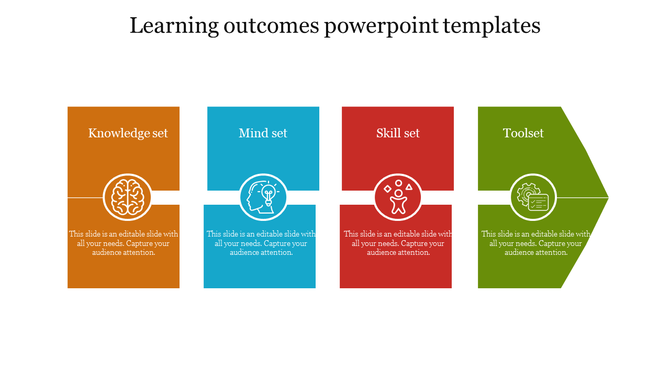
Slide featuring learning outcomes with four colorful sections with icons and placeholder text.
Add to Wishlist
Download
AI Customize
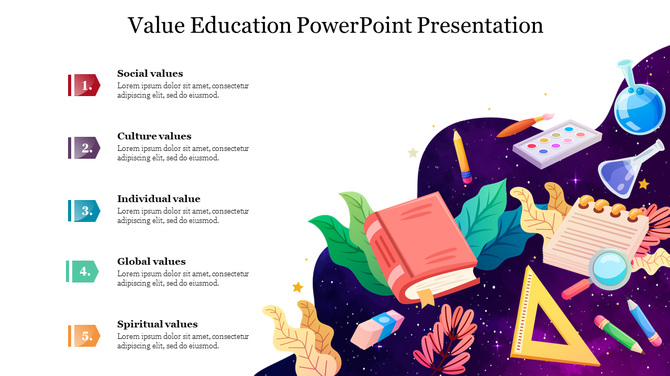
Colorful slide highlighting five values with placeholder text with educational tools and books as design elements.
Add to Wishlist
Download
AI Customize
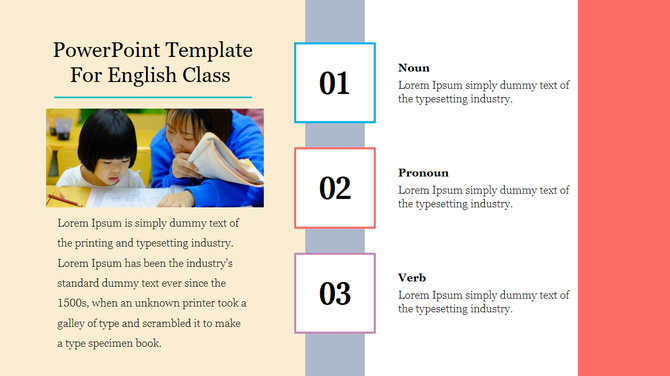
English class slide featuring three key language topics nouns, pronouns, and verbs with a student teacher interaction photo.
Frequently Asked Questions

1. Will this template work for my specific subject or grade level?

Templates come in different versions for different subjects and grades. Pre-K templates look different from high school templates. Find the one that matches your content. If the exact subject isn't there, the structure still works for any topic. You just customize the content.

2. Can I reuse the same template for different lessons or lessons throughout the year?

Yes. That's the idea. One template structure works for multiple lessons. Change the content, keep the layout. You build a consistent lesson structure your students recognize. Consistency helps them learn.
3. How do I add my own content, images, or activities to these templates?

Everything is editable. Text boxes, images, all of it. You replace placeholder content with yours. You can add worksheets, quizzes, or activities. The structure stays intact. Your content fills it.

4. Will these work for both in-person and online teaching?

Yes. Use in a classroom projected on a screen or in a video call. Works in Zoom, Google Meet, and Teams. Export as PDF for students. Templates are flexible. Whatever delivery method you use, they work.

5. How much content should I put on each slide so students don't get overwhelmed?

Templates are designed with that in mind. They guide you on how much content fits per slide. They're built to avoid overwhelming information. Follow the template structure, and you'll naturally keep slides focused.

6. Can I update the content easily if I want to change something after I create the lesson?

Yes. Everything is editable. You can update text, replace images, and move content around. No rebuilding from scratch. Changes take minutes. You're not locked into anything.

7. Will my students understand how to follow the lesson structure?

Yes. Templates use clear, logical structure. Intro, content, examples, activities, summary. Students follow this pattern across lessons. Consistency helps understanding. The structure supports learning.