430+ Free Digital Marketing PowerPoint Templates
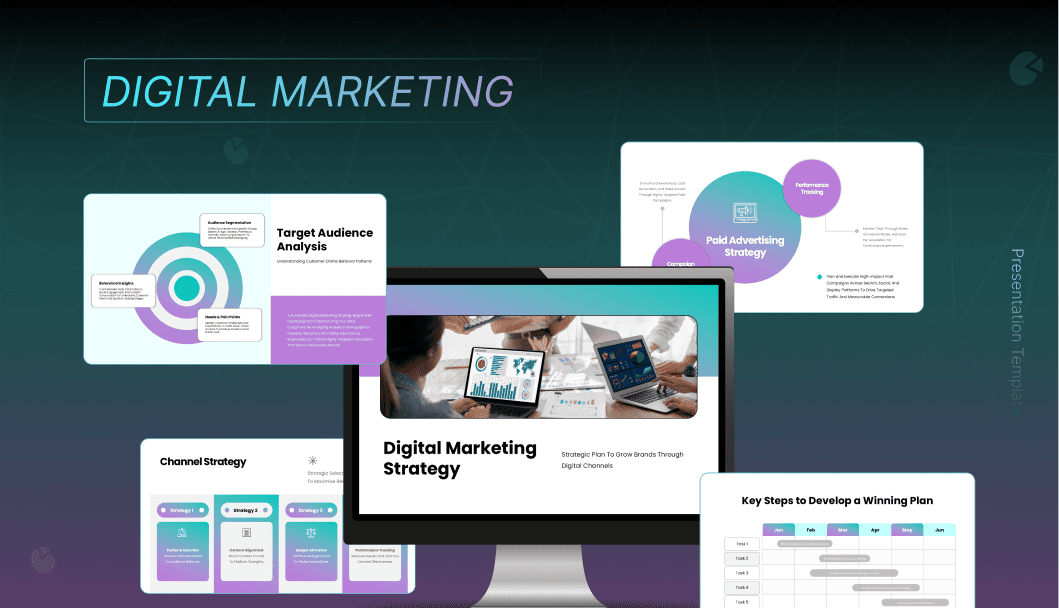
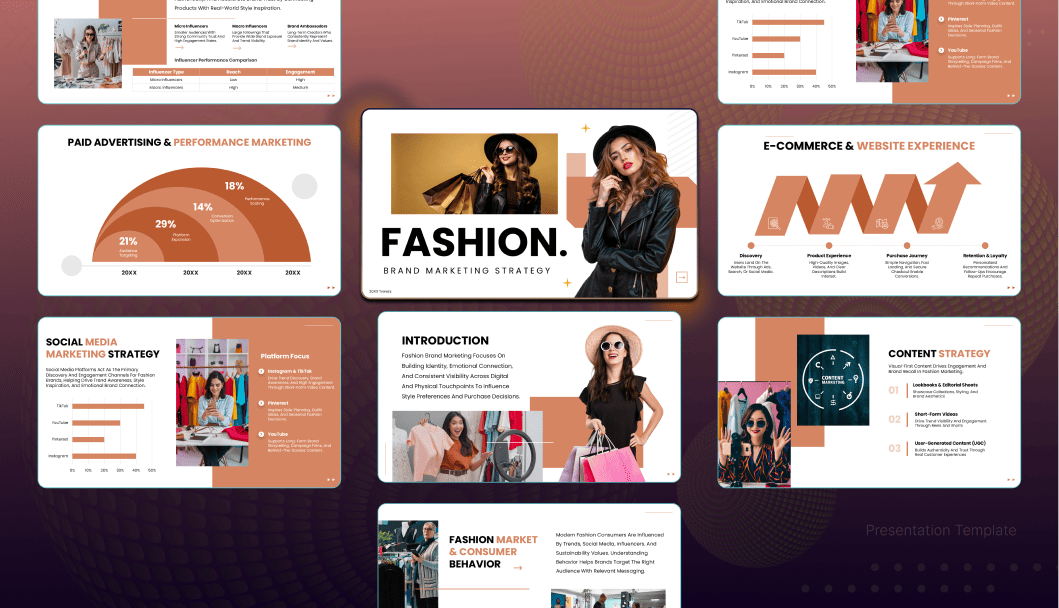
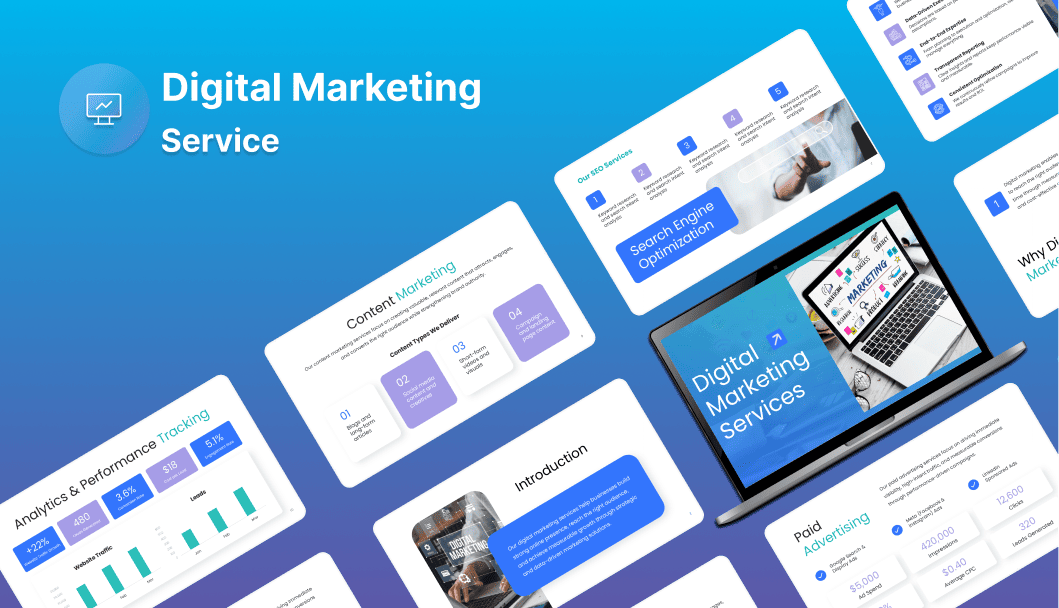
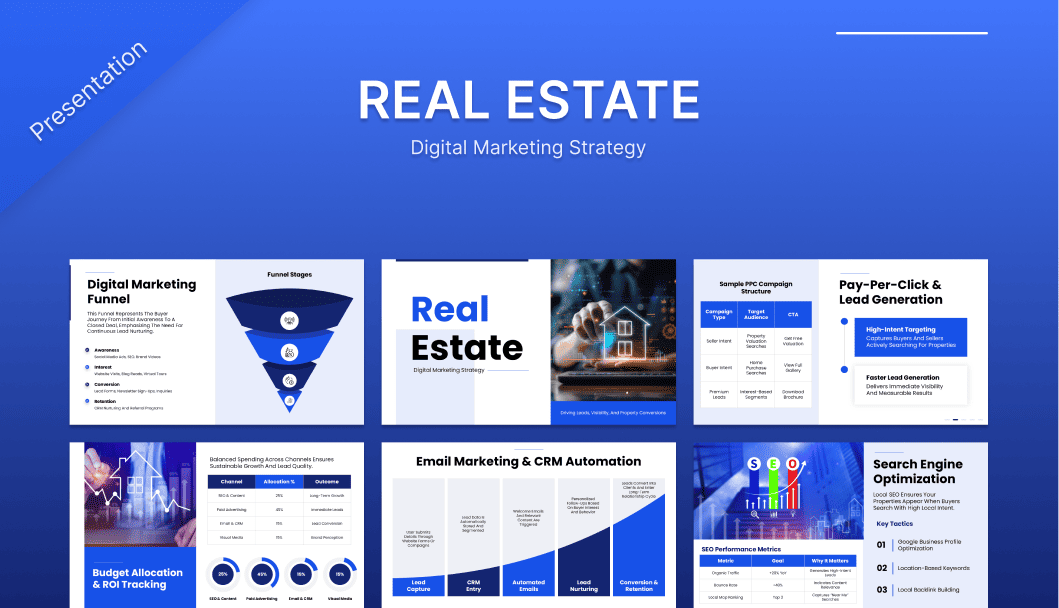
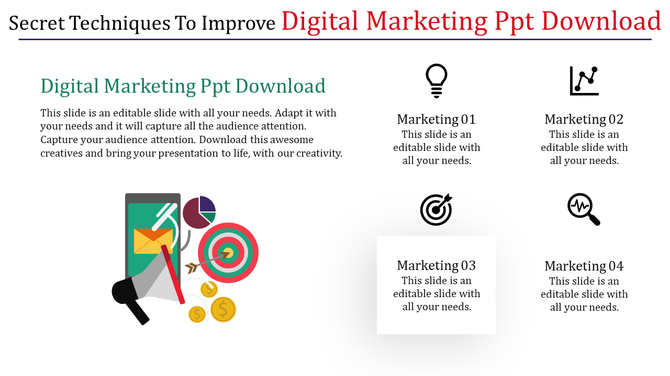
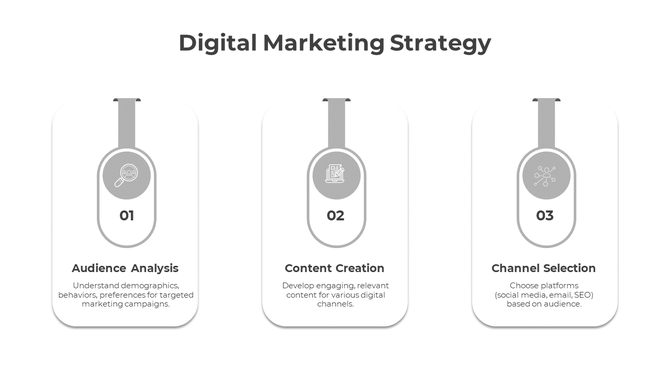
These are perfect for creating professional-looking presentations that will impress your audience. Whether you’re presenting to clients, colleagues, or investors, it will help you communicate your ideas effectively. The perfect way to present your DM plans and strategies.
Editor's Choice (1 of5)












What Are Digital Marketing PowerPoint Templates?
Frequently Asked Questions
What should a digital marketing PowerPoint presentation include?
A strong digital marketing presentation must include a strategy overview, channel performance data, campaign timelines, audience segmentation, KPI dashboards, and an executive summary. Ensure logical flow from objectives to results.
Are SlideEgg digital marketing templates free to download?
Yes. SlideEgg offers 10 free template downloads per day upon sign-up — no payment required. Premium templates are available for subscribers. All free templates are fully editable and ready to use immediately in PowerPoint, Google Slides, or Canva.
Can I use these templates in Google Slides and Canva?
Yes — all SlideEgg digital marketing templates are fully compatible with Microsoft PowerPoint, Google Slides, and Canva. Fonts, icons, color blocks, and charts remain fully editable across all three platforms. No design software expertise is required.
How do I customize a digital marketing template?
Download the template and open it in PowerPoint, Google Slides, or Canva. Replace placeholder text with your campaign data. Update charts with your figures and apply your brand colors. Your presentation is ready to export or present live.
How do I customize these templates?
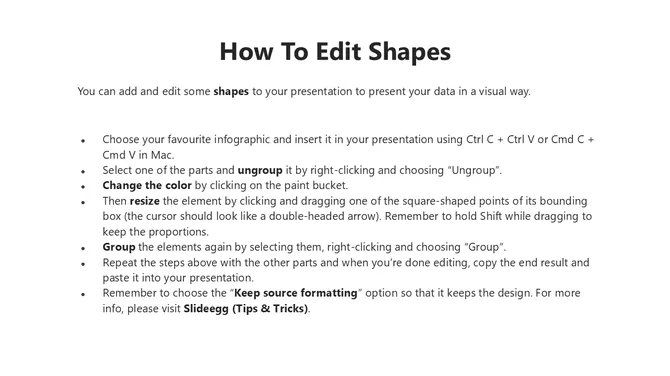
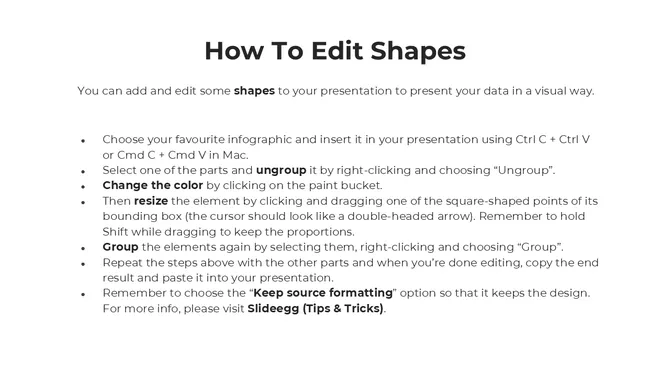
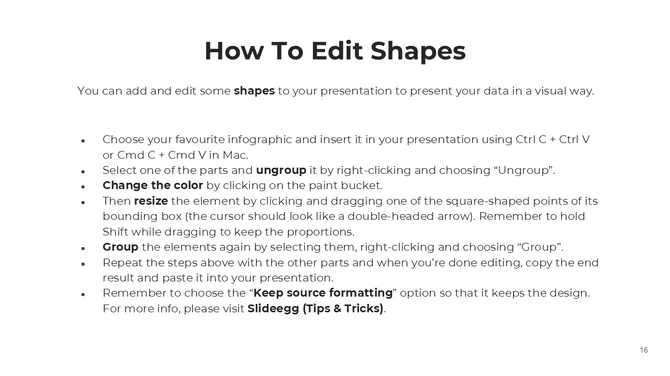
To customize a digital marketing template, you can use presentation software such as Microsoft PowerPoint or Google Slides. Simply open the template in the software and edit the text, images, and other elements as needed.
What are some best practices for using these templates?
Keep the design simple and consistent, use high-quality images and graphics, and avoid too much text on each slide.
What are some common mistakes to avoid when using these templates?
Using too many animations or transitions, using low-quality images or graphics, and using too much text on each slide.