Decision Tree Presentation Templates
Facing difficulty in making a decision? Don't get flapped. Get our excellent Free Decision Tree PowerPoint Templates and Google Slides Themes to jot down the issues, and come up with a perfect solution. Additionally, it is 100% editable, so you can make changes anytime.

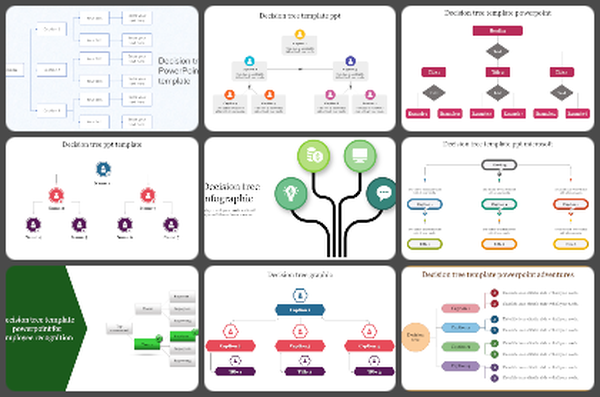

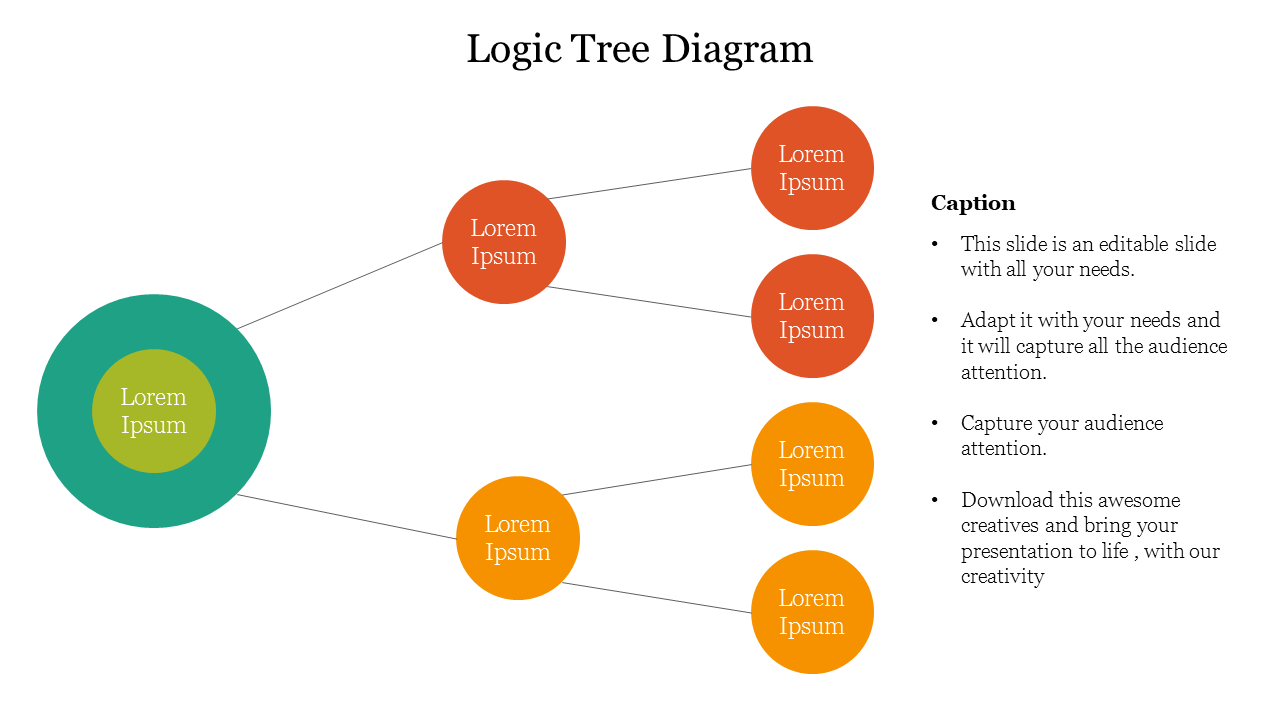
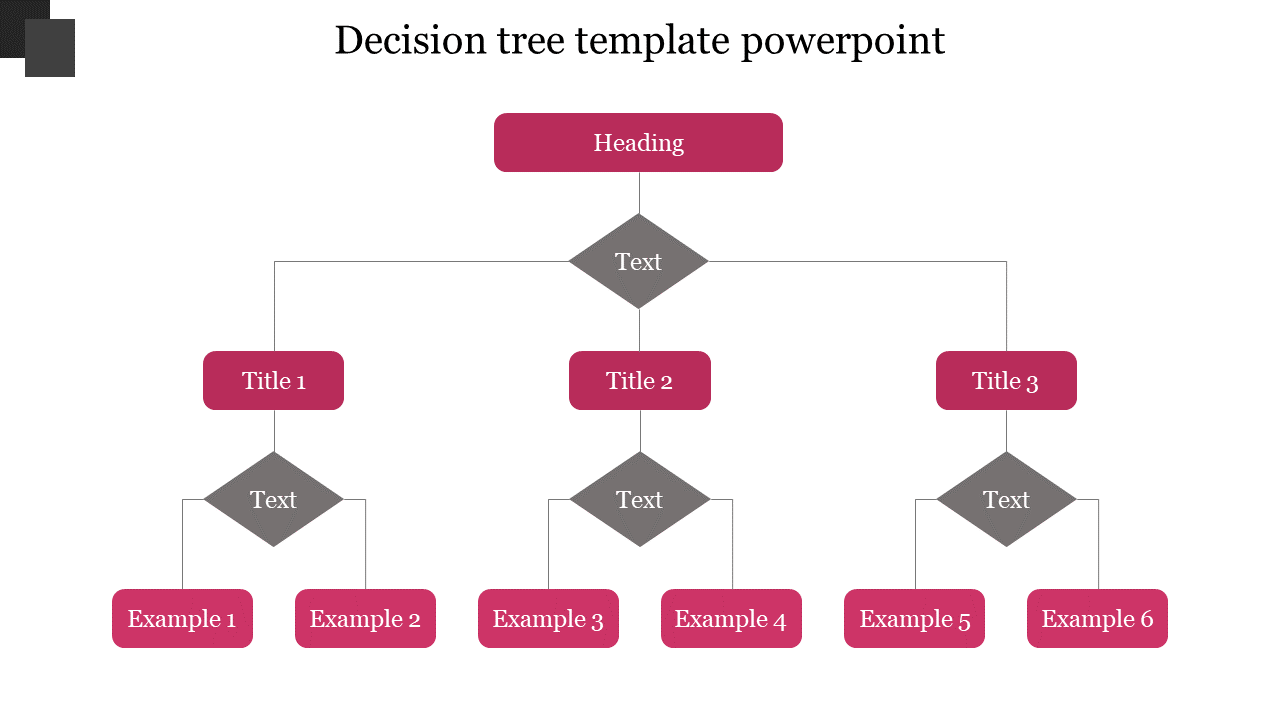
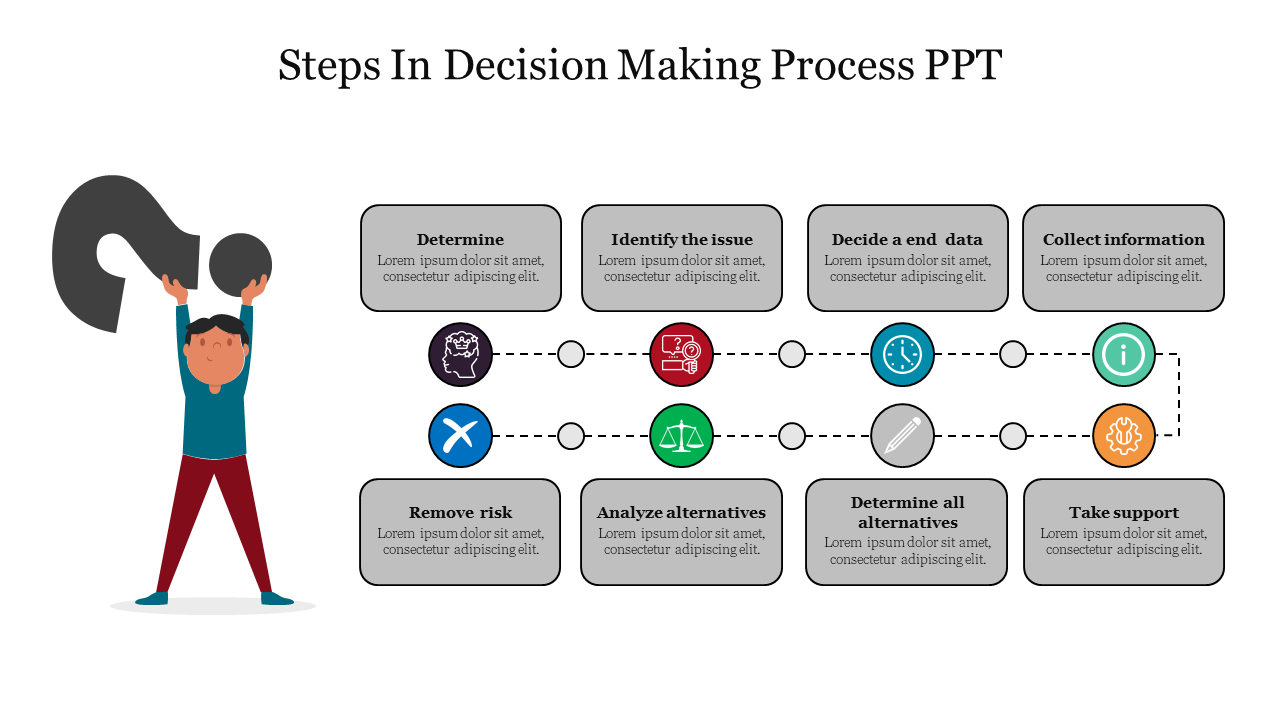
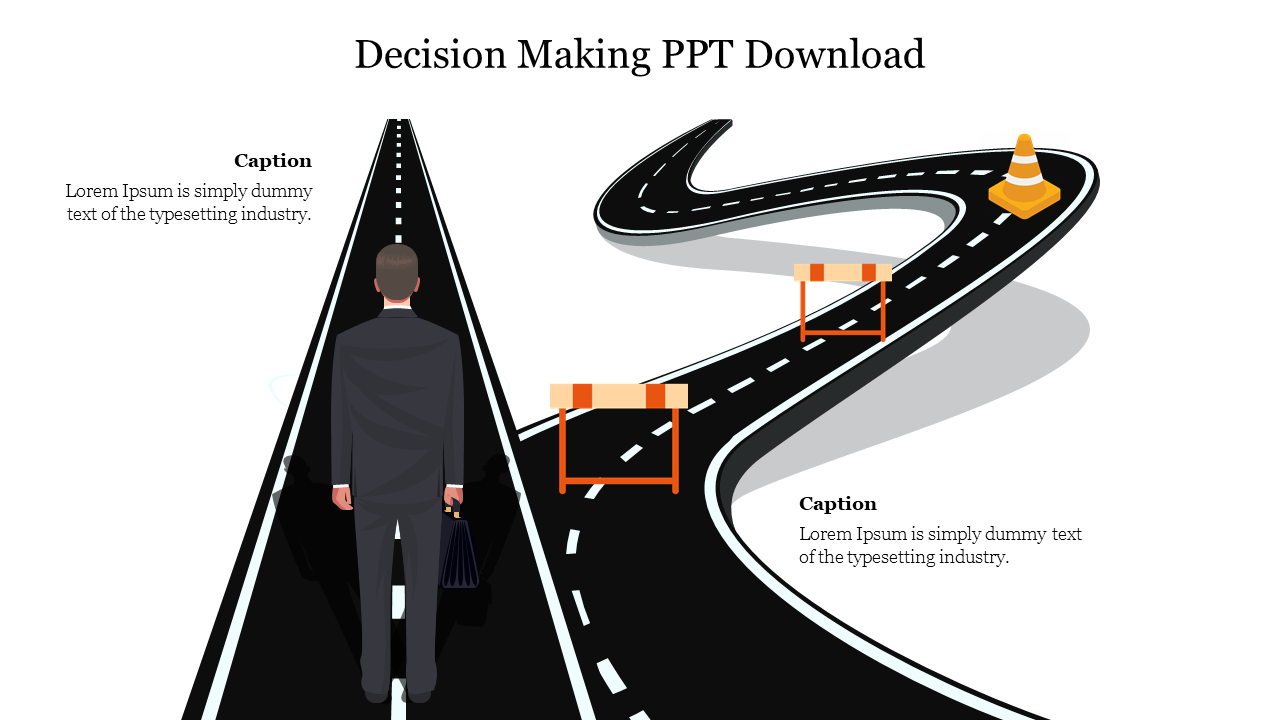
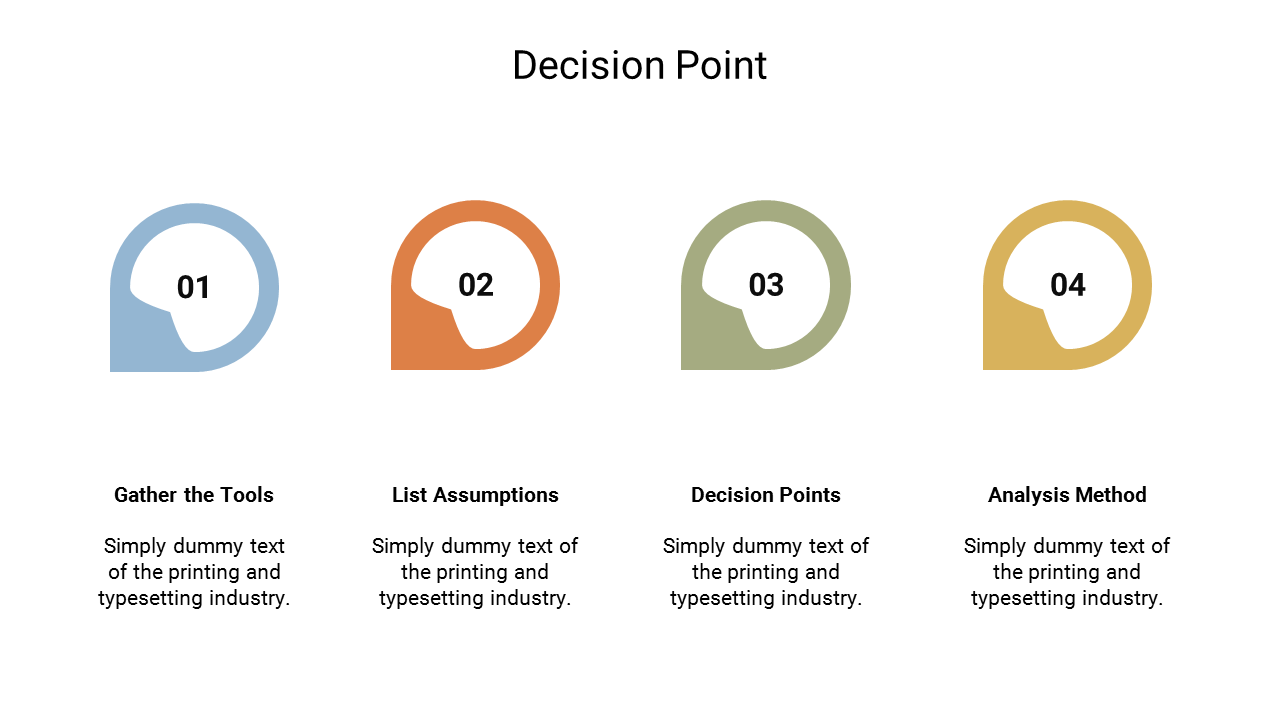
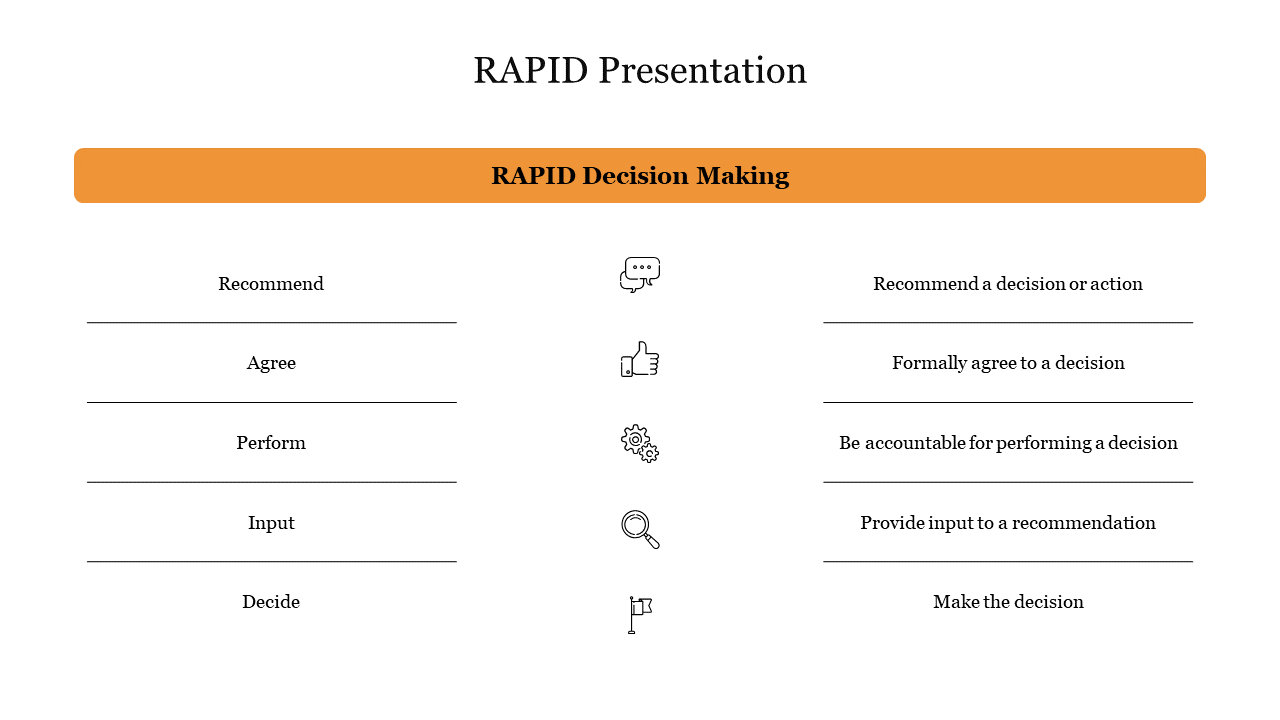
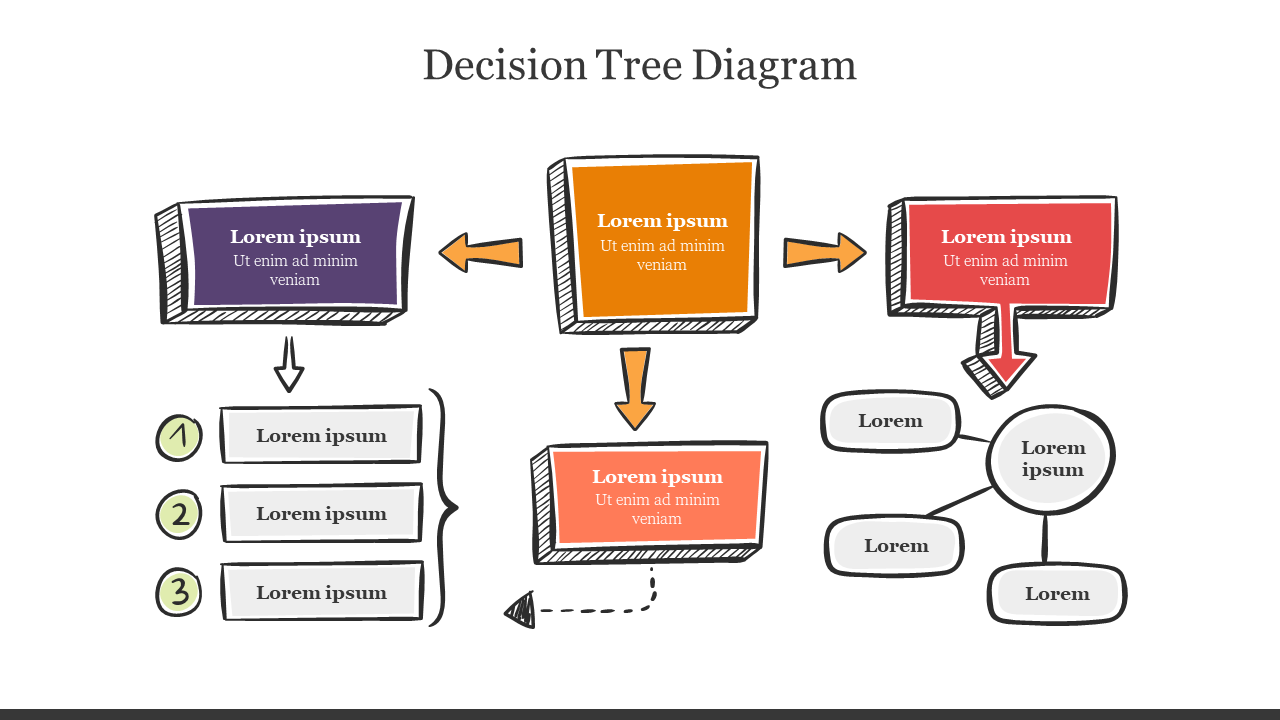
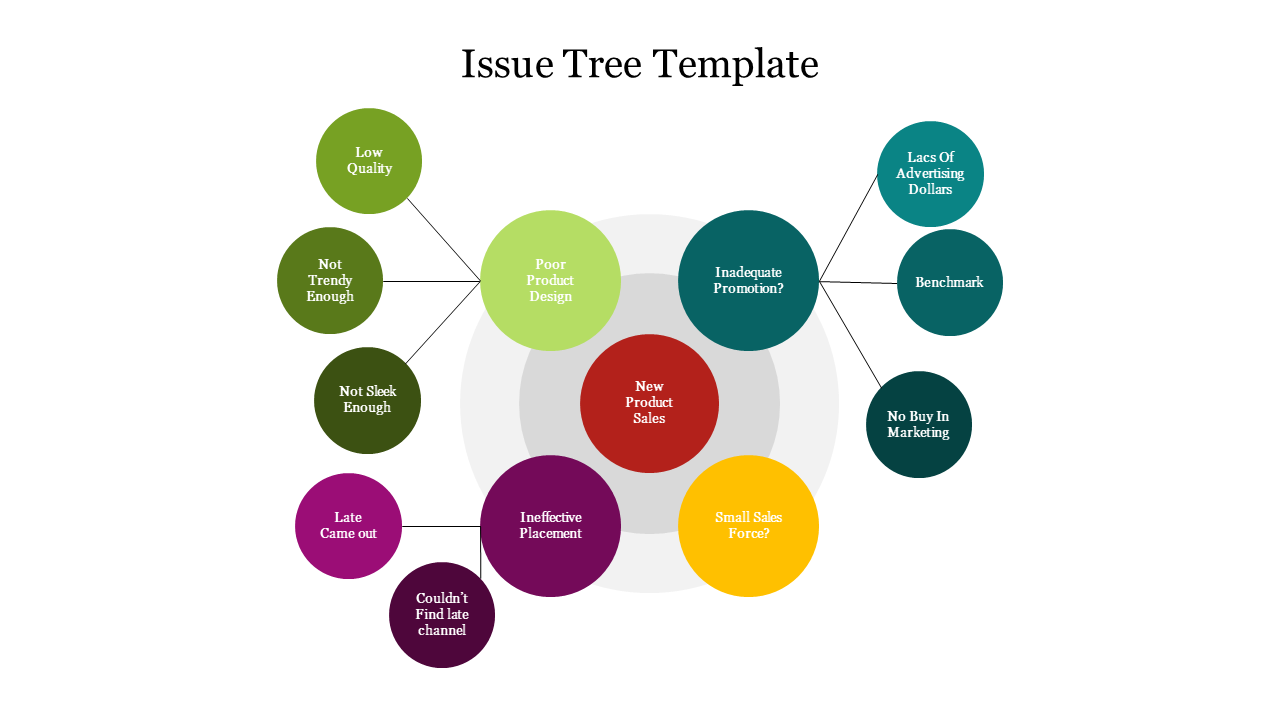
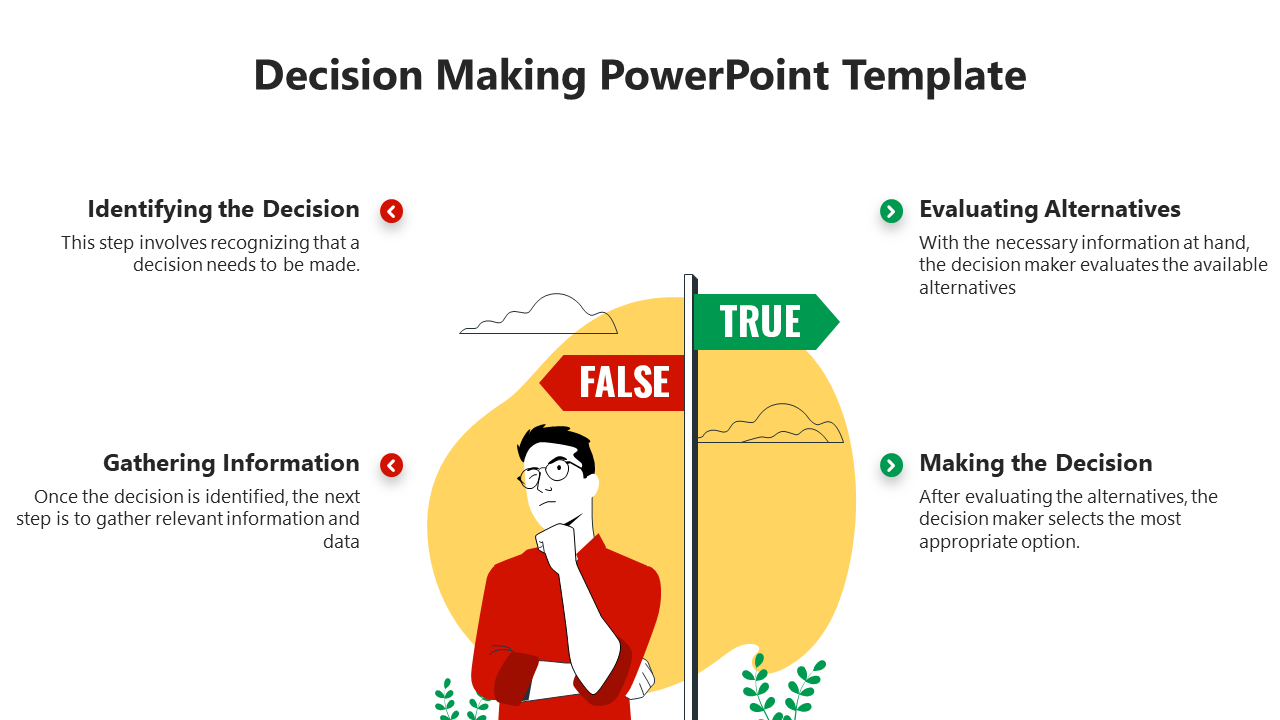
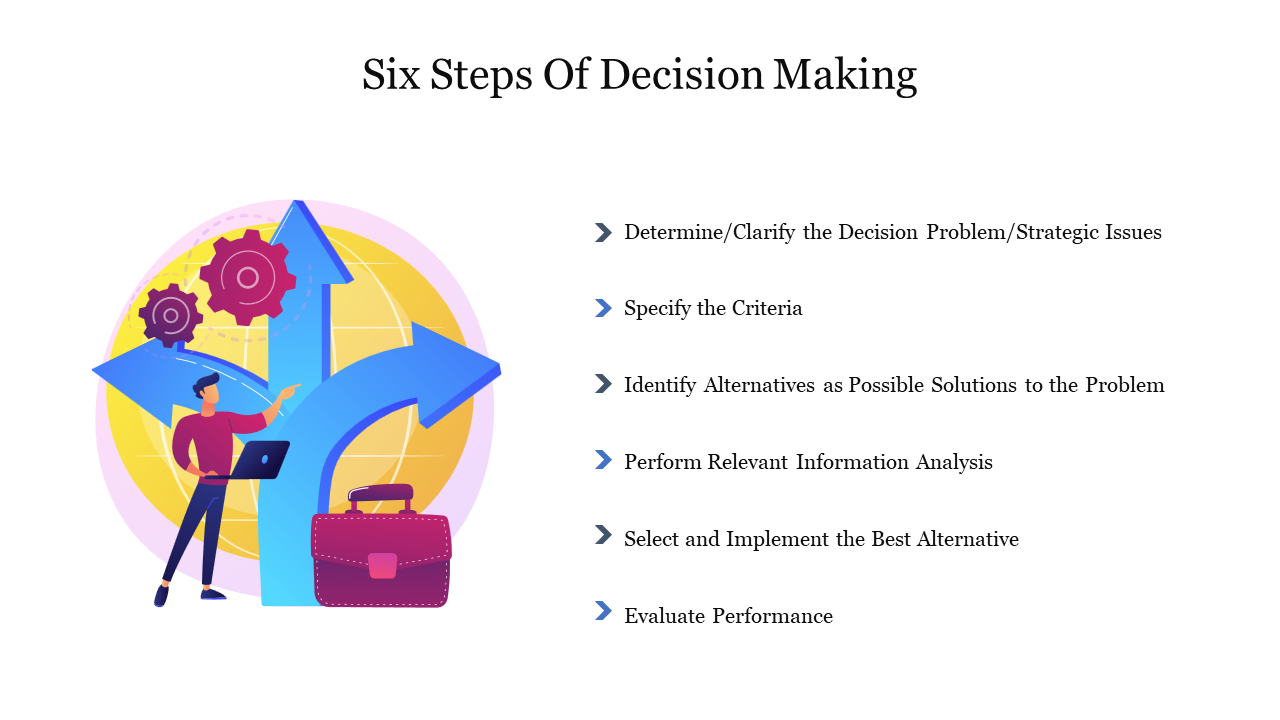
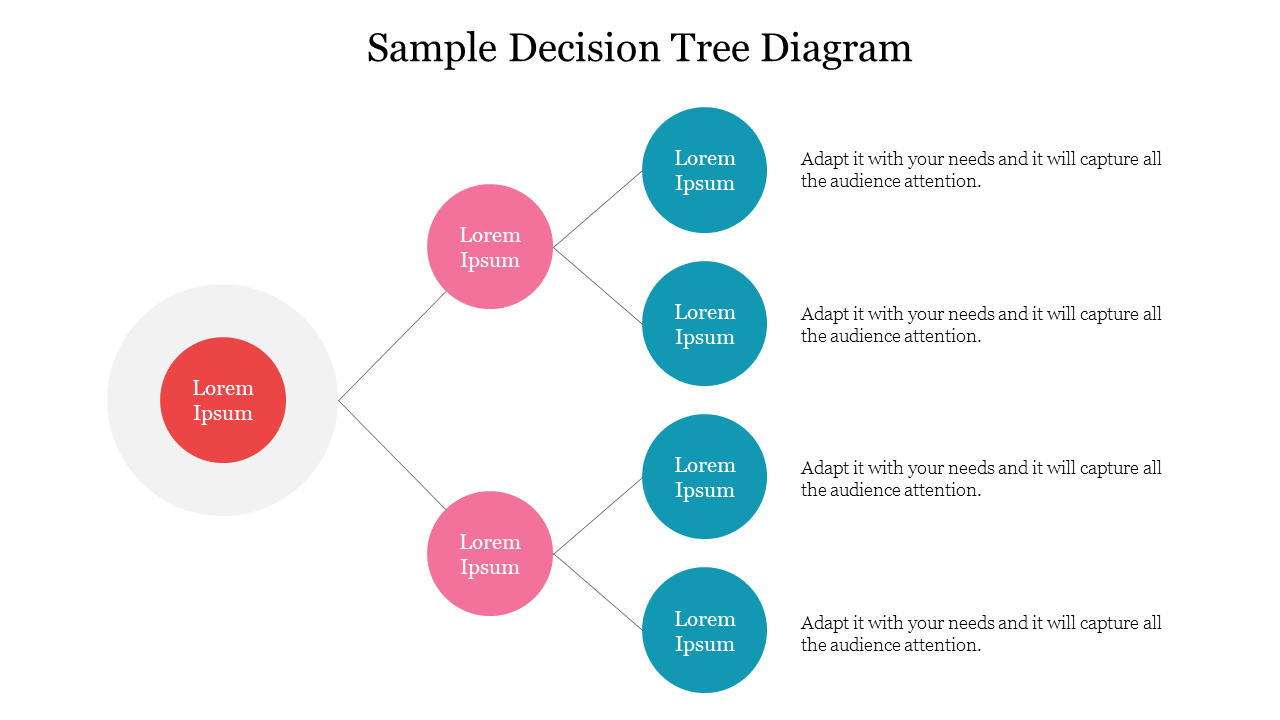
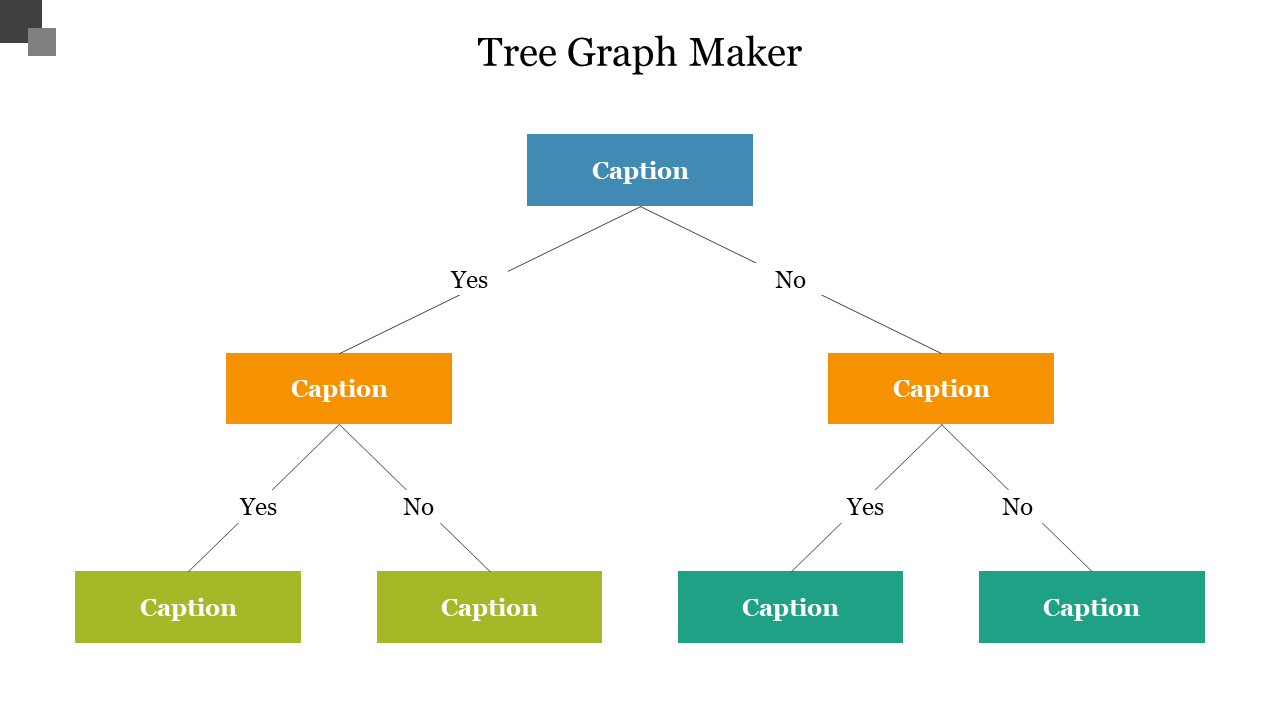
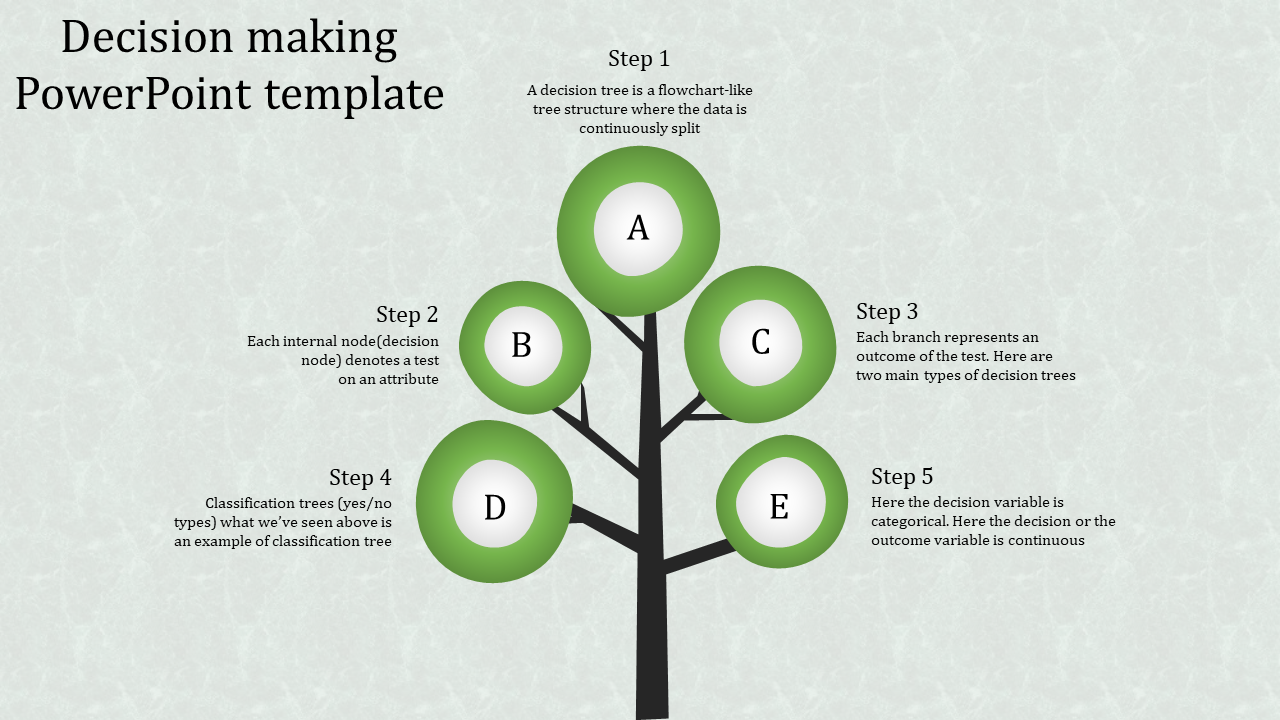
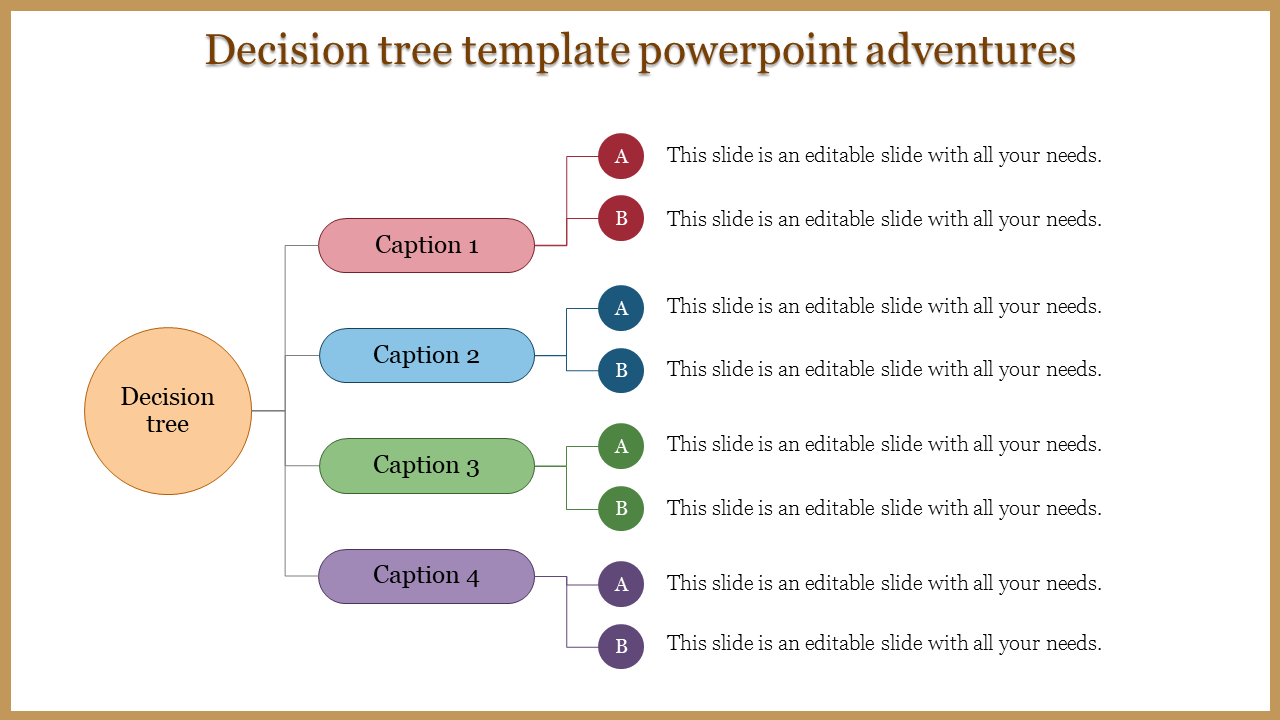
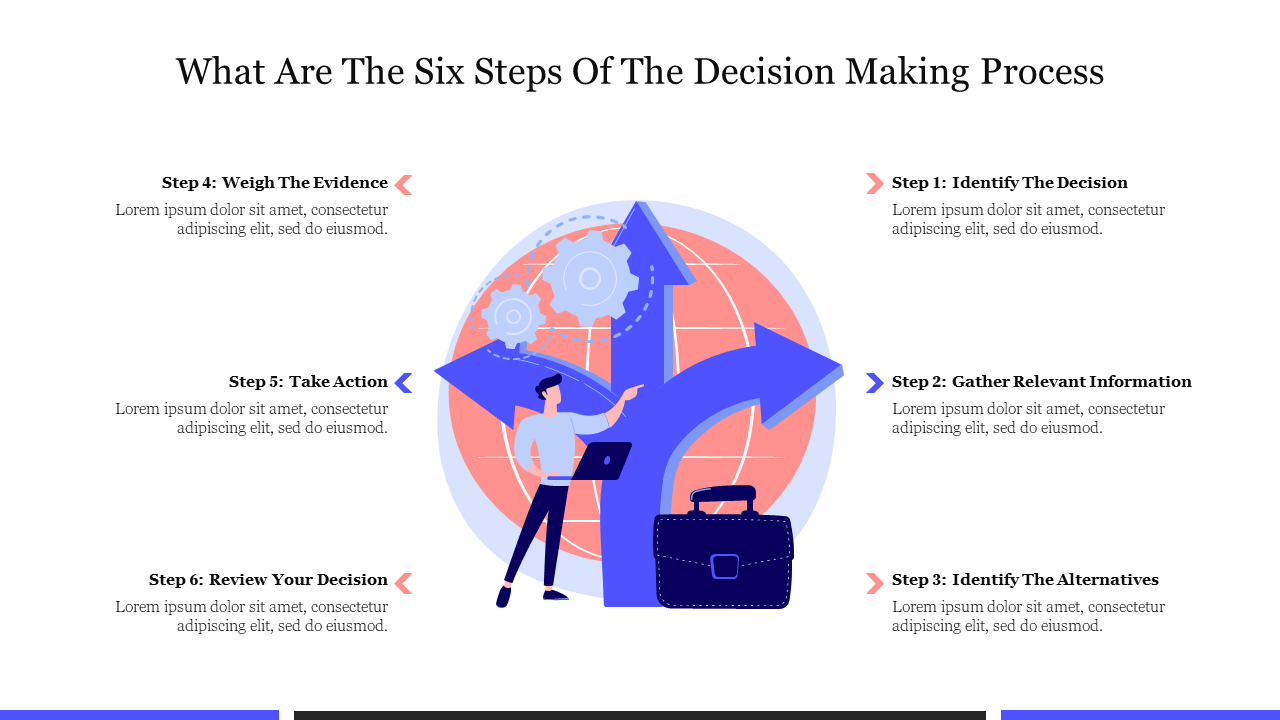
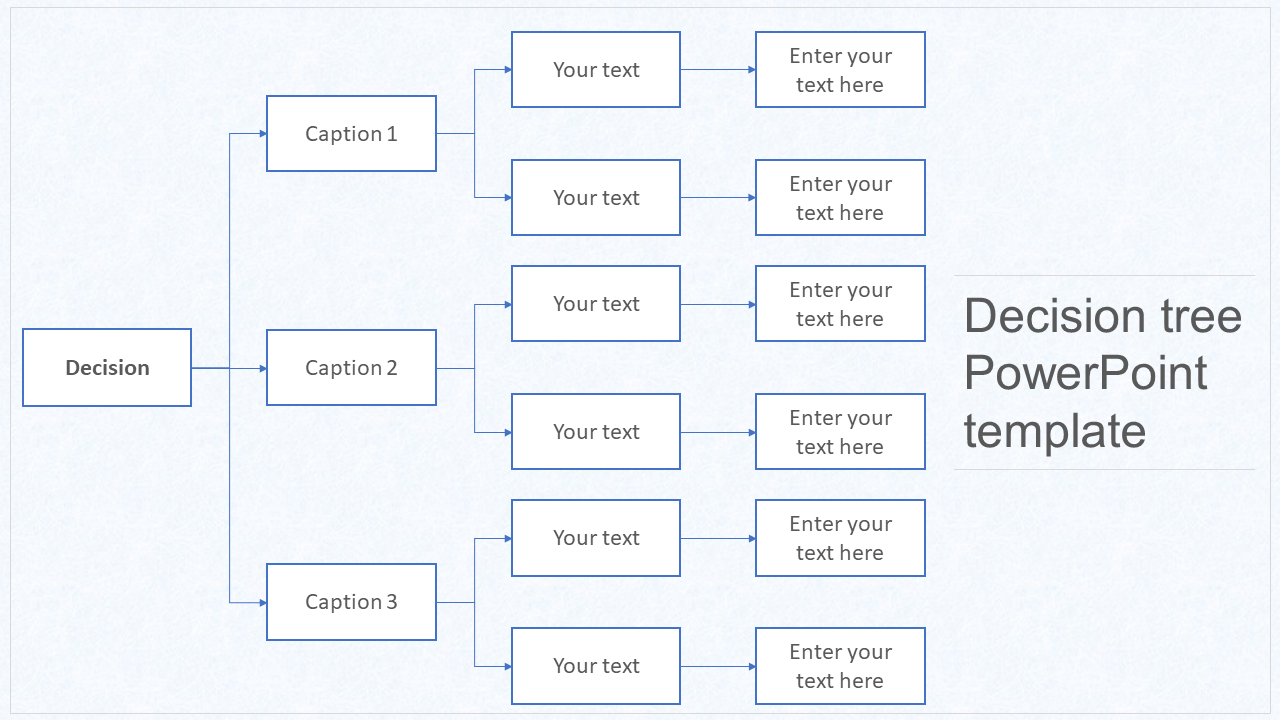
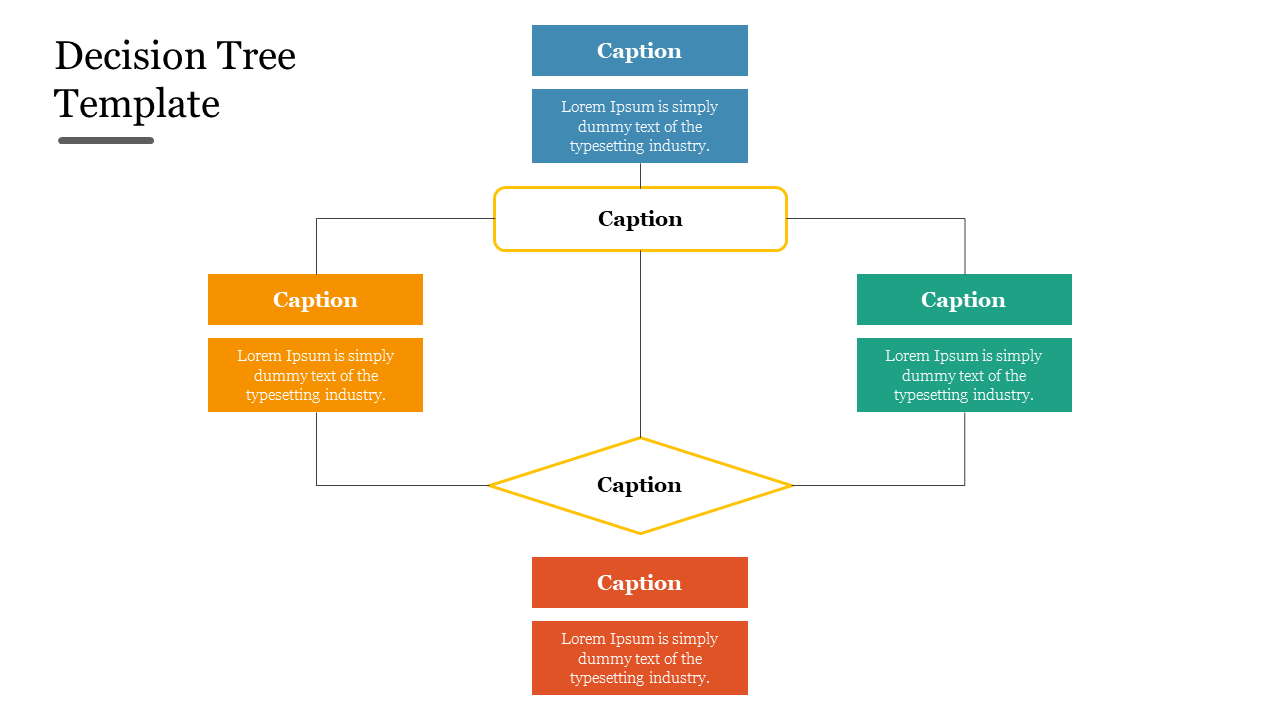
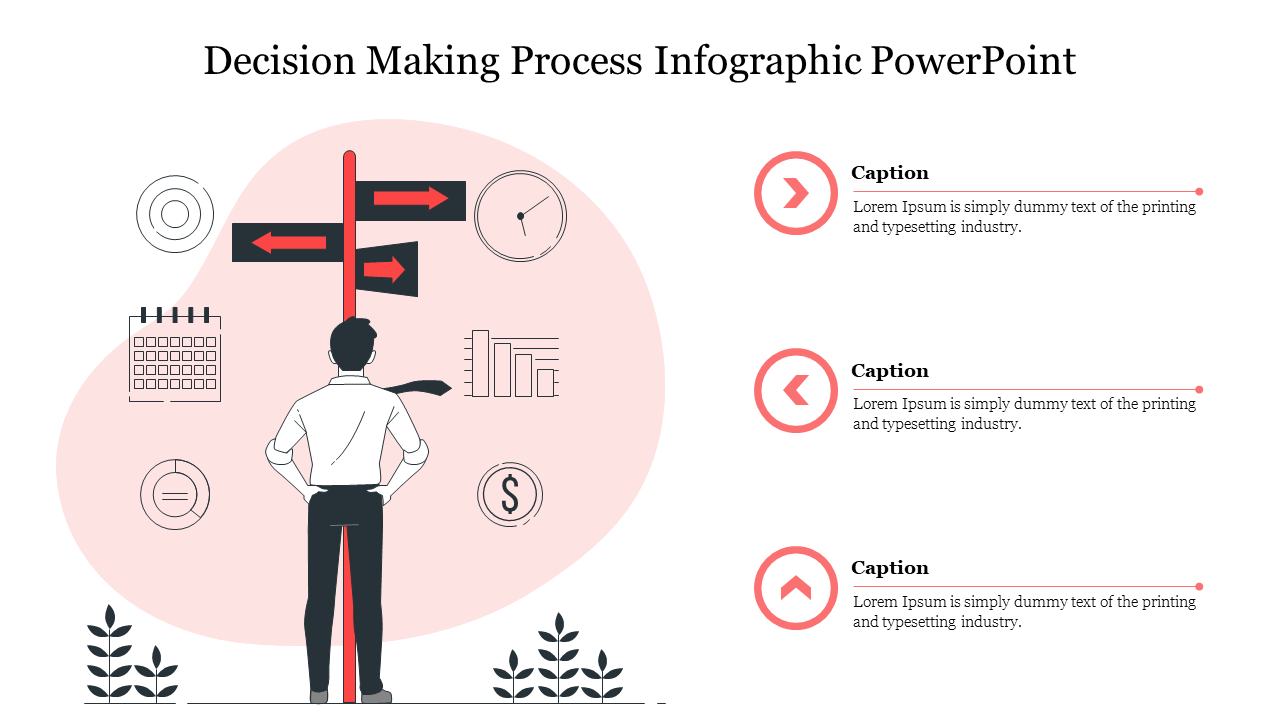
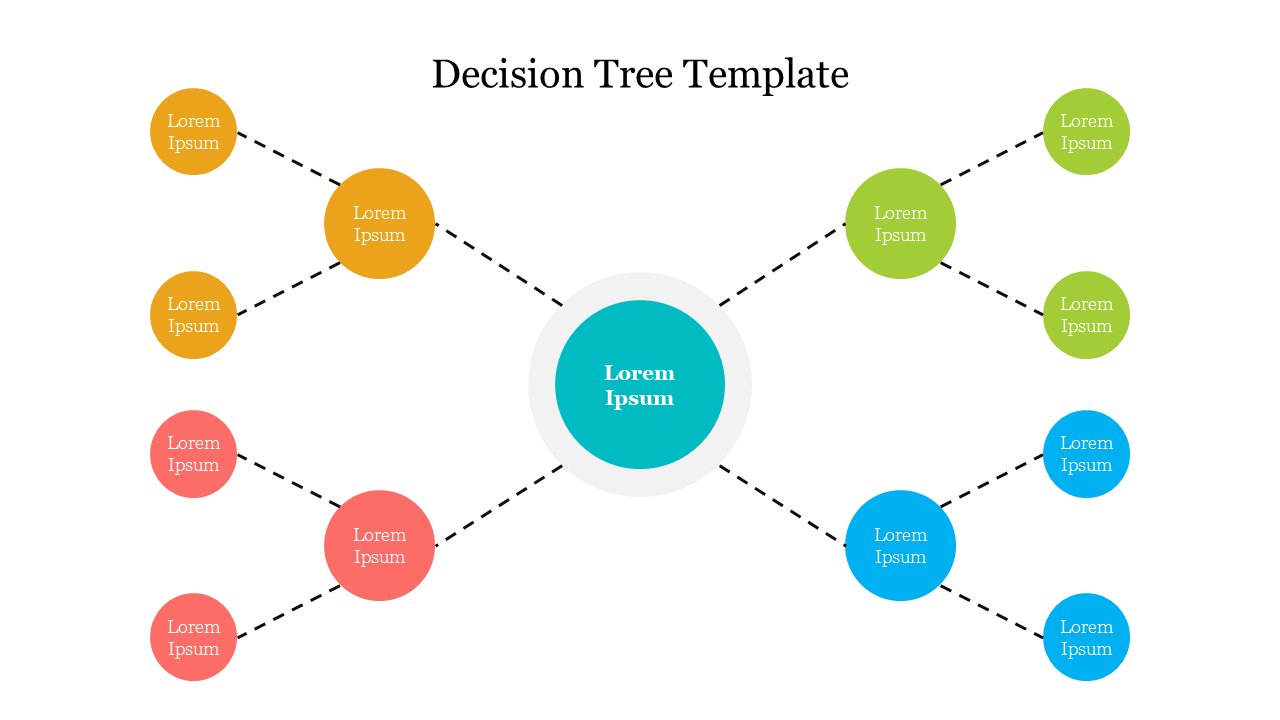
Simplify Your Decisions with Stunning Free Decision Tree PowerPoint Templates and Google Slides Themes!
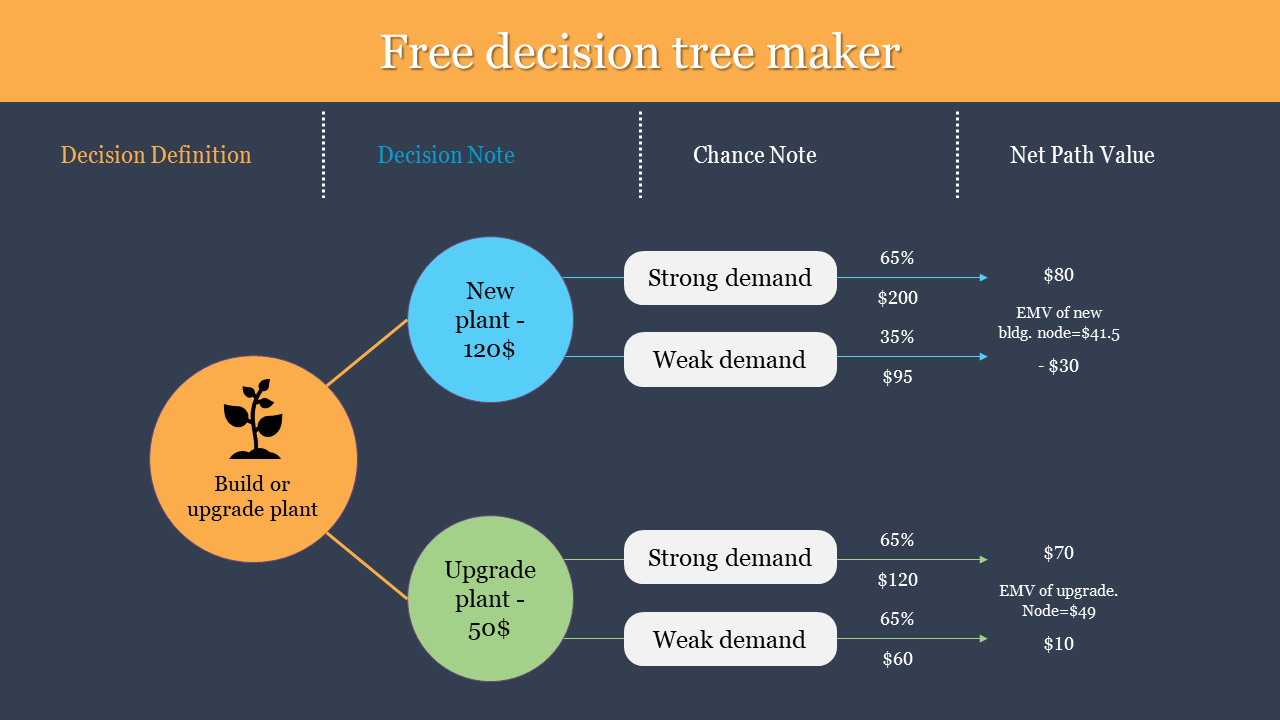
- Basic Decision Trees: Great for simple choices with clear outcomes.
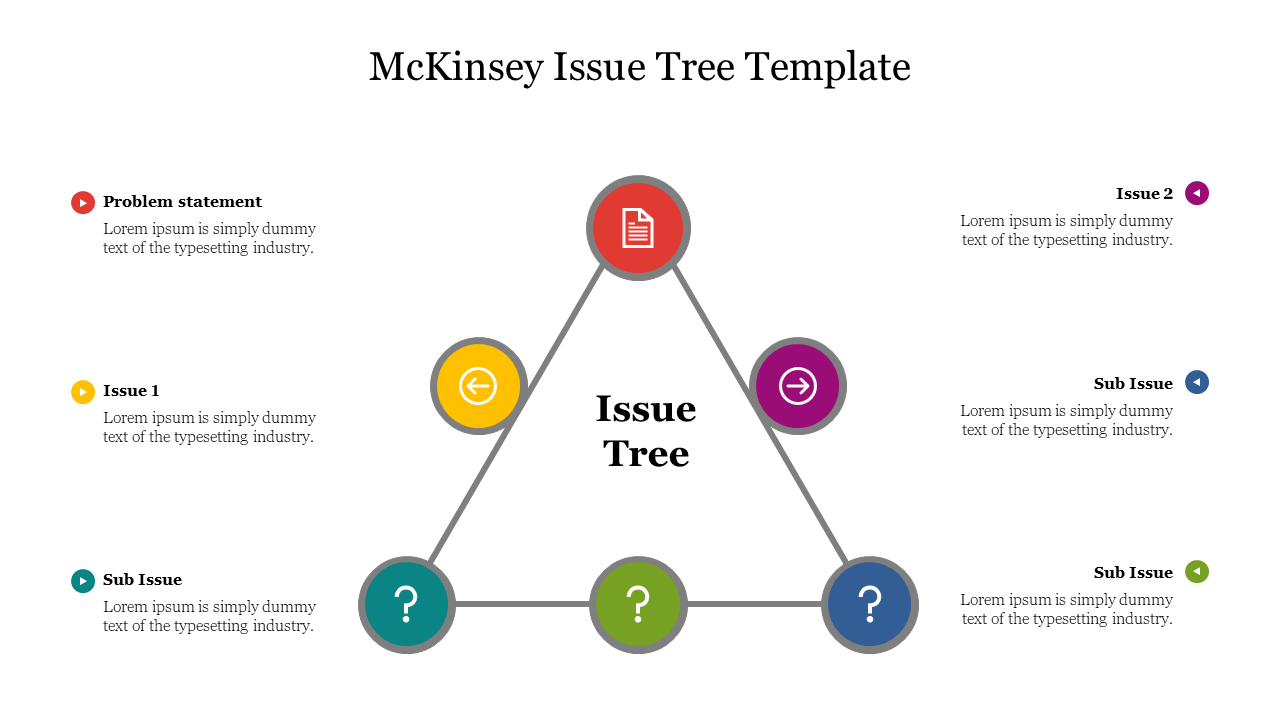
- McKinsey Issue Trees: Perfect for breaking down complex problems into smaller, easier-to-understand parts.
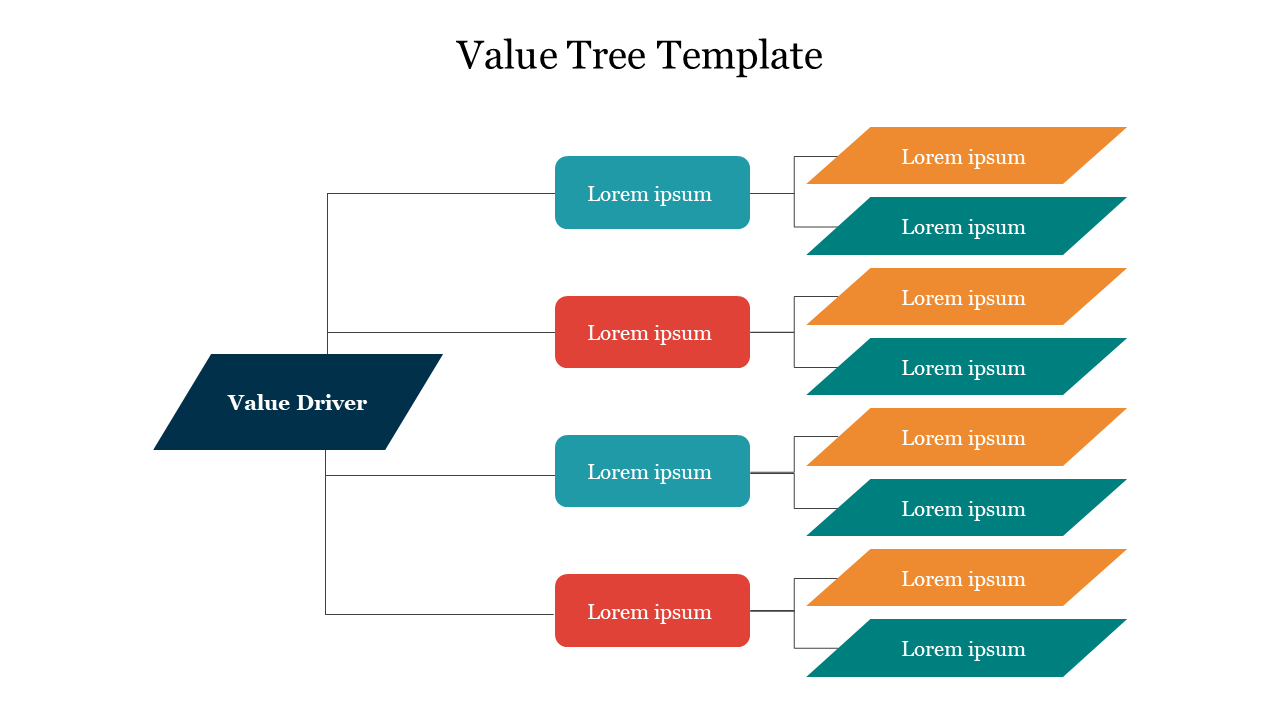
- Value Trees: Ideal for visualizing the different options and their potential benefits.
- Logic Trees: Helpful for showing the cause-and-effect relationships between different choices.
- Tree Illustrations: Clear and colorful tree graphics make it easy to follow the decision path.
- Mind Map Layouts: Show connections between different choices and ideas.
- Flowchart Elements: Guide your audience through the decision process with arrows and shapes.
- Roadmap Designs: Visualize the steps involved in each decision path.
- Easy to Edit: Change the text, colors, and graphics to match your specific decision and brand.
- Beautiful Design: Choose from a variety of eye-catching and professional styles.
- Multiple Formats: Get your templates in both 4:3 and 16:9 aspect ratios, portrait, or landscape orientation to fit your presentation needs.
- Free Options: We offer a selection of free templates to get you started.
- Business Professionals: Present project plans, marketing strategies, or product development choices.
- Educators: Explain complex concepts to students in a clear and engaging way.
- Project Managers: Visualize project timelines and potential roadblocks.
- Anyone Making a Decision: Get a clear picture of your options and their consequences.
We're here to help you!
What are Decision Tree PowerPoint templates?
Decision Tree Powerpoint templates are the best presentation slides with excellent designs, themes, colors, layout styles, and icons to represent your information. It is a perfect tool to help you make a proper decision.
Where can we use these Decision Tree PowerPoint Slides?
These Decision Tree PowerPoint slides can be used at business meetings, product meetings, client meetings, project discussions, company startup meetings, and budget plans. With its creative structure, you can quickly decide your decision.
How can I make Decision Tree Slides in a presentation?
Quick and simple creation of a PowerPoint presentation template is possible. A ready-to-use decision tree template is the best first choice if you are new to PowerPoint design. Visit our websites for PowerPoint tips and suggestions for more PowerPoint designs.
Who can use Decision Tree Templates?
All business professionals can make use of these Decision Tree templates. Also, one can use it for the personal purpose of making a quick decision. It can make your work effortless and save you a lot of time.
Why do we need to use Decision Tree PowerPoint Slides?
The ideal presentation tool is a decision tree template, and using one will enable you to find the best solution to your difficulties. The tree structure will help you quickly choose the ideal solution for your problems by allowing you to write down your thoughts one at a time.
Where can I find free PPT Templates?
Choosing the appropriate template for your presentation could take time and effort. The templates' styles, hues, icons, and symbols will also cause you some distress. Finding a dependable PowerPoint provider like Slide Egg will be the best.