Dark Presentation Templates
Try our elegant Free Dark Theme PowerPoint Templates and Google Slides Themes with vibrant colored graphics to make your presentations eye-catching. Find editable slides here for business presentations, technology themes, travel, architecture, education, calendar, and more.


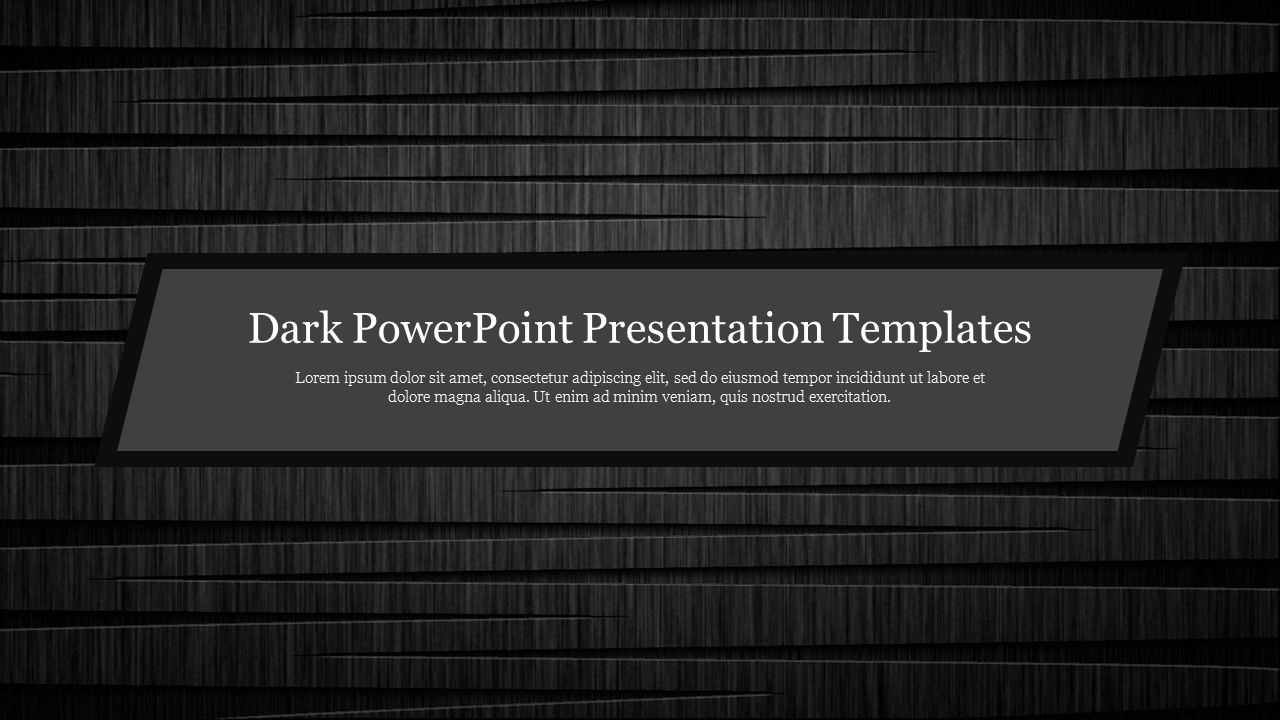
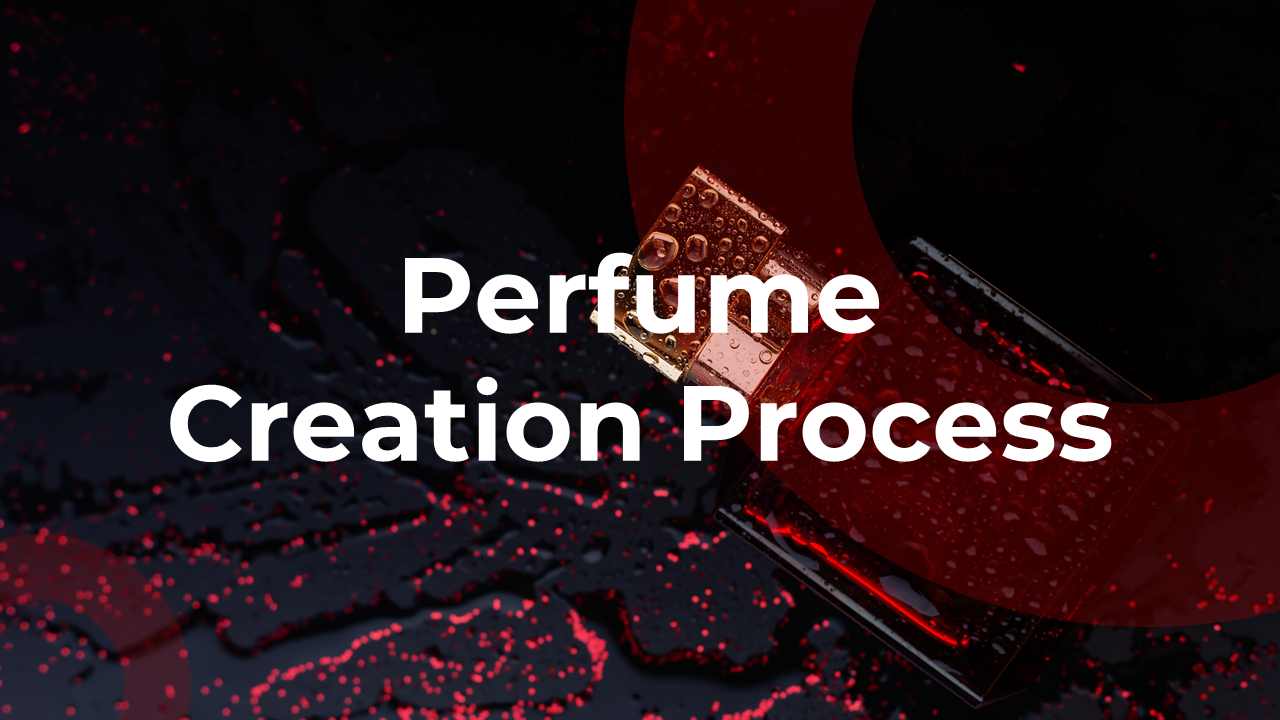

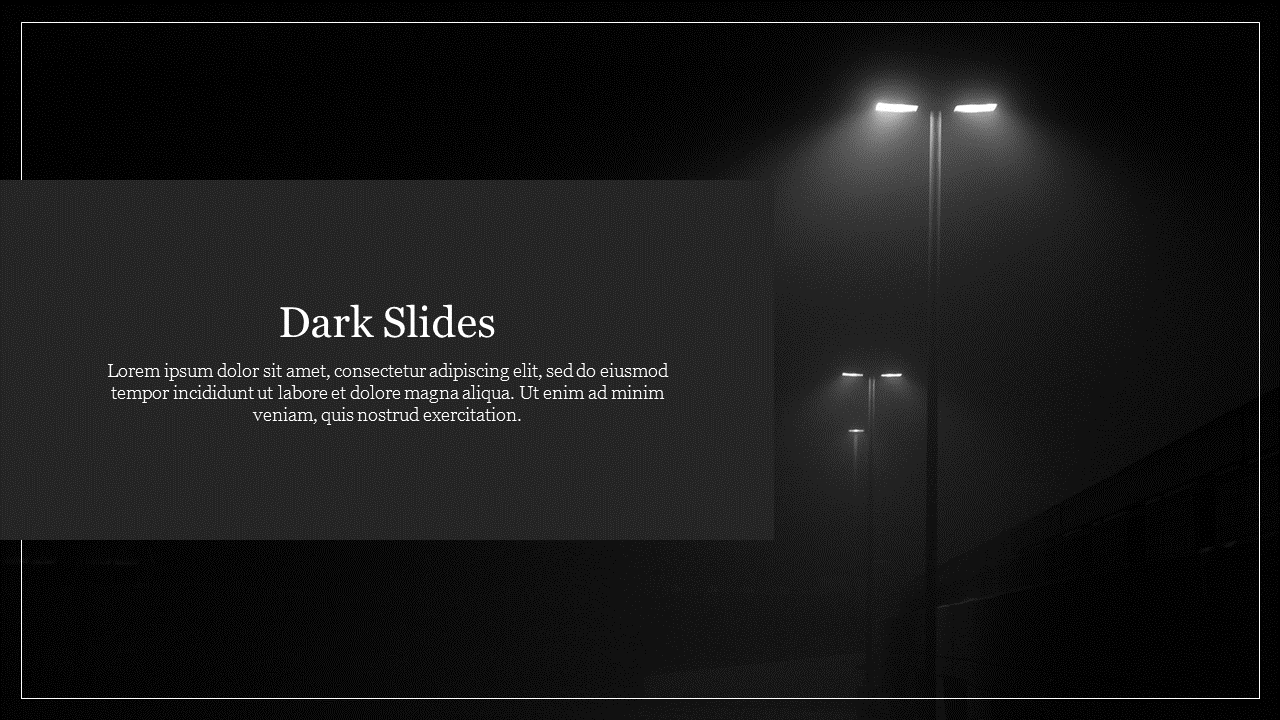
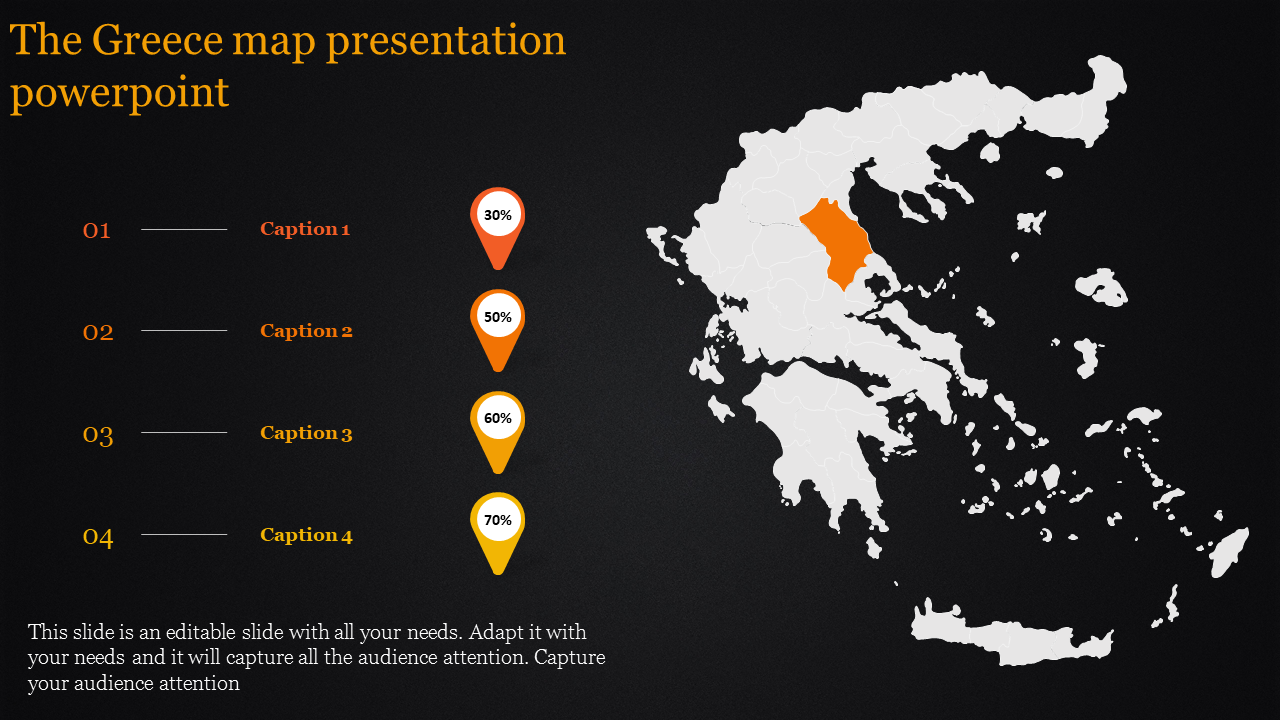
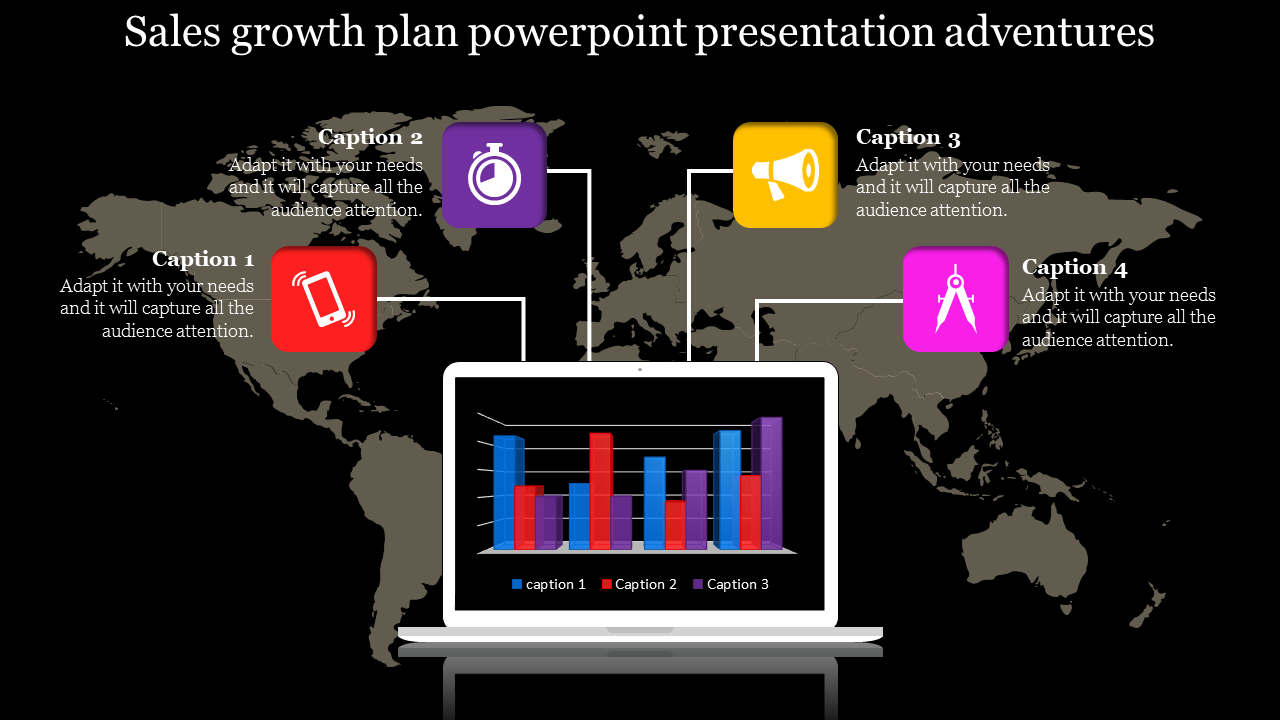
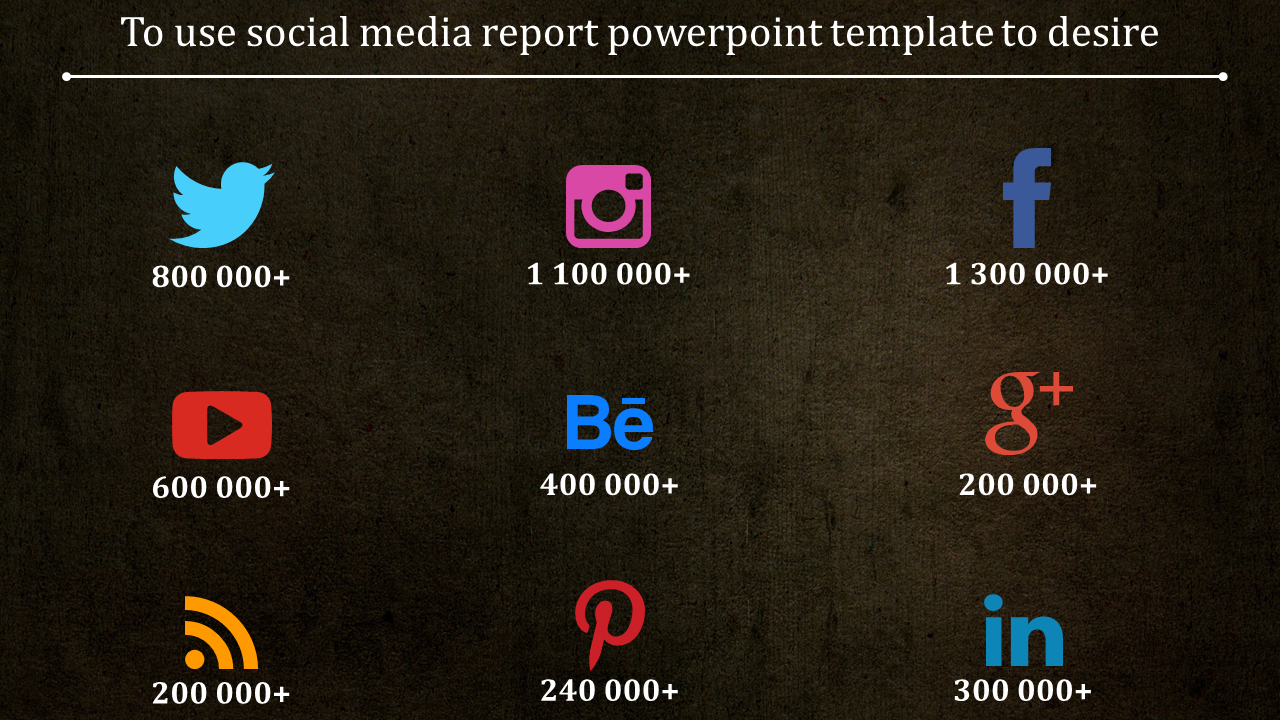
Free Dark PowerPoint Templates and Google Slides Themes: Illuminate Your Ideas
- Elegance and Sophistication: Dark backgrounds exude elegance. They set the stage for impactful content, making your message stand out effortlessly.
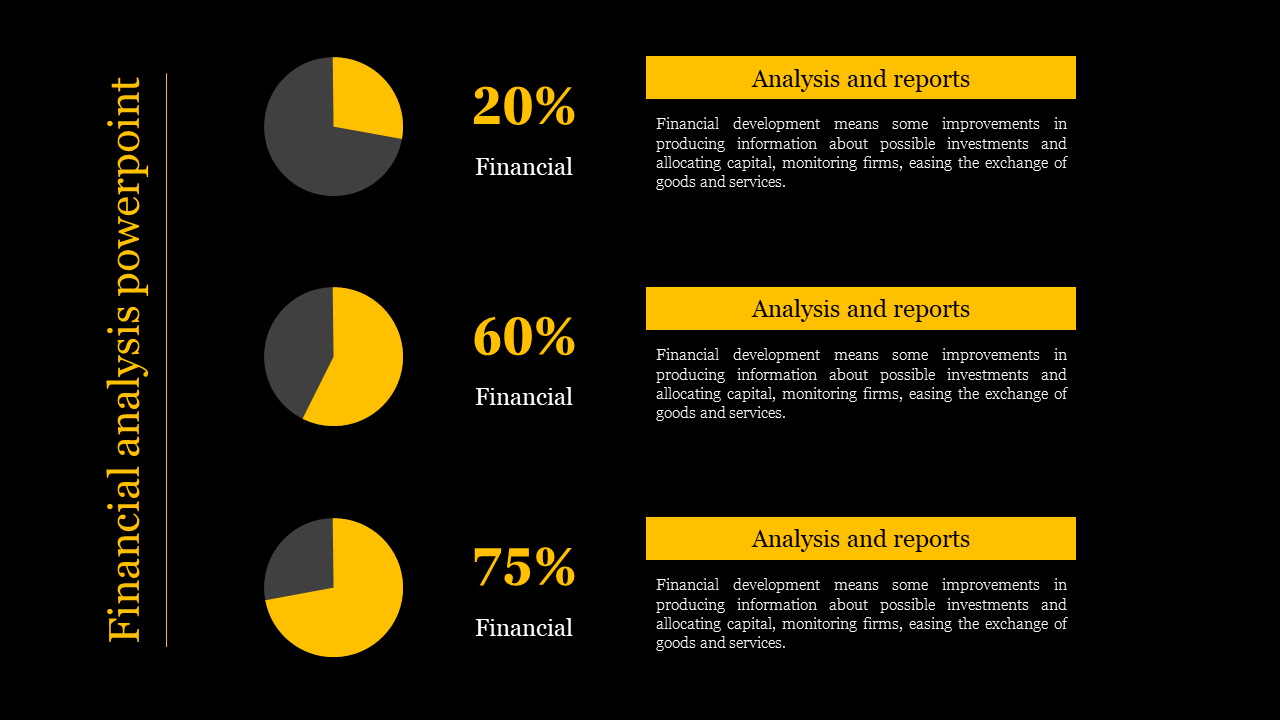
- Contrast and Focus: Neon-colored graphics pop against dark backgrounds. The high contrast ensures that your audience’s eyes are drawn to the essential elements of your slides.
- Memorability: Dark aesthetics leave a lasting impression. When used thoughtfully, they enhance recall and reinforce key points.
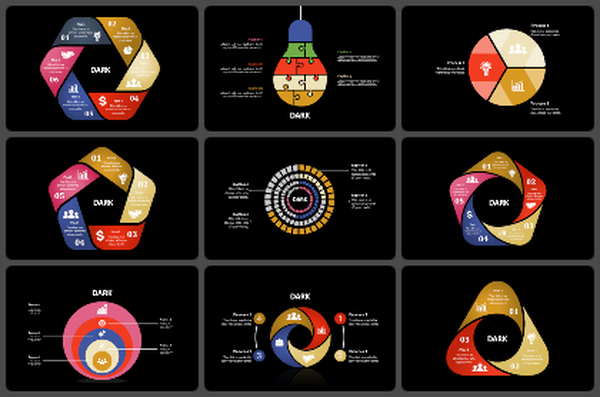
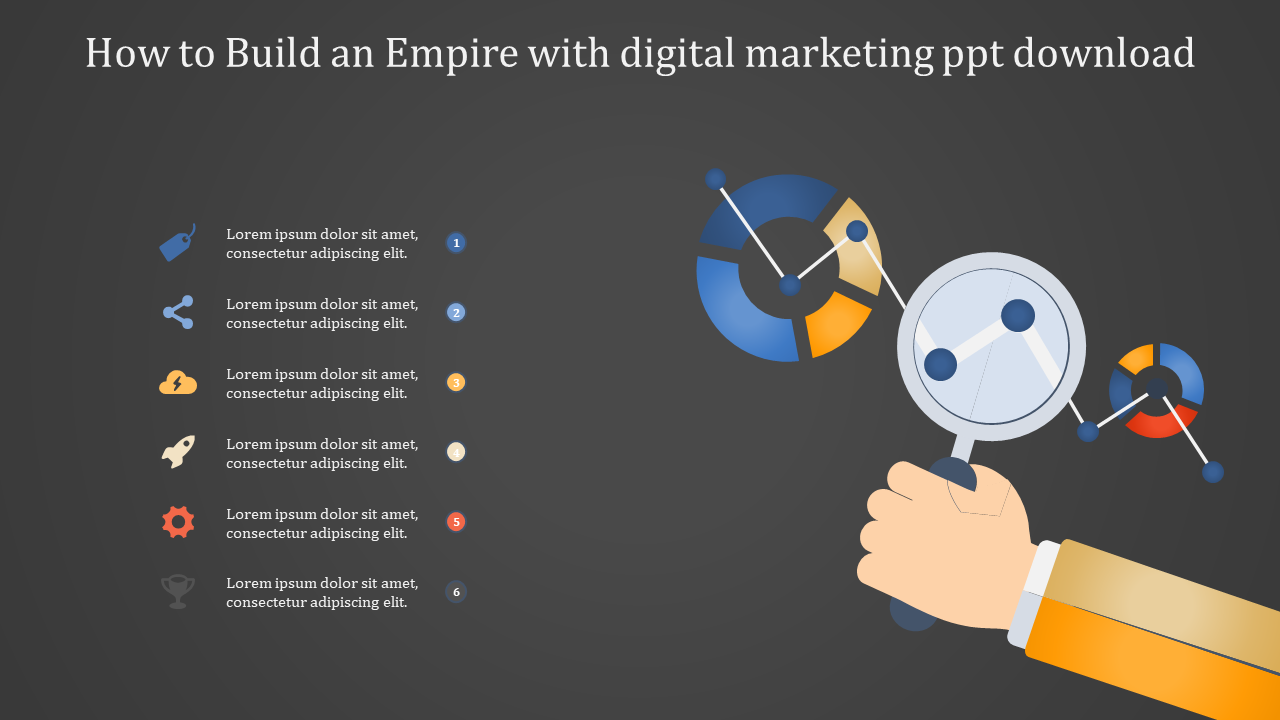
- Multicolor Infographics: Our templates feature dynamic infographics in various hues. Whether it’s charts, graphs, or timelines, you’ll find visually appealing ways to convey complex information.
- Multiple Node Selections: Customize your slides with ease. Select and modify individual elements—nodes, icons, or shapes—to align perfectly with your content.
- Editable Graphics and Text Placeholders: Tailor each slide to your narrative. Edit graphics, adjust text, and make it uniquely yours. Our placeholders ensure seamless content integration.
- Royalty-Free: No worries about licensing fees. Use our templates without restrictions.
- 100% Editable: Customize every detail—colors, fonts, layouts—to match your brand or topic.
- Multiple Formats (4:3 & 16:9): Whether you prefer standard or widescreen, we’ve got you covered.
- Portrait & Landscape Orientations: Choose the orientation that suits your presentation style.
- Free Slides Available: Dip your toes in! Explore our free slides before diving into the full collection.
- Formal presentations: A dark background can create a sleek, sophisticated look that's perfect for business presentations, academic lectures, or any situation where you want to project a sense of authority or professionalism.
- Creative presentations: Dark backgrounds can also be a great way to make your content stand out, especially if you're using a lot of visuals. They can be a good choice for presentations on art, design, photography, or any other topic where you want to create a visually impactful experience.
- Low-light environments: If you're giving a presentation in a dimly lit room, a dark background can help to reduce eye strain for your audience. This can be especially important for longer presentations.
- Keeping the focus on the content: By using a dark background, you can make sure that your audience's attention is focused on your text and visuals, rather than the background itself. This can be helpful for presentations that are data-heavy or that contain a lot of complex information.
Become an expert with SlideEgg

We're here to help you!
Is a dark theme an advantage?
Yes! Using dark themes tends to prestige and power, which has always been an advantage to making your slide look rich and royal. More than that, using dark colors will show complete contrast.
What are Dark PowerPoint templates?
Dark PowerPoint Templates are the options for user interfaces and websites called "dark mode" or "dark style," which flips the typical black on white and is primarily dark with lighter features.
Where can we use these Dark Theme Slides?
Business people, retail leaders, traders, and geographic instructors can discuss their topics and essential points using Dark PowerPoint Templates in conferences or seminars with their beautiful peculiarity.
How can I make PPT Slides in a presentation?
It's simple to create a PowerPoint presentation. You may create a PowerPoint slide with a dark theme with images, shapes, and other tools. But consider having a ready-made slide to make your work so easy-peasy.
Who can use Dark PPT Templates?
Dark themes are available to everyone who needs a PowerPoint presentation to display content. Notably, these dark slides can be used to make a PowerPoint presentation more visible during expositions held in a bright environment or on a stage with a large audience.
Why do we need to use PowerPoint Slides?
Presenters can remember all of their key points if they have a well-designed slide to use as a content guide. This enables individuals to unwind and feel more assured, which enhances their ability to come out as informed, authoritative, and entertaining.
Where can I find free PPT Templates?
Finding templates for free is widespread on the internet today. But click on something innovative that provides you with premium quality, though free. Slide Egg has all the high-class attributes to make it work for you.