Free Corporate Certificate Presentation Templates
Recognize excellence and build a strong team culture with our Corporate Certificate Templates. These designs help HR teams, managers, and business owners create professional awards quickly. The templates are fully editable in PowerPoint, Google Slides, and Canva. You can easily add your company logo, employee names, and award details. Download now!
Editor's Choice (1 of5)
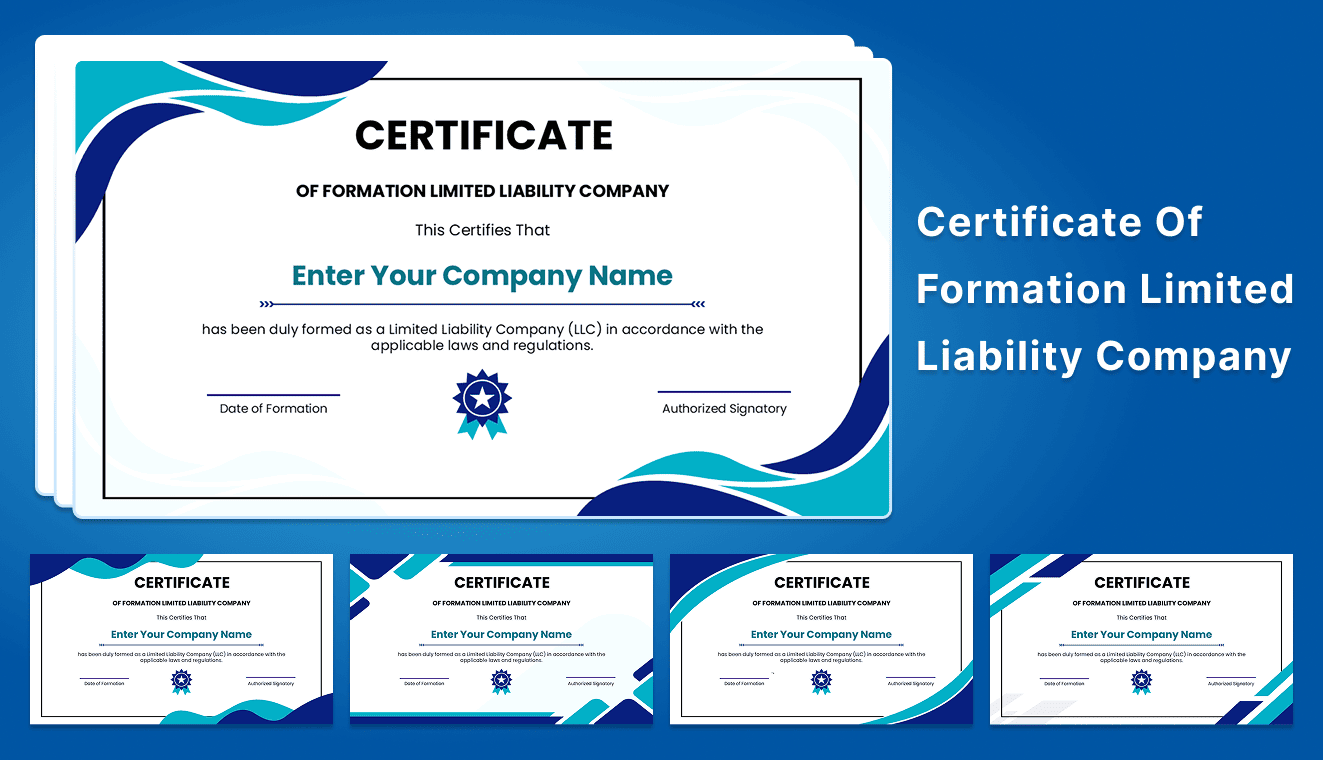
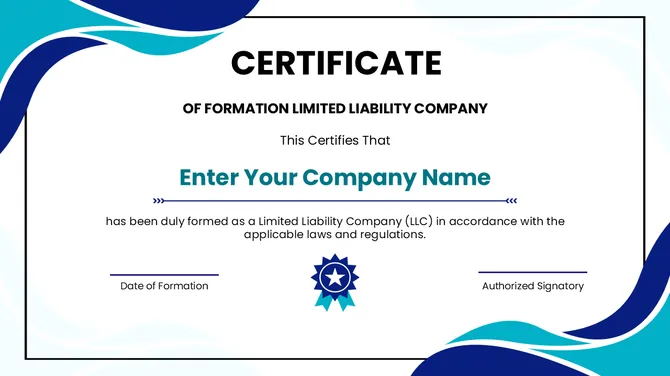
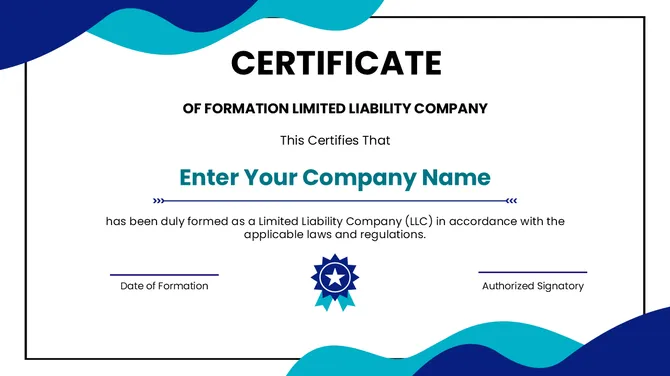
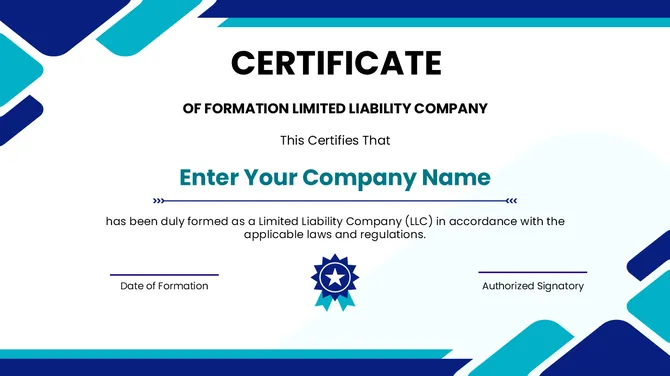
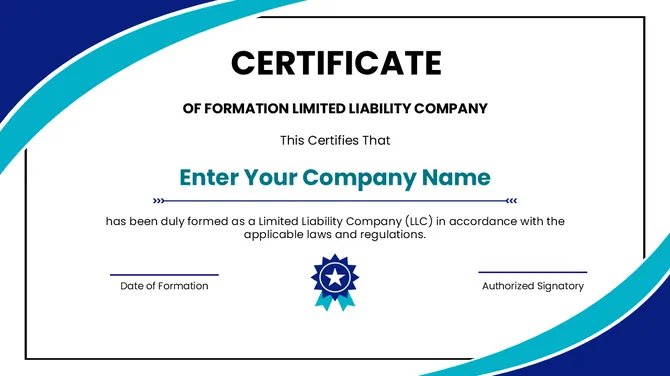
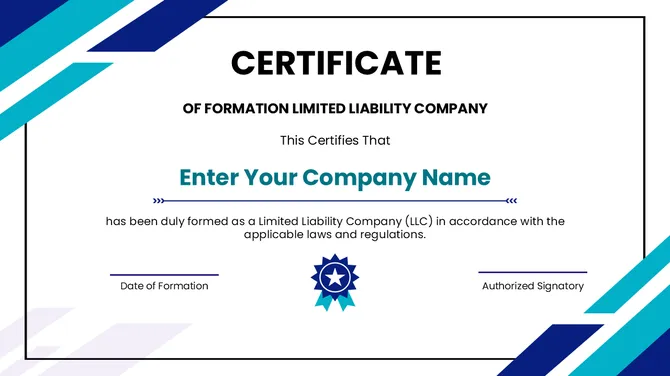

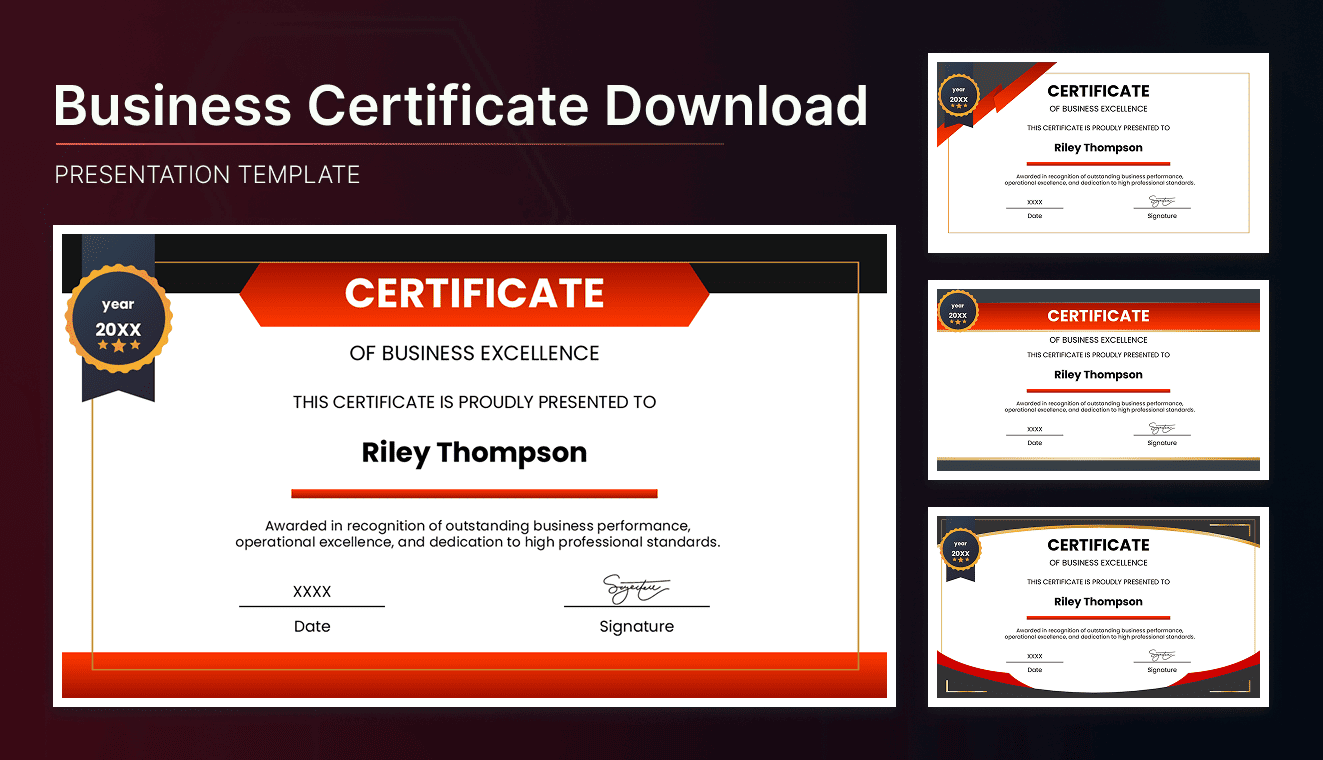
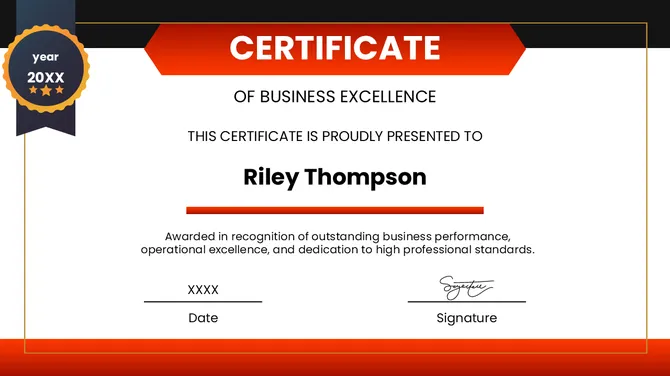

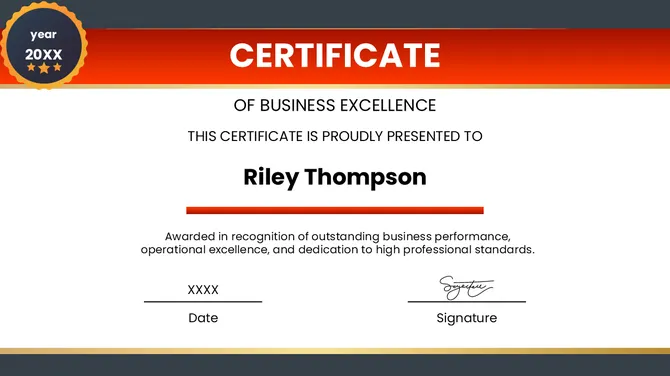



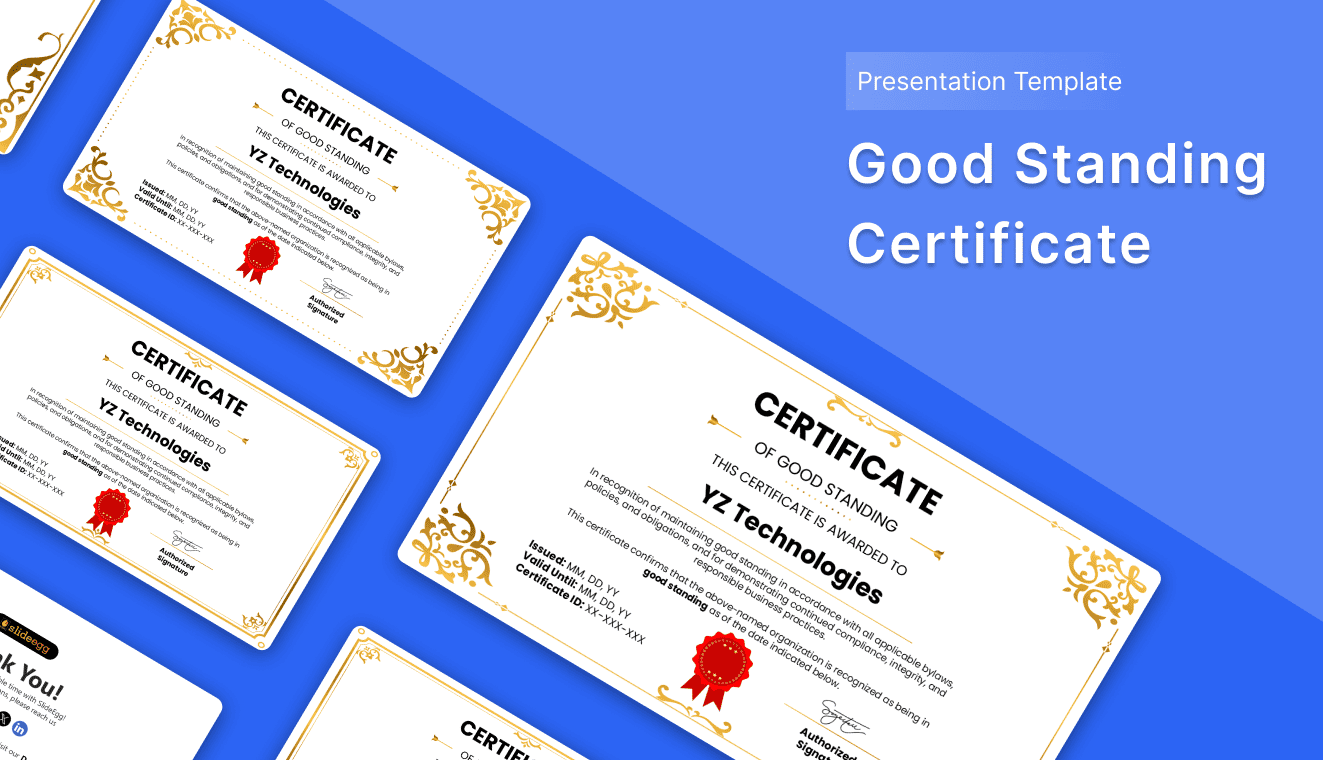
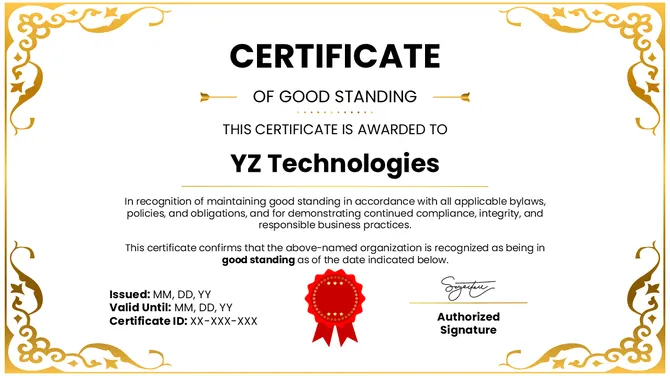
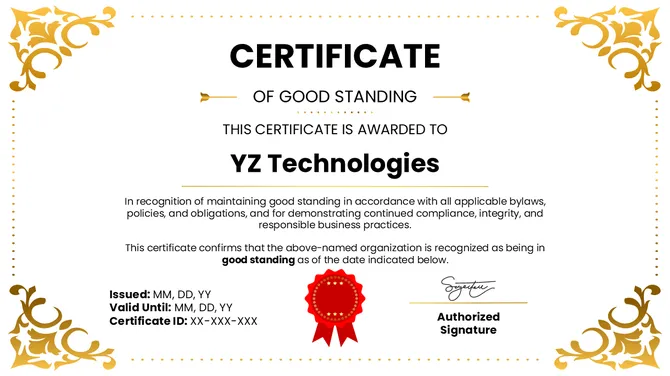
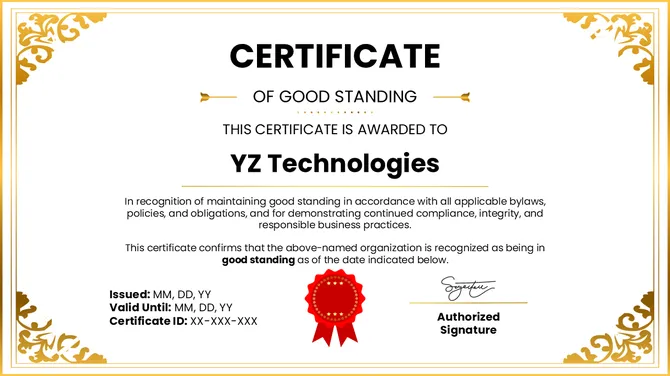
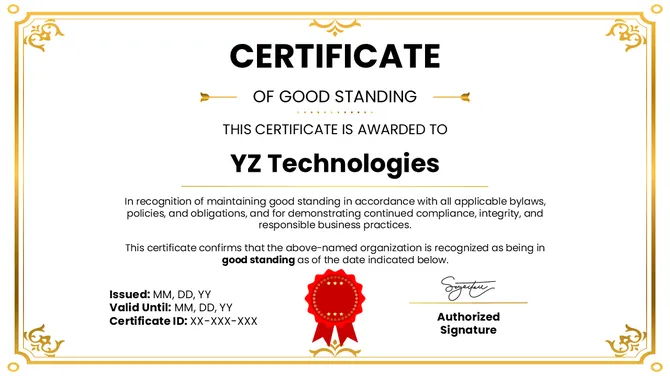
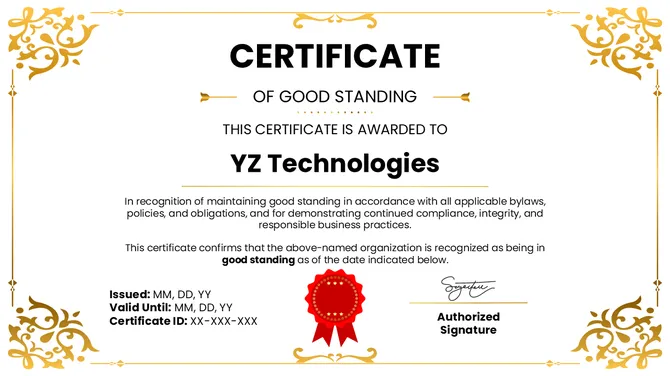

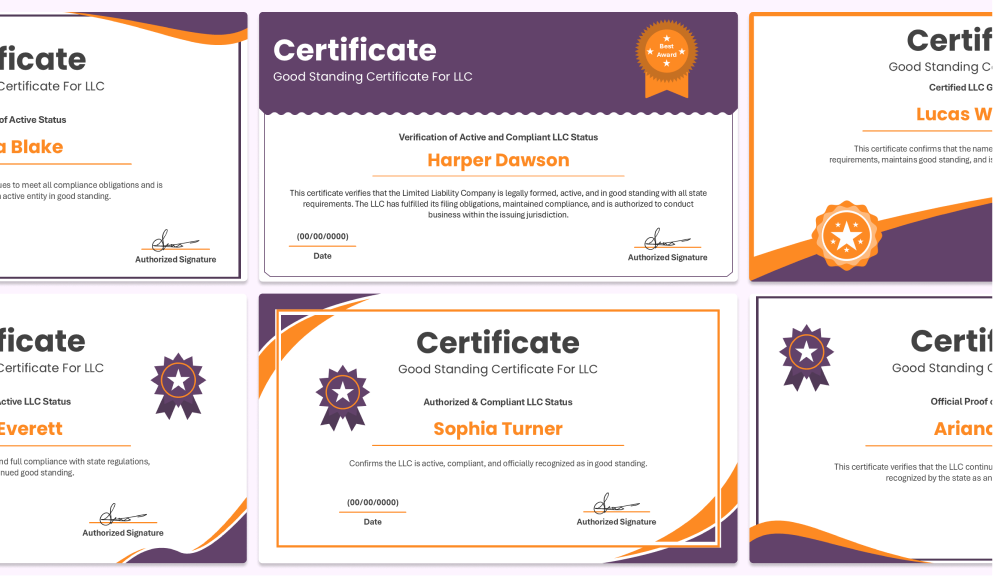
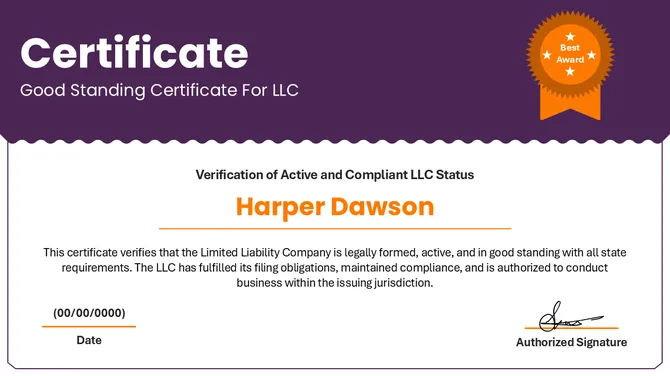
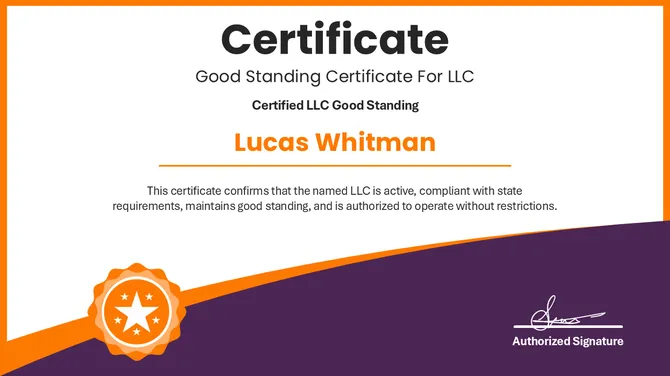
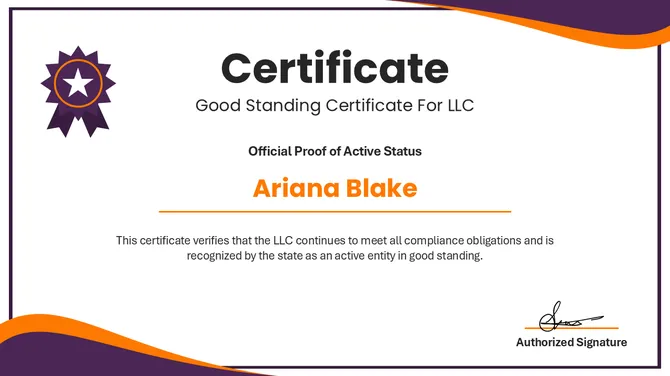
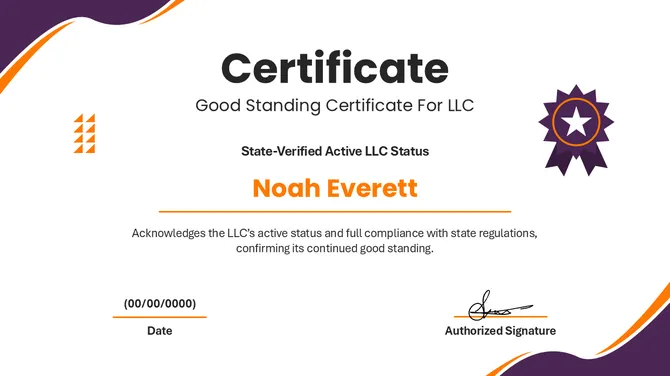
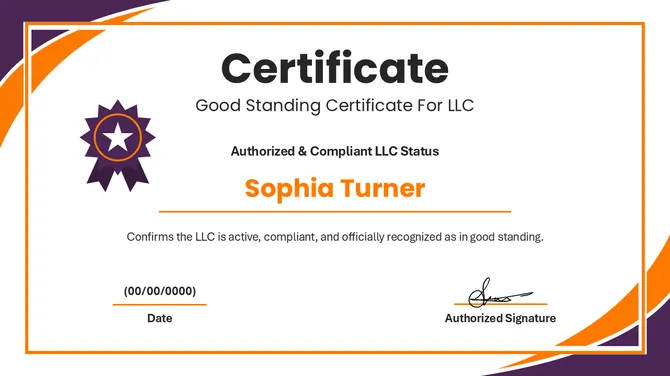

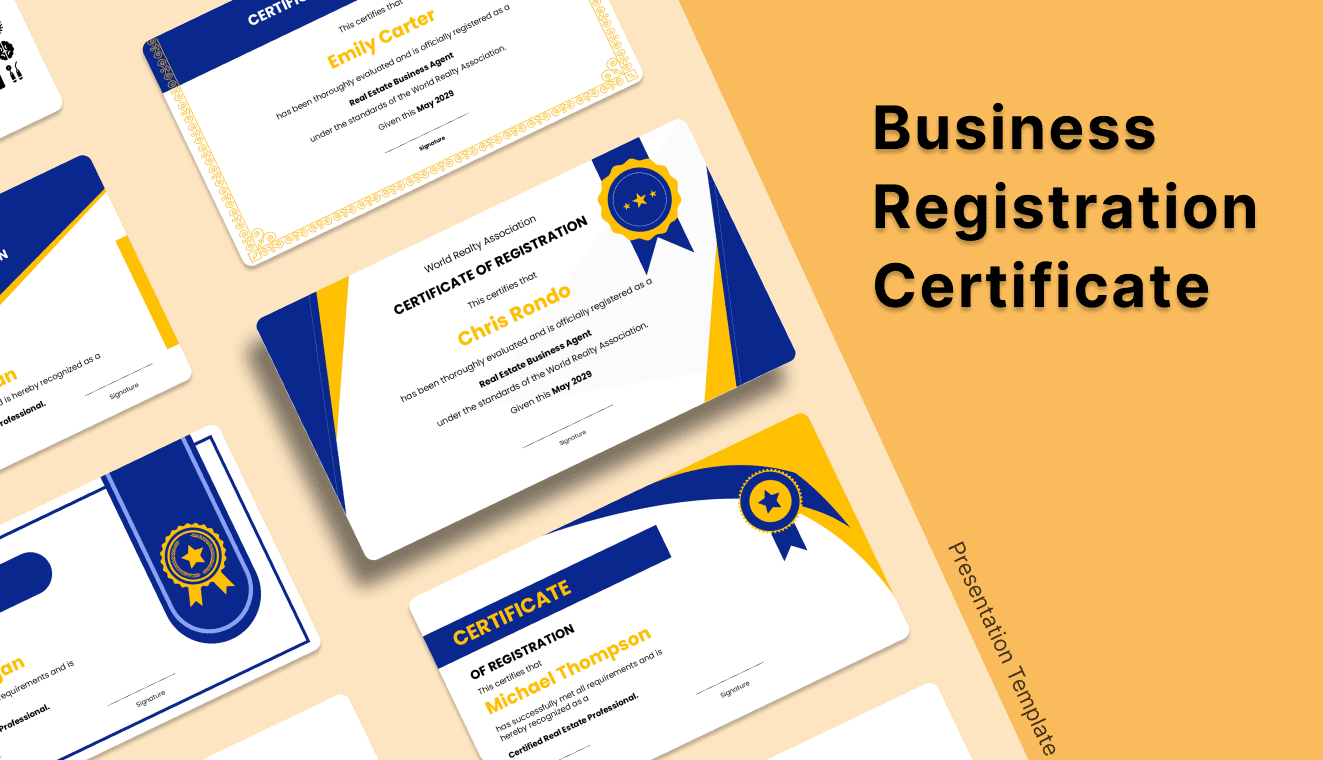


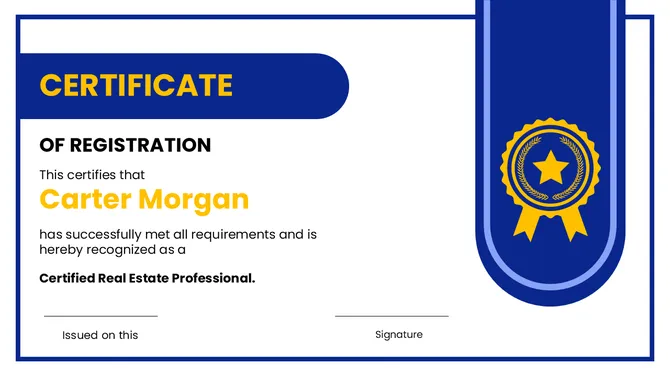
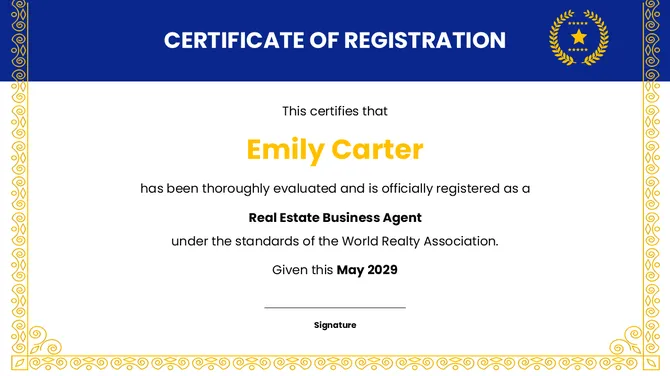
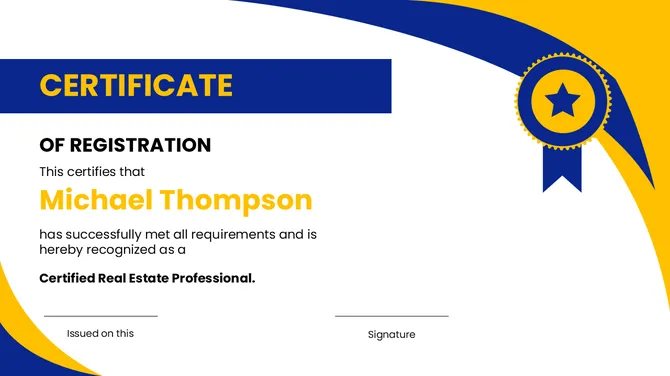

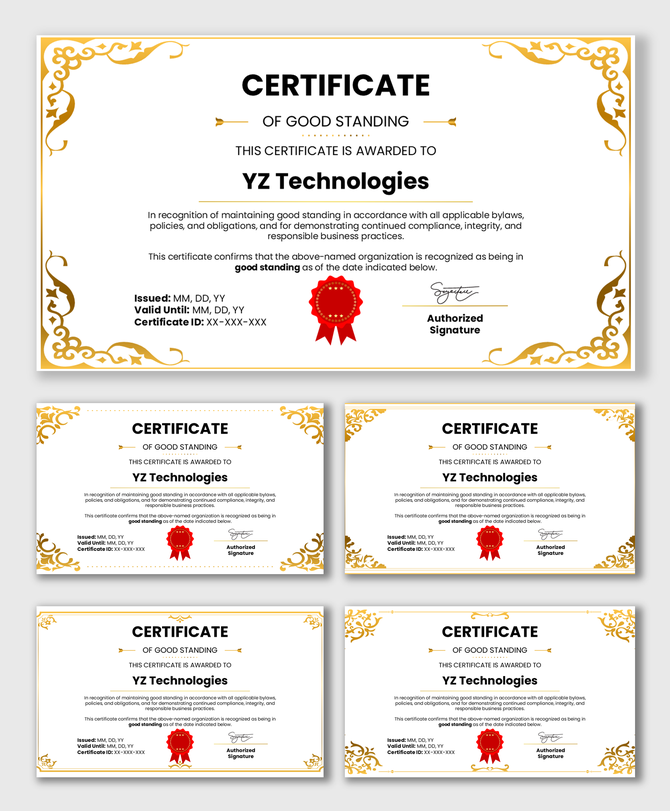
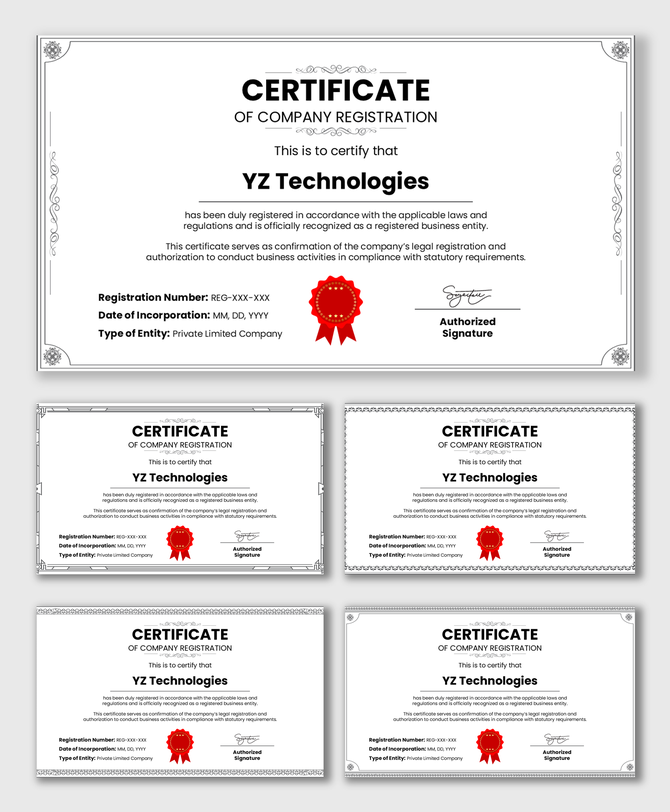
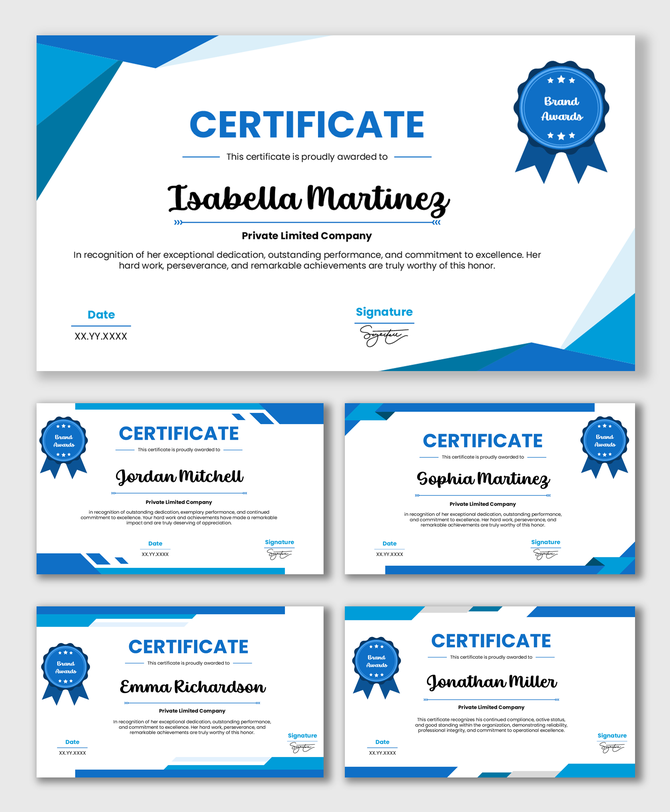
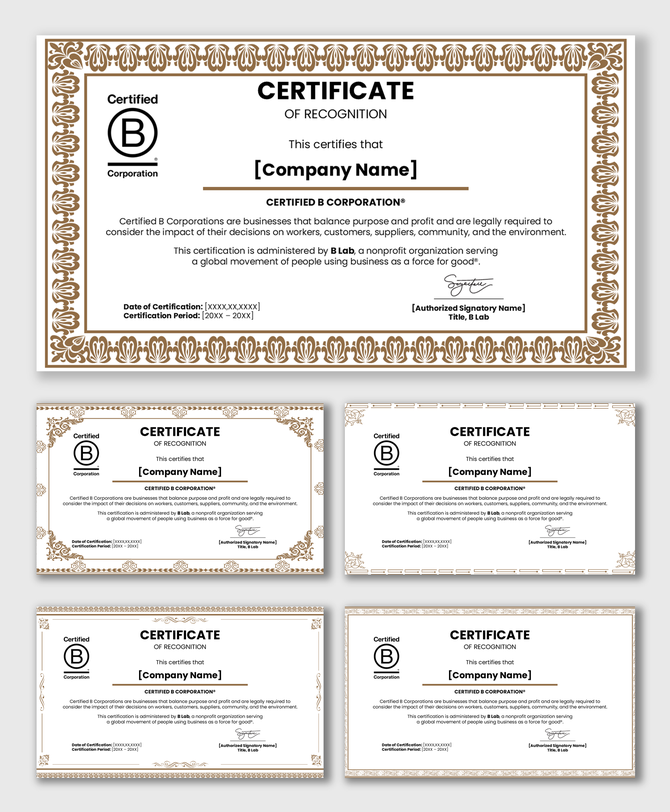
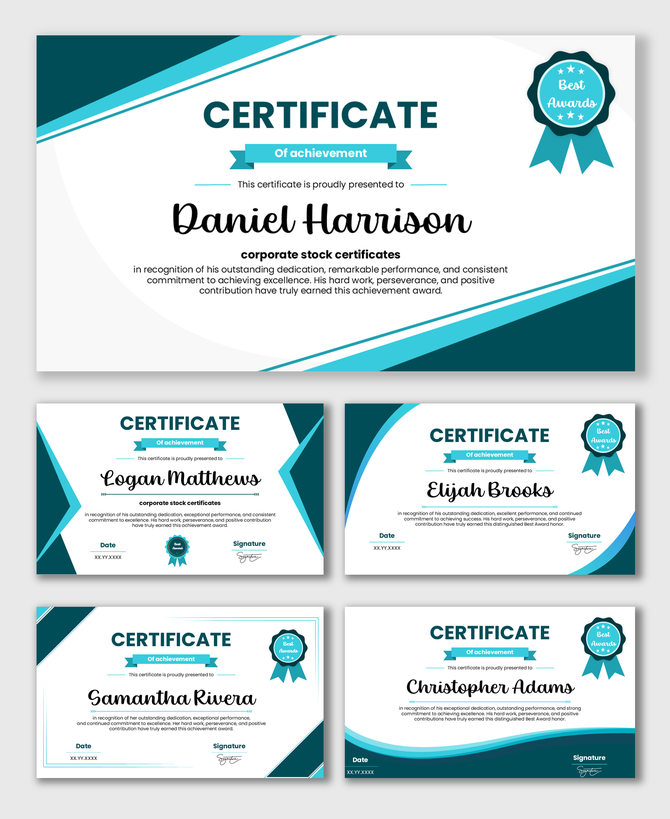
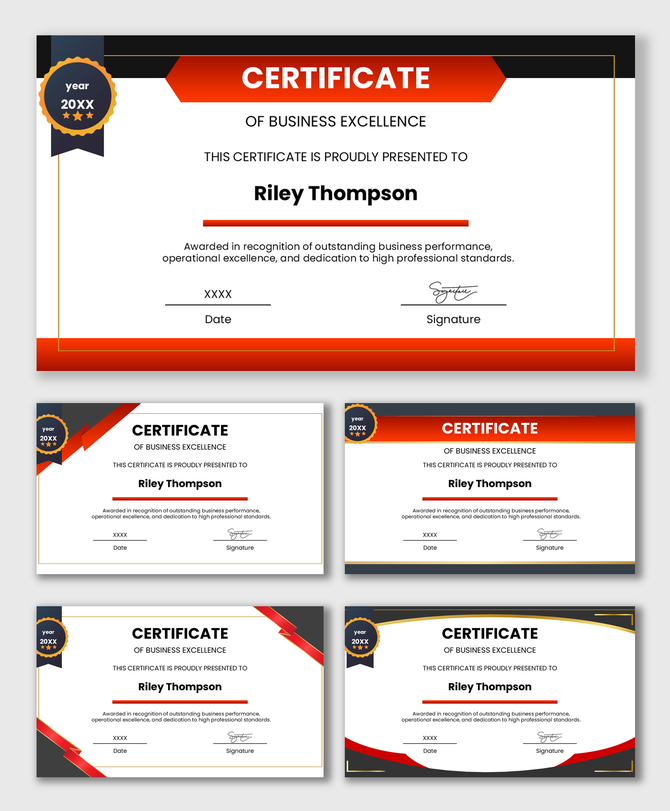
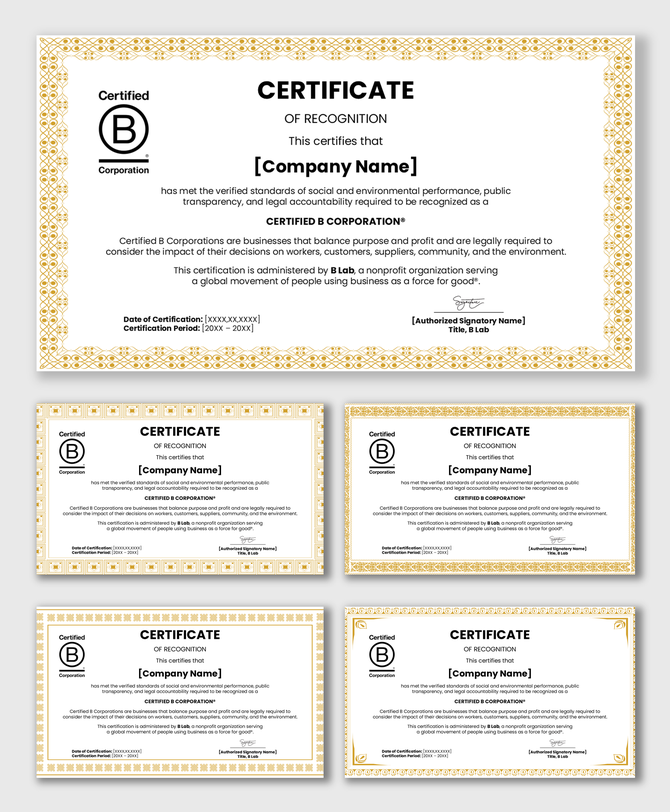
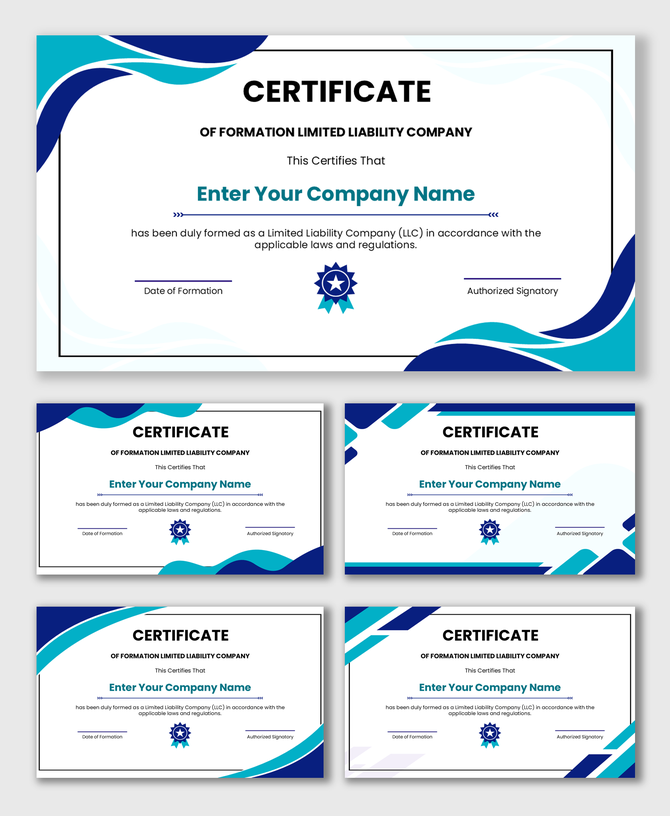
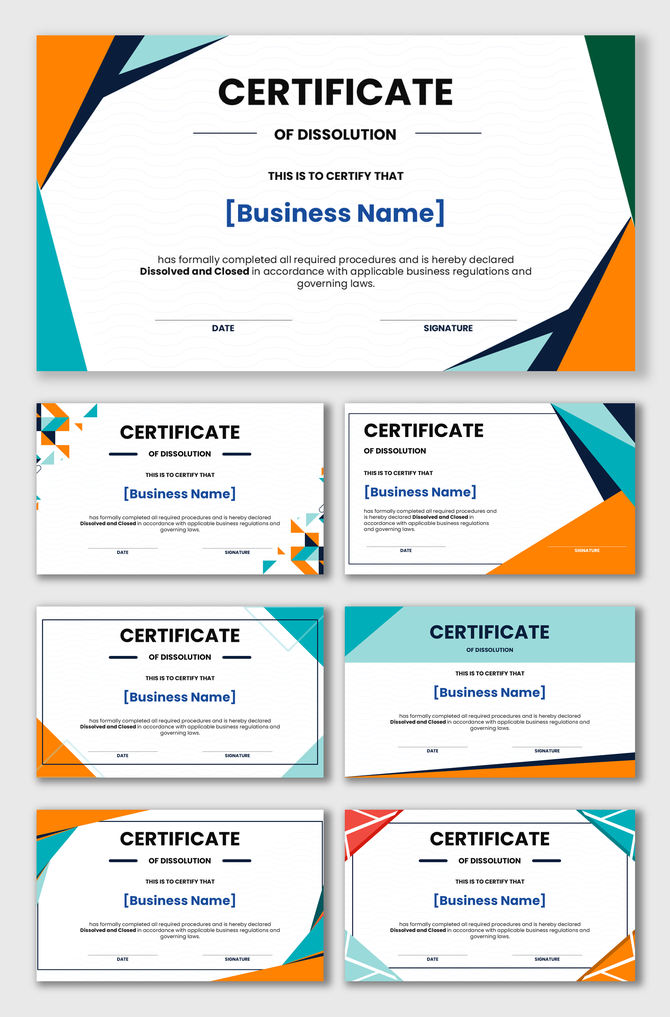
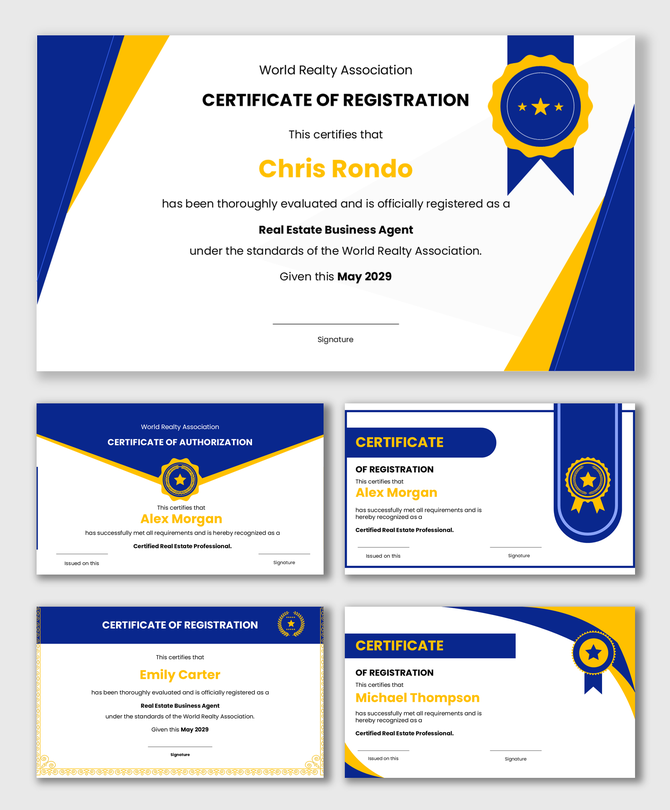
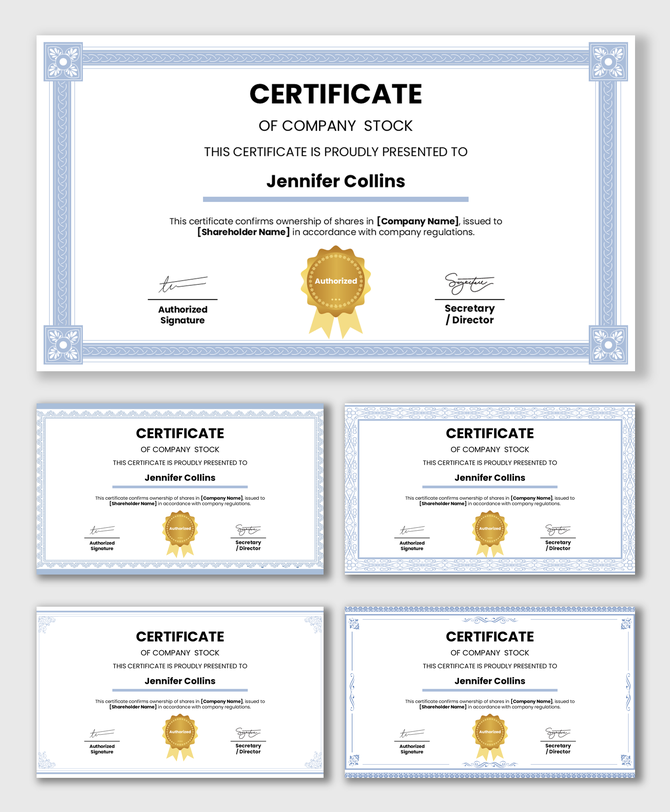
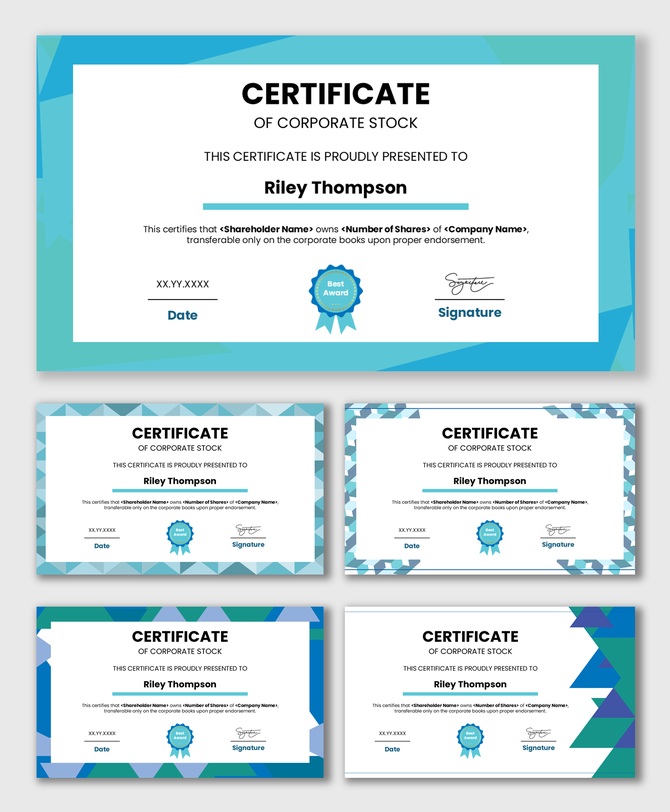
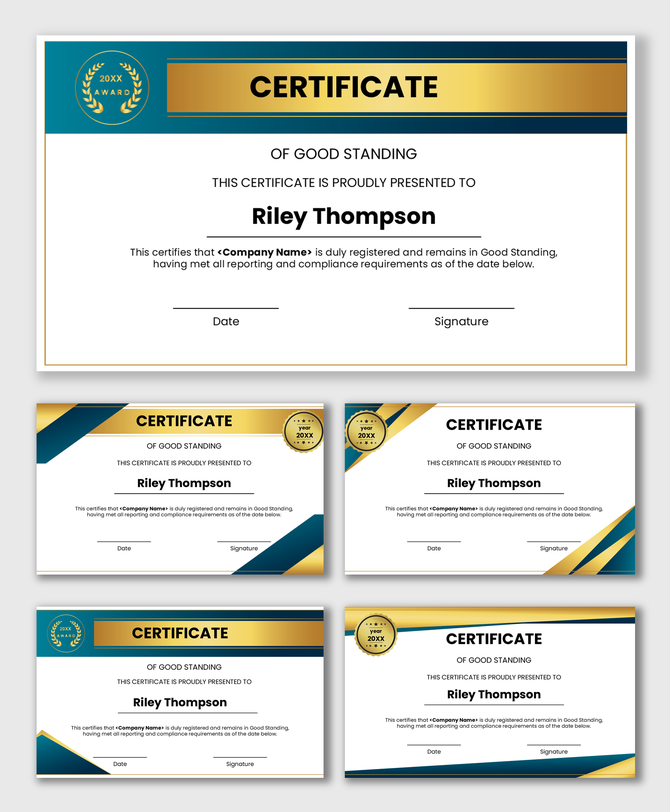
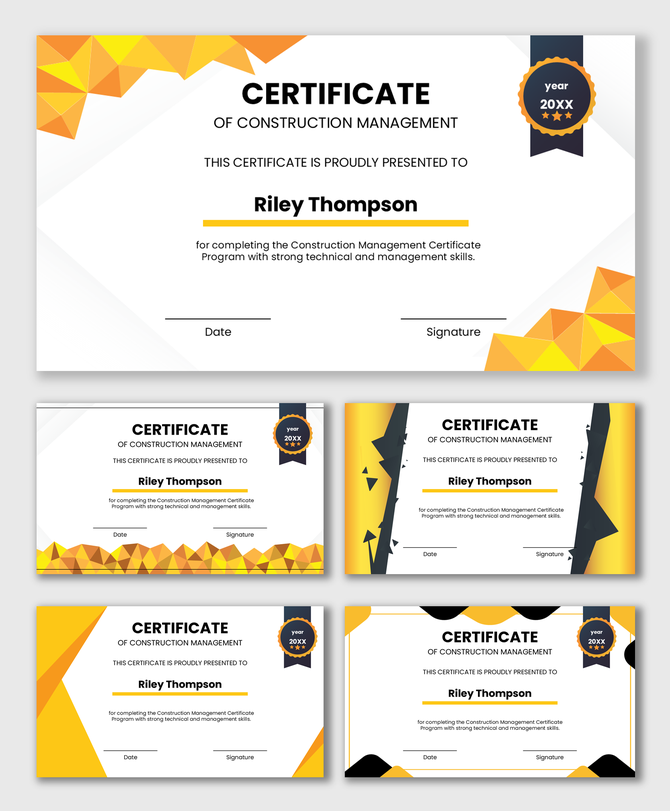
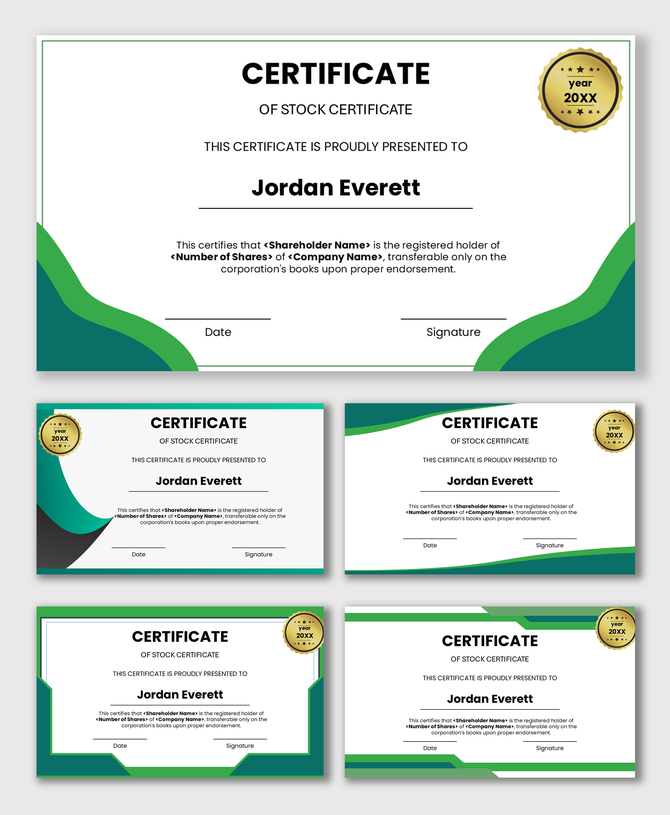
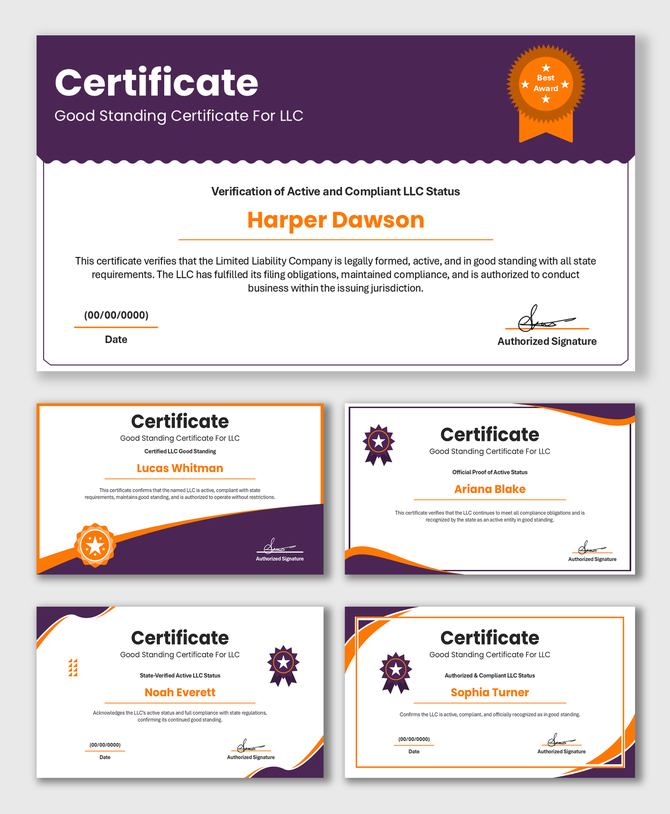
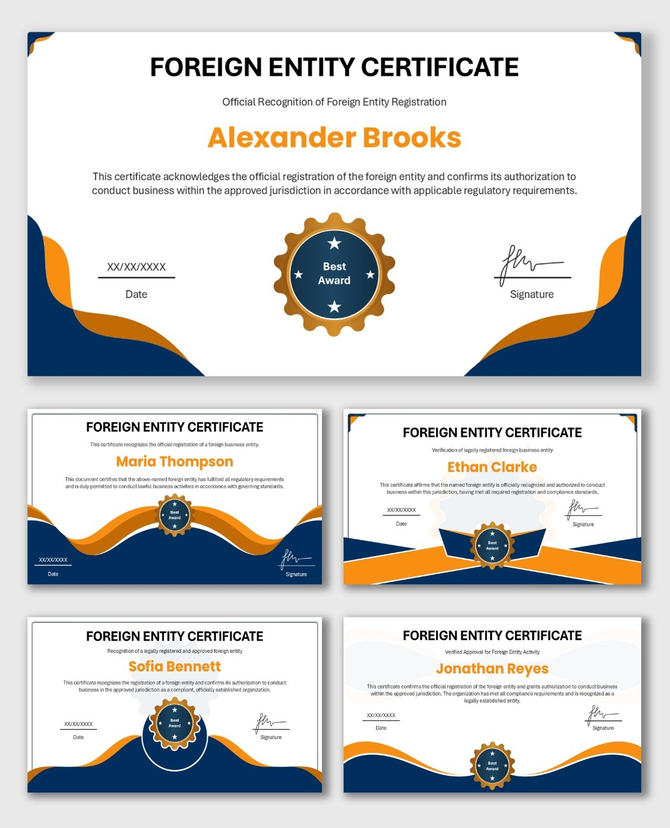
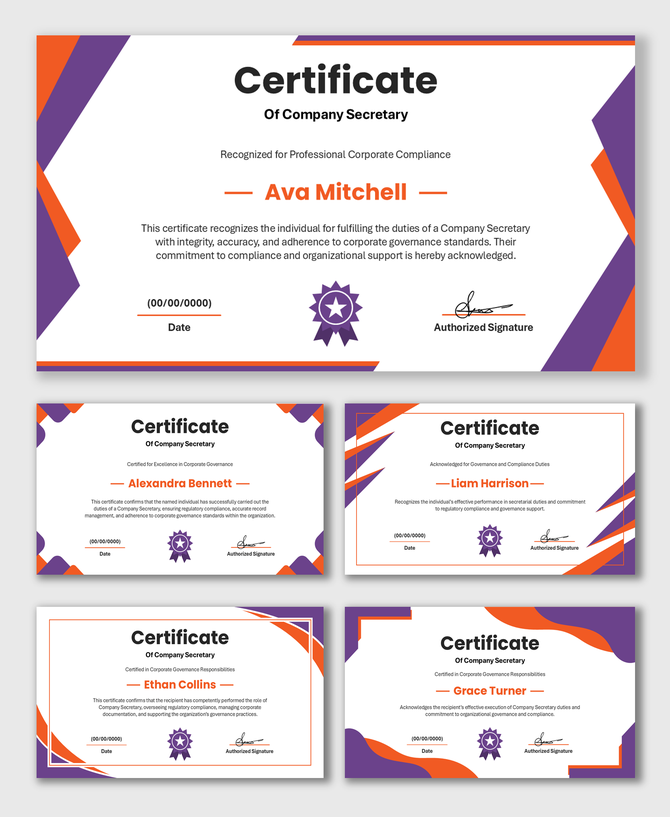
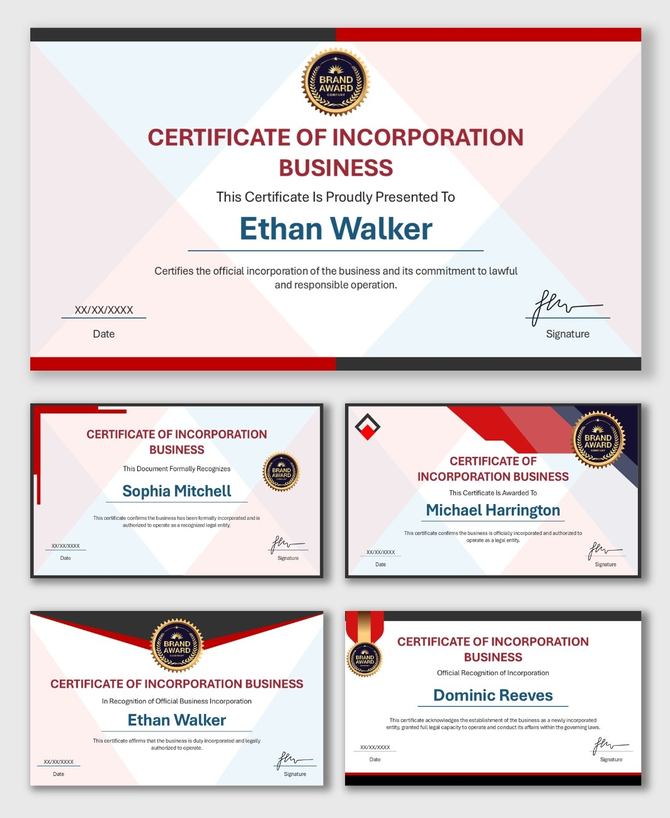
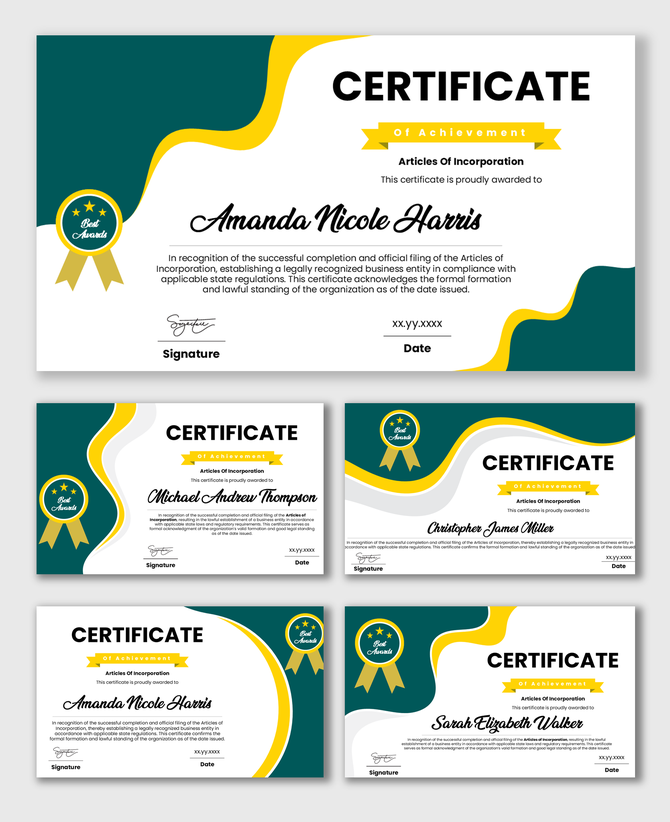
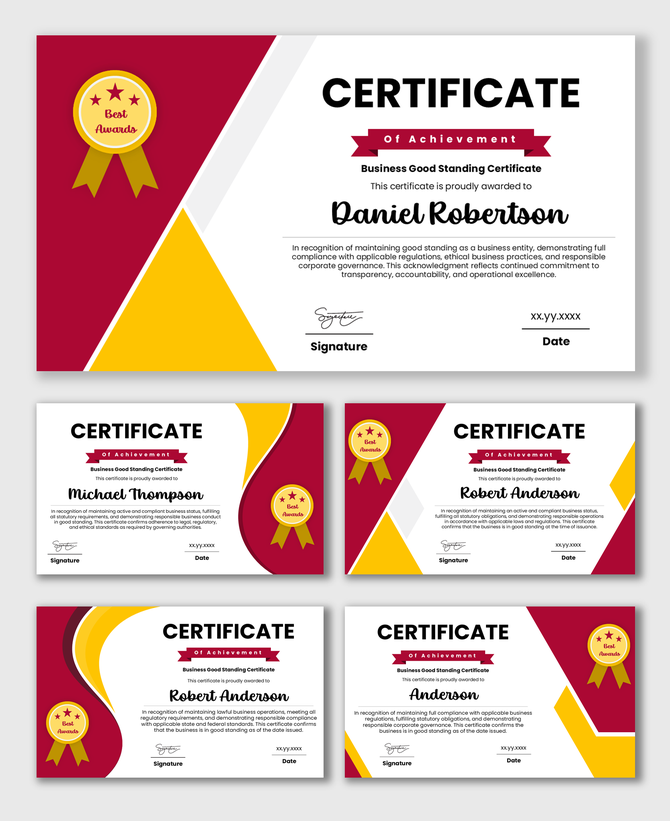
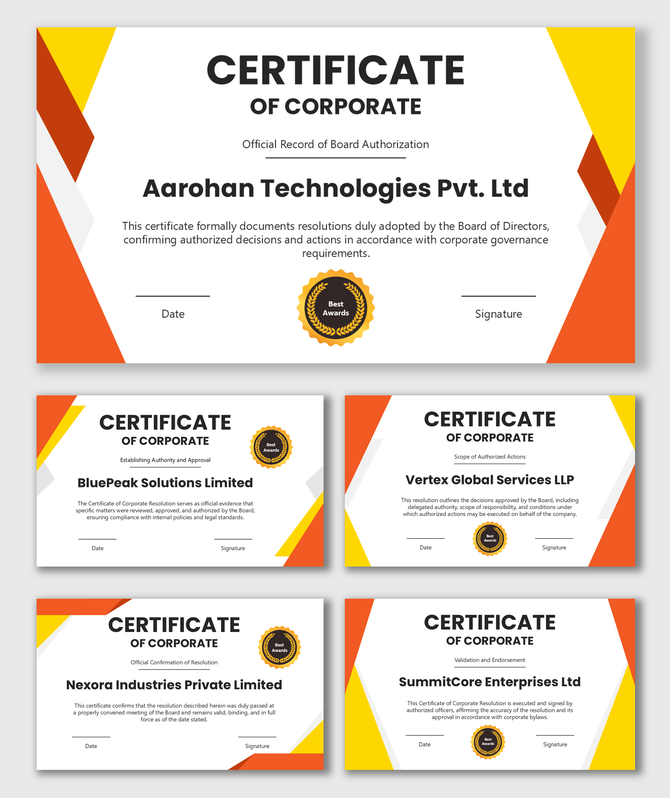
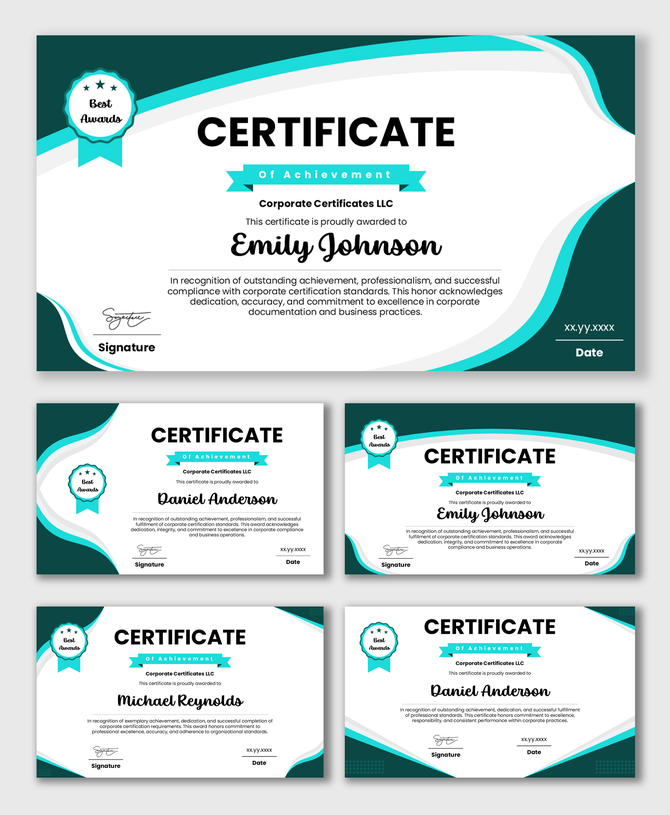
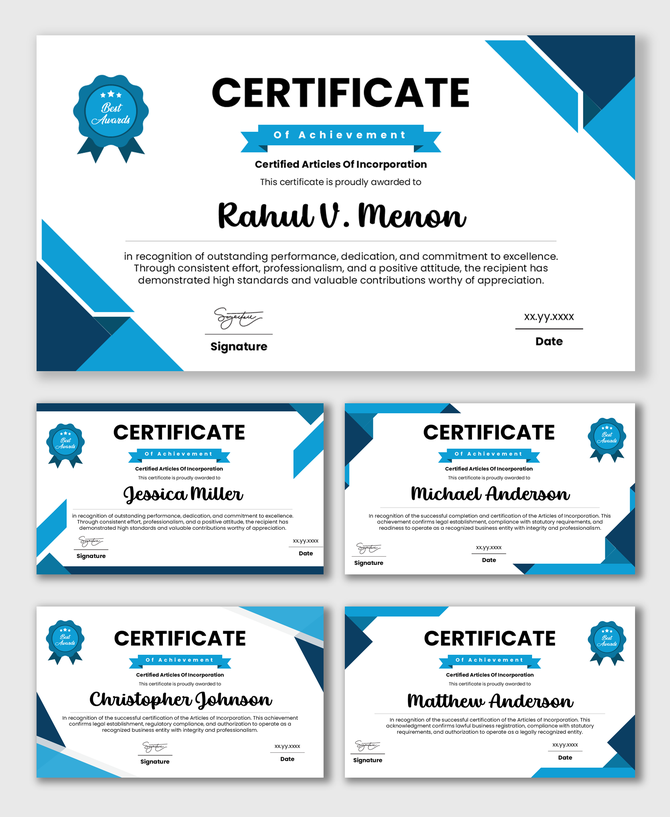
Professional Corporate Certificate Templates for Employee Recognition
Why Employee Recognition Matters
The Difference Between Academic and Corporate Design
- Modern Layouts: We use clean lines and plenty of white space. This looks sleek and professional.
- Brandable Elements: Every business has a brand color. Our templates let you change the border colors to match your company identity.
- Logo Placeholders: In business, your logo is your seal of approval. All our templates have a dedicated spot for your company logo.
Versatile Ways to Use These Templates
Perfect for Remote and Hybrid Teams
- Step 1: Edit the slide with the winner's name.
- Step 2: Save the slide as a PDF or a high-quality Image (JPEG/PNG).
- Step 3: Email it to the team member or post it on your company Slack or LinkedIn.
How to Customize for Your Brand
- Insert Your Logo: Delete the placeholder image and drag in your company logo. This makes the award official.
- Match Your Colors: Click on the borders or shapes. Use the "Shape Fill" tool to pick your exact brand colors. If your logo is red, make the borders red. This makes the certificate look custom-made.
- Digital Signatures: If you are the CEO or Manager, you can sign a piece of white paper, take a photo of it, and upload it to the signature line. This looks very professional on digital awards.
Print Quality You Can Trust
- Standard Sizes: The templates fit on standard A4 or Letter paper. You don't need special settings.
- Safe Margins: We keep the text away from the edges. Your office printer will not cut off the borders.
- Crisp Graphics: The lines and text stay sharp, even on large paper.
What to Write on a Corporate Certificate
- The Title: Keep it clear. "Certificate of Appreciation" or "Award of Excellence."
- The Recipient: Make the employee's name big and bold. It is the most important part.
- The Reason: Add a short sentence explaining the "Why." For example: "For demonstrating exceptional leadership during the Q4 project."
- The Date: This is important for records.
- The Signature: A certificate must be signed by a leader to feel valid.
Save Time and Money
Frequently Asked Questions
What are Corporate Certificate PowerPoint Templates?
These are ready-made slide designs used by businesses to create awards for employees. You can edit them to add names and logos.
Can I use my company logo?
Yes. All templates have a space where you can upload your own company logo.
Can I change the colors?
Yes. You can change the colors of the borders and text to match your company brand.
Are these good for printing?
Yes. They are designed to look sharp and clear when printed on standard paper or cardstock.
How do I send these to remote employees?
You can edit the certificate and save it as a PDF or an image. Then, simply email it to your remote team members.
Do these work in Google Slides?
Yes. You can use PowerPoint, Google Slides, or Canva to edit these templates.
Is there a cost?
We offer both free and premium templates. You can download and use them for your business needs.