Corporate Background Presentation Templates
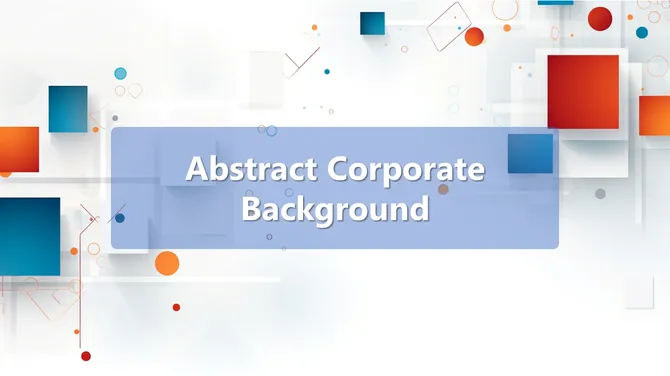
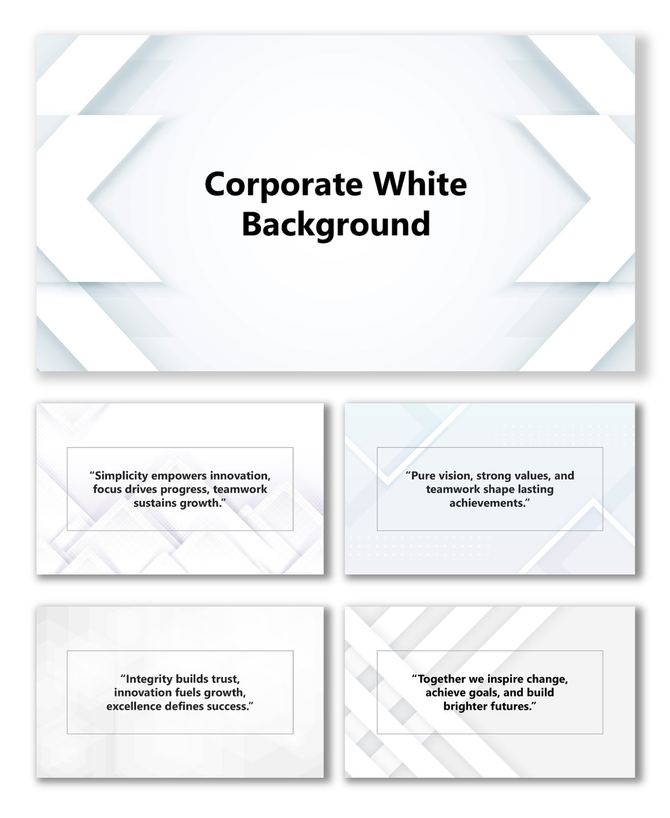
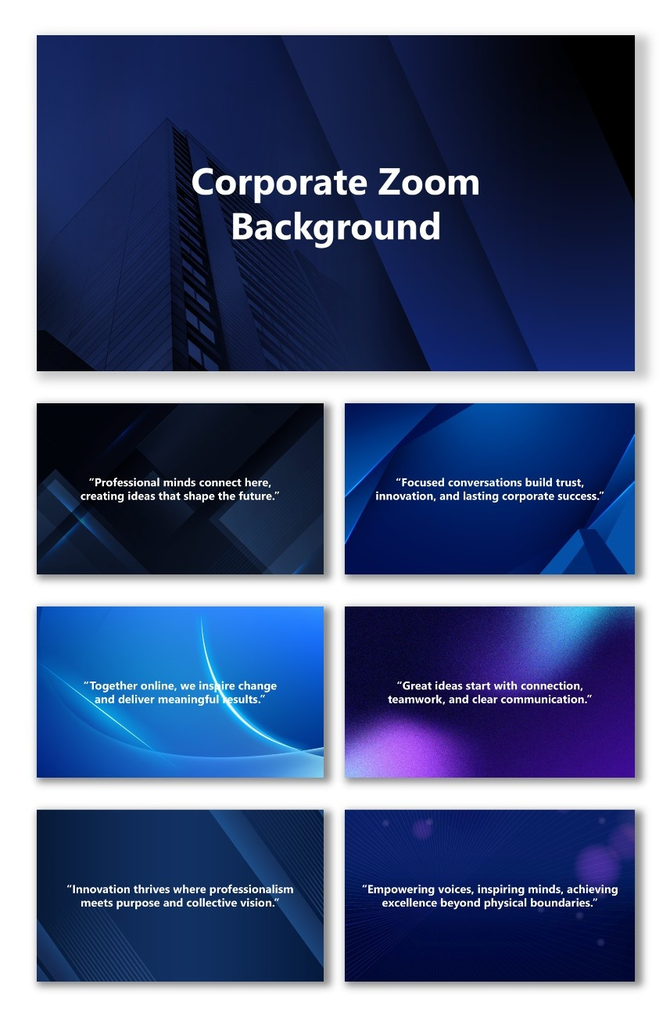
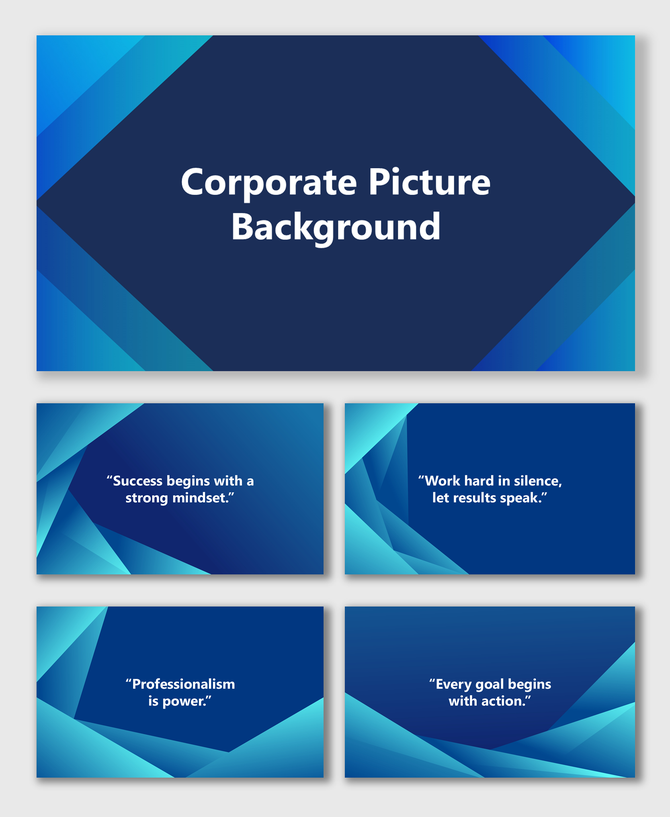
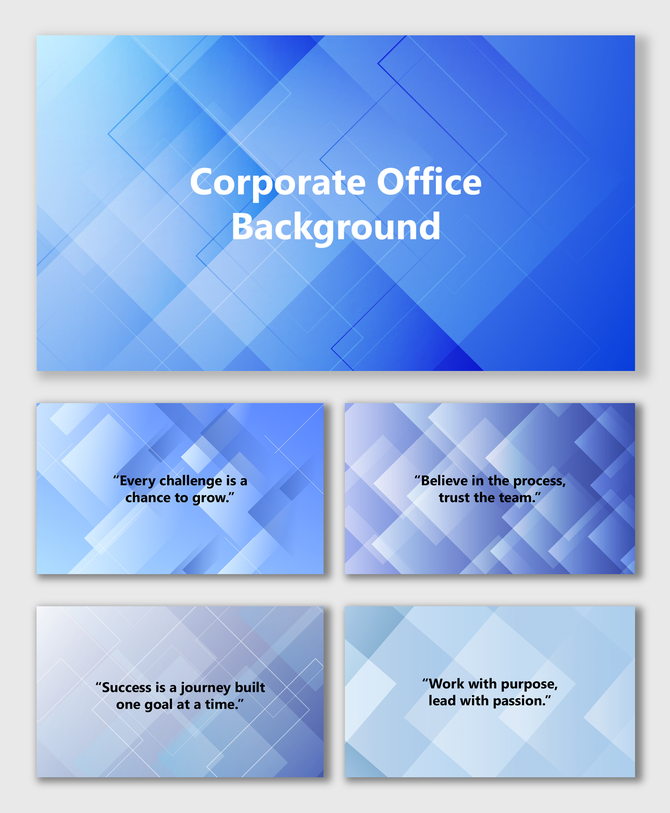
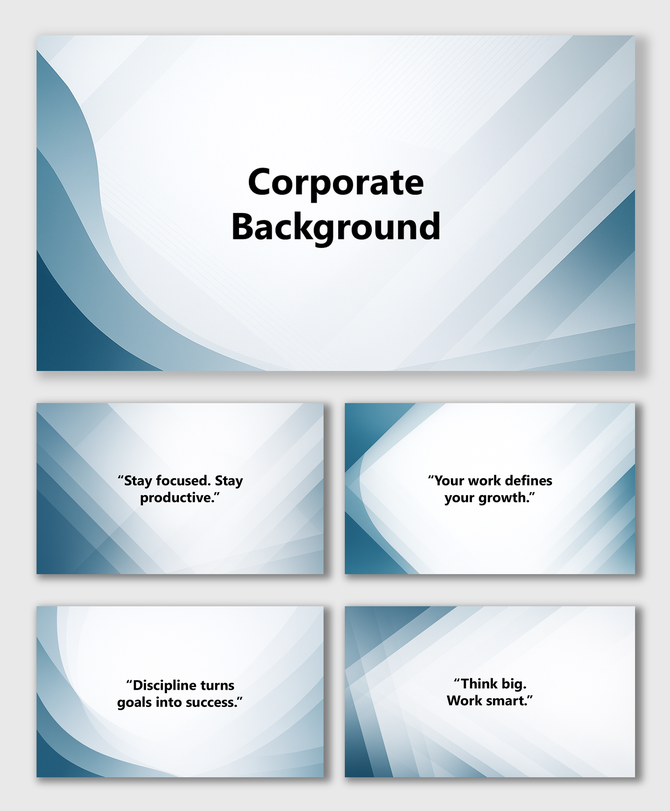
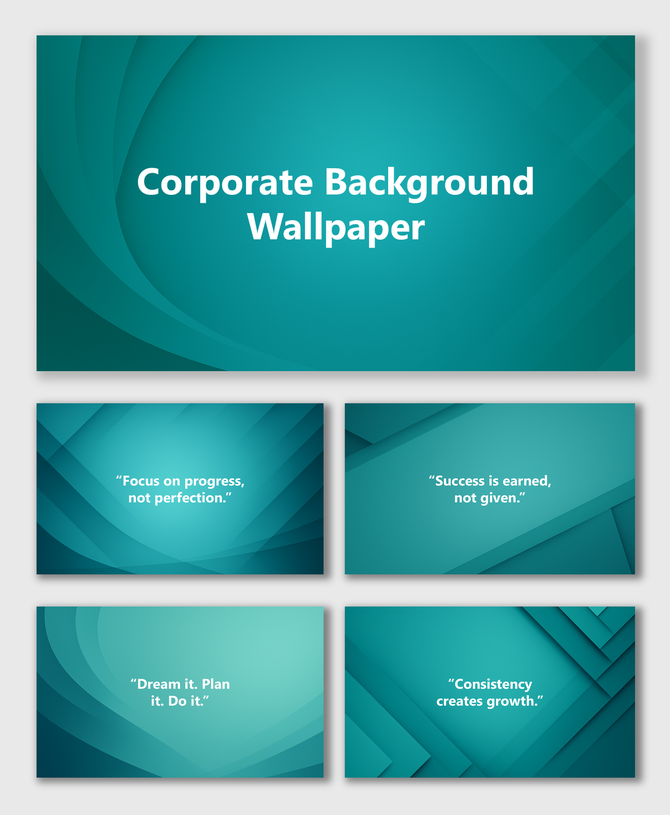
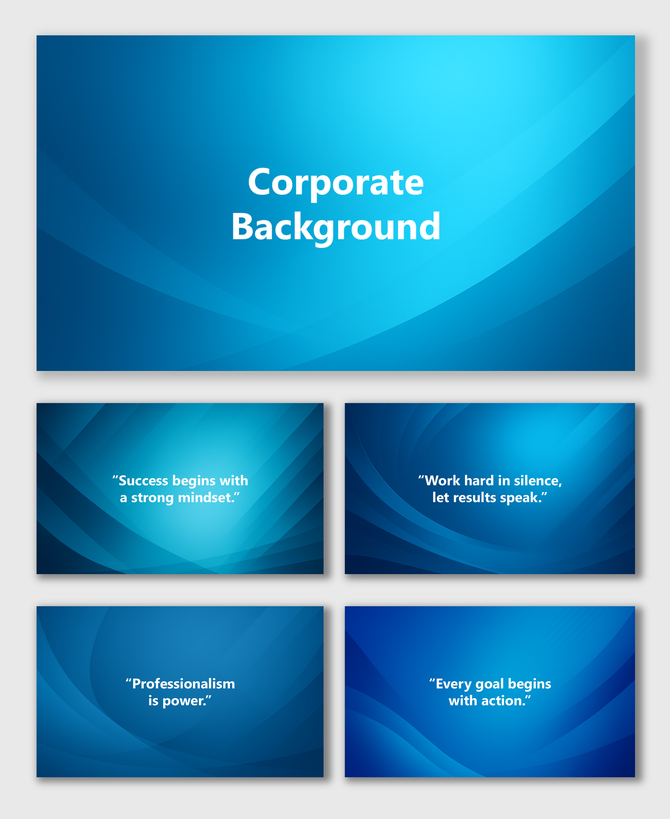
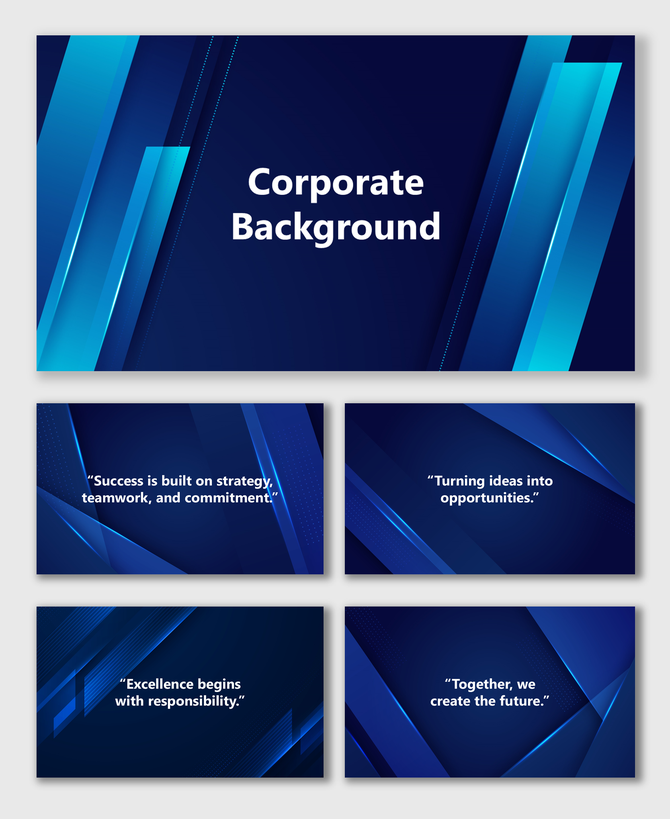
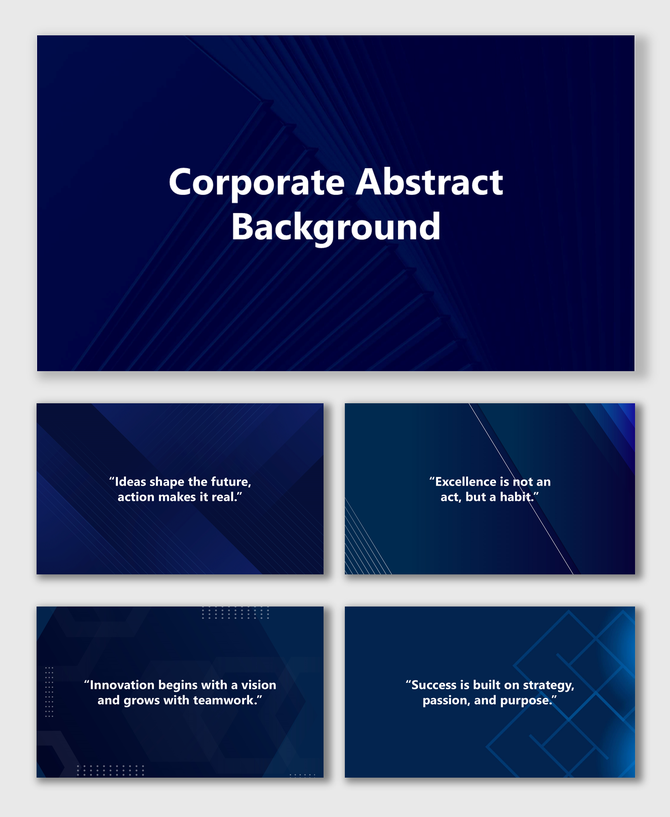
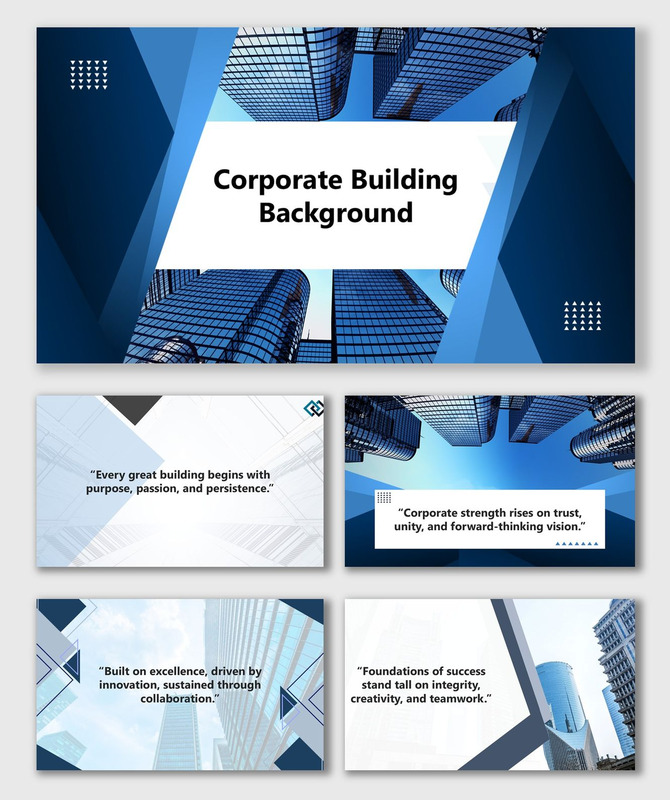
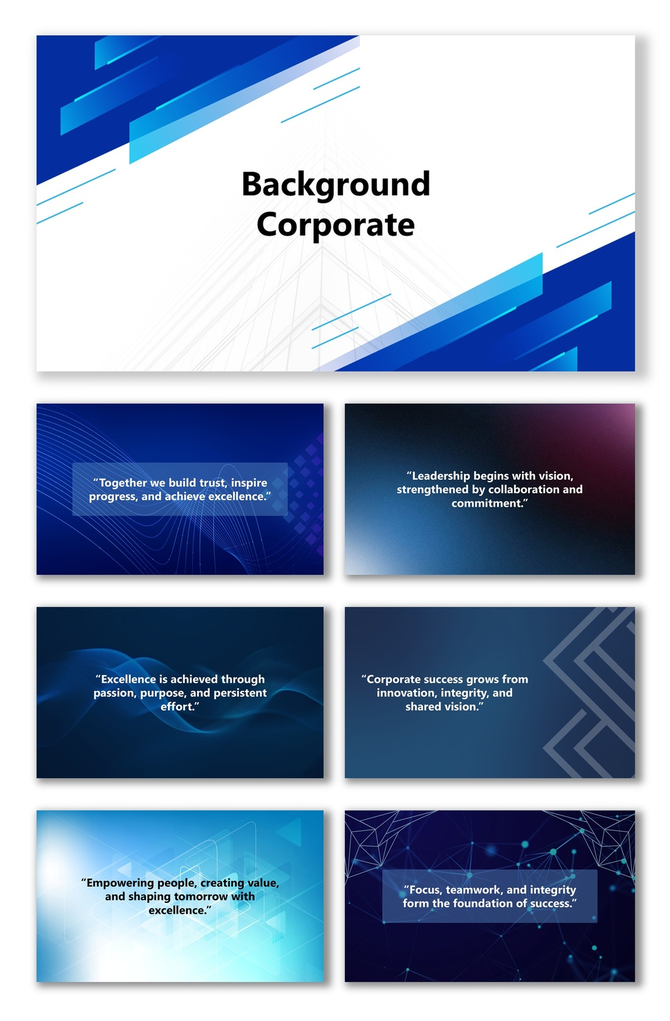
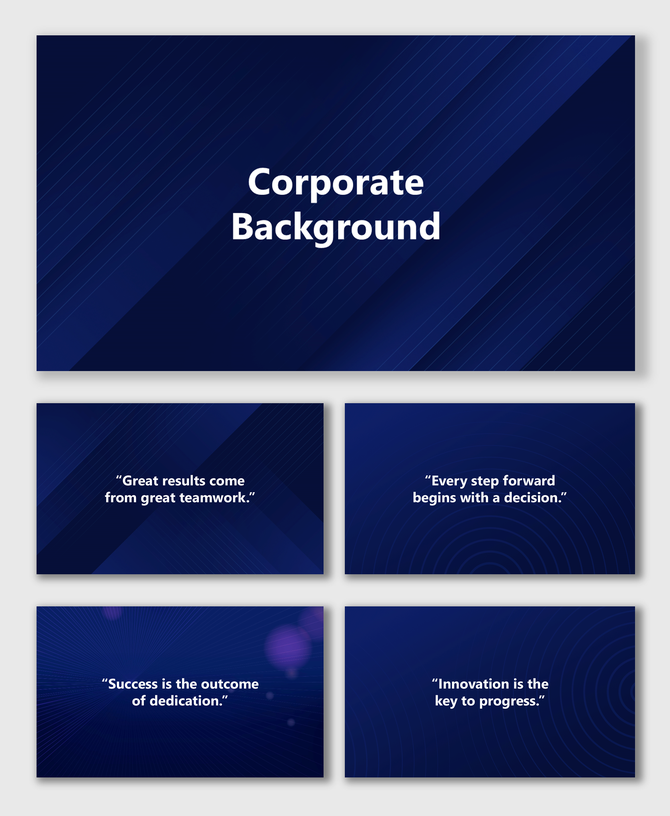
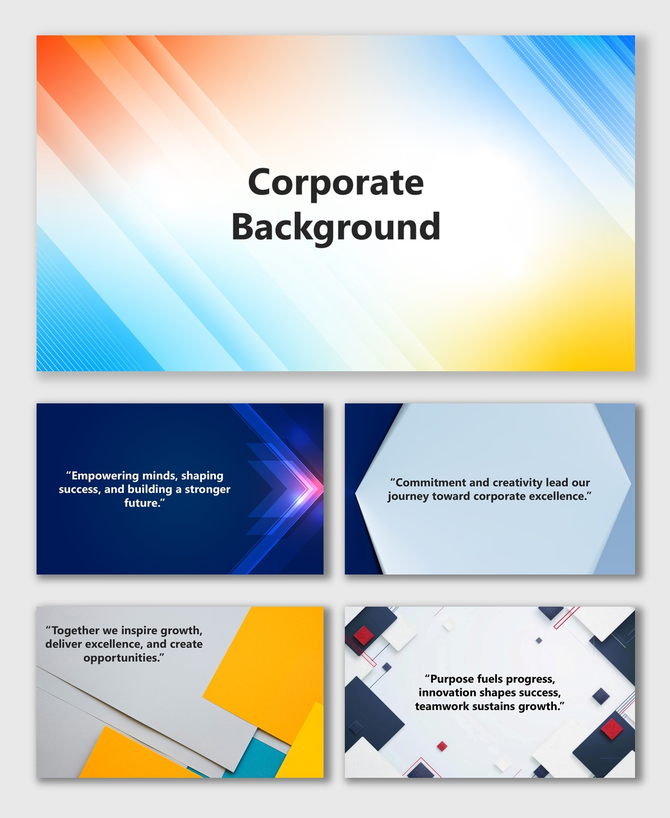
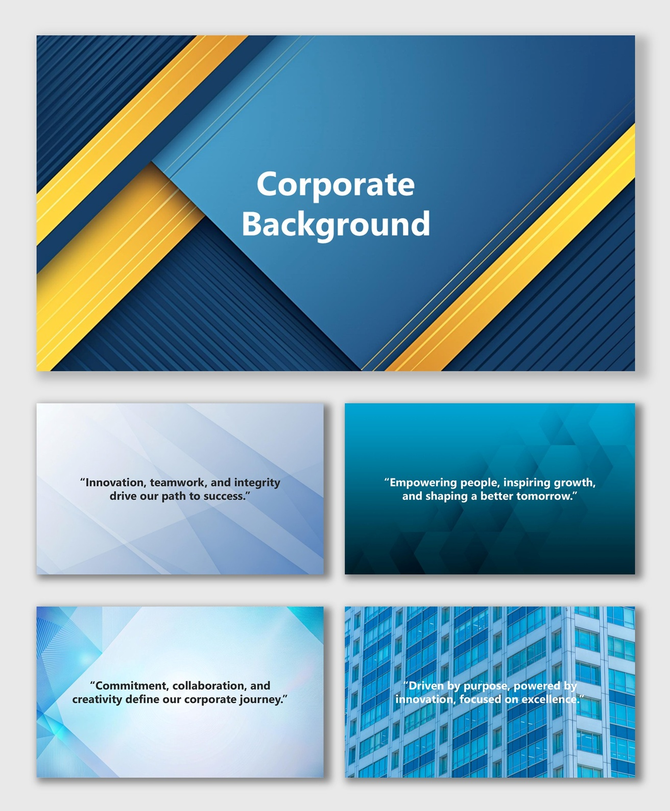
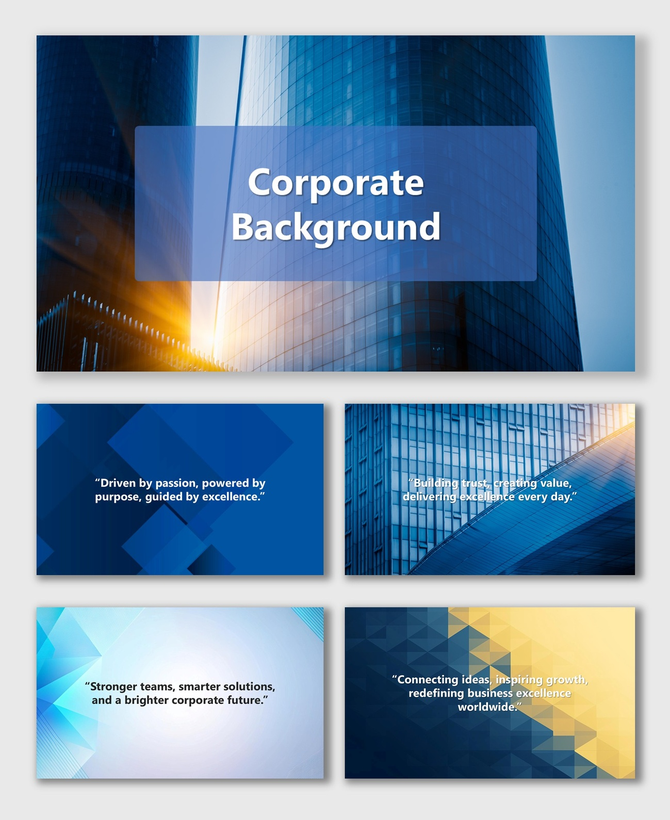
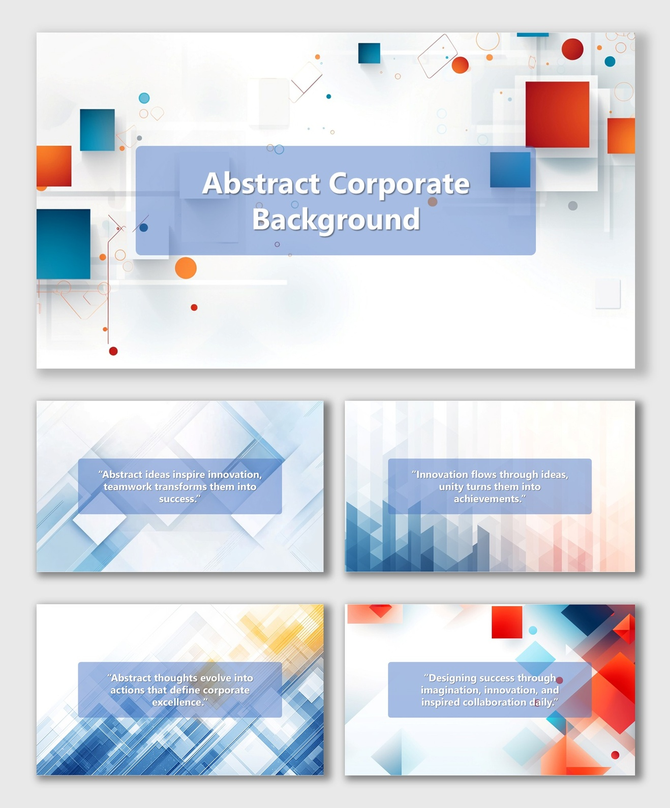
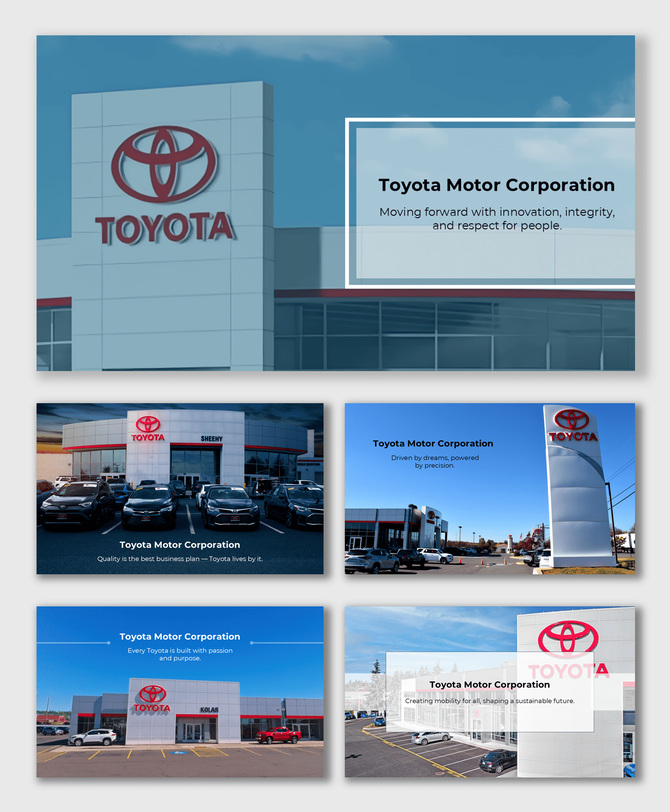
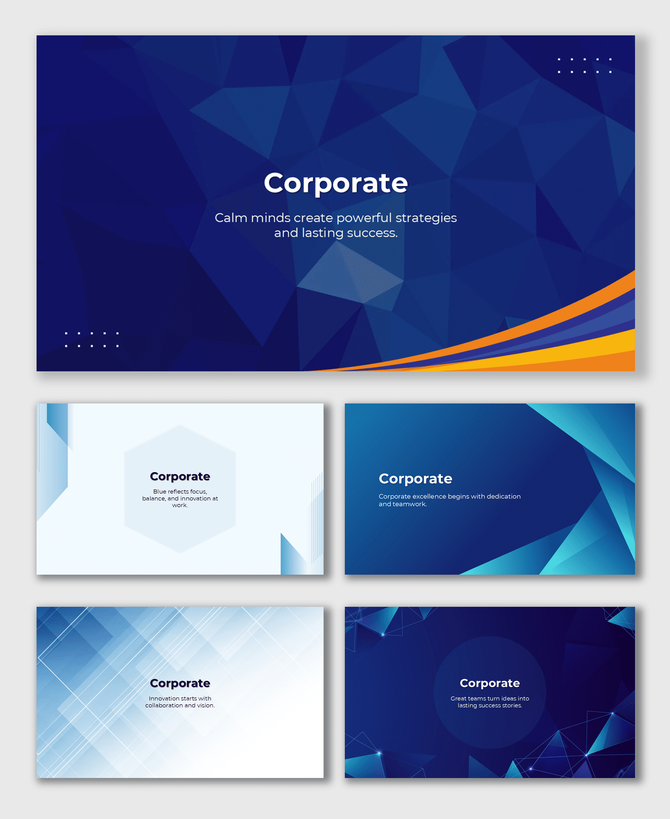
Present your ideas with full confidence using our Corporate Background templates. These are key for executive meetings, finance reports, and sales plans. These professional slides are clean, simple, and fully editable in PowerPoint, Google Slides, and Canva. Every talk will look sharp and fully corporate with these background slides.
Editor's Choice (1 of5)


1/13


1/13
Free




1/13




1/13
Free



1/13
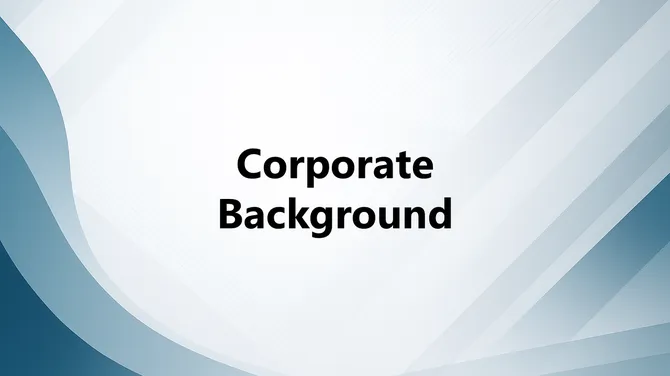
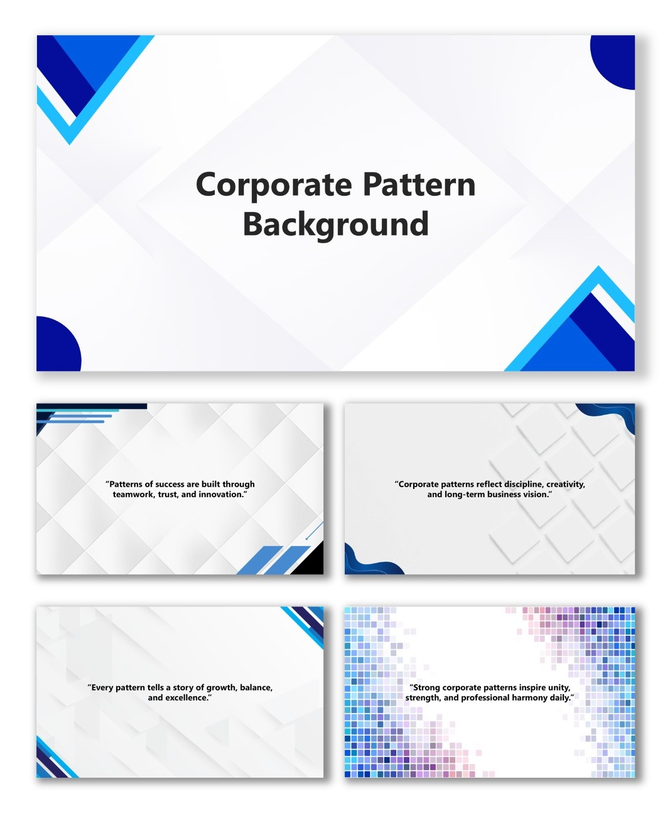
Corporate Pattern Background
Add to Wishlist
Download
AI Customize
Free
Add to Wishlist
Download
AI Customize
Add to Wishlist
Download
AI Customize
Add to Wishlist
Download
AI Customize
Add to Wishlist
Download
AI Customize
Add to Wishlist
Download
AI Customize
Add to Wishlist
Download
AI Customize
Free
Add to Wishlist
Download
AI Customize
Free
Add to Wishlist
Download
AI Customize
Add to Wishlist
Download
AI Customize
Add to Wishlist
Download
AI Customize
Add to Wishlist
Download
AI Customize
Add to Wishlist
Download
AI Customize
Add to Wishlist
Download
AI Customize
Add to Wishlist
Download
AI Customize
Free
Add to Wishlist
Download
AI Customize
Add to Wishlist
Download
AI Customize
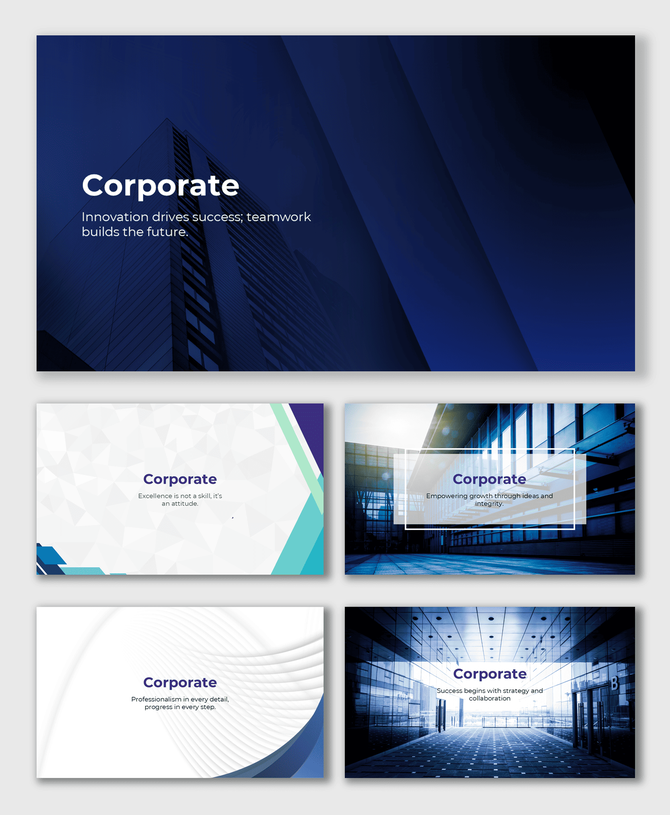
Building Trust with Clean Design
A great talk starts with the right visual base. Our corporate background templates help you make clean, professional slides that show your brand's quality. Are you leading a meeting or giving a big report? A good slide builds trust and sets you up for success.
At SlideEgg, we know business design must be simple and flexible. So, we make each template with care. We even check the space, lines, and colors. This keeps your slides looking neat and consistent.
Why Choose Corporate Slides?
Business talks need to be clear, strong, and even. A good slide must quietly back your message. It must look highly professional. These templates use simple colors and shapes. They use colors like deep blue, gray, and white. This helps you speak with clear power. They have no messy extras. When people see a well-made slide, they trust you right away. This builds strong ties with clients, partners, and your team.
Best Uses for Business Talks
These business slides are simple but work for many uses. Use them for:
- Executive and board meetings.
- Quarterly or Yearly business reports.
- Sales and client proposals.
- Money talks and investor pitches.
- New staff training and rules.
- Brand identity and style guides.
- Team news and updates.
Each template lets you put in text, charts, and key numbers without clutter. Your main points stay right in front.
Works on All Your Apps
No matter where you work, these templates fit right in:
- PowerPoint: Edit offline and keep full control of your design.
- Google Slides: Work with your team fast and at the same time.
- Canva: Make quick, sharp designs using your web browser.
Every file is simple to change. Change colors, add your company logo, and update fonts to match your brand rules. The process is fast and simple.
Key Template Facts
- Fully Editable: You can change all parts—backgrounds, charts, and text.
- Cost Options: We offer both free and paid designs.
- Works on All: They are ready for PowerPoint, Google Slides, and Canva.
- Best View: They use HD backgrounds for a clean, sharp look.
- License: They are royalty-free for all internal and commercial use.
- Format: Includes both 16:9 wide and 4:3 standard sizes.
- Style: Features a modern, minimal look that is good for any job.
- Fast Start: Download at once and begin making your slides now.
Design That Speaks of Quality
A great corporate slide does more than look good. It sets a tone of quality. Clean lines and simple colors make your slides look premium. This design helps you keep focus. This is key during big client meetings or team talks.
Achieve Top Results Today
Lift the quality of your talks today. Use the Corporate Background Templates from SlideEgg. These slides bring order, balance, and polish to every deck. They ensure your business news looks as professional as it sounds. Download now. Build your next great talk on a base of top design.
Frequently Asked Questions
What are Corporate Background Templates?
They are simple, pro slides made for company, business, and formal talks.
Who should use these templates?
These slides are best for leaders, managers, owners, and firms preparing reports or big meetings.
Do they work with Google Slides and Canva?
Yes. All Corporate Background templates work well with PowerPoint, Google Slides, and Canva.
Are the templates safe and easy to change?
Yes. Every slide is 100% editable and royalty-free. Use them safely for work.
Do they come in 16:9 and 4:3 sizes?
Yes. You can download both the widescreen (16:9) and the standard (4:3) sizes.
Are these backgrounds free?
SlideEgg offers both free and premium business backgrounds for any project.
How do I download these templates?
Go to SlideEgg.com, find the Corporate Background category, pick a design, and click Download.