Free Career Achievement Presentation Templates
Present your career journey with SlideEgg’s editable achievement templates. Highlight your skills, progress, and key wins in a clear layout. You can easily customize these slides in PowerPoint, Google Slides, and Canva. Ideal for interviews, reviews, and portfolios, these templates help you share your professional story with confidence.
Editor's Choice (1 of5)
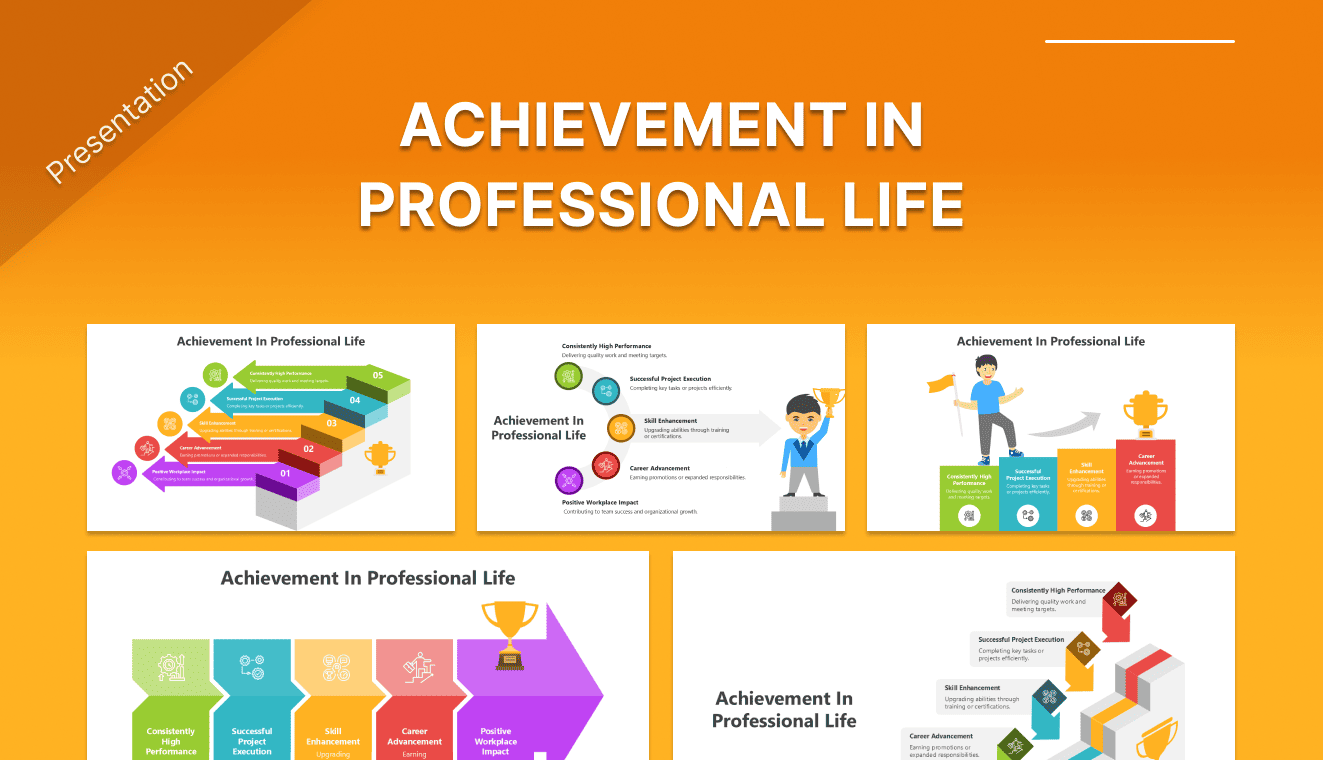
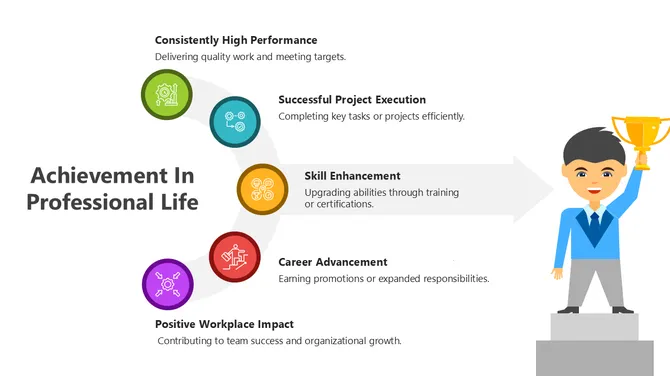
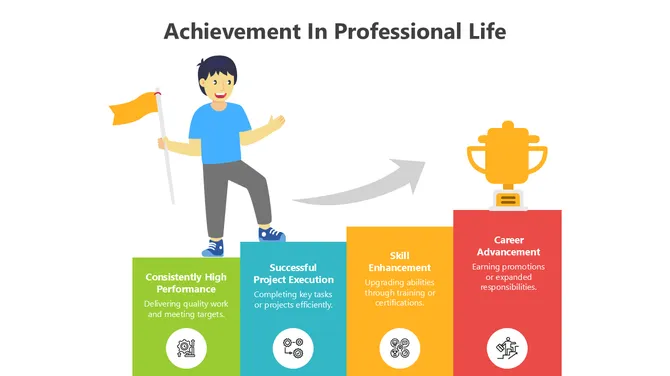
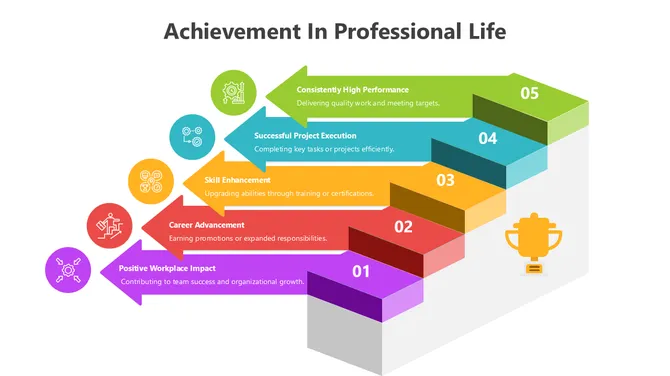
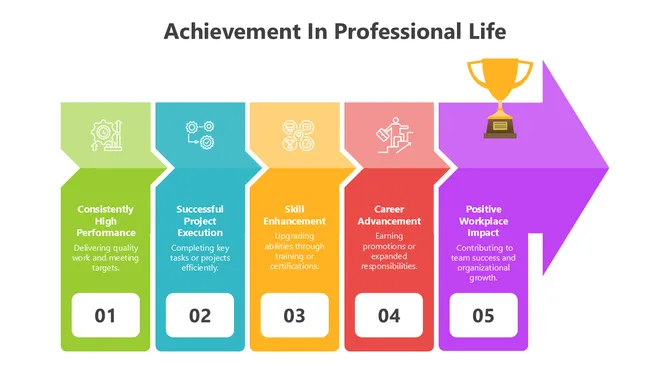
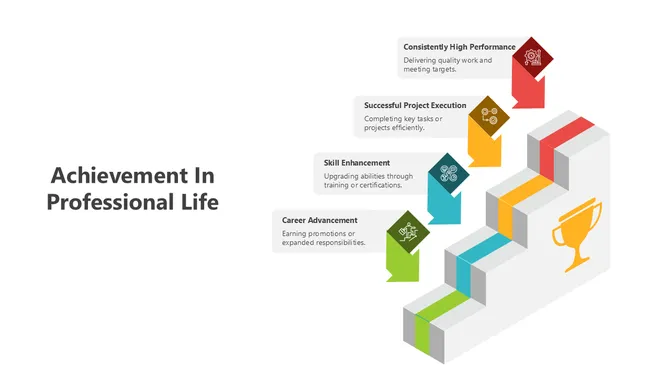
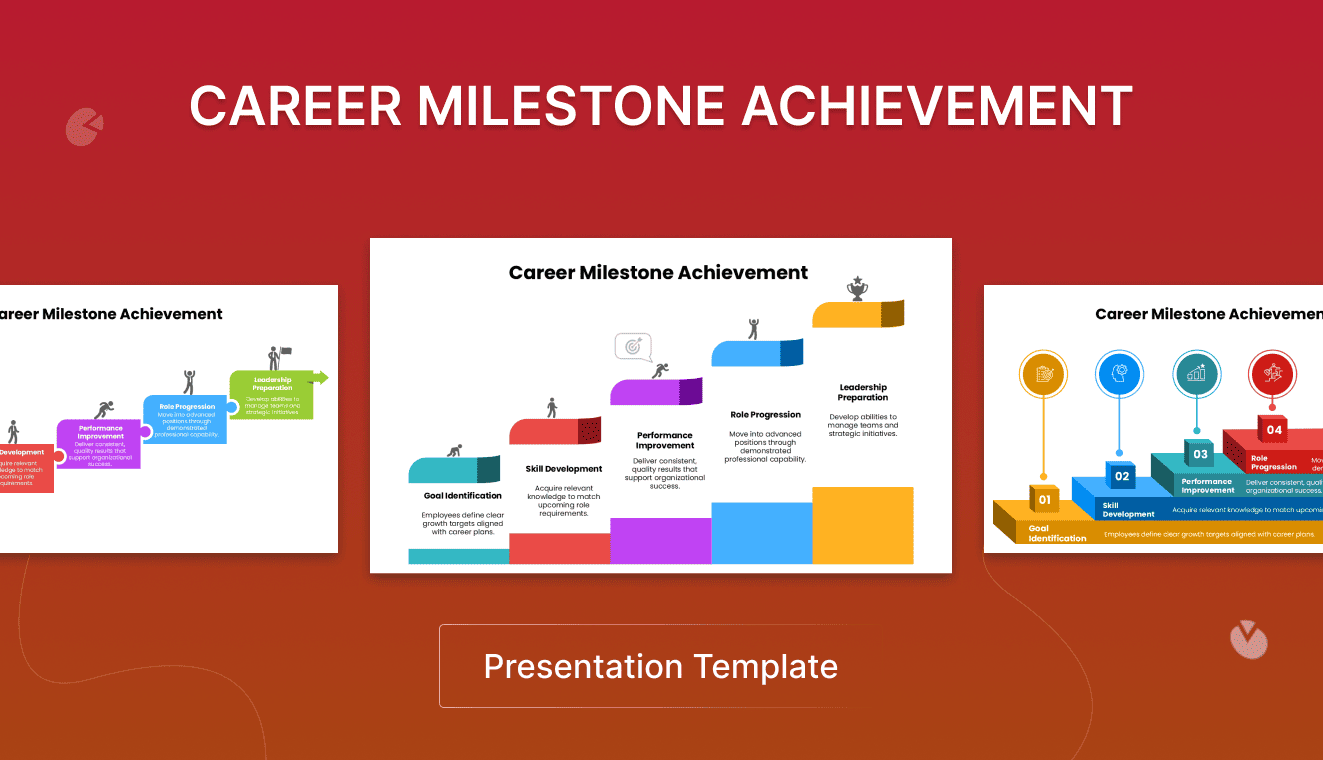
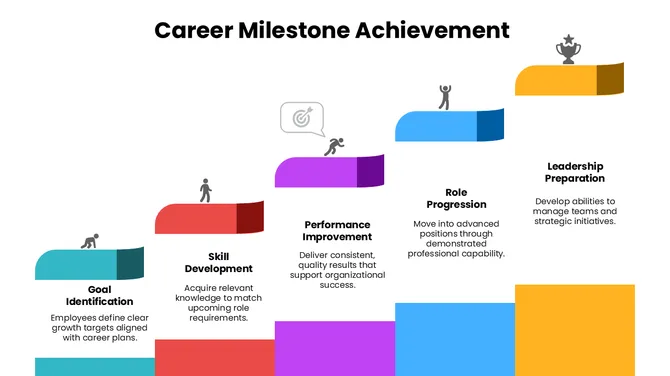
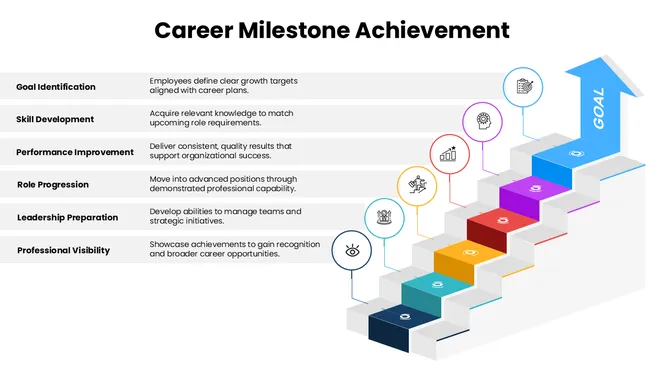
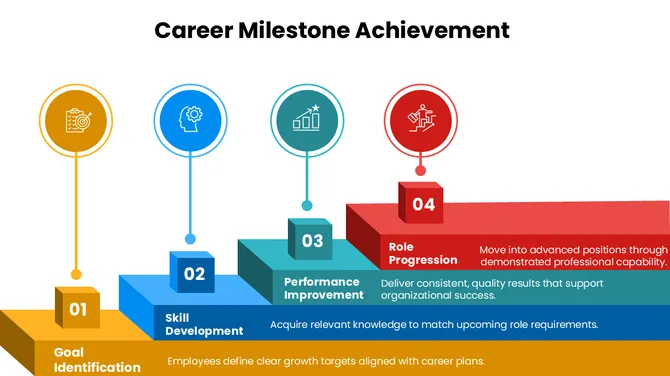
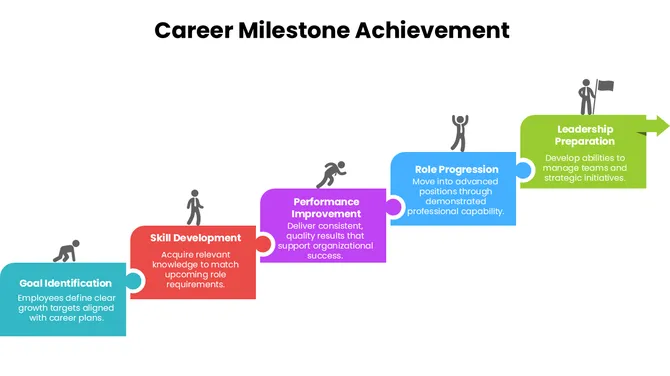
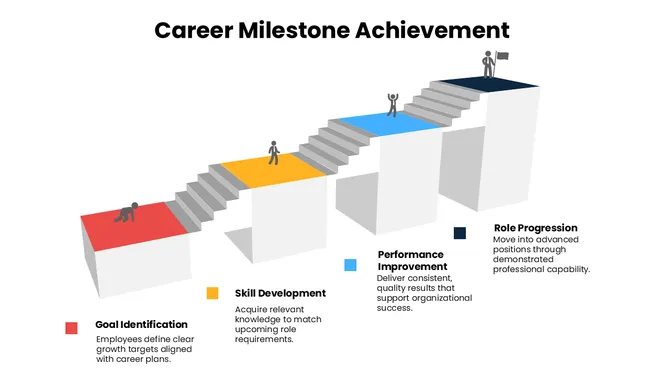
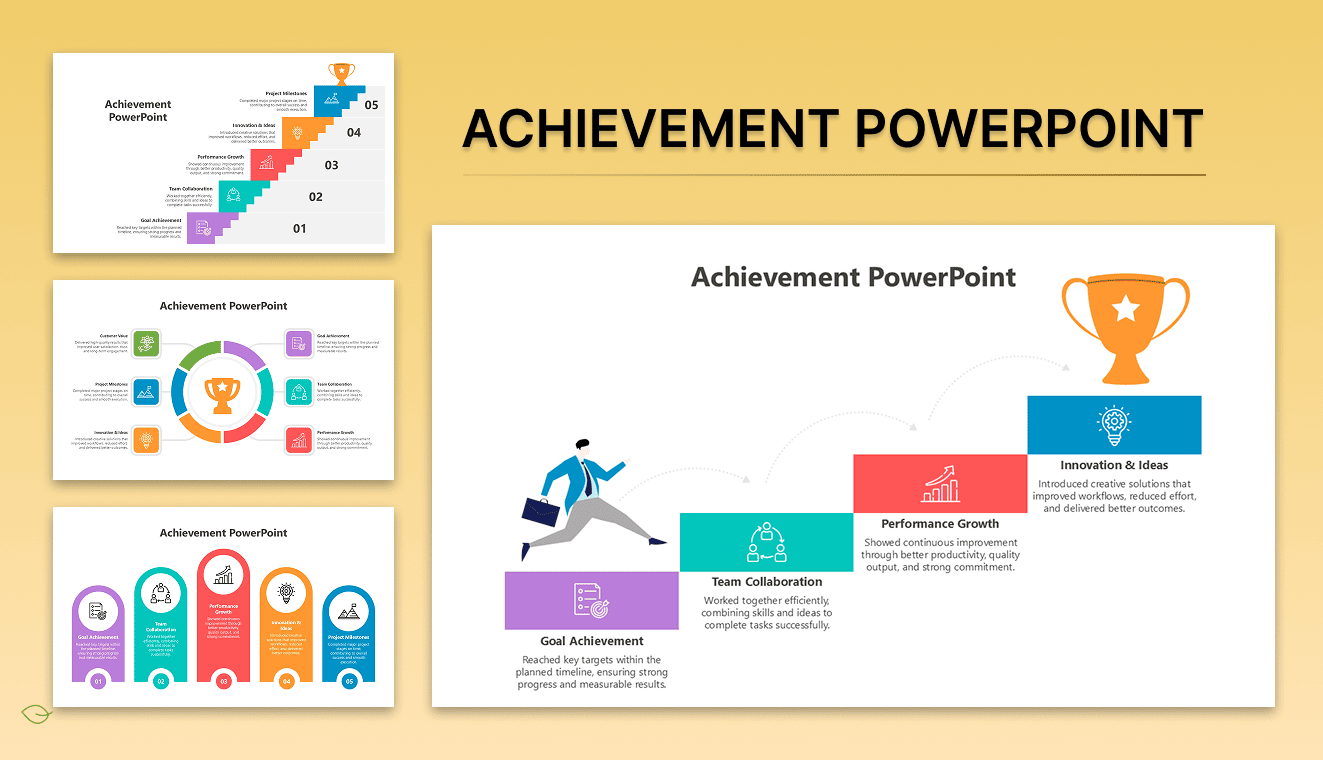
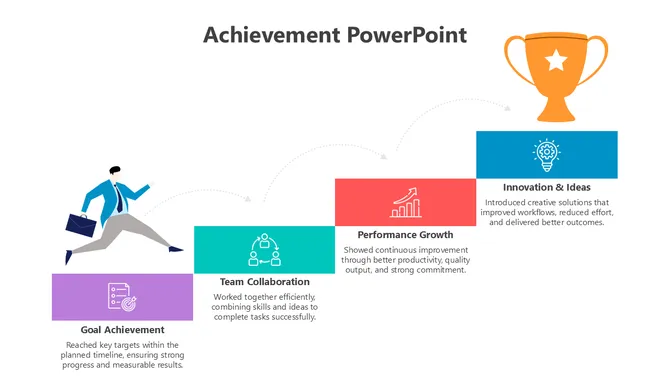
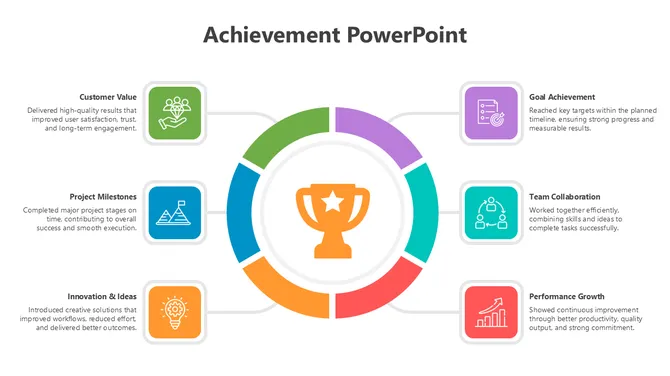
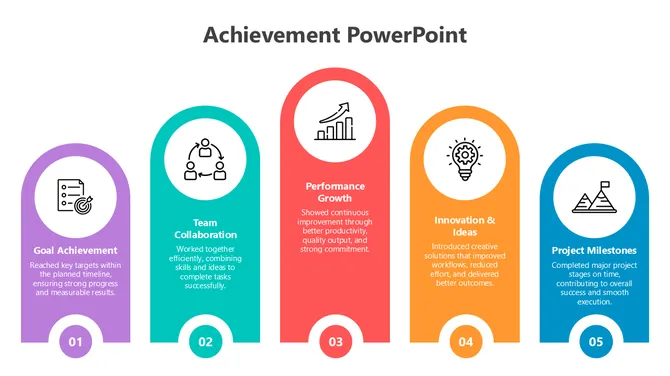
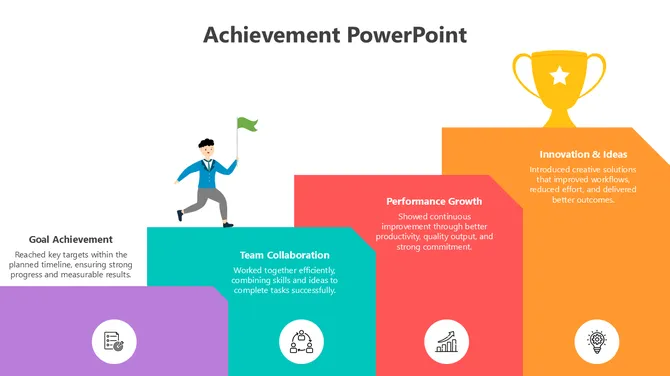
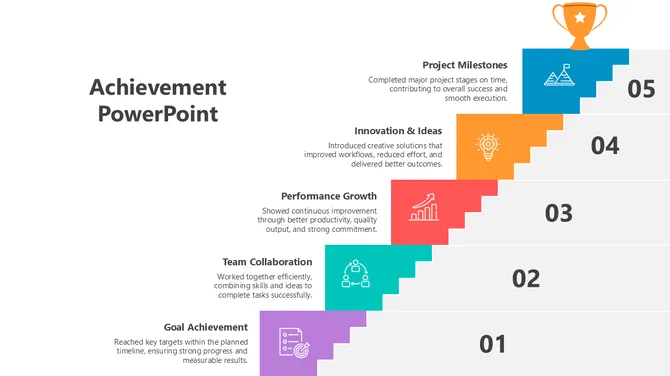
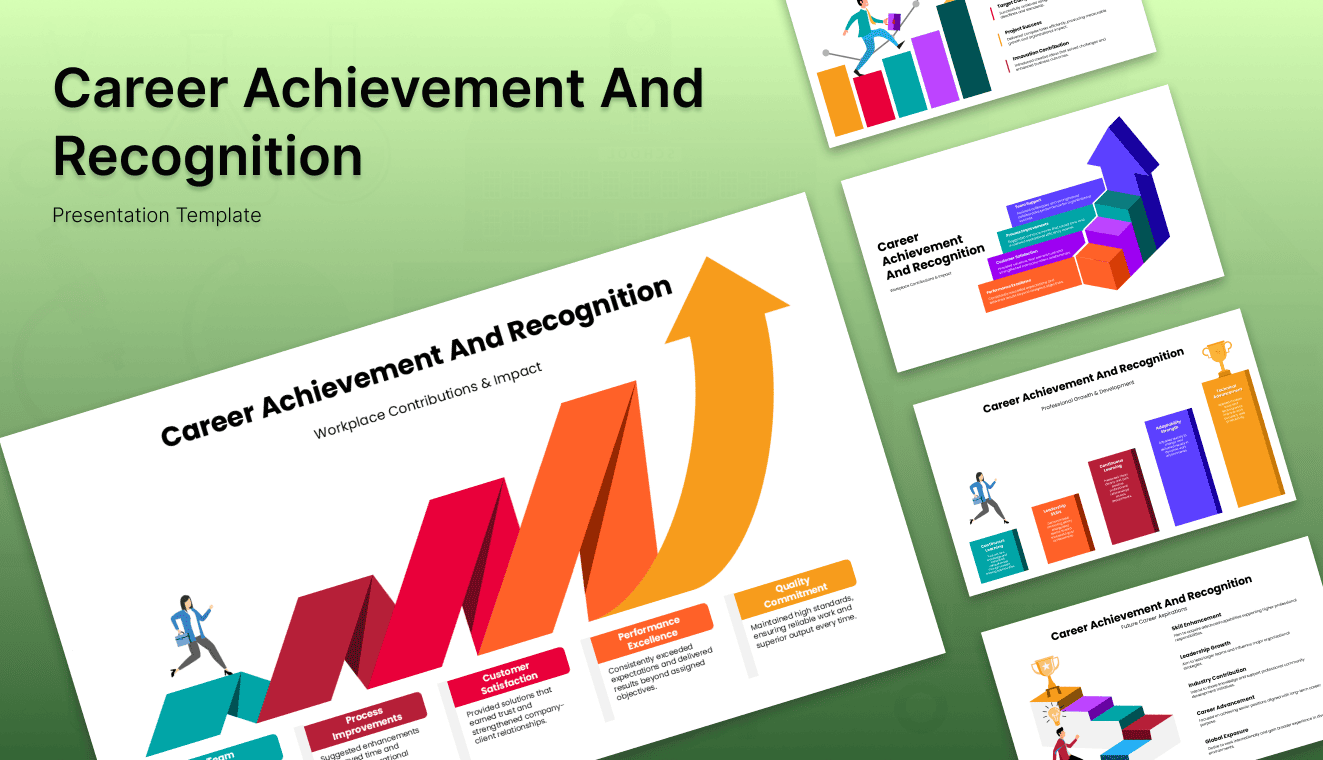
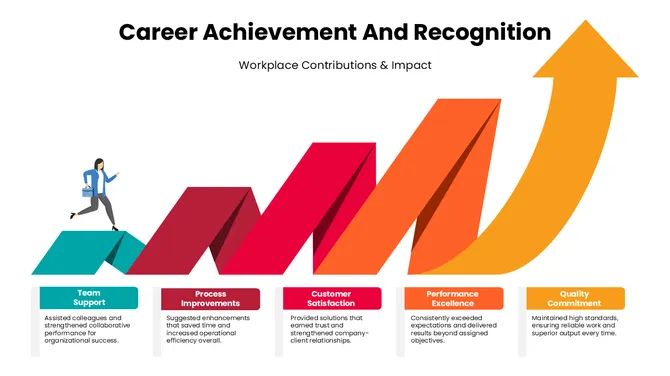

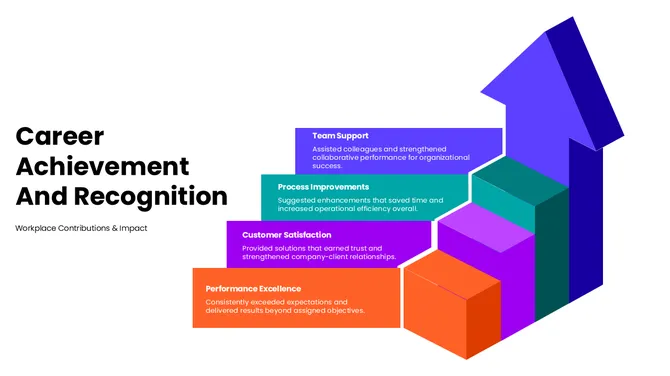
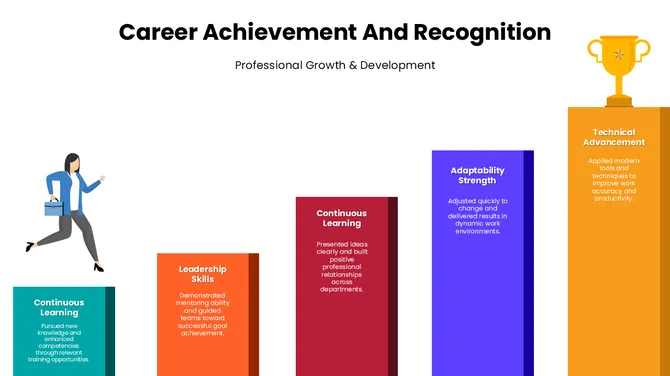
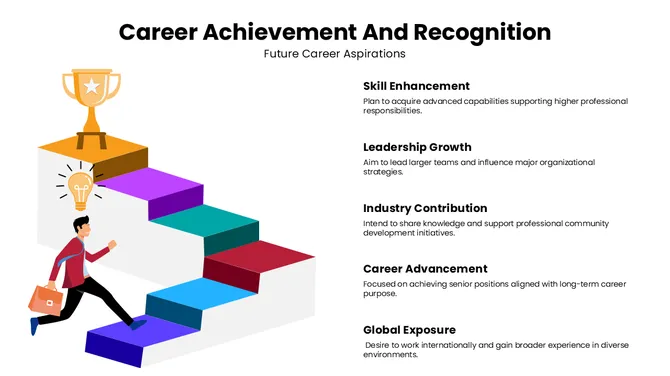
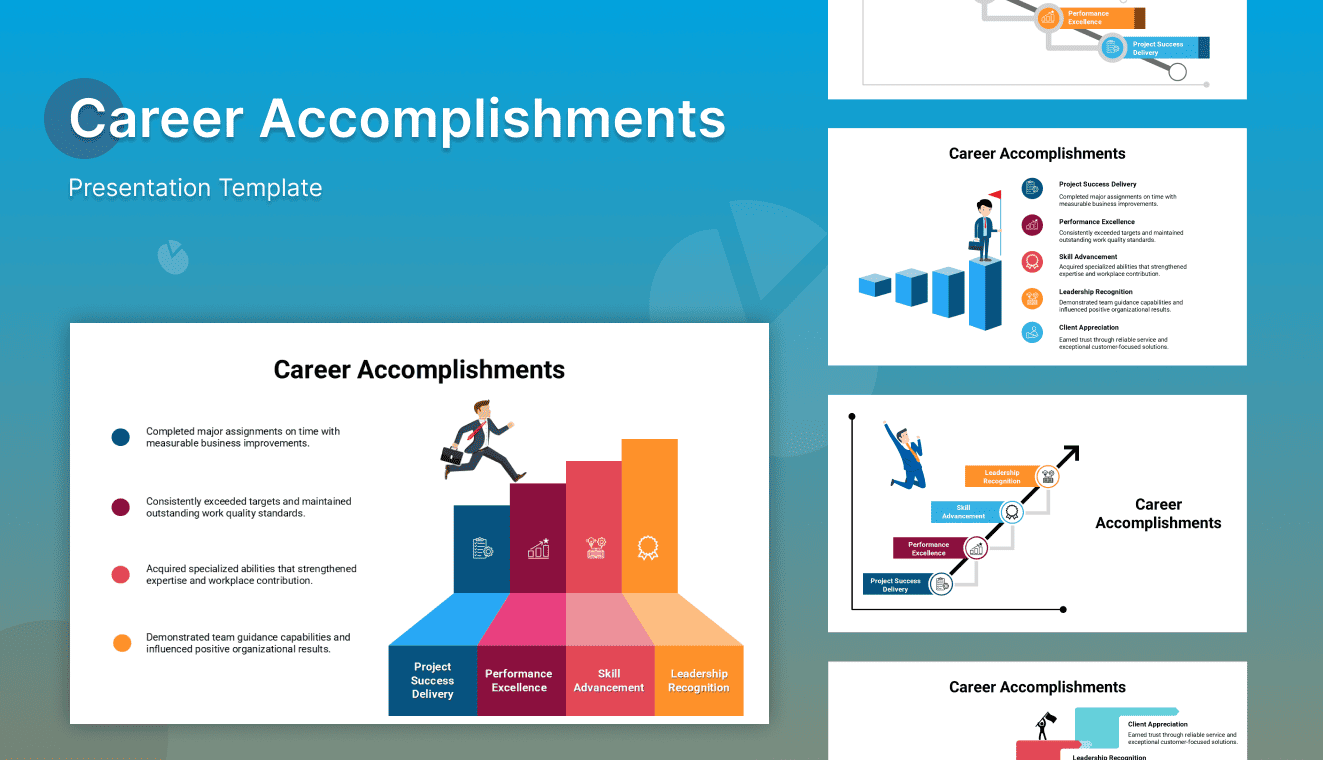
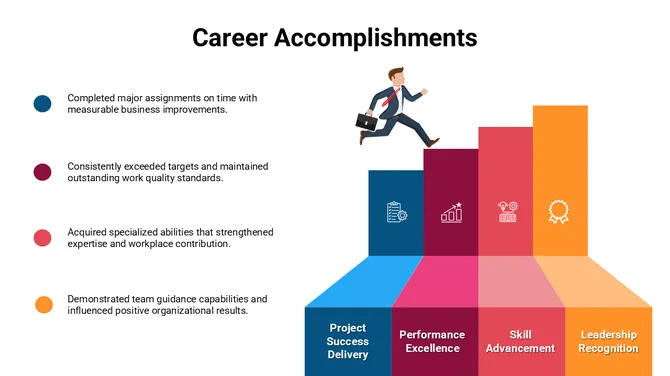
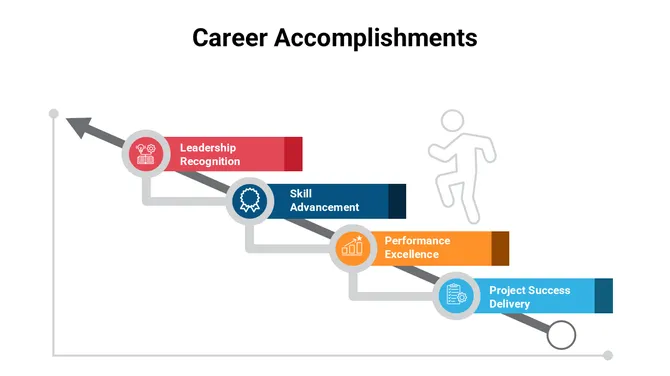
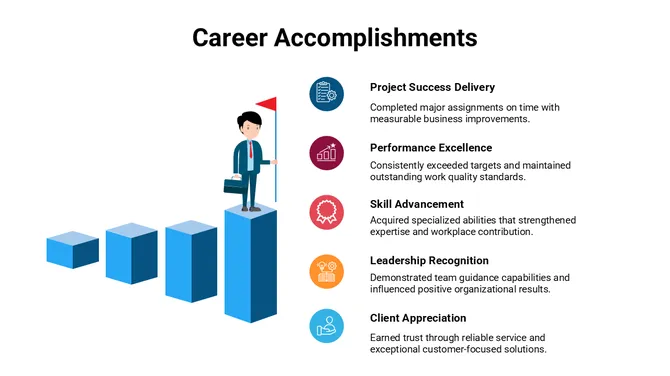
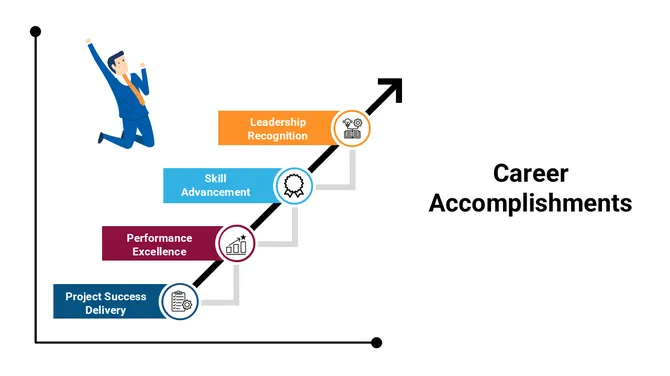
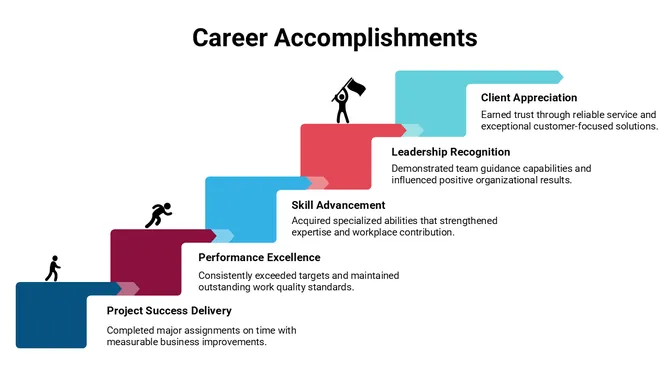
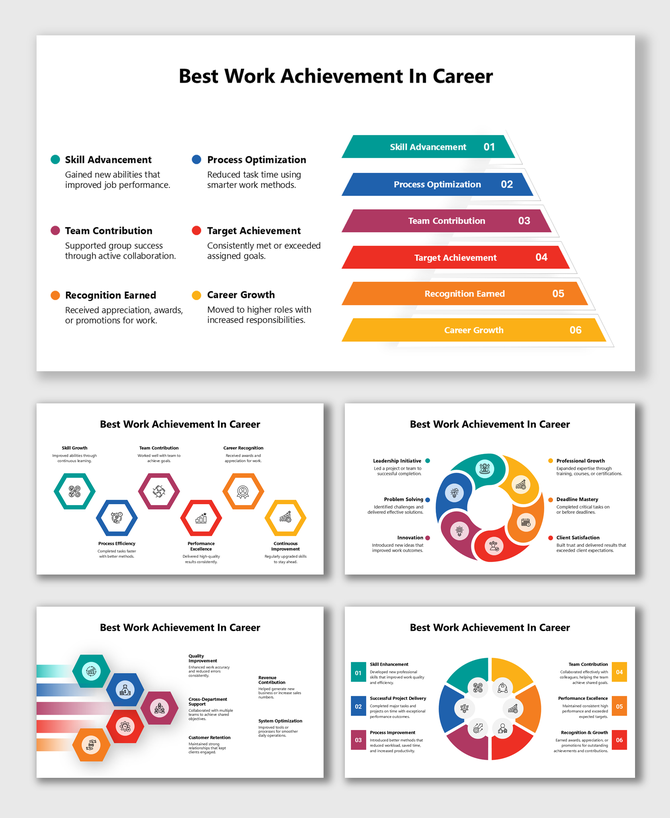
Career Achievement PowerPoint Templates To Show Off Your Success
Why Use Career Achievement Templates?
- Make a Strong First Impression: Think of your presentation as a handshake. You want it to be strong, confident, and memorable. Our templates are built to help you do just that. Leave a lasting impression with clear, beautifully designed slides.
- Customizable to Fit You: Whether you’re talking about your job titles or the hard projects you’ve worked on, you can easily edit every slide to match your personal style. Make it yours. Add photos, change the colors, or add extra sections if needed.
- Save Time: We know you’re busy. That’s why these templates come with pre-made layouts. You just fill in the details. No more stressing over design; you can focus on what matters—your achievements.
- Works with Any Platform: You can use these templates on PowerPoint, Google Slides, or Canva. Whether you're editing from home or collaborating with others, our templates work anywhere, anytime.
- Highlight More Than Just Job Titles: We believe your story deserves to be told in full. Our templates give you space to talk about the challenges you’ve faced, the growth you’ve experienced, and the lessons you’ve learned—both professionally and personally.
Key Features of SlideEgg’s Career Achievement Templates
- Modern and Clean Design: Our templates are sleek, stylish, and look professional without being too formal. We’ve kept them simple but impactful, so your audience can focus on what really matters—your achievements.
- Fully Customizable: You have complete control over every element. From the colors and fonts to adding your personal photos or logos, you can make each template feel like your own creation.
- Royalty-Free Elements: No worries about licensing. All images, icons, and elements are royalty-free, so you can use them with confidence, knowing there won’t be any legal headaches.
- Available in Multiple Formats: Whether you’re using a projector or presenting on your laptop, our templates come in both 16:9 widescreen and 4:3 standard formats, making sure your presentation fits perfectly on any screen.
- Works Across Devices: Whether you're on your phone, tablet, or laptop, you can make changes on the go and deliver your presentation seamlessly across any device.
- Tells Your Story: Instead of just listing your accomplishments, these templates are designed to guide you in telling a story. Help your audience understand not just what you did, but why it mattered and how it helped you grow.
How to Use Career Achievement Templates
- Start with Key Milestones: Think about the moments that defined your career. What promotions did you get? What projects were pivotal? Listing these out will give you the foundation for your presentation.
- Pick the Template That Fits Your Story: There’s a template for every occasion. Whether you want to walk through your entire career or focus on a specific role or project, choose one that fits your message best.
- Add Visuals: Don’t just tell your story—show it! Adding images, charts, and graphs can help emphasize your key points. For example, use a graph to highlight sales growth or a project timeline to show how you’ve developed over time.
- Don’t Just List Titles—Tell the Story: Instead of just listing the jobs you’ve had, explain what you did in each one. Share what challenges you faced, how you overcame them, and what you learned. This gives more depth to your story.
- Keep It Clean and Simple: You don’t need to overload your audience with information. Keep your slides short and to the point. Use bullet points and visuals to make it easy to follow along.
Why Career Achievement Templates Matter
Get Started Today
Frequently Asked Questions
What are Career Achievement PowerPoint templates?
These templates help you create presentations that showcase your career milestones, achievements, and growth.
Can I customize these templates?
Yes! All templates are fully customizable to match your style and content.
Are these templates compatible with Google Slides?
Yes, our templates work seamlessly with PowerPoint, Google Slides, and Canva.
How do I use these templates for interviews?
Use the templates to highlight your career achievements. Focus on key milestones and illustrate them with visuals for added impact.
Can I add interactive elements to my presentation?
Yes, you can add polls, quizzes, and more to make your presentation engaging.
Are the templates easy to use?
Absolutely! The templates are designed for anyone, whether you're a beginner or an expert.
How can I include both personal and professional achievements?
Our templates allow you to present a well-rounded story, including both personal and career milestones.