120+ Business Proposals Presentation Templates
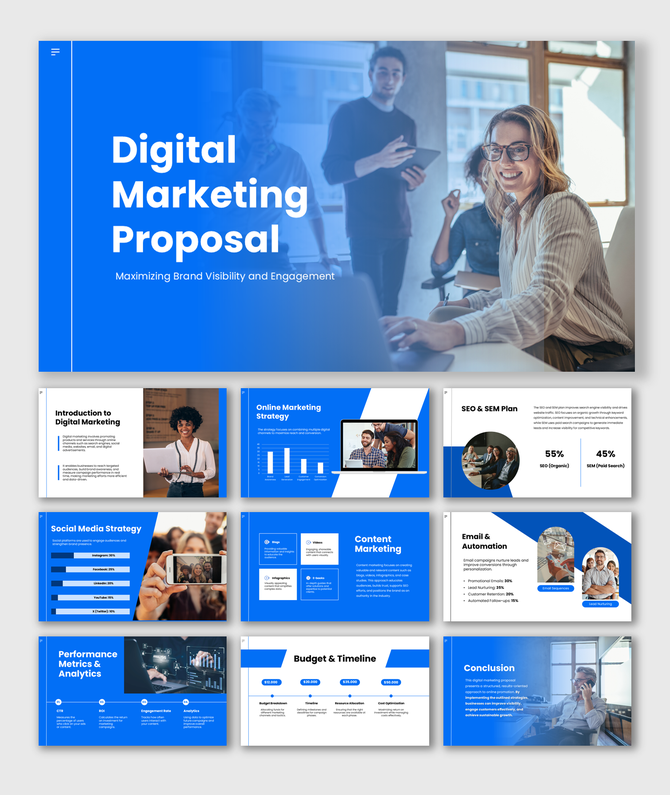
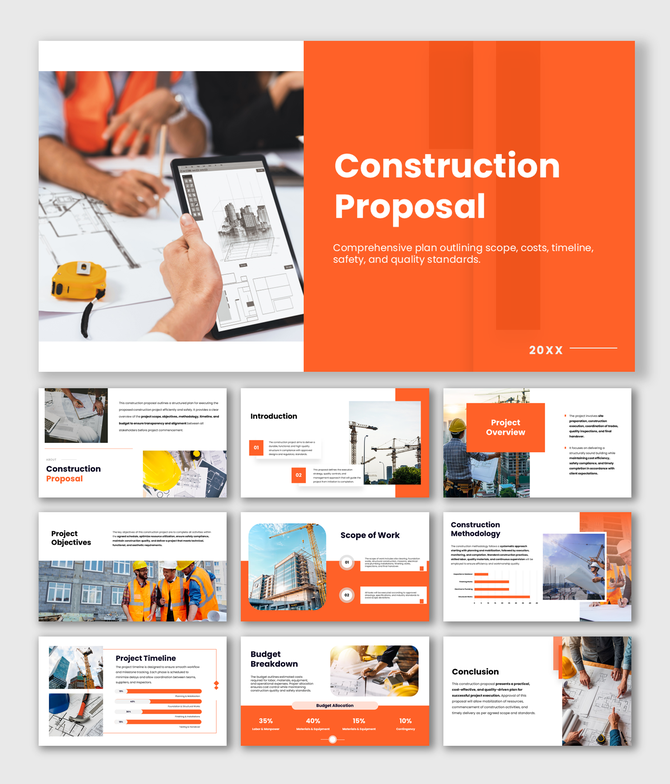
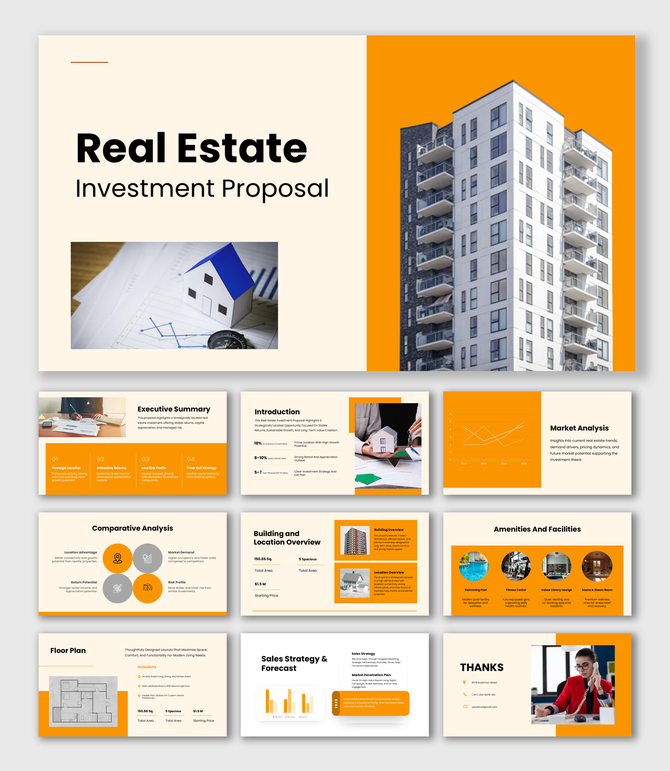
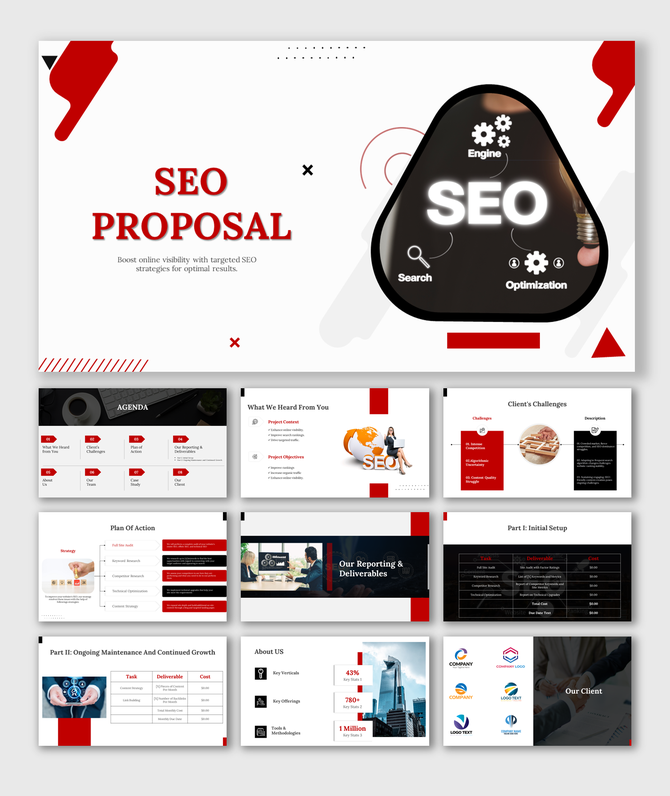
Win more clients with professionally designed Business Proposal PowerPoint Templates. Browse 120+ free and premium slides. Fully editable in PowerPoint, Google Slides, and Canva. Every deck is pre-structured from executive summary to pricing, to help consultants, agencies, and startups pitch confidently and close deals faster.
Editor's Choice (1 of5)


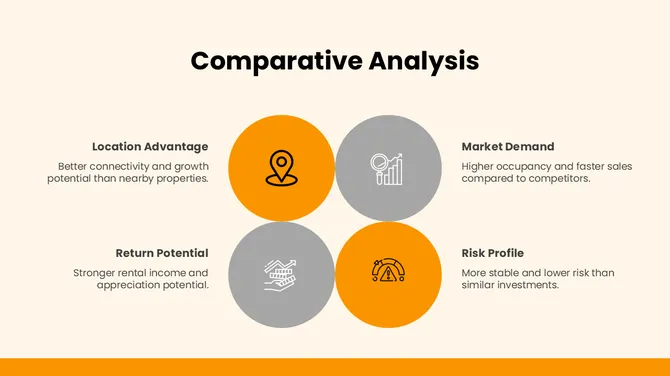
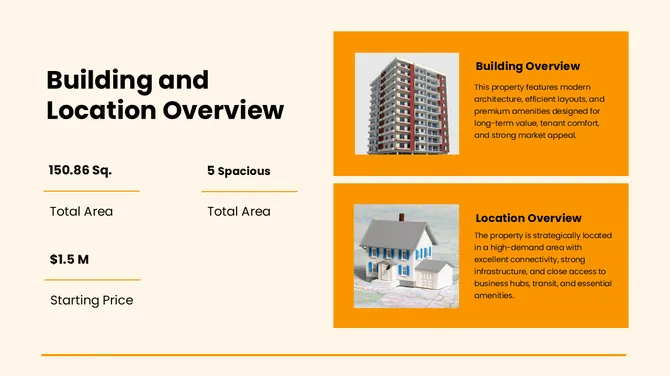
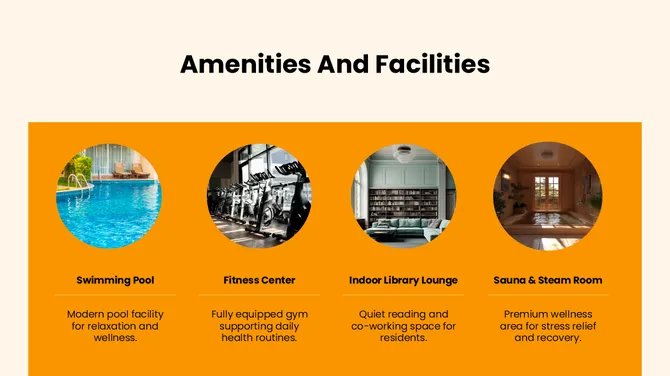
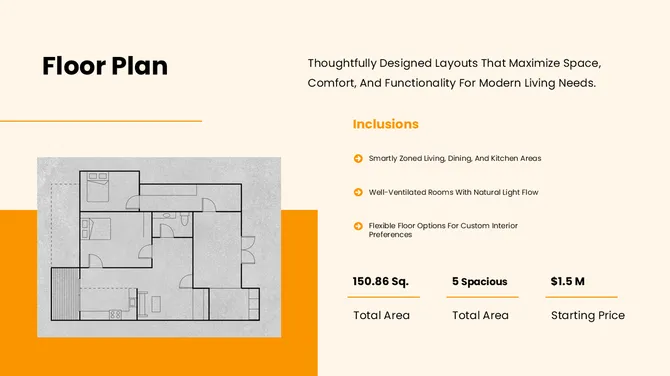




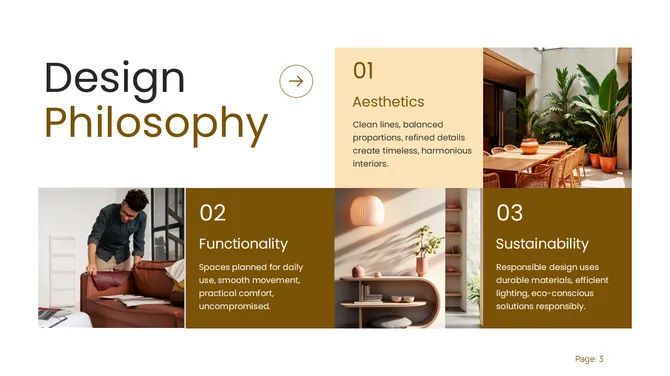
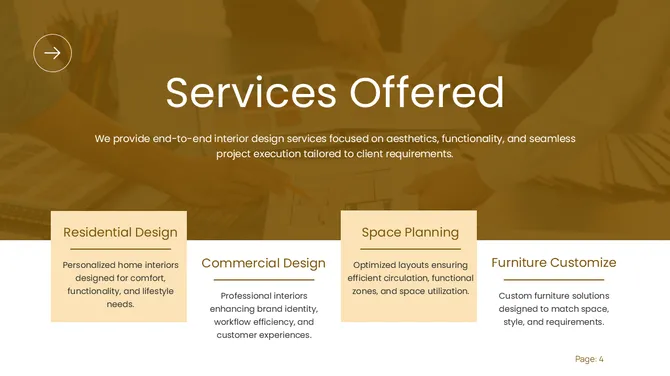
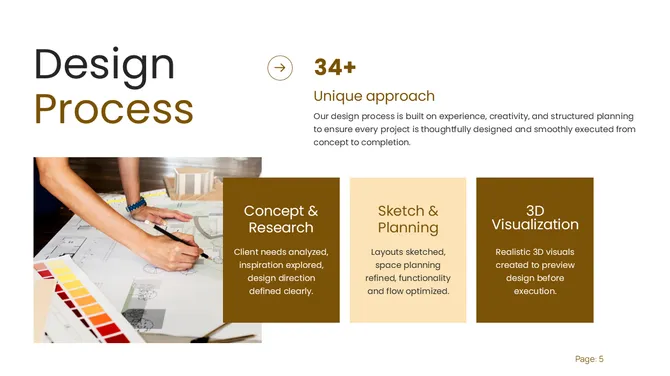
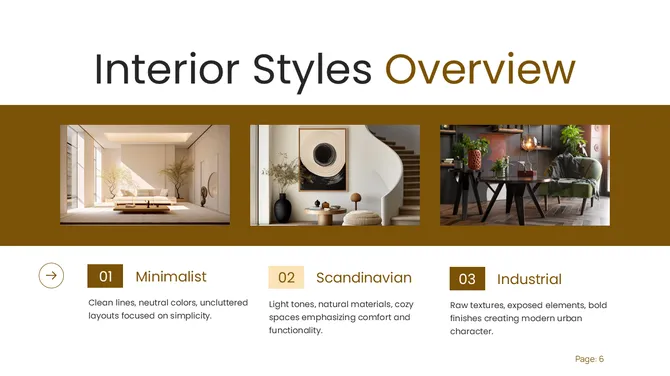


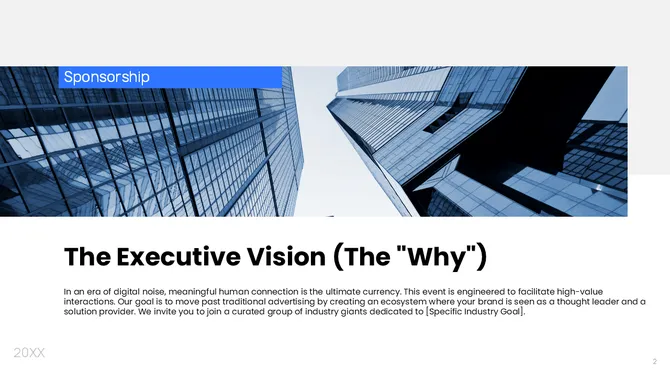
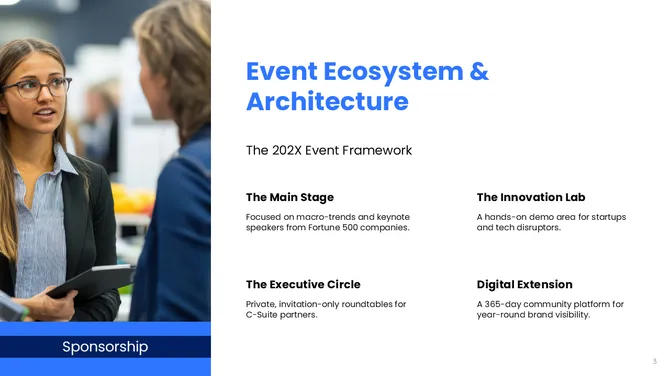
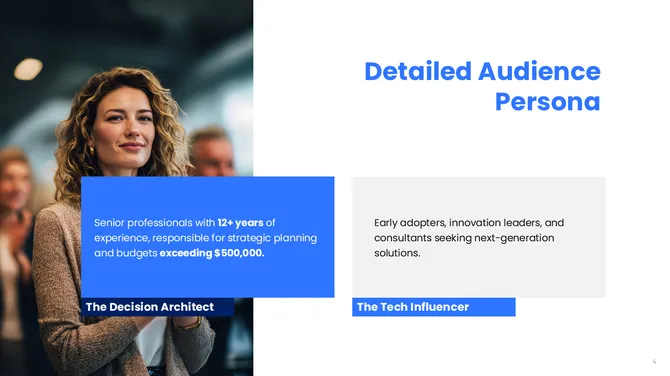
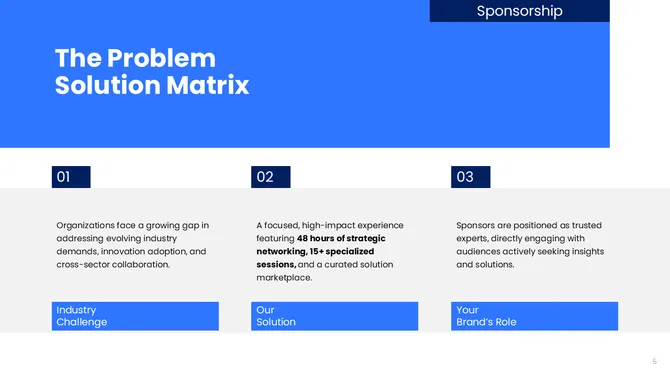


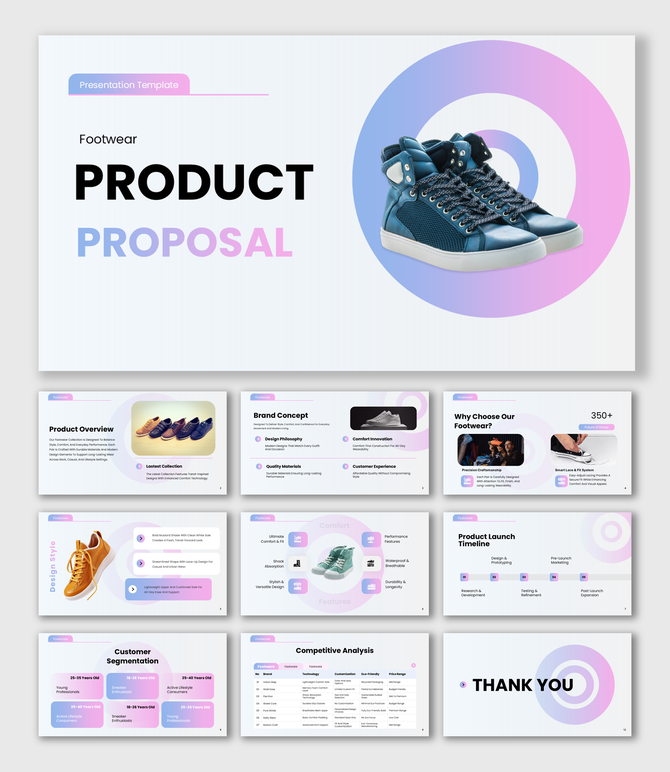
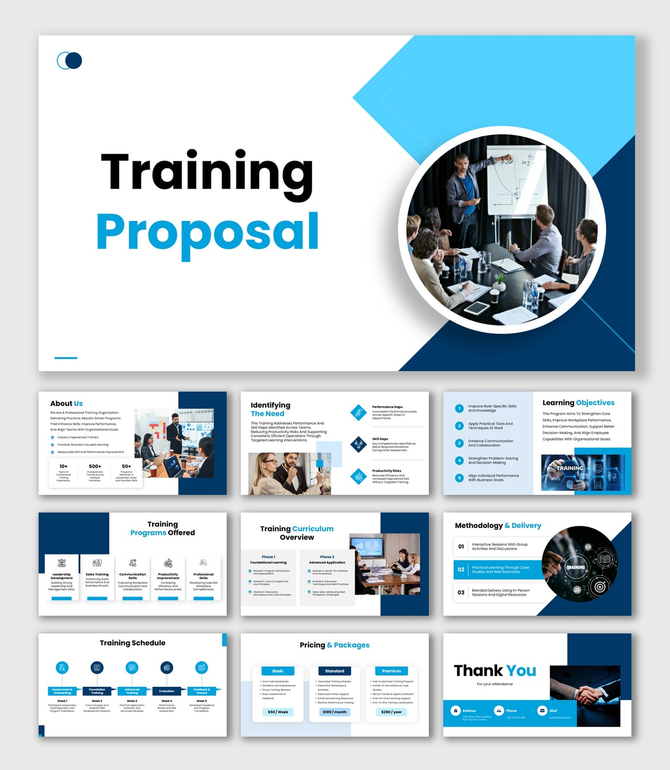
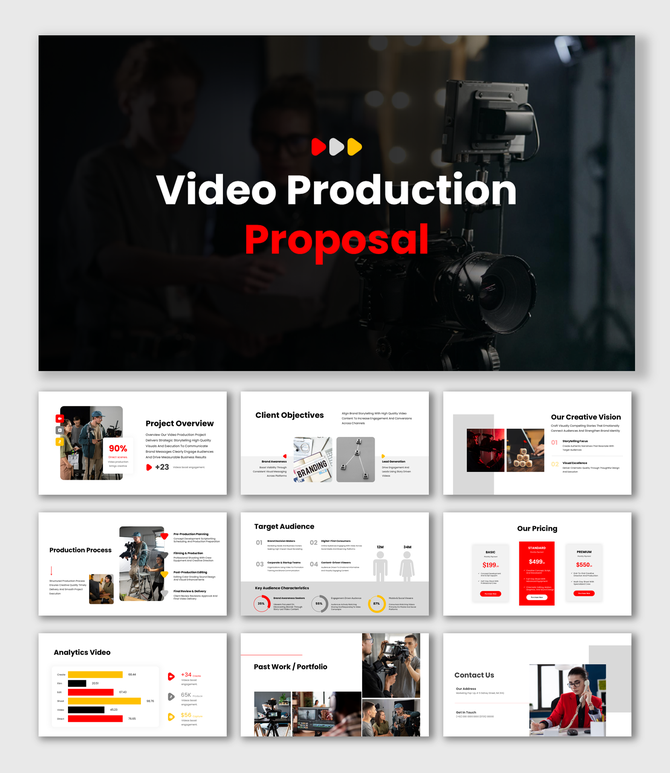
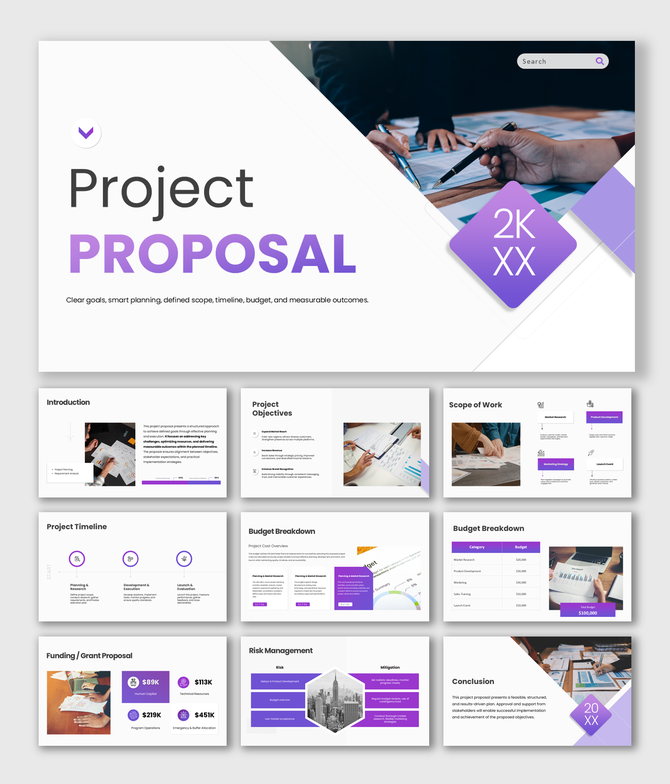
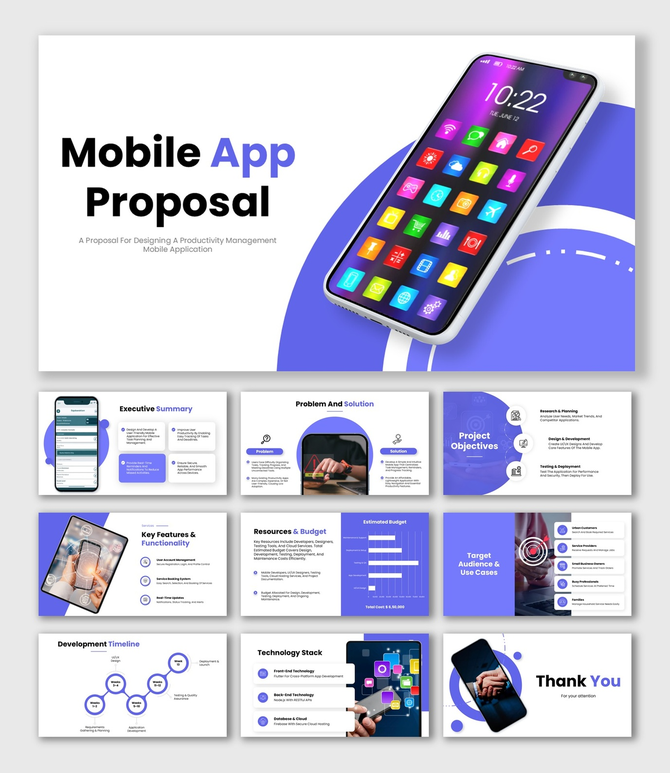
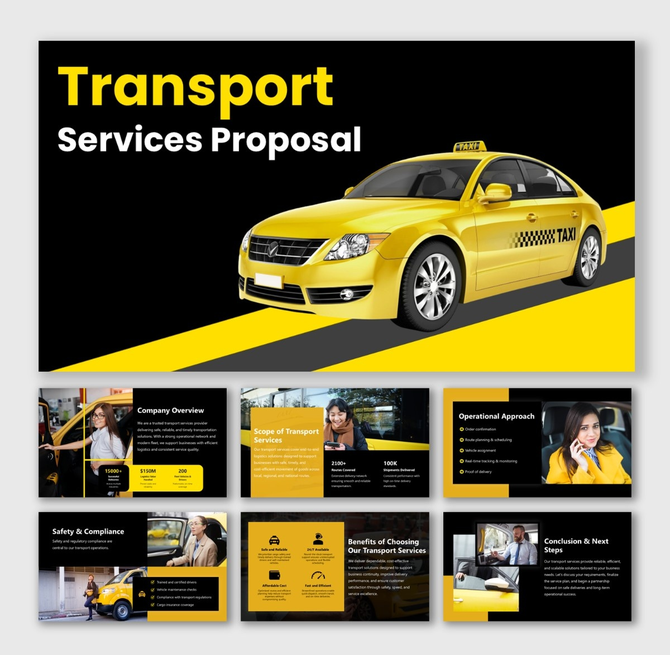
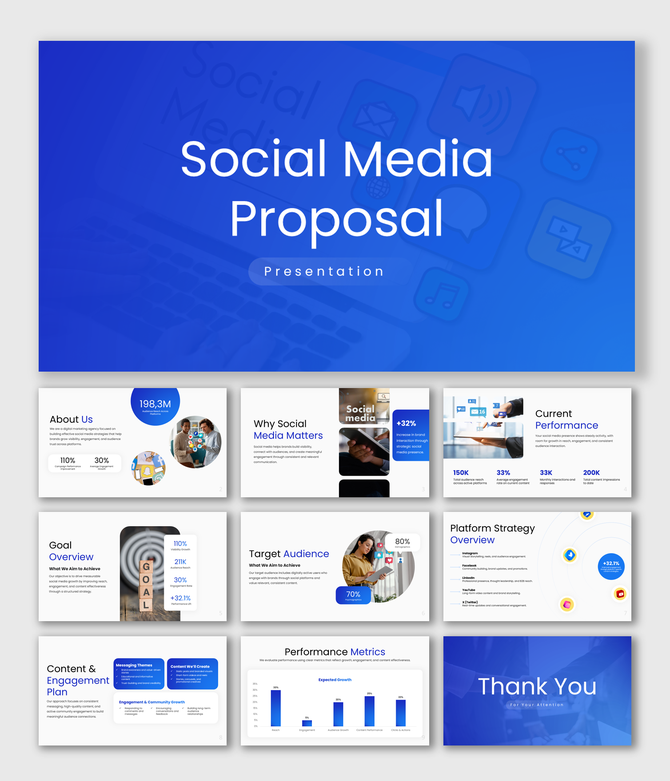
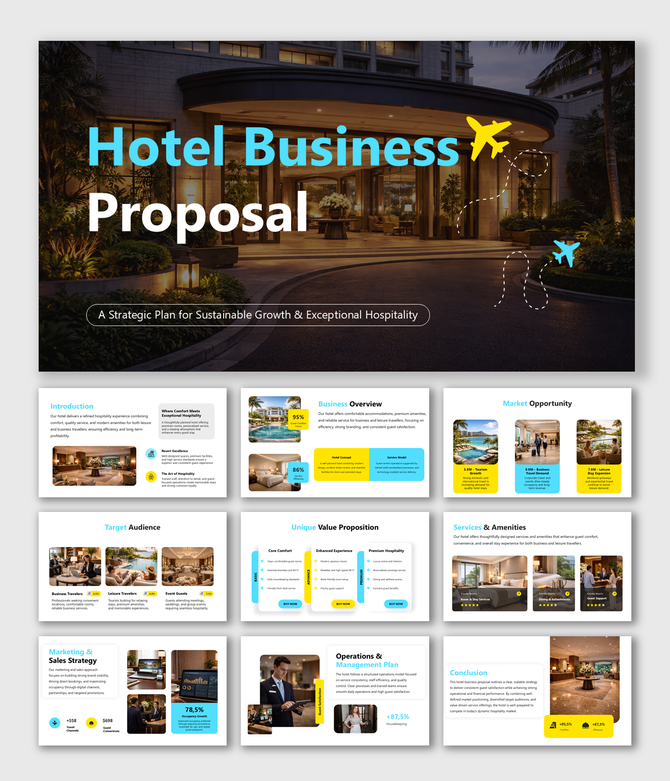
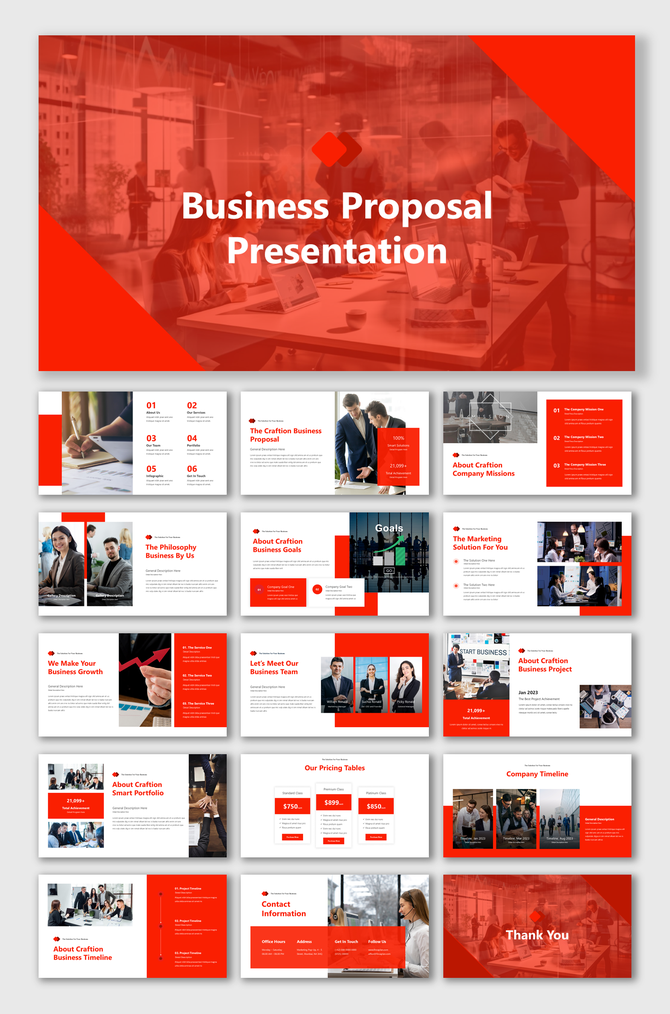
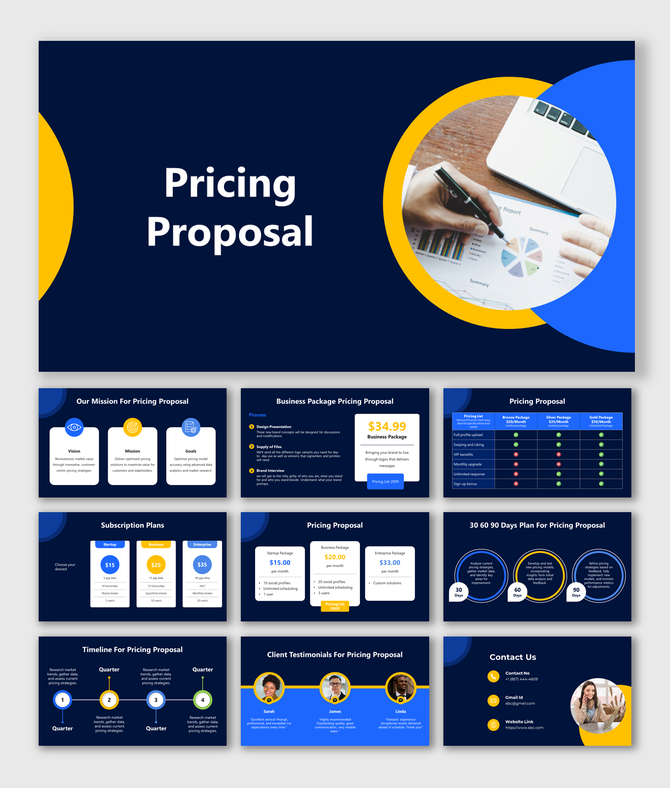
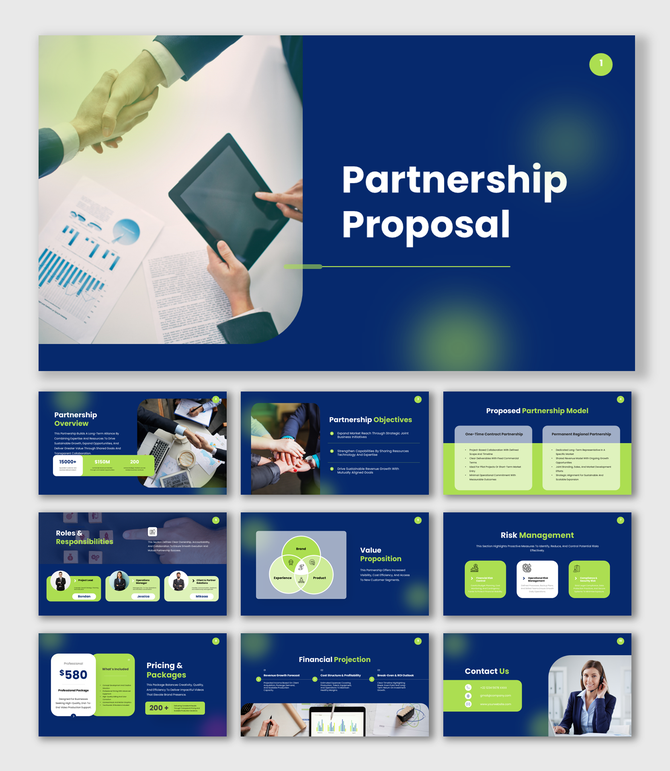
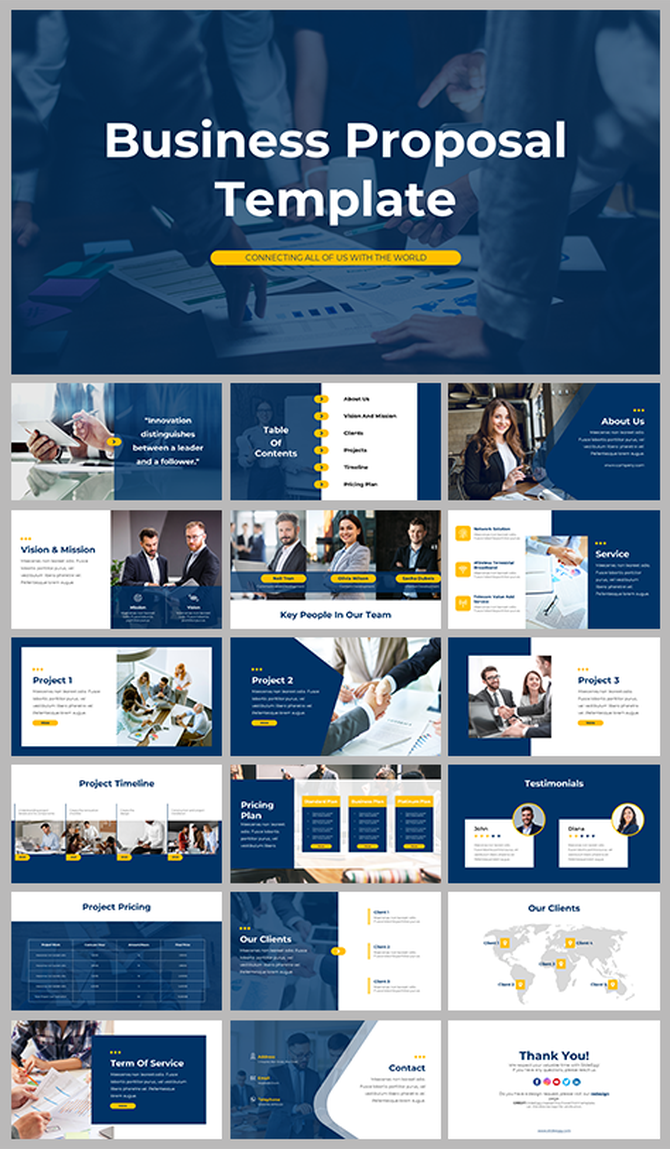
What Are Business Proposal Templates and Why Does Yours Matter?
Who Uses Business Proposal PowerPoint Templates?
Freelancers and Independent Consultants
Startups and Entrepreneurs
Sales and Business Development Teams
Marketing and Creative Agencies
Corporate Teams and Project Managers
Non-Profits and Grant Seekers
Business Proposal Templates for Every Use Case
Sales Proposal PowerPoint Templates
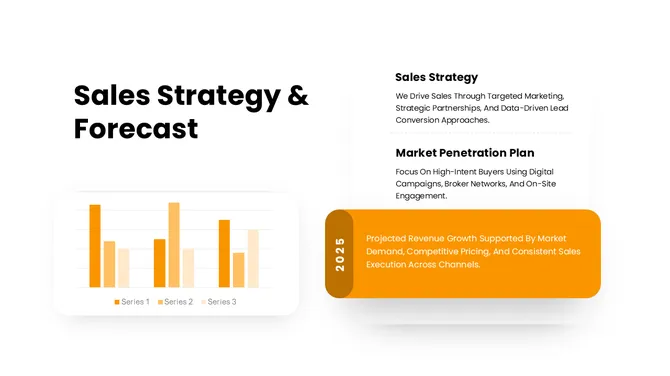
A sales proposal is often the final moment before a prospect says yes or no. These sales proposal PowerPoint templates give your team a structured, visually compelling way to present pricing, product benefits, and ROI without starting from scratch every time.
Each template includes dedicated slides for executive summaries, solution overviews, competitive differentiators, and call-to-action closes. Whether you're pitching a SaaS subscription, a B2B service package, or a high-ticket product, the right layout keeps your buyer focused on value — not formatting.
Our free sales proposal templates are fully editable in PowerPoint and Google Slides. Swap in your brand colors, drop in your pricing table, and you're ready to send. No design experience needed. Sales teams at agencies, tech companies, and consulting firms use these slides to shorten deal cycles and present a more professional front at every stage of the funnel.
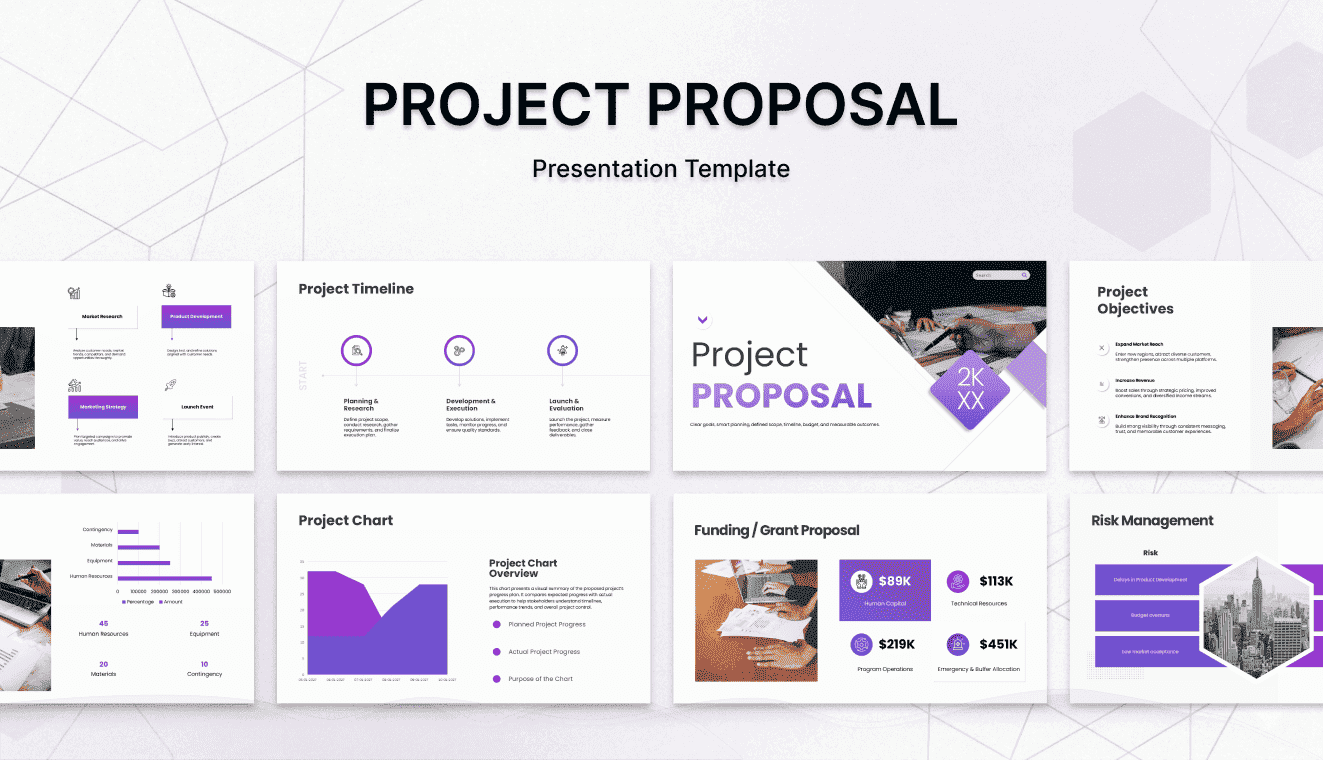
Project Proposal Presentation Slides
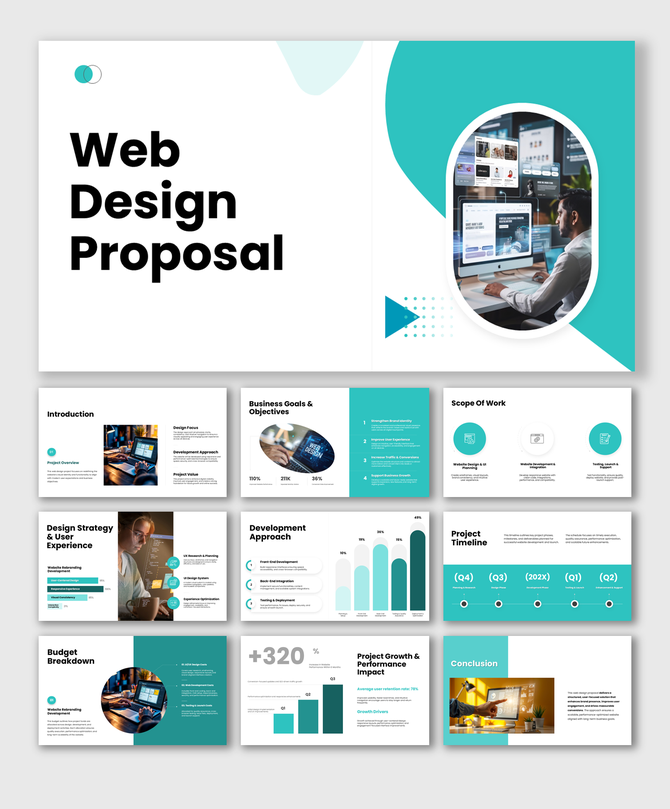
Before any project gets a green light, it needs a clear, persuasive presentation that justifies the investment. These project proposal PowerPoint templates help project managers, team leads, and freelancers communicate scope, budget, timelines, and deliverables in a format stakeholders can actually understand.
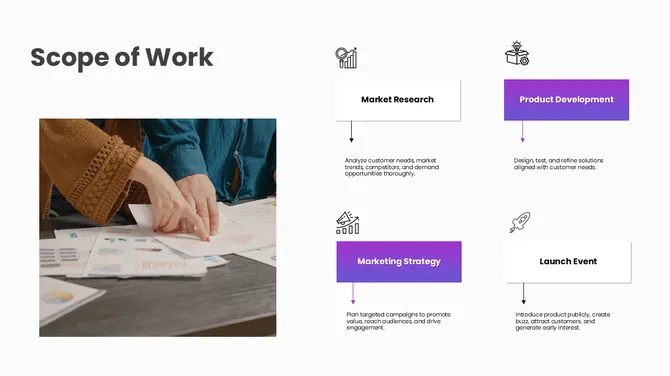
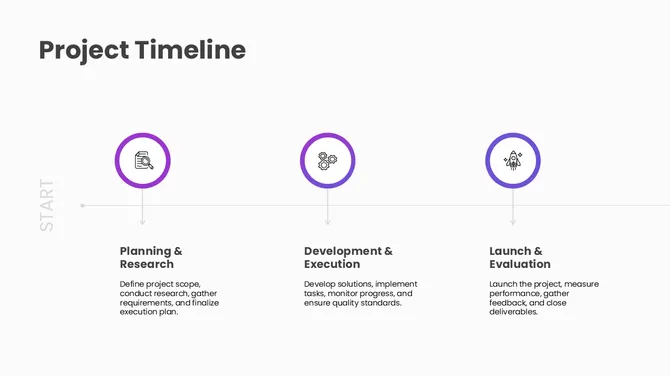
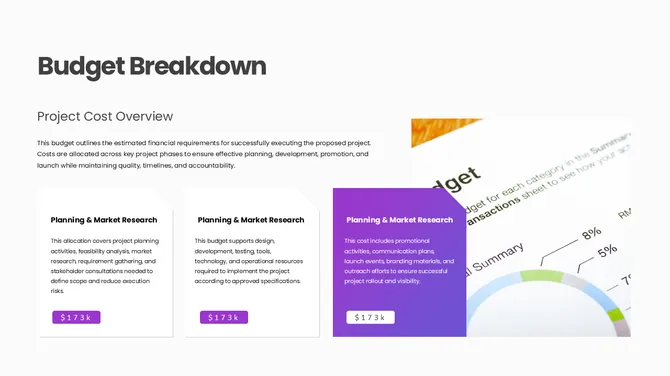
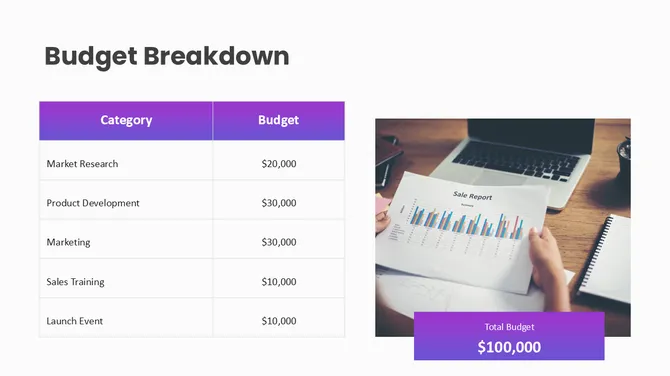
A strong project proposal goes beyond a list of tasks. It shows decision-makers the problem being solved, the approach being taken, the resources required, and the expected return. Our templates include ready-made layouts for problem statements, milestone roadmaps, risk assessments, resource allocation charts, and budget breakdowns — everything you need to walk into an approval meeting with confidence.
These slides are particularly useful for IT project proposals, construction project briefs, marketing campaign approvals, and internal business case submissions. Download any template free, customize it in PowerPoint or Google Slides, and deliver a proposal that moves projects from pending to approved faster.
Partnership & Consulting Proposal Templates
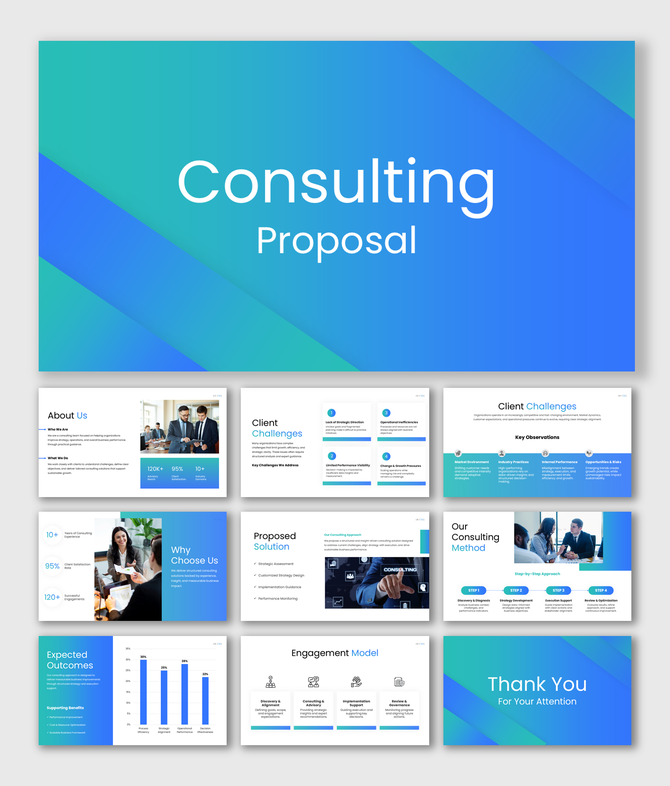
Whether you're a consultant pitching a new client or a business exploring a strategic alliance, the way you frame your proposal determines how seriously you're taken. These partnership and consulting proposal PowerPoint templates give you a professional starting point that communicates credibility from the first slide.
Consulting proposals need to do more than describe services — they need to demonstrate that you understand the client's challenge, explain your methodology, and make the investment case for hiring you. Our consulting proposal templates include slides for situation analysis, proposed solutions, engagement timelines, team credentials, work plans, and pricing tiers. Everything is structured to move a skeptical decision-maker from "tell me more" to "let's move forward."
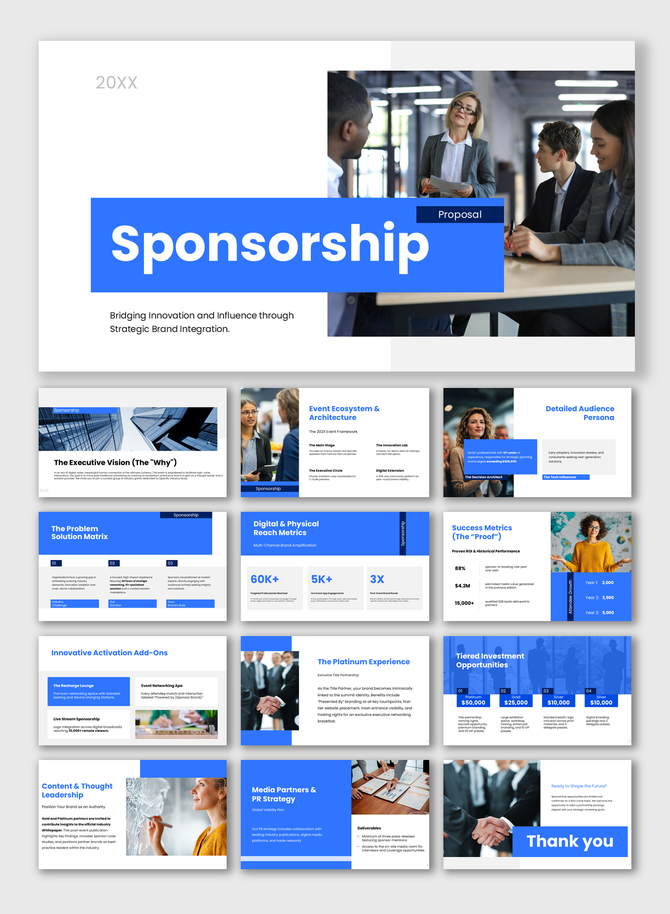
Partnership proposal templates follow a parallel structure — covering shared objectives, roles and responsibilities, revenue or equity arrangements, and mutual growth projections. Both formats are free to download, fully editable, and compatible with PowerPoint and Google Slides.
Startup Business Proposal Decks
For startups, a business proposal isn't just a document — it's a make-or-break pitch. Whether you're approaching a potential investor, a corporate partner, a grant committee, or a first enterprise client, your deck needs to communicate vision, traction, and viability in under 20 slides.
These startup business proposal templates are designed for exactly that pressure. You'll find layouts built around the classic problem-solution-market framework, with slides for team bios, go-to-market strategy, competitive landscape, financial projections, and funding requirements. Early-stage founders can use these to structure seed round conversations. Growth-stage teams can adapt them for Series A decks or strategic partnership pitches.
Unlike investor pitch decks that prioritize story over detail, these proposal templates strike a balance — giving enough narrative momentum to hold attention while providing the specificity that enterprise buyers and grant reviewers need to say yes. Download free, edit in PowerPoint or Google Slides, and pitch with confidence.
Key Slides Every Business Proposal Deck Should Include
How to Choose the Right Business Proposal Template
- Format: Pick PowerPoint if your client uses Microsoft, Google Slides if collaboration is shared in Drive, and Canva if your team includes non-designers.
- Length: A sales pitch lives or dies in 15 slides; an RFP response can run 25-40. Match the template to the depth your buyer expects.
- Tone: Clean and minimal for finance, consulting, and legal. Bold and visual for marketing, agencies, and creative services. Detail-rich and infographic-heavy for SaaS and engineering.
Why Choose SlideEgg's Business Proposal Templates?
Ready to create your own business proposal presentation?
Related Collections
Frequently Asked Questions
Are SlideEgg's business proposal templates free?
Yes — most of our business proposal PowerPoint templates are free to download and edit. Free templates are clearly badged on each card. We also offer premium templates with advanced animations, custom infographics, and broader slide libraries.
Can I edit these templates in Google Slides and Canva, not just PowerPoint?
Yes. SlideEgg templates are available for PowerPoint, Google Slides, and Canva. Each template page shows the supported format options, so you can choose the one that fits your workflow. You can download the PPTX file for PowerPoint, open it in Google Slides, or select the available Google Slides or Canva option directly from the template page. All elements are editable, including text, colors, shapes, images, and layouts.
How many slides should a business proposal presentation have?
12-18 slides for a sales pitch, 10-15 for a partnership proposal, and 25-40 for a formal RFP response. Most of our templates fall in the 12-20 range — long enough to make the case, short enough to keep stakeholders engaged. You can always add or remove slides.
What's the difference between a business proposal and a business plan presentation?
A business proposal pitches a specific deal to a specific client (a sale, a partnership, a project). A business plan presents your overall company strategy to investors or internal stakeholders. Different audiences, different content. Need a business plan deck instead? Browse our business plan templates.
How do I create a business proposal presentation?
Pick a template that matches your use-case (sales, partnership, project, RFP), open it in PowerPoint, Google Slides, or Canva, and customize the cover slide, problem statement, your solution, scope, pricing, and next-step CTA.
Do I need to credit SlideEgg if I use a free template?
No attribution required for free templates used in your business proposals or client decks. You can edit colors, logos, and content freely and present the deck as your own. Premium templates carry the same usage rights once downloaded.
Can I use these templates for client pitches and RFP responses commercially?
Yes. Free and premium templates can both be used in commercial client work — sales pitches, RFP responses, agency proposals, internal projects, and partnership decks. There are no per-use restrictions.
What format should a business proposal presentation be in?
Most clients accept PowerPoint (.pptx) or PDF. Send a PDF for the final read-only version, and a .pptx if your client may want to add comments or edit. Our templates export cleanly to both. For collaborative drafting, share via Google Slides.