120+ Business Proposals Presentation Templates
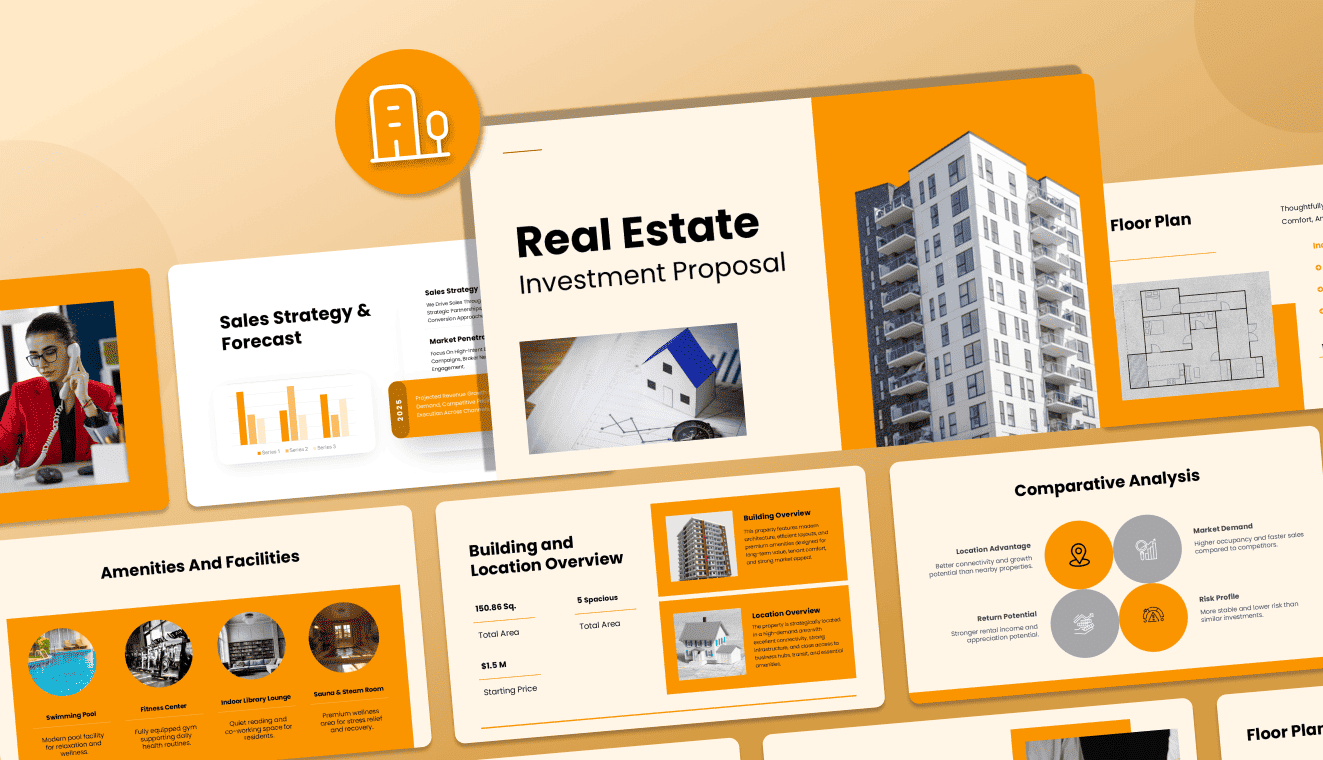
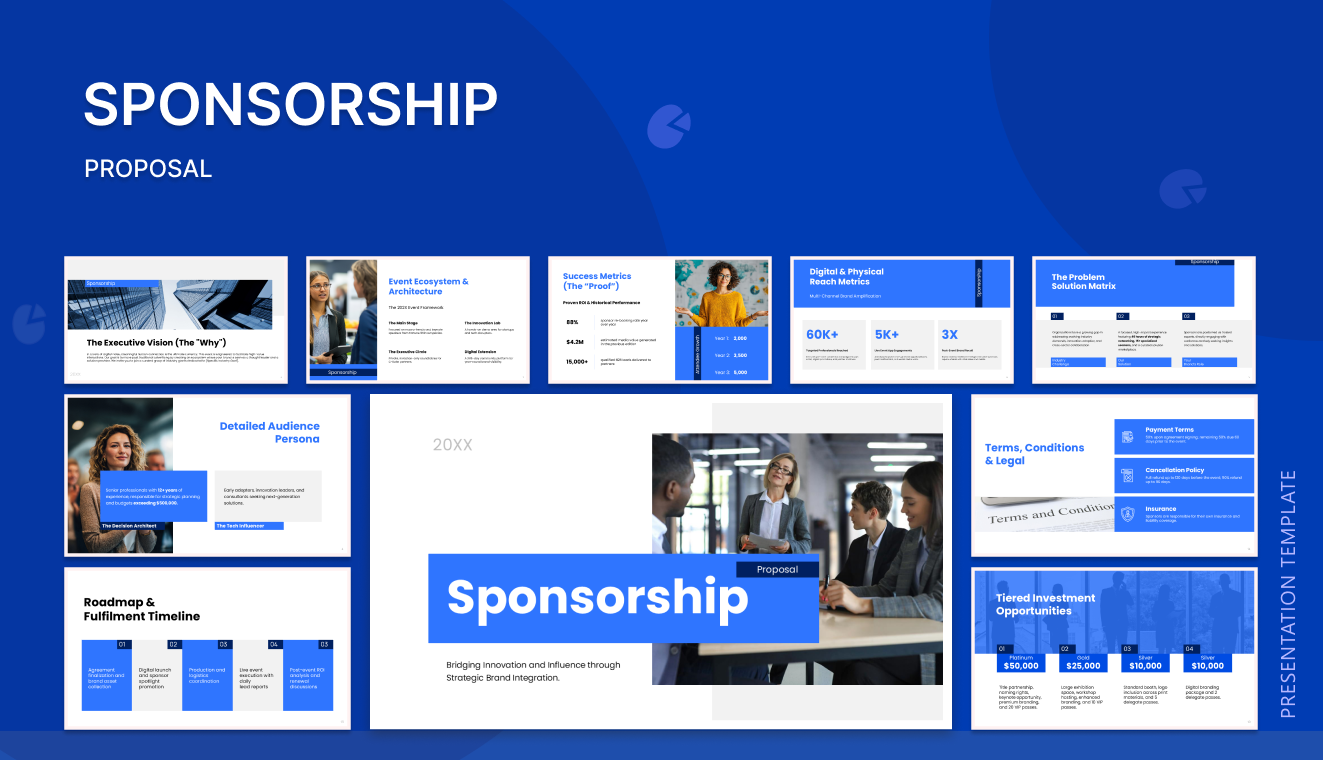
Win more clients with professionally designed Business Proposal PowerPoint Templates. Browse 120+ free and premium slides. Fully editable in PowerPoint, Google Slides, and Canva. Every deck is pre-structured from executive summary to pricing, to help consultants, agencies, and startups pitch confidently and close deals faster.
Editor's Choice (1 of5)
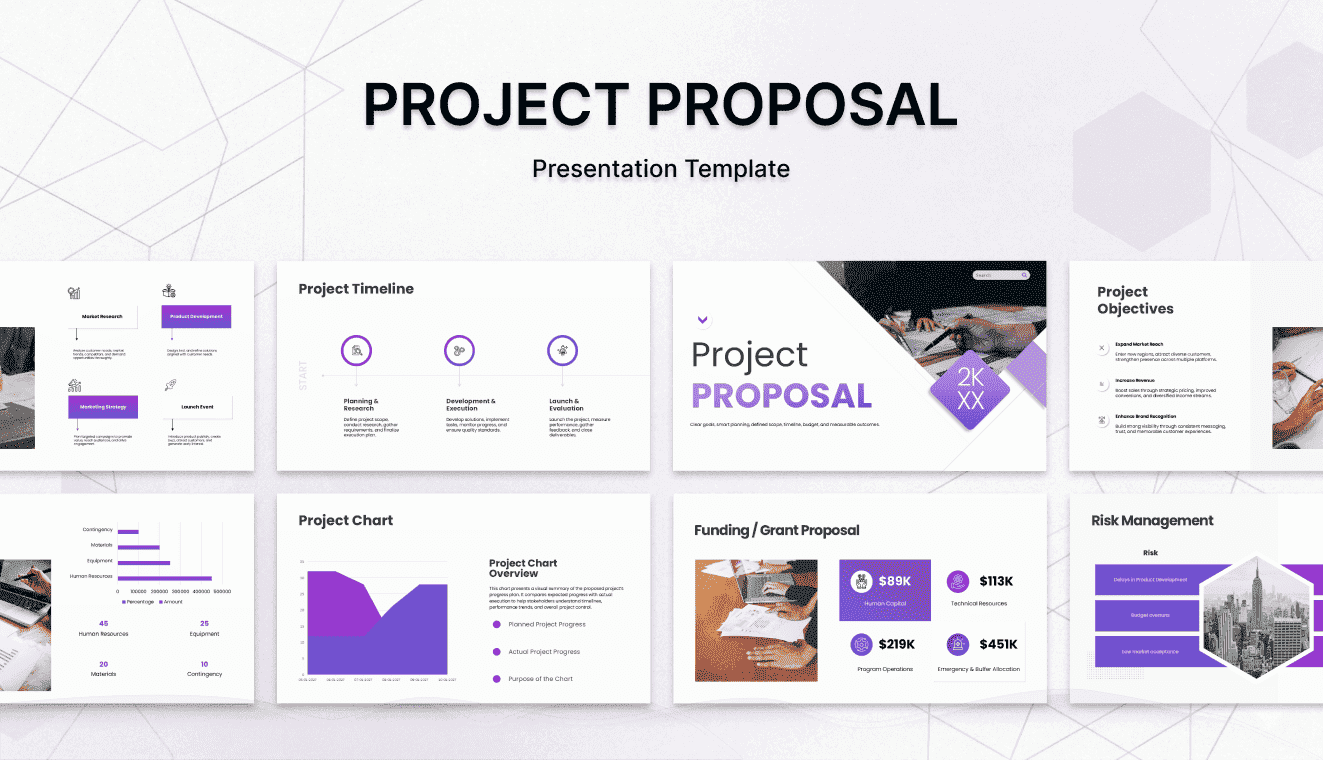


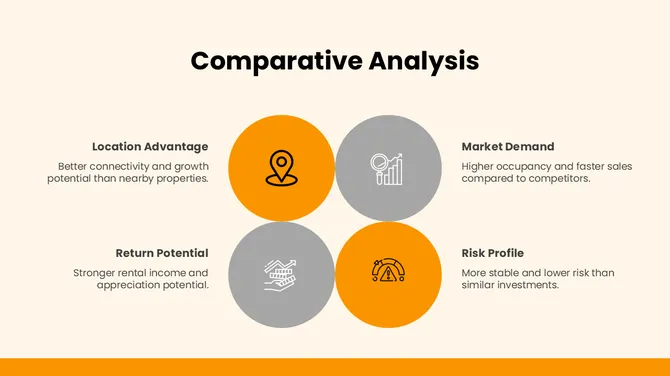
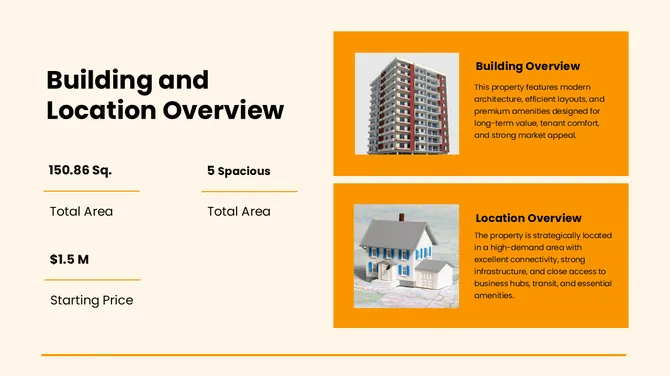
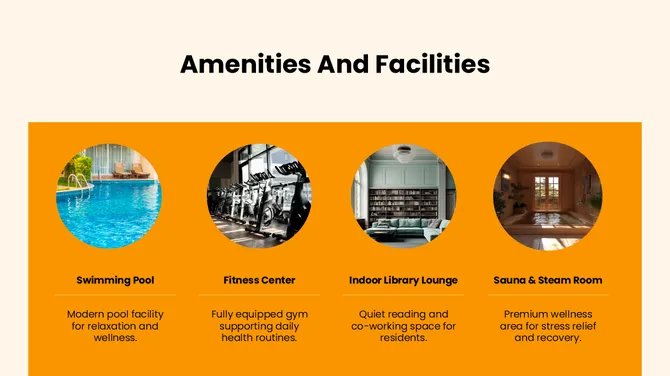
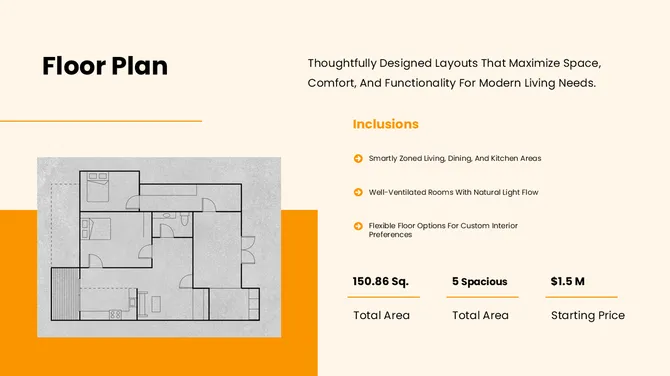
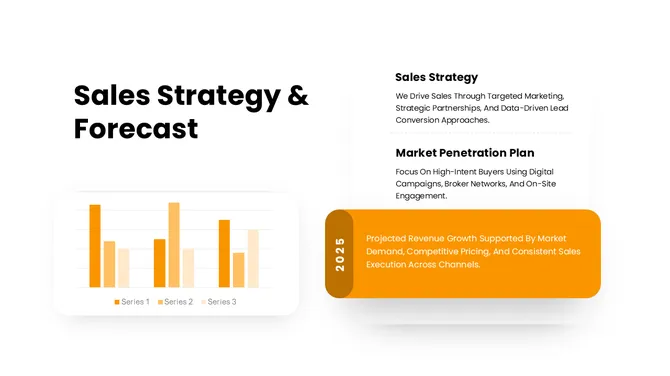


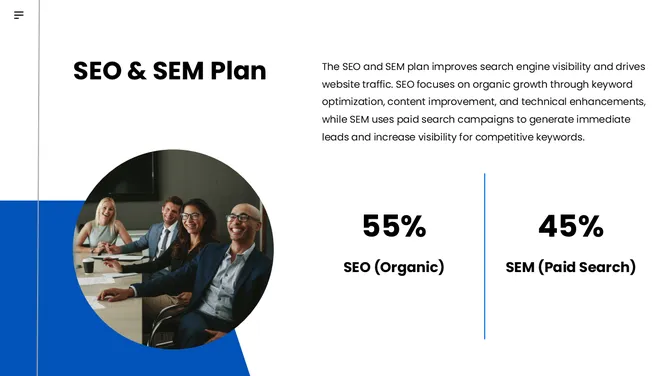
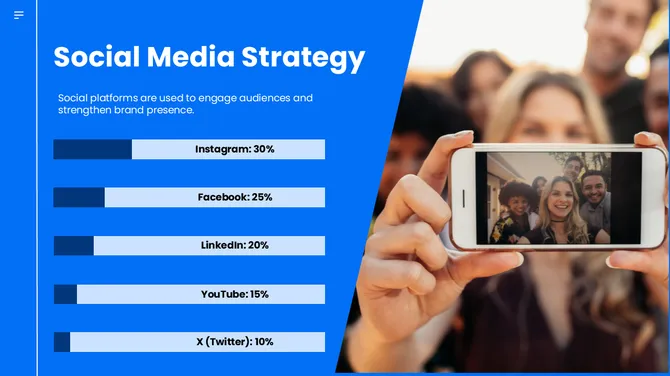
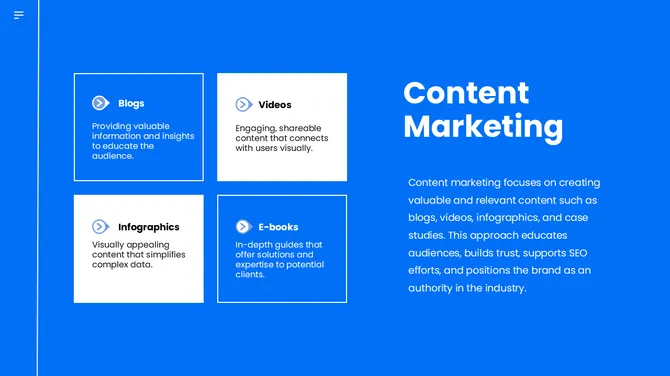
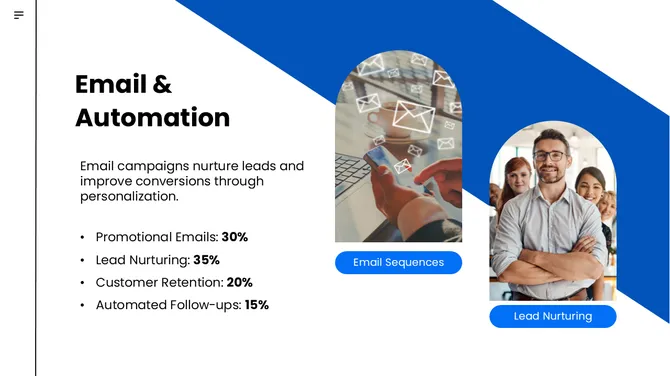
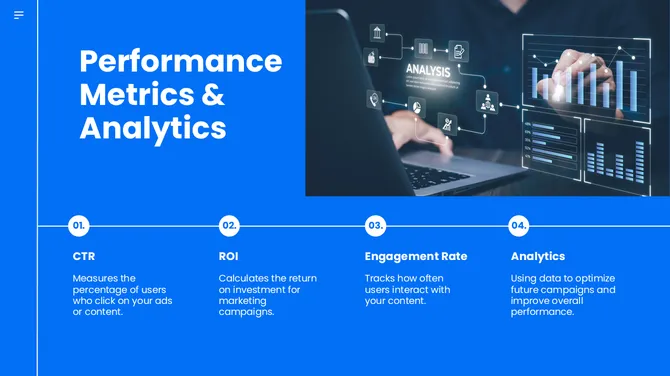
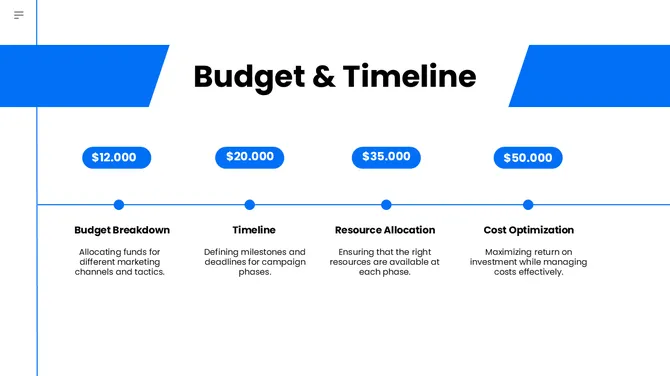






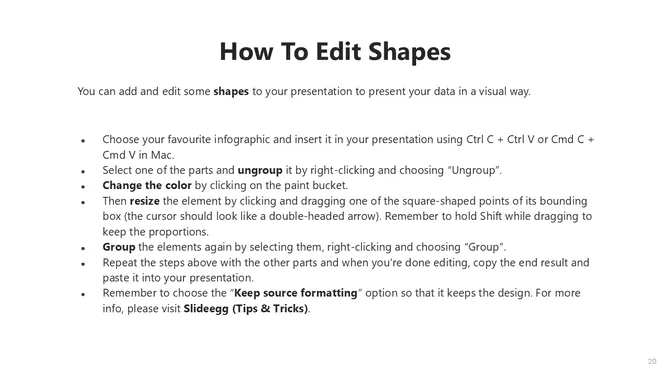
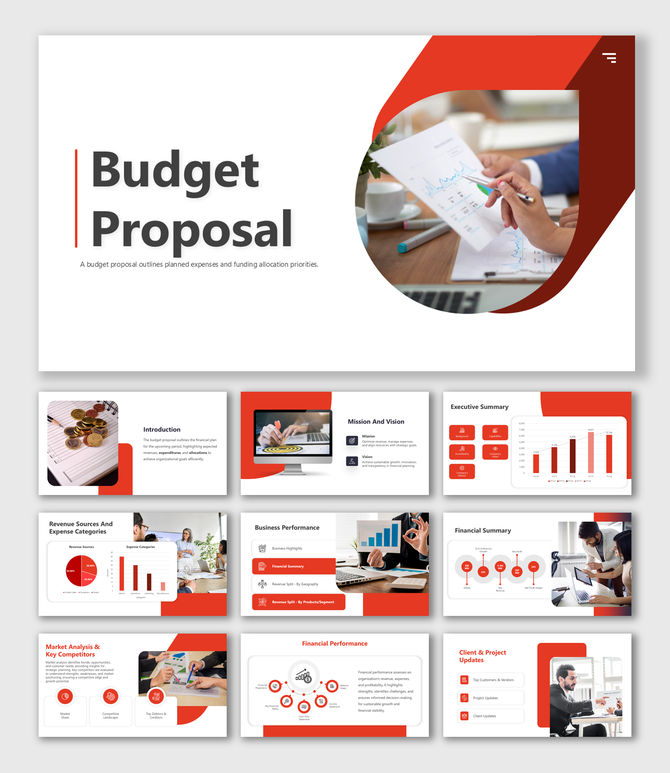
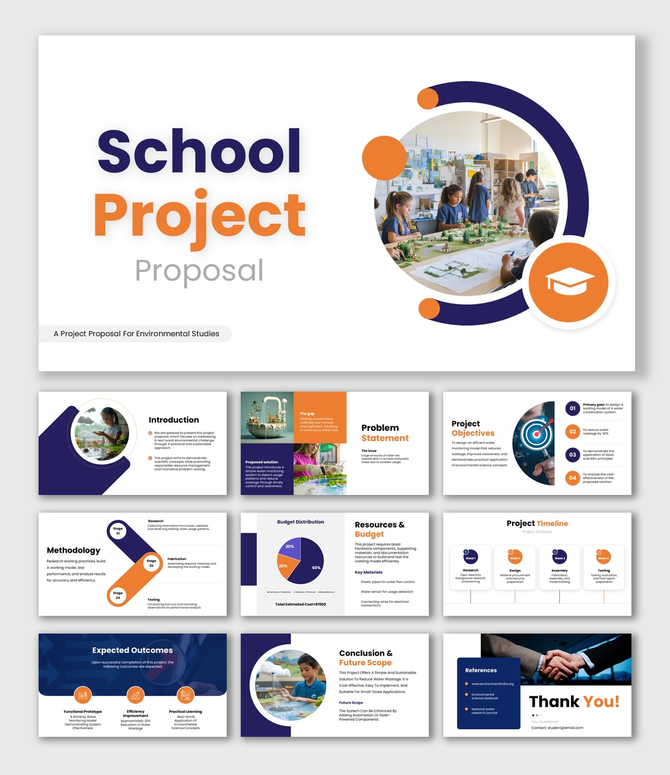
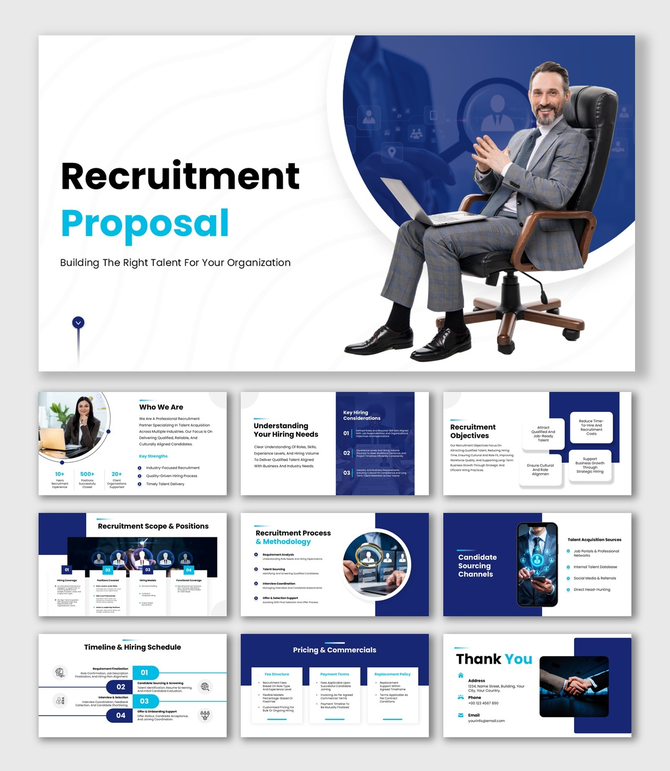
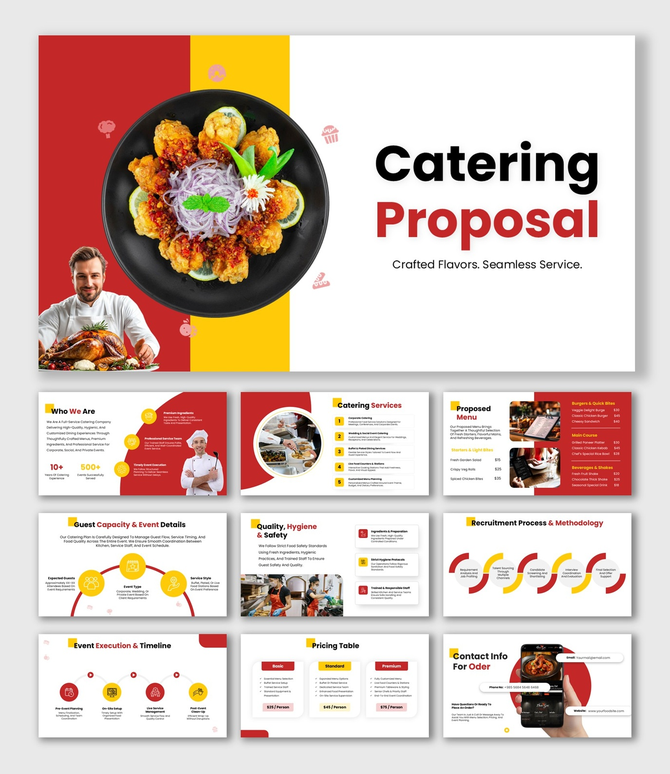
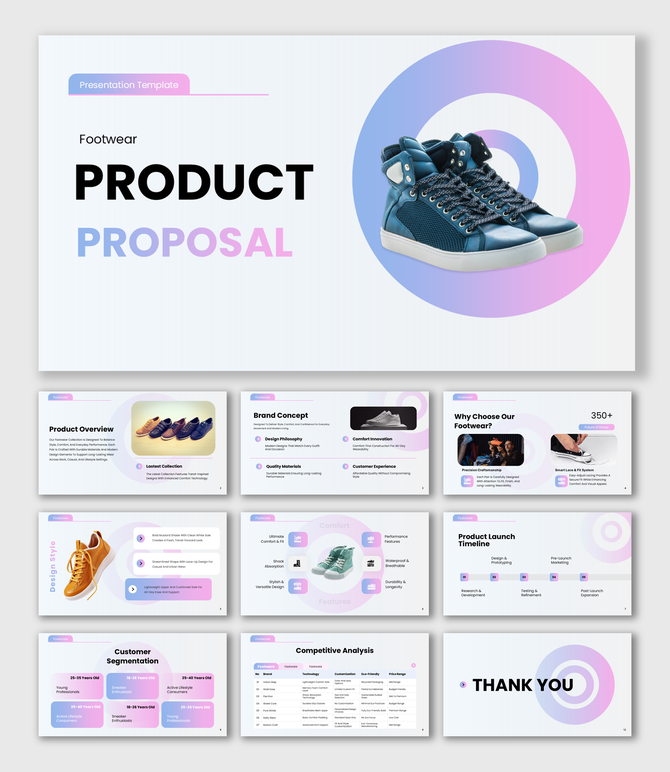
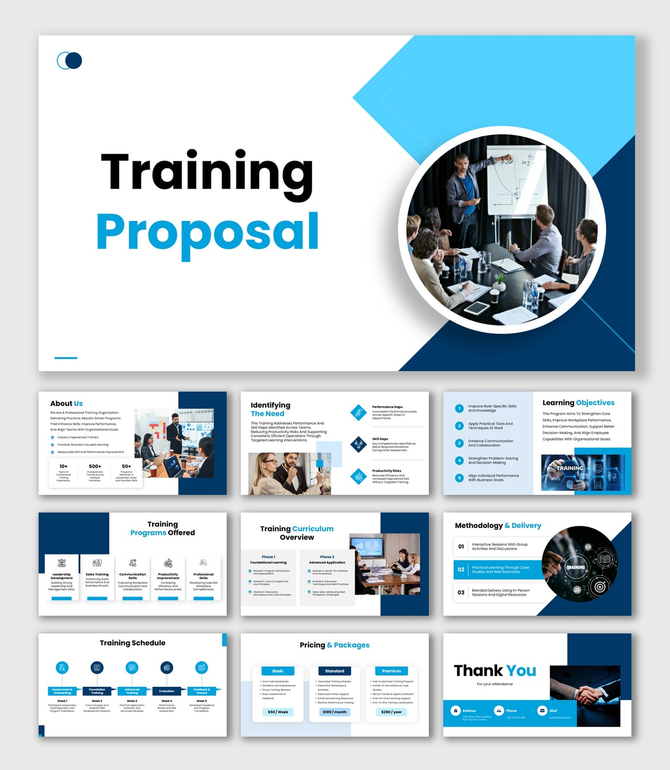
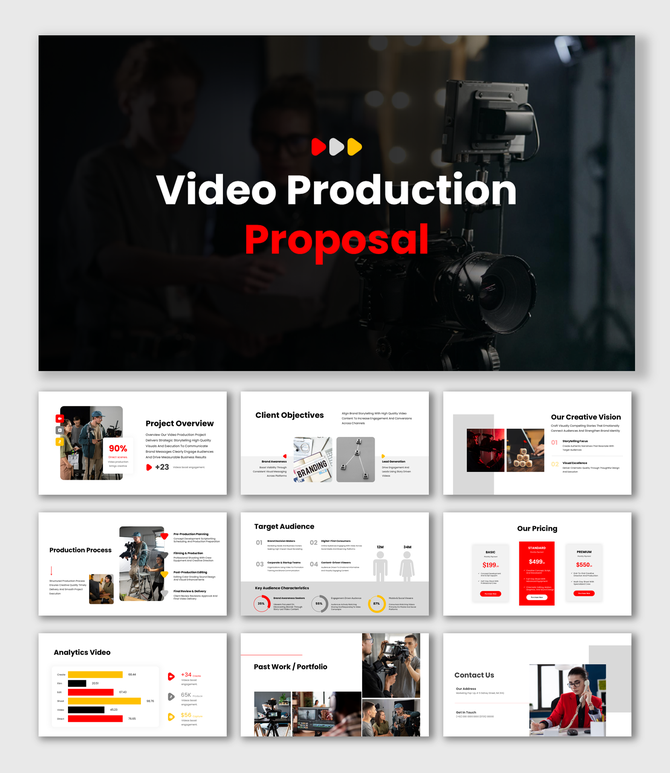
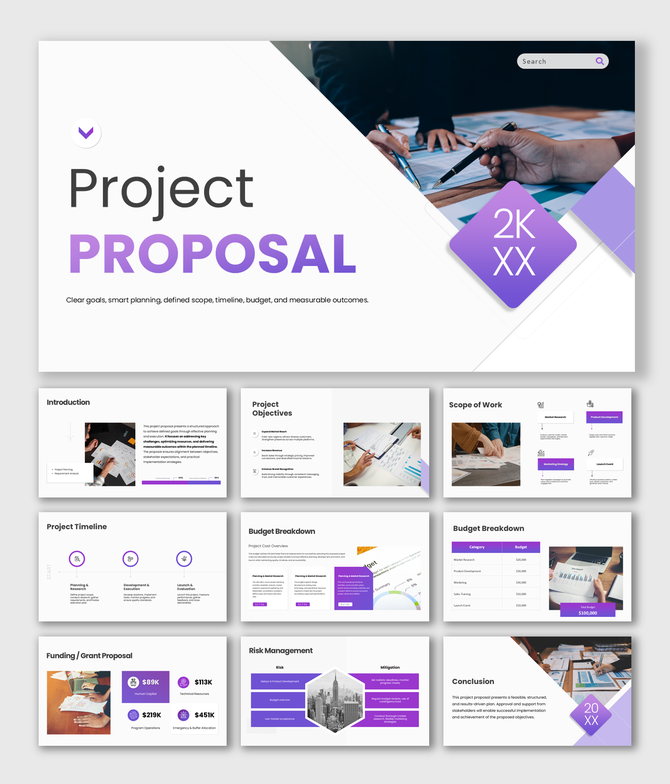
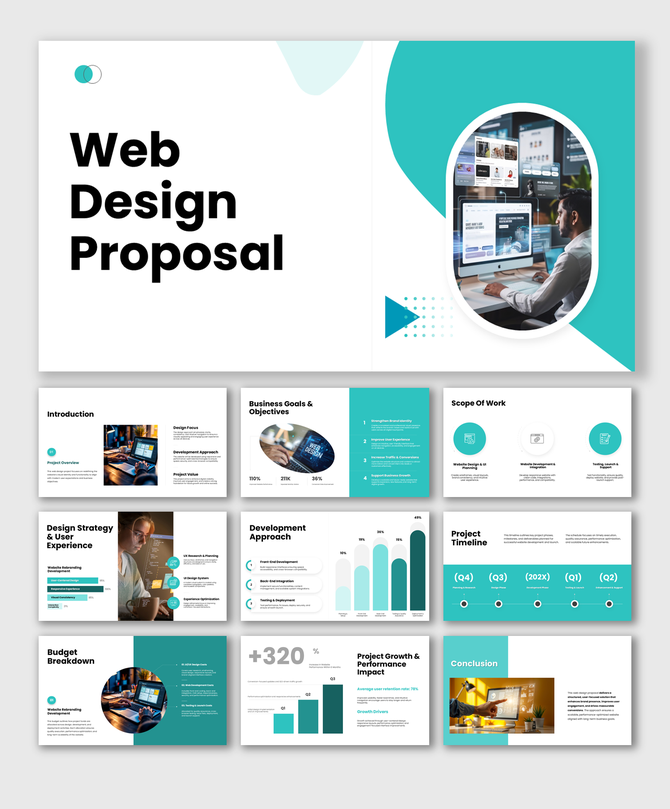
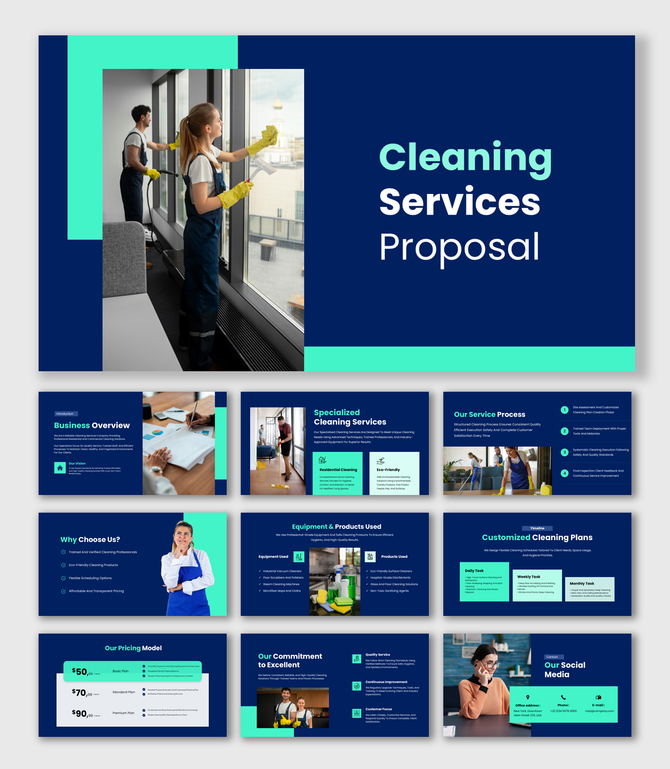
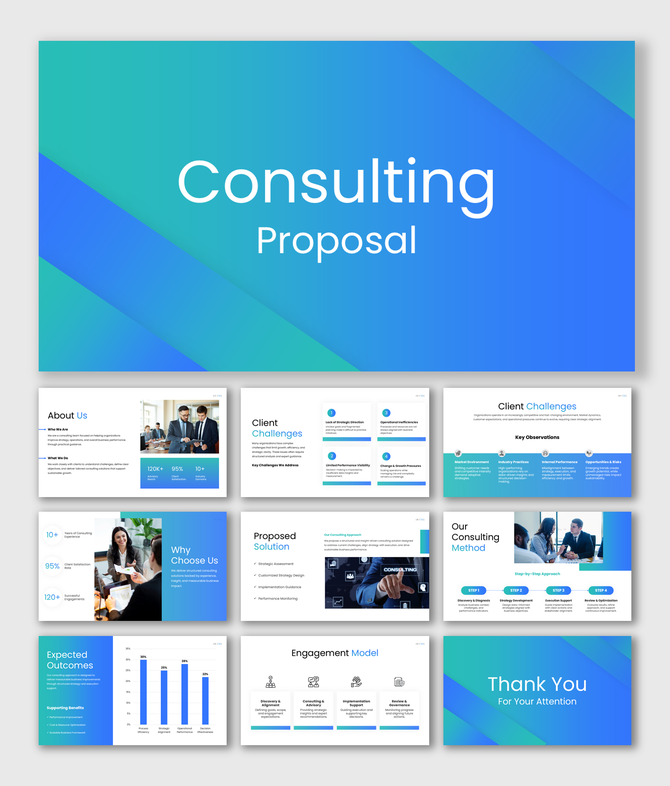
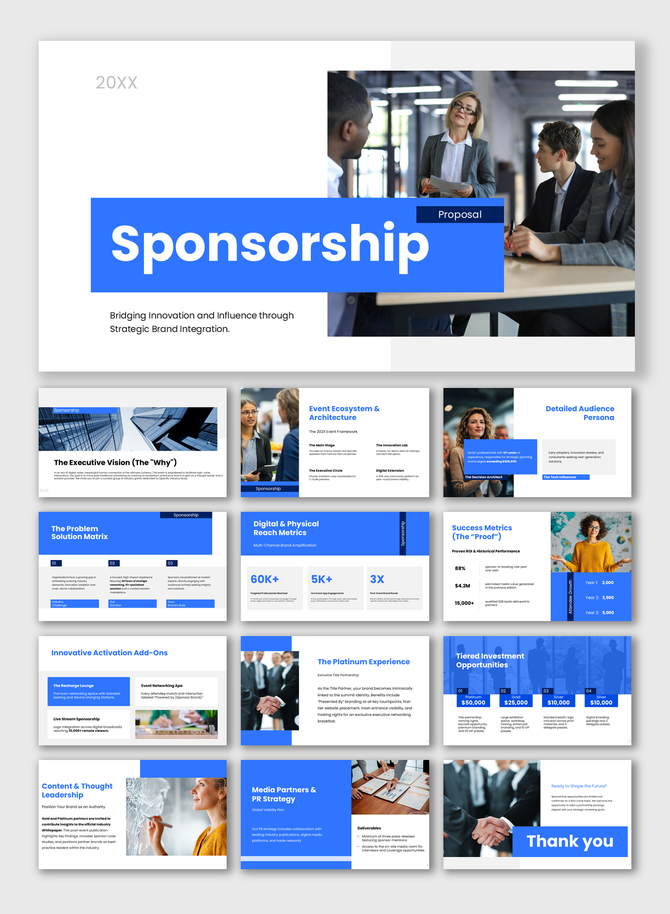
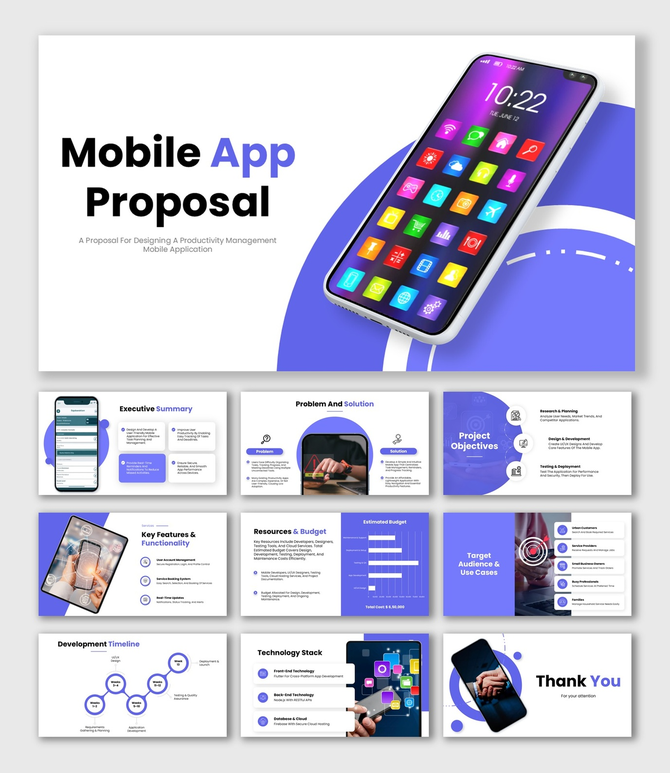
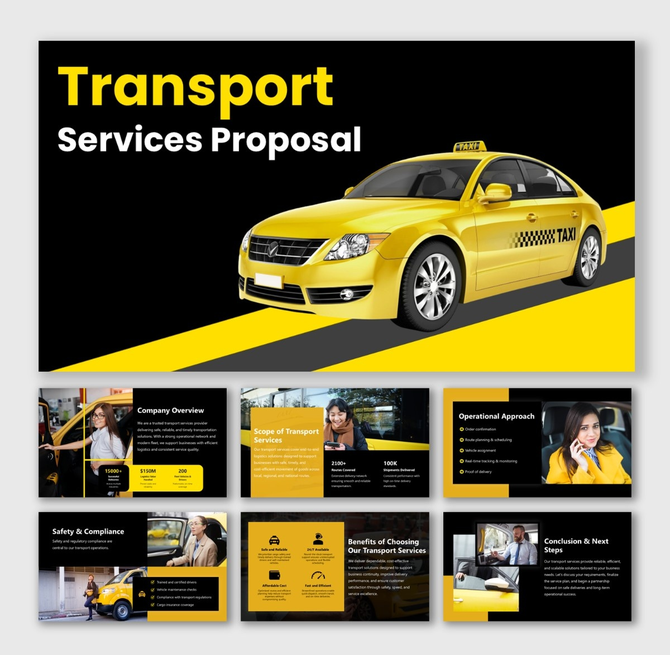
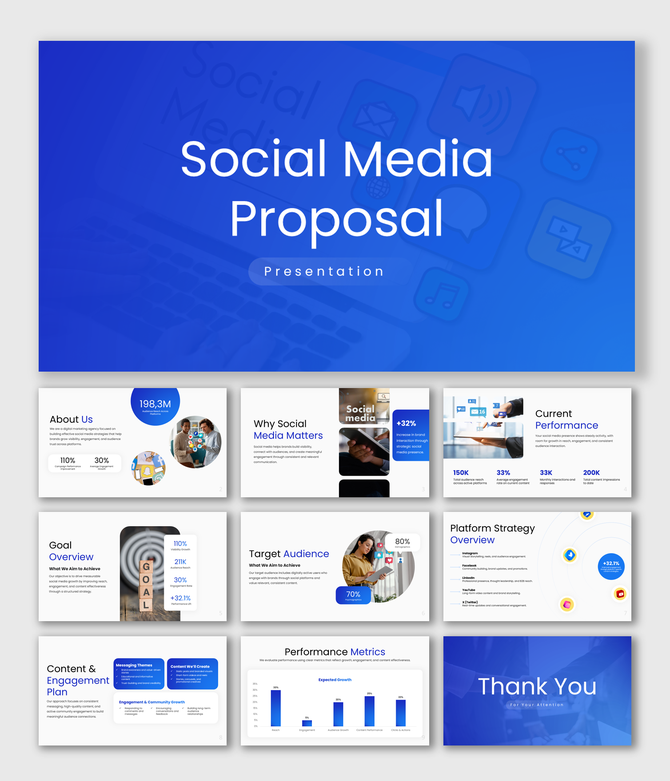
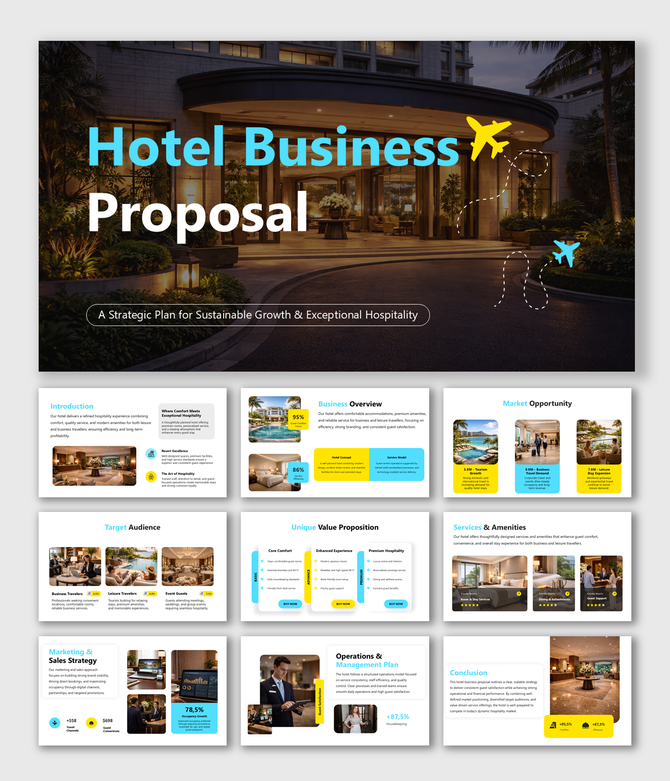
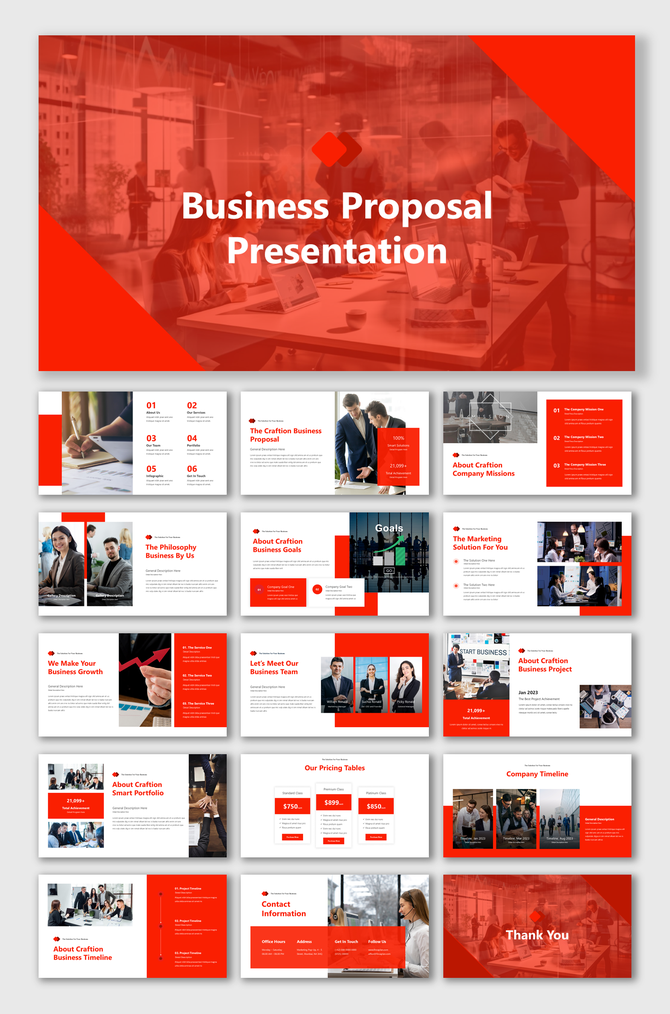
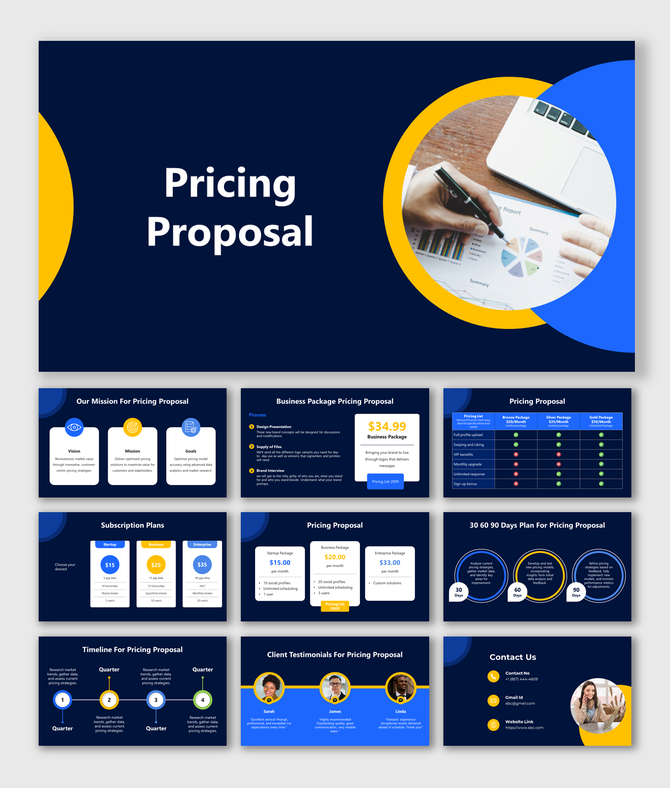
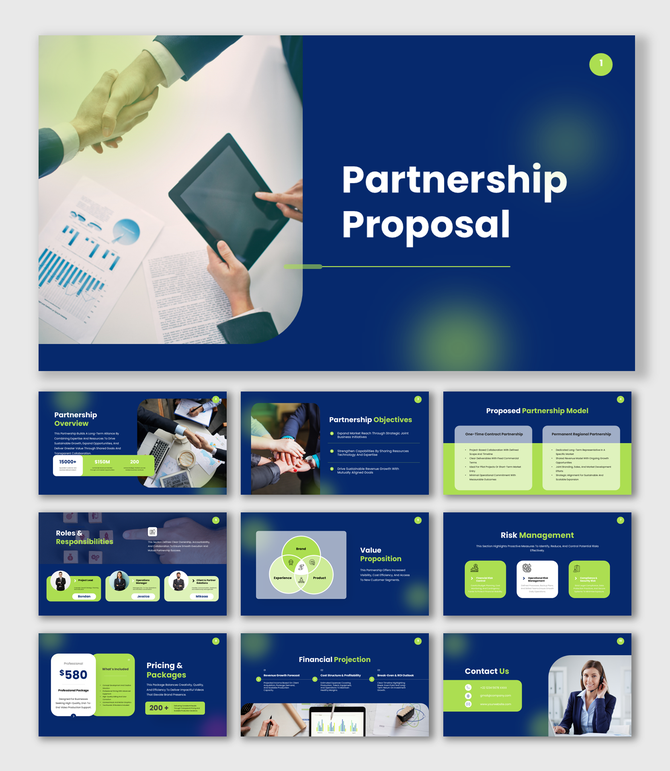
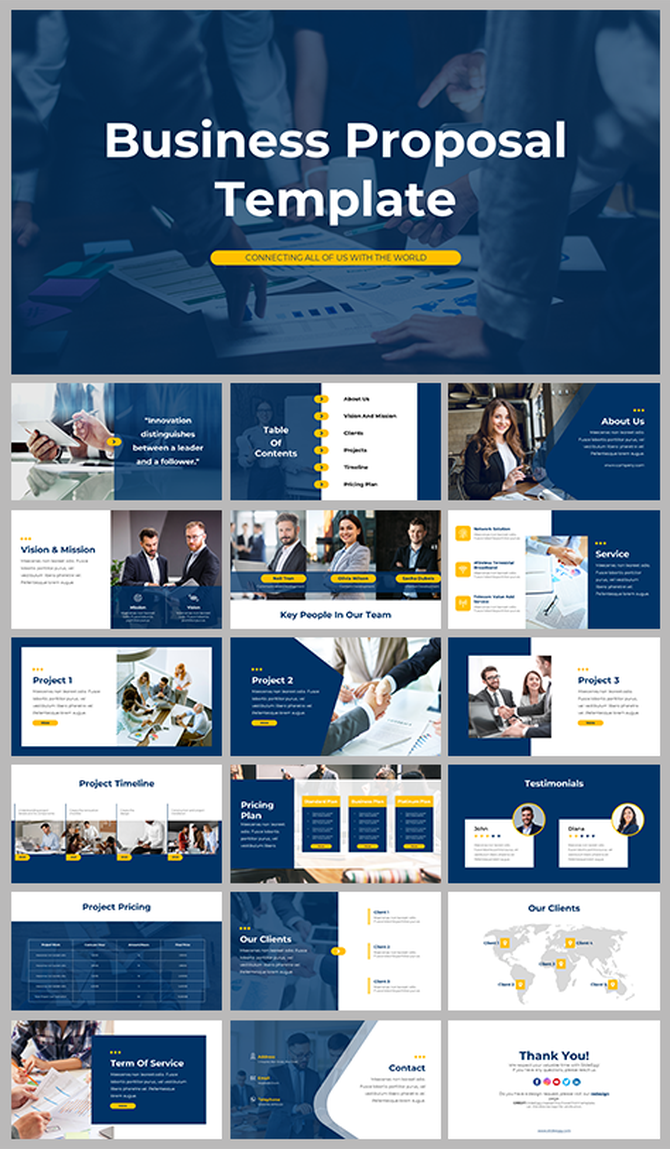
What Are Business Proposal Templates and Why Does Yours Matter?
Who Uses Business Proposal PowerPoint Templates?
Freelancers and Independent Consultants
Startups and Entrepreneurs
Sales and Business Development Teams
Marketing and Creative Agencies
Corporate Teams and Project Managers
Non-Profits and Grant Seekers
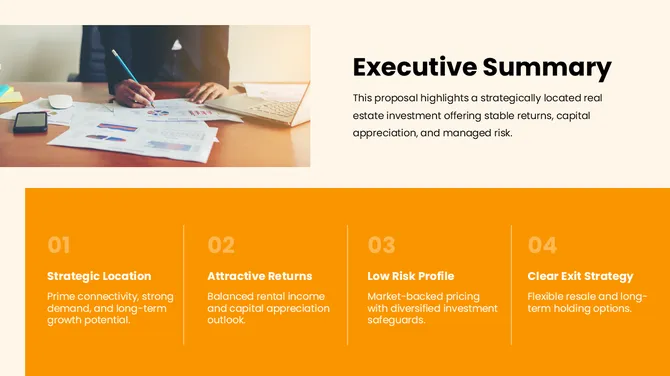
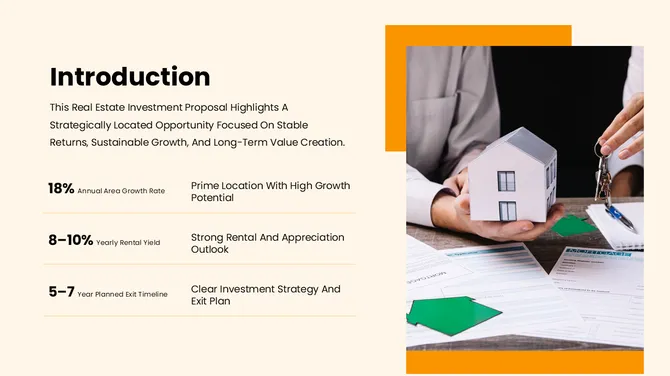
Key Slides Every Business Proposal Deck Should Include
How to Choose the Right Business Proposal Template
- Format: Pick PowerPoint if your client uses Microsoft, Google Slides if collaboration is shared in Drive, and Canva if your team includes non-designers.
- Length: A sales pitch lives or dies in 15 slides; an RFP response can run 25-40. Match the template to the depth your buyer expects.
- Tone: Clean and minimal for finance, consulting, and legal. Bold and visual for marketing, agencies, and creative services. Detail-rich and infographic-heavy for SaaS and engineering.
Why Choose SlideEgg's Business Proposal Templates?
Ready to create your own business proposal presentation?
Related Collections
Frequently Asked Questions
Are SlideEgg's business proposal templates free?
Yes — most of our business proposal PowerPoint templates are free to download and edit. Free templates are clearly badged on each card. We also offer premium templates with advanced animations, custom infographics, and broader slide libraries.
Can I edit these templates in Google Slides and Canva, not just PowerPoint?
Yes. SlideEgg templates are available for PowerPoint, Google Slides, and Canva. Each template page shows the supported format options, so you can choose the one that fits your workflow. You can download the PPTX file for PowerPoint, open it in Google Slides, or select the available Google Slides or Canva option directly from the template page. All elements are editable, including text, colors, shapes, images, and layouts.
How many slides should a business proposal presentation have?
12-18 slides for a sales pitch, 10-15 for a partnership proposal, and 25-40 for a formal RFP response. Most of our templates fall in the 12-20 range — long enough to make the case, short enough to keep stakeholders engaged. You can always add or remove slides.
What's the difference between a business proposal and a business plan presentation?
A business proposal pitches a specific deal to a specific client (a sale, a partnership, a project). A business plan presents your overall company strategy to investors or internal stakeholders. Different audiences, different content. Need a business plan deck instead? Browse our business plan templates.
How do I create a business proposal presentation?
Pick a template that matches your use-case (sales, partnership, project, RFP), open it in PowerPoint, Google Slides, or Canva, and customize the cover slide, problem statement, your solution, scope, pricing, and next-step CTA.
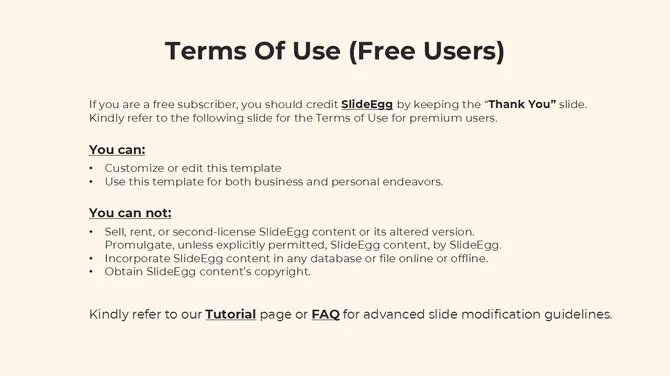
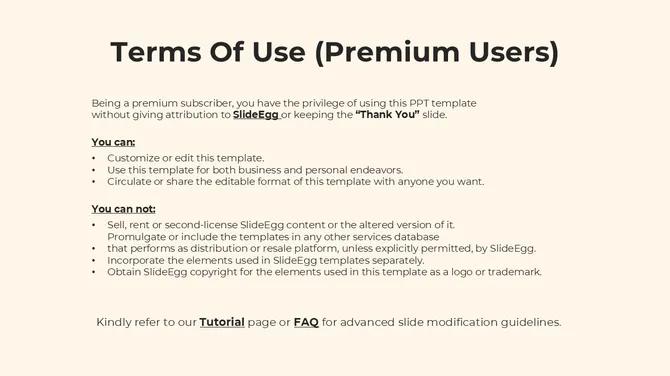
Do I need to credit SlideEgg if I use a free template?
No attribution required for free templates used in your business proposals or client decks. You can edit colors, logos, and content freely and present the deck as your own. Premium templates carry the same usage rights once downloaded.
Can I use these templates for client pitches and RFP responses commercially?
Yes. Free and premium templates can both be used in commercial client work — sales pitches, RFP responses, agency proposals, internal projects, and partnership decks. There are no per-use restrictions.
What format should a business proposal presentation be in?
Most clients accept PowerPoint (.pptx) or PDF. Send a PDF for the final read-only version, and a .pptx if your client may want to add comments or edit. Our templates export cleanly to both. For collaborative drafting, share via Google Slides.