Free Building Blocks Presentation Templates
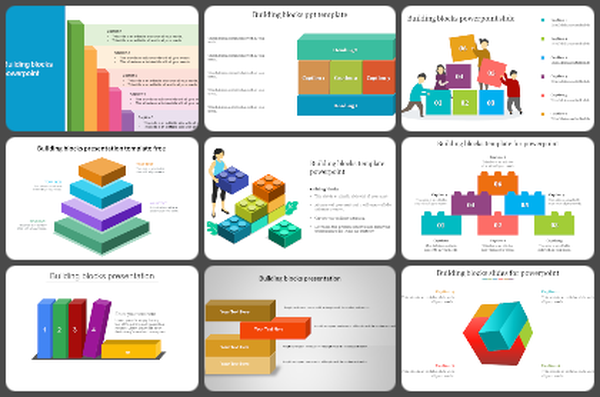
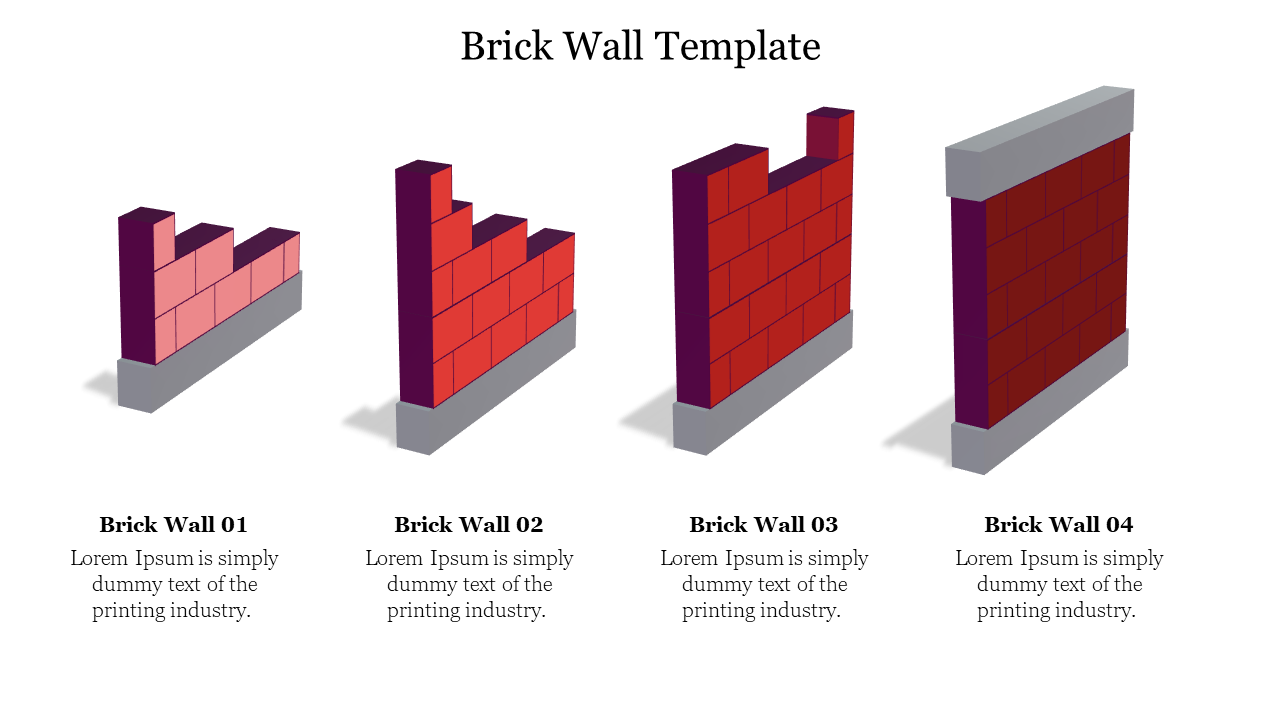
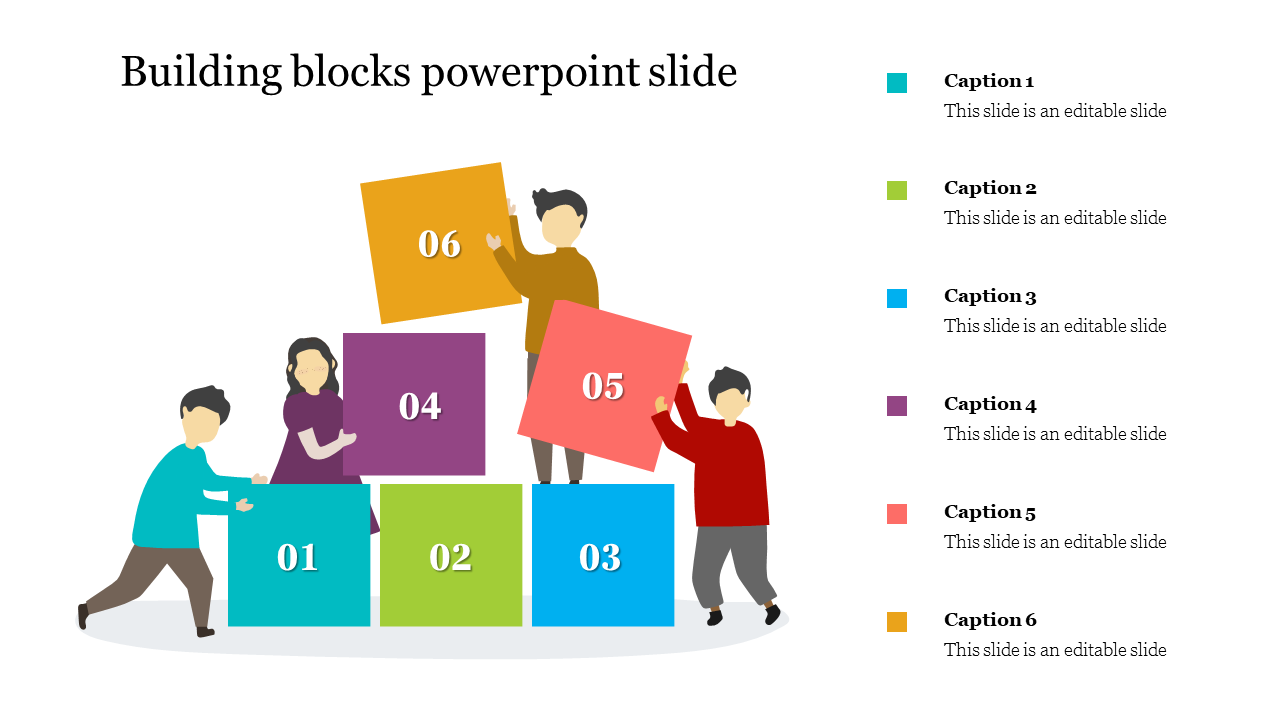
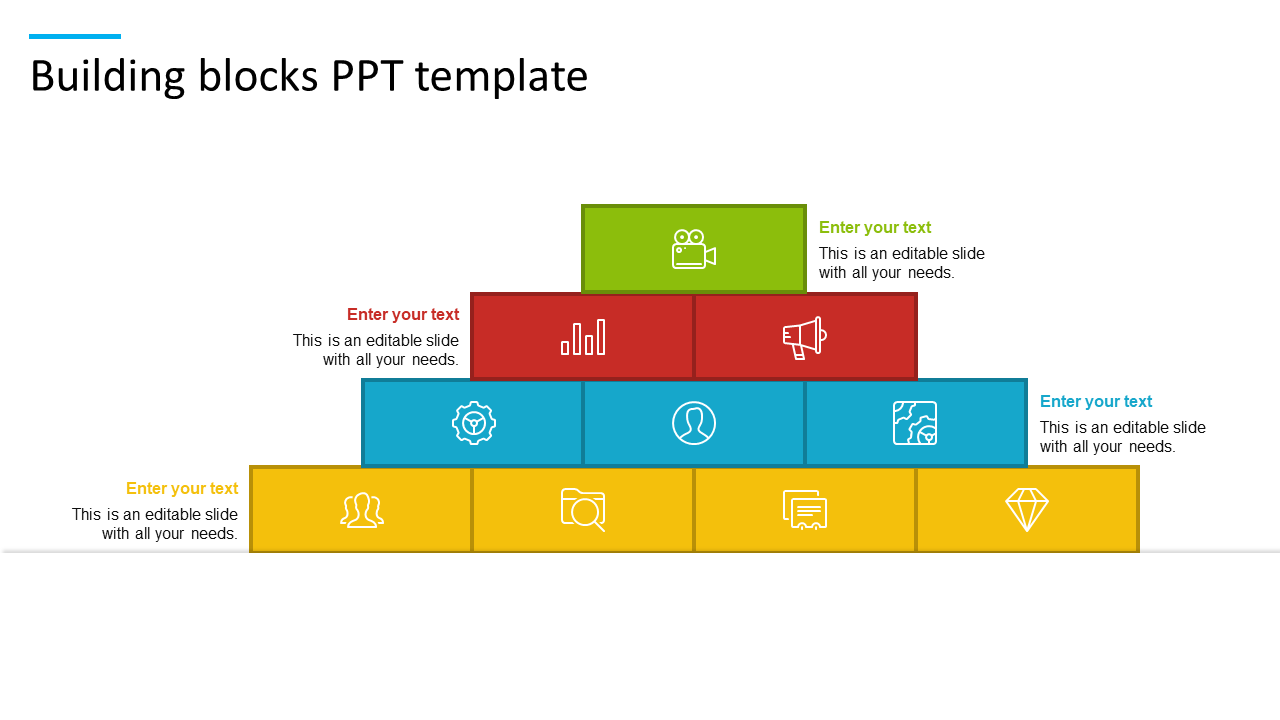
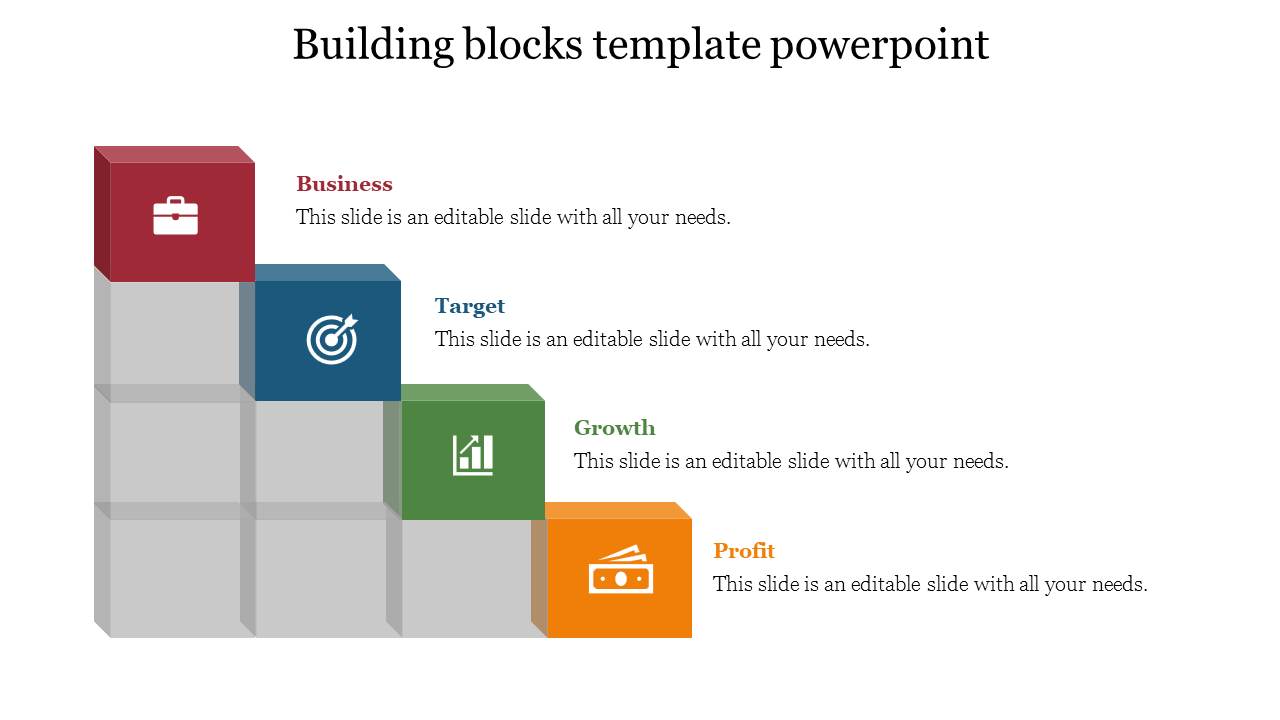
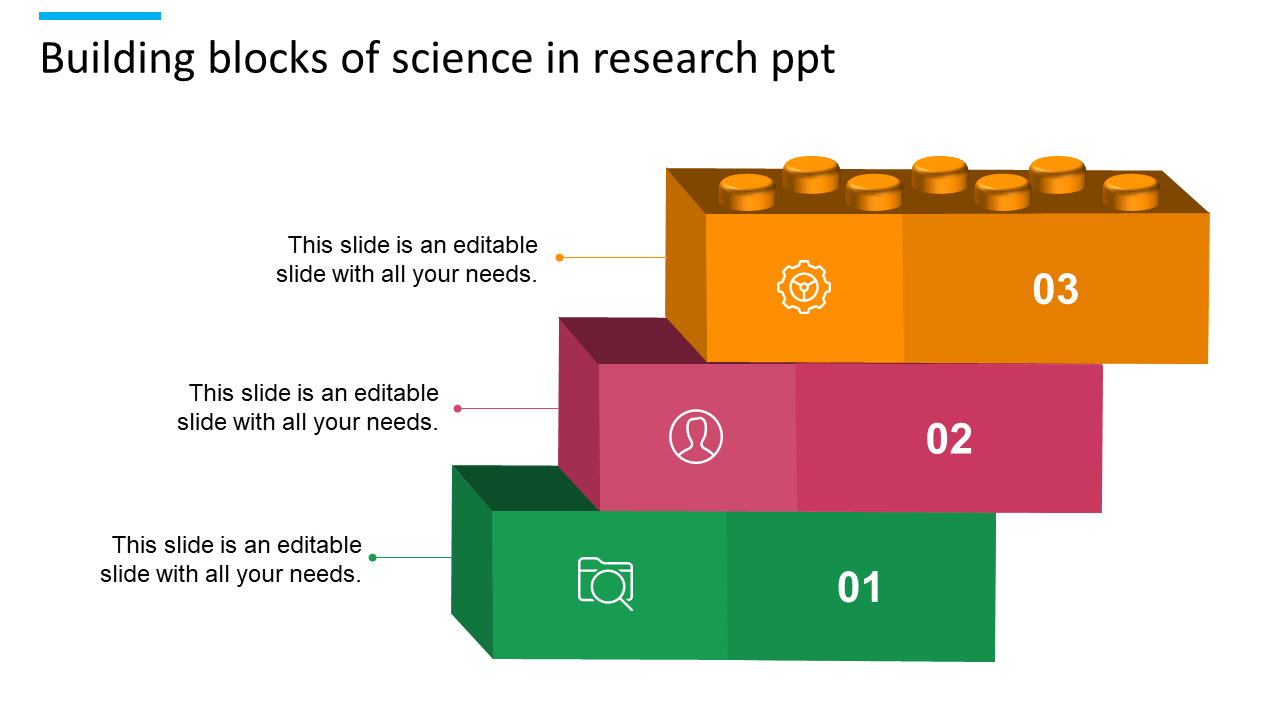
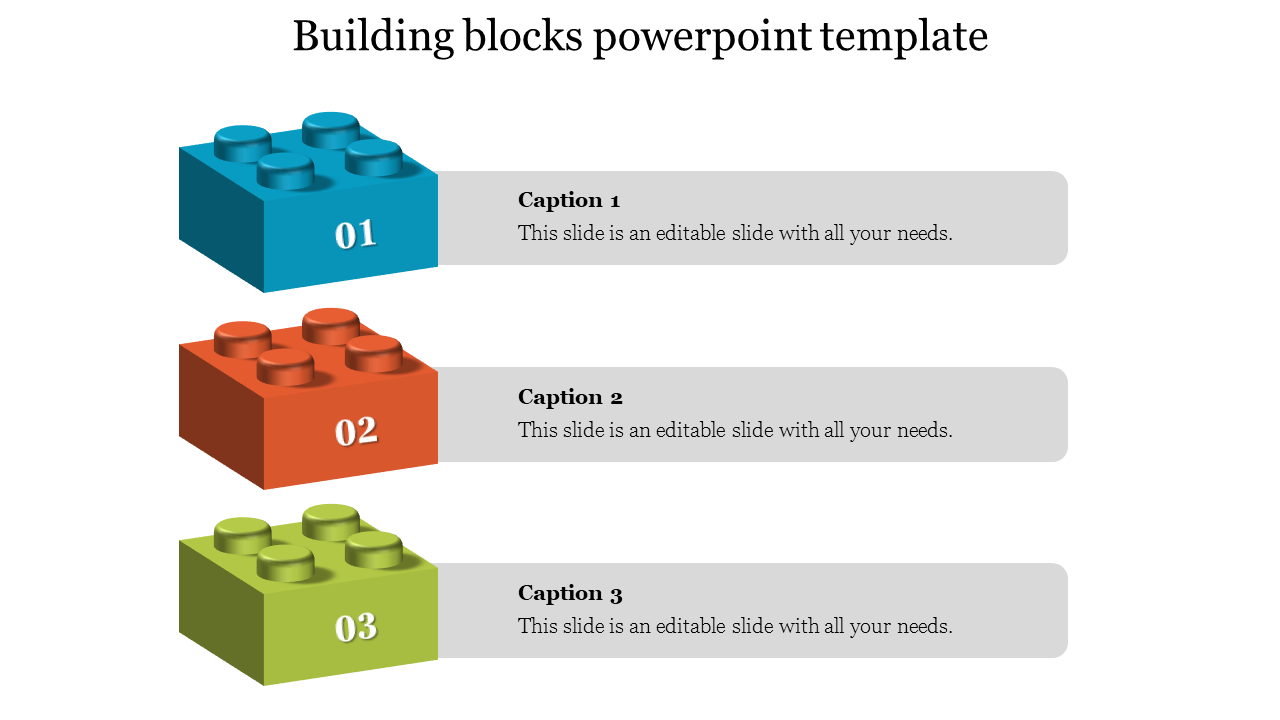
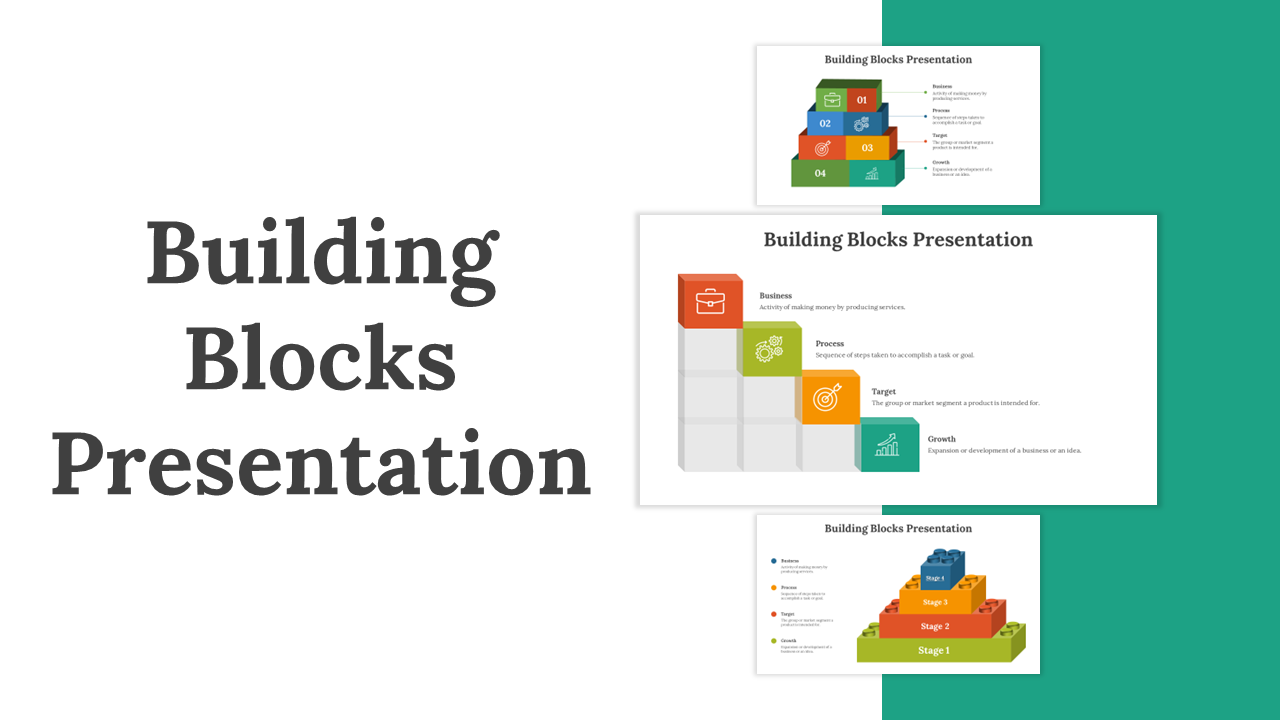
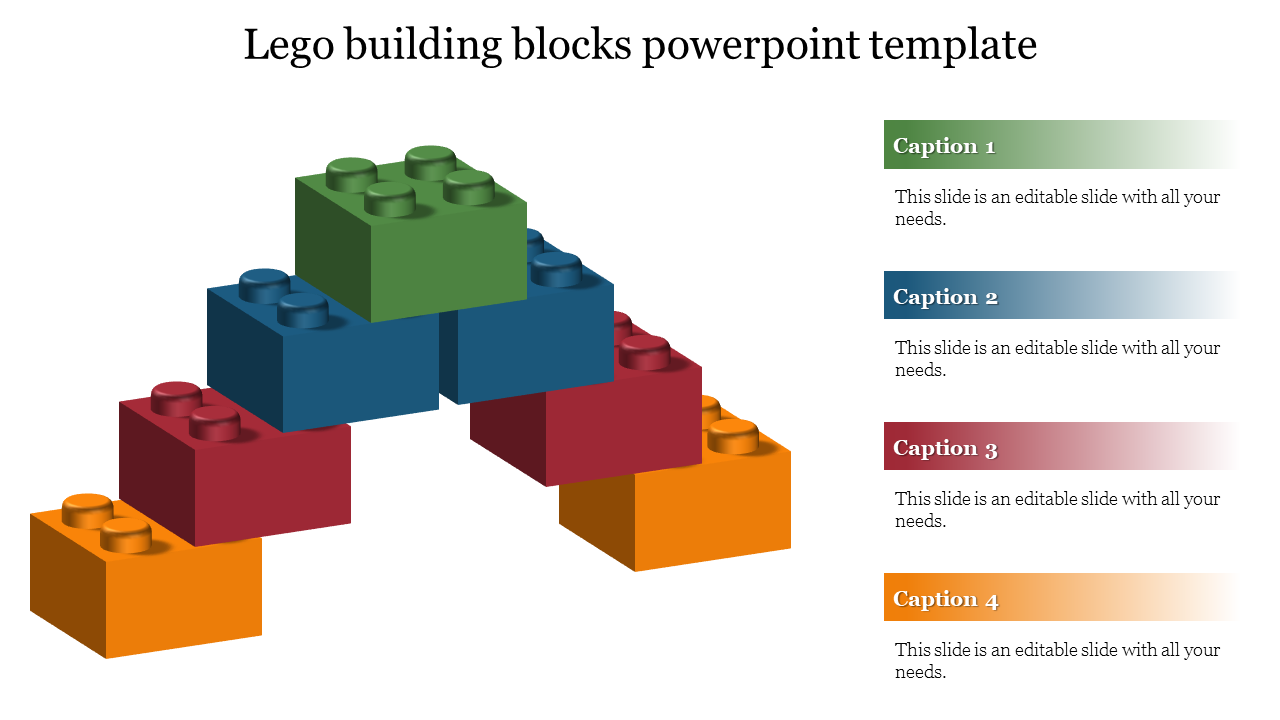
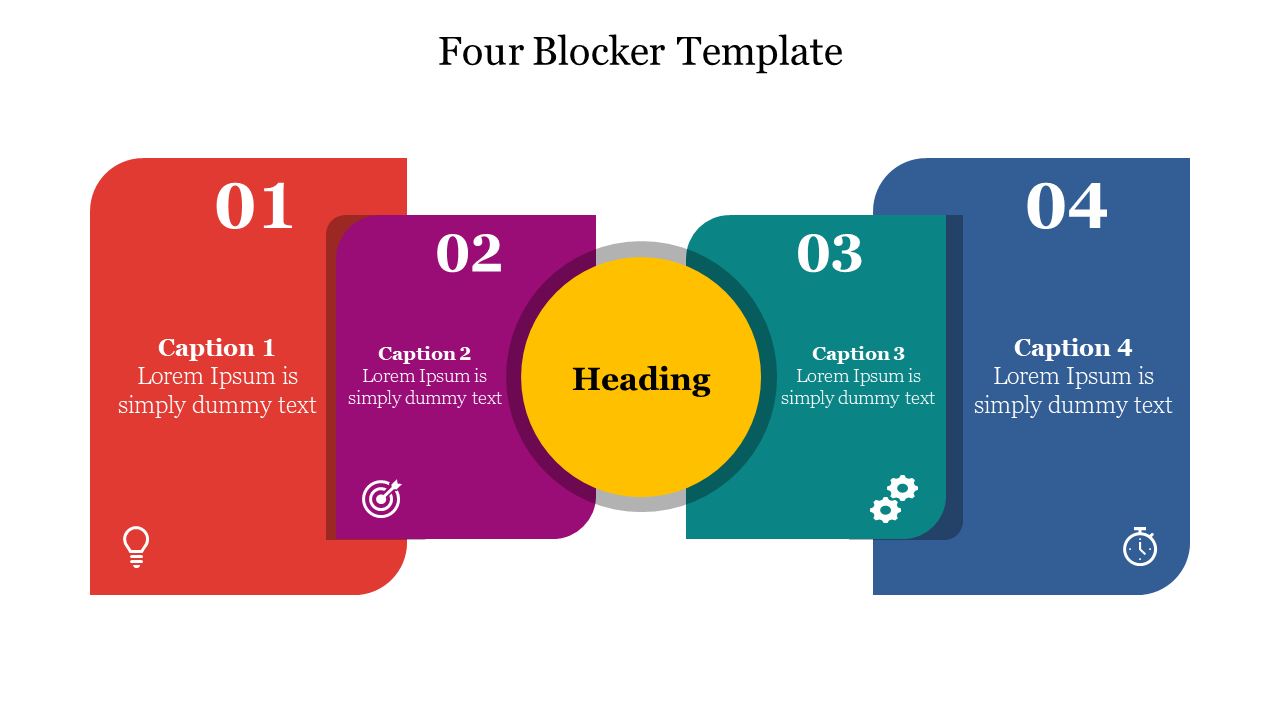
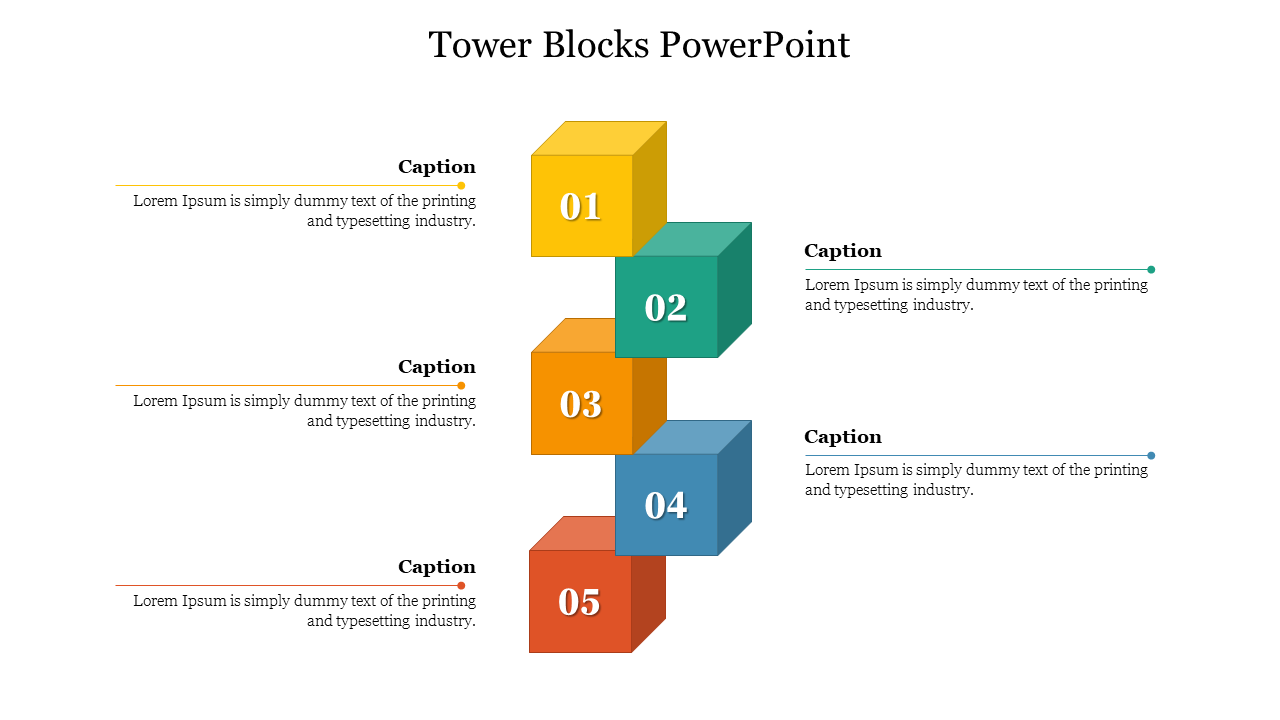
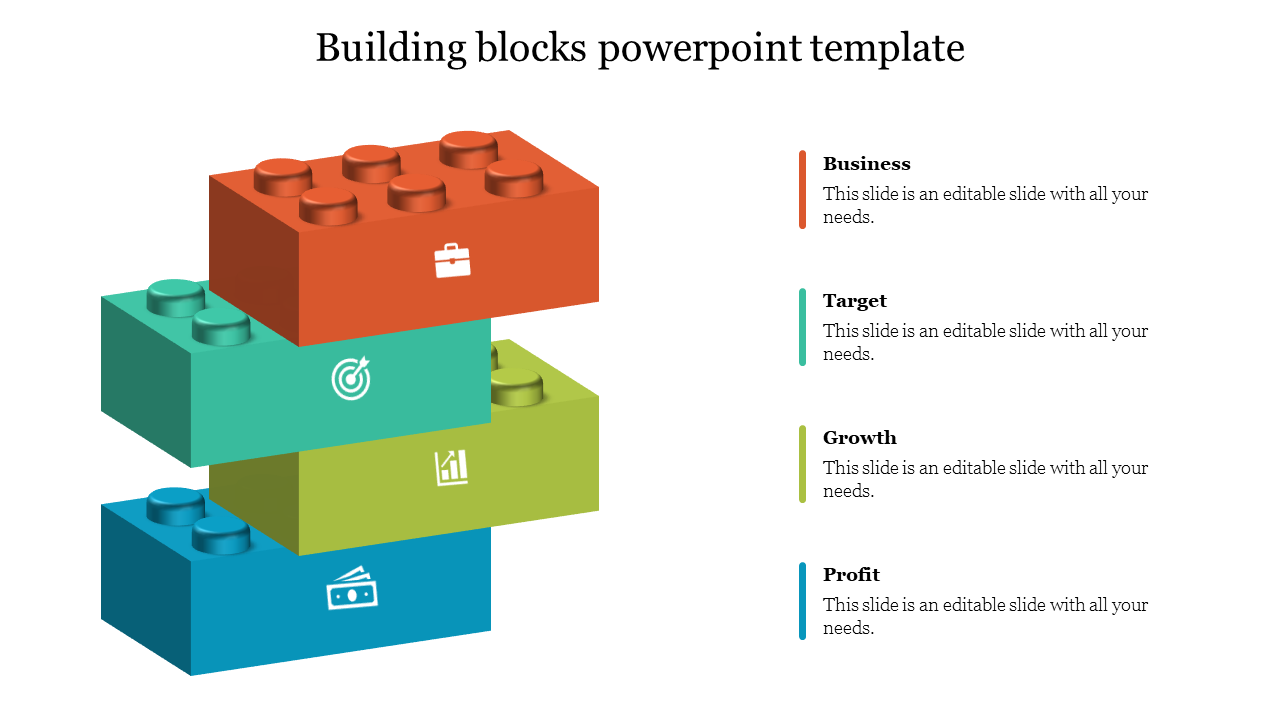
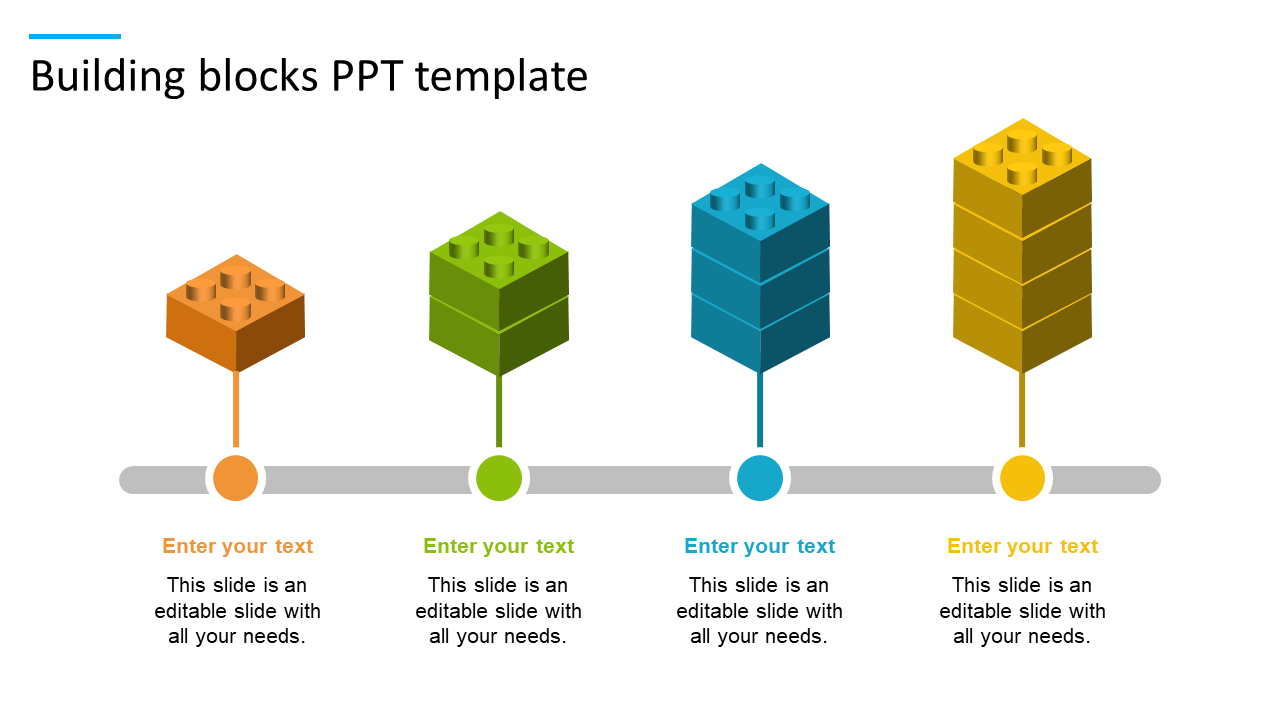
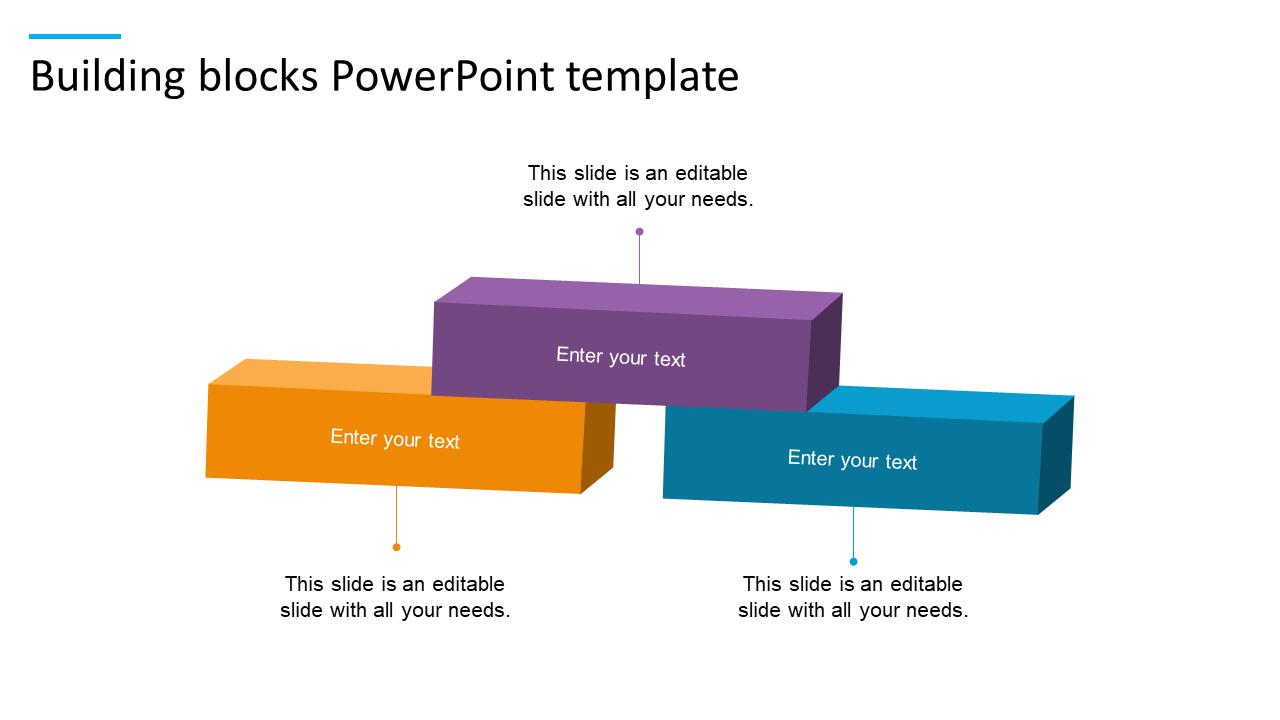
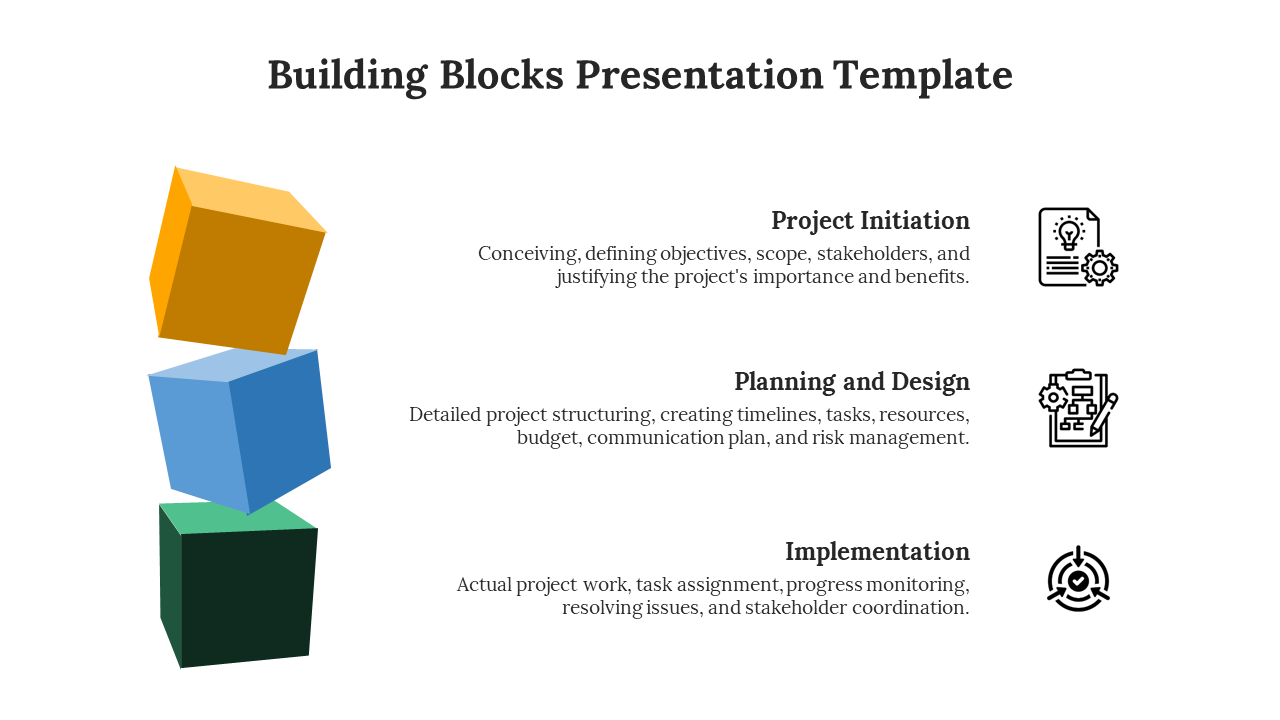
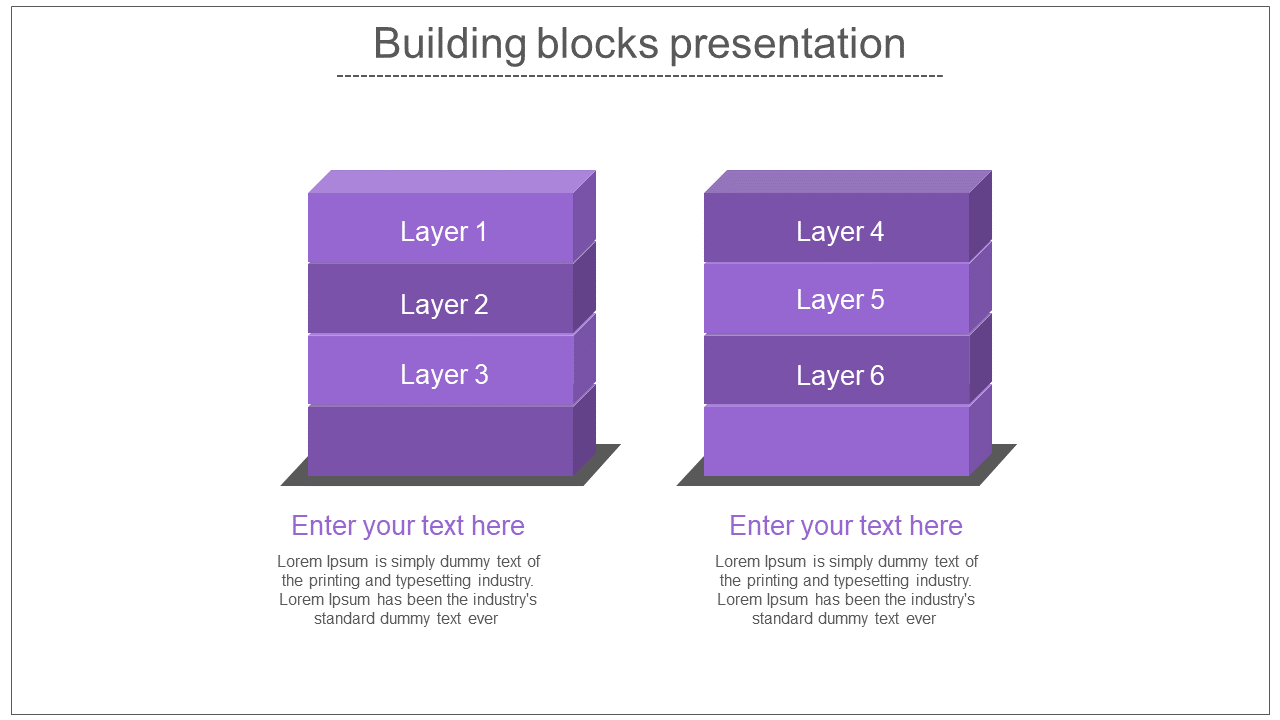
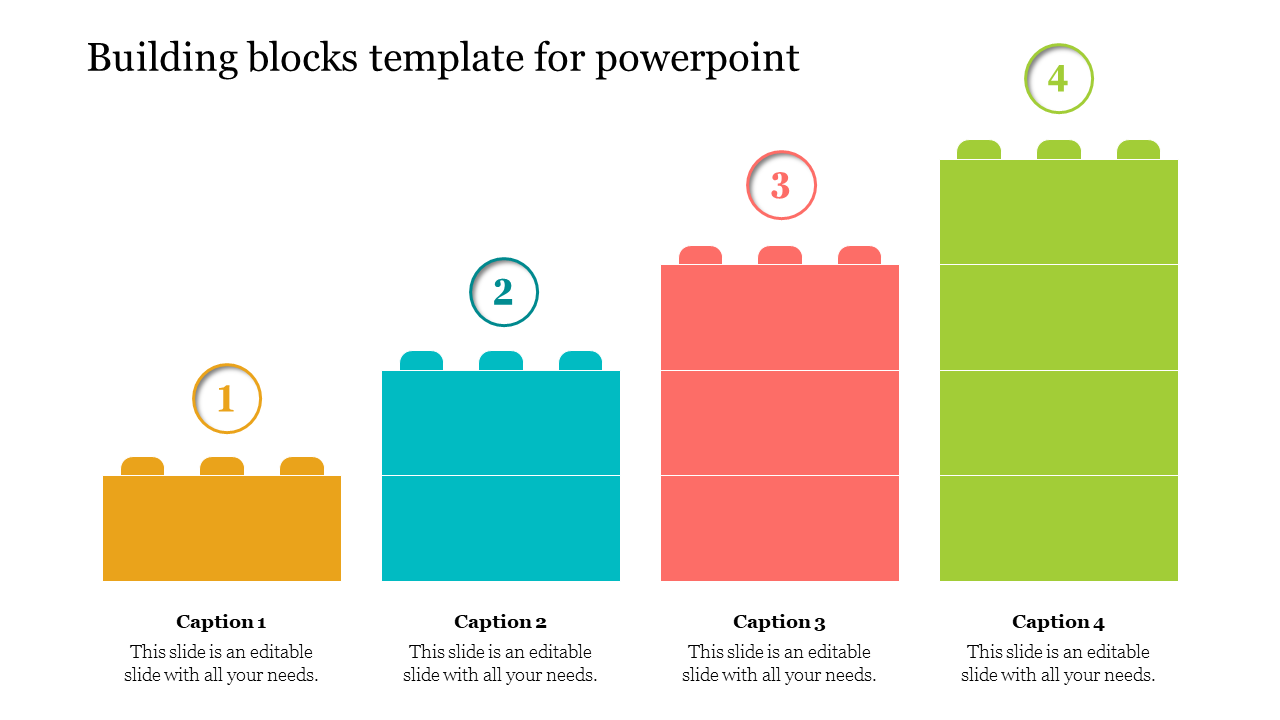
Build presentations as awesome as your ideas! Forget boring boxes, use FREE Building Blocks PowerPoint Templates And Google Slides themes to stack your slides with colorful, fun blocks. Snap them together to show steps and processes, or just add some playful ideas. Just download, tweak, and present, and watch your presentation stand out from the crowd!


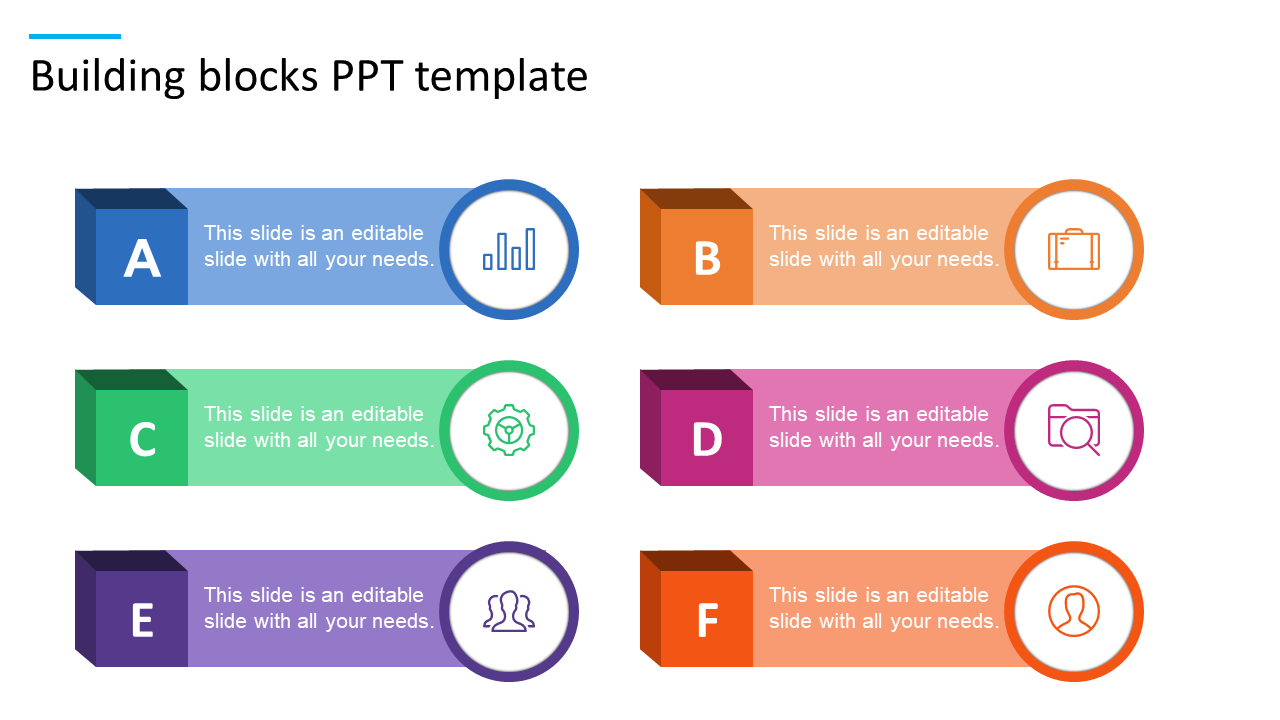
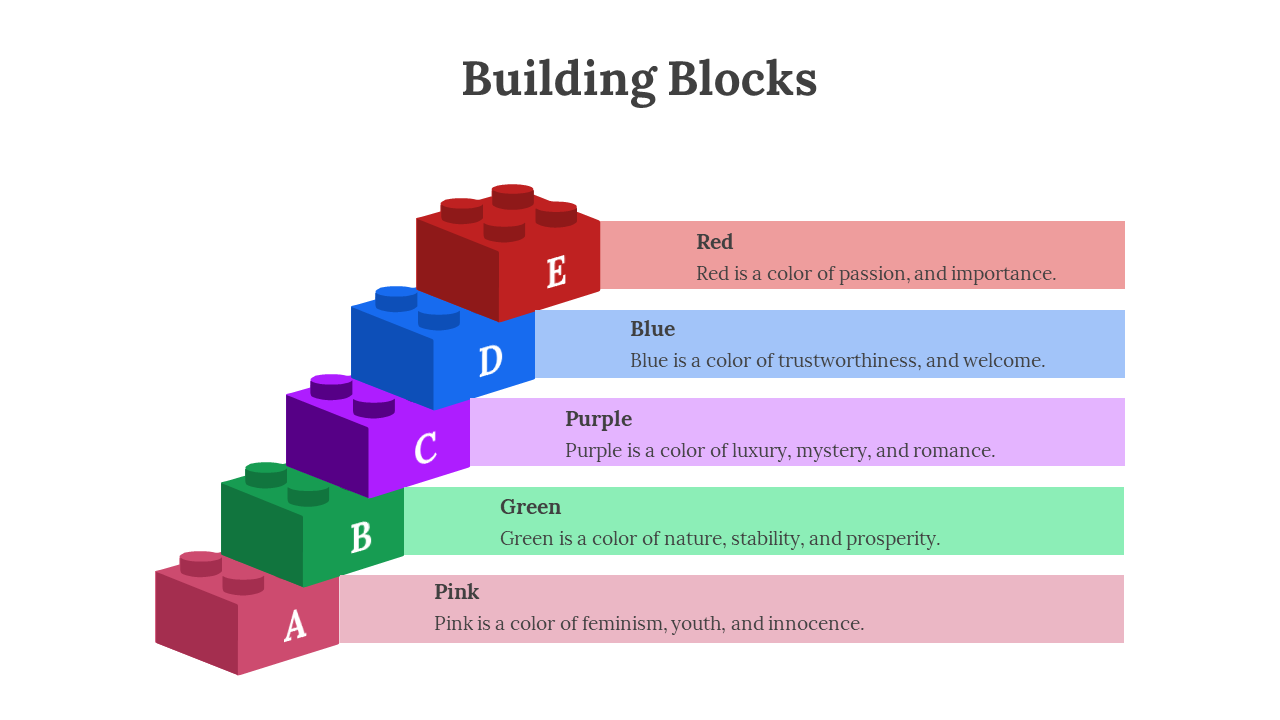
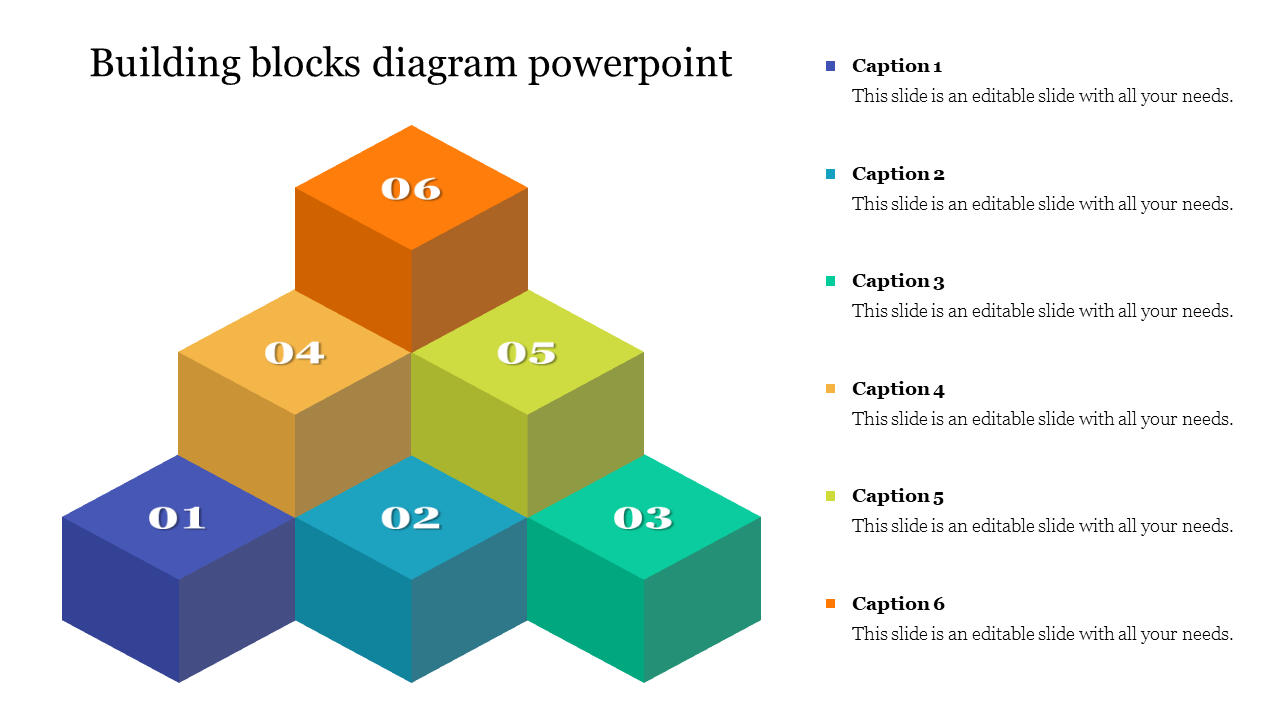
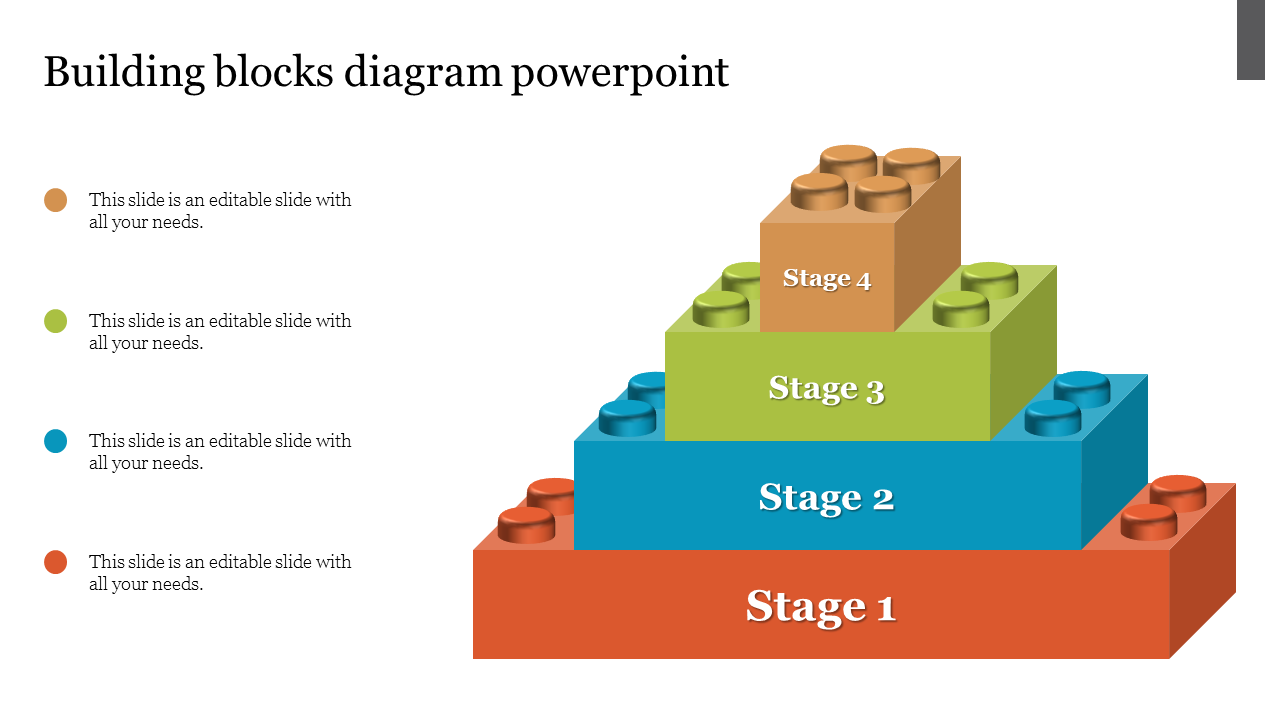
We're here to help you!
What is a building block?
A building block is a component used in construction or composition, especially one crucial to the foundation of a more significant thing.
What are Building Block PowerPoint Templates?
These templates contain a digital construction process and diagram for achieving sustainability.
Where can we use these Building Block Templates?
The templates are frequently used in corporate, educational, and economic presentations to aid audience comprehension or identify process faults.
How can I make Building Block Slides in a presentation?
You can create your block diagrams using the following steps: Step 1: On the File tab, click. Step 2: Click New, select General from the list of templates or categories, and then double-click and block Diagram. Step 3: Out of the block options, drag shapes onto the drawing page using raised stencils. If you are at the eleventh hour of PPT preparation, you can choose your desired slide from a deck of readymade slides.
Who can use these Building Block Templates?
These templates can be used by anyone who shows their slides in business, including customers, investments, and pricing structure.
Why do we need to use the Building Block slides?
The main benefit of building blocks is that they can help you create your slides faster and with less effort. Users can add extra design elements to the realistic and attractive templates to enhance the presentation's appeal.
Where can I find Building Block templates for free?
Downloads of free slides are commonly available. For a vast selection of free slides, get in through the gallery of Slide Egg.