240+ Free Artificial Intelligence PowerPoint Templates

Browse 240+ free Artificial Intelligence presentation templates for PowerPoint, Google Slides, and Canva. Our collection covers machine learning, generative AI, ChatGPT, robotics, AI ethics, and more. All are fully editable, royalty-free, and ready to download. Built for professionals, educators, and students.

Got a Unique Idea? Craft with AI
PRO
Credits left : 0
Add to Wishlist
Download
AI Customize
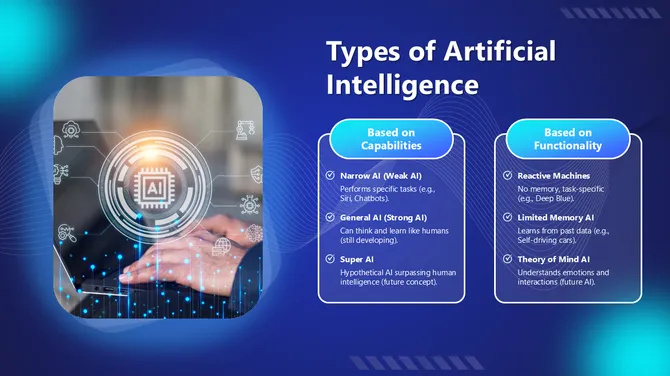
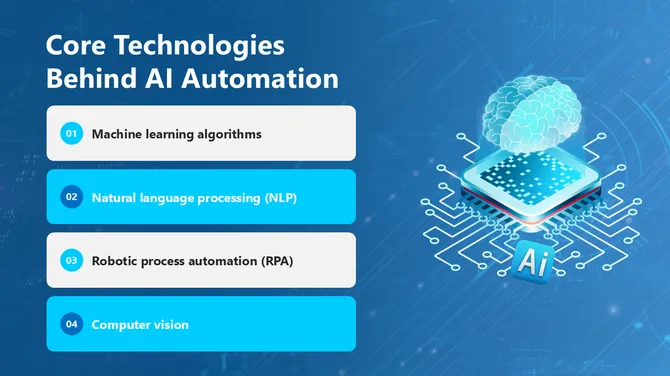
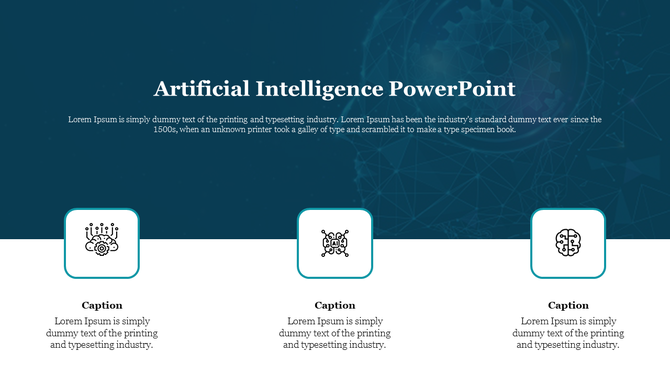
Slide from an artificial intelligence with a title and descriptive text, highlighting key AI components and technologies.
Add to Wishlist
Download
AI Customize
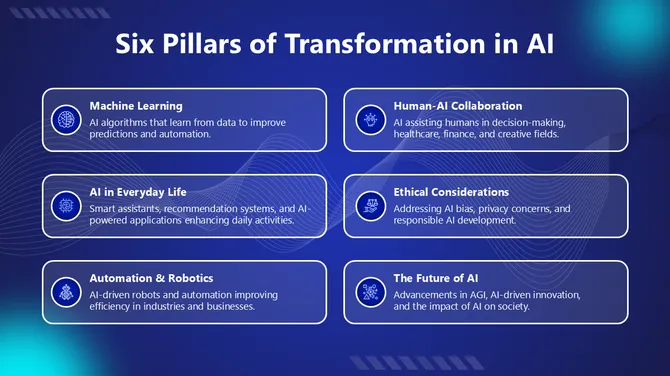
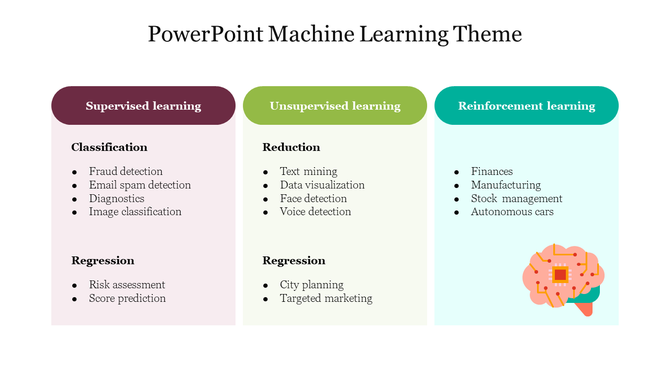
Three colored columns in maroon, green, and teal with bullet points under each, and a brain icon at the bottom right.
Add to Wishlist
Download
AI Customize
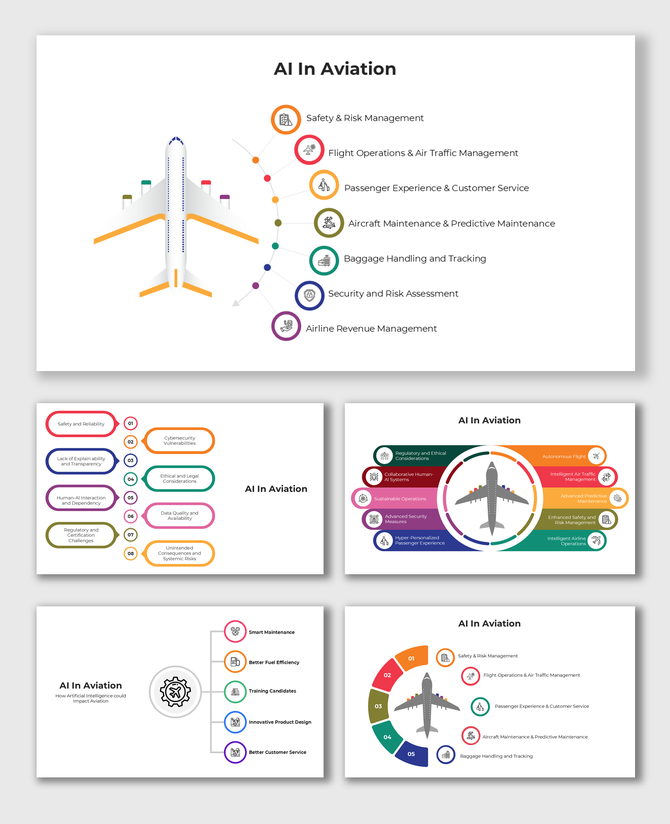
Slides illustrating AI's role in aviation, including traffic management, risk assessment, and passenger experience.
Add to Wishlist
Download
AI Customize
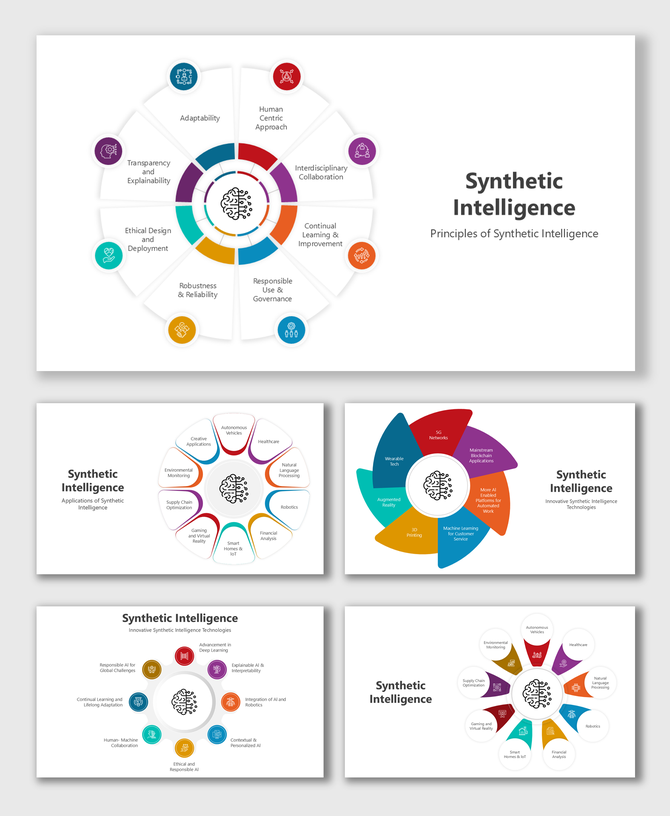
Synthetic intelligence slide with circular diagrams, colorful segments, icons, and placeholders for principles and applicatio
Add to Wishlist
Download
AI Customize
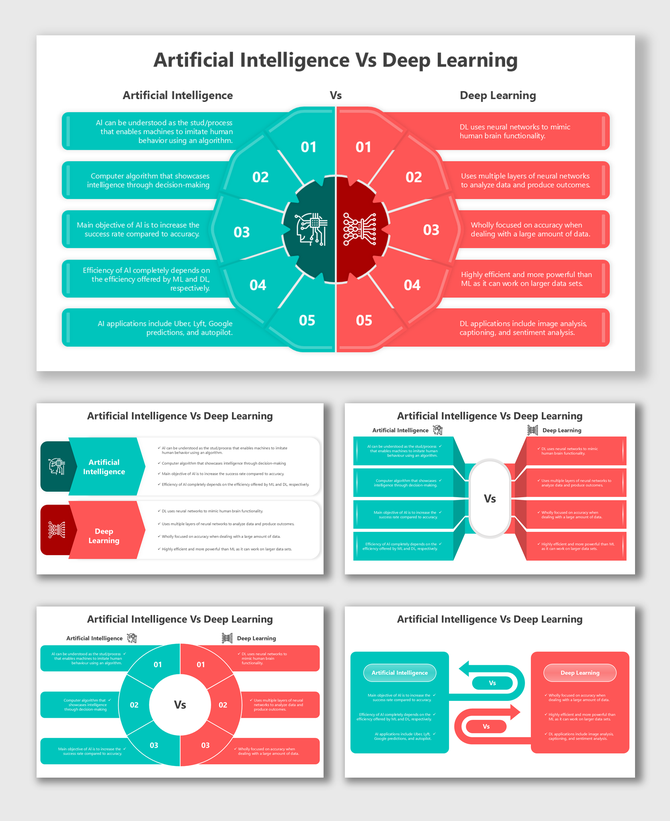
AI vs Deep Learning slide with colorful visuals, split design, and placeholders for structured comparison and content areas.
Add to Wishlist
Download
AI Customize
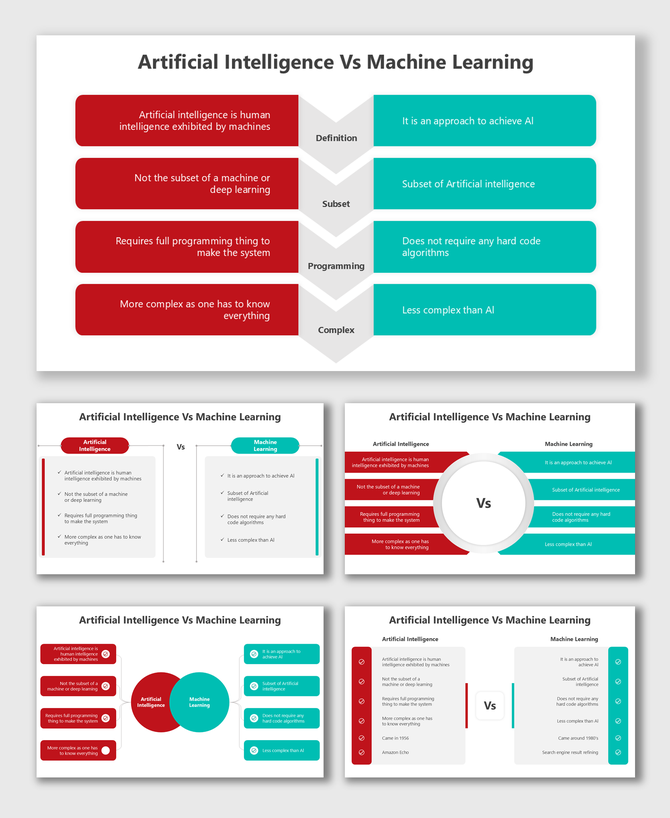
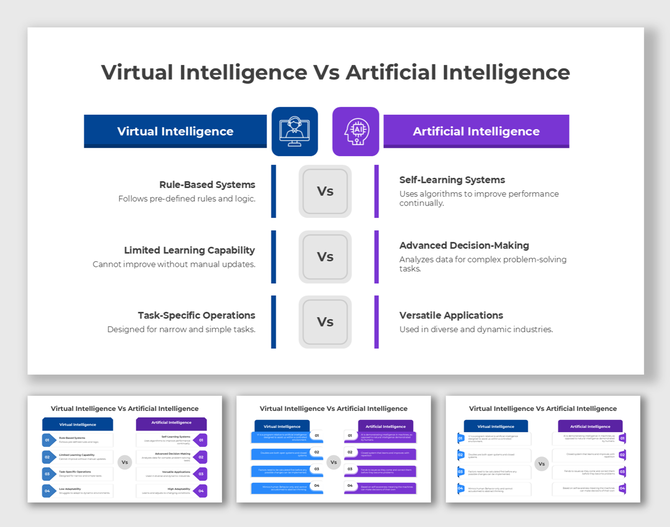
AI vs Machine Learning infographic with side-by-side comparisons, colorful sections, and placeholders for key concepts.
Add to Wishlist
Download
AI Customize
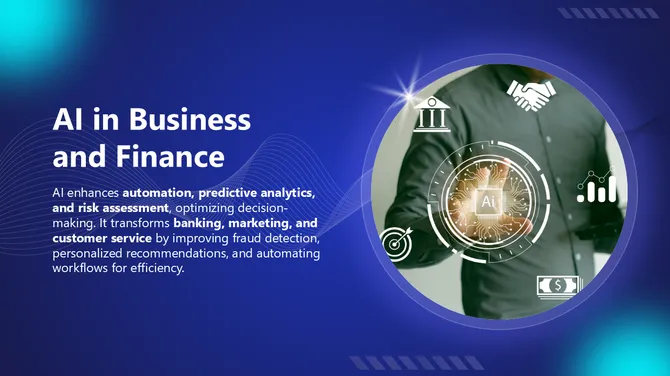
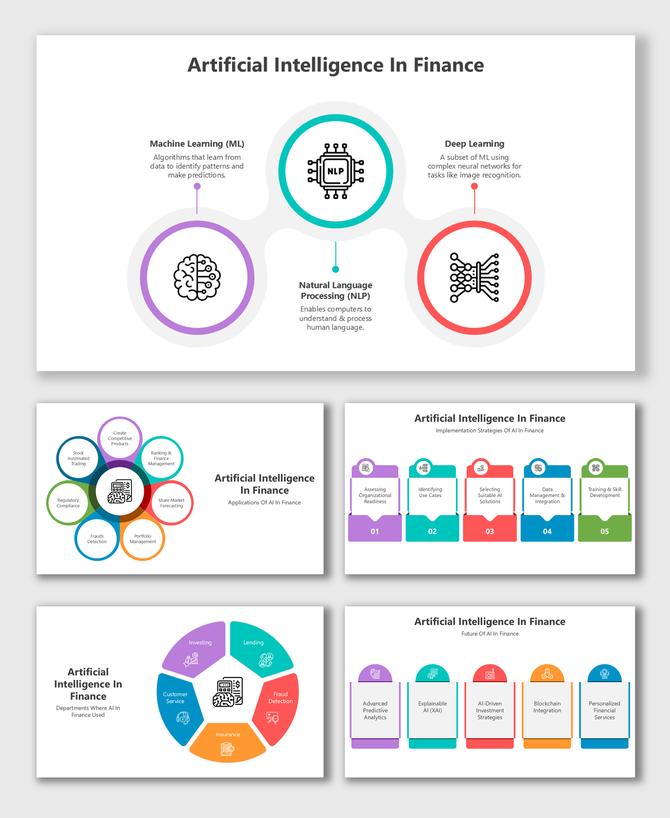
Artificial Intelligence in Finance slides with vibrant visuals, structured layouts, and placeholders for AI concepts.
Add to Wishlist
Download
AI Customize
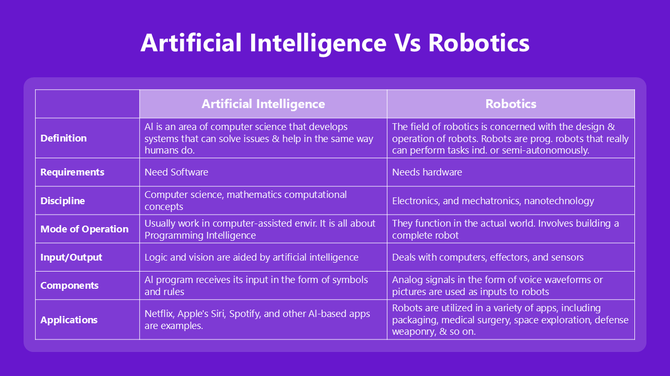
Artificial Intelligence Vs Robotics comparison featuring applications, inputs, and components in a neat purple-themed table.
Free
Add to Wishlist
Download
AI Customize
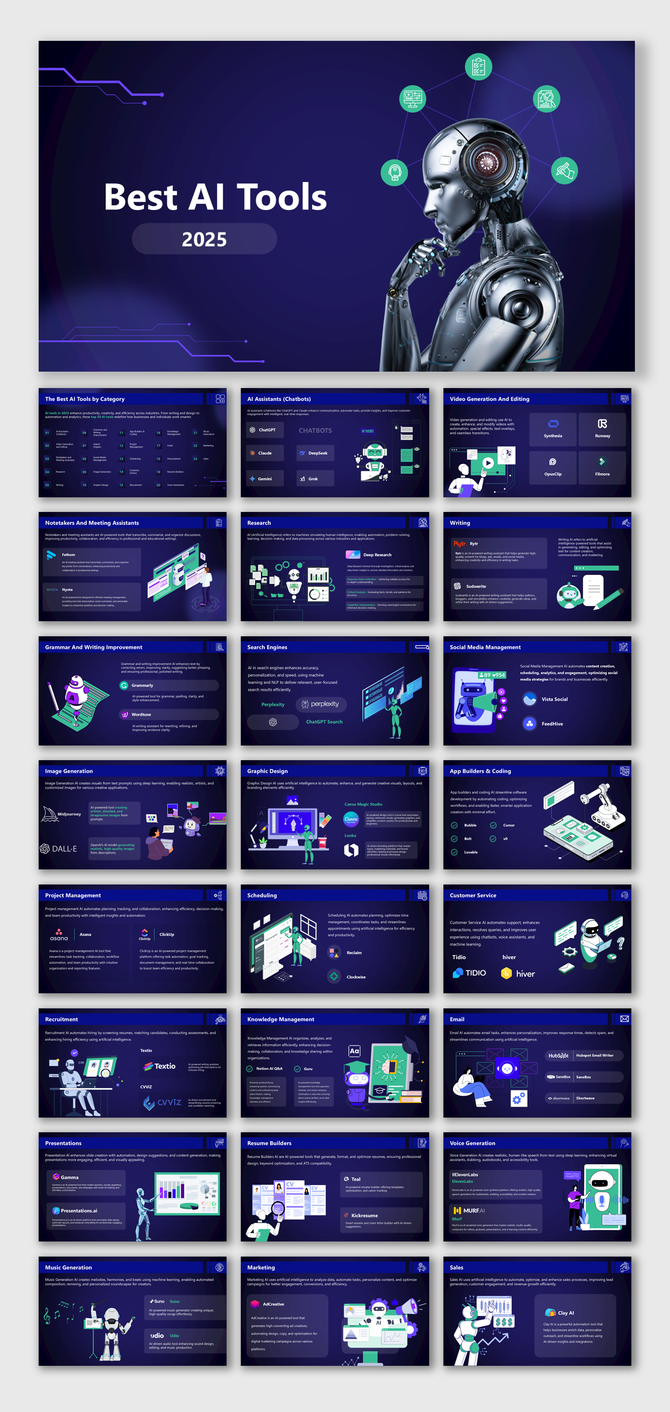
The Best AI Tools In 2025 slides featuring AI chatbots, automation, writing, design, coding, marketing & productivity.
Add to Wishlist
Download
AI Customize
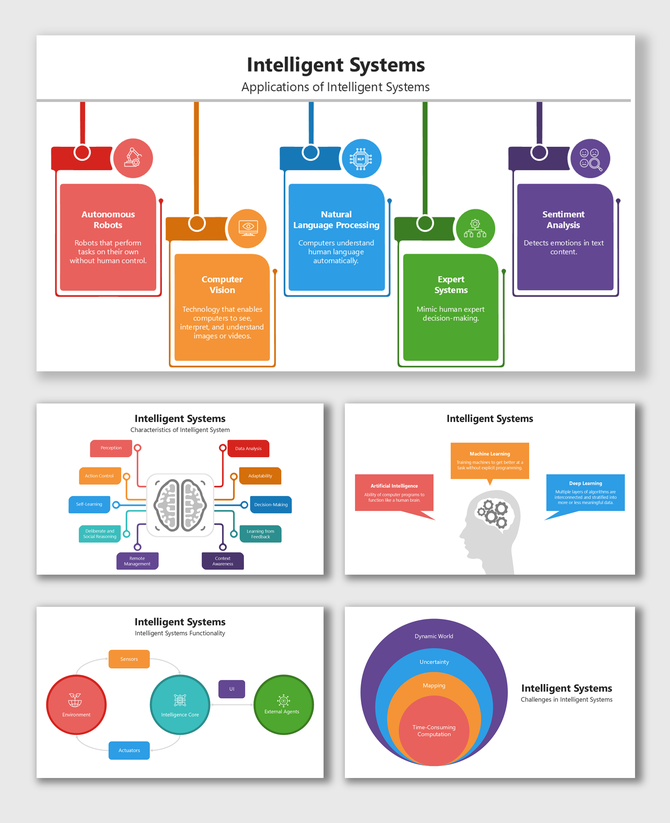
Intelligent Systems slide with colorful blocks, icons, and diagrams showing AI types, features, functions, and challenges.
Free
Add to Wishlist
Download
AI Customize
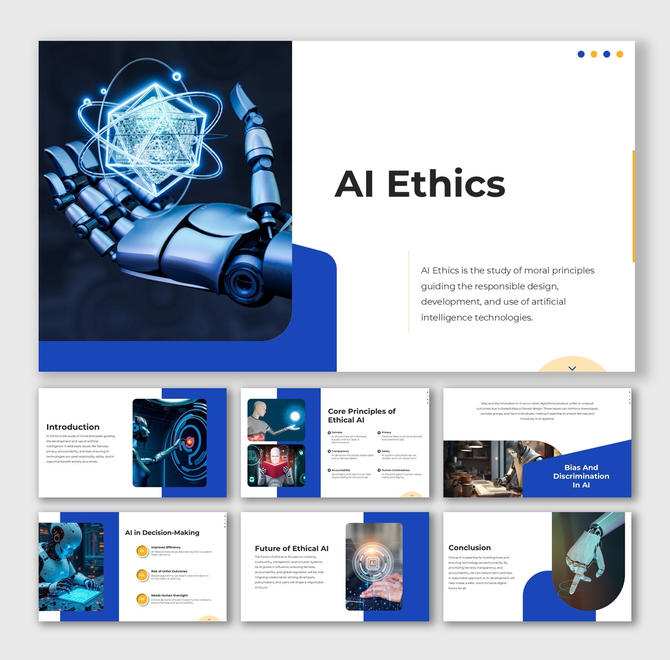
AI Ethics infographic with robots, AI fairness visuals, blue-white layouts, circular shapes, and process flow text holders.
Free
Add to Wishlist
Download
AI Customize
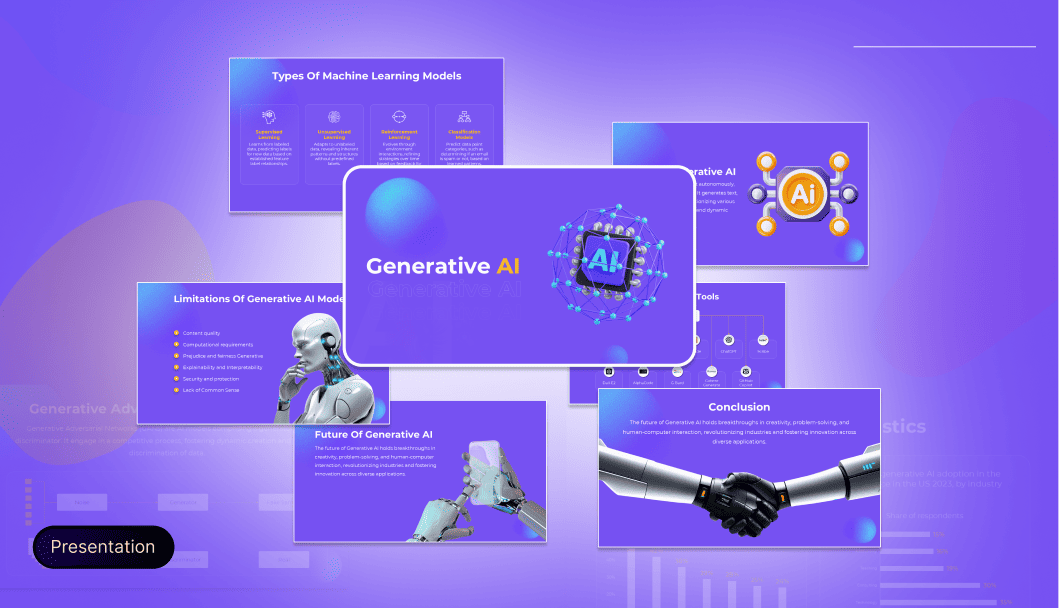
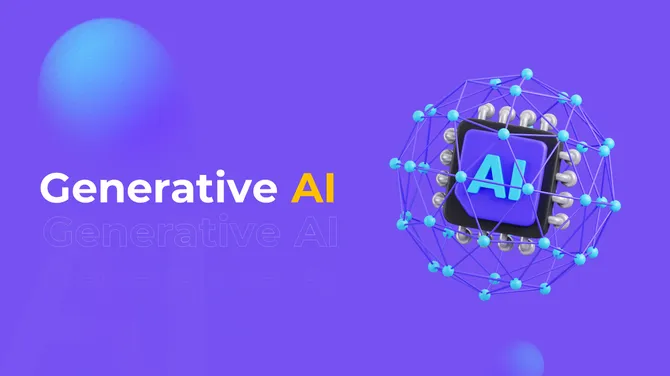
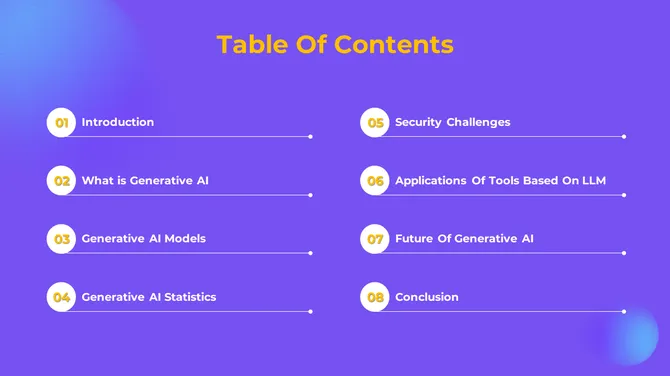
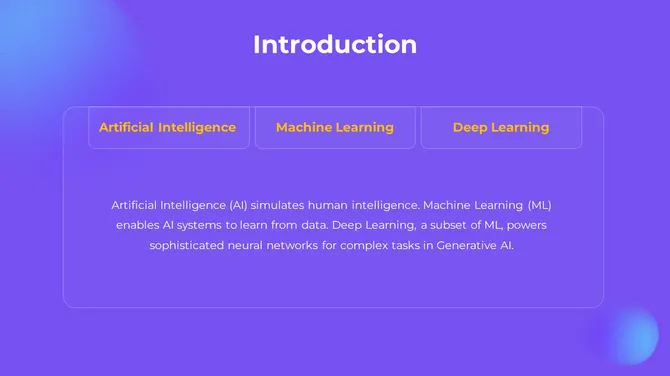
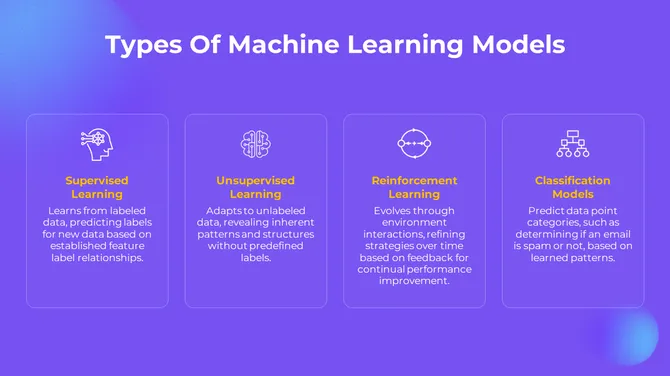
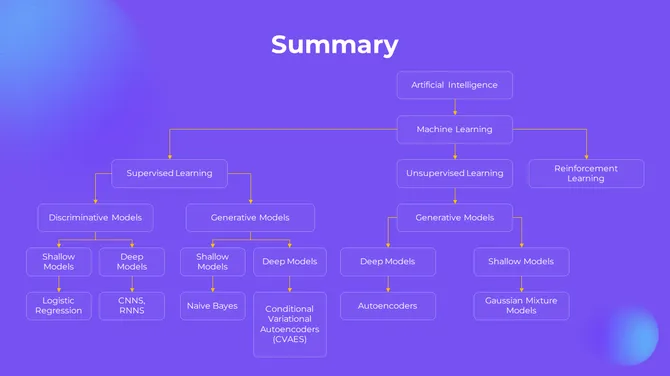
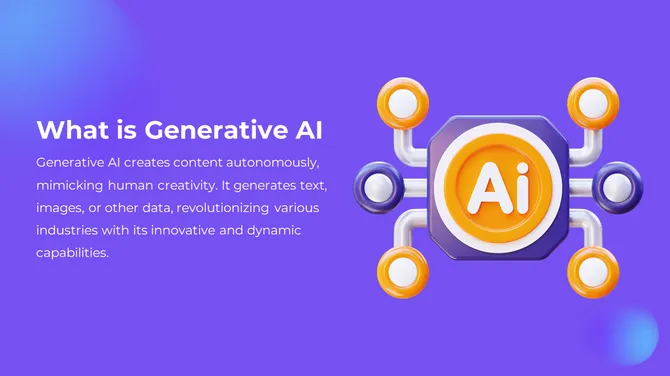
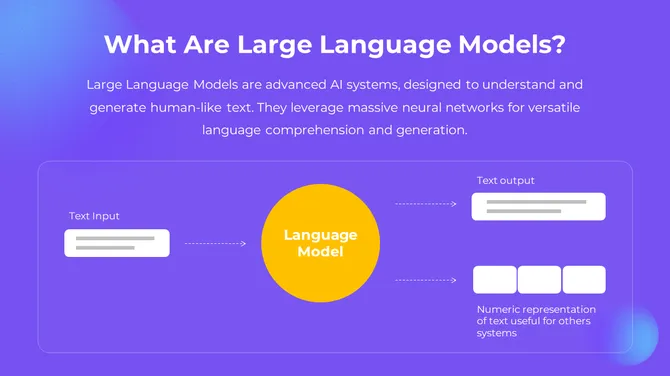
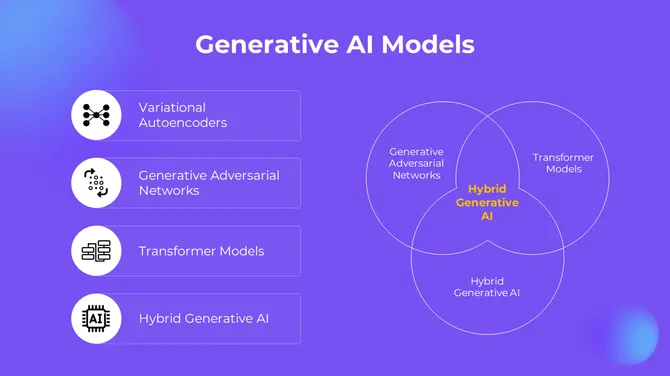
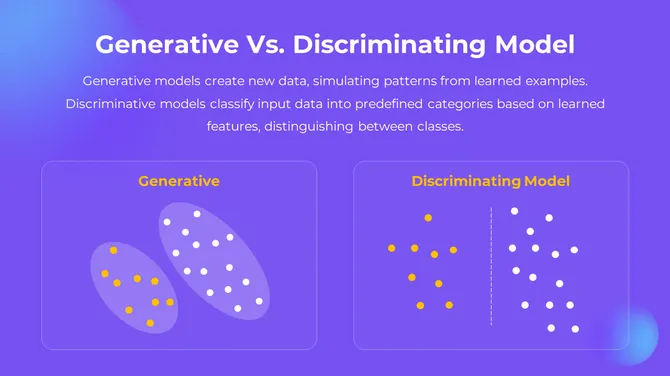
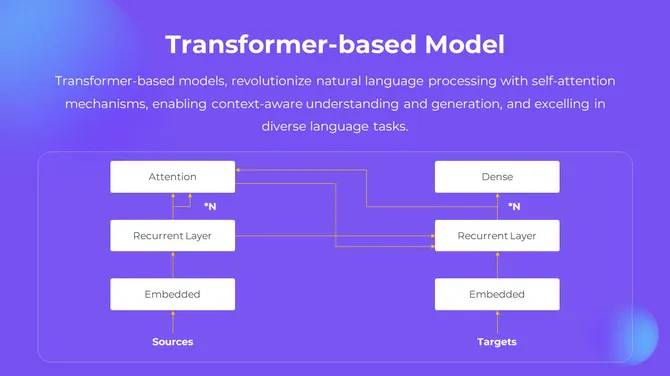
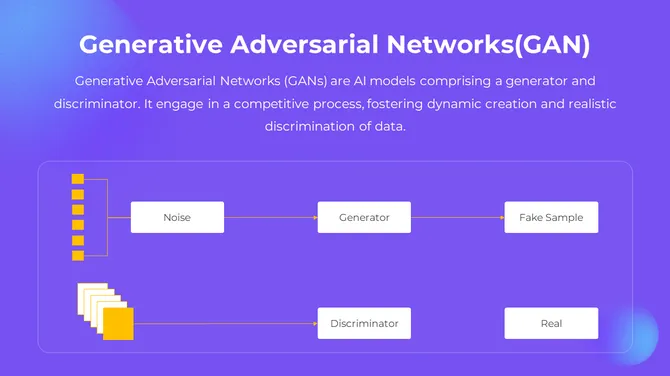
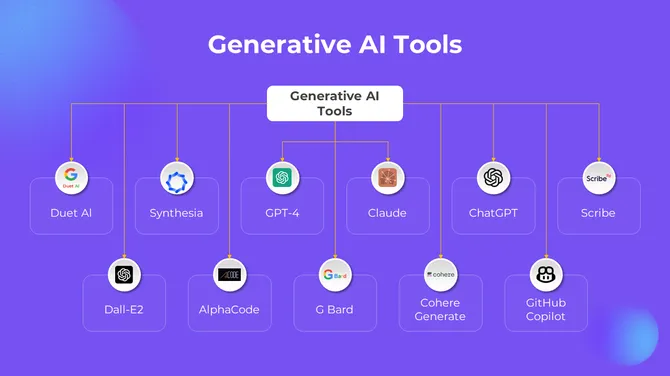
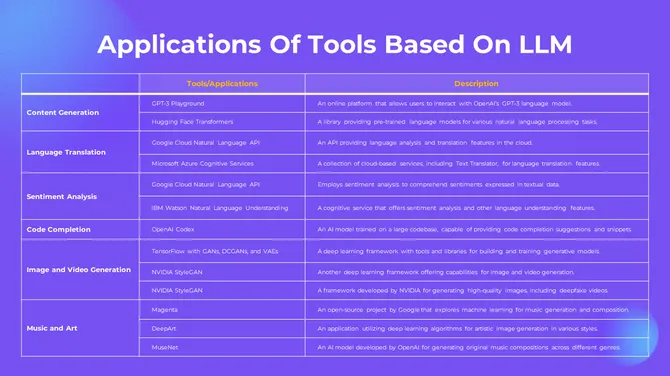
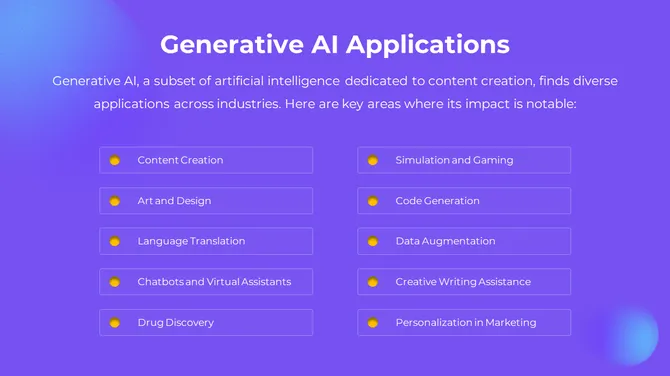
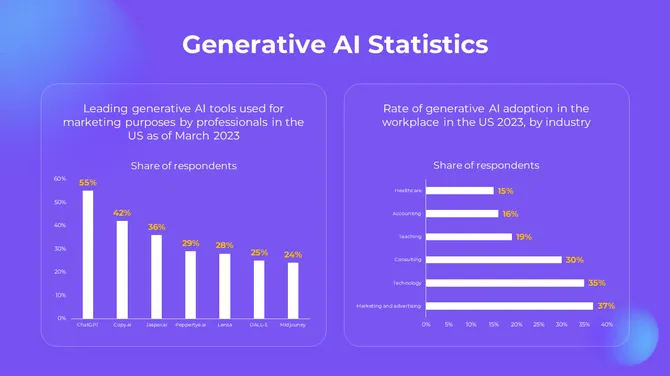
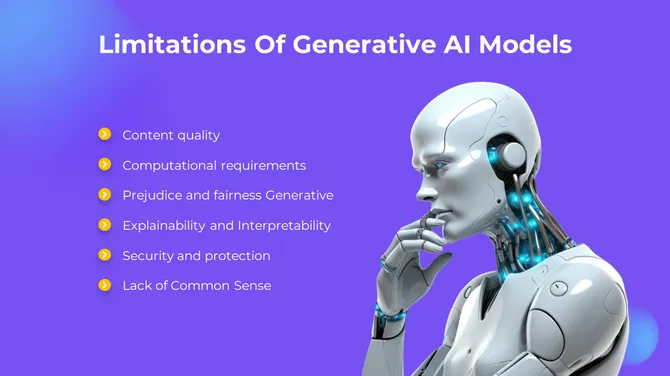
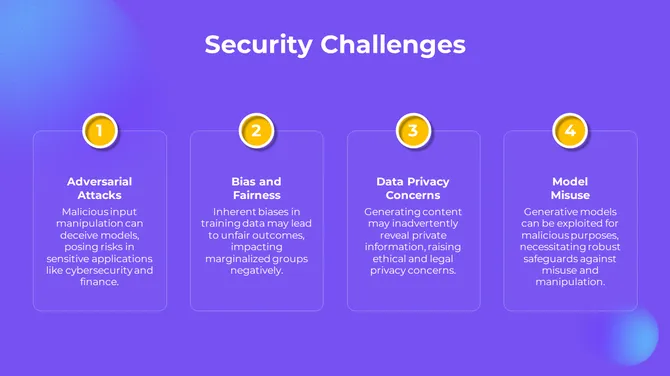
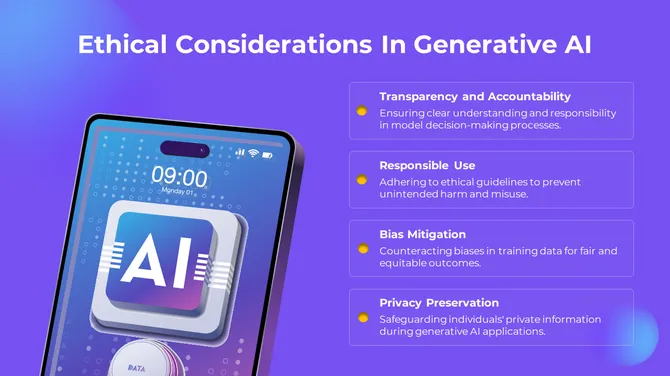
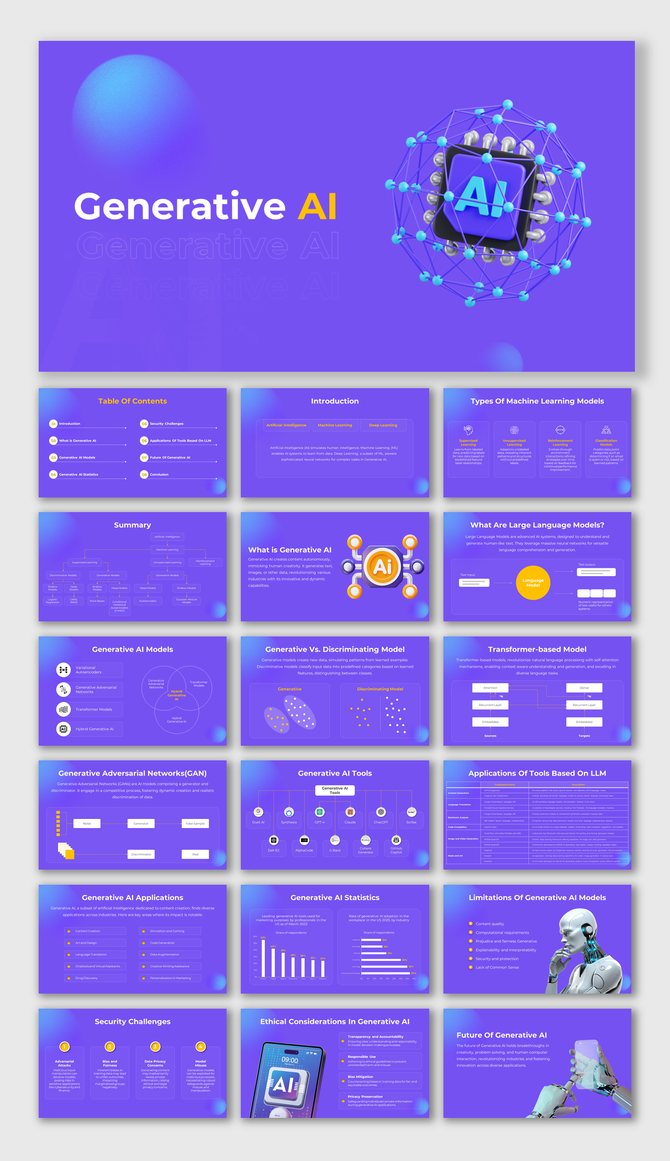
Generative AI presentation slide deck with a purple theme, showcasing various topics and graphics related to AI.
Free
Add to Wishlist
Download
AI Customize
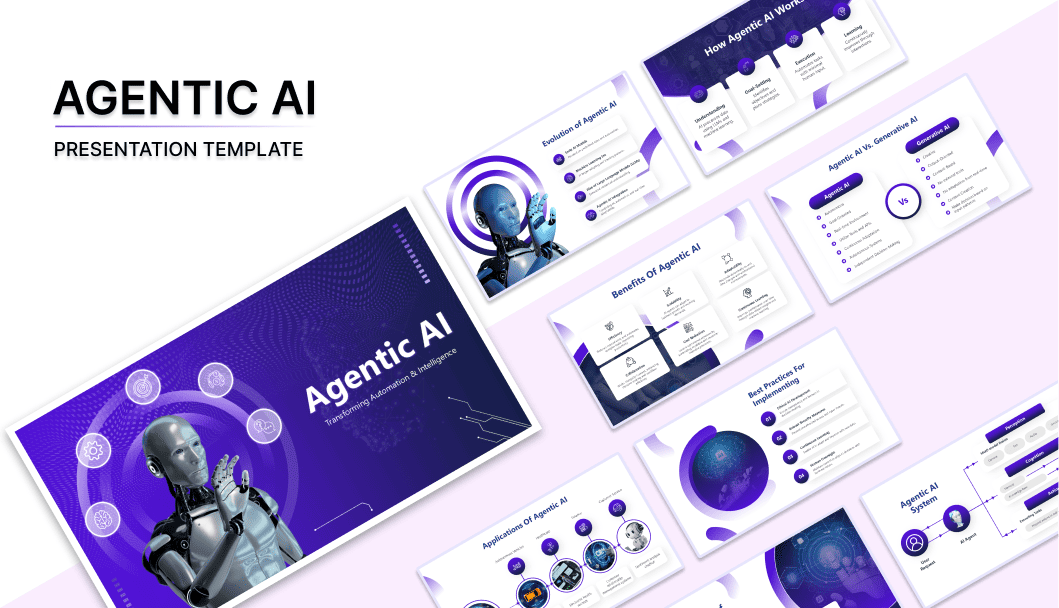
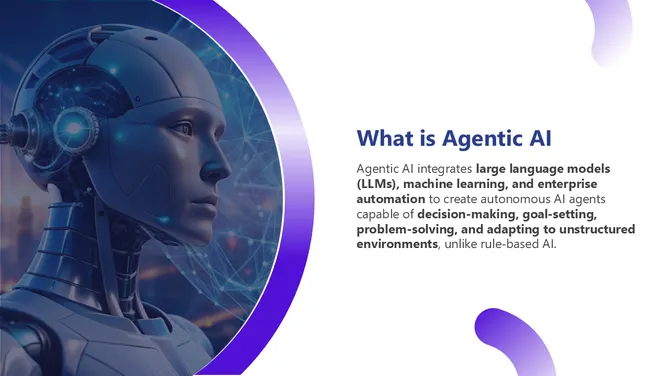
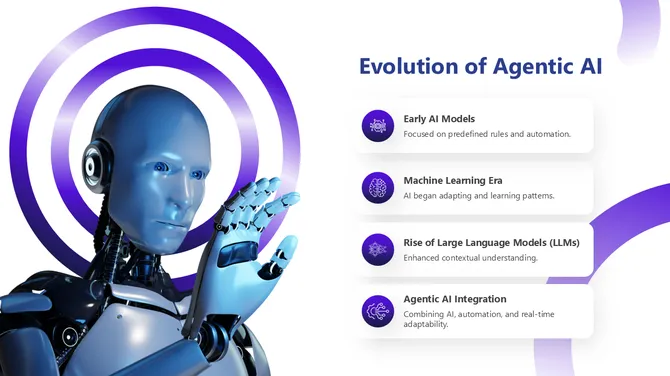
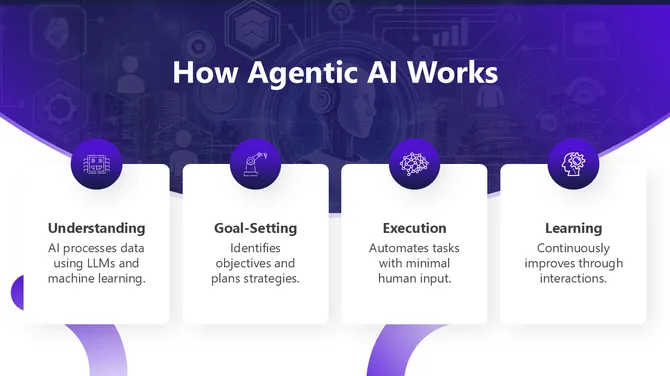
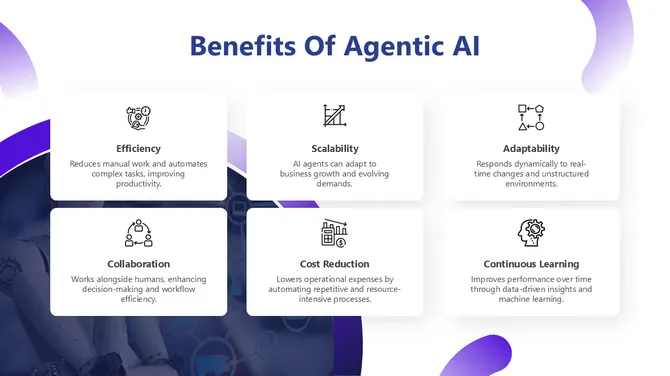
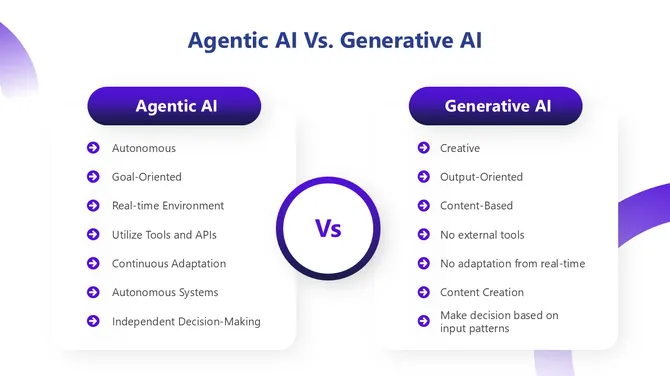
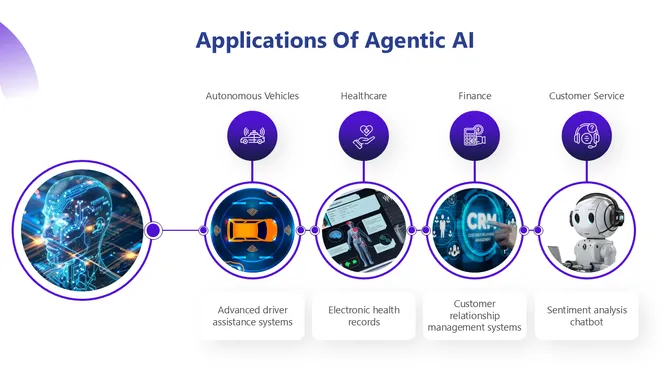
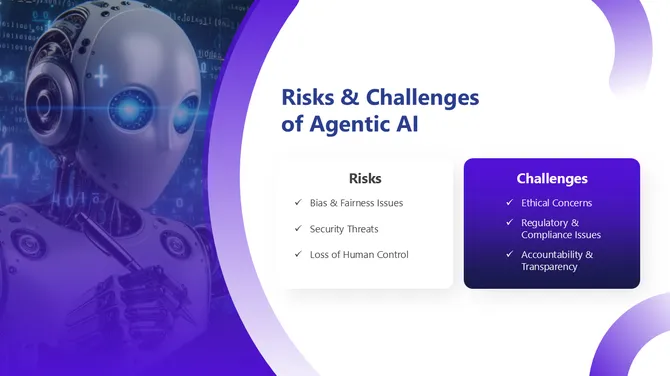
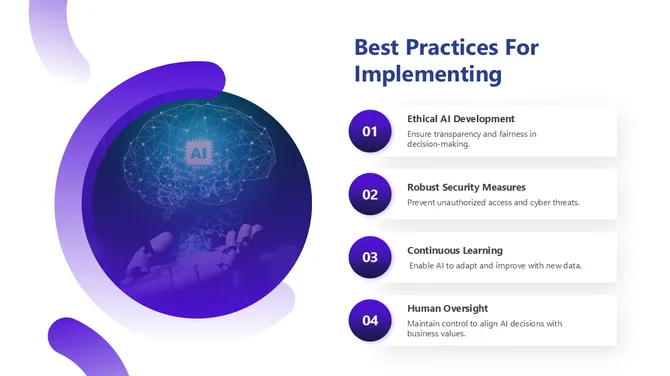
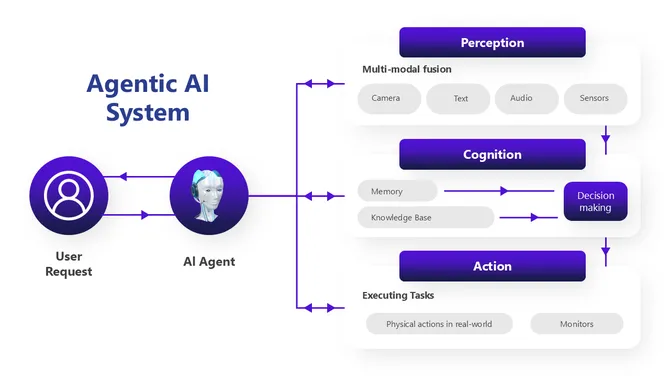
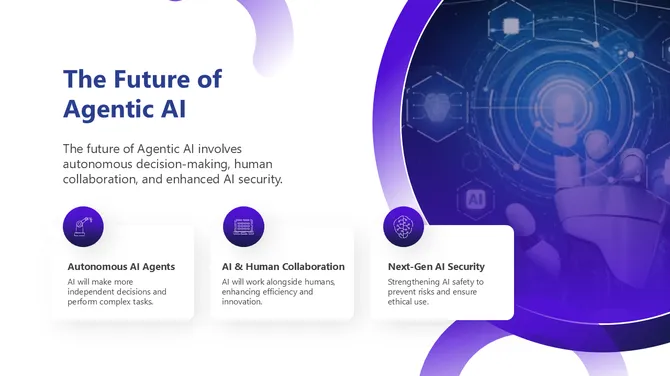
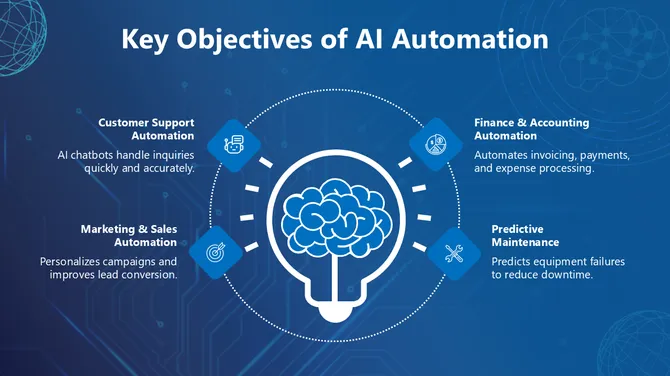
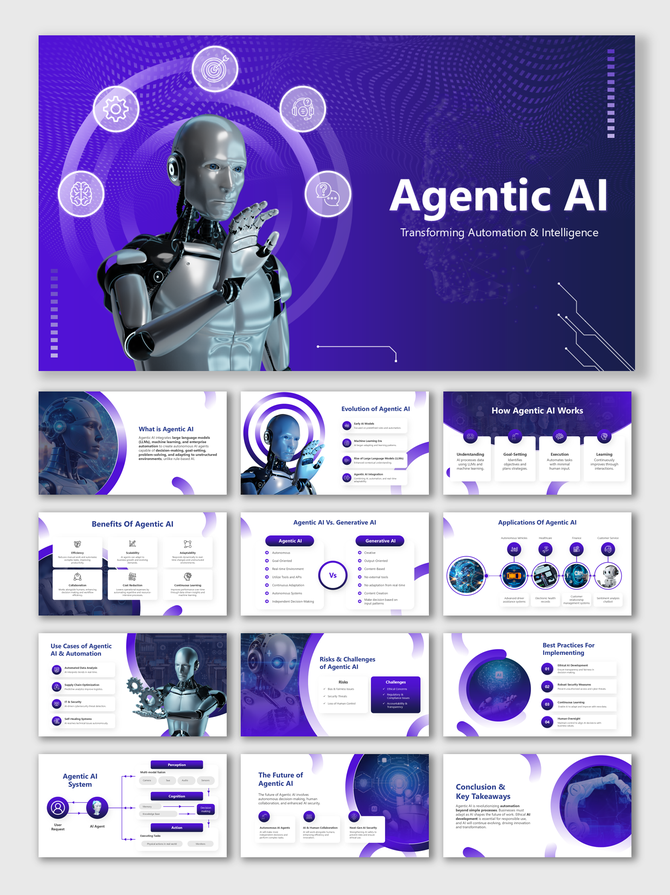
Agentic AI slides with futuristic visuals, tech-inspired designs, and placeholders illustrating AI automation concepts.
Add to Wishlist
Download
AI Customize
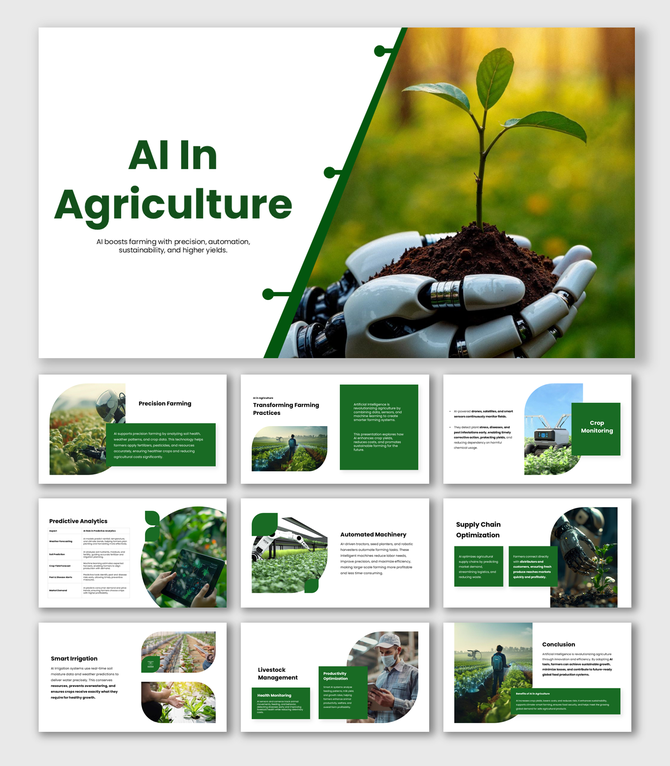
AI In Agriculture template with robot hand holding plant, smart farming, irrigation, and crop monitoring visuals.
Add to Wishlist
Download
AI Customize
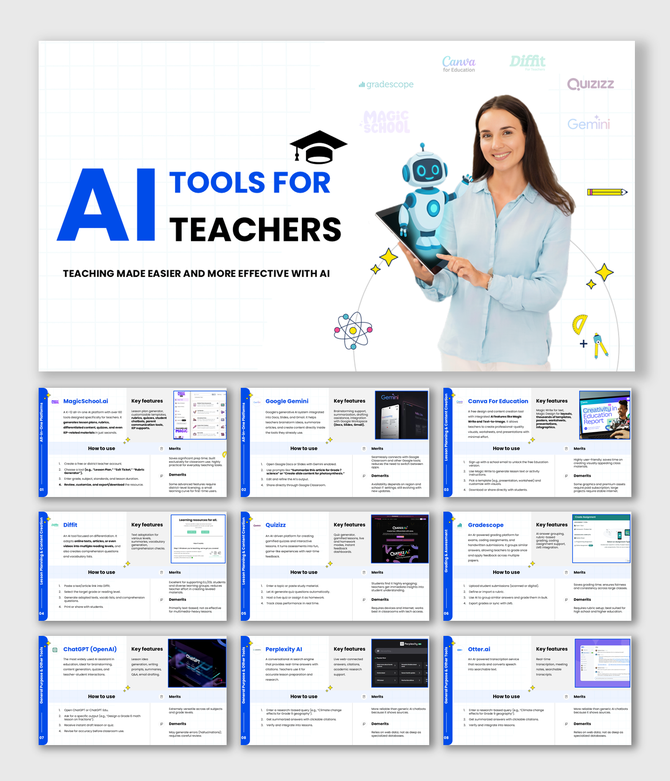
AI Tools For Teachers slides with robot, woman, blue-white theme, tool names, icons, features, pros and cons.
Add to Wishlist
Download
AI Customize
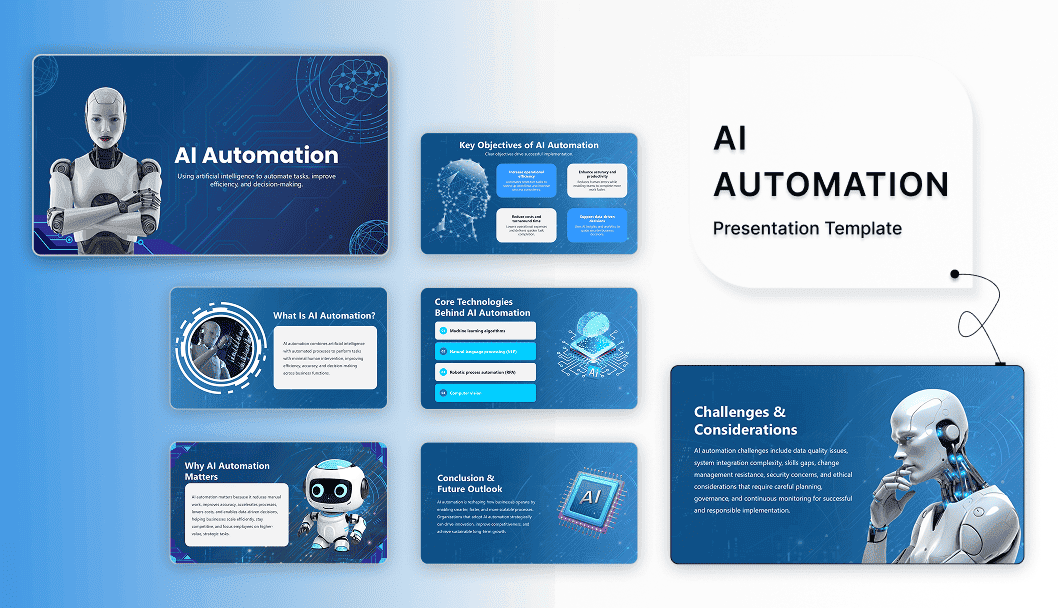
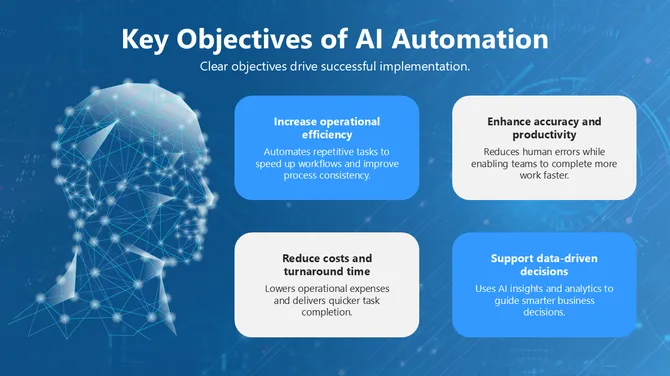
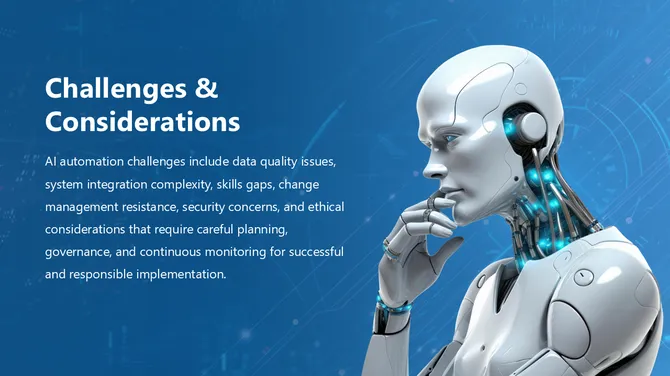
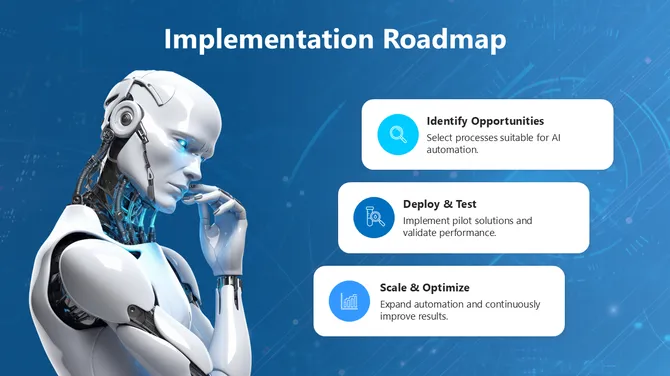
Artificial intelligence slide with robot, blue theme, tablet graphic, icons, text holders, and automation insights.
Add to Wishlist
Download
AI Customize
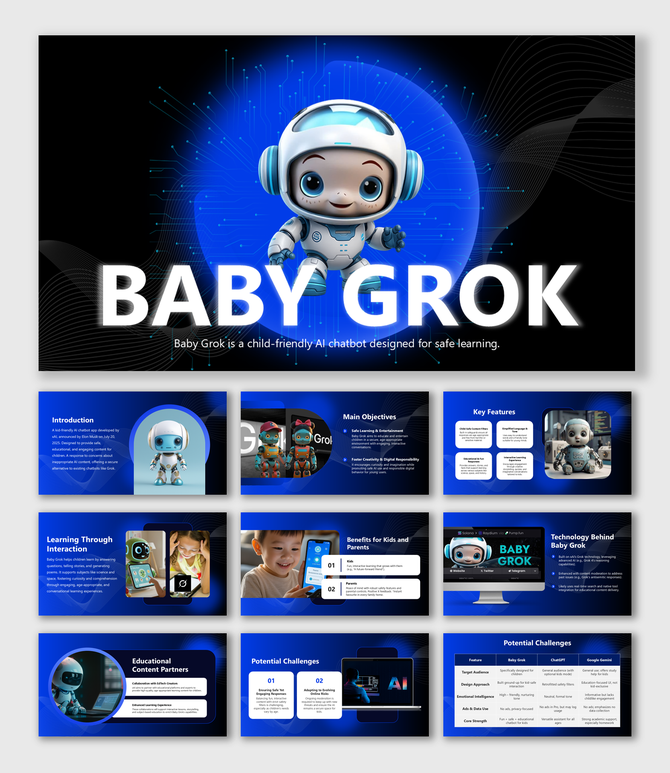
Baby Grok slide deck with cute robot, tech layout, device mockups, learning visuals, and comparison tables.
Add to Wishlist
Download
AI Customize
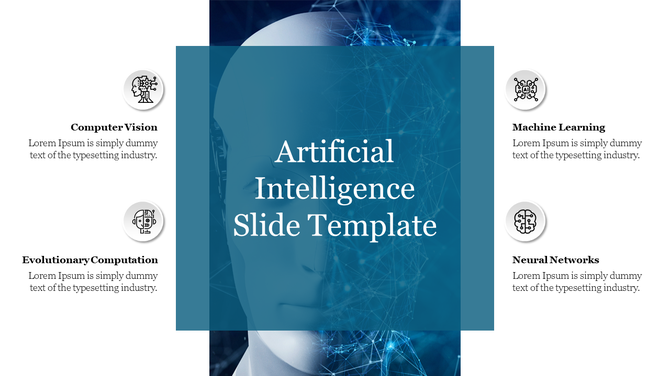
AI themed slide with blue overlay text in center, two icons with captions on each side, and faint robot face image behind.
Add to Wishlist
Download
AI Customize
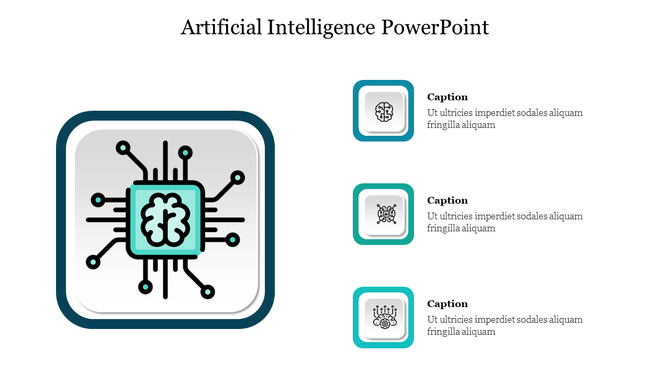
Central brain and circuit design in a square layout with teal highlights, paired with three icons and captions on the right.
Add to Wishlist
Download
AI Customize
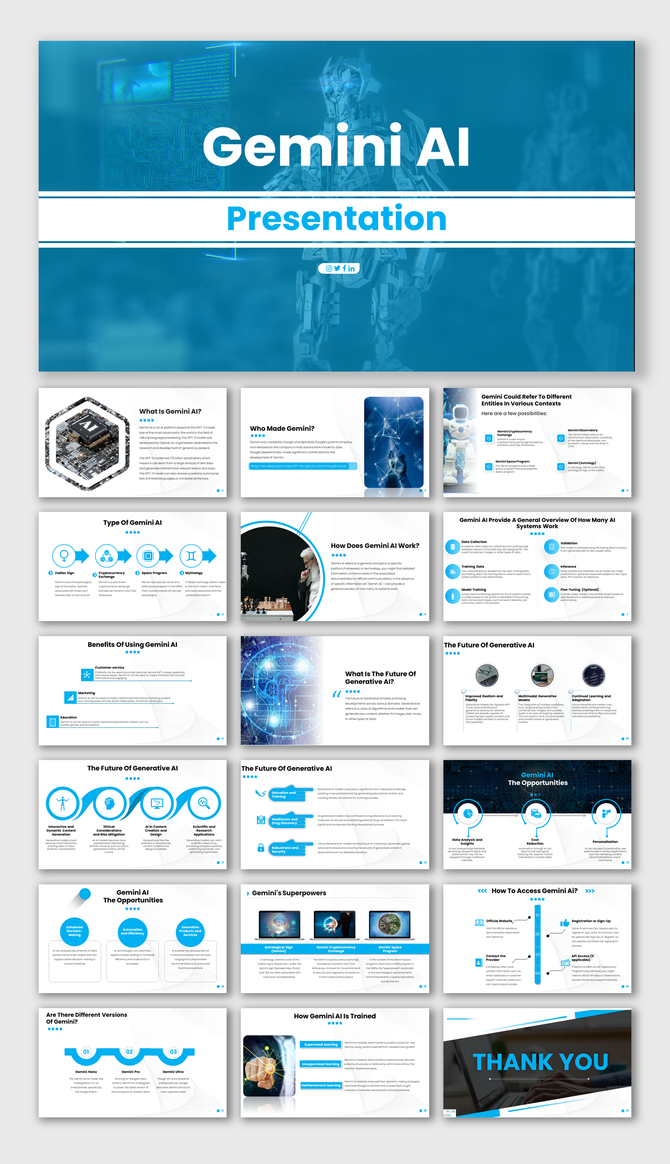
Gemini AI slide deck with blue accents, covering types, benefits, and future trends, featuring tech visuals.
Free
Add to Wishlist
Download
AI Customize
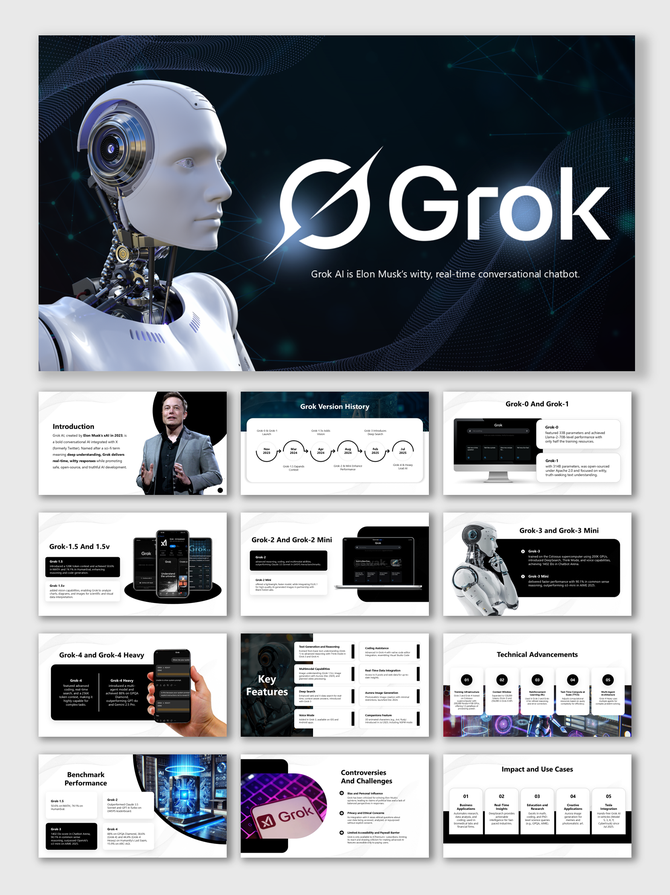
Futuristic Grok AI slides featuring a humanoid robot, mobile UI, version history, features, and performance visuals.
Add to Wishlist
Download
AI Customize
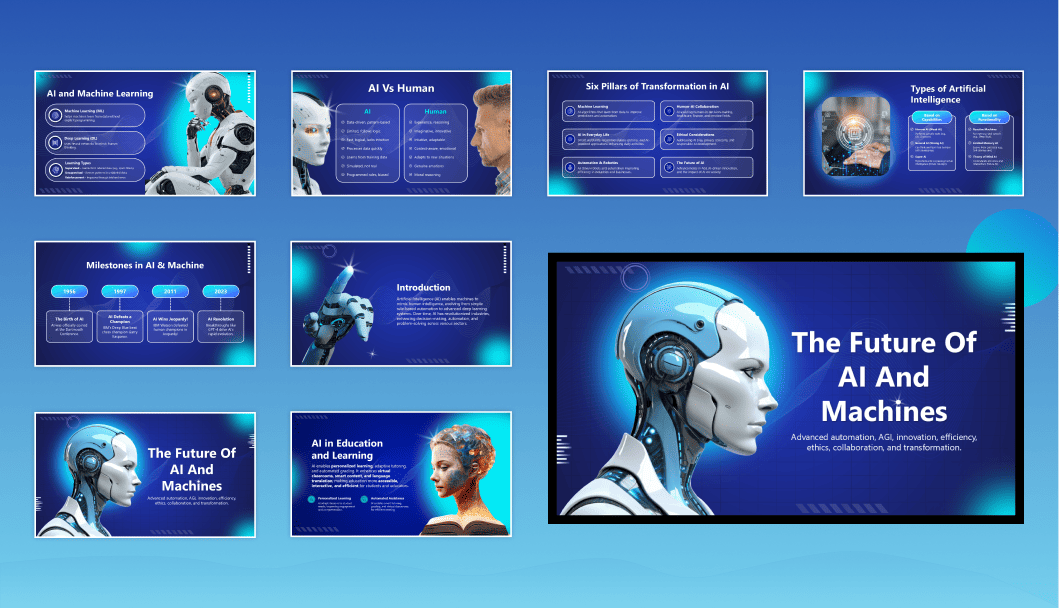
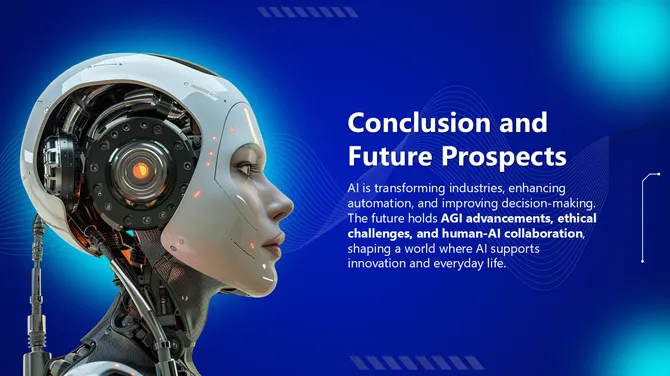
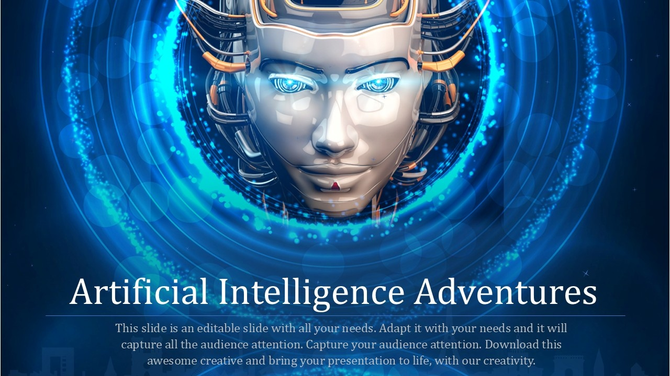
A futuristic robotic face in the center, surrounded by glowing blue rings, with text below about artificial intelligence.

Everything You Need for an AI Presentation — Free Templates for 2026


Artificial intelligence is now the most discussed topic across boardrooms, classrooms, and conference stages. Whether you are presenting to a C-suite audience, teaching students about neural networks, or pitching an AI product to investors, having a well-designed slide deck is no longer optional — it is the difference between being heard and being ignored.

Our collection of free Artificial Intelligence PowerPoint templates and Google Slides themes is designed to make that preparation effortless. Every template in this library is 100% editable, royalty-free, and available for instant download in PowerPoint (.pptx) and Google Slides formats. These are also compatible with Canva, giving you full flexibility across the tools your team already uses.
What Topics Does This Collection Cover?


This is not a one-size-fits-all AI slide pack. The collection spans the full breadth of artificial intelligence as a discipline:

  • Machine Learning & Deep Learning: Visualize training data, model architecture, and performance metrics with slides built for technical and non-technical audiences alike. Our machine learning PowerPoint templates include infographic layouts, comparison tables, and flow diagrams.
  • Generative AI & Large Language Models: Explain how GPT models, image generators, and multimodal AI systems work. The Generative AI Presentation Slides pack is one of the most comprehensive in the collection.
  • Agentic AI & Autonomous Systems: Cover the frontier of AI agents, multi-agent architectures, and real-world agentic workflows. The Agentic AI PowerPoint Presentation is built for technology leaders and AI researchers.
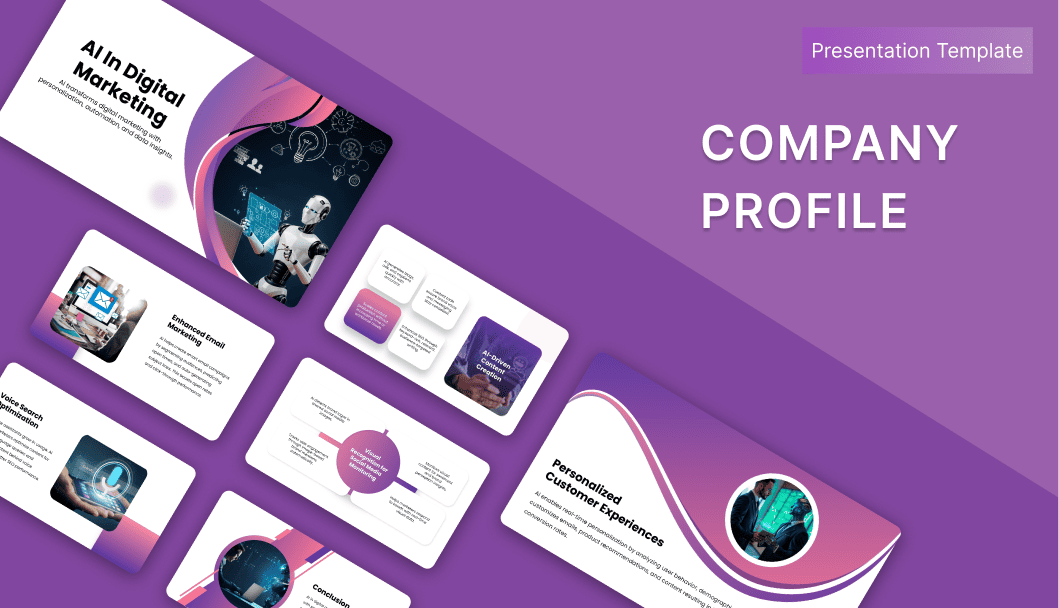
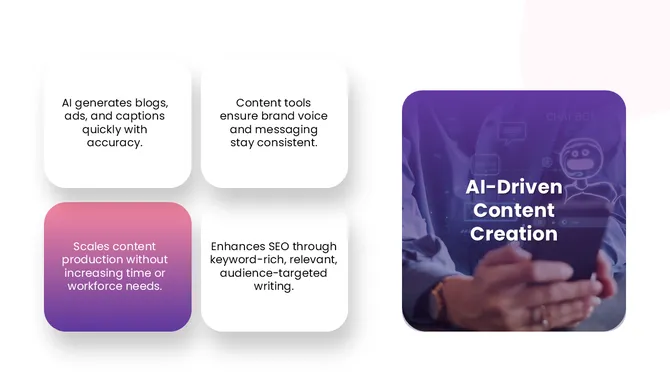
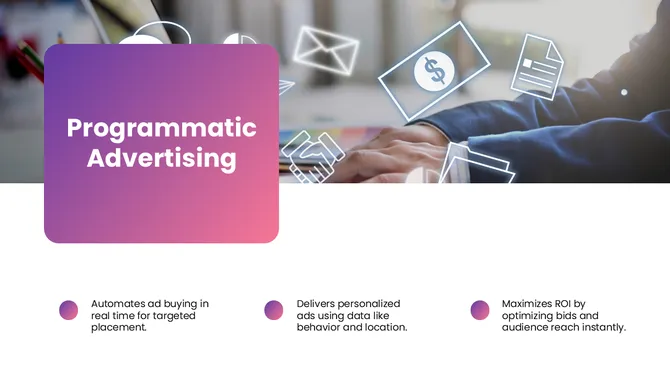
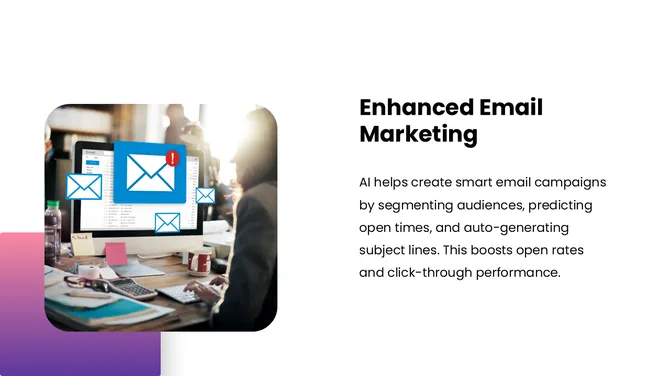
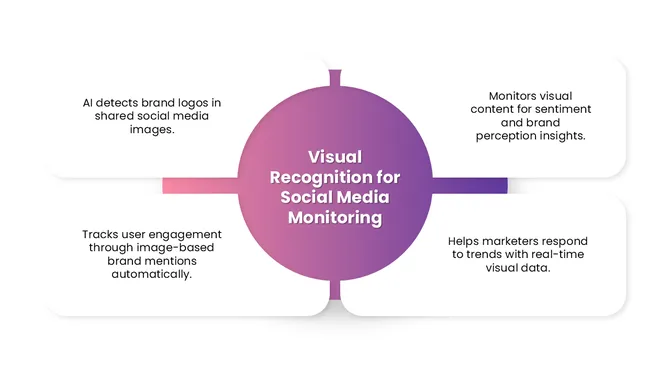
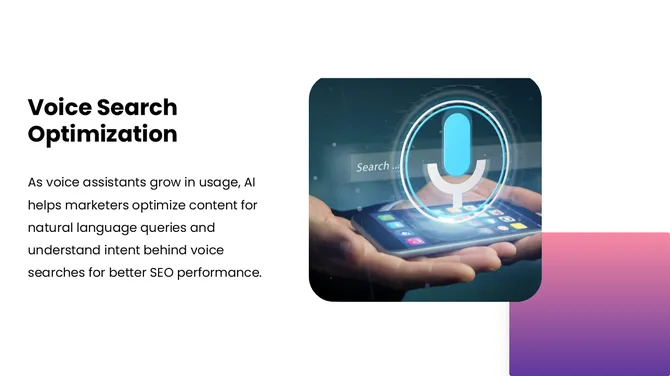
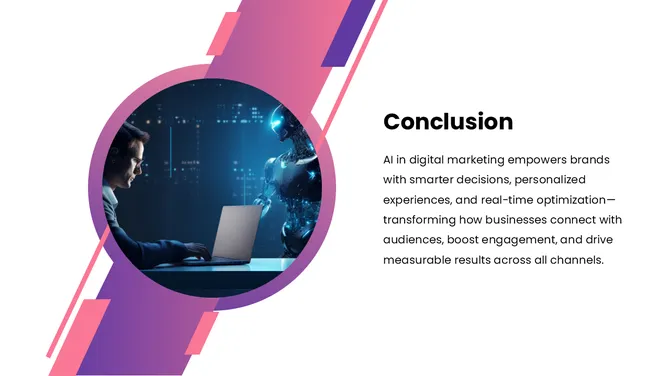
  • AI in Business & Digital Marketing: Show how AI is reshaping operations, marketing automation, customer personalization, and predictive analytics. Use the AI in Digital Marketing deck for client presentations and internal strategy sessions.
  • AI Ethics & Governance: Present responsible AI ethics bias in machine learning, fairness frameworks, and regulatory considerations — topics increasingly required in corporate and academic settings.
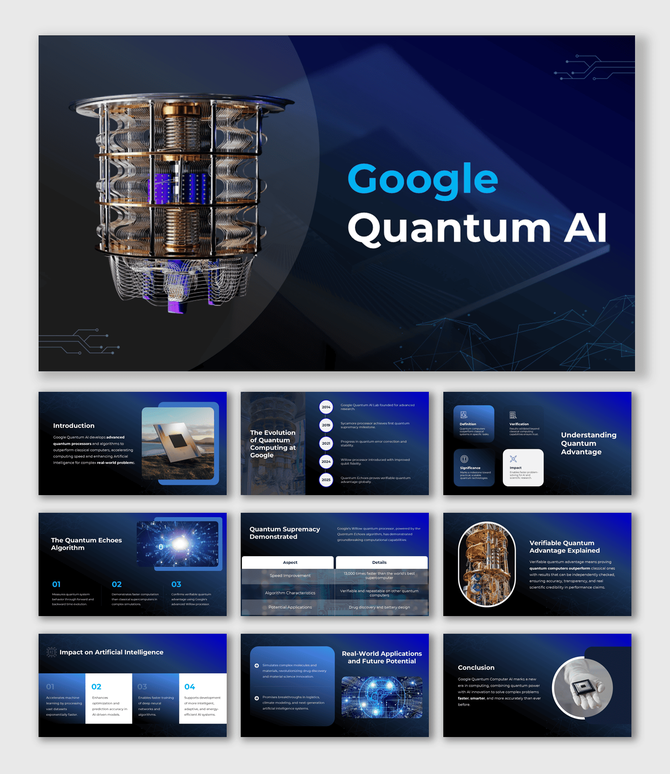
  • Robotics, Quantum AI & Emerging Tech: From robotic process automation to quantum computing, the collection includes specialized templates that make cutting-edge topics accessible.

Who Uses These Templates?


These AI presentation templates are used across industries and roles:
  • Business Professionals use them to pitch AI strategies, present the ROI of automation tools, and educate non-technical stakeholders. 
  • Educators and Professors use them to teach AI concepts, from introductory machine learning to advanced deep learning, with visual clarity. 
  • Students and Researchers rely on them for thesis defences, seminar presentations, and academic conferences. 
  • Consultants and Agencies use them to deliver AI readiness assessments, digital transformation roadmaps, and client workshops. 
  • Tech Companies and Startups use them for investor decks, product demos, and team onboarding on AI tools.

How to Customize Your AI Template


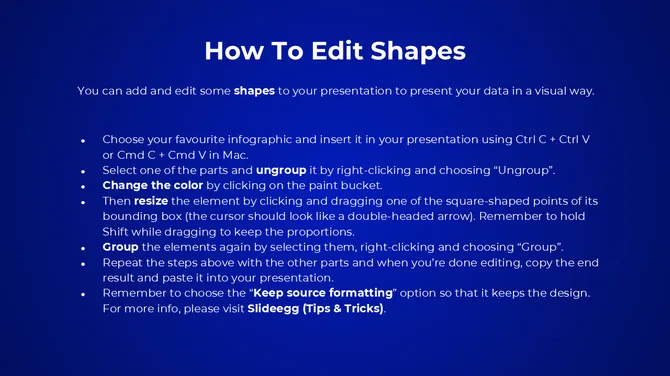
Every template in this collection is built to be changed. Open it in PowerPoint, Google Slides, or Canva, and the layout, color scheme, fonts, icons, and text are all fully editable. You do not need a design background. Most users complete their presentation in under 30 minutes. If you want AI-assisted customization, use the AI Customize feature directly on any template card — it lets you tailor slides to your specific topic with a single click.

Free vs. Premium — What Is the Difference?


We offer a large selection of free AI PowerPoint templates — no account required, no watermark, no expiry. Premium templates include additional slides, premium design elements, and priority download. Our affordable plans give you access to every template in the library, including exclusive Canva-compatible versions and multi-format exports.

Licence & Usage Rights


All SlideEgg templates — free and premium — come with a royalty-free licence. You can use them in business presentations, academic submissions, client deliverables, conference talks, social media, and commercial projects. Attribution is not required.

Ready to build your AI presentation? Browse the full collection above and download your preferred template in one click. If you need a fully custom design, our expert team is available via the Hire an Expert service.

Frequently Asked Questions

Do I need to create an account to download a free AI template?

Yes. A free SlideEgg account is required to download any template. Sign-up takes under a minute and gives you access to all free templates instantly.

Can I open these templates without Microsoft Office?

Yes. Download the .pptx file and open it directly in Google Slides, Canva, LibreOffice Impress, or Keynote — no Microsoft Office subscription needed. Most layouts, visuals, and text transfer cleanly across all four.

Which template works best for a non-technical audience?

Use the AI in Digital Marketing, AI Automation, or introductory Artificial Intelligence PPT packs. They use icon-based layouts and plain language. Avoid the Agentic AI or Machine Learning Infographics packs — those assume existing AI knowledge.

Are these templates AI-generated or human-designed?

Human-designed. Every template is built by SlideEgg's in-house design team. The AI Customize button is an editing tool — it does not generate the base templates.

Can I use these templates in paid or commercial work?

Yes. The royalty-free licence covers client deliverables, online courses, investor decks, and commercial presentations. You cannot resell the template files themselves. Attribution is never required.

What does the "AI Customize" button do?

It edits the slide content — text, labels, and structure — to fit your specific topic, so you are not manually updating every placeholder. You use it inside SlideEgg's editor, separately from the standard download.

How do I apply my brand colors and logo across all slides at once?

In PowerPoint: View → Slide Master. In Google Slides: Slide → Edit Theme. Changes made there apply to every slide simultaneously.

The template I downloaded doesn't have enough slides. What can I do?

Duplicate any slide by right-clicking it in the slide panel. You can also copy slides from other SlideEgg AI packs into the same file — the layouts are compatible across the collection.

Will these templates work on a Mac?

Yes. The .pptx files open in PowerPoint for Mac, Keynote, and Google Slides. For the most consistent experience across devices, Google Slides removes compatibility variables entirely.

My topic isn't covered in the collection. What are my options?

Most AI sub-topics map to an existing pack used as a base — swap the placeholder content for your own. For a genuinely specialized topic, the Hire an Expert service builds a custom deck to your content and brand.