Slidea Logo
Try it now — the new, easy way to turn your slides into an interactive experience.
Explore Now

1100+ Agenda Presentation Templates

Meetings feel disorganized when people don't see the flow. The presenter knows what's coming. The audience doesn't. You're thinking about pacing. They're confused about direction. You're out of sync from the start.

Not Happy with Our Editor’s Choice? Create with AI
PRO
Credits left : 0
Hire an Expert
Add to Wishlist
Download
AI Customize
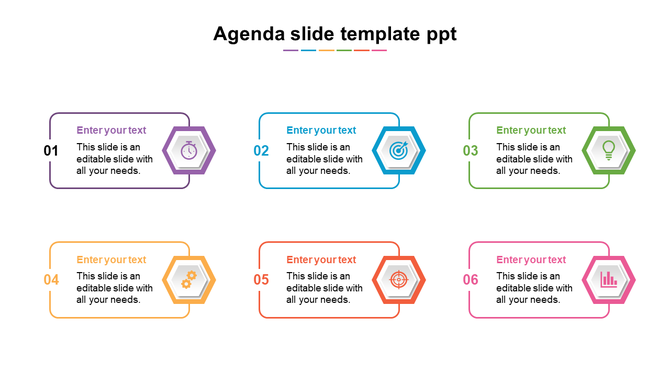
Colorful agenda slide with six hexagon shaped icons and text boxes for presentation topics.
Add to Wishlist
Download
AI Customize
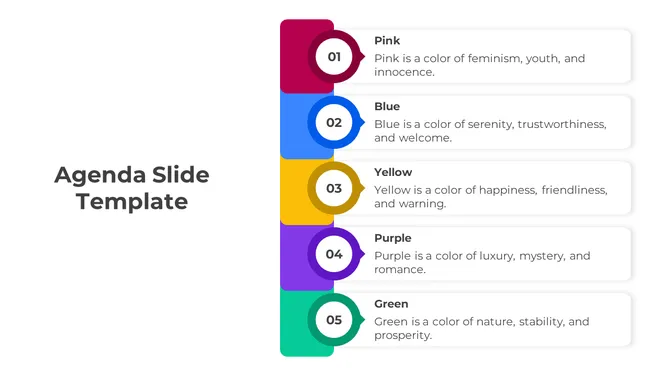
Vertical agenda layout with circles numbered 01 to 05, each connected to a caption on the right with yellow border.
Add to Wishlist
Download
AI Customize
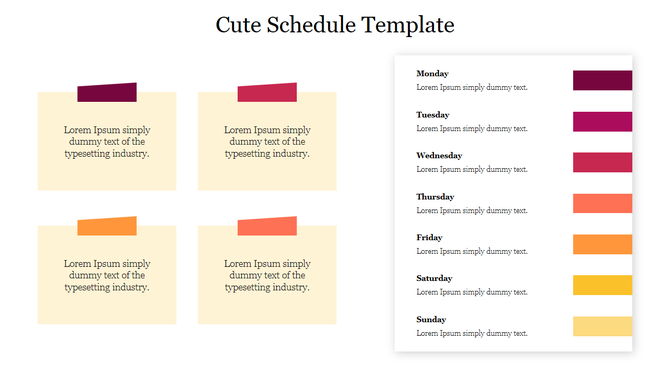
Weekly agenda slide with colorful sections for each day in orange, purple, green, blue, red, and yellow, and gray notes aea.
Add to Wishlist
Download
AI Customize
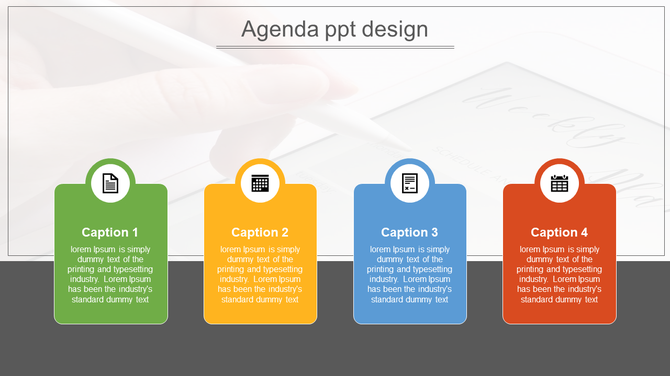
Agenda slide, each labeled with four caption areas and icons representing document, calculator, clipboard, and calendar.
Add to Wishlist
Download
AI Customize
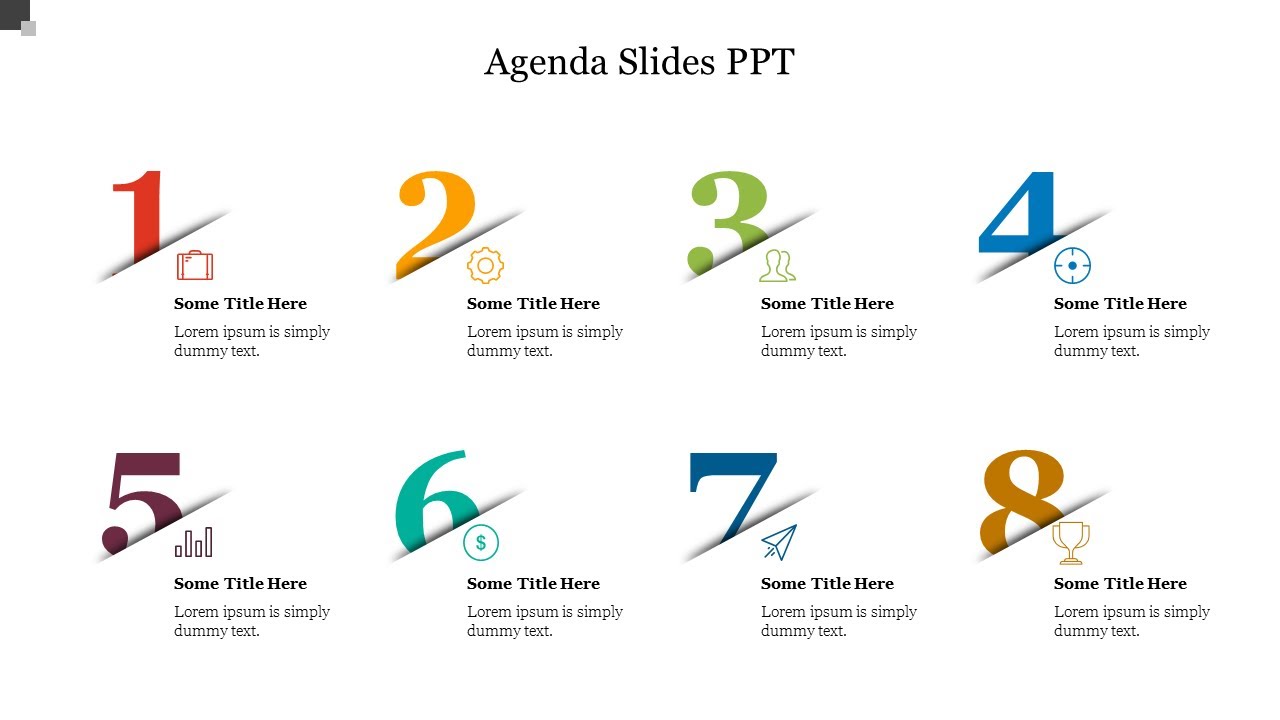
Eight circular icons in various colors, arranged in two rows, each containing a number and captions below.
Add to Wishlist
Download
AI Customize
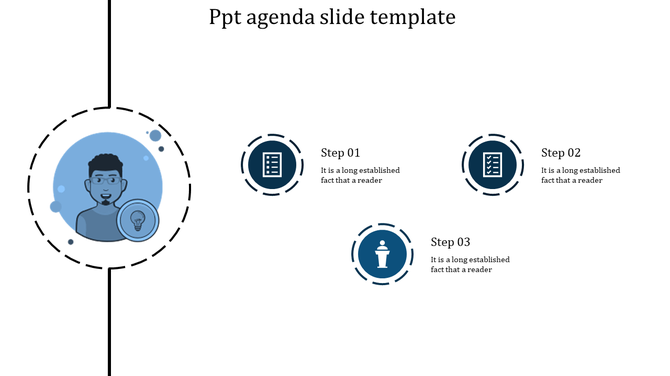
Agenda PowerPoint slide with a person icon and three numbered steps with corresponding icons in blue tones.
Add to Wishlist
Download
AI Customize
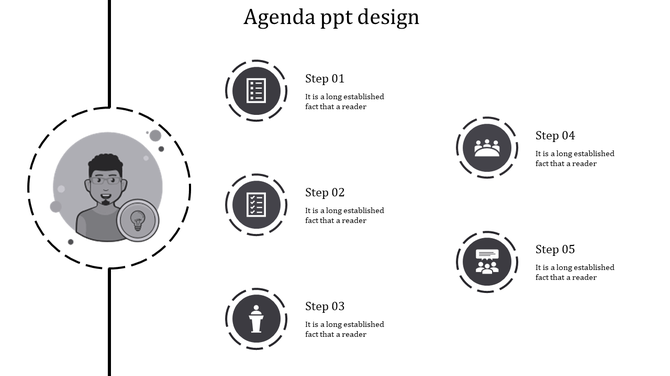
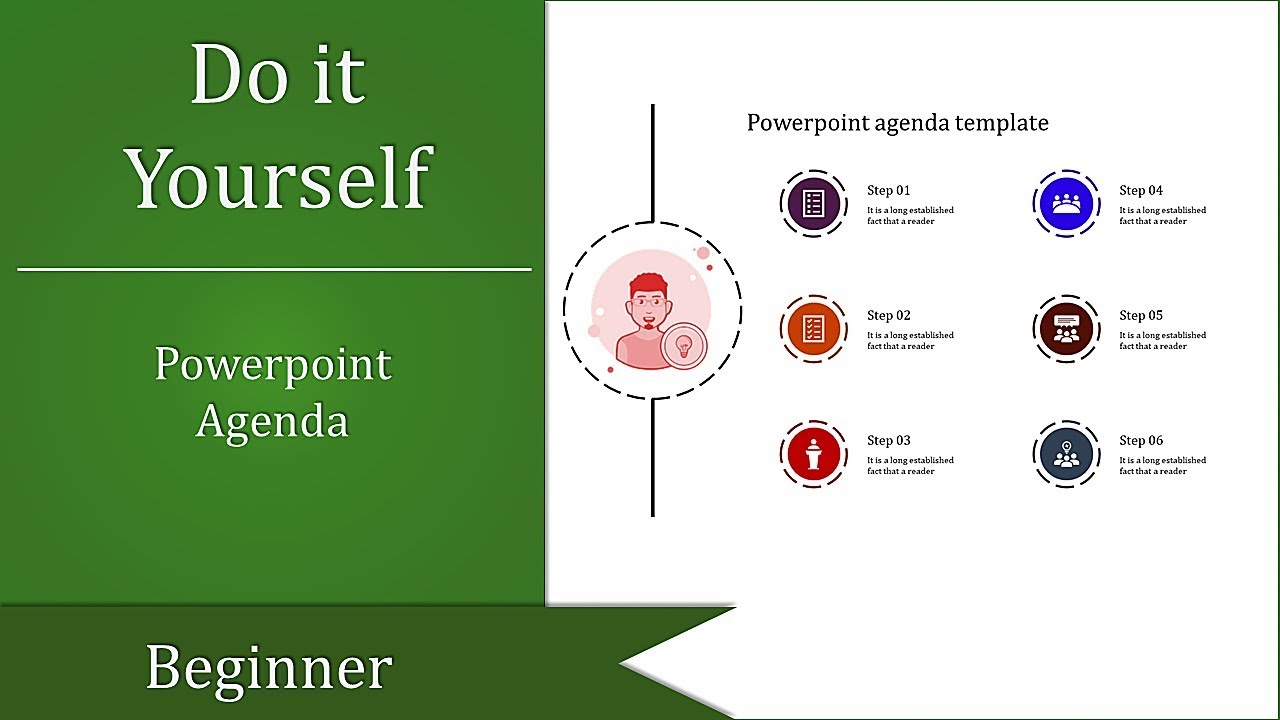
Agenda slide with a vertical line featuring a central circular image and six colorful icons representing different topics.
Add to Wishlist
Download
AI Customize
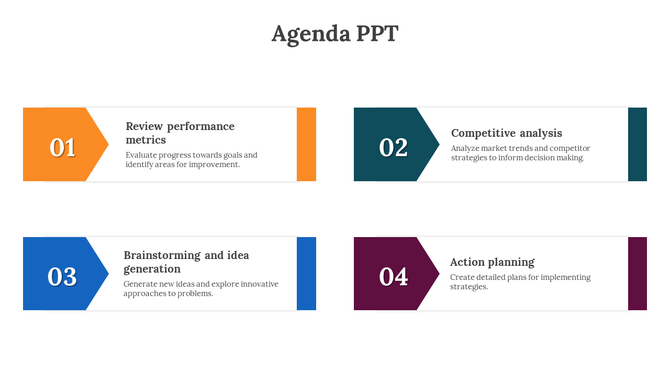
Agenda slide with four sections performance review, competitive analysis, brainstorming, and action planning with text.
Add to Wishlist
Download
AI Customize
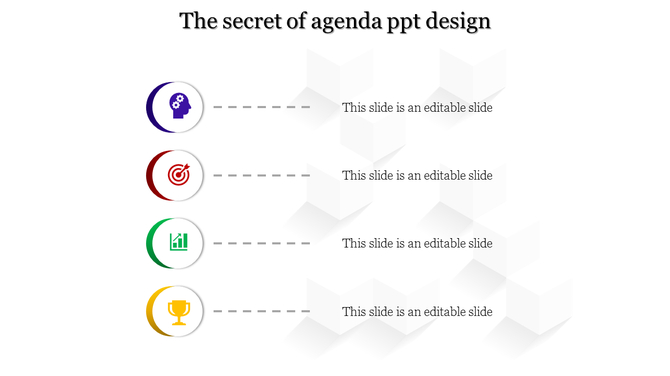
Four agenda points featuring circular icons in purple, red, green, and yellow, connected to text areas with dashed lines.
Add to Wishlist
Download
AI Customize
Agenda slide with a central character illustration and four blue circular icons representing steps on the right.
Add to Wishlist
Download
AI Customize
Agenda PPT slide with three yellow arrow icons representing steps, paired with text boxes for descriptions.
Add to Wishlist
Download
AI Customize
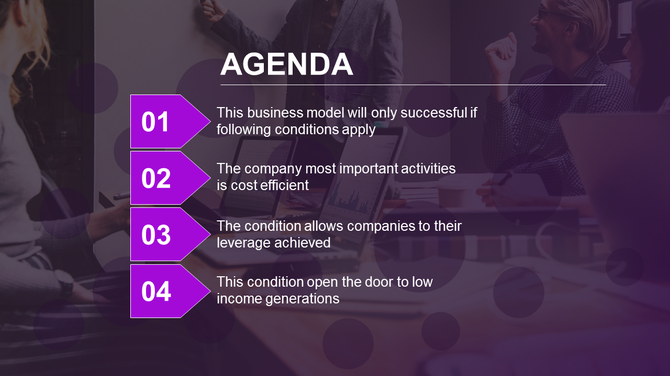
Agenda template with numbered purple arrows and text, set against a blurred meeting scene in pink gradient tones.
Free
Add to Wishlist
Download
AI Customize
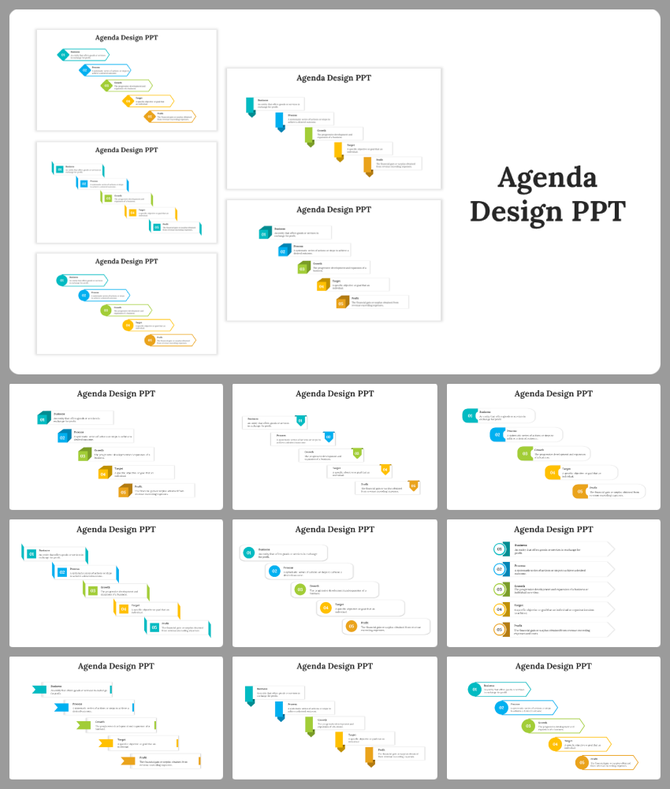
Agenda slide deck with colorful, step based layouts featuring numbered sections for business concepts.
Add to Wishlist
Download
AI Customize
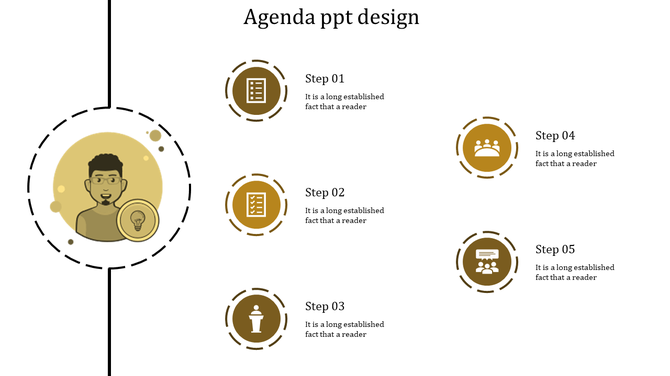
Agenda slide with a central character illustration and five yellow circular icons representing steps on the right.
Add to Wishlist
Download
AI Customize
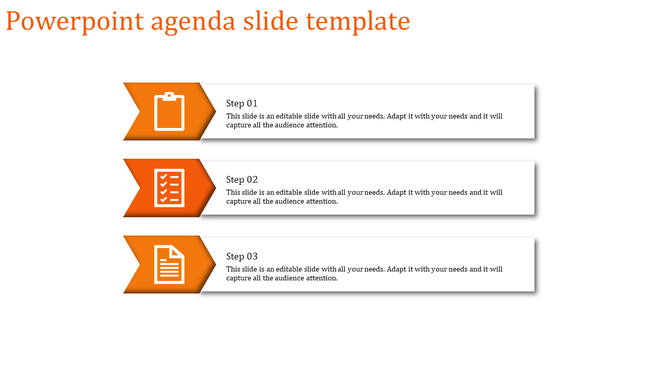
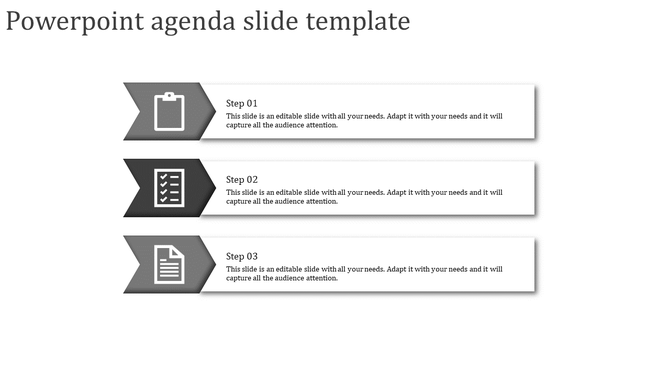
Black and white agenda template with three rectangular sections, featuring clipboard, checklist, and document icons.
Add to Wishlist
Download
AI Customize
Business agenda slide with orange arrows listing four key points on a blurred office background.
Add to Wishlist
Download
AI Customize
Agenda slide with four numbered sections in sky blue, orange, purple, and yellow, each with descriptions.
Add to Wishlist
Download
AI Customize
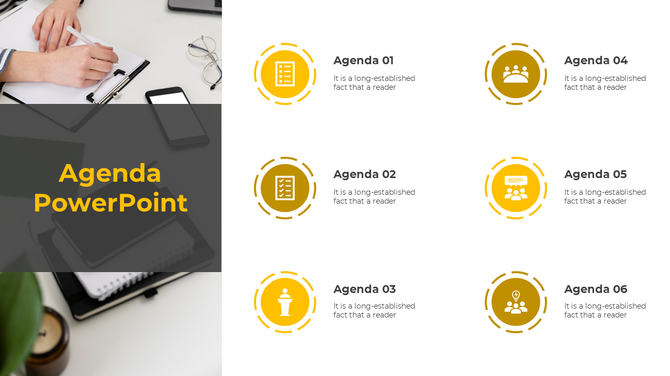
A slide with a handwriting on a notebook title and six agenda points with icons.
Add to Wishlist
Download
AI Customize
Slide deck with agenda templates, showcasing colorful step based layouts in blue, green, yellow, and orange.
Add to Wishlist
Download
AI Customize
Business agenda slide with yellow arrows listing three key points on a blurred office background.
Add to Wishlist
Download
AI Customize
Slide featuring two numbered steps with text placeholders, set against a soft pink and peach background.
Add to Wishlist
Download
AI Customize
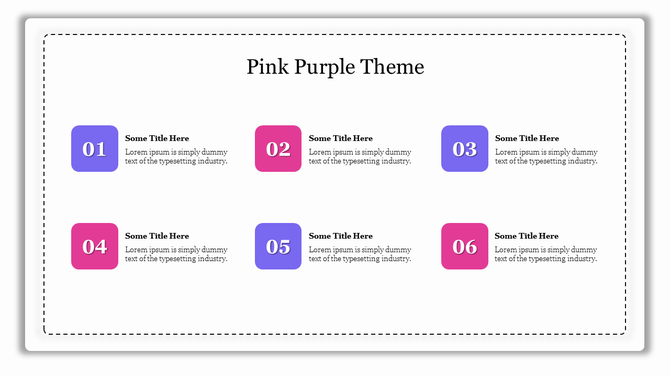
A slide layout featuring six colored boxes with numbers and text, alternating between pink and purple tones.
Add to Wishlist
Download
AI Customize
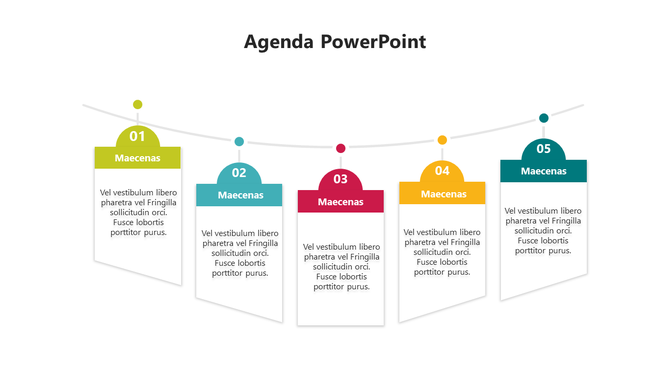
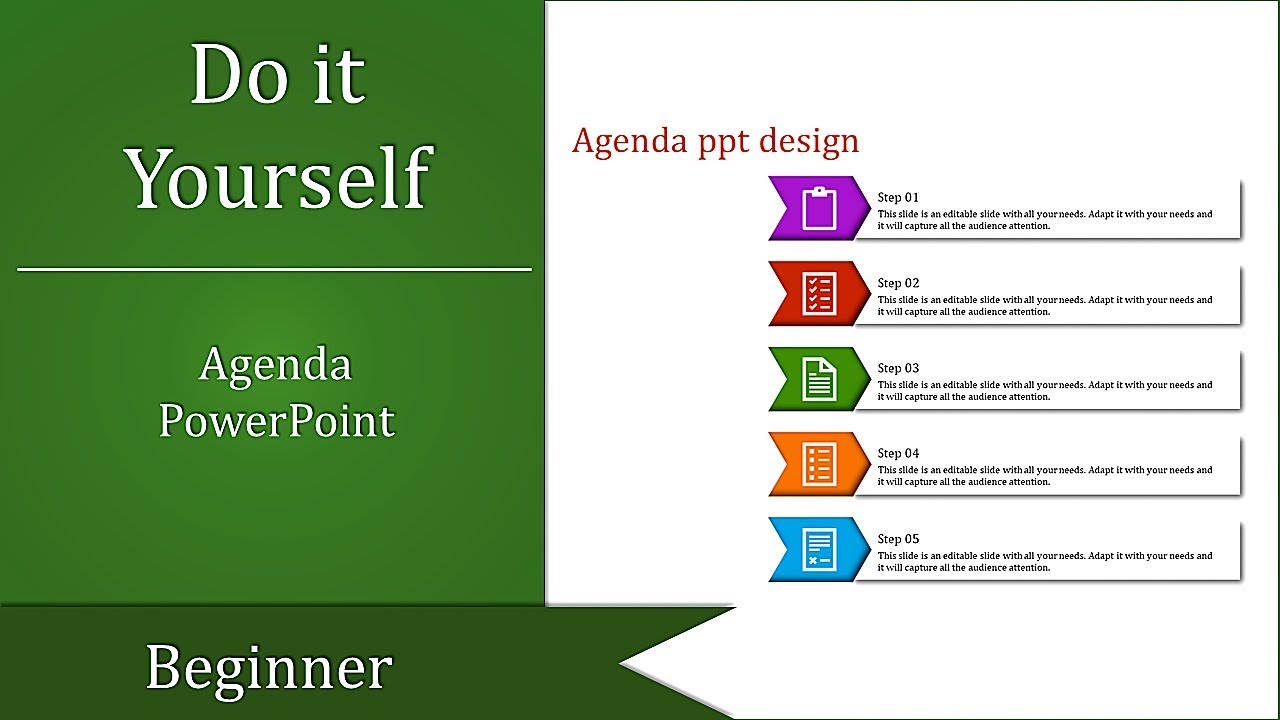
Agenda design showing five numbered colorful tabs in orange, pink, red, green, and teal with captions on the right.

Related Collections

Frequently Asked Questions

1. How many agenda items should I include?

4-8 items work best. Fewer than 4 feels too simple. More than 8 overwhelms people. People remember 5-7 items easily. Match your time — if you have 60 minutes, 5 items gives 12 minutes each. If you have 90 minutes, 6-7 items works. Keep it proportional.

2. Should I show timing for each agenda item?

Yes, especially for longer meetings. Show start time or duration. People use timing to understand pacing and prepare mentally. Without timing, they don't know if something takes 5 minutes or 30 minutes. Timing creates alignment between what you plan and what they expect.

3. Should the agenda be the first slide after the title?

Yes. Show it immediately. That's when people need alignment most — at the beginning. They form expectations from the agenda. If you wait until mid-presentation to show it, people have already made wrong assumptions about where you're going.

4. What if my presentation changes mid-way?

Acknowledge the change. Say "We're adjusting the agenda because..." Then show the new order. Don't pretend nothing changed. People notice. When you acknowledge adjustments, you stay aligned with your audience even though the plan shifted.

5. Do I need to reference the agenda during the presentation?

Yes. As you move between topics, say "Next on the agenda..." or "We're now at item 3." This keeps the audience anchored. They remember seeing it on the first slide and now they know exactly where you are. It maintains alignment throughout.

6. Should different audiences see different agendas?

Maybe. Board meetings need different agendas than team meetings. Client presentations need different agendas than internal meetings. Think about what each audience needs to know about the structure. Alignment depends on showing them what matters to THEM.

7. What if my presentation is short — do I still need an agenda?

Yes, but simpler. Even a 15-minute presentation benefits from showing 3-4 agenda items. People want to know the structure immediately. It takes 10 seconds to show but saves confusion for 15 minutes. Short presentations still need alignment between presenter and audience.