Free Achievement Certificate Presentation Templates
Celebrate success and honor milestones with our Achievement Certificate PowerPoint Templates. These designs help you recognize hard work in sports, competitions, volunteering, or professional achievements. Customize recipient names, award titles, and dates to create personalized awards in minutes. Edit in PowerPoint, Google Slides, and Canva.
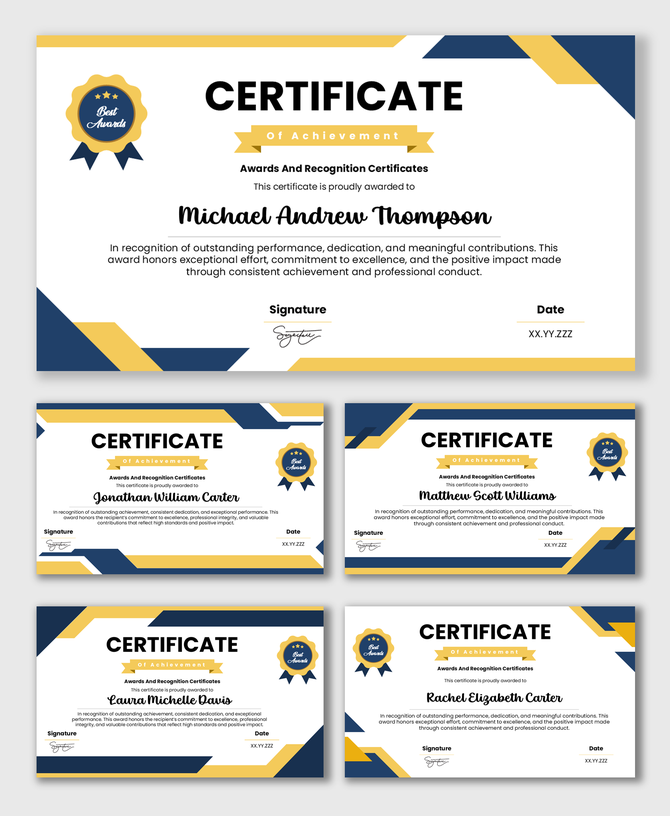
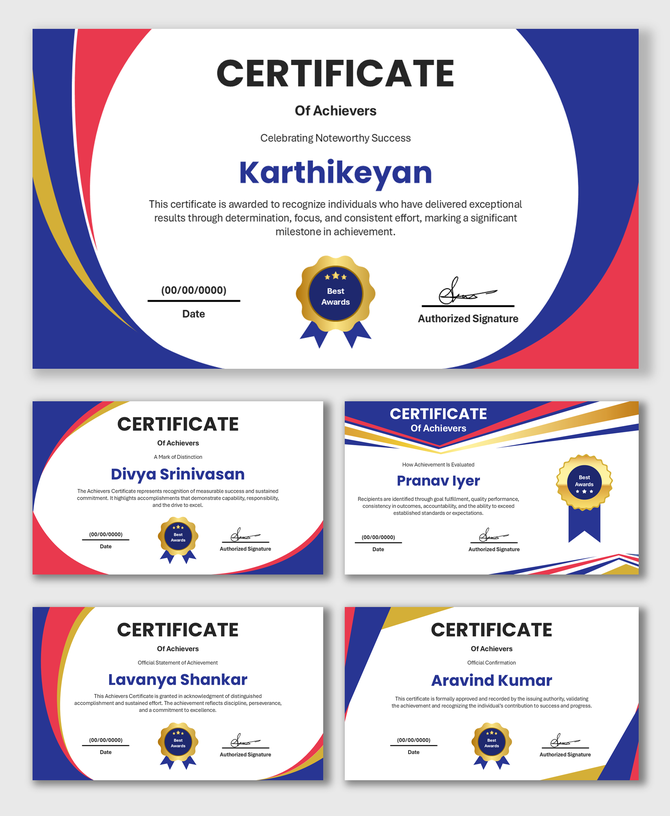
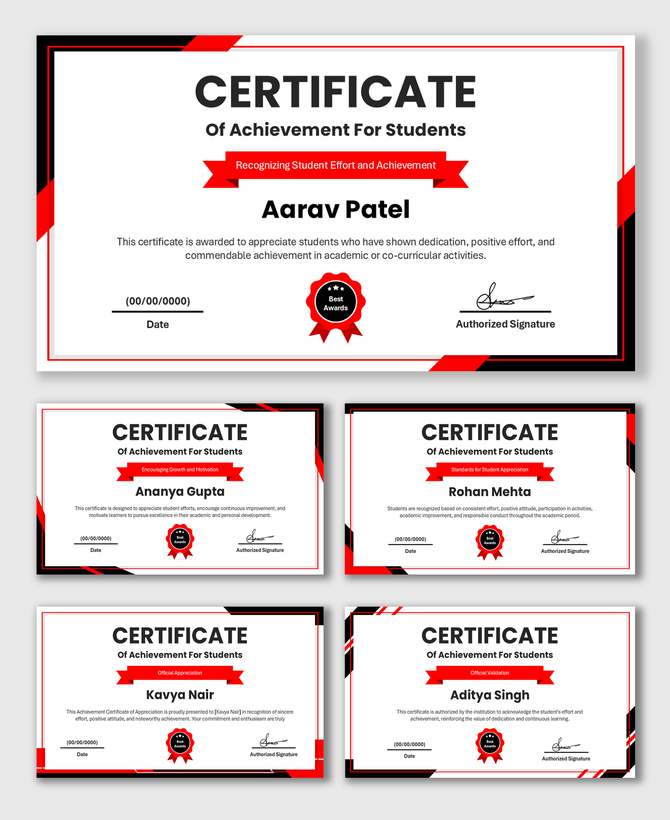
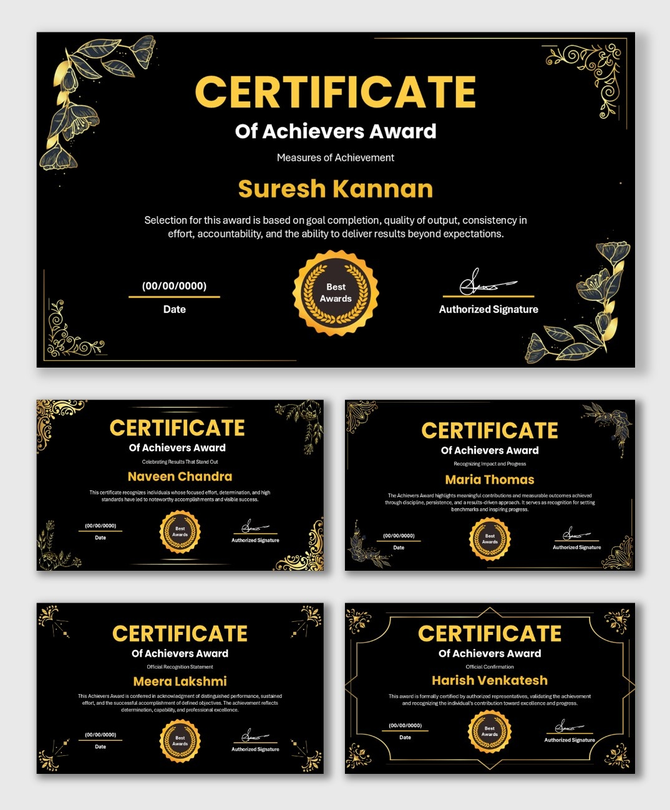
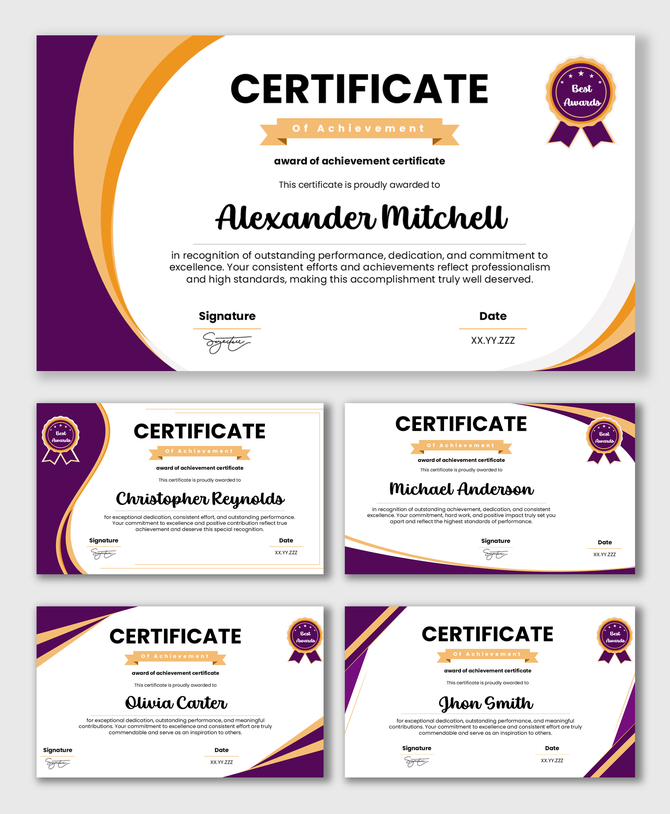
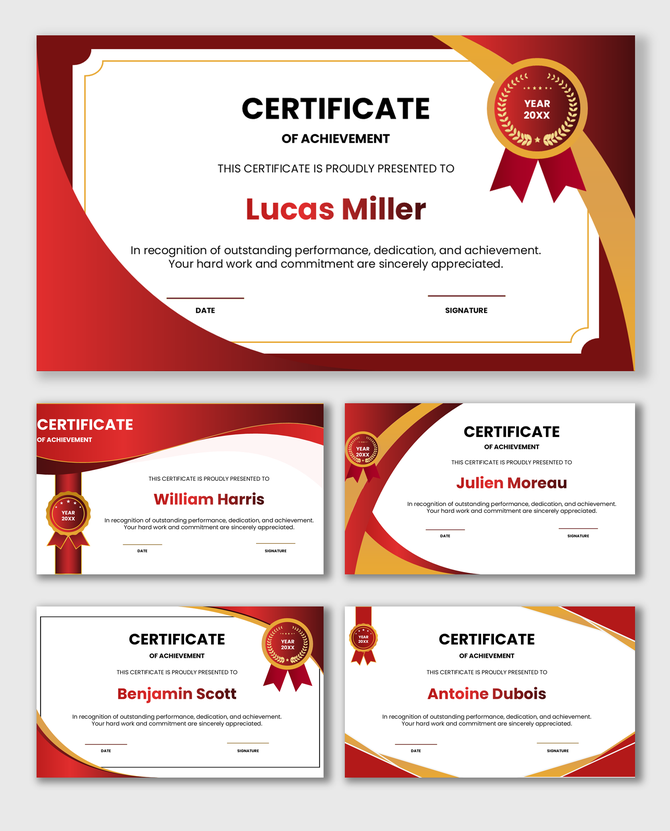
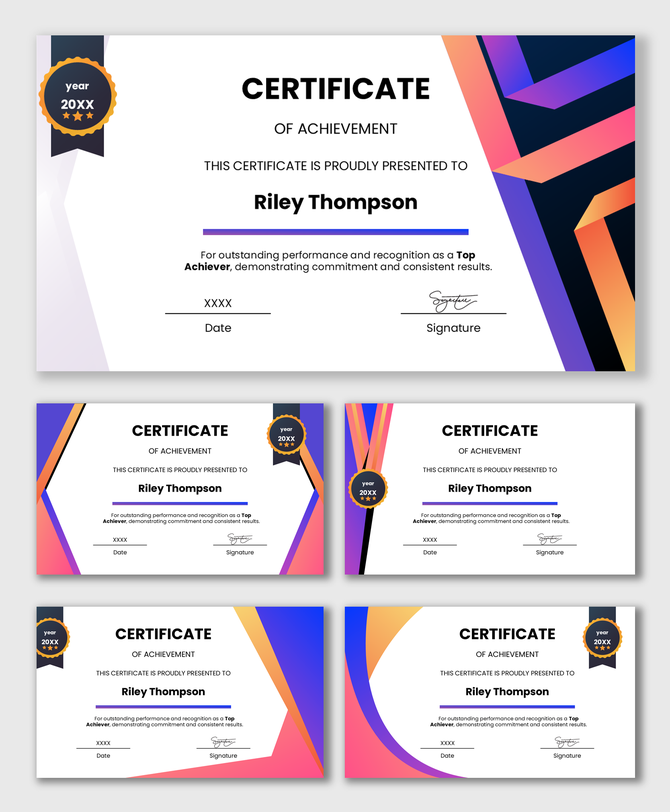
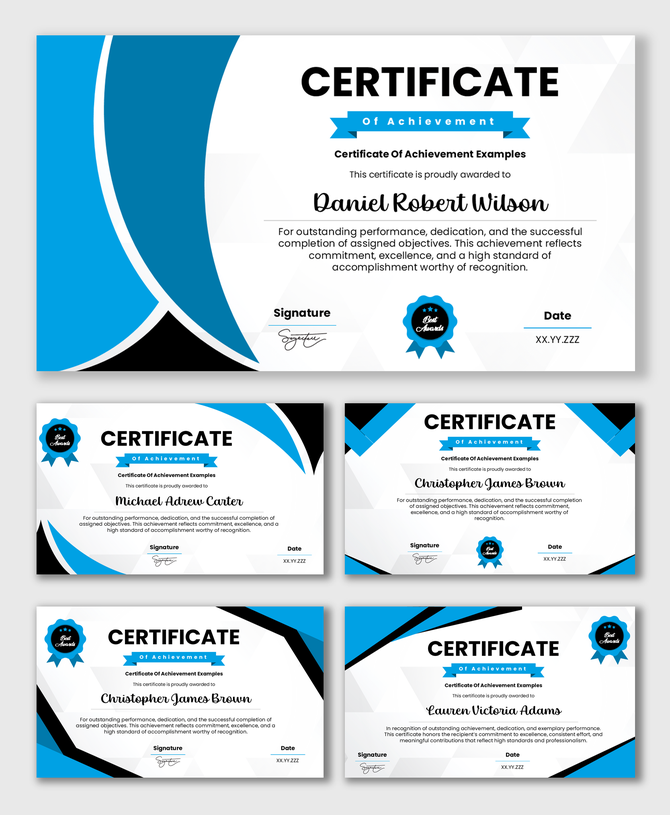

Achievement Certificate Templates: The Power of Recognizing Success
Who Can Use Achievement Certificates?
Key Design Elements of an Achievement Award Template
- Bold Typography: The name of the winner and the title of the award (e.g., "First Place") are usually the largest text elements.
- Gold and Metallic Accents: Achievement is often associated with medals. Our designs frequently use gold, silver, or bronze colored borders and elements to imply victory.
- Dynamic Borders: Unlike the strict formal borders of a diploma, achievement certificates often use modern, geometric, or artistic borders that feel energetic.
- Clean White Space: We ensure the design is not cluttered, so the focus remains entirely on the accomplishment.
Print-Ready for the Big Moment
- Vector Graphics: The borders and icons are high-resolution. They won't look blurry or pixelated.
- Standard Paper Fit: The layouts are sized for standard A4 and US Letter paper. You can print them on your home or office printer without cutting off the edges.
- Frame-Friendly: We leave enough margin space so you can frame the certificate without hiding any text.
How to Customize These Templates
- The Title: Change "Certificate of Achievement" to something specific, like "Coding Champion" or "Volunteer of the Year."
- The Recipient: Type in the name. You can use a fancy script font to make it look handwritten.
- The Description: Add a line about what they did. Example: "For running 50 miles in the Summer Charity Challenge."
- Logos and Badges: If your club or event has a logo, drag and drop it onto the slide to brand the award.
Digital Sharing for Modern Achievements
- Email the certificate to remote participants.
- Post the winners on social media (LinkedIn, Instagram, Facebook).
- Add the certificate to a digital portfolio or website.
Why Choose Our Templates?
- 100% Editable: Change colors, fonts, and text to match your event theme.
- Multi-Platform: Works on Mac, PC, and Web.
- Time-Saving: Don't start from a blank page. Get a professional look in seconds.
- Free and Premium Options: High-quality designs for every budget.
Frequently Asked Questions
What are Achievement Certificate PowerPoint Templates?
These are editable slide layouts used to create awards for competitions, sports, volunteers, and personal goals.
Can I print these on A4 paper?
Yes. All templates are optimized for standard paper sizes like A4 and Letter.
Can I change the gold colors?
Yes, you can change the colors of the borders and shapes to match your team or brand colors.
Can I add a photo of the winner?
Yes. You can easily insert a photo of the recipient into the slide if you want a more personalized look.
Do these work in Canva?
Yes. Our templates are compatible with PowerPoint, Google Slides, and Canva.
Are these suitable for kids and adults?
Yes. We have a variety of styles—from fun and colorful for kids to sleek and modern for adults.
Is there a watermark?
No, there are no watermarks in our designs.