Introduction
When you’re presenting a product, service, or business idea, first impressions matter. Mock up slides can help you show your ideas in action, whether it’s how your website looks on a phone, how your app works on a laptop, or how your product appears in real life. These slides are not just about design—they’re about storytelling.
In this blog, you’ll learn how to use mock up slides effectively in business and marketing presentations to make your message more engaging, professional, and believable.
What Are Mock Up Slides?
Mock up slides are presentation slides that use device frames (like phones, tablets, or laptops) or environmental settings to show how a product, website, app, or branding design would look in real life. These slides provide a visual simulation of how a product or concept would appear when used in its intended setting.
They help your audience connect with the idea more quickly by giving them a clear, realistic view of the final result without needing technical or industry knowledge. Whether you are showing a new app interface or a redesigned product label, mock up slides bring concepts to life.
Common Mock Up Types:
- Mobile app screens inside phone frames
- Websites shown on desktop/laptop monitors
- Business cards or brochures on tables
- Posters on walls or billboards
- Products in packaging on store shelves
They help create context and bring static ideas to life.
Why Use Mock Up Slides in Presentations?
Mock up slides offer more than just visual appeal. They are powerful communication tools that help you convey ideas more effectively, especially when words aren’t enough.
These slides add depth to your story by creating realistic visualizations of your product, design, or content. Stakeholders, clients, and customers are more likely to trust what they can see. By showing them how your solution looks in a real-world setting, you increase understanding and engagement.
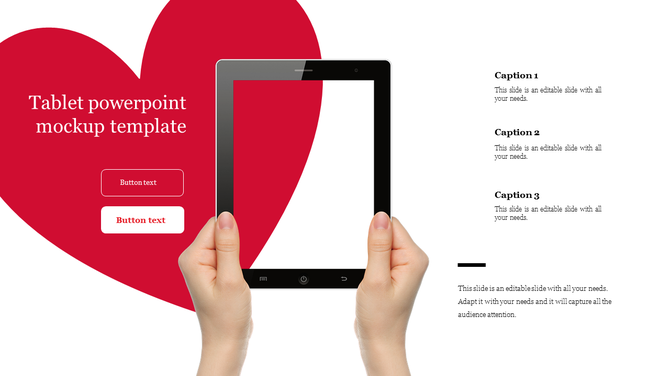
Benefits:
- Showcase Real Use: Helps stakeholders visualize the product in use.
- Build Trust: High-quality visuals boost brand credibility.
- Simplify Complex Ideas: Easier to understand than technical diagrams.
- Grab Attention: Visuals speak louder than text.
- Enhance Storytelling: Sets the scene and supports your narrative.
Use Cases in Business Presentations
1. Product Launches
When launching a new product, it’s not always possible to show the real product in person—especially if it’s still in development. Mock up slides help you present a realistic preview, showing your product in its natural setting.
They allow you to simulate how it will look on a website, mobile app, or even on store shelves, giving investors and internal teams a strong visual understanding.
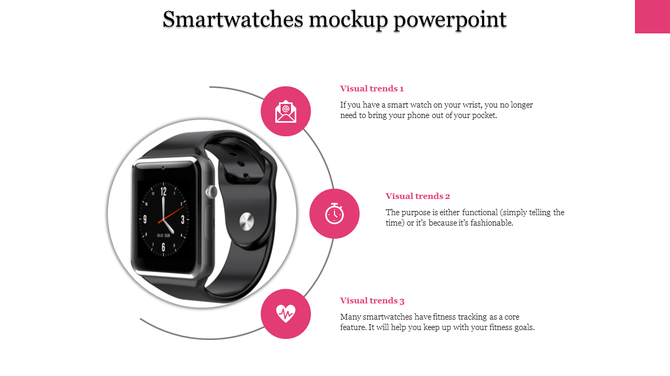
Examples:
- Software UI on screens
- Packaging displayed on shelves
2. Investor Pitch Decks
Investors want to see not just the idea but also the execution. Mock up slides let you present your vision with high-impact visuals that make your product or service look polished and ready for the market.
By adding these mockups, your deck becomes more professional and persuasive, increasing your chances of approval.
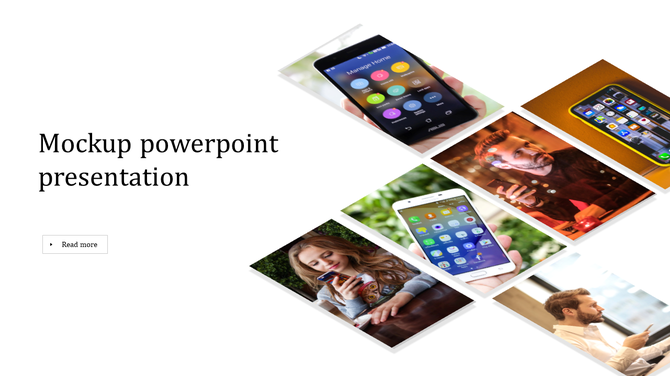
Examples:
- App walkthrough inside a phone mockup
- Prototype inside wearable device frame
3. Client Presentations
Agencies and freelancers often need to pitch design or branding concepts. Mock up slides give your clients a clearer picture of the final product by displaying it in context.
This avoids confusion and speeds up the approval process, as clients can easily imagine how the design will work in real-life scenarios.

Examples:
- Website homepage in browser frame
- Logo on a storefront mockup
Use Cases in Marketing Presentations
1. Advertising Concepts
When you pitch a creative idea, showing a visual example can make or break the pitch. Mock up slides help you place your ad design in real environments so your audience can see how it works in context.
Whether it’s a bus stop banner, a billboard, or a mobile ad, placing your concept in a mockup gives your idea credibility.
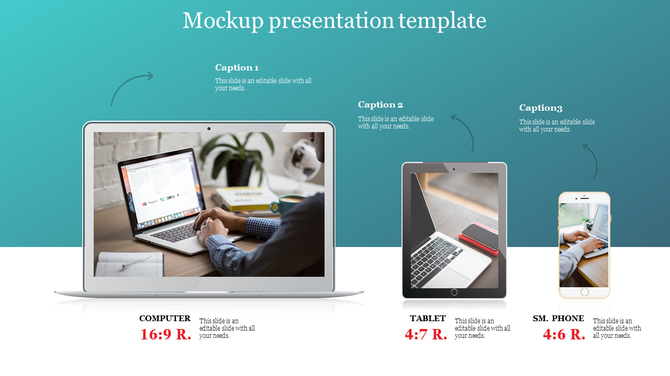
Examples:
- Facebook post in mobile frame
- Street banner or ad on wall
2. Campaign Reports
Marketing teams often present post-campaign reports. Instead of just showing metrics, mock up slides can show how the campaign looked across different platforms and devices.
This adds visual value to your reporting and shows that your execution matched the plan.
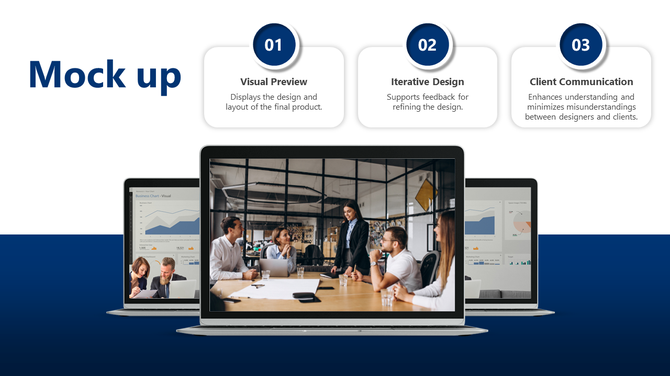
Examples:
- Email newsletter inside inbox screenshot
- Instagram story preview in phone frame
3. Social Media Strategy
Show your clients or managers what your social content will look like when it goes live. With platform-specific mockups, you can display how posts will appear on mobile or desktop, helping everyone stay aligned on the visual approach.
Mockups also help plan the layout and sequence of content for better storytelling.
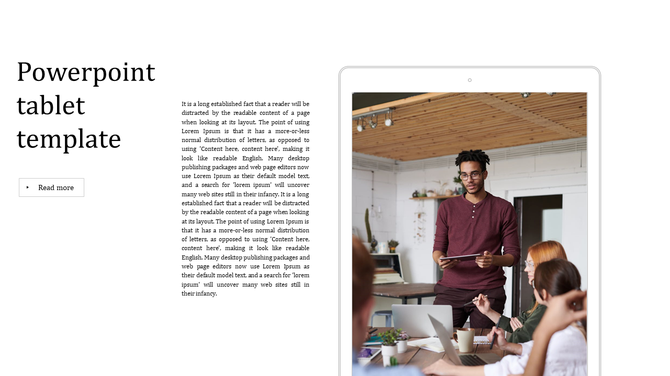
Examples:
- Carousel mockups for Instagram
- YouTube thumbnail on mobile view
Design Tips for Effective Mock Up Slides
A mockup only works well if it’s presented clearly. Good design makes your mock up slide stand out and delivers your message more effectively.
To get the most impact, follow these simple rules:
- Keep It Clean: Focus on one message per slide and avoid clutter.
- Use Realistic Backgrounds: Natural settings make mockups feel authentic.
- Be Consistent: Stick to the same mock up style and color theme.
- Match Branding: Use your company’s fonts, colors, and logos.
- High Resolution: Use crisp images that don’t blur or stretch.
For more general visual design ideas, explore our guide to designing Professional PowerPoint presentation.
Where to Get Mock Up Templates
Designing mockups from scratch can be time-consuming. Fortunately, many template libraries offer pre-made mock up slides you can customize.
These templates come in various formats and are suitable for all industries—from tech to retail.
Popular Template Types:
- Device mockups (iPhone, Android, iPad, Laptop)
- Print mockups (Flyers, Posters, Business Cards)
- Environmental mockups (Storefronts, Packaging, Street Ads)
Templates help you save time and maintain visual quality.
Conclusion
Mock up slides are a smart and creative way to bring your ideas to life in business and marketing presentations. They make your pitch look polished, help your audience understand your vision, and support your message with visual context. Whether you’re launching a product, pitching an ad campaign, or presenting to a client, mock up slides can elevate your presentation and help you win approval.
Start using mockups today to make your ideas visible, believable, and memorable!
FAQs
1. What is the purpose of a mock up slide?
To visualize how your product, design, or content will appear in a real-world context.
2. Where can I use mock up slides?
In business proposals, marketing pitches, ad campaigns, and client presentations.
3. Are mock up slides customizable?
Yes, you can change text, images, colors, and layout to match your needs.
4. Do I need graphic design skills to use mockups?
No, most presentation software and templates make it beginner-friendly.
5. Can mock up slides improve presentation engagement?
Absolutely! They make your content more visual, credible, and memorable.