 Google Slides Tutorials
Quick Tips to Add LaTeX in Google Slides:✅ Use CodeCogs or QuickLaTeX to generate LaTeX equations as images.✅ Just copy-paste the image into your slide.✅...
 Google Slides Tutorials
Quick Tips for Shuffling Slides in Google Slides ✅ Open slide panel – Click on the slide list on the left side.✅ Click and hold...
 Google Slides Tutorials
👇 Quick Tips: Google Slides Edit History at a Glance ✅ Click the clock icon near the Share button.✅ Or go to File → Version...
 Google Slides Tutorials
Quick Tips for Scribbling on Google Slides ✏️ Use the scribble tool from the toolbar.✏️ Pick bright colors for better visibility.✏️ Keep your drawings simple...
 Google Slides Tutorials
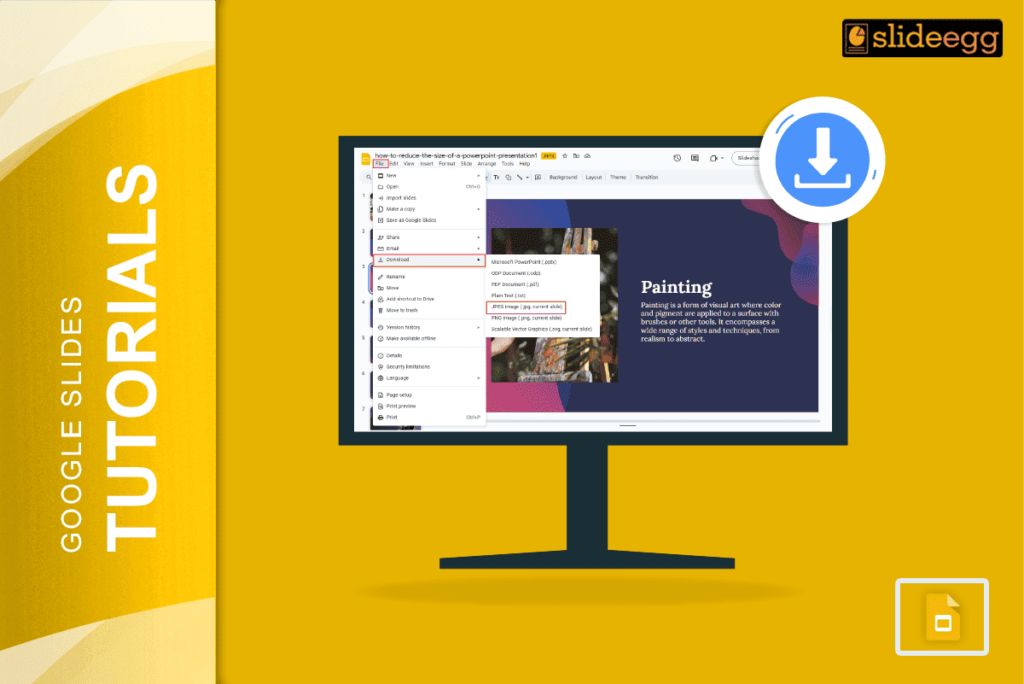
Quick Steps to Save Google Slides as JPEG 📥Open your Google Slides presentation.📥Click “File” in the top menu.📥Select “Download” from the dropdown.📥Choose the “JPEG image”...
 Google Slides Tutorials
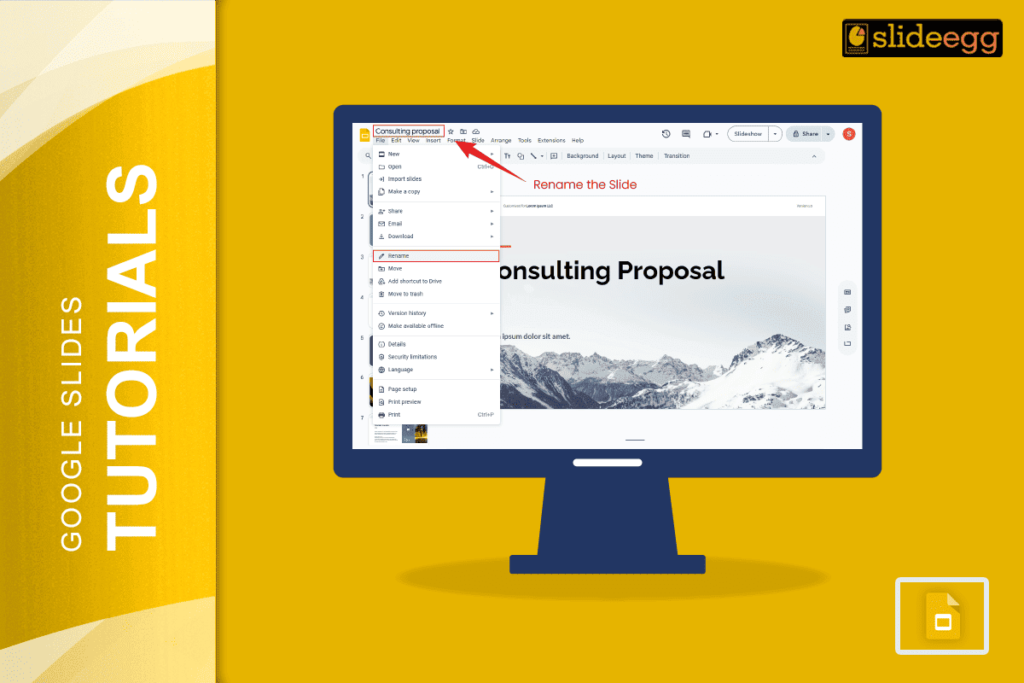
Quick Tips: Naming Slides in Google Slides ✅ Add a text box at the top or bottom of each slide for names.✅ Use speaker notes...