 Google Slides Tutorials
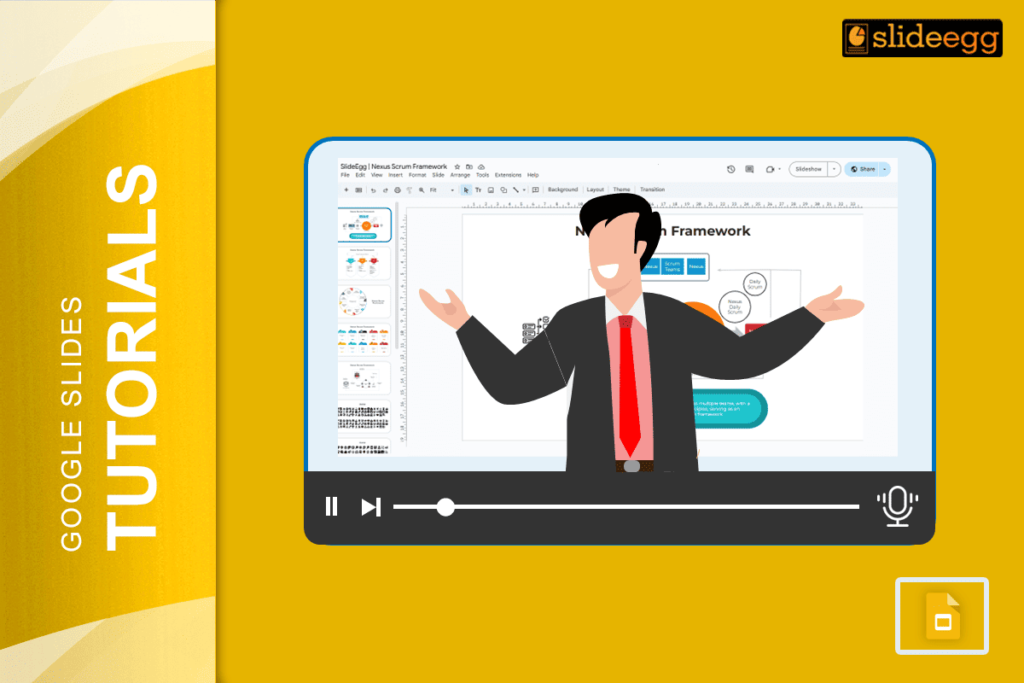
✅ Quick Tips to Record a Google Slides Presentation with Voice-Over* Open your Google Slides on Chrome browser.* Click Extensions > Slides Recorder (add it...
 Google Slides Tutorials
🔥 Quick Tips to Put an Image Behind Text in Google Slides1️⃣ Insert an Image – Click “Insert” → “Image” → Choose a file.2️⃣ Resize...
 Google Slides Tutorials
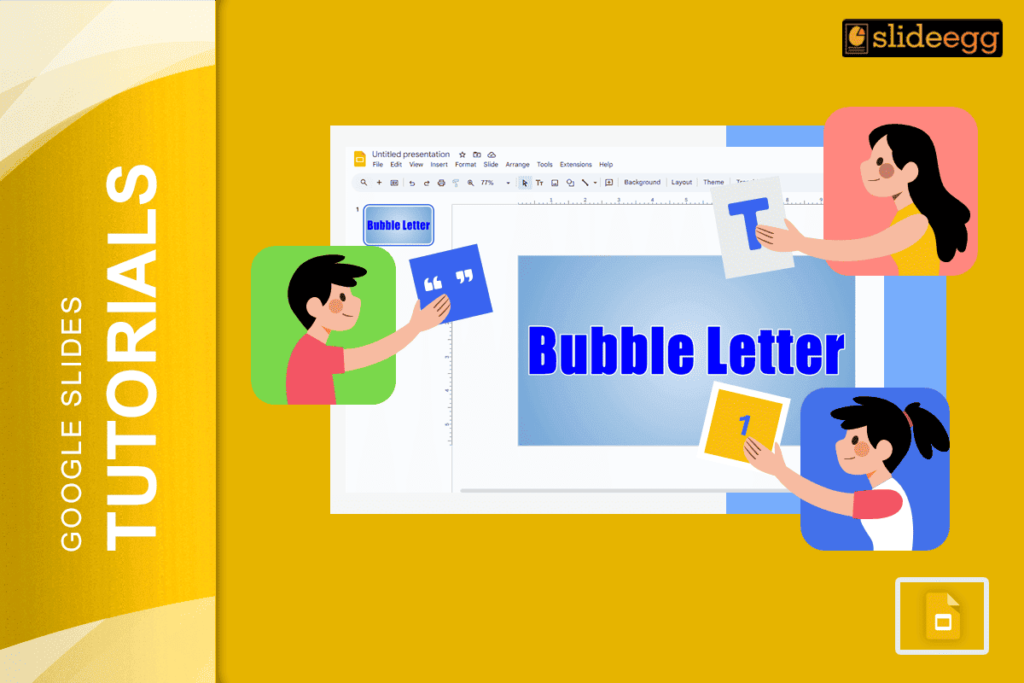
💡 Quick Tips for Bubble Letters in Google Slides ✅ Use WordArt – The easiest way to create bubble-style text.✅ Pick a Bold Font –...
 Google Slides Tutorials
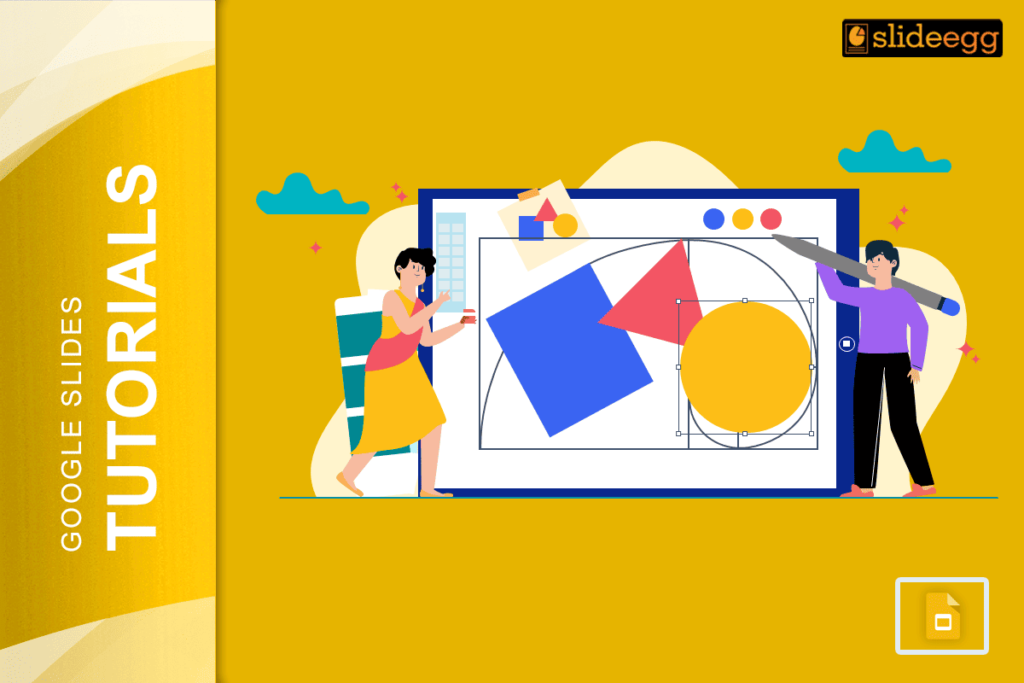
💡 Easy Tricks to Make a Shape Transparent in Google Slides1️⃣ Click on the shape you want to edit.2️⃣ Open the Fill color tool (paint...
 Google Slides Tutorials
🎯 Quick & Simple Tricks for Making a Google Slides Photo SlideshowHere are some quick tips to make your slideshow-making process super smooth: ✅ Gather...
 Google Slides Tutorials
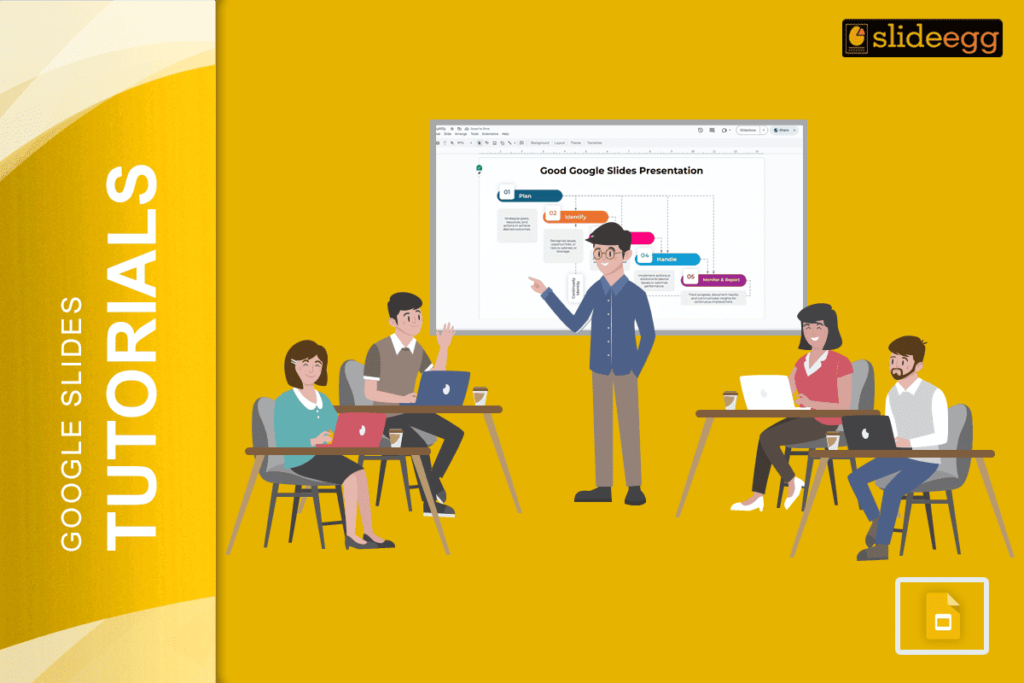
Smart Tips for an Engaging Google Slides Presentation✅ Start with a Plan – Outline your key points before you begin.✅ Pick a Clean Theme –...