 Google Slides Tutorials
📝 Quick Tips to Add Grammarly to Google Slides✅Grammarly doesn’t work directly inside Google Slides.✅Use “Grammarly for Chrome” to check text while typing in Google...
 Google Slides Tutorials
✅ Quick Tips: How to Add Citations in Google Slides * Type your source in a small text box under your slide.* Use the Insert...
 Google Slides Tutorials
Quick Tips: How to Add a Clock to Google Slides ✅ Go to Google Slides✅ Click Insert > Text box or Image✅ Add a clock...
 Google Slides Tutorials
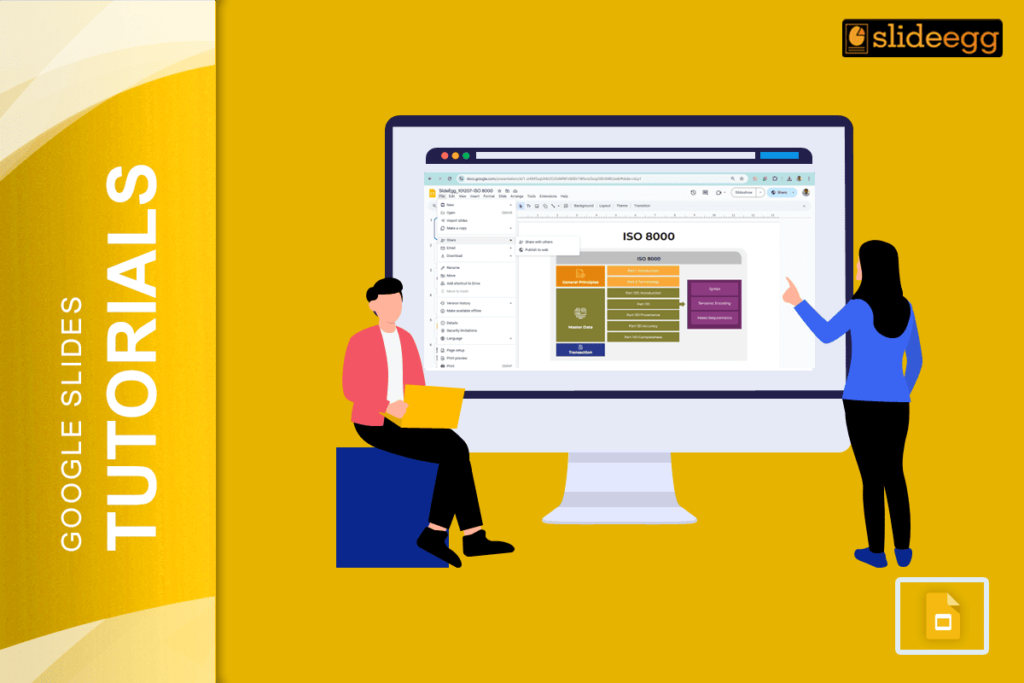
Quick Tips: How to Share Google Slides in Presentation Mode ✅ Open your Google Slides deck✅ Click on the “Present” button✅ Copy the presentation link...
 Google Slides Tutorials
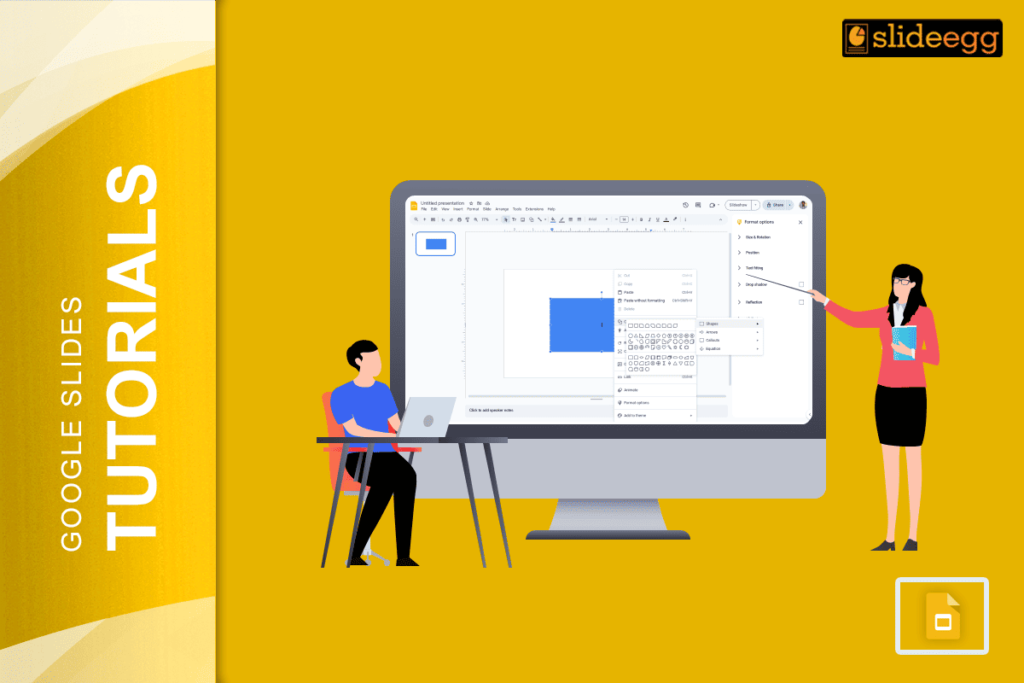
Quick Tips: How to Round Corners in Google Slides (Super Easy Steps!)✅ Click the shape on your slide.✅ Look for the yellow diamond (handle) on...
 Google Slides Tutorials
Quick Tips to Rotate Text in Google Slides✅ Click the text box you want to rotate✅ Find the blue circular handle on top✅ Click and...