 Google Slides Tutorials
🧠 Quick Tips: How to Track Changes in Google Slides✅ Use Version History – See who changed what and when.✅ Add Comments – Suggest edits...
 Google Slides Tutorials
Quick Tips to Recover Deleted Slides in Google Slides🔹 Check Version History to find deleted slides.🔹 Use Undo (Ctrl+Z) if just deleted.🔹 Check the Trash...
 Google Slides Tutorials
✅ Quick Tips: How to Add a Decorative Border in Google Slides * Open your Google Slides presentation.* Select the slide where you want the...
 Google Slides Tutorials
Quick Tips to Make a Worksheet on Google Slides ✅ Open Google Slides.✅ Click on Blank Presentation.✅ Set page size like a worksheet (A4 or...
 Google Slides Tutorials
Quick Tips to Make a Pamphlet on Google Slides1. Open Google Slides2. Pick a Blank Presentation3. Change the Slide Size to match a pamphlet4. Add...
 Google Slides Tutorials
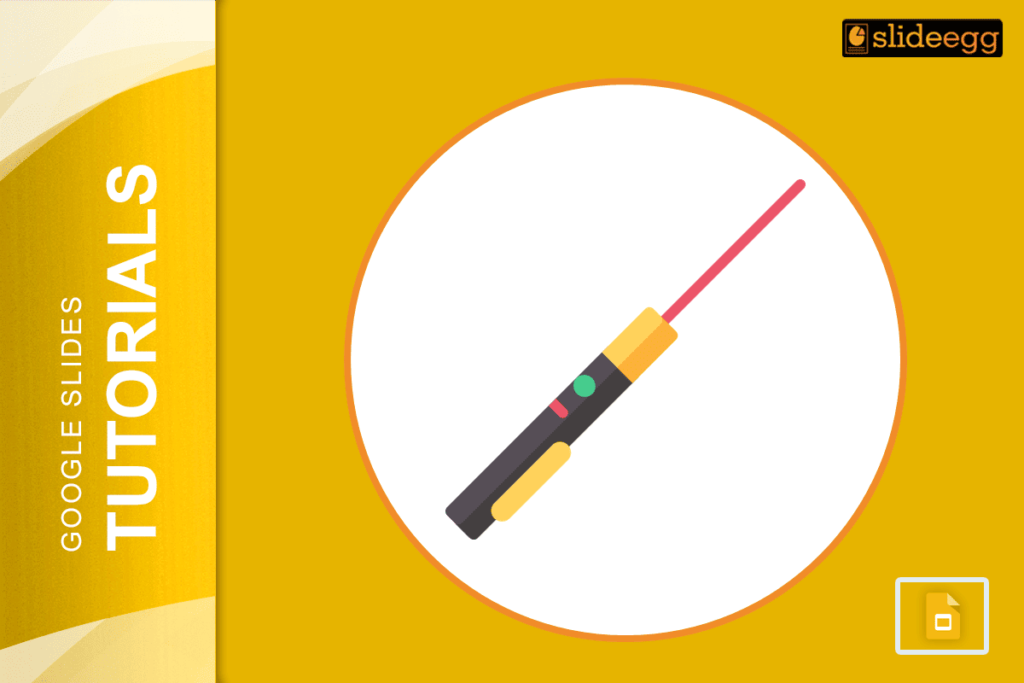
📌 Quick Tips: How to Use Laser Pointer in Google Slides1. Open your Google Slides presentation2. Click Slideshow (top-right)3. Press Shift + L (on Windows)...