Free Banking Presentation Templates
Tired of boring bank presentations? Try free banking PowerPoint templates and Google Slides from Slide Egg! We've slides for every banking topic, from investment strategies to mobile apps, designed to make your presentation shine. Easy to edit, royalty-free, and available in multiple formats. So, skip the stress and download your free templates today!


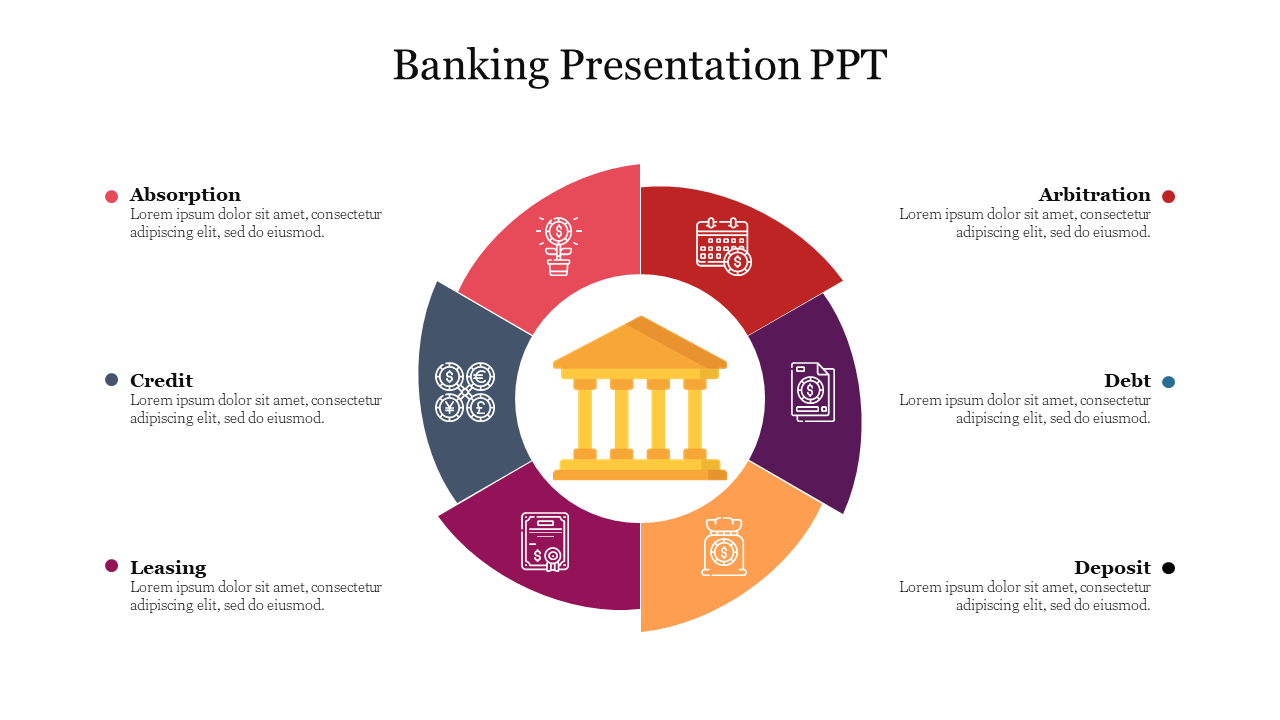
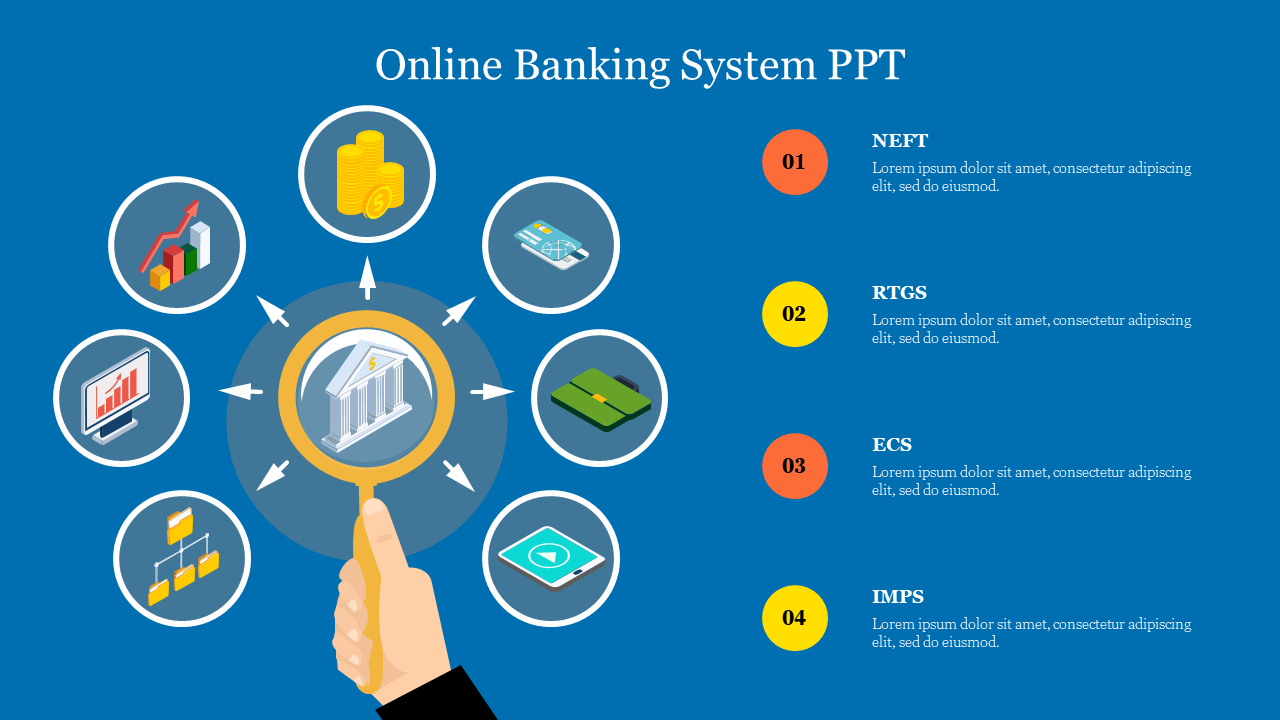
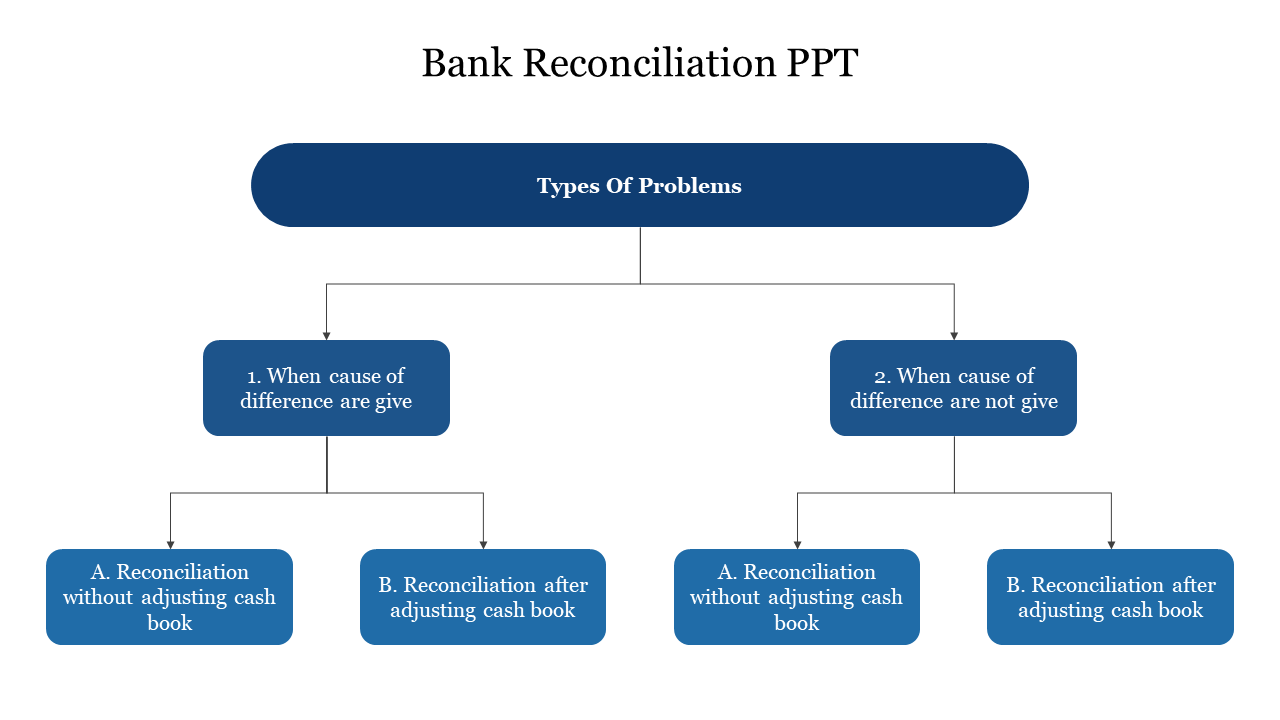
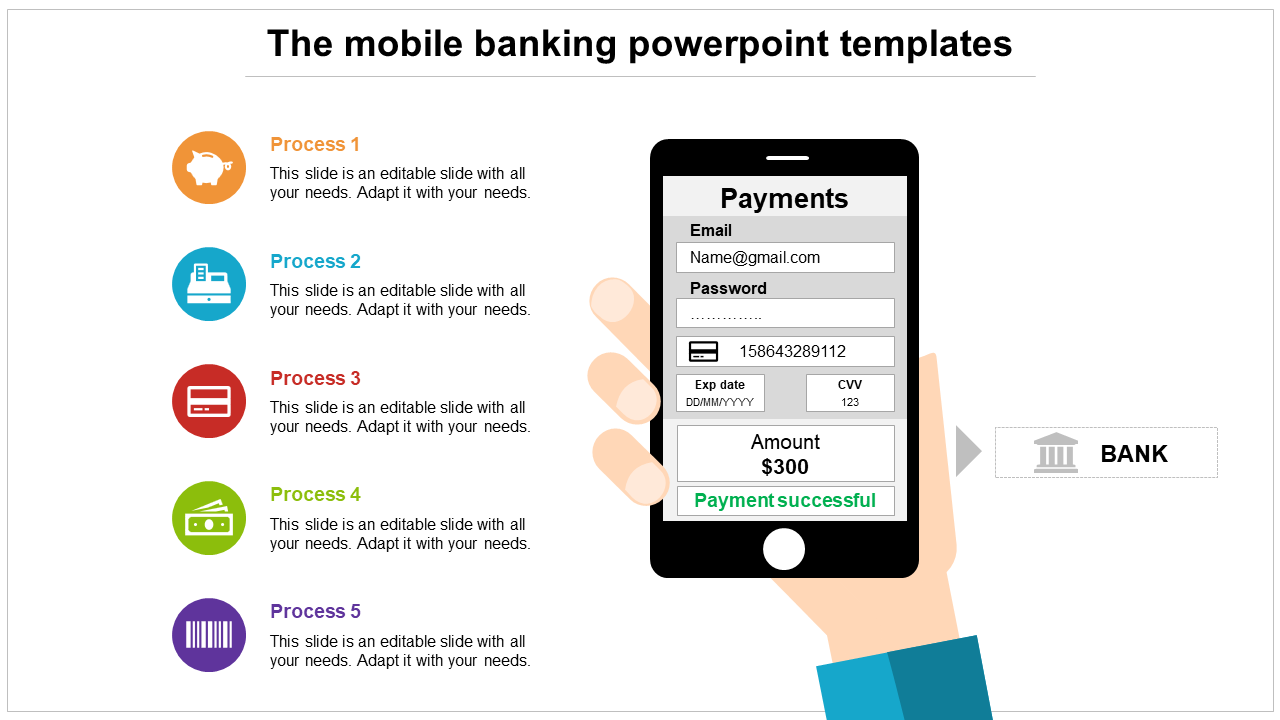
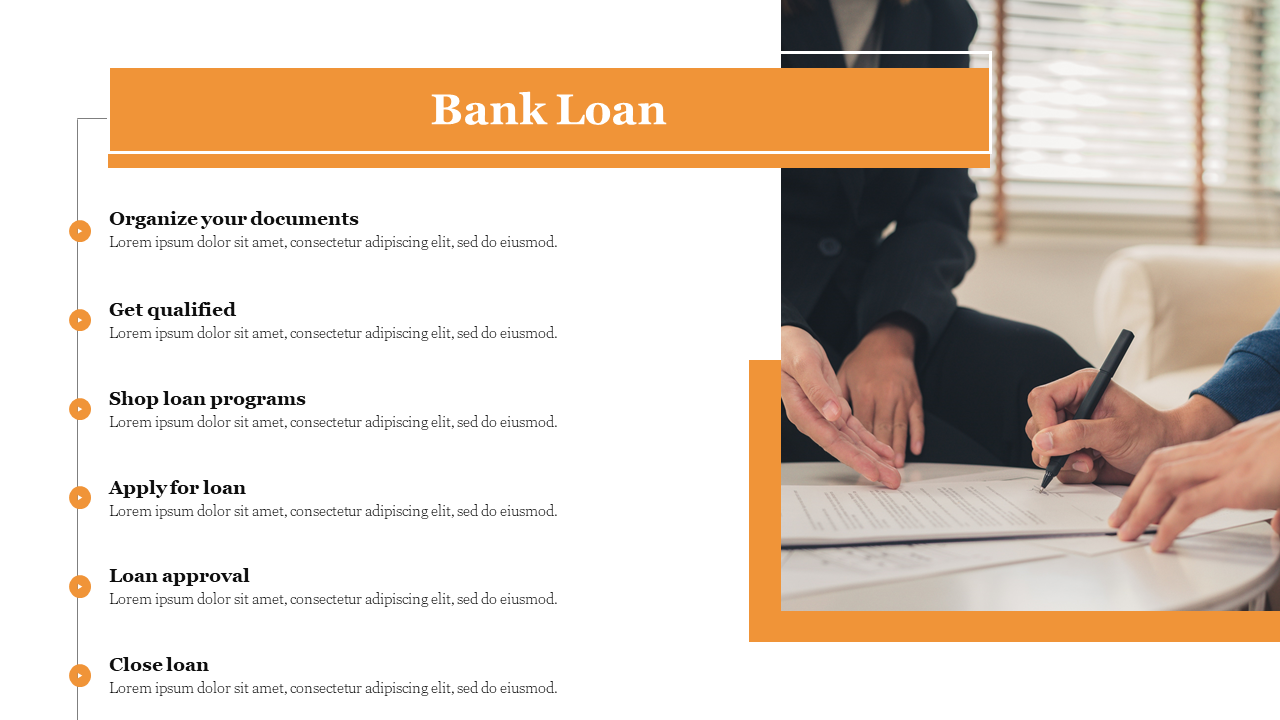
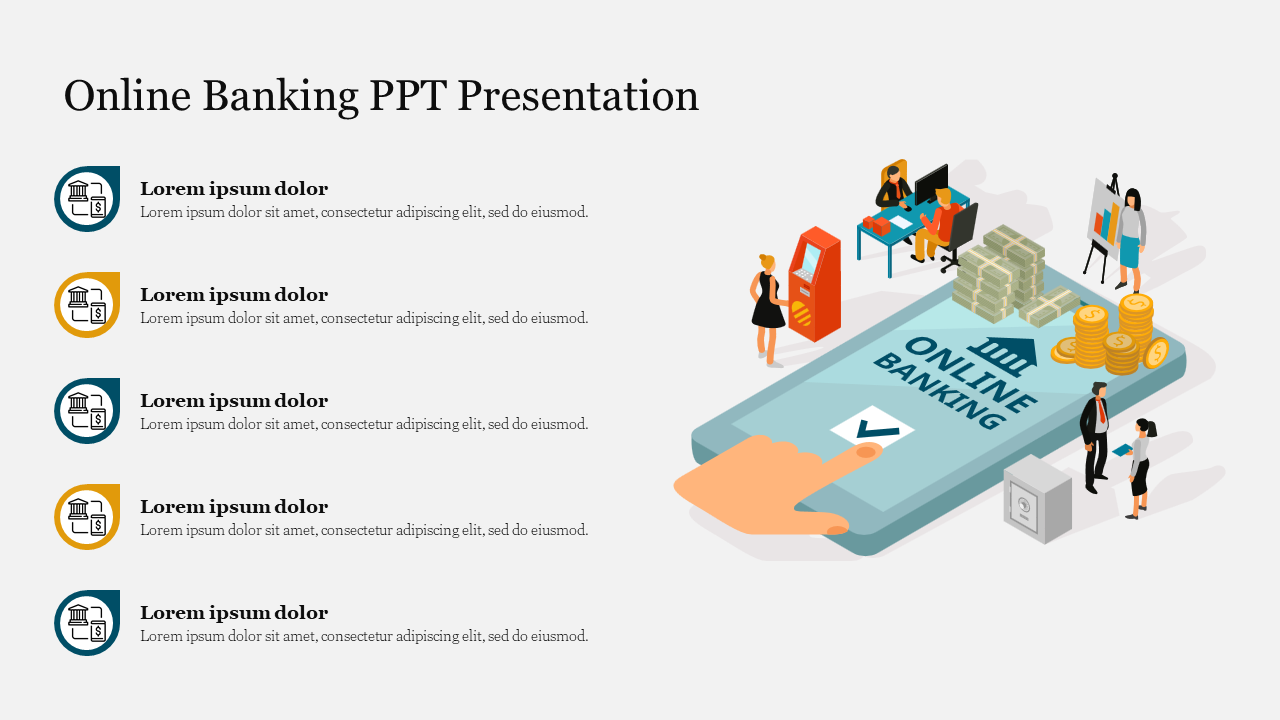
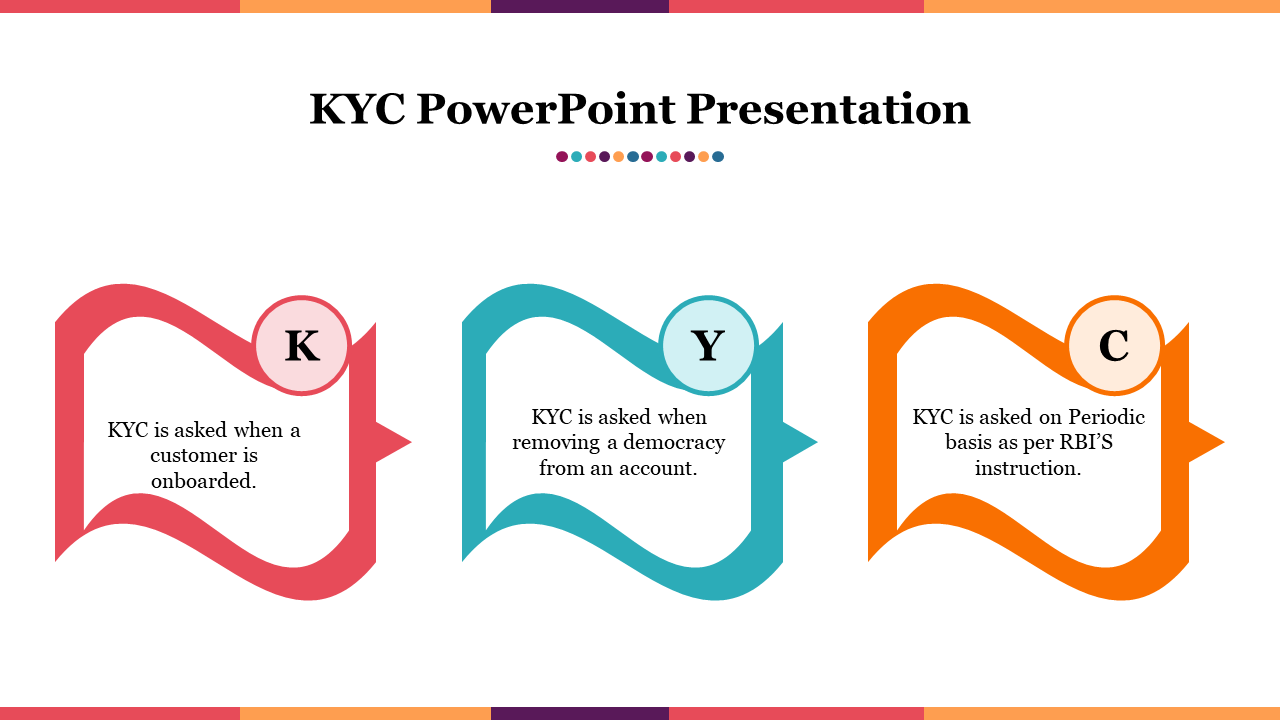
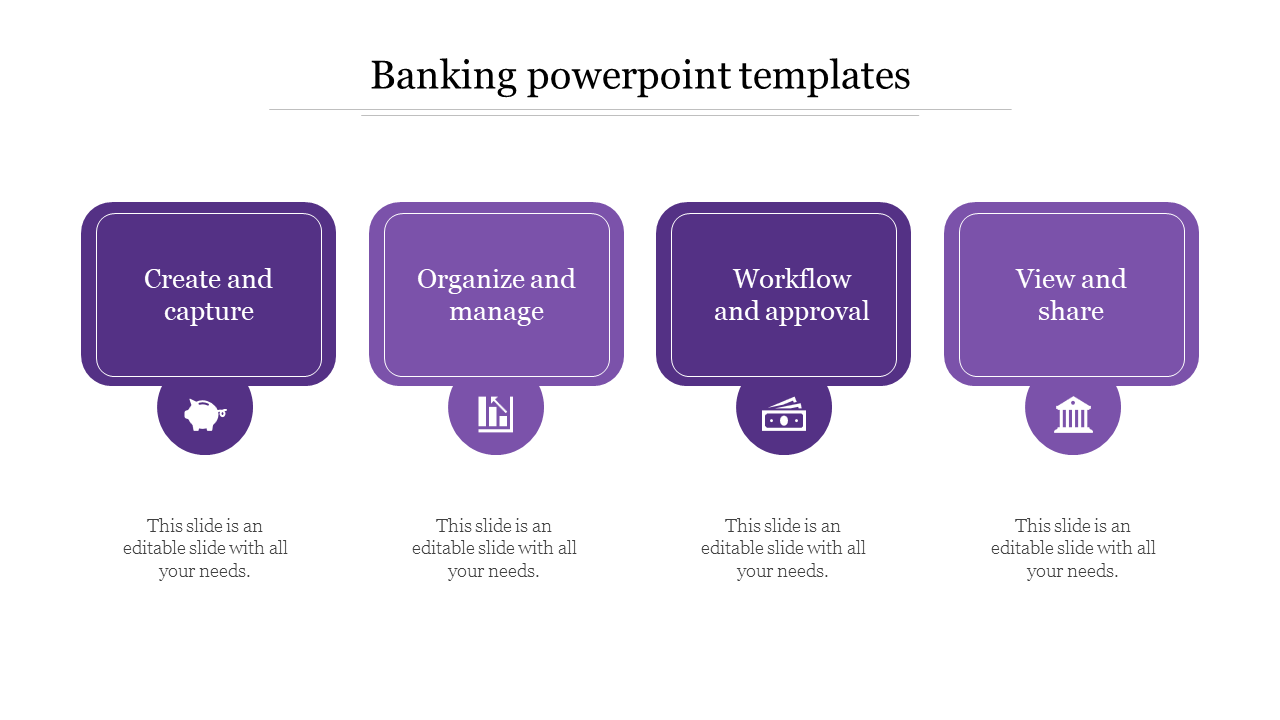
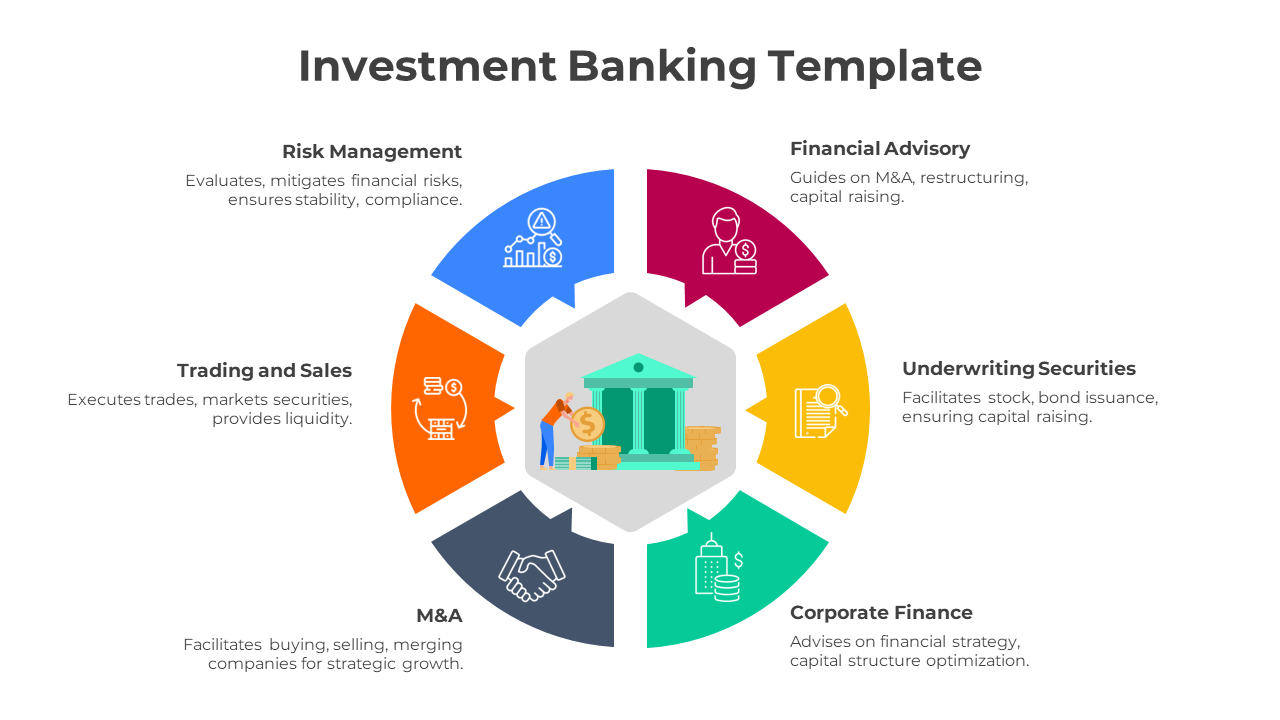
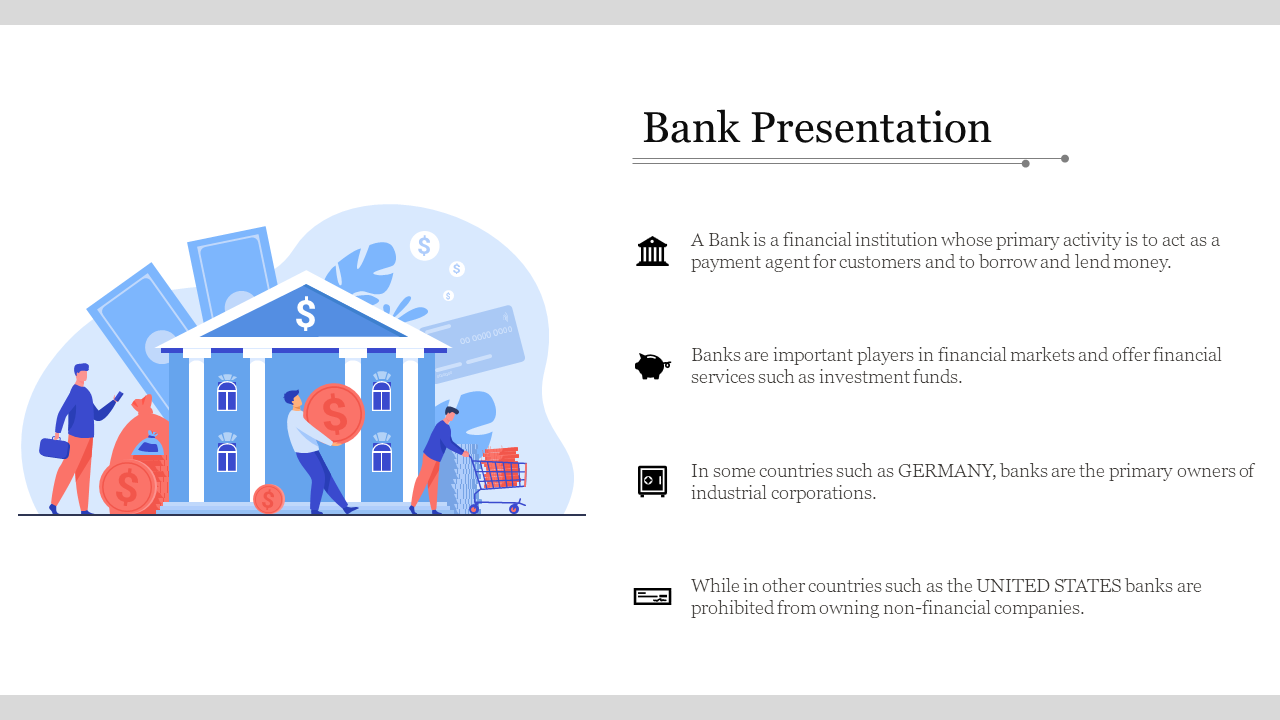
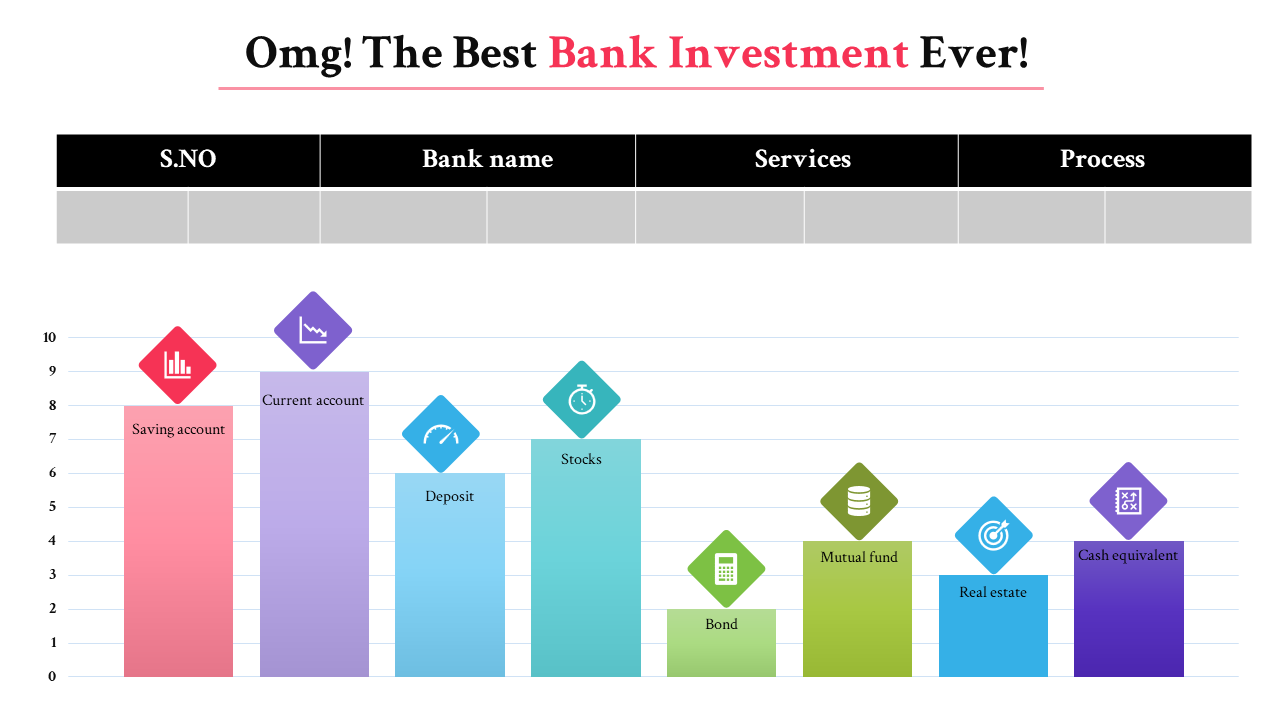
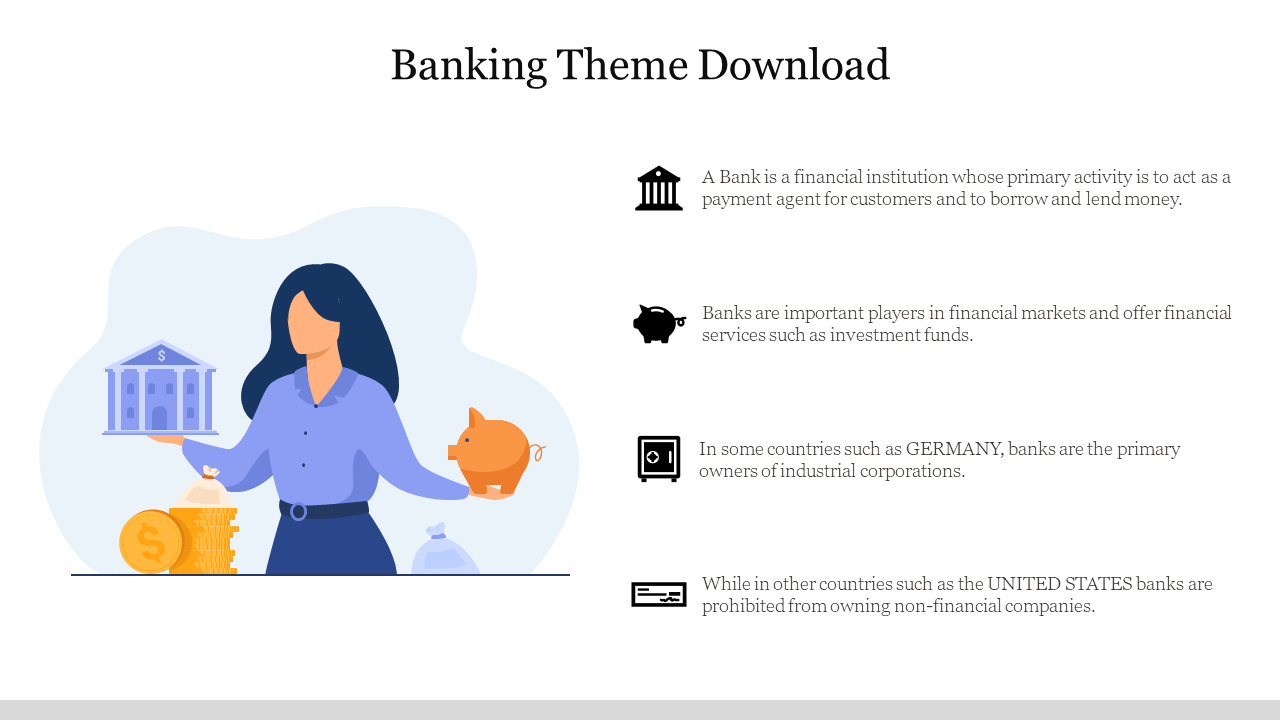
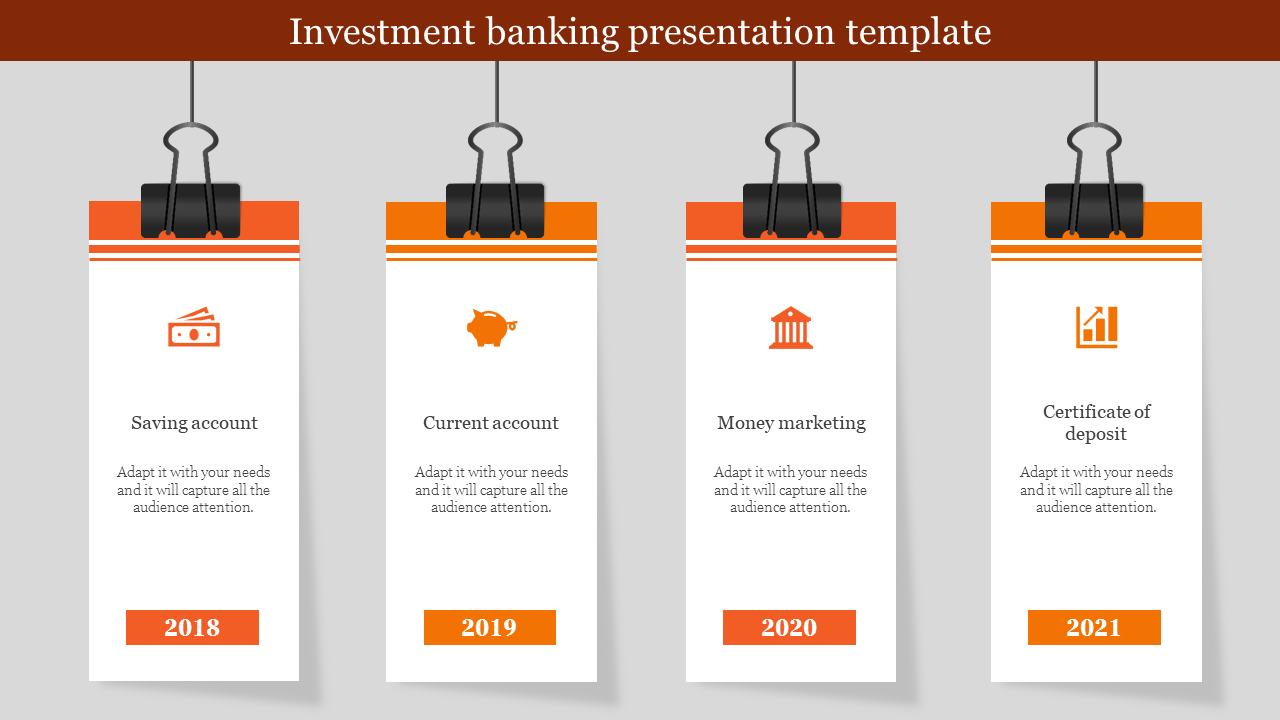
- Diverse themes: A wide range of banking topics, from mobile banking apps and online banking systems to commercial loan processes and digital banking security tips are available here. We even have special slides dedicated to International Banking Day!
- Creative and engaging: Forget boring bullet points and usual layouts. Our banking slides are bursting with vibrant colors, captivating infographics, and dynamic layouts that keep your audience glued to the screen.
- Flexibility at your fingertips: Whether you prefer PowerPoint or Google Slides, portrait or landscape, 4:3 or 16:9 aspect ratio, we've slides here! Choose the format that best suits your needs and platform.
Become an expert with SlideEgg
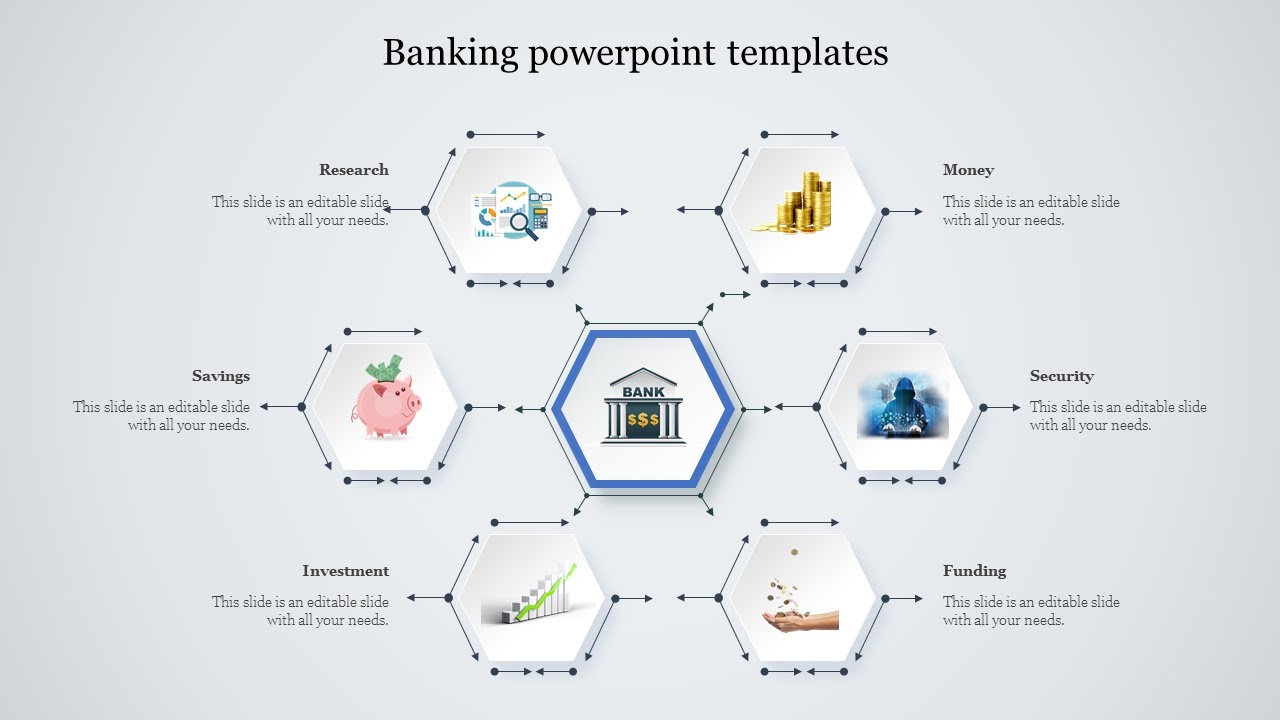

We're here to help you!
What kind of banking presentation templates do you have?
We have a wide variety of templates for all your banking needs, including slides on investment banking, mobile banking, commercial loans, online banking, E-wallets, and more. We even have special slides for International Banking Day!
Are your templates free?
Yes, we offer a selection of free banking templates to get you started. You can also upgrade to a premium plan for access to even more templates and features.
Can I edit the templates?
Absolutely! All our templates are 100% editable, so you can customize them to match your brand and message. Change colors, fonts, layouts – the possibilities are endless!
Can I use your templates for commercial purposes?
Yes, our templates are royalty-free, so you can use them for both personal and commercial presentations.
How can I download the templates?
Simply browse our "Banking Presentation Templates" category page and click on the template you want to download. You'll be able to download it as a PowerPoint file or a Google Slides file.
I need help using the templates. What can I do?
We're happy to help! Contact our support team for assistance.
What are some tips for creating a great banking presentation?
Use clear and concise language. Keep your slides visually appealing. Use data and charts to support your points. Practice your presentation beforehand.